
The Dink Free on Apple TV — How to Set Up and Watch
No Apple TV+ subscription to watch The Dink
Last updated
You can watch The Dink free today, but you still need the Apple TV app on a device that can actually run it. The movie released July 24, 2026, as an Apple Original, and its Apple TV page lists a 1h 42min runtime, so the standard 7-day Apple TV+ trial is long enough if you only want to watch the movie and leave before renewal. [1][2]
The important catch is that The Dink is not a separate rental or purchase. In the US, JustWatch shows Apple TV+ as the streaming home and does not list a separate rent-or-buy option, which means the legitimate free route is trial or eligible offer first, then playback inside Apple TV+. [3]
No Apple device is required. Apple’s support pages cover the Apple TV app on supported smart TVs, streaming devices, game consoles, and the web, including Roku, Amazon Fire TV, supported Samsung/LG/Sony smart TVs, PlayStation, Xbox, and tv.apple.com in a browser. [4][5]
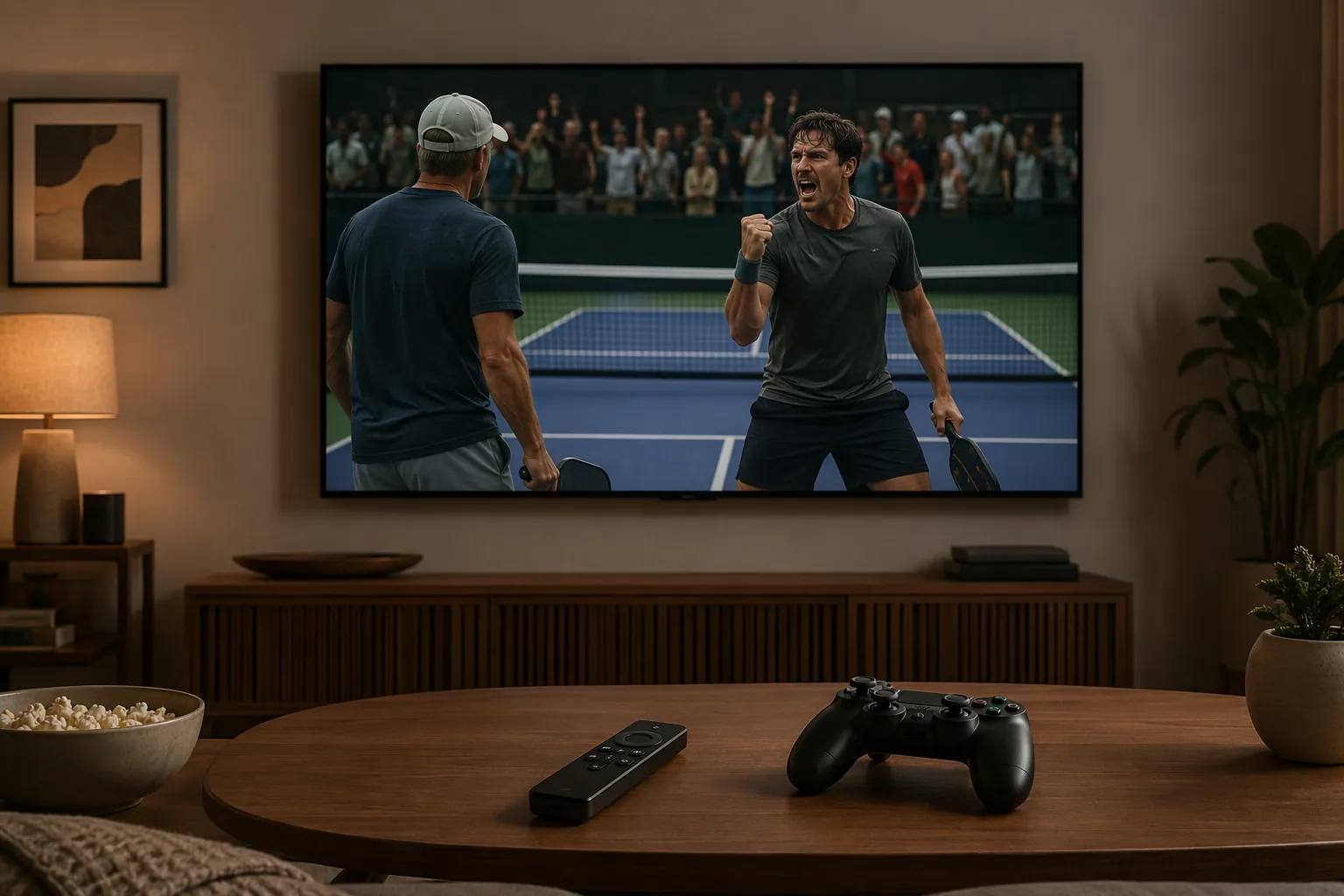
Pick the free route before you touch the remote
For most viewers starting from scratch, the 7-day Apple TV+ trial is the cleanest answer. It works through the Apple TV app, does not require a promo code, and is enough time for one movie. It does require signing in with an Apple Account and adding a payment method, so treat “free” as “free during the trial window,” not “no billing setup.” [6][7]
| Free path | Use it if... | Watch the limits |
|---|---|---|
| 7-day Apple TV+ trial | You just want to watch The Dink now on Roku, Fire TV, a smart TV, console, or browser. | Requires payment method; renews after the trial unless canceled. [6][7] |
| 3-month Apple device offer | You recently activated an eligible new iPhone, iPad, Mac, or Apple TV 4K. | Redeem within 90 days of first activation; one offer per Family Sharing group. At $12.99/month, the three months represent $38.97 in subscription value. [7][8] |
| 30-day Apple One trial | You actually want the Apple services bundle, not just this one film. | The trial is longer than 7 days, but Apple One renews at $19.95/month after the trial. [7] |
| Apple Music student plan | You are an eligible student and want ongoing Apple TV+ access bundled with Apple Music. | The student plan is listed at $5.99/month and is not a one-movie trial. [8] |
I would not build this plan around a carrier, store, or platform-specific promotion unless you are looking at the offer terms today on that company’s own site. Those deals can be useful, but they change too often to be the dependable path for a movie that is already watchable through Apple’s own trial.
Use the 7-day Apple TV+ trial if you only want The Dink
Do this on the device where you plan to watch. Starting on your phone and then trying to explain the living-room TV later is how a simple movie night turns into password recovery.
- Open the Apple TV app on your Roku, Fire TV, supported smart TV, PlayStation, Xbox, or browser. If the app is not installed yet, use the device instructions below first.
- Choose Sign In. Use your Apple Account. If you do not have one, create it when prompted.
- Select the Apple TV+ 7-day free trial when it appears. You should not need a promo code for the standard trial. [6]
- Confirm the payment method and renewal terms. If you only want The Dink, set a cancellation reminder before the 7 days are over.
- Search for The Dink inside the app, open the Apple TV+ movie page, and start playback.
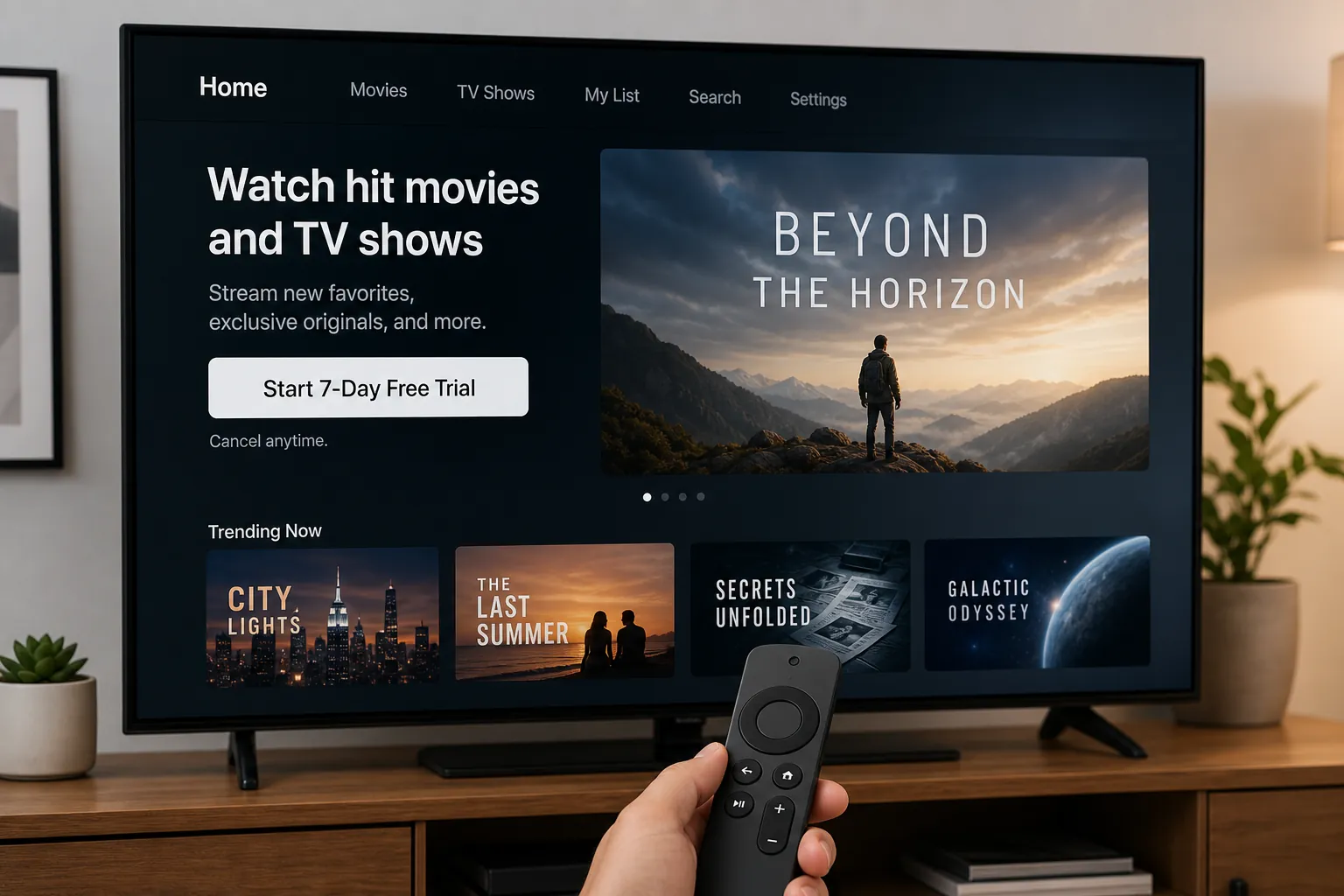
If you are on a computer or tablet and want to skip app-store searching, you can also open The Dink’s official Apple TV page, sign in, activate the trial if eligible, and play from there. [2]
If you qualify for a longer free offer, redeem that instead
The 3-month Apple device offer is worth checking if you recently set up a new eligible Apple device. The savings are real compared with paying $12.99 per month, but the offer is not open-ended: it must be redeemed within 90 days of first activating the eligible device, and Apple limits it to one offer per Family Sharing group. [7][8]
Redeem that offer from the eligible Apple device first if it is available to you, then use the same Apple Account in the Apple TV app on your Roku, Fire TV, smart TV, console, or browser. The offer belongs to the account; the movie does not have to be watched on the Apple device.
Apple One is a different kind of decision. Its 30-day trial gives more time than the standalone Apple TV+ trial, but it is a bundle that renews at $19.95 per month. That makes sense only if you want the bundle, not if your whole plan is one 1h 42min comedy and then out. [7]
The Apple Music student plan is narrower still. It can include ongoing Apple TV+ access for eligible students at $5.99 per month, but that is a student subscription path, not a quick free-trial trick for everyone in the living room. [8]
Set up the Apple TV app on the screen you already use
The Apple TV app is free to install on supported devices; Apple TV+ is the subscription inside it. That distinction matters because you are not looking for an “Apple TV device” in the store. You are looking for the Apple TV app, then signing in and activating the trial or offer. Apple’s support pages are also the place to check if an older TV model is supported before you spend half an evening searching a missing app store. [4][5]
Roku
- Press Home on the Roku remote.
- Open Streaming Store or Search, depending on your Roku layout.
- Search for Apple TV.
- Choose Apple TV and select Add app.
- Open the app, sign in with your Apple Account, accept the 7-day trial or eligible offer, then search The Dink.
If more than one Apple result appears, choose the app named Apple TV. Do not start from a random video-store result or an unrelated channel tile.
Amazon Fire TV or Fire Stick
- From the Fire TV home screen, go to Find or the search icon.
- Search for Apple TV.
- Select the Apple TV app and choose Get or Download.
- Open the app once it installs.
- Sign in, start the trial or eligible offer, search The Dink, and press Play.
Fire TV remotes can be slow when entering passwords. If the app offers a QR code or web sign-in option, use it; that is still signing into the Apple TV app on the Fire TV, just with less remote-control typing.
Samsung, LG, or Sony smart TV
- Open your TV’s app store or apps menu.
- Search for Apple TV.
- Install or open the Apple TV app if your model supports it.
- Sign in with your Apple Account.
- Start the 7-day trial or redeem the eligible offer shown on your account.
- Search The Dink and start playback.
This is the setup most likely to hit a model-age wall. If the Apple TV app does not appear in the TV’s app store, do not assume you are doing it wrong. Check Apple’s supported-device guidance, then use a Roku, Fire Stick, game console, or browser if the TV itself is too old. [4]
PlayStation 4 or PlayStation 5
- Go to the media or apps area on the console.
- Search for Apple TV.
- Download and open the Apple TV app.
- Sign in with your Apple Account.
- Activate the trial or eligible offer, then search The Dink.
A console controller is not a great keyboard, so use any on-screen QR-code sign-in if the app presents one. Once sign-in is finished, playback works like any other streaming app.
Xbox One, Xbox Series X, or Xbox Series S
- Open the Store on Xbox.
- Go to Apps and search Apple TV.
- Install the Apple TV app.
- Open it and sign in with your Apple Account.
- Choose the trial or eligible offer, search The Dink, and start the movie.
If your Xbox is already the device your household uses for Netflix, Hulu, or YouTube, this is usually faster than fighting an older smart-TV app store.
Web browser at tv.apple.com
- Open a browser and go to tv.apple.com.
- Sign in with your Apple Account.
- Start the 7-day trial or use the offer attached to your account.
- Search The Dink or open its Apple TV movie page directly.
- Play in the browser, or cast/plug into a TV only if that is already part of your normal setup.
The browser route is the least mysterious option when someone else’s TV menu is a mess. It also gives you a normal keyboard for account setup and cancellation checks.
Before you press Play, check these three things
- You are signed into the Apple TV app with the Apple Account that owns the trial or offer.
- The screen says Apple TV+ trial, Apple TV+ subscription, or your eligible Apple offer — not a third-party rental page.
- You know when the trial renews. If you only wanted The Dink, cancel before the paid period begins.
For most US viewers starting today, the 7-day Apple TV+ trial is the simplest free route. The only real setup question is which screen you already own: install or open the Apple TV app there, sign in, activate the free trial or eligible offer, search The Dink, and play.
References
- Apple Original Films celebrates the world premiere of The Dink, Apple TV+ Press
- The Dink, Apple TV
- The Dink availability, JustWatch
- Get the Apple TV app on smart TV/streaming device, Apple Support
- Watch on Smart TVs and streaming devices, Apple Support
- How to watch 'The Dink' for free, NY Post
- How to get Apple TV for free (discounts, bundles, deals 2026), Rolling Stone
- How to get Apple TV+ for free, Macworld
Corroborating context
For protocol background on why this failure happens, see Compatibility & Protocols.
Not currently linked to a known regression. Background on the underlying protocol lives in Compatibility & Protocols.