Do Smart Plugs Actually Reduce Phantom Energy Costs?
Smart plugs can cut phantom energy waste, but actual savings depend on the device. This article provides device-by-device standby draw data, net savings after accounting for the plug's own power draw, and payback periods so you can calculate whether a smart plug is worth your money.
- Symptom
- Standby power waste
- Status
- Confirmed
- Difficulty
- Intermediate
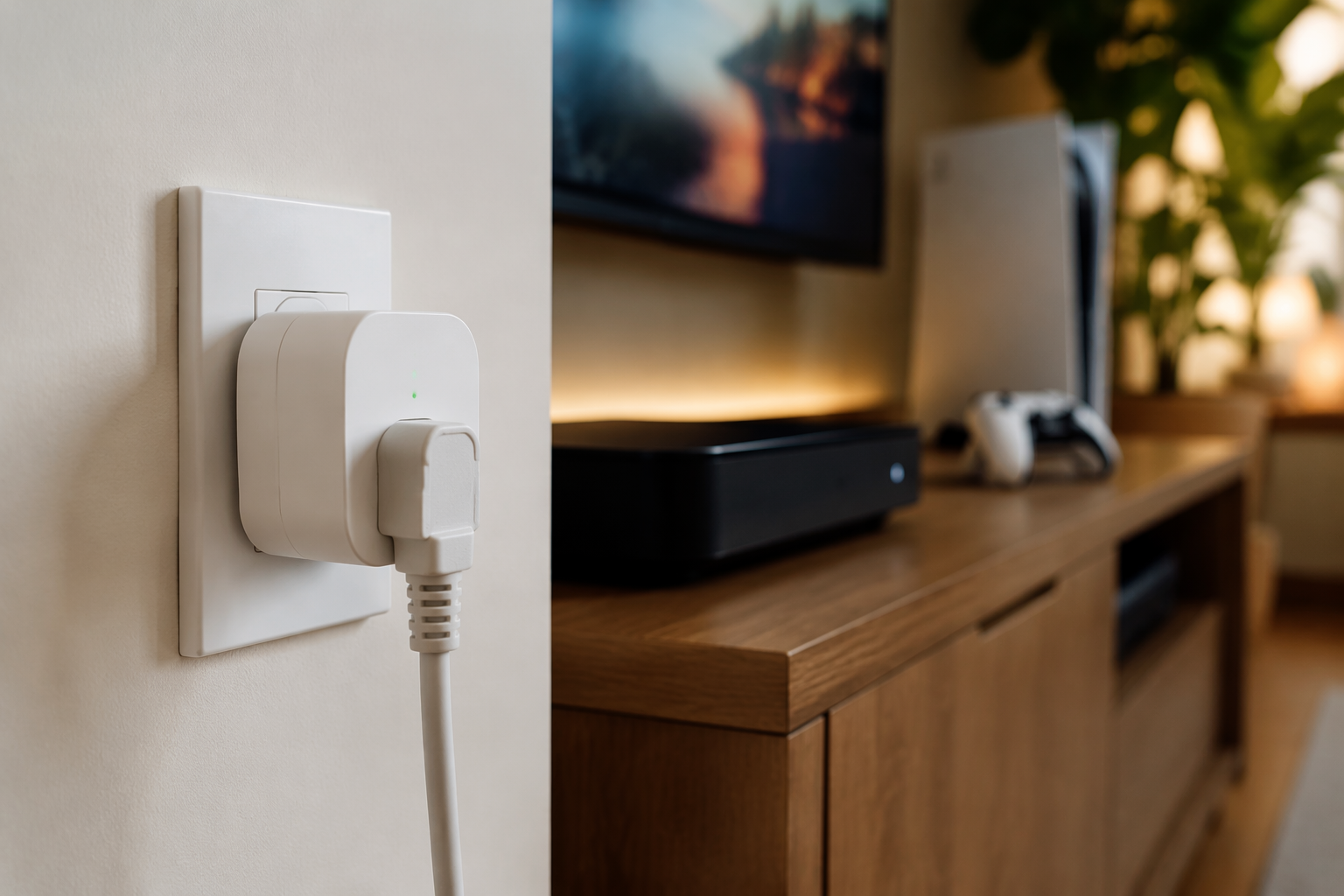
Yes, smart plugs can reduce phantom energy cost, but only when the device they control wastes more power than the plug itself uses. That last part is the catch. A smart plug that draws 0.5–2 watts around the clock costs about $0.65–$2.60 a year to run at typical U.S. electricity rates, so it is not a magic eraser for every little standby light in the house.
The math works best on equipment with meaningful standby draw: a cable DVR, a game console left in instant-on mode, or a desktop that spends long stretches asleep instead of shut down. It usually does not work as a pure energy-saving purchase for a phone charger, a modern TV already sipping less than a few watts, or anything that needs constant power.
The calculation that decides whether a smart plug pays for itself
Use this formula before buying the plug:
Annual net savings = ((device standby watts - smart plug watts) × hours off per day × 365 ÷ 1000) × electricity rateIf the device would otherwise sit in standby all day, use 24 hours. If the plug only turns it off overnight, use the actual scheduled-off hours. Then compare the annual net savings with the price of the plug. For a $10–$20 smart plug, a device saving $40 a year is easy to justify; a device saving $1 a year is not.
The household-level problem is real, but it is too broad to make the purchase decision for you. Lawrence Berkeley National Laboratory’s standby-power work places standby power at about 5–10% of residential electricity use, and EnergySage’s compilation puts the average household cost around $100–$183 per year.[1][2] That does not mean one smart plug saves $183. It means there are enough small always-on loads in a home that the right targets matter.
Device-by-device savings after the plug’s own power draw
The table uses a $0.13–$0.17 per kWh electricity-rate range as a national-average starting point, not as a promise for your bill. It also subtracts a smart plug drawing 0.5–2W continuously. If your rate is closer to $0.40 per kWh, the payback gets faster; if your local rate is low, it slows down.
| Device | Typical standby draw | Annual standby cost before smart plug | Estimated net savings after 0.5–2W plug draw | Payback on a $10–$20 plug |
|---|---|---|---|---|
| Cable DVR box | 20–35W continuous | $30–$52/year | About $38–$59/year when the plug can fully cut standby during unused periods | About 2–6 months |
| Game console in instant-on mode | 8–15W | $12–$22/year | Roughly $9–$21/year, depending on plug draw and scheduled-off hours | About 6–12 months on favorable setups |
| Desktop computer in sleep mode | 3–5W | $4–$7/year | Small: often a few dollars per year after plug draw | Usually slow unless electricity is expensive or the plug has another job |
| Printer sitting idle | 2–5W | $3–$7/year | Small to marginal after plug draw | Conditional |
| Soundbar in standby | 1–5W | $1.50–$7/year | Can be near zero at the low end; modest at the high end | Conditional |
| Modern ENERGY STAR TV | 0.5–3W standby | $0.65–$4/year | Often zero or negative after plug draw | Rarely pays for itself on energy alone |
| Unloaded phone charger | 0.1–0.5W | Less than $1/year | Usually zero or negative | Do not buy a plug for this alone |
The cable DVR is the obvious target. A box drawing 20–35W continuously is not in the same category as a charger left in the wall. If the household does not need that DVR active while everyone is asleep or away, a scheduled smart plug can cut a real load. The inconvenience test matters, though: if the box takes a long time to reboot, misses scheduled recordings, or needs network access overnight, the energy math may be good while the household math is bad.
Game consoles are the second clean case when they sit in instant-on mode for convenience. The standby draw is lower than a DVR, but still high enough that a schedule can pay back a cheap plug. The better setting may be inside the console itself: if the console offers an energy-saving mode that preserves the features you need, use that first. A smart plug is useful when the device does not give you a reliable built-in schedule or when you want a hard shutoff during predictable unused hours.
Where the math gets thin
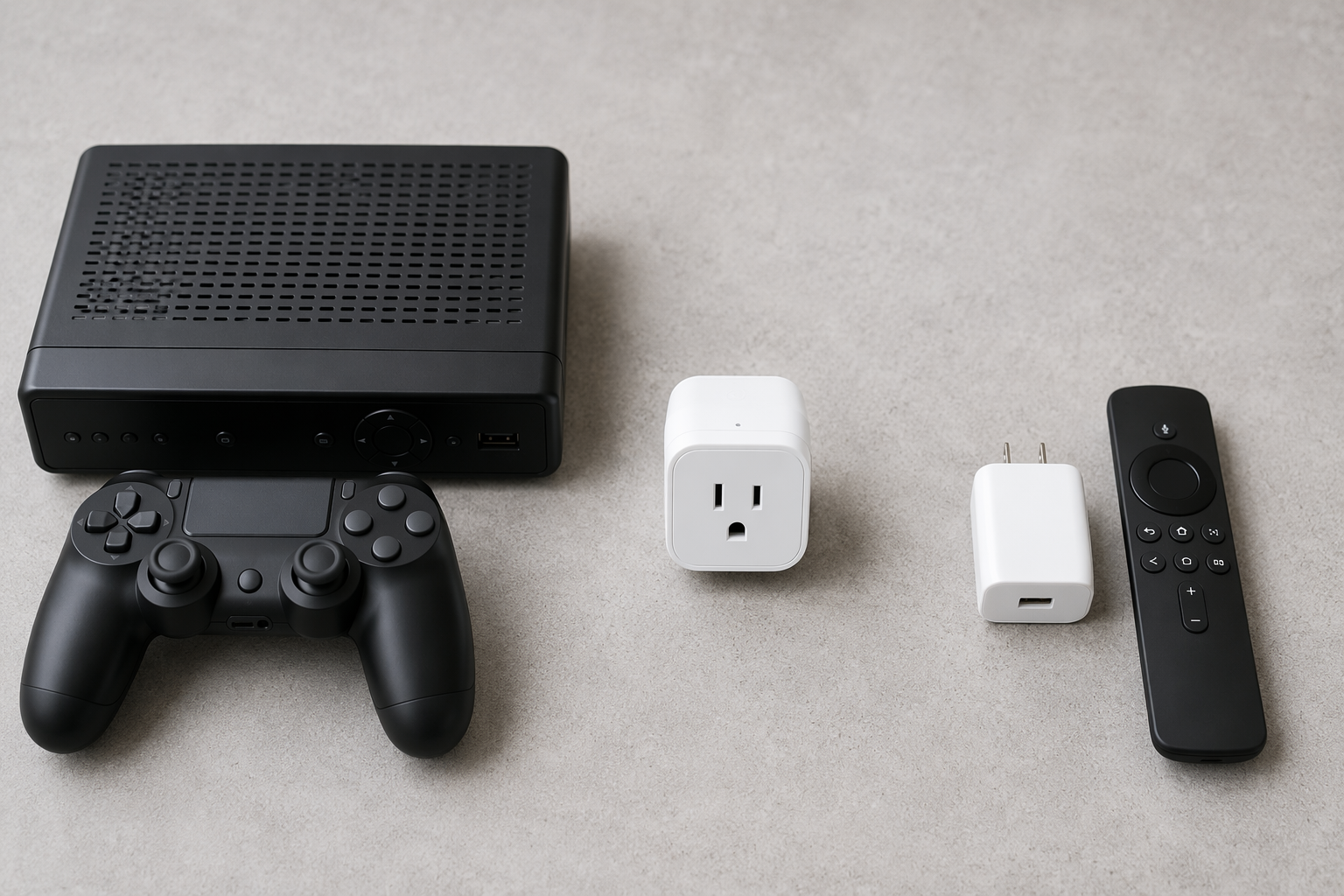
A modern TV that draws 0.5–3W in standby is not a satisfying smart-plug target. At the low end, the plug can use as much or more power than the TV was wasting. At the high end, the savings exist, but they are small enough that a $10–$20 plug may take years to pay back unless the plug also controls other equipment on the same strip.
Printers and soundbars live in the annoying middle. Some idle at only a couple of watts; others sit closer to 5W. A plug can make sense if the device is used rarely and tolerates being fully off. It makes less sense if the printer needs to receive jobs from other people in the house, or if the soundbar’s HDMI-CEC behavior becomes flaky every time power is cut.
Phone chargers deserve the shortest discussion. An unloaded charger drawing 0.1–0.5W costs less than $1 a year. Put a $10–$20 smart plug on it and the plug’s own standby draw can wipe out the savings. If you want a bedside charger to shut off on a schedule for battery-care reasons or household routine, fine. Just do not file that purchase under energy ROI.
Payback depends more on the target than on the smart plug
For a $10–$20 plug, the rough payback sorting is straightforward:
- Fast payback: cable DVRs and similar boxes with 20W+ standby draw, if they can be turned fully off for long periods.
- Reasonable payback: game consoles in instant-on mode, especially with a nightly schedule.
- Marginal payback: desktops in sleep mode, printers, and soundbars, depending on actual wattage and how often they are needed.
- Poor energy payback: modern TVs and unloaded phone chargers, unless the smart plug is being bought for automation, remote control, or measurement.
This is also where energy-monitoring plugs can be worth the slight extra draw. Some smart plugs with always-on monitoring sit toward the higher end of the 0.5–2W self-consumption range, but they can show whether the device is actually a 3W problem or a 30W problem. If you want the plug to measure the savings instead of just schedule the shutoff, start with models that actually expose energy data; the notes in Matter smart plugs with energy monitoring are the more useful next stop.
Do not put everything on a smart plug
Some devices should stay powered. Do not put routers, alarm systems, smart-home hubs, refrigerators, medical devices, or anything that provides safety, connectivity, or continuous control on a scheduled smart plug. Saving a few dollars is not worth creating a 2 a.m. troubleshooting session because the network turned itself off and took the automation system with it.
Also check the plug’s electrical rating and operating conditions. A smart plug should match the load it controls, and heat can make marginal setups less forgiving. If a plug is warm, cycling unexpectedly, or sitting in a hot area with other electronics, treat that as an operating problem before treating it as an energy project; the heat-related checks in smart-home heat troubleshooting are relevant there.
The buying rule
Buy a smart plug for phantom energy savings when the device has meaningful standby draw, can be safely cut off for predictable blocks of time, and saves more per year than the plug costs to own and operate. DVRs and instant-on consoles often pass that test. Phone chargers and already-efficient electronics usually do not.
The quick household version is: estimate or measure the standby watts, subtract 0.5–2W for the plug, multiply by your electricity rate, and then compare the annual savings with the $10–$20 you are about to spend. If the number still looks good after that subtraction, the smart plug is doing useful work. If it does not, automation may still be convenient, but it is no longer an energy-savings purchase.
References
- Standby Power, Lawrence Berkeley National Laboratory.
- EnergySage standby power and phantom load compilation, EnergySage.
- ENERGY STAR and device standby draw data cited via CNET.
- Smart plug self-consumption ranges reported by CNET, Power Wizard, and Vesternet.
Did this fix work for you?
Report whether this fix resolved your case, or flag a correction if firmware or app behavior has since changed.