
Troubleshooting
Tornado alerts unreliable or missing on smart home devices
No single smart home platform guarantees reliable tornado alerts. This guide compares Alexa, Google Home, and Home Assistant capabilities, highlights common failure modes, and explains how to layer multiple alert paths so at least one channel wakes you up when a warning is issued.
Tornado warnings on smart home devices only make sense when the phone already has the job of waking you first. Wireless Emergency Alerts on a mobile phone are free, public, and built to reach people quickly, which makes them the baseline instead of the backup [1]. Everything else here is a second channel: useful when it fires, but not something to bet the house on.
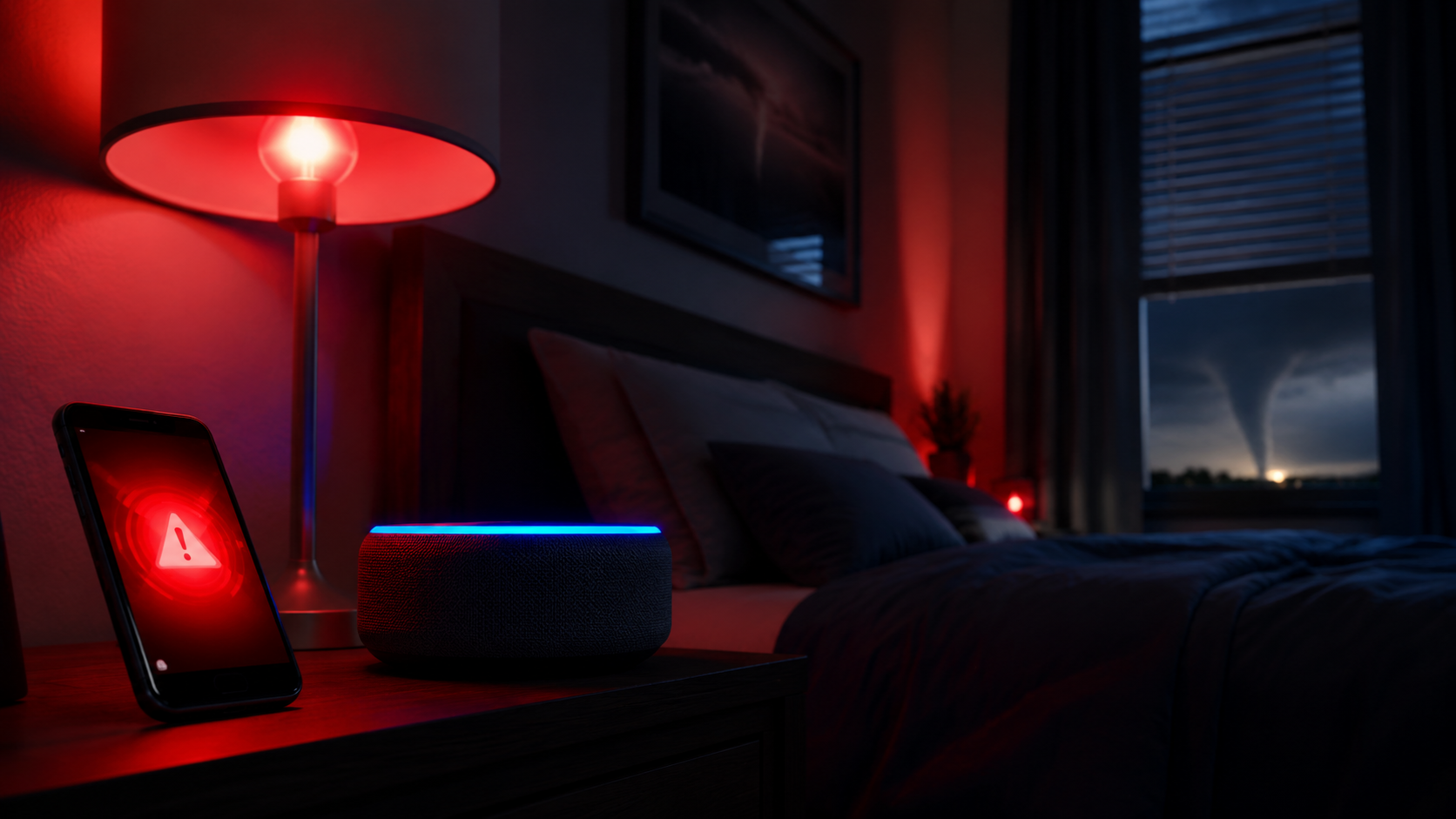
Alexa can work, but only if the room is mapped correctly
Alexa is the easiest native-looking answer because the setup is simple. You can opt in by saying "Alexa, tell me when there's a severe weather alert" or by turning on weather notifications in the Alexa app under Settings > Notifications > Weather [2][3].
The trap is location. Alexa uses the device address in the app, not the speaker's current GPS position [2][3]. That works when the bedroom Echo, the kitchen Echo, and the saved address all agree. It fails when the speaker was moved, the address was never updated, or the room you care about is not the room the app thinks it is serving.
Google Home is not a native tornado alert source
Google Home is quicker to explain because the missing feature is the story. Google's own support pages cover weather questions and notification settings, but they do not provide a proactive tornado-alert setting for smart speakers or displays [4][5].
So a Google Hub can still answer a weather query, but that is not the same thing as deciding to interrupt you when a warning is issued. For tornado warnings on smart home devices, Google Home is a speaker in the stack, not the stack's alert engine.
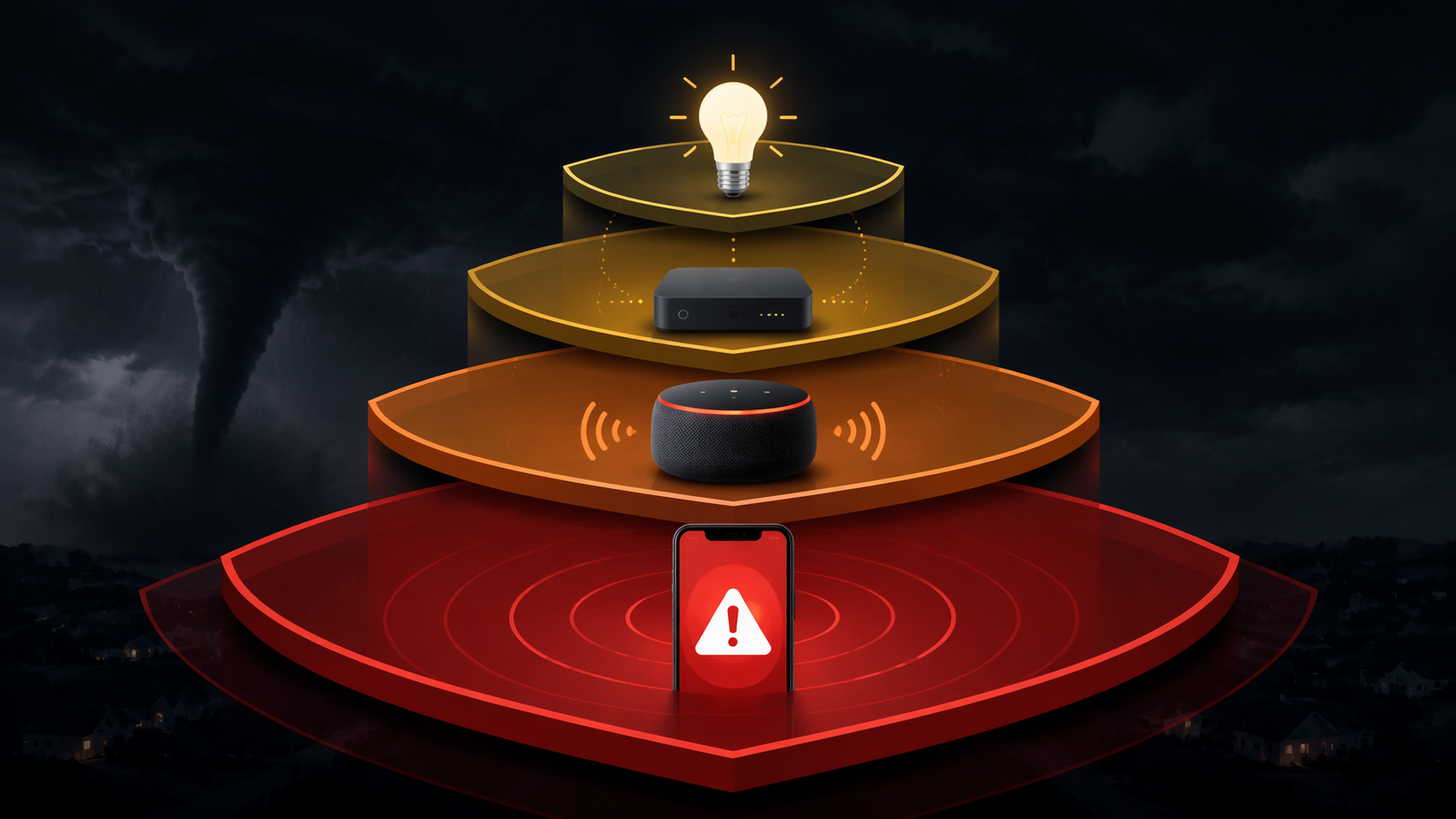
Home Assistant is the strongest smart-home path, if you can support it
Home Assistant is the route that stops being a single feature and starts looking like a real system. The NWS Alerts integration can watch National Weather Service data and drive automations when a warning appears [6]. The custom nws_alerts integration polls the NWS API every minute by default, so it can react without waiting for a person to open an app [6].
That is also where the useful nuance lives. The setup can be graded by severity, so a minor event might trigger only a phone notification, a moderate one can add text-to-speech, a severe warning can announce on speakers, and the most serious level can add flashing lights plus phone alerts [6][7].
The price for that control is setup burden. This is not a consumer-friendly, one-toggle feature; it expects HACS, YAML, an always-on server, and power that does not disappear when the weather gets ugly [7]. If the Home Assistant box is down, the automation path is down with it.
For the deeper build, see How to Set Up Home Assistant for Tornado Warning Alerts.
IFTTT and smart lights belong at the end of the chain
A light-based fallback still earns a place because it does not depend on a voice prompt being heard. One documented pattern uses IFTTT with an NWS RSS feed and smart lights so yellow means thunderstorm and red means tornado; the point is visual confirmation, not audio [8].
That helps when speakers fail or someone sleeps through a chime, but only if the hub or bridge stays powered through the outage [8]. The free tier also has action limits, which makes it a weaker choice when severe weather is widespread enough to trigger a lot of automations at once [8].
Which channel should wake you first
The practical order is simple: keep WEA on the phone as the primary alert [1], add the strongest smart-home path you can actually maintain, and let speaker or light alerts serve as redundancy. Alexa is workable if the location data is right [2][3], Google Home is not a proactive tornado-alert source [4][5], Home Assistant is the most capable automation layer if you can support the server [6][7], and IFTTT lights are best treated as a visible backup rather than the thing you trust most [8].
References
- Wireless Emergency Alerts (WEA) | National Weather Service | https://www.weather.gov/wrn/wea
- How to get automatic, proactive weather warnings from Alexa | Gearbrain | https://www.gearbrain.com/alexa-proactive-severe-weather-alerts-2645436767.html
- 9 ways Amazon Echo can help you in severe weather | Reviewed.com | https://www.reviewed.com/smarthome/features/7-ways-an-amazon-echo-can-help-you-in-severe-weather
- Get weather info from your Google Nest or Home speaker or display | Google Support | https://support.google.com/googlehome/answer/7072091
- Manage your Google Home app notifications | Google Support | https://support.google.com/googlehome/answer/9244826
- nws_alerts | GitHub | https://github.com/finity69x2/nws_alerts
- How to Set Up NWS Alerts in Home Assistant v6 Guide | thissmart.house | 2025-09-29 | https://thissmart.house/2025/09/29/how-to-set-up-nws-alerts-in-home-assistant-v6-guide/
- Weather alerts and the smartest use of smart lights | Digital Trends | https://www.digitaltrends.com/home/weather-alerts-smartest-use-smart-lights/
Report an issue with this fix
If this fix didn't work, is out of date, or the status label looks wrong, tell us — we re-verify before changing a Confirmed label.