
Why Your Smart Home Cooling Looks Broken in a Heatwave
Constant runtime, hours-early recovery, room temperature mismatch, and sticky indoor feel during heatwave.
Last updated
The scary version usually arrives all at once: the smart thermostat says it is cooling for hours, adaptive recovery starts long before the schedule says anyone will be home, the AC barely shuts off, the bedroom still feels hot while the hallway display looks respectable, and the whole house feels sticky even after the number on the screen drops. If you are looking for smart home cooling tips during heatwave conditions, start with the less satisfying but more useful question: is the thermostat failing, or is it doing exactly what your schedule told it to do under ugly outdoor conditions?
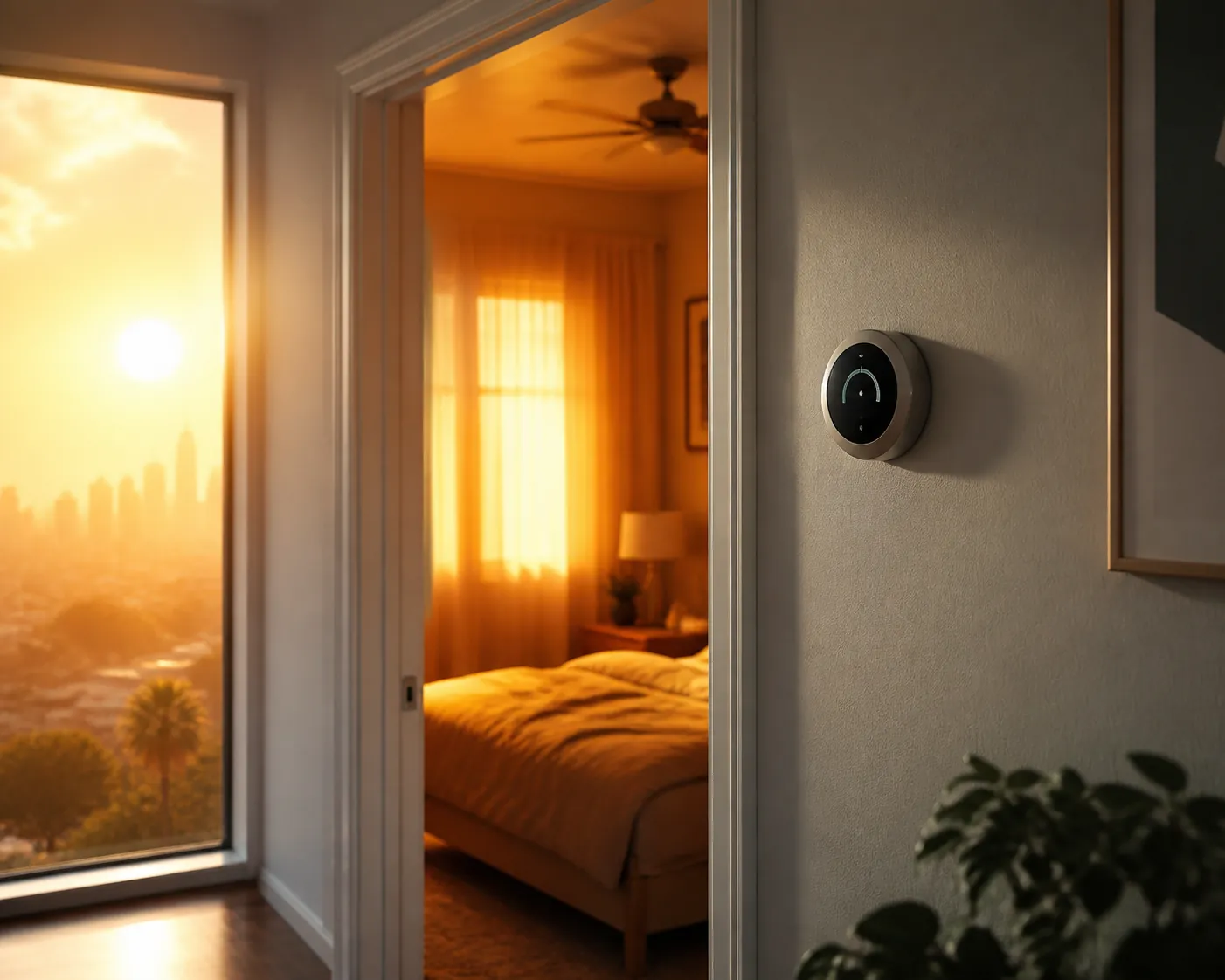
In a heatwave, constant runtime, early recovery, and “hours to cool” estimates are often normal thermostat behavior under abnormal load. Deep setbacks, geofencing swings, aggressive recovery targets, and manual overrides can all push the AC into its hardest work during the hottest part of the day. That does not mean every long runtime is harmless. It means the thermostat has not earned a replacement label until the schedule, override, humidity, room mismatch, and recovery behavior have been checked.
The symptoms that look broken, sorted by what they usually mean
A thermostat that begins cooling hours before your scheduled arrival can look possessed. During extreme heat, it may simply be using adaptive recovery: it starts early because it has learned that the house will not move from the setback temperature to the target temperature quickly enough if it waits until the scheduled time. Meyer & Depew describe this as one of the ways smart thermostat settings can backfire during heatwaves, especially when deep setbacks and aggressive recovery collide with peak outdoor heat.[1]
Long runtimes fall into the same bucket. If the schedule lets the house warm substantially through the day and then asks for a comfortable evening temperature right as the outdoor load peaks, the AC may run continuously without anything being wrong with the thermostat. The runtime is not the diagnosis. The question is whether the indoor temperature is making progress under a reasonable heatwave schedule, or whether the system is running without gaining ground.[1]
The manual override trap is worse because it feels like action. If the hallway says 72°F and the bedroom is miserable, punching the setpoint down to 60°F does not make the air conditioner cool faster. It makes the system run longer toward a colder target. HVAC expert Matthew Lefler told Southern Living that this kind of setting change does not speed up cooling, and the same article cites an estimate that each 1°F thermostat change can shift summer cooling costs by up to about 3%.[2]
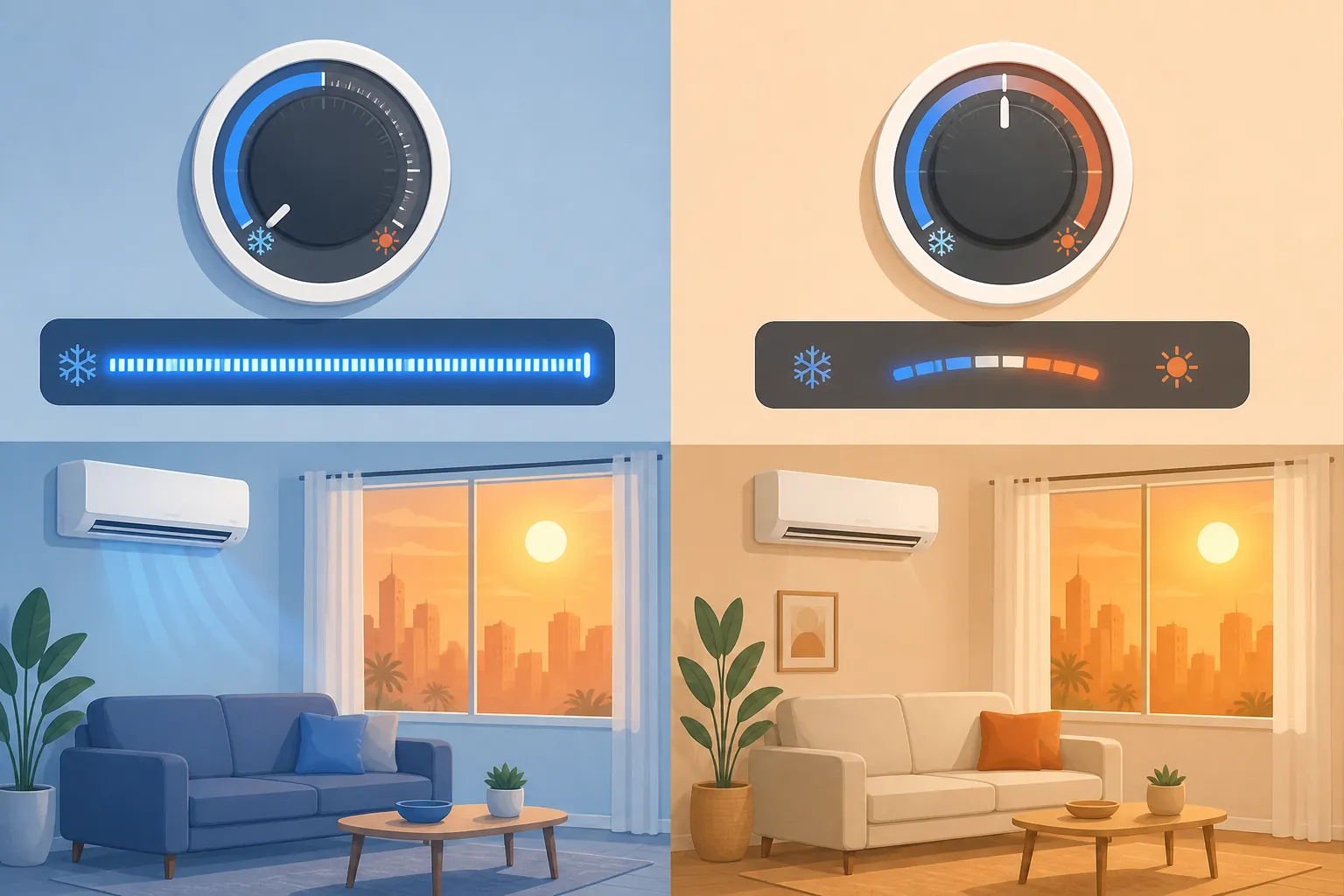
Geofencing can create a quieter version of the same problem. If the home keeps flipping between away and occupied targets, the AC may be asked to recover repeatedly instead of holding a steadier temperature. Patrick Phelan of Arizona State University told AP that air conditioning systems can take 15 to 30 minutes after startup to reach peak efficiency, so repeated cycling from on/off changes or frequent manual adjustments can add wear and cost.[3]
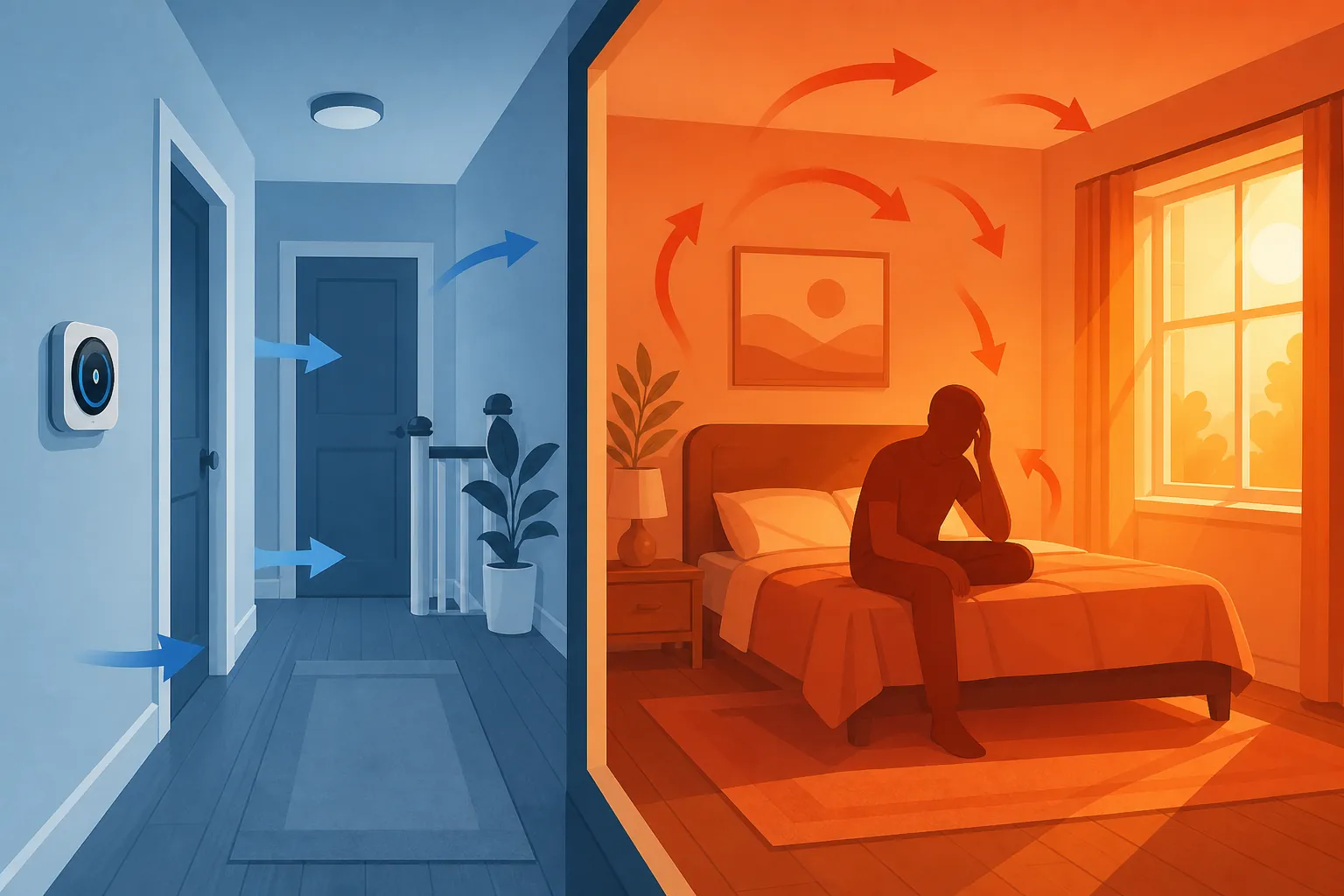
Then there is the hallway problem. A thermostat mounted in a calm hallway does not know, by itself, that a west-facing bedroom is absorbing sun through glass and furniture. Meyer & Depew specifically notes that the temperature shown at the thermostat can diverge sharply from occupied rooms during heatwave conditions.[1] The person in the bedroom is not imagining it; the hallway number is just a narrow measurement.
Humidity adds another false lead. A room can feel wrong even when the displayed temperature looks acceptable because sweat does not evaporate as effectively in humid air. The Conversation’s heatwave thermostat coverage points to humidity and “feels-like” conditions as a reason one fixed setting cannot work for everyone.[4] That is why arguing over a single magic number, including the familiar 78°F baseline, is less useful than checking what the occupied rooms actually feel like under current humidity and sun load.
Why the schedule fails right when you need it most
The common heatwave failure pattern is not complicated. The house is allowed to drift warmer during the day. The thermostat then tries to bring it back down in the late afternoon or early evening. That recovery happens when outdoor temperature, sun exposure, attic heat, indoor gains, and utility demand are all working against the system. A schedule that behaved beautifully in May can look broken in August.
Adaptive recovery tries to solve that by starting earlier. The annoying part is that, to a normal homeowner, “earlier” looks like a bug. If the app says the home target begins at 6 p.m. and the condenser starts hours before that, the natural suspicion is a firmware update, a bad sensor, or a thermostat that forgot the schedule. Meyer & Depew’s explanation is narrower and more useful: during a heatwave, the thermostat may be starting early because the schedule’s recovery target is too steep for the conditions.[1]
The same mechanism produces those demoralizing cooldown estimates. “Two hours to cool” or “three hours to cool” is not automatically an equipment confession. It may be the app putting a time estimate on a recovery job that should not have been scheduled during peak heat in the first place. The target may still be reachable; it is just being requested at the worst time of day.
This is where some energy advice gets misread. Trane discusses 78°F as a common summer efficiency baseline and cites the same kind of per-degree cooling-cost relationship often used in thermostat guidance.[5] That does not make 78°F a universal comfort setting for a humid bedroom, an elderly resident, a sunny upstairs room, or a house with poor air sealing. It is a starting context, not a verdict on whether your thermostat is lying.
The pre-call checklist
Before replacing hardware or booking service, walk through the boring items. They are boring because they are where the expensive mistakes hide.
| Check | What to look for | What to do next |
|---|---|---|
| Manual override | A temporary hold, permanent hold, app override, voice-command change, or someone’s 60°F panic setting is still active. | Release the hold and set the temperature you actually want, not an exaggerated number meant to force faster cooling. |
| Schedule recovery | The schedule allows a large warm-up and then demands comfort during the hottest part of the afternoon or early evening. | Reduce the size of the recovery job or start cooling earlier with a heatwave schedule instead of a deep setback. |
| Adaptive recovery | Cooling starts long before the displayed comfort period. | Treat this as expected behavior unless the target, schedule, or sensor data is clearly wrong. |
| Geofencing | The home switches between away and occupied targets as people leave, return, or pass near the geofence boundary. | Stop the repeated swings during the heatwave; a steadier target is often easier on the system than repeated recovery. |
| Room mismatch | The hallway display is satisfied while a bedroom, office, nursery, or upstairs room stays hot. | Compare the occupied room to the thermostat location. If you have room sensors, use them to diagnose the mismatch instead of blaming the hallway device first. |
| Humidity | The displayed temperature is acceptable but the house feels sticky, heavy, or clammy. | Treat humidity as a comfort problem, not just a temperature problem. If you use ecobee, its documented eco+ Adjust for Humidity feature is the device-specific humidity control covered here. |
| Progress under a reasonable target | The AC runs continuously, but the indoor temperature slowly drops or at least holds during the worst heat. | Do not call that a thermostat failure by itself. Keep watching the trend after removing schedule and override problems. |
| No progress after the checklist | The system runs under a reasonable heatwave schedule, with no stuck override or geofence churn, and the home still cannot hold or recover. | Move the suspicion away from the thermostat screen and toward an HVAC-side service call. |
On ecobee systems, Adjust for Humidity is documented as an eco+ feature that can account for humidity when managing comfort.[6] That does not prove every sticky-house complaint is solvable in software. It only means humidity belongs in the diagnostic before you declare that a temperature sensor or thermostat relay has failed.
Fan advice also needs care. Some efficiency guidance treats fans as a way to feel comfortable at a higher thermostat setting, but The Conversation notes CDC guidance that fans should not be used to cool people when indoor air is above about 90°F.[4] A fan can move air; it cannot remove heat from the building, and it cannot dehumidify the room.
What to change if the thermostat is probably not broken
If the checklist points to schedule design, do not keep stabbing at the setpoint. The first fix is to remove the extreme request. Release the hold, stop asking for a huge afternoon recovery, and use a heatwave schedule that avoids making the AC do the largest temperature drop during peak outdoor heat.
That is where timing and settings guides are more useful than diagnosis. Once you know the thermostat is not obviously failing, move to How to Time Your Smart Home Cooling for Heat Waves for timing automations, smart thermostat heat advisory settings for heat-alert behavior, or smart AC thermostat settings for heat index if the house feels wrong mainly because of humidity.
For very high outdoor temperatures, it also helps to reset expectations about what “normal” runtime looks like. The rough outdoor-to-indoor cooling-limit discussion belongs in smart home cooling tips for 110-degree weather; use that kind of rule as a practical check, not as a universal equipment specification.
When the line moves from normal heatwave behavior to service call
Leave the system alone if the only “failure” is that recovery started early, runtime is long, and the indoor temperature is slowly moving in the right direction during a severe heatwave. That is not a comfortable situation, but it is not enough evidence to condemn the thermostat.
Change the schedule if the app history shows repeated away/home swings, a deep daytime setback, or a large recovery target landing in peak heat. Change the human behavior if someone keeps forcing the setpoint far below the desired temperature. Those are control problems, and replacing the wall device usually preserves the same bad instructions in a newer box.
Call a pro when the checklist clears the obvious thermostat-side causes and the system still cannot make progress under a reasonable heatwave schedule. That means no stuck hold, no geofencing churn, no impossible recovery demand, no simple hallway-versus-room misunderstanding, and no humidity-only explanation. At that point, the thermostat may simply be the messenger showing an HVAC-side problem.
The practical ending is plain: if the system is recovering slowly but predictably, stop overriding it and redesign the heatwave schedule. If it runs and runs without holding or recovering after those checks, book service before buying a replacement thermostat.
References
- Why Smart Thermostat Settings Can Backfire During Heat Waves, Meyer & Depew
- The Priciest AC Setting You Can Use During A Heat Wave, According To An HVAC Expert, Southern Living
- This air conditioning strategy is the sweet spot for saving energy and money, experts say, AP News
- Why 78 degrees isn't the right thermostat setting for everyone during a heat wave, The Conversation
- Should You Really Set Your Thermostat to 78 in the Summer?, Trane
- Discover ecobee's Humidity Control for Year-Round Comfort, ecobee
Corroborating context
For protocol background on why this failure happens, see Compatibility & Protocols.
Not currently linked to a known regression. Background on the underlying protocol lives in Compatibility & Protocols.