
Why Isn't My PurpleAir Monitor Notifying Me During a Code Purple Alert?
PurpleAir monitors do not send native push notifications. This article explains the available workarounds — third-party apps and smart home integrations — and their current trade-offs.
Last updated
A Code Purple alert goes out from the weather office, the county, or AirNow. You check the phone that lives next to your PurpleAir data, and there is nothing from PurpleAir: no banner, no vibration, no missed push alert.
That is expected behavior. PurpleAir monitors do not send native push notifications for bad air, including Code Purple conditions. In a May 2024 PurpleAir Community reply, PurpleAir staff member Kieran Berryman answered the notification question directly: PurpleAir does not currently have notifications or alerts built into its own system.[1]
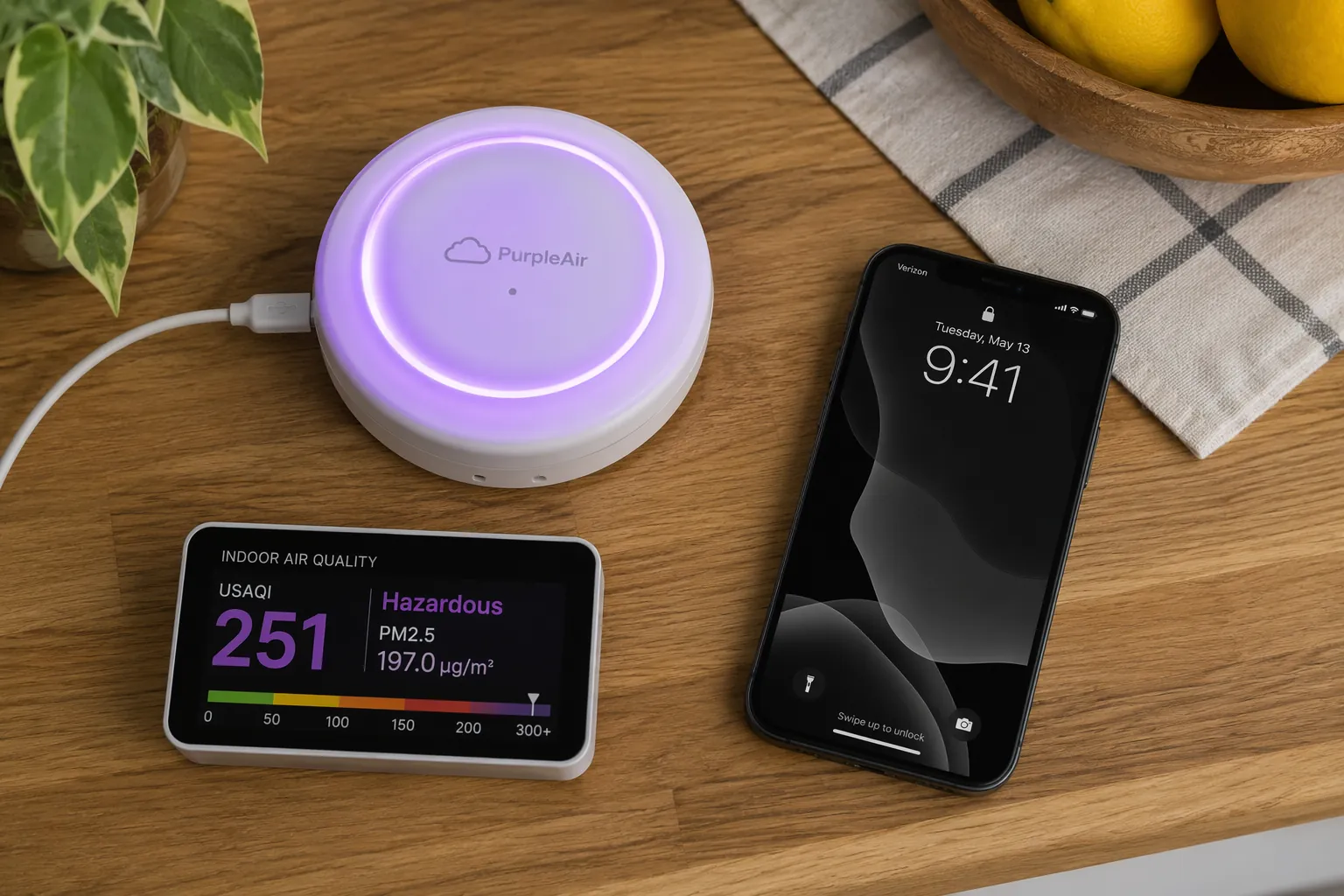
So the first thing to rule out is the wrong thing: this is not, by itself, evidence that your sensor failed, your Wi-Fi dropped, or you missed a hidden PurpleAir setting. PurpleAir can publish sensor readings to its map and still not send an alert to your phone.
If you need a refresher on what the alert level means, NestGrid has a separate background guide to Code Purple air quality alerts and smart monitors. The practical issue here is narrower: how to make a PurpleAir-based setup actually notify you before someone opens a window, starts a run, or sends kids outside.
The missing piece is the alert path, not the sensor reading
PurpleAir’s strength is that it makes sensor data visible. That visibility can create a bad assumption: if the monitor appears on a map and updates in near real time, surely it must also be able to push a warning. It does not, at least not through a native PurpleAir notification feature confirmed by PurpleAir staff.[1]
For a Code Purple day, the difference matters. A map is something you check. A push alert is something that interrupts you. If your safety plan depends on the interruption, you need another layer between the PurpleAir reading and your phone.
What can send PurpleAir alerts today?
PurpleAir points users toward third-party apps rather than offering its own official mobile app. Its community-maintained app thread lists options including Airwyn, AQ Alert, and Paku, and it also notes that API changes have affected app support.[2]
| Path | Best fit | Main catch |
|---|---|---|
| AQ Alert | Android and iOS users who want per-sensor push alerts | Still needs current app-store and notification testing |
| Paku | iPhone and iPad users already comfortable with iOS-only tools | Not an Android option |
| Airwyn | Users who can verify the app is still available and working | Current status is uncertain |
| Home Assistant | Power users who already run or are willing to run a smart-home server | Requires an API key and technical setup |
| Homebridge | HomeKit users comfortable with community plugins | Not an official PurpleAir smart-home integration |
Treat that table as a starting point, not a guarantee. A notification workaround is only useful if it exists on your platform, can still access PurpleAir data, and actually produces a test alert on your phone.
AQ Alert is the first app I would check
AQ Alert is the cleanest current lead for many users because it was announced specifically as an app for per-sensor push notifications and described as available for Android and iOS in a PurpleAir Community thread.[3]
That still does not mean you should install it and assume the job is done. Add your sensor, set a threshold below the level you truly care about, and confirm that a push notification arrives with your phone locked. Then put the threshold back where you want it. The test is the point; app-store presence is not the same thing as a working alert path.
Paku is useful if your household is on iOS
Paku appears in PurpleAir’s third-party app discussion as an iOS option.[2] For an iPhone household, that can be perfectly reasonable. For a mixed iPhone-and-Android household, it may solve the problem for one person while leaving everyone else dependent on texts, screenshots, or memory.
The household detail is not trivial during smoke events. If the person who receives the alert is in a meeting, asleep, or away from home, the monitor did its part and the alert path still failed the people who needed it.
Airwyn needs verification before you depend on it
PurpleAir previously published a blog post explaining how to use Airwyn for air quality alerts.[4] That makes Airwyn part of the historical answer to this problem, but not automatically the safest answer in 2026.
The current status is uncertain enough that Airwyn should be treated as a verification-needed workaround. If you can find it, install it, connect your sensor, and trigger a test alert, fine. If any of those steps fail, do not keep troubleshooting your PurpleAir monitor as though the monitor is the broken component.
The PurpleAir home-screen shortcut is not an alert
Saving PurpleAir’s map or web app to your phone’s home screen can make checking air quality faster. It does not turn PurpleAir into a push-notification system. A shortcut reduces friction after you remember to look; it does not wake the phone when the air crosses your threshold.
Why old app advice can go stale quickly
The fragile part of this whole setup is data access. PurpleAir’s app discussion notes that Air Matters dropped PurpleAir support in June 2025 because of API cost changes.[2] That is not a small footnote. It explains why an app recommendation from an old forum post may look reasonable and still fail when you try to build an alert plan around it.
This is also why every PurpleAir alert workaround needs a current verification date in your own notes. Write down the app name, the phone platform, the sensor used, the threshold tested, and the date the notification actually arrived. That may feel excessive until the next smoke event, when the only question that matters is whether the alert path still works.
The smart-home route is stronger, but not simpler
If you already run Home Assistant, PurpleAir can be pulled into a more durable alert system. PurpleAir’s Home Assistant guide describes using the integration with a PurpleAir API key from the developer portal, along with configuration work that is beyond a normal app setting.[5]
The advantage is control. You can decide which sensor matters, which pollutant or AQI value should trigger an automation, who receives the notification, and whether anything else happens at home. A power user might have Home Assistant send phone alerts, change an air purifier mode, or announce the condition through another device.
The cost is ownership. You are now responsible for the Home Assistant instance, API access, entity names, automations, mobile notification permissions, and future breakage. For someone who only wanted a phone banner during bad air, that is a lot of machinery to replace a missing native feature.
Homebridge sits in a similar category for HomeKit-focused households. It can be a practical bridge if you already maintain Homebridge and are comfortable with community plugins. It should not be mistaken for an official PurpleAir HomeKit integration. PurpleAir staff have said PurpleAir does not have official smart-home integrations, while noting that outside integrations may exist.[6]
A practical choice for a Code Purple alert setup
For most non-technical users, start with a currently available third-party alert app. If you use Android or a mixed-platform household, check AQ Alert first because it is described as supporting Android and iOS per-sensor push notifications.[3] If your household is all Apple devices, Paku is a reasonable iOS-only path to investigate.[2]
If you try Airwyn, treat it as provisional. Its older PurpleAir setup guide is real, but its current availability and reliability need confirmation before it belongs in an emergency-adjacent routine.[4]
If you already run Home Assistant or Homebridge, the smart-home route can be the better long-term answer. It lets you build alerts around your own thresholds and household behavior. It also asks you to maintain a technical system, which is a poor fit for someone who simply wants PurpleAir to behave like a weather-alert app.
PurpleAir is still useful as a monitor during Code Purple conditions. Just do not rely on PurpleAir alone to notify you. Build the alert path separately, test it while the stakes are low, and recheck it whenever the app, API, phone, or smart-home system changes.
References
- Notification of bad air, PurpleAir Community, May 2024.
- Does PurpleAir have an app?, PurpleAir Community.
- New Android App for per sensor push notifications, PurpleAir Community.
- Air Quality Alerts App, PurpleAir Blog.
- How PurpleAir is Being Used with Home Assistant, PurpleAir Blog.
- Can Purple Air indoor and outdoor sensor be connected to home hubs?, PurpleAir Community.
Corroborating context
For protocol background on why this failure happens, see Compatibility & Protocols.
Not currently linked to a known regression. Background on the underlying protocol lives in Compatibility & Protocols.