
AT&T login not working
If your AT&T login is failing, the right fix depends on the error you see. This guide matches symptoms like 'Something went wrong' or Care Code 902 to the exact solution.

- Affected device
- Laptop computer
Verified by Editorial Team
If your AT&T login is not working, do not start by trying every generic fix in order. Start with the exact wording on the screen. A password reset helps an account lockout; it usually does not explain a browser returning “Bad Request.” Clearing cookies can fix a broken sign-in hand-off; it will not repair a server-side outage. Use the message first, then choose the shortest path.
| What you see | Likely first place to look | Try this first | Status of the fix |
|---|---|---|---|
| “Something went wrong” | Corrupted AT&T/Yahoo cookies, cached sign-in state, or an extension blocking authentication scripts | Open a private/incognito window or another browser; if it works, clear AT&T/Yahoo cookies and test extensions | AT&T baseline plus third-party analysis [1][2] |
| Care Code 902 | Failed hand-off between AT&T and Yahoo sign-in layers | Allow third-party cookies for att.com, yahoo.com, and loginprodx.att.net | Community-verified workaround, not an AT&T-documented fix [3] |
| “Bad Request” or HTTP 400 | Bad cached data, malformed URL, or local DNS/browser state | Open att.com from a fresh typed URL, then clear browser cache and cookies if it repeats | Client-side troubleshooting path [1][4] |
| Login loop or repeated redirect | Cookie corruption first; possible AT&T/Yahoo account sync issue if browser cleanup fails | Clear AT&T/Yahoo cookies; if it still loops, contact AT&T and ask about email account resync | Mixed: official cache guidance plus tertiary/community reports [1][5] |
| “Access Denied” | VPN, proxy, managed network, IP reputation, or network filtering | Turn off VPN/proxy, switch networks, or restart the router before changing the account password | AT&T baseline plus community corroboration [1] |
| Account locked, “system error,” or “try again later” after failed attempts | Too many failed attempts or account-side lockout | Wait one hour, then reset the password through AT&T’s reset flow | Official AT&T account recovery path [6] |
| Everything fails for many users at once | Possible AT&T service outage | Check AT&T status or Downdetector before spending time on local browser fixes | Outage sanity check [7] |
| Only the myAT&T app fails | App cache, stale app session, or app version issue | Force close the app, update it, or reinstall after confirming the web login works | App-specific side path [8] |
First, Rule Out an Outage Without Overdoing It
Before you spend twenty minutes deleting cookies, check whether other AT&T users are reporting the same failure. Downdetector’s AT&T page is useful as a quick outside signal because it shows user-submitted outage reports and a live outage map, not a diagnosis of your individual account [7]. Treat it as a weather check, not a repair tool.
If reports are spiking and your error began suddenly across the website, email, and app, stop changing passwords unless AT&T specifically asks you to. Wait and retry later. If outage reports look normal, go back to the message on your screen.
“Something Went Wrong”: Treat It Like a Broken Browser Hand-Off
“Something went wrong” is vague, but the fix path should not be vague. AT&T’s own sign-in troubleshooting points users toward browser checks such as clearing cache and cookies, trying another browser, and making sure the browser accepts cookies [1]. That is a reasonable baseline. The missing detail is why this particular message often survives a normal password reset: the failure may happen after your credentials are accepted, when the browser is carrying old or blocked sign-in state into the next authentication step.
Third-party troubleshooting of this error specifically points to corrupted cache/cookies and browser extensions, including privacy or ad-blocking tools, interfering with scripts used during SAML-style authentication flows [2]. That does not prove every “Something went wrong” screen has the same cause. It does give you a better first test than repeatedly changing the same password.
- Open a private or incognito window and sign in from a freshly typed att.com address.
- If that works, return to your normal browser and delete cookies/site data for att.com and yahoo.com.
- If it still fails in the normal browser, temporarily disable ad blockers, privacy extensions, script blockers, and anti-tracking extensions, then retry.
- If you use a hardened browser profile, test once in a mainstream browser with default cookie settings.
- If the error appears in every browser and on a different network, stop treating it as a local cache problem and contact AT&T with the exact wording.
The private-window test matters because it separates account failure from stored browser state. If your login works there, your account credentials are probably not the main problem. Something in the normal browser profile is carrying a bad token, blocking a script, or refusing a cookie the sign-in flow expects.
If this does not match your screen—if you see Care Code 902, “Bad Request,” or an account-lock message—do not keep pushing through this section. Those messages point to different first moves.
Care Code 902: The Cookie Setting That Generic Help Often Misses
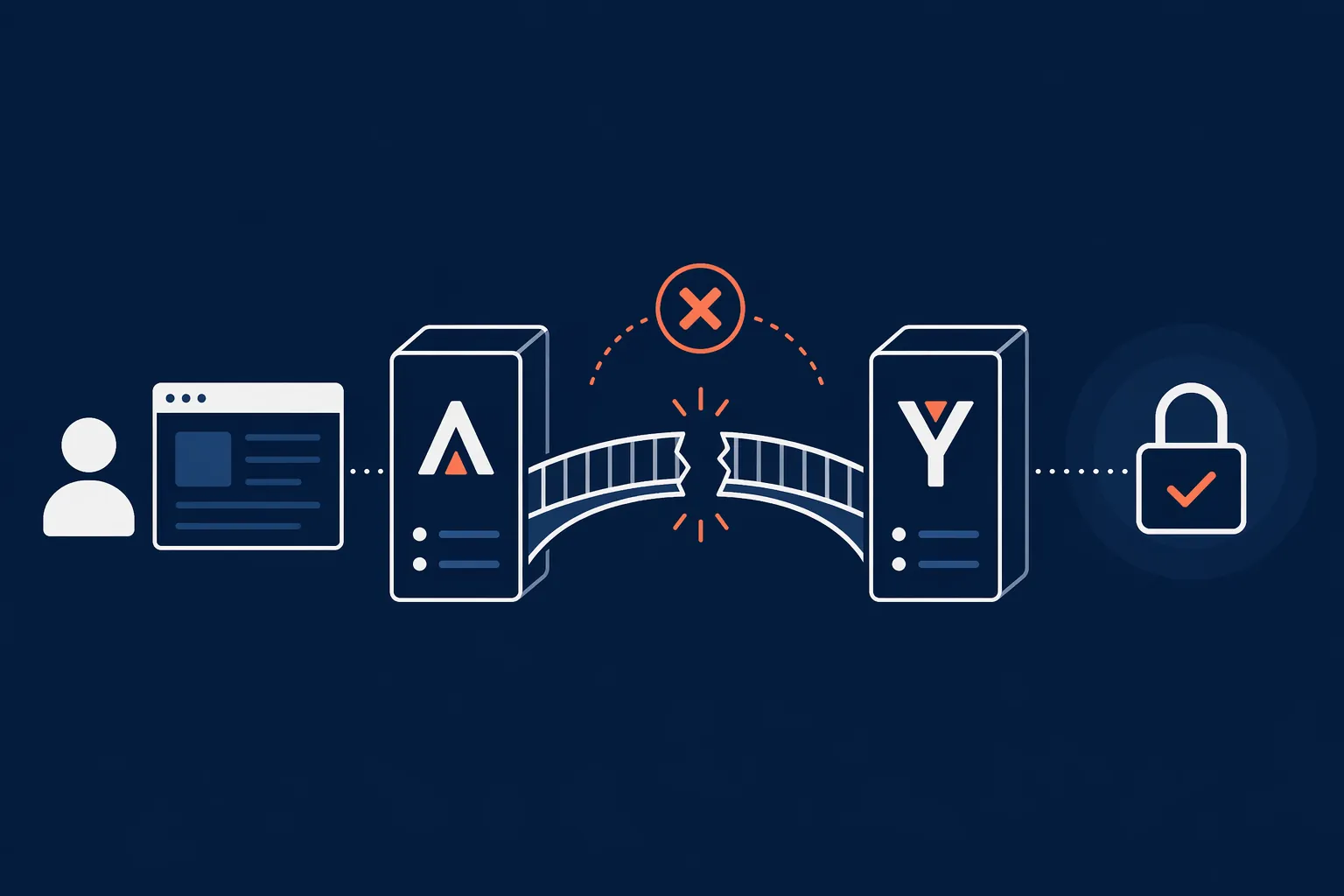
Care Code 902 deserves its own lane because the useful fix is more specific than “clear your cache.” Community troubleshooting has documented a workaround in which users allow third-party cookies for AT&T and Yahoo-related sign-in domains, especially att.com, yahoo.com, and loginprodx.att.net [3]. The important caveat: this is a community-verified workaround, not an official AT&T remedy.
The likely mechanism is a failed hand-off between AT&T and Yahoo authentication layers. If the browser blocks the cookie that proves one layer successfully authenticated you, the next layer may not know what to do with the session. The user sees an error code; the browser sees a privacy rule doing exactly what it was configured to do.
- In your browser’s privacy or cookie settings, look for third-party cookie blocking.
- Add exceptions or allowed sites for att.com, yahoo.com, and loginprodx.att.net.
- Close all AT&T and Yahoo tabs, then open a new window and retry the login.
- If it works, keep the exceptions narrow instead of disabling privacy protections everywhere.
If your browser does not offer per-site exceptions, test in another browser before changing your main privacy setup. The purpose is not to make your browser permissive; it is to find out whether Care Code 902 is being caused by a blocked cross-site authentication cookie.
“Bad Request” or HTTP 400: Clean Up the Request Before Touching the Account
A “Bad Request” or HTTP 400 error usually means the server rejected something about the request your browser sent. Microsoft support discussions around sign-in failures describe this class of error as typically client-side, with browser data, malformed requests, or local configuration in the first troubleshooting lane [4]. AT&T’s general sign-in guidance also supports clearing cache and cookies and trying a different browser as baseline checks [1].
- Do not use an old bookmark first. Type att.com directly into the address bar and navigate from there.
- If the error returns, clear cached images/files and cookies for AT&T and Yahoo sites.
- Try a different browser to check whether the malformed request is tied to one browser profile.
- If the same error appears on your home network only, restart the router or test from mobile data.
A password reset is not the first fix for this message unless AT&T also says the credentials are wrong or the account is locked. With “Bad Request,” start by making the browser send a clean request.
Login Loop: Clear the Browser State, Then Ask About Resync
A login loop is the failure where AT&T or Yahoo appears to accept something, redirects, and then sends you back to sign in again. Tertiary descriptions of AT&T/Yahoo login loops point to cookie problems and possible account-system desynchronization, but those accounts should be treated cautiously because they are not controlled support documentation [5].
Start with the part you can verify yourself: delete cookies and site data for att.com and yahoo.com, close the browser completely, and sign in from a fresh window. If the loop disappears, the browser had stale session data. If the loop continues across browsers and devices, the problem may no longer be in the browser.
For email-related loops, the useful escalation phrase is “email account resync.” Community reports describe AT&T support chat resolving some persistent AT&T/Yahoo loops by resyncing account records, but success depends on the agent recognizing the procedure [5]. Bring the exact loop behavior: where you start, where it redirects, and whether the failure happens in webmail, myAT&T, or both.
“Access Denied”: Change the Network Conditions
“Access Denied” should make you look at the network path before the password. A VPN, proxy, corporate network, school network, hotel Wi-Fi, or filtered DNS service can change how AT&T sees the request. AT&T’s general troubleshooting guidance includes browser and connectivity checks, which fit this lane better than repeated credential resets [1].
- Turn off VPN or proxy software and retry.
- Switch from Wi-Fi to mobile data, or from mobile data to a trusted home network.
- If you are on a managed work or school network, test later from a personal network.
- Restart the router if the error appears only from your home connection.
If “Access Denied” vanishes on a different network, do not keep modifying the AT&T account. The evidence points to the path between your device and AT&T, not necessarily the account itself.
Account Locked or “Try Again Later”: Stop Browser Tuning
If AT&T says the account is locked, or the message clearly tells you to try again later after failed attempts, browser cleanup is no longer the main path. AT&T’s password reset guidance says that after too many failed sign-in attempts, users may need to wait one hour before trying again or resetting the password [6].
- Wait the required hour instead of repeatedly retrying.
- Use AT&T’s password reset flow, not an old saved password in the browser.
- After resetting, update the saved password in your browser or password manager.
- If the lock message returns immediately after a successful reset, contact AT&T rather than continuing attempts.
This is the spot where patience is part of the fix. Repeated attempts can keep you in the same recovery state and make every other symptom harder to read.
If Only the myAT&T App Fails
When the website works but the myAT&T app does not, keep the problem in the app lane. App-focused troubleshooting commonly starts with closing and reopening the app, checking for updates, and reinstalling if the local app state appears broken [8]. Those steps are worth trying only after you confirm the same username and password work in a browser.
- Force close myAT&T and reopen it.
- Update the app from the official app store.
- Restart the phone if the app freezes before the sign-in screen.
- Reinstall the app if the browser login works but the app keeps returning to the same error.
If both the app and website fail with the same message, use the message-specific path instead. The app is then only another place where the same account or authentication problem is showing up.
When to Contact AT&T
Contact AT&T when the matched fix fails, when outage checks suggest a broader service issue, when an account-lock message persists after the wait-and-reset path, or when a login loop continues across browsers and devices. Bring the exact error wording. “AT&T login not working” is too broad for the next person in the chain; “Care Code 902 after Yahoo redirect in Chrome with third-party cookies blocked” is the kind of detail that can move the conversation.
For AT&T email loops, specifically ask whether the account can be checked for an email account resync. For “Access Denied,” mention whether VPN, proxy, and alternate-network tests changed anything. For “Something went wrong,” say whether the login worked in a private window or clean browser. The visible message usually tells you which layer to test first; if that layer fails, it also tells support where not to waste time.
References
- AT&T sign-in troubleshooting (KM1009058), AT&T Support
- AT&T Login Error “Something Went Wrong”, Abilogic
- Care Code 902 thread, TroubleFixers
- Surface sign-in Bad Request thread, Microsoft Q&A
- AT&T Yahoo login loop page, Grokipedia
- Reset your AT&T password (KM1008941), AT&T Support
- AT&T outage map, Downdetector
- myAT&T App Not Working? Here’s The Fix!, Payette Forward
Trace the root cause
If this fix depends on a protocol or hub behavior, or traces to a known regression, check these related references.
Related entries
Your Smart Home Hub Decides the Best CO₂ Monitor for Health
Your smart home hub determines which CO₂ monitor will automate health protections like ventilation fans and alerts. This guide ranks top models by ecosystem compatibility—HomeKit, Alexa, Google Home, Home Assistant, and Matter—so you buy a device that truly integrates with your existing setup.
Which Smart CO2 Monitor Works with Your Hub for Dementia Safety?
Compare four smart CO2 monitors (IKEA ALPSTUGA, SwitchBot Meter Pro CO2, Airthings View Plus, Aranet4) for dementia caregiver safety monitoring. Learn which works with your hub, the 800 ppm threshold from a case study, and how to automate ventilation when levels climb.
What Is a Home Automation Controller? A Structured Device Profile for 2026
Learn what a home automation controller is, how it unifies devices across different wireless protocols, and why the local vs cloud processing decision is the most important factor when choosing the brain of your smart home.
The flagship symptom-organized fix database. Each entry documents one reproducible problem (a device, hub, and protocol combination that stopped working) and states the exact fix that was personally tested, tagged with a solution status of Confirmed, Workaround, or Investigating, a verification date, and a difficulty rating. This group serves the 'fix it now' task: users arrive with an exact symptom and need a status-labeled, dated answer rather than a narrative article. It excludes purchase-decision content (routed to Compatibility) and update-triggered regressions still being tracked as breaking news (routed to Update Watch) — once a regression here has a reproduced fix, it is cross-linked back from its Update Watch origin entry.
Comments
Join the discussion with an anonymous comment.