
Start With the Device, Not the Title
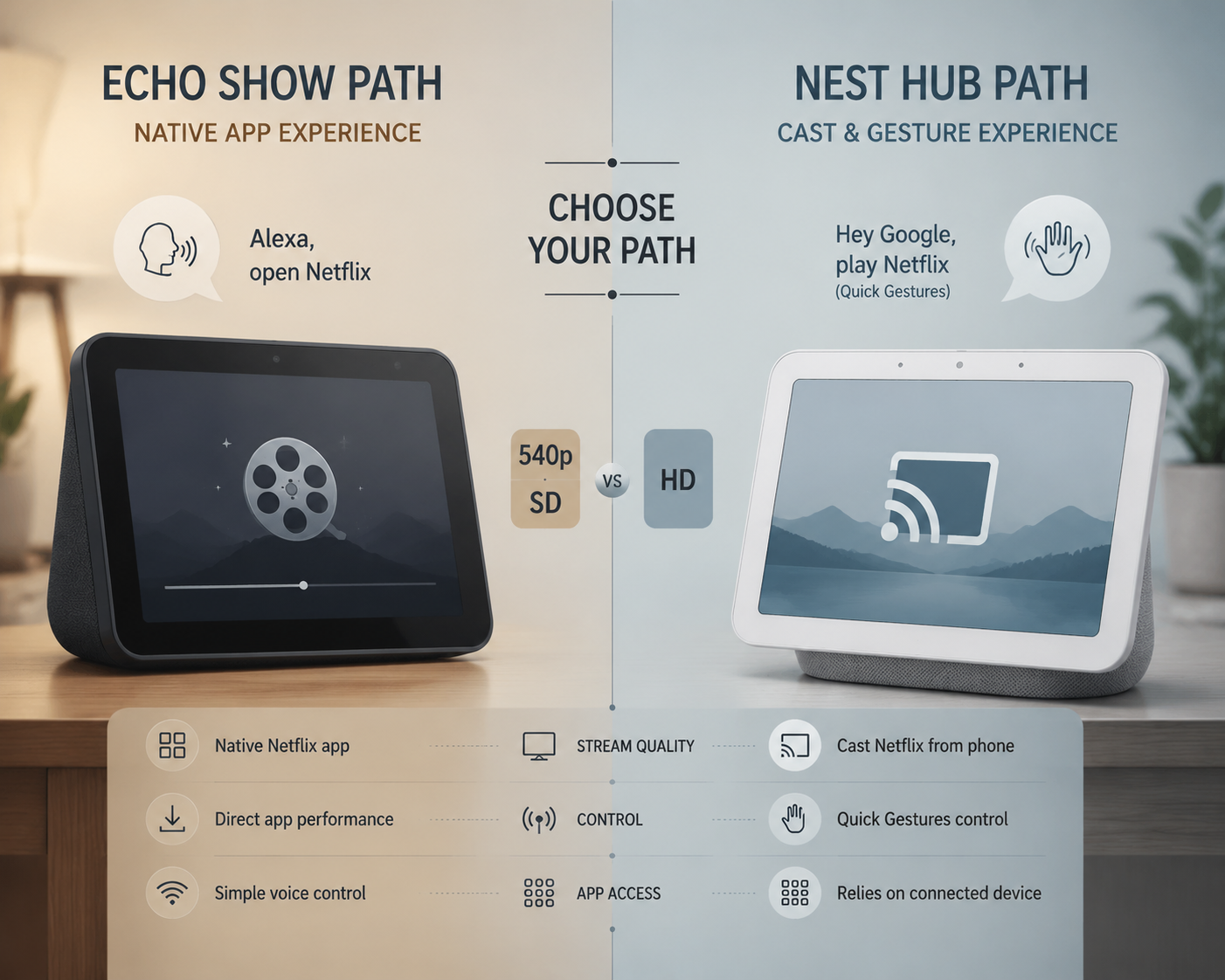
If you already have a smart display on the counter or bedside table, the first decision is not what to watch but which ecosystem you are in. Echo Show uses a native Netflix app, Alexa can launch it by voice, and Netflix caps playback at 540p SD on these devices; Nest Hub uses Google Home account-linking, Chromecast-style playback, HD support, and gesture controls instead. That split changes the setup path before you ever pick a July title. [1][2][3]
Echo Show: Open the Native App and Accept the Ceiling
On supported Echo Show models, Netflix lives as a native app, so the cleanest path is still the simplest: say "Alexa, open Netflix," sign in if prompted, and start from there. The part worth remembering early is the picture ceiling. Netflix says Echo Show playback is capped at 540p SD, so it is better to treat the device as a kitchen or bedside screen than as a tiny TV replacement. [1][2]
- Check that your Echo Show is on Netflix's supported list before you spend time on settings. [1]
- Use Alexa to launch Netflix, then sign in with the Netflix account you actually want on that device. [1][2]
- If the app does not appear, update the device and recheck the Amazon and Netflix account pairing before assuming the service is broken. [1][2]
If the picture looks soft, that is usually the format, not a failed setup. The limitation is built in. [1]
Nest Hub: Link the Account, Then Cast
The Nest Hub path feels different because you are not opening a standalone Netflix app. You link Netflix inside the Google Home app, then send playback to the display through Chromecast-based casting. That is the part people miss when they try to follow Echo Show instructions on a Google screen. [3][4][5]
- Open Google Home, link the Netflix account you want to use, and keep the display tied to the Google account you expect to cast from. [3][4]
- Start playback by voice or from a linked device, then let the cast session handle the display. [3][4][5]
- If playback fails, check the Google account, Netflix account, and local network before blaming the display. [3][4][5]
On supported models, Quick Gestures add a useful hands-free layer for pause and resume when your hands are busy. The other practical difference is quality: the Nest Hub workflow can deliver HD playback, so the same title will usually look cleaner here than on Echo Show. [3]
New Netflix Movies to Watch on Smart Home Devices This July
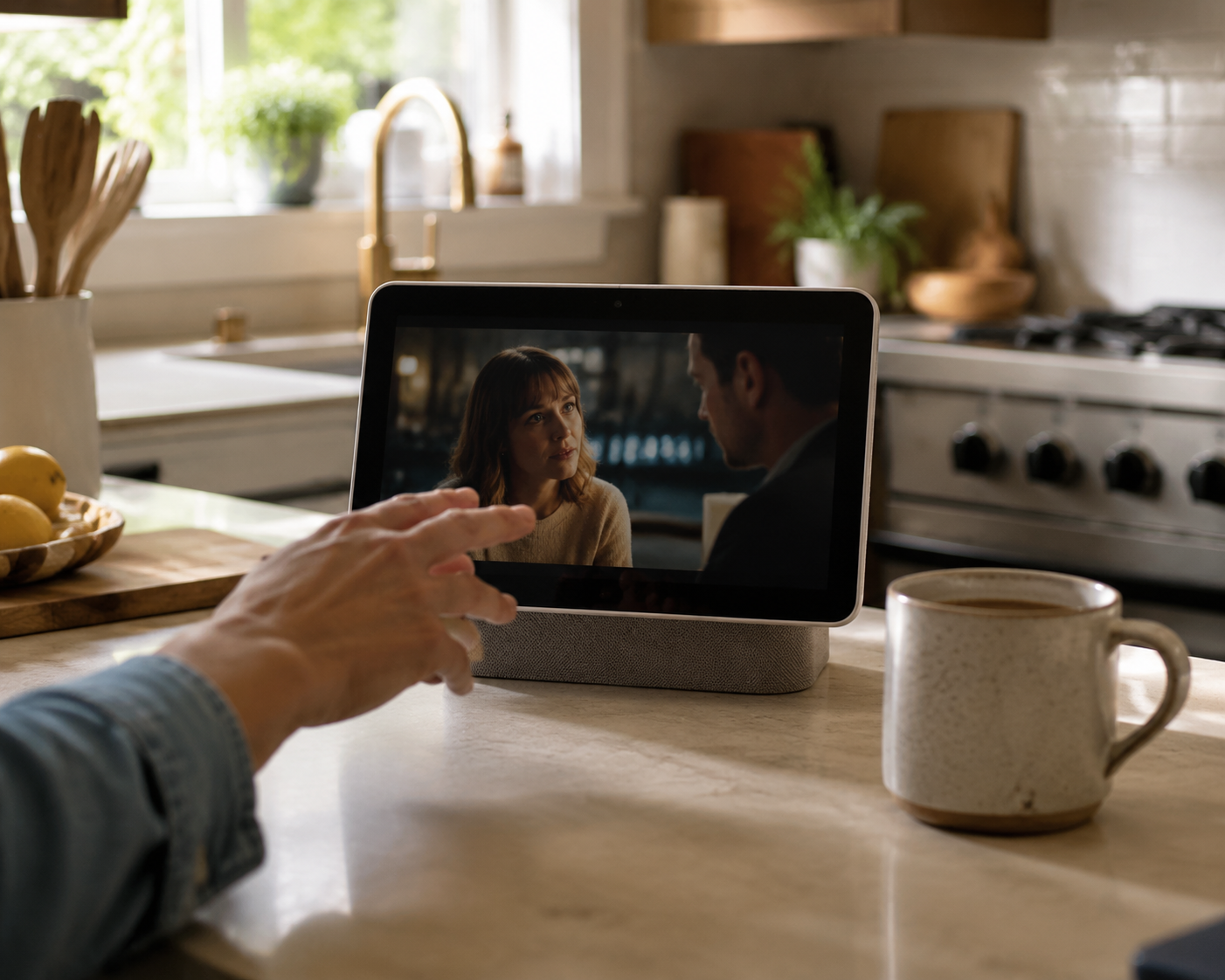
Netflix's July 2026 Tudum lineup includes Heartstopper Forever, Enola Holmes 3, The Hawk, 72 Hours, Little House on the Prairie, and Shipwrecked: Nightmare at Sea. [6]
For a smart display, the titles that work best are the ones you can follow while chopping vegetables, folding laundry, or glancing over between tasks. That usually means dialog-heavy or character-driven material first, spectacle second.
- Heartstopper Forever is the clearest fit. The appeal is conversation and character beats, which survive a smaller screen better than broad visual detail. [6]
- Little House on the Prairie is also a good fit if you want something calmer and more conversational that does not depend on giant image scale. [6]
- Enola Holmes 3 is workable, but it is easier to lose visual clues and background detail on a smart display, so it makes more sense when you are mainly listening. [6]
- The Hawk and 72 Hours are better if you are close to the screen and not treating the display as background noise, because their tension and framing matter more. [6]
- Shipwrecked: Nightmare at Sea is the least natural fit here if you want the device to disappear into the room, because spectacle-oriented titles ask more from the screen than a smart display usually gives. [6]
The useful rule is simple: use the display you already own, follow the ecosystem path that matches it, and save the most visual July releases for a larger screen when you want them to feel fully cinematic.
References
- Watch Netflix on Amazon Echo Show — Netflix Help Center
- Netflix and New Video Features Available on Echo Show — About Amazon
- Watch Netflix on Google Nest Hub — Netflix Help Center
- How to Watch Netflix on a Google Nest Hub — How-To Geek
- How to Watch Netflix on Google Nest Hub and Nest Hub Max — The Ambient
- New on Netflix in July 2026 — Netflix Tudum, June 30, 2026
Community Tips
Share platform-specific variations, steps that have changed after app updates, or tips that helped your installation succeed.
Comments
Join the discussion with an anonymous comment.