
Smart home recipes that cut UK energy bills before October
Six date-verified smart-home recipes that cut real kWh before the 1 October 2026 UK cap rise — standby kill schedules, heating setbacks, and off-peak load shifting — each with hub-tested setup steps, savings evidence, and the caveats that keep claimed savings honest.
The UK energy price cap rises on 1 October 2026. Ofgem says the cap will increase by 4% to £1,723 a year for a typical Direct Debit household; the capped electricity unit rate becomes 26.32p/kWh and gas becomes 7.97p/kWh. The temporary suspension of VAT on electricity from 1 October 2026 to 31 March 2027 softens part of the electricity change, but it does not make wasted energy free. [1][2]
That makes this a useful moment to configure automations rather than simply add another device to an app. The recipes below are aimed at measurable changes: removing standby consumption, using less heat, or moving a large load into a cheaper tariff window. A shifted kilowatt-hour can reduce a bill without reducing total household consumption, so the meter and the tariff matter more than an attractive dashboard.
| Recipe | Skill level | What it changes | Verification fields |
|---|---|---|---|
| Energy-monitoring plug audit and standby kill | Beginner | Cuts persistent standby kWh | Hub; protocol; firmware/app version; verification date; status |
| 1°C heating setback with occupancy scheduling | Beginner to intermediate | Cuts heating-system gas use | Hub; protocol; firmware/app version; verification date; status |
| Laundry and dishwasher off-peak shift | Beginner | Moves electricity use to a cheaper window | Hub; protocol; firmware/app version; verification date; status |
| EV or home-battery charging shift | Intermediate | Moves a large electrical load to the cheap window | Hub; protocol; firmware/app version; verification date; status |
| Solar-surplus routing | Intermediate | Uses surplus generation before importing power | Hub; protocol; firmware/app version; verification date; status |
| Home Assistant threshold-based load shedding | Advanced | Pauses discretionary loads when demand rises | Hub; protocol; firmware/app version; verification date; status |
The January 2027 forecast is another reason to prepare before winter, but it should not drive a purchase by itself. Start with a load you can observe and a rule you can reverse.
1. Audit a smart-plug cluster, then kill its standby period
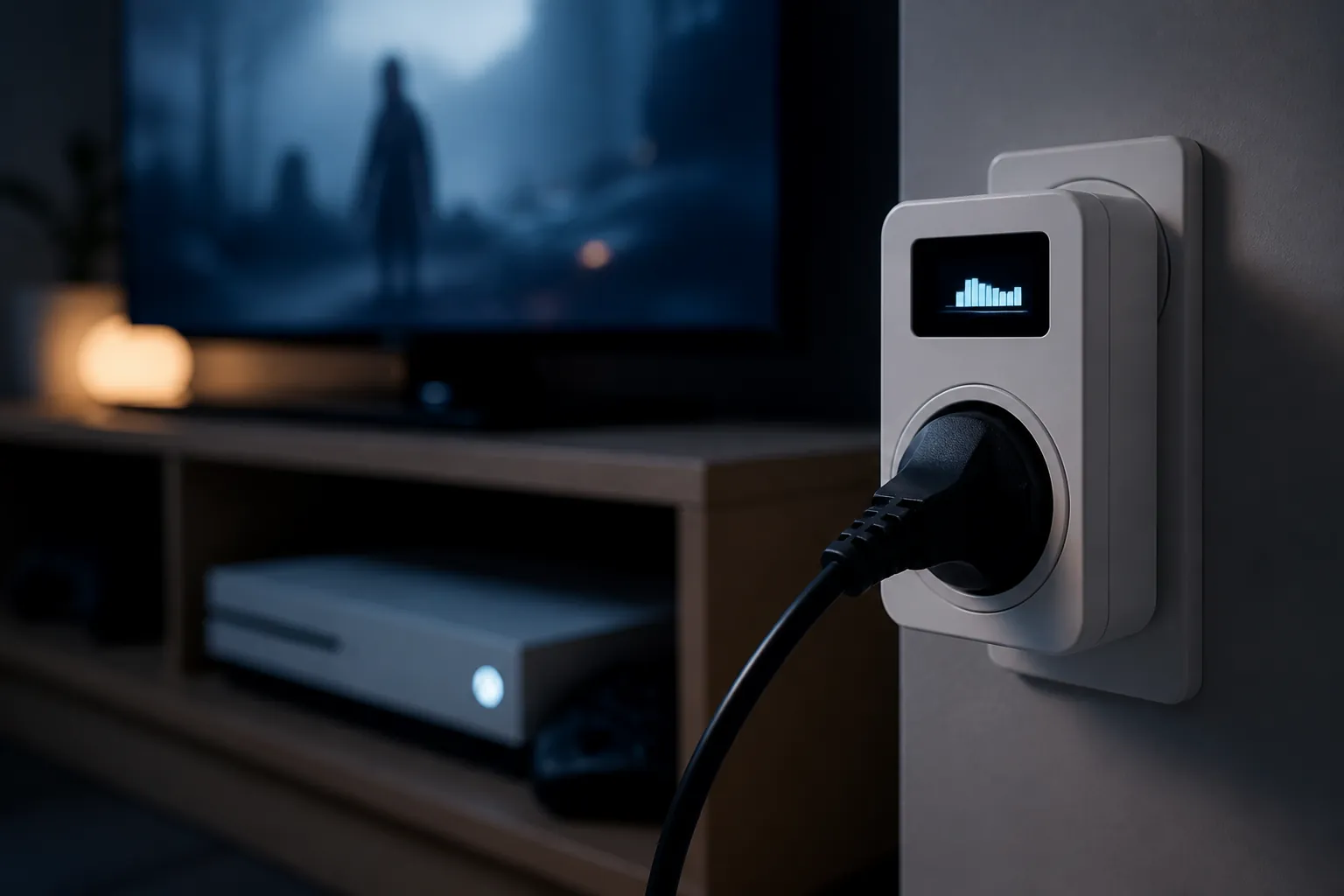
Skill level: beginner. Equipment: an energy-monitoring smart plug, a compatible hub or app, and a cluster that can safely be powered down together. A television, games console, streaming box, and sound system are a sensible first target; a desk with a monitor, speakers, and peripherals can work too. Do not place equipment on the switched outlet if a shutdown could interrupt recording, cooling, security, or a required network connection.
The useful sequence is simple: measure first, find the persistent load, schedule the off period, and measure again. Leave the cluster connected to the plug for several days while the household behaves normally. Record its overnight draw, its draw while apparently idle, and any exceptions such as a console charging a controller or a television completing an update.
- Add the plug to the hub or manufacturer app and name it for the load, not the room—for example, “TV cluster.”
- Capture a baseline during a normal occupied period and during the hours when nobody needs the devices.
- Set an off command after the last expected use and an on command before the first expected use. Keep a manual override available.
- Check the next morning that the television, console, router, and any scheduled activity recovered as intended.
- Compare the same time window after the change. Use the observed reduction rather than multiplying one quiet reading into a guaranteed annual saving.
The scale is worth investigating. The Energy Saving Trust figure cited by the BBC puts standby use at roughly 9–16% of UK household electricity. A four-device illustration has been valued at about £77 a year using an electricity rate of around 29p/kWh, but that is an example of a particular group of devices, not a promise for every home. [3]
The plug is part of the calculation. Its own electronics consume power, and an always-on smart bulb is not made efficient merely because it can be controlled remotely; Smart Energy GB also warns against vague “power-saving plug” claims that do not explain what is being measured. [4] If the monitored cluster averages only a tiny draw, the plug, the inconvenience, and the risk of a failed restart may outweigh the result.
2. Reduce heating by 1°C and let occupancy decide the schedule
Skill level: beginner to intermediate. Equipment: a compatible smart thermostat or smart TRVs, with occupancy information from the thermostat, a phone, a presence sensor, or a fixed household schedule. Begin by lowering the target temperature by 1°C during an unoccupied period or overnight, then check whether the room remains comfortable when people return.
A practical rule is to use a setback rather than a dramatic off command: when the home is empty, reduce the setpoint by 1°C; when occupancy resumes, restore the normal setpoint early enough for the rooms to recover. With TRVs, avoid treating every room identically. A bedroom, a workroom, and a room containing a vulnerable occupant may need different limits.
Evidence gives a range, not a single household result. A randomized trial discussed by the Behavioural Insights Team found approximately 6–7% lower heating-system gas use from smart-thermostat intervention. A BEAMA/Salford figure published by Wiser/Drayton reports savings of up to 12%, with an example of roughly £105 a year. Those figures concern different methods and conditions; neither establishes what every thermostat owner will save. [5][6]
Treat larger manufacturer claims separately. Tado’s “up to 31%” figure was presented as a marketing claim in reporting by The Guardian, not as a result that can be transferred unchanged to a different home. [7] Insulation, boiler controls, weather, comfort preferences, occupancy accuracy, and manual overrides all change the outcome.

3. Put laundry and dishwashing in the cheap window
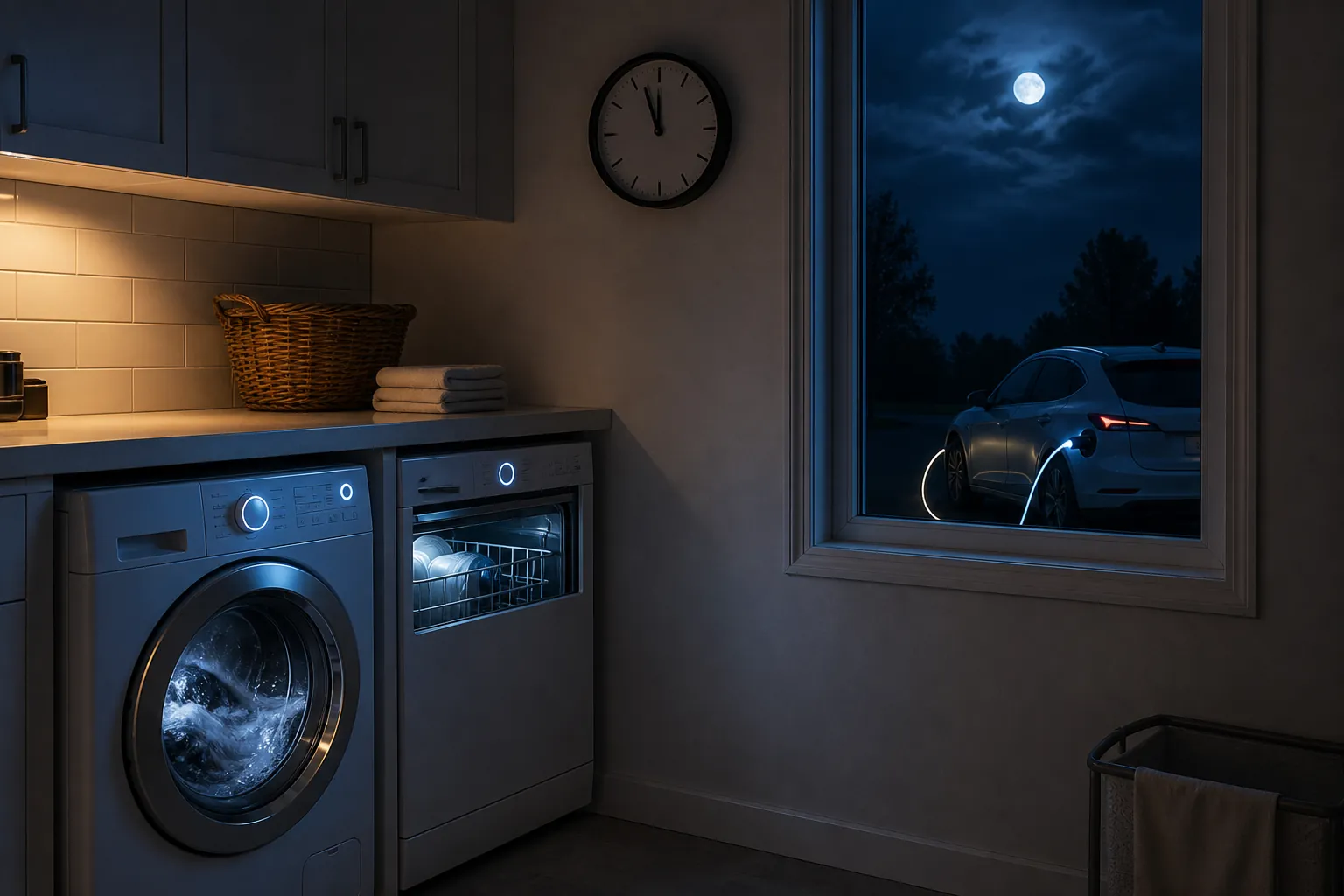
Skill level: beginner. Equipment: a time-delay function or smart control on the washing machine and dishwasher, plus a tariff that actually makes the night window cheaper. The recipe is an 11:30 p.m.–5:30 a.m. schedule, provided the appliance can start safely without someone being awake to supervise it and local noise rules allow it.
The tariff test comes first. A cheap-window rate of approximately 8p/kWh is materially below the 26.32p/kWh capped electricity day rate, but the comparison is valid only for the hours and tariff in question. Standing charges, peak rates, export rules, and any charging or subscription conditions belong in the calculation. [2]
- Confirm the start and end times from the current tariff, rather than copying them from an old automation.
- Use the appliance’s delayed-start control where possible; a smart plug should not be used to energize an appliance unless the manufacturer permits that operating pattern.
- Add a cancellation condition for a leak sensor, an open door, an unusual occupancy state, or a user-set quiet period.
- Compare the cost of equivalent cycles before and after the schedule. This is bill shifting, not necessarily kWh reduction.
4. Shift EV or battery charging, where the tariff supports it
Skill level: intermediate. Equipment: an EV charger or home battery with scheduled charging, a compatible tariff, and a departure or reserve requirement. Set the charger to fill only the required amount before departure, inside the cheap period, while preserving any battery reserve needed for the home or vehicle.
The whole-home effect is larger because the load is larger. In the stated tariff example, 60 kWh charged at roughly 8p/kWh instead of the 26.32p/kWh capped day rate represents about £11 of cost difference before other tariff conditions are considered. That is a tariff saving, not eleven pounds of energy eliminated, and it disappears if the vehicle must charge during a more expensive period or if the cheap rate carries a compensating condition.
5. Route solar surplus to flexible loads
Skill level: intermediate. Equipment: solar-generation data, a controllable load, and a rule that can stop the load when generation falls. A conservative pattern is to start a discretionary load only after surplus production remains above its threshold for a sustained period, then pause it when production drops below a lower threshold. The gap between those thresholds prevents rapid on-off cycling.
Use this for loads that tolerate interruption, such as a battery or an appliance with an appropriate resume function. Do not assume that every washing machine, immersion heater, or charger will restart safely after a power interruption. The value is also conditional on the alternative: using surplus may be better than importing electricity, but it may be worse than exporting it if the export payment is higher.
6. Let Home Assistant shed discretionary loads at a threshold
Skill level: advanced. Equipment: Home Assistant, a whole-home power sensor, controllable devices, and a clear priority order. A copyable logic pattern is: when total import stays above a chosen threshold, pause the lowest-priority flexible load; when import stays below a lower recovery threshold for a set period, restore it; never override a safety, medical, heating, refrigeration, or vehicle-departure requirement.
alias: Shed flexible load during high import
trigger:
  - platform: numeric_state
    entity_id: sensor.home_import_power
    above: INPUT_HIGH_THRESHOLD
    for: "00:05:00"
condition:
  - condition: state
    entity_id: input_boolean.load_shedding_enabled
    state: "on"
action:
  - service: switch.turn_off
    target:
      entity_id: switch.low_priority_load

# Add a separate recovery automation using a lower threshold
# and a delay before restoring the load.
The thresholds are household inputs, not universal recommendations. Set them from observed demand and the circuit’s limits, and test what happens when the sensor, network, or integration becomes unavailable. A failed automation that leaves a freezer off or a person without heat is not an energy saving.
Measure the result at the meter
The strongest candidates before October are the ones that remove a persistent load, reduce heating demand without breaking comfort, or move a substantial load to a genuinely cheaper period. Their order changes from home to home. A household with a large always-on entertainment cluster may get more from the first recipe; an EV owner on a suitable time-of-use tariff may get more from the fourth.
Keep a dated record of the baseline, the rule, the tariff, and the measured outcome. Check whether someone manually overrides the schedule, whether the device’s own standby draw erases part of the saving, and whether a shifted load simply reappears in a costly window. The bill is the final check: no recipe here earns a universal pounds-per-year promise.
References
- Energy price cap will rise by 4% from October 2026 — Ofgem, 26 August 2026
- Energy price cap unit rates and standing charges — Ofgem
- How to reduce standby power: a practical UK guide for 2026 — HomeEnergyModel
- What are smart plugs and do energy-saving plugs work? — Smart Energy GB
- How effective are smart thermostats? — Behavioural Insights Team
- How much energy and money can a smart thermostat save in the UK? — Wiser/Drayton Controls
- How smart thermostats can save you fuel and money — The Guardian, 30 March 2022