
Set Up Smart Home Emergency Alerts for Heat and Wildfires
A status-labeled setup guide for building a layered smart-home alert stack that covers both heat waves and wildfires. It walks through each channel — phone, apps, Alexa, Nest thermostat, smoke detectors, and an optional Home Assistant layer — with verified steps and the gaps that force layering.
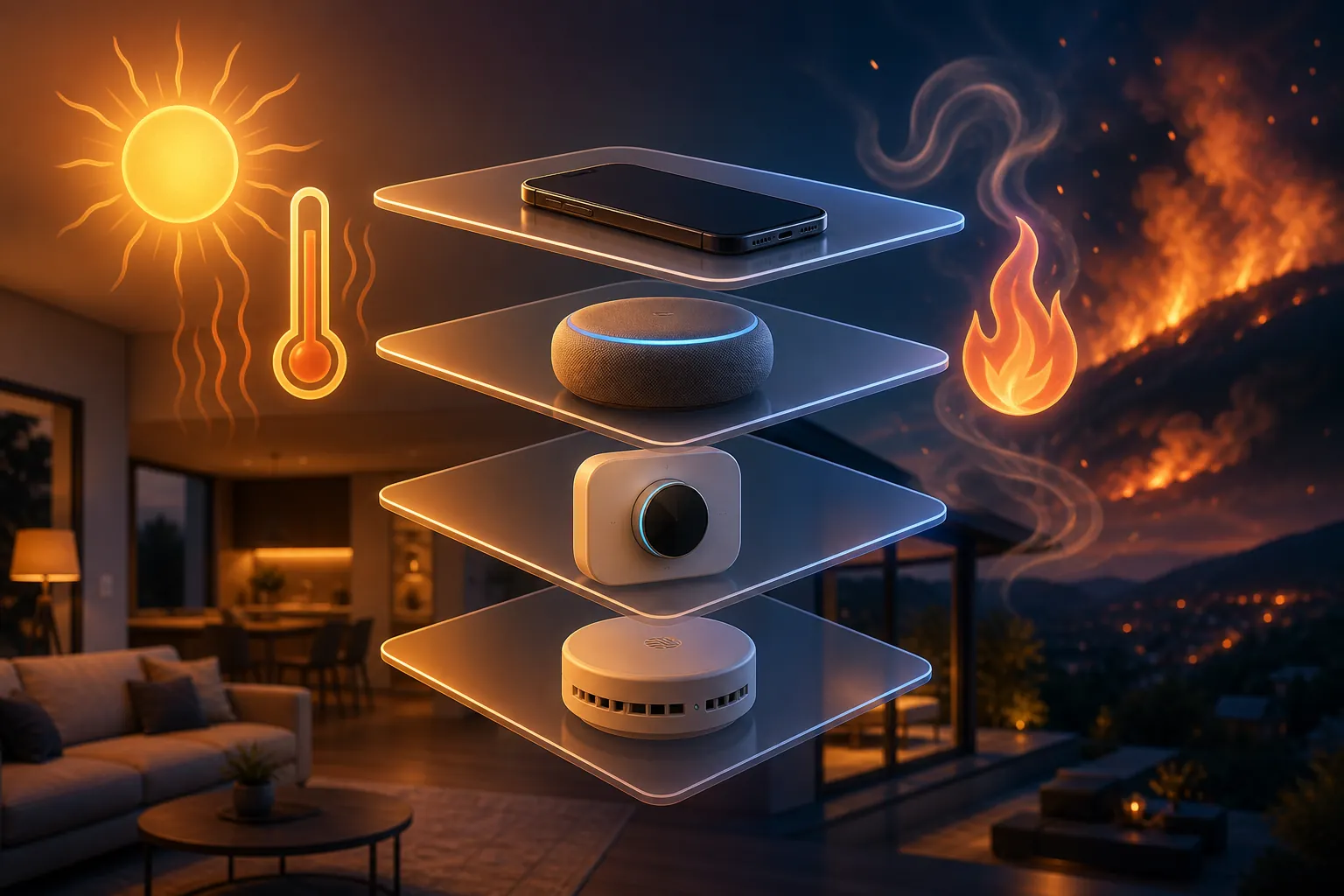
Start with the uncomfortable part: a phone is necessary, but it is not a complete smart home emergency alert system for heat waves and wildfires. Wireless Emergency Alerts are free, require no signup, and use cell broadcast rather than ordinary text-message delivery. That makes them one of the most important warning channels in the house. The catch is narrower than many people assume: the National Weather Service default WEA distribution list includes hazards such as tornado, tsunami, destructive severe thunderstorm, flash flood, hurricane, storm surge, extreme wind, dust storm, and snow squall alerts, but it does not include Excessive Heat Warnings or Red Flag Warnings by default.[1][2]
That does not mean heat, fire, or evacuation WEAs can never arrive. Local and state alerting authorities can still send WEAs for urgent local emergencies, including evacuation-type situations. It means the household setup cannot stop at “emergency alerts are on.” For heat-wave and wildfire coverage, the safe setup is layered, and every layer should have a visible state you can check before the bad day arrives.
| Layer | Status in Q3 2026 | Use it for | Known gap or failure mode |
|---|---|---|---|
| Phone / OS alerts | Confirmed baseline | WEA, government alerts, severe weather notifications | NWS default WEA list does not include Excessive Heat Warnings or Red Flag Warnings |
| Weather and emergency apps | Needed for heat/fire coverage | FEMA app, local opt-in alerts, AirNow AQI, Watch Duty fire information | App notifications depend on install, location settings, permissions, internet, and user setup |
| Voice assistant layer | Alexa confirmed; Google speaker severe-weather announcements not available in dated source | Audible severe-weather announcements inside the home | Not a substitute for official evacuation or heat-alert sources |
| Thermostat layer | Nest Safety Temperatures confirmed | Indoor temperature protection and phone notification | Notification requires Wi-Fi and internet at trigger time |
| Smoke / CO detector layer | Confirmed for in-home combustion alarms | Smoke and carbon monoxide inside the home | Not an ambient wildfire PM2.5 monitor and not an evacuation-alert source |
| Home Assistant layer | Optional intermediate setup | Custom filtering and local automations around NWS alerts | Official NWS integration does not expose an alert entity |
Build the phone layer first, because everything else leans on it
The phone layer should do three jobs: receive no-signup government alerts, receive app-based alerts for hazards WEA may not cover by default, and provide a second location path for people you care about. Do this before buying another sensor.
1. Confirm Wireless Emergency Alerts are allowed
On each household phone, open the emergency-alert settings and confirm government alerts are enabled. Keep the labels plain when you write them down: WEA is the no-signup, cell-broadcast layer. It is valuable precisely because it does not depend on you choosing the right app or remembering a password.
Then write down the gap next to it: do not count on NWS default WEA distribution for Excessive Heat Warnings or Red Flag Warnings. If an evacuation WEA comes from local authorities, take it seriously. Just do not treat the absence of a WEA as proof that heat or wildfire risk is low.
2. On iPhone, check Weather notifications as a separate toggle
On iOS, Apple Weather notifications are not the same thing as WEA. Apple’s iPhone guide says Severe Weather and Next-Hour Precipitation notifications are managed inside the Weather app, and location-based weather notifications require Location Services with Weather set to Always and Precise Location turned on.[3]
For a heat-and-wildfire setup, this toggle is worth checking because it is visible and testable. Open Weather, check the notification settings for your current location and any saved locations that matter, then make sure the phone is allowed to deliver time-sensitive notifications. If you manage an aging parent’s phone, check this while standing in the house, not over a rushed call during a heat advisory.
3. Add the FEMA app for multiple locations
Ready.gov’s wildfire guidance recommends downloading the FEMA app, signing up for community alerts, and monitoring AirNow during wildfire season. The FEMA app can receive National Weather Service alerts for up to five locations, which makes it useful for a parent’s ZIP code, a second home, a workplace, or a college apartment.[4]
Do not install it and assume it is done. Add the locations. Check notification permission. Put the five-location limit in your notes if you are supporting several households, because the sixth location needs a different path.
4. Sign up for local alerts where evacuation decisions are made
Local opt-in alerts are the boring layer that matters when a wildfire becomes a road, shelter, or evacuation problem. Ready.gov specifically tells households to sign up for local emergency alerts from their community.[4] That may be a county emergency-management system, a city alert portal, a sheriff’s office notification service, or a regional reverse-notification platform.
Use the address where people sleep, not only the mailing address. Add voice, text, and email if the system allows it. If the account has a “quiet hours” setting, make sure emergency messages bypass it. This is not elegant smart-home work, but it is usually closer to the people who decide whether a neighborhood should leave.
5. Learn the two vocabularies: HeatRisk and AQI
For heat, watch the National Weather Service HeatRisk tool. HeatRisk is a color-numeric system designed to communicate health risk from heat, including risk to people who are heat-sensitive or lack adequate cooling.[5] The CDC tells clinicians to use HeatRisk together with the Air Quality Index when advising patients during heat and smoke events.[6]
For smoke, use AirNow’s AQI categories instead of trying to interpret raw sensor numbers in a panic. AirNow defines AQI categories from Good through Hazardous and ties them to health concern levels.[7] In household notes, write the words you will act on: HeatRisk color, AQI category, and whether vulnerable people in the home need a call, a cooling plan, cleaner indoor air, or relocation.
6. Add Watch Duty where it operates
Watch Duty belongs in the wildfire app layer, not the smoke-detector layer. Its own overview describes it as a service that provides real-time wildfire information using reports from radio scanners, official sources, cameras, satellites, and a team that verifies and publishes incident information.[8] That is a different job from measuring smoke inside your living room.
If Watch Duty covers your area, set your county or location notifications and then keep local opt-in alerts anyway. Fire perimeter information, evacuation language, road closures, and official orders do not all come from one pipe.
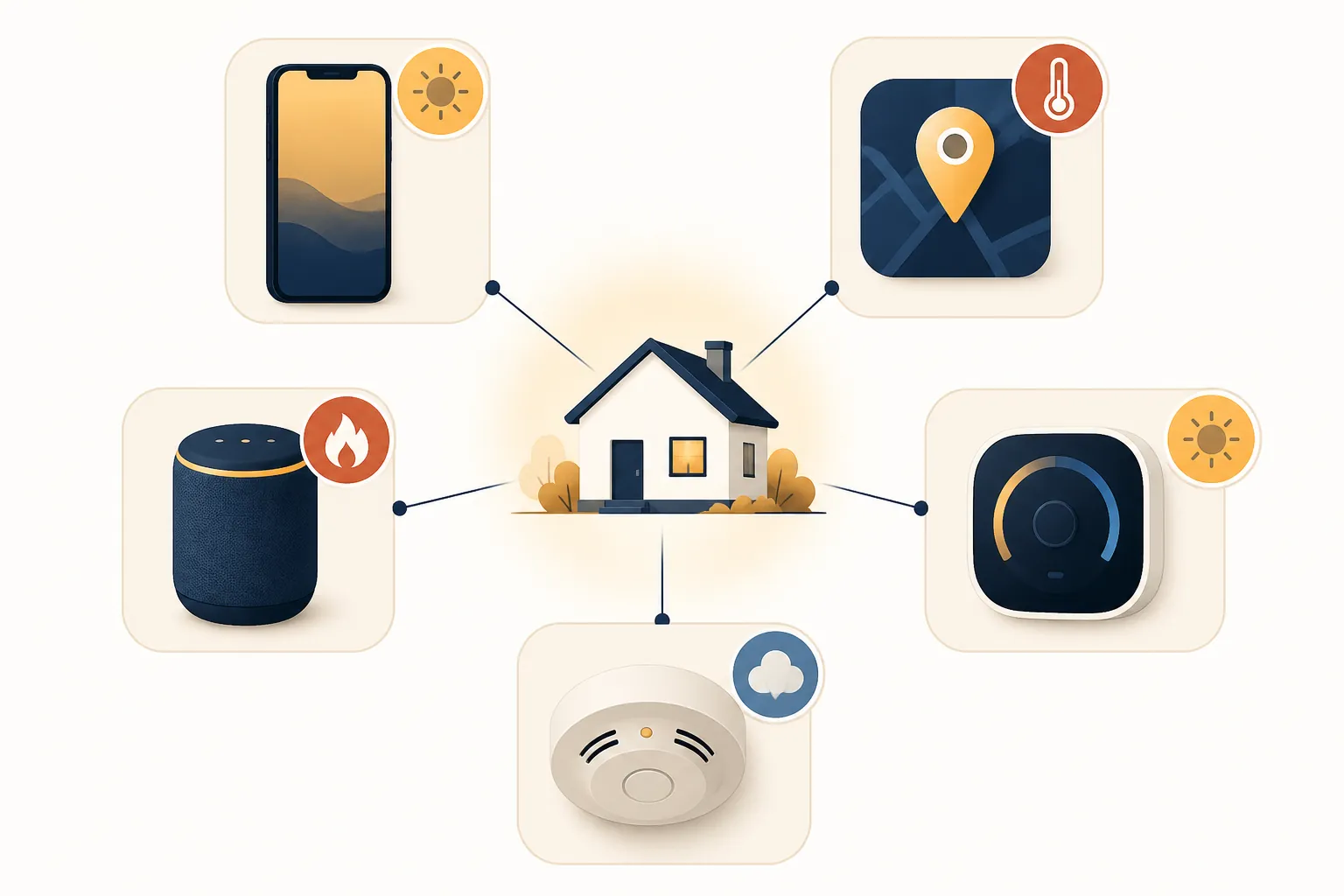
Add a speaker only after you know what it can actually announce
A smart speaker is useful when a phone is charging in another room or a hard-of-hearing family member responds better to a room announcement plus a phone vibration. It is not automatically an emergency-warning appliance.
Alexa: confirmed severe-weather alert path
Alexa has a confirmed free path for proactive severe-weather alerts. Reviewed’s 2022 guide gives the voice command “Alexa, tell me when there’s a severe weather alert,” and points to Alexa app notification settings for Weather.[9] For setup notes, label this as an audible severe-weather layer. Do not label it as complete heat-wave or wildfire coverage.
After enabling it, wait for the Alexa app to show the notification setting rather than trusting the spoken confirmation alone. If you already followed our severe thunderstorm alert setup, this is the same kind of layer: helpful for hazards Alexa recognizes, still dependent on the source and category Alexa is using.
Google speakers: do not assume comparable severe-weather announcements
The clean status label is less satisfying here: as of Reviewed’s 2022 guide, Google speakers and displays did not offer a severe-weather alert feature comparable to Alexa’s proactive alert setting.[9] There have also been continuing user requests in Google Nest community spaces, but the reliable public source for this article is still dated. Treat Google speaker weather announcements as not available unless you can point to a current Google setting on your own device.
If you are comparing platforms, the short version is covered in Alexa Has Thunderstorm Alert Settings. Google Home Doesn't. The heat-and-wildfire consequence is simple: do not let a Google speaker be the only audible warning path in the home.
Paid safety bundles deserve the same verification habit. If a service says it listens for smoke or CO alarm sounds, check the current price, supported devices, cancellation terms, and what happens during a power or internet outage before writing it into the emergency plan. A paid subscription can be useful, but it is not the same thing as an official fire, heat, or evacuation alert.
Use the thermostat for indoor temperature protection, not outdoor warning
A smart thermostat can help during a heat wave because it knows the indoor temperature. It does not know whether a county has opened cooling centers, whether a Red Flag Warning is in effect, or whether a nearby fire has changed direction.
Nest Safety Temperatures are the useful, checkable example. Google says Safety Temperatures can start heating or cooling even when the thermostat is set to Off, and the system can send a phone notification when Safety Temperatures activate. Google also states the caveat that the notification requires the thermostat to have working Wi-Fi and an internet connection at the time Safety Temperatures trigger.[10]
For a heat-wave setup, open the thermostat settings and record the cooling Safety Temperature. Then decide who receives the notification and who can act on it. If the alert goes only to a person who is asleep, traveling, or not authorized to enter the home, it is not an alert path; it is a record of a problem.
If you are tuning thermostat behavior before an event, use a heat-specific plan such as Smart Thermostat Settings for an Extreme Heat Watch. Keep that separate from emergency alerting. A temperature schedule can reduce risk; it cannot replace a heat warning, an AQI alert, or a welfare check.
Keep smoke and CO detectors in their lane
A smart smoke detector is for smoke particles from combustion inside the home, and a CO detector is for carbon monoxide. Those are critical alarms. They are not a wildfire early-warning network, and they are not a clean measurement of ambient PM2.5 from smoke outside.
Wirecutter’s 2026 smart smoke alarm review focuses on UL-listed smoke and CO alarms, including models from Kidde and First Alert, and notes that Google’s Nest Protect has been discontinued.[11] For US households, the first question is still whether the alarm is appropriate, listed, installed in the right places, powered, interconnected where required or possible, and tested. Matter support or app polish is secondary.
For wildfire season, think in three separate layers:
- In-home combustion alarm: UL-listed smoke and CO alarms that wake people up when something is burning or CO is present inside the house.
- Air-quality awareness: AirNow AQI, and optionally a dedicated PM2.5 air-quality monitor if your household needs room-level readings.
- Official fire and evacuation alerting: local opt-in alerts, WEA when issued by authorities, FEMA app locations, and wildfire information tools such as Watch Duty where available.
That separation prevents a dangerous expectation. A smoke alarm that stays quiet during smoky outdoor air is not necessarily failing; it may simply be doing the job it was built and listed to do. If wildfire smoke is tripping a detector, troubleshoot it as an alarm-placement, contamination, or nuisance-alarm problem rather than turning off the only device that wakes the house. For the detector-specific boundary, see Can Any Smart Smoke Detector Detect Wildfire Smoke?.
Use Home Assistant only if you can maintain it
Home Assistant can be useful for an intermediate household that already maintains automations and wants a dashboard or speaker routine tied to filtered weather alerts. It should not be the beginner-safe minimum for heat and wildfire warnings.
The reason is specific. The official Home Assistant National Weather Service integration provides forecast and weather data, but its documentation does not describe an alert entity.[12] The community HACS integration nws_alerts is built for NWS alerts and supports filtering by NWSCode and event names.[13] That can be powerful if you know how to install, update, and repair community integrations. It is also one more thing that can break quietly if nobody in the home understands it.
A sensible Home Assistant role is additive: flash lights when a relevant NWS alert appears, announce through speakers, or put HeatRisk and AQI reminders on a dashboard. Keep phone alerts and local opt-in alerts outside Home Assistant. If you want the nws_alerts pattern, adapt it from a narrower weather recipe such as How to Set Up Tornado Warning Alerts in Home Assistant, but do not make it the only copy of the warning.
A copyable layered setup
Use this as the household note. Fill in names and devices, then test the pieces you can test.
| Hazard | Primary alert path | Backup or indoor path | What to verify |
|---|---|---|---|
| Official evacuation or immediate local emergency | WEA when issued; local opt-in alerts | FEMA app location; Watch Duty where available | Government alerts enabled; local alert account active; address and notification methods correct |
| Excessive heat risk | FEMA app and weather app notifications; HeatRisk check | Thermostat Safety Temperature notification; welfare-check plan | Weather app notifications allowed; FEMA location added; thermostat internet dependency understood |
| Red Flag / wildfire conditions | Local alerts, weather app, FEMA app, Watch Duty where available | AQI monitoring through AirNow | Do not rely on default NWS WEA distribution for Red Flag Warnings |
| Wildfire smoke / poor air quality | AirNow AQI | Optional PM2.5 monitor; HVAC and purifier plan | AQI category understood; notifications or daily check routine set |
| Smoke or CO inside the home | UL-listed smoke / CO alarms | Smart notifications or paid sound detection if verified | Alarms tested; batteries/power checked; app notification path tested |
| Audible in-home severe weather notice | Alexa proactive severe-weather alerts if enabled | Phone alerts and app alerts | Alexa setting visible; Google speakers not assumed to provide this feature |
The pass-fail test is plain. For every channel, you should be able to name the hazard it covers, show the toggle or subscription state, and state the failure mode. WEA: free and no signup, but not default coverage for Excessive Heat or Red Flag Warnings. FEMA app: multiple saved locations, but app permissions matter. Alexa: audible severe-weather path, but not a universal heat-and-wildfire alert service. Nest Safety Temperatures: useful indoor protection, but the phone notification needs internet at trigger time. Smoke alarms: essential for in-home fire and CO, but not ambient wildfire-smoke monitoring.
References
- Wireless Emergency Alerts, National Weather Service.
- Wireless Emergency Alerts, FEMA.
- Manage weather notifications on iPhone, Apple Support.
- Wildfires, Ready.gov, 08/11/2026.
- HeatRisk, National Weather Service Weather Prediction Center.
- How to use the HeatRisk Tool and Air Quality Index, CDC.
- AQI Basics, AirNow.
- How Watch Duty Works, Watch Duty.
- 4 ways your smart speaker can help during an emergency, Reviewed, February 2022.
- Learn about Eco Temperatures and how to change settings, Google Nest Help.
- The Best Smart Smoke Alarm, Wirecutter, 2026.
- National Weather Service (NWS), Home Assistant.
- nws_alerts, GitHub.