
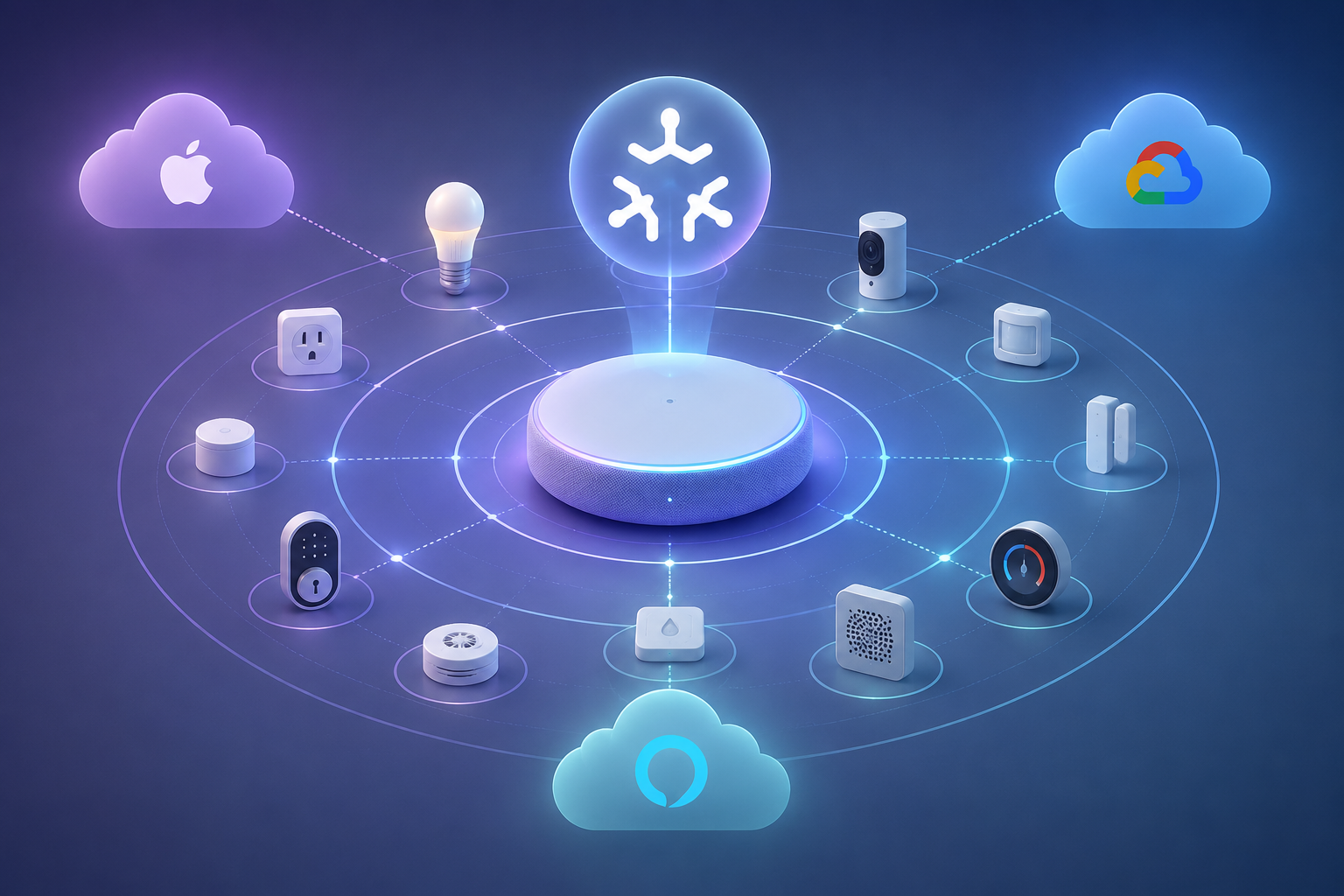
If you run Home Assistant in Q3 2026 and have not added Matter yet, the answer is no longer “wait and see.” It is closer to: yes, learn it and add it where it solves a real problem. The June 2026 Matter Server 9.0 upgrade changed the feel of Matter in Home Assistant because it replaced the older Python-based server with matter.js, added Matter 1.5.1 support, brought drop-in migration without recommissioning devices, and added network visualization for seeing how Matter devices are connected.[1]
That does not mean a stable Zigbee network suddenly became obsolete. If your Zigbee sensors, buttons, bulbs, and automations already behave every night, there is no prize for rebuilding them under a new logo. Matter matters most when you are buying new devices, trying to reduce ecosystem lock-in, or want Home Assistant to sit cleanly between Apple Home, Google Home, Alexa, and local automations.
What Changed With Matter Server 9.0
The practical improvement is not that Matter became perfect. It is that Home Assistant’s Matter layer now looks less like a side experiment and more like part of the house you can keep running. Server 9.0’s move to matter.js matters because it aligns Home Assistant with the same JavaScript-based Matter stack used in a wider part of the Matter ecosystem. For a normal user, the important part is simpler: the foundation is newer, official Matter support is broader, and upgrades no longer imply the dread of recommissioning everything from scratch.[1]
The drop-in migration is the unsung feature. Re-pairing smart-home devices is where enthusiasm goes to die: open the app, find the code, reset the device, hope the radio path behaves, then repair automations after entity names change. Home Assistant’s 9.0 upgrade was designed to move existing Matter users over without that kind of recommissioning.[1] That is the difference between “interesting release note” and “I might actually tell someone to install this.”
Network visualization is the other beginner-friendly change. Matter problems can otherwise feel invisible: is the device on Wi-Fi, on Thread, behind a bridge, reachable through a border router, or failing somewhere between ecosystems? Being able to see the Matter fabric gives Home Assistant users a much better starting point before they start blaming the bulb, the router, or themselves.[1]
There is also a trust signal that was missing in earlier years. In March 2025, Home Assistant announced Matter certification as both a Matter controller and a Matter bridge, calling it the first open-source platform certified in both roles.[2] That does not make every device flawless, but it does mean Home Assistant is no longer merely reverse-engineering its way into the conversation.
Matter, in Plain Home Assistant Terms
Matter is a smart-home application standard. It is meant to let a device speak a common language to different controllers, so the same certified plug, light, lock, sensor, or thermostat can be added to more than one major ecosystem instead of being trapped inside one vendor’s app. Matter can run over Wi-Fi, Ethernet, or Thread; Thread devices need a Thread border router, while Wi-Fi Matter devices do not.[6]
For Home Assistant, the key point is control. Home Assistant can act as a Matter controller, meaning it can commission and operate Matter devices. It can also act as a Matter bridge, meaning it can expose devices from Home Assistant to other Matter controllers when supported. That bridge role is where the standard starts to feel less like another pairing method and more like an interoperability layer.
| If you have | What Matter changes | How urgent it is |
|---|---|---|
| A stable Zigbee-only Home Assistant setup | Not much unless you need another ecosystem to control those devices | Low |
| New smart-home purchases planned | Matter becomes a reasonable default to check before buying | Medium |
| Apple, Google, Alexa, and Home Assistant in the same home | Multi-admin and bridging can reduce duplicate device silos | High |
| Thread Matter devices you want to buy | You must plan border routers and Thread credentials | High |
| Wi-Fi Matter devices you want to buy | You mainly need a solid Wi-Fi network and a Matter controller | Medium |
The Best Reason to Add Matter: Cross-Platform Control
Matter’s most useful Home Assistant trick is not replacing every old device. It is letting a home stop choosing one “real” platform. A light can be visible in Home Assistant for automations, available in Apple Home for a family member’s iPhone controls, and still usable through a voice assistant without each platform needing its own separate vendor integration.
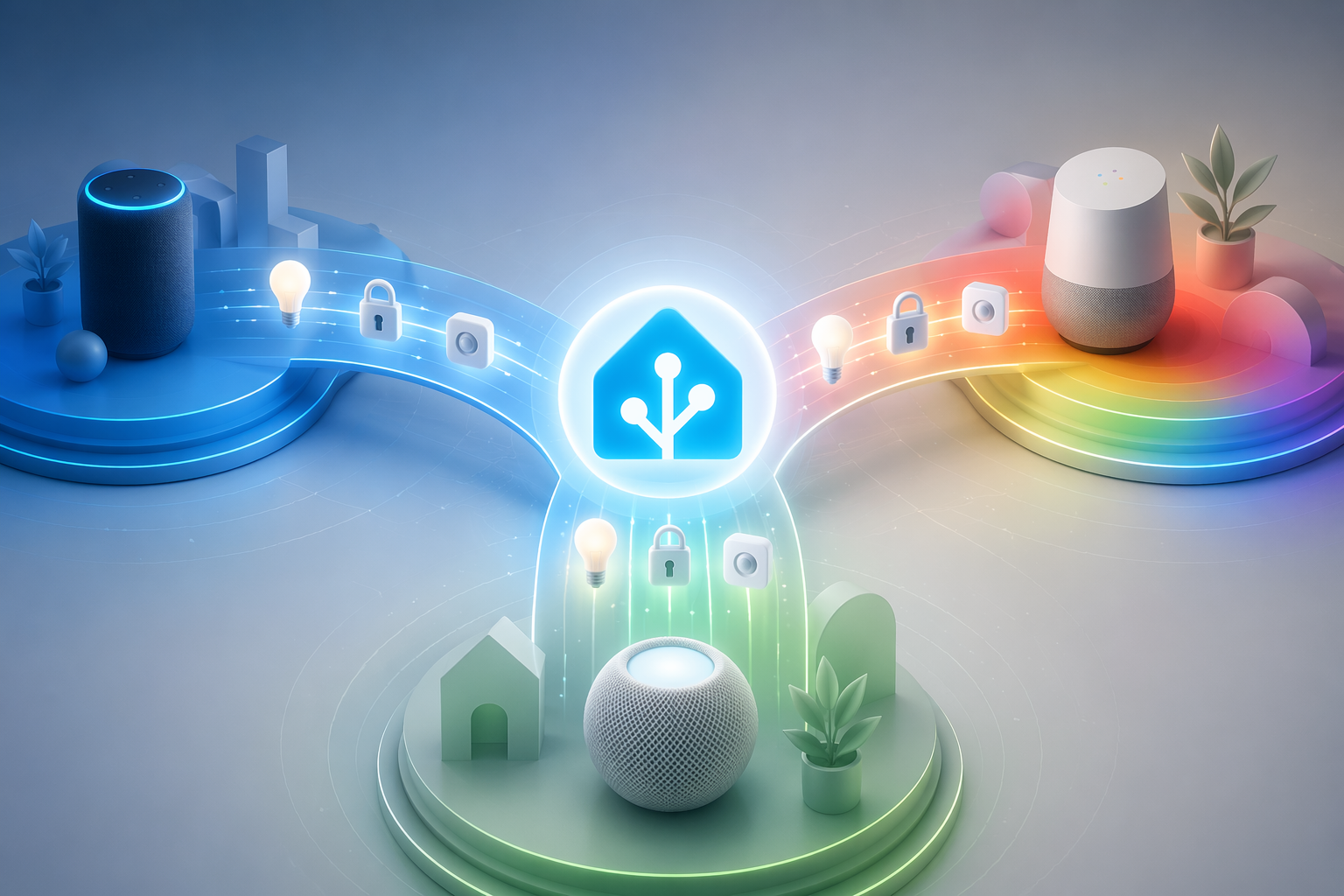
That is where Home Assistant’s controller-and-bridge certification matters. A controller can bring Matter devices into Home Assistant. A bridge can make devices already managed by Home Assistant available outward through Matter, depending on device type and support.[2] For a household, that can mean fewer duplicate integrations, less dependence on one vendor’s cloud, and fewer conversations that begin with “you have to use my dashboard.”
Multi-admin is the feature behind that idea. Instead of a device belonging to only one ecosystem, Matter allows supported devices to be shared with multiple controllers. Compared with a classic Zigbee setup tied to one coordinator, Matter’s model is better suited to homes where Home Assistant, Apple Home, Google Home, or Alexa all need some level of access.[4]
This is also the point where expectations need a hand on the brake. Multi-admin is real, but the experience still depends on the device category, the controller, and the platforms involved. Thread credential sharing through Thread 1.4 was still uneven in 2026: Apple was further along, while Google and Amazon were described as lagging in rollout.[4] If you want one Thread mesh to behave beautifully across every platform, plan for some manual credential work or choose your border-router ecosystem carefully.
The Hardware Decision: Wi-Fi Matter Is Not Thread Matter
This is the place where many first Matter setups go sideways. “Matter device” does not tell you what radio the device uses. A Matter plug might use Wi-Fi. A Matter sensor might use Thread. Those two devices have different requirements, and buying a Thread border router will not improve a Wi-Fi Matter device.
| Device type | What it connects through | What Home Assistant needs |
|---|---|---|
| Matter over Wi-Fi | Your normal Wi-Fi network | Home Assistant with Matter support and reliable local networking |
| Matter over Ethernet | Wired network | Home Assistant with Matter support on the same reachable network |
| Matter over Thread | Thread mesh | A Thread border router plus Home Assistant Matter support |
| Bridged Matter device | A bridge that represents another protocol | The bridge commissioned into Home Assistant or another Matter controller |
If you are buying a Wi-Fi Matter plug, switch, light strip, appliance, or similar mains-powered device, the hardware path is usually straightforward. You need Home Assistant’s Matter integration working, a network that allows local device discovery and control, and a device that is actually Matter-certified rather than merely compatible with a vendor app. You do not need a Thread border router for that device.
If you are buying Thread devices, slow down and plan the border router first. Thread is a low-power mesh network, commonly used for battery sensors, buttons, and small devices. It needs a Thread border router to connect that mesh to the rest of your IP network. That border router might be a dedicated Home Assistant-friendly device or part of another ecosystem product, but its Thread network and credentials determine how pleasant the setup becomes.
The safest order is simple: decide whether the devices you want are Wi-Fi or Thread, then buy only the hardware that path requires. If you already know you are headed toward Thread, use a dedicated setup walkthrough such as How to Set Up a Thread Border Router in Home Assistant before ordering sensors. If you are still picking gear, a hardware-focused guide such as Best Matter Hardware for Home Assistant in 2026 is the better next stop than a generic Matter explainer.
Is Your Home Assistant Box Ready?
Matter Server 9.0 is a meaningful upgrade, but it is not free in resource terms. matter-smarthome.de reported from testing that RAM requirements approximately doubled with the new server.[3] That is not a reason to avoid the upgrade. It is a reason to look at the machine running Home Assistant before you add a pile of Matter devices and then wonder why the system feels tight.
- If Home Assistant runs on a roomy mini PC or server, the RAM increase is probably just something to monitor.
- If it runs on an older Raspberry Pi with several add-ons, databases, cameras, or heavy integrations, check memory headroom before upgrading.
- If you already have Matter devices commissioned, read the Server 9.0 upgrade notes before making changes, even though the migration is designed to avoid recommissioning.
- If you have no Matter devices yet, upgrade first, then commission new devices into the newer stack rather than learning the old path.
For existing Matter users, the more detailed question is not “Should I use Matter?” but “What exactly changes when I move to the new server?” That is where a release-specific walkthrough such as What Home Assistant’s Matter Server 9.0 Means for You belongs.
What You Can Actually Buy in 2026
Matter’s device catalog is now large enough to be useful, but not large enough to pretend the market has fully moved. A 2026 comparison put the count at roughly 1,000 Matter-certified devices versus about 3,500 Zigbee devices, with the important caveat that device counts change constantly as products certify and older devices remain in circulation.[4] That lines up with what many Home Assistant users see in practice: Matter is real, visible, and growing, while Zigbee still has the deeper bench.
The categories are no longer just novelty bulbs. Matter-compatible products now span lights, plugs, sensors, locks, switches, thermostats, blinds, and doorbells, with vendor lists that continue to expand.[5] For a new plug, bulb, switch, or lock, Matter deserves to be on the shortlist. For specialized sensors, unusual remotes, cheap battery devices, or mature Zigbee ecosystems, Zigbee may still be the more practical buy.
The more careful shopping question is not “Does Matter support this category?” It is “Does this exact model expose the features I need through Matter?” A device can work beautifully in its own app and still expose only a narrower feature set through a standard controller. Before buying in quantity, test one device in Home Assistant and confirm the entities, controls, and automation behavior you actually need.
Bulbs are a good example. If you are replacing a few lamps and want shared control across Home Assistant and a voice assistant, a Matter bulb can be a clean choice. If you already have a strong Zigbee lighting mesh with bindings, remotes, and known behavior after power loss, the case for replacing it is weak. For device-specific shopping, jump to something narrower like Which Matter Smart Bulb Should You Buy? rather than treating all Matter devices as interchangeable.
When Matter Is Worth Adding Now
Matter is worth setting up in Home Assistant in 2026 if one of a few situations sounds familiar. You are buying new devices and want to avoid single-vendor lock-in. You want Apple Home, Google Home, Alexa, and Home Assistant to see some of the same devices without building four separate stacks. You want Home Assistant to remain the automation brain while still giving less technical people familiar app or voice controls.
- Add Matter for new plugs, bulbs, switches, locks, thermostats, blinds, or sensors when the exact model exposes the controls you need.
- Add Matter when cross-platform access is the point, especially in homes split between Apple, Google, Alexa, and Home Assistant.
- Add Matter over Wi-Fi when you want simple mains-powered devices and already have solid Wi-Fi coverage.
- Add Matter over Thread when you specifically want a low-power mesh and are willing to plan border routers.
- Wait on Matter if your existing Zigbee network already solves the problem and no other ecosystem needs access.
Home Assistant’s own adoption data also argues for a middle position. Matter being enabled on 38% of Home Assistant instances and ranking 12th among integrations shows that it is no longer fringe inside the Home Assistant world, but it is also not the dominant protocol layer.[1] That is a healthy place to put it in your planning: important enough to learn, not important enough to panic-migrate.
When Zigbee Still Makes More Sense
Zigbee’s advantage in 2026 is boring in the best possible way. The device ecosystem is larger, lots of Home Assistant users already own reliable coordinators, and the cheap sensor market is still deep. The same 2026 comparison that estimated about 1,000 Matter-certified devices put Zigbee around 3,500 devices, which helps explain why Zigbee remains strong even as Matter grows.[4]
A working Zigbee mesh is also an asset. The routers have found their paths, your coordinator is known, your automations use stable entities, and everyone in the house has stopped noticing the system. Replacing that just to make the network label prettier adds risk without a clear payoff.
The better approach is mixed, not tribal. Keep Zigbee where it is reliable and cost-effective. Add Matter where it gives you cleaner new-device onboarding, better cross-platform access, or a product category where the Matter device is simply the better buy. Home Assistant is unusually good at this kind of coexistence; forcing one protocol to win is usually less useful than letting each one do the job it is good at.
A Sensible First Matter Setup
For a first Matter device in Home Assistant, choose something low-consequence. A plug or bulb is better than a front-door lock. A Wi-Fi Matter plug is usually the simplest first test because it avoids Thread border-router planning. Commission one device, confirm Home Assistant sees the expected entities, add it to one automation, and then decide whether the experience is good enough to repeat.
- Upgrade Home Assistant and the Matter Server path you are using so you start on the Server 9.0-era stack.
- Pick one Matter device whose radio type you understand: Wi-Fi, Ethernet, or Thread.
- If it is Thread, set up the border router before opening the device pairing flow.
- Commission the device into Home Assistant and check which controls and sensors appear.
- Only then share it with another ecosystem or buy more devices of the same model.
Once you have made the decision to proceed, use a commissioning walkthrough such as How to Set Up Matter Devices in Home Assistant or the broader How to Set Up Matter in Home Assistant. If your first Matter project involves several Thread border routers from different ecosystems, keep Fix Unstable Thread Mesh with Multiple Border Routers nearby; that is where the easy Matter story can become a real networking problem.
The 2026 Verdict for Home Assistant Users
Matter is ready enough for Home Assistant users to take seriously in 2026. Server 9.0 makes the platform feel much more prepared, official certification gives open-source users a real seat at the Matter table, and the device catalog is broad enough that new purchases should at least be checked for Matter support.[1][2][5]
The practical recommendation is selective adoption. Add Matter when it reduces lock-in, gives you better cross-platform control, or makes a new device easier to bring into Home Assistant. Keep Zigbee where it is already stable, cheap, and doing exactly what your automations need. In the protocols-and-platforms part of a Home Assistant setup, Matter is now worth learning and adding deliberately; it is not a forced migration away from a working smart home.
References
- The Matter upgrade you’ve been waiting for, Home Assistant, June 23, 2026
- Home Assistant is now Matter certified, Home Assistant, March 10, 2025
- Home Assistant’s new Matter Server is a game changer, matter-smarthome.de
- Should you switch from Zigbee to Matter in 2026? What to really choose for your smart home, Howmation, April 2026
- Overview: Products compatible with Matter, matter-smarthome.de
- Matter in 3 minutes: Beginner’s guide to the standard, matter-smarthome.de
Updates & Corrections
Protocol specifications and platform features change rapidly — especially with Matter version evolution. Report version changes, certification count updates, or platform policy changes that have occurred since the last editorial review.
Comments
Join the discussion with an anonymous comment.