
Devices
Smart Home Automation for Heat Advisory vs Extreme Heat Warning
Learn the difference between a Heat Advisory and an Extreme Heat Warning from the NWS, and how to configure your smart home automations to respond appropriately to each severity level, including regional threshold variations and platform-specific capabilities.
Local control & certification
Local vs. cloud control is not yet documented for this device.
When a phone, Echo, or Home Assistant dashboard says Heat Advisory, the house should not behave the same way it does for an Extreme Heat Warning. The National Weather Service alert ladder now runs from Heat Advisory to Extreme Heat Watch to Extreme Heat Warning, with the warning as the highest heat tier; older pages and some third-party services may still say “Excessive Heat Warning,” because the NWS renamed that warning product in March 2025 while leaving “Heat Advisory” unchanged.[1]
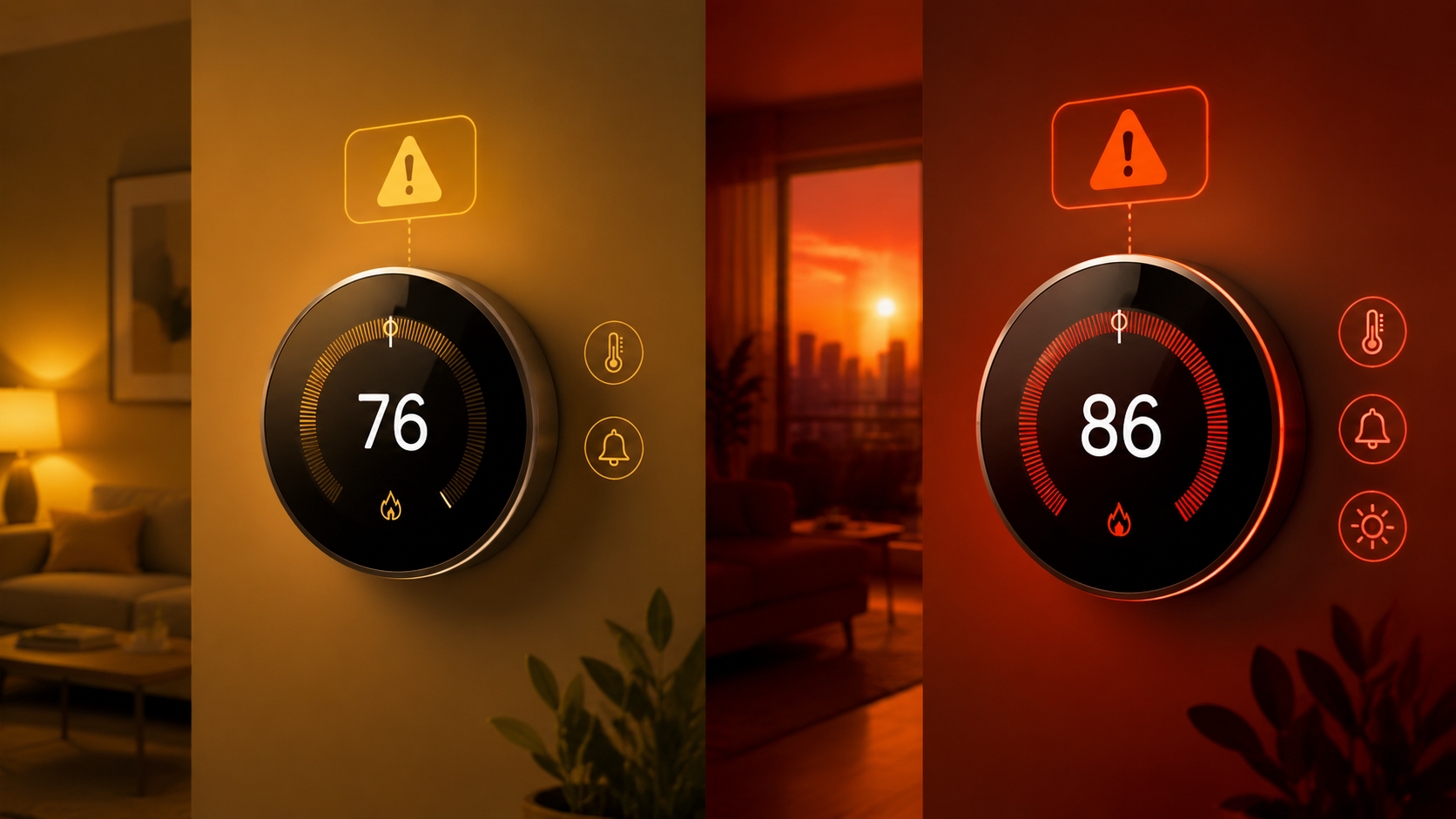
That naming detail matters in automation. A rule looking for “Extreme Heat Warning” may miss a third-party feed that still exposes “Excessive Heat Warning.” A dashboard card may show the old name while an NWS page uses the new one. A smart speaker may announce a severe weather alert without telling your automation whether this is the “act early” tier or the “act now” tier.
For smart home weather alerts, the useful distinction is simple at the top level: a Heat Advisory means dangerous heat is expected and precautions should start; an Extreme Heat Warning means life-threatening heat conditions are expected or occurring and protective action should be more immediate. The hard part is not that hierarchy. The hard part is that the numbers behind it are local.
The Same Alert Name Does Not Mean the Same Number Everywhere
A single national heat-index trigger is a bad automation model. It feels tidy to say “advisory at 105°F, warning at 110°F,” and in some places that is close enough to sound convincing. Then you find a forecast office with duration criteria, a coastal Florida office with higher warning thresholds, or a local page that states advisory criteria more clearly than warning criteria. That is how a precise-looking automation becomes locally wrong.
| NWS forecast office or area | Heat Advisory example criteria | Extreme Heat Warning example criteria | Automation consequence |
|---|---|---|---|
| Baltimore/Washington | Heat index at or above 105°F | Heat index at or above 110°F | A 105°F local threshold can match advisory-level action, but 110°F is the escalation point.[2] |
| State College, Pennsylvania | Heat index at or above 105°F for at least 3 hours | Heat index at or above 110°F for at least 3 hours | Duration matters; a brief spike should not be treated the same as a qualifying event.[3] |
| Amarillo, Oklahoma/Texas Panhandles | 105°F or higher | 110°F or higher, with lower thresholds possible in areas where heat events are less frequent | Local normality matters; do not assume the same number applies across all nearby counties.[4] |
| Melbourne, Florida | Heat index 108°F to 112°F | Heat index at or above 113°F | A 105°F trigger would be below the listed advisory range for this office.[5] |
Those rows are not edge cases. They are the reason a heat automation should begin with the official alert product when possible. In Baltimore/Washington, a heat index of 105°F lines up with advisory criteria and 110°F with warning criteria.[2] In State College, the same values are tied to a minimum 3-hour duration, so a sensor rule that fires on one forecasted hourly value is looser than the local NWS criteria.[3] In Melbourne, the advisory band starts at 108°F and the warning threshold starts at 113°F, so copying a 105°F rule from a Mid-Atlantic setup would over-trigger.[5]
Miami is a useful caution for a different reason: some local materials may make one tier easier to find or operationalize than the other. If a page gives advisory criteria but does not clearly state warning criteria in the same place, the safe move is not to infer the missing warning number from another region. It is to check the local forecast office, the current alert text, and the NWS API event details before wiring a louder automation.
Map the Alert Tier to the Amount of Household Disruption
The right smart-home response is not “make everything colder whenever the weather service says heat.” Cooling costs money, announcements startle people, and too many alerts train the household to ignore the next one. The cleaner split is to let a Heat Advisory start lower-disruption precautions and let an Extreme Heat Warning override more normal behavior.
| Alert tier | Household meaning | Reasonable smart-home response |
|---|---|---|
| Heat Advisory | Dangerous heat is expected below the local warning tier. | Notify household members, pre-cool modestly before peak heat, check vulnerable rooms, reduce heat-producing routines, and surface the alert on dashboards. |
| Extreme Heat Watch | Warning-level heat is possible, but timing or confidence may still be developing. | Prepare the warning response, confirm thermostat schedules, and notify caregivers or household admins without treating it as an active warning. |
| Extreme Heat Warning | Life-threatening heat conditions are expected or occurring. | Escalate announcements, move thermostat behavior into protective mode, check on people or pets, suppress energy-saving setbacks, and keep the alert visible until it clears. |
For an advisory, I would rather have a routine that acts early than one that acts dramatically. A useful advisory automation might send a mobile notification in the morning, lower a thermostat target slightly before the hottest part of the afternoon, close compatible shades, and put a yellow or amber heat tile on a dashboard. If you already use smart thermostat heat-wave routines, this is the place to connect them to the alert tier rather than to a generic “hot day” condition; a more detailed thermostat setup belongs in a focused recipe such as smart thermostat settings for a heat wave.
For a warning, the automation can justify being harder to ignore. That might mean an Echo announcement in occupied rooms, a persistent phone notification, a dashboard state that turns red, a thermostat hold that prevents an afternoon setback, or a caregiver message if an indoor sensor is climbing in a room used by an older adult, infant, pet, or temperature-sensitive medication. The warning routine should also have an escape hatch: someone in the house needs to know what changed and how to undo it if the automation made the wrong call.
Home Assistant: Best Control, But Not from the Official NWS Integration Alone
Home Assistant is the most comfortable place to build tiered heat logic, with one important catch. The official NWS integration provides weather forecasts, not NWS alert event objects.[7] To inspect alert name, severity, headline, and description, many users rely on the community NWS Alerts integration in HACS. Its GitHub documentation says it polls the NWS API every 60 seconds and exposes attributes including severity, event type, headline, and description; the repository is a community project, not Home Assistant core.[8]
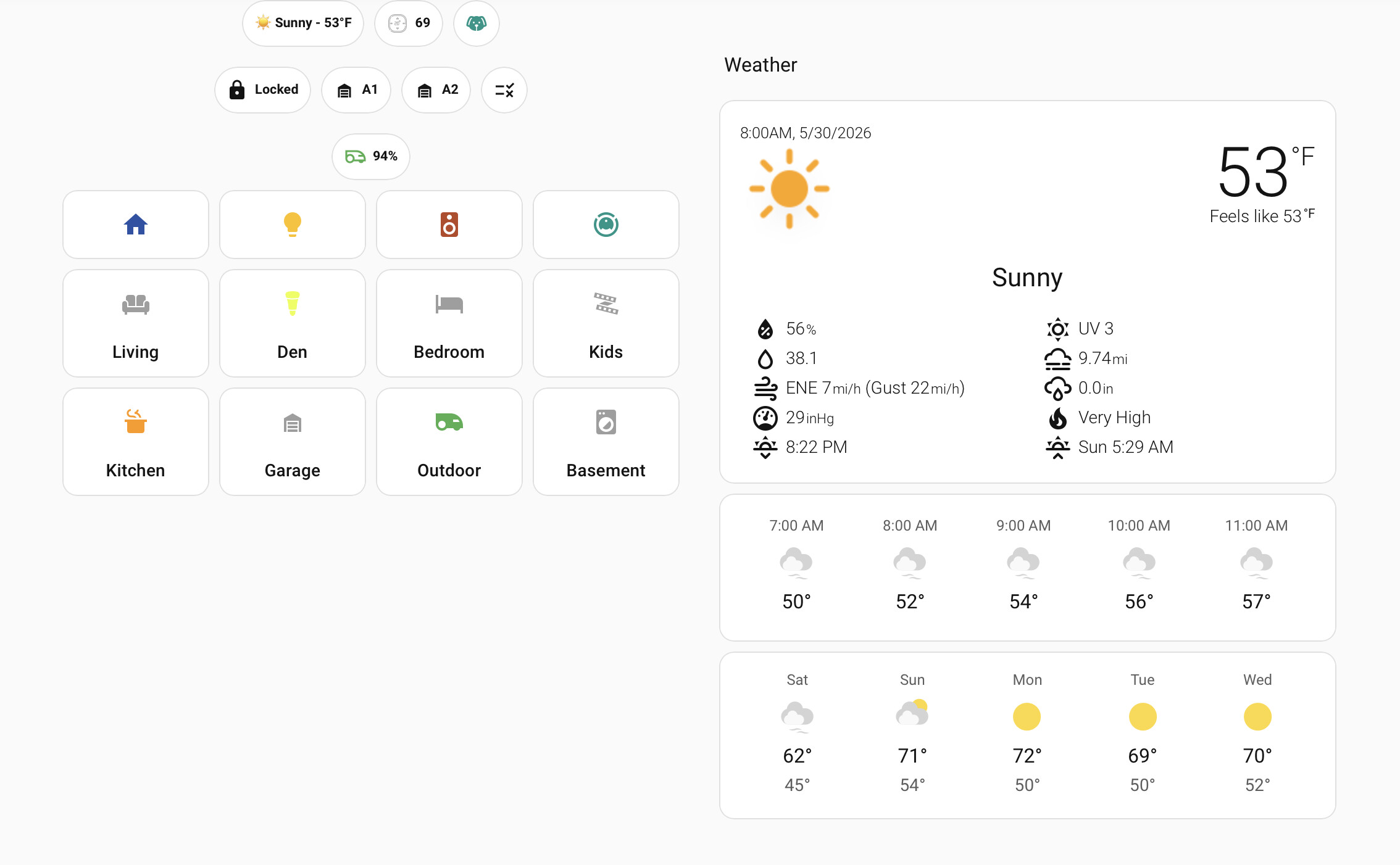
That distinction is not pedantic. If your home’s heat response depends on a HACS integration, you should treat it like any other community dependency: watch for breaking changes, keep a manual fallback, and avoid hiding the only evidence of the alert inside one dashboard card. The benefit is that Home Assistant can make the decision you actually care about: “Is the active NWS event a Heat Advisory, an Extreme Heat Watch, an Extreme Heat Warning, or an older Excessive Heat Warning string?”
A practical Home Assistant pattern is to separate alert detection from household action. One template sensor can normalize the event name. The automations can then respond to the normalized tier. That keeps the March 2025 naming transition from leaking into every thermostat, lighting, and notification rule.
template:
  - sensor:
      - name: "Heat Alert Tier"
        state: >
          {% set event = state_attr('sensor.nws_alerts', 'event') | default('', true) | lower %}
          {% set severity = state_attr('sensor.nws_alerts', 'severity') | default('', true) | lower %}
          {% if 'extreme heat warning' in event or 'excessive heat warning' in event %}
            warning
          {% elif 'extreme heat watch' in event %}
            watch
          {% elif 'heat advisory' in event %}
            advisory
          {% else %}
            none
          {% endif %}
        attributes:
          nws_severity: "{{ state_attr('sensor.nws_alerts', 'severity') }}"
          headline: "{{ state_attr('sensor.nws_alerts', 'headline') }}"
The entity names in that example are placeholders; use the actual entities created by your NWS Alerts setup. The useful part is the normalization: both “Extreme Heat Warning” and the older “Excessive Heat Warning” become the same internal warning tier. If the community integration exposes multiple active alerts, the template needs to inspect the structure your sensor actually provides rather than assuming a single event string.
alias: Heat advisory precautions
trigger:
  - platform: state
    entity_id: sensor.heat_alert_tier
    to: "advisory"
action:
  - service: notify.mobile_app_household_admin
    data:
      title: "Heat Advisory"
      message: "NWS heat advisory is active. Pre-cooling and dashboard alert enabled."
  - service: climate.set_temperature
    target:
      entity_id: climate.main_floor
    data:
      temperature: 74
  - service: input_boolean.turn_on
    target:
      entity_id: input_boolean.heat_advisory_mode
alias: Extreme heat warning protection
trigger:
- platform: state
entity_id: sensor.heat_alert_tier
to: "warning"
action:
- service: notify.mobile_app_household_admin
data:
title: "Extreme Heat Warning"
message: "NWS warning is active. Protective cooling mode enabled; check vulnerable people, pets, and rooms."
- service: climate.set_preset_mode
target:
entity_id: climate.main_floor
data:
preset_mode: "comfort"
- service: media_player.volume_set
target:
entity_id: media_player.kitchen_echo
data:
volume_level: 0.5
- service: notify.alexa_media_kitchen_echo
data:
message: "Extreme Heat Warning is active. Protective cooling mode is now on."
data:
type: announceThose examples intentionally do not use national heat-index thresholds. If the alert feed is working, the forecast office has already applied local criteria. If the feed is not working and you must fall back to temperature or heat-index thresholds, use your local NWS office’s criteria and include duration where the office includes duration.
For readers who want the same NWS Alerts integration pattern with a different hazard, the Home Assistant setup mechanics are similar to Home Assistant tornado warning alerts and other tiered weather automations such as tropical depression alerts in Home Assistant. Heat is different only in the local-threshold work you need to do before trusting a numeric fallback.
Use Dashboard Cards as Visibility, Not as the Decision Engine
A dashboard card is still useful. The Weather Alerts Card for Home Assistant can color-code alerts by severity, use compact layouts, sort alerts, filter by minimum severity, and exclude selected alert types.[12] That helps the person standing in the kitchen understand why the thermostat changed. It should not be the only logic layer deciding whether the house is in advisory mode or warning mode.
Alexa, Google Home, and IFTTT Need More Honest Expectations
Alexa is convenient for announcements, but convenience is not the same as tiered alert logic. Echo devices can announce severe weather alerts after the user asks Alexa to notify them about severe weather, but the documented feature treats NWS alerts broadly rather than exposing separate Heat Advisory versus Extreme Heat Warning triggers for routines.[9] That makes Alexa a good output device for a Home Assistant decision and a weaker place to make the decision itself.
A workaround such as the Big Sky skill can create custom weather-rule triggers, but that is still a workaround. If the household consequence is “announce something scary in every room” or “change the cooling schedule,” I would not base it on a vague severe-weather bucket unless there is a second condition checking local temperature, heat index, or a Home Assistant-derived alert tier.
Google’s SOS Alerts for extreme heat are also easy to misunderstand in a smart-home context. Google says extreme heat warnings in SOS Alerts are display and Search features based on NWS heat-index danger thresholds, duration longer than 2 consecutive days, and comparison to local normality.[10] That is useful public information. It is not the same as a Google Home automation trigger that can turn a thermostat hold on only for an NWS Heat Advisory or only for an Extreme Heat Warning.
IFTTT sits in the approximation category. Weather Underground-based applets can trigger from temperature thresholds, such as a rule that fires when temperature rises above a chosen value, but that does not read NWS heat alert product codes or distinguish the official advisory and warning products.[11] If you use IFTTT, label the automation honestly: it is a local threshold approximation, not an NWS alert-tier automation.
That may be good enough for low-risk actions. Closing shades, sending yourself a quiet notification, or turning on a dashboard indicator can tolerate some approximation. Suppressing thermostat setbacks for hours, waking people with speaker announcements, or escalating caregiver alerts deserves a cleaner signal.
If you are still choosing a platform for severe-weather automation, a broader comparison such as which smart home platform gives the best severe weather alerts is the better starting point. For heat specifically, the question is narrower: can the platform read the official alert event and severity, or is it guessing from weather values?
Where HeatRisk Fits
NWS HeatRisk is worth adding to the dashboard, especially in places where cumulative heat wears people down over several days. NOAA describes HeatRisk as a 5-level color-coded index, from Green 0 through Magenta 4, intended to communicate heat-related risk beyond a single temperature value.[6]
I would not let HeatRisk replace the advisory-versus-warning distinction in an automation. It answers a related but different question. HeatRisk can help decide how cautious to be with pre-cooling, check-ins, and dashboard prominence. The official alert name and severity should still drive whether the home treats the situation as advisory-level preparation or warning-level protection.
A Sensible Rule Set for Heat Advisory vs Warning
A dependable smart-home heat setup usually has three layers: the official NWS alert tier when available, local fallback thresholds when the alert tier is unavailable, and indoor conditions to keep the automation from ignoring what is happening inside the house.
- Use the NWS alert event name first: Heat Advisory, Extreme Heat Watch, Extreme Heat Warning, and the older Excessive Heat Warning label during the naming transition.
- Use local NWS forecast office criteria for fallback thresholds; do not copy another region’s 105°F or 110°F rule without checking duration and local definitions.
- Keep advisory actions quieter and reversible: notifications, modest pre-cooling, shade control, dashboard color, and reminders to check vulnerable rooms.
- Make warning actions more protective: persistent alerts, stronger cooling holds, caregiver notifications, and suppression of energy-saving setbacks during the active warning.
- Expose the reason for the automation somewhere visible, such as a dashboard card or notification headline, so the household can tell the difference between a normal schedule change and a weather-driven one.
The fallback layer is where people get into trouble. If your local office uses duration, build duration into the fallback. If your local office uses a higher heat-index threshold than the example you found online, use the local number. If your platform can only say “temperature above 100°F,” do not name the resulting routine “Extreme Heat Warning Mode.” Name it for what it is: “High Temperature Precaution” or “Local Heat Threshold.”
The indoor layer is not a replacement for the alert. It is a sanity check. A warning-level NWS alert can justify stronger action even before an upstairs room becomes hot. But if an indoor sensor is already climbing during an advisory, the home may need to behave more aggressively for that room than the outdoor alert tier alone would suggest.
Build around the official alert name and severity when your platform can read them. Approximate with local thresholds only when it cannot. Before treating any heat rule as safe, verify the advisory and warning criteria against your own NWS forecast office, including duration language and any remaining “Excessive Heat Warning” labels that might still appear in feeds or documentation.
References
- New heat alerts coming summer 2025 — Fox Weather — https://www.foxweather.com/weather-news/new-heat-alerts-summer-2025
- Warnings Defined — National Weather Service Baltimore/Washington — https://www.weather.gov/lwx/warningsdefined
- Watch Warning Advisory Criteria — National Weather Service State College — https://www.weather.gov/ctp/wwacriteria
- New Heat Criteria — National Weather Service Amarillo — https://www.weather.gov/ama/newheatcriteria
- Heat Threat — National Weather Service Melbourne — https://www.weather.gov/mlb/heat_threat
- HeatRisk — NOAA/NWS Weather Prediction Center — https://www.wpc.ncep.noaa.gov/heatrisk/
- National Weather Service (NWS) — Home Assistant — https://www.home-assistant.io/integrations/nws/
- NWS Alerts — GitHub — https://github.com/finity69x2/nws_alerts
- 7 ways an Amazon Echo can help you in severe weather — Reviewed.com — https://www.reviewed.com/smarthome/features/7-ways-an-amazon-echo-can-help-you-in-severe-weather
- About SOS Alerts for extreme heat — Google SOS Alerts Help — https://support.google.com/sosalerts/answer/13780165?hl=en
- Weather automations — IFTTT — https://ifttt.com/explore/weather-automations
- It’s Severe Weather Time Again — MostlyChris — March 2026 — https://www.mostlychris.com/its-severe-weather-time-again/
Known issues
No known issues summary recorded for this device.
No open Troubleshooting entries are currently tracked for this device.
Spot something outdated?
Flag anything that no longer matches current firmware, app, or spec behavior. This is recorded for internal review, not published automatically.