If you need an Apple TV 4K smart home hub now, buy the current 3rd-gen Apple TV 4K, but buy the Wi-Fi + Ethernet model. Not the cheaper Wi-Fi-only model. The small price gap matters because Apple lists Thread border router support only for the Wi-Fi + Ethernet Apple TV 4K, while the Wi-Fi-only version does not have it.[1]
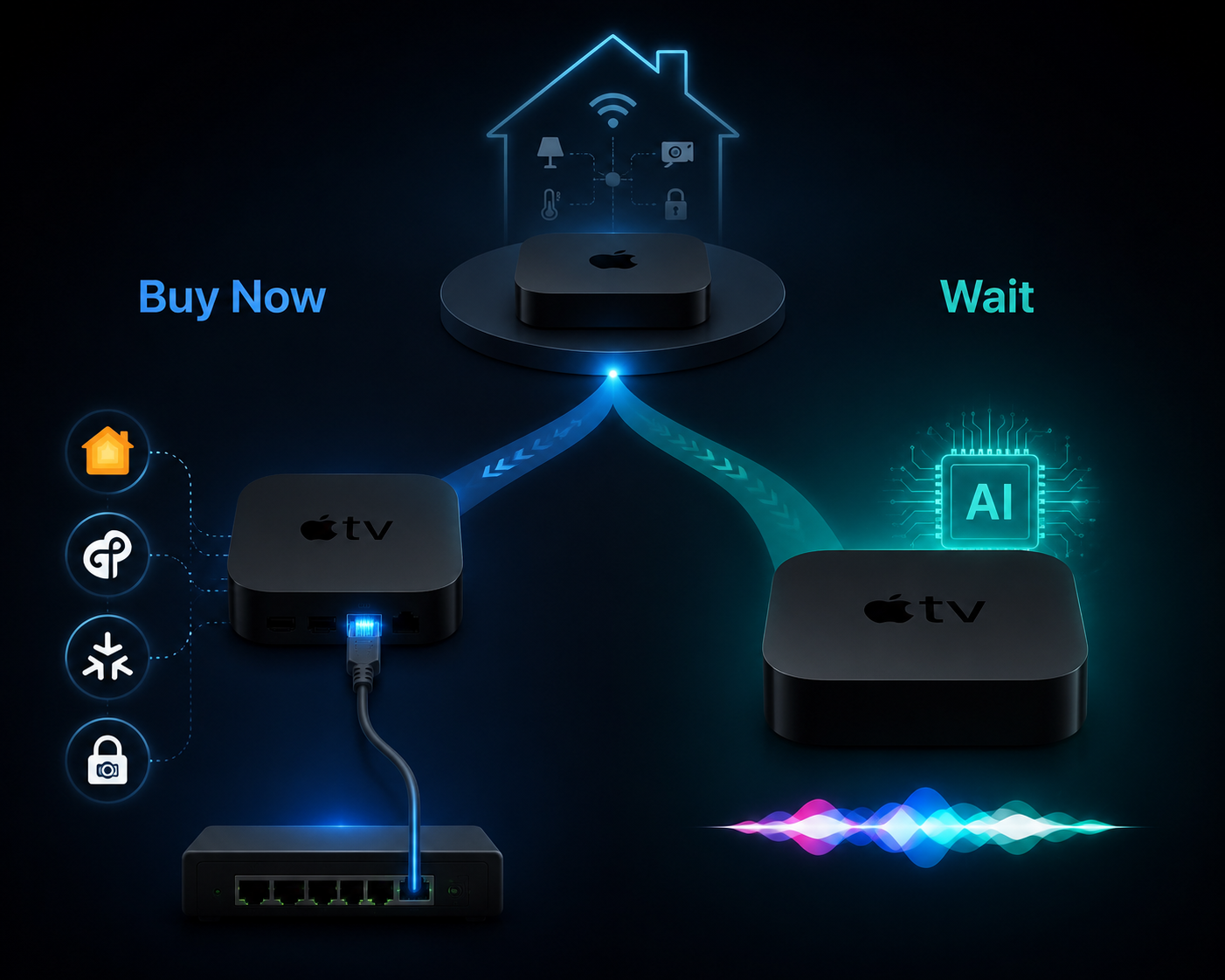
That is the fork. Buy the $149 Wi-Fi + Ethernet model if your actual problem is a reliable HomeKit hub, Thread border router, Matter controller, hardwired primary hub, or HomeKit Secure Video processor. Wait if the reason you are shopping is future Apple Intelligence or local Siri AI, because the rumored 4th-gen Apple TV 4K is expected to move beyond the current A15 chip and toward an A17 Pro-class platform that can run Apple Intelligence locally.[4]
The Model Split Is the First Decision
Apple currently sells the 3rd-gen Apple TV 4K in two versions: a $129 Wi-Fi model and a $149 Wi-Fi + Ethernet model. For streaming, that looks like a storage-and-networking upsell. For a smart home, it is a different product choice. The Wi-Fi + Ethernet version is the one with Ethernet and Thread border router support; the Wi-Fi-only version lacks Thread border router support.[1]
That distinction is easy to miss because both boxes are called Apple TV 4K, both run tvOS, both can sit in the Home app, and both can play the same streaming apps. But if you are buying the device as infrastructure, Thread is not a nice-to-have label. Thread is the low-power mesh network used by many newer smart home devices, and a Thread border router is what lets those devices talk to the rest of the home network.
The mistake is buying the cheaper Apple TV because the television experience looks the same, then discovering later that Thread accessories are leaning on a different border router, or that you still need another device to fill the gap. The $20 saved at checkout can turn into the hub you blame every time a sensor is slow, a bulb falls off the mesh, or the Home app quietly chooses a less stable primary hub.
| Current 3rd-gen model | Smart home consequence |
|---|---|
| $129 Apple TV 4K Wi-Fi | Can serve as an Apple home hub, but lacks Thread border router support |
| $149 Apple TV 4K Wi-Fi + Ethernet | Adds Ethernet and Thread border router support, making it the model to buy for hub duty |
What the Current Apple TV 4K Already Does as a Home Hub
The current Wi-Fi + Ethernet Apple TV 4K is not old in the parts of the job that make an Apple smart home feel dependable. It can act as the HomeKit home hub, a Thread border router, a Matter controller, a hardwired primary hub, and a HomeKit Secure Video processor. Those roles matter more than another benchmark bump if the goal is getting automations, cameras, locks, sensors, and lights to behave predictably.
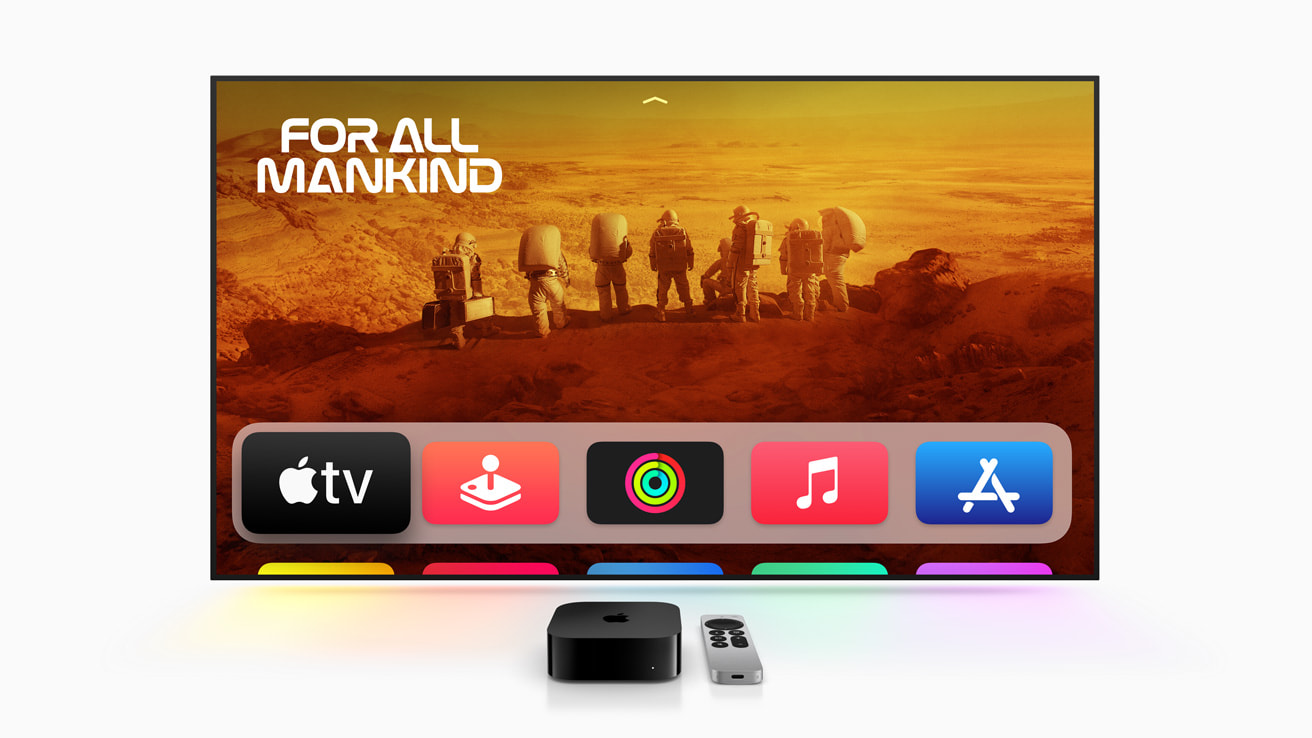
Start with hub duty. A dedicated Apple home hub keeps automations, remote access, and HomeKit Secure Video available when your iPhone is not sitting at home. Apple’s own setup guidance points users to HomePod, HomePod mini, or Apple TV as the home hub path, and the Apple TV 4K with Ethernet is the strongest version of that path when the house has a wired network drop nearby.[1]
Then there is local automation. SmartHomeExplorer’s 2026 testing reports that the A15 Bionic in the current Apple TV 4K runs HomeKit automation logic locally in roughly 200ms, and that automations can continue firing during ISP outages because the logic is not waiting on a cloud round trip.[2] That number is not an Apple-published benchmark, so it should not be treated like a universal promise for every home. It is still useful because it describes the kind of performance current hardware is already delivering in the role buyers care about.
Ethernet changes the failure pattern. Wi-Fi is good enough for plenty of streaming boxes; it is less comforting when the same box is making decisions for door sensors, motion automations, and camera recording. A wired Apple TV is less likely to be the device wandering between access points or losing signal behind a television cabinet. When the Home app can be told which hub to prefer, a hardwired Apple TV becomes more than a box with an Ethernet jack.
That last part became more important with the September 2025 Home app change that allows preferred home hub selection. Instead of watching HomeKit choose a Wi-Fi HomePod over the Apple TV sitting on Ethernet, users can set the hardwired Apple TV as the preferred hub.[1] For multi-hub homes, that is not a cosmetic setting. It removes one of the old annoyances of Apple home setups: the feeling that reliability depended on whichever hub HomeKit happened to favor that day.
Matter also belongs in the current-device column. If you are adding Matter accessories and want to stay inside Apple Home, the Apple TV 4K can serve as the Apple-side controller that brings those devices into the Home app. If you are still sorting out whether Apple TV, HomePod mini, or HomePod makes the better Matter hub, that comparison deserves its own treatment; the short version here is that the Ethernet Apple TV 4K is the least fussy choice when stability is the priority. For a deeper comparison, see The Best Apple Matter Hub for Your Smart Home.
HomeKit Secure Video Is Where Apple TV Pulls Away
HomeKit Secure Video is the other reason the current Apple TV 4K should not be dismissed as merely a streaming box waiting to be replaced. Apple TV 4K can process HomeKit Secure Video camera feeds locally with end-to-end encryption, and Digital Trends notes this as a meaningful advantage over HomePod mini for security-focused smart homes.[1][3]
This matters because camera work is not the same as turning on a lamp. A camera hub has to handle motion events, video analysis, recording decisions, and secure upload behavior without turning every clip into an untrusted cloud-processing problem. Apple does not publish a simple fixed camera count for every Apple TV model, so it would be reckless to promise a specific ceiling. The safe conclusion is narrower and still useful: if HomeKit Secure Video is part of your setup, Apple TV 4K is the Apple hub candidate that belongs at the center of the conversation.
A HomePod mini can be a good supporting home hub. It is not a substitute for every Apple TV 4K hub use case. The moment camera processing, Ethernet-backed primary hub behavior, and Thread border routing all matter in the same home, the Wi-Fi + Ethernet Apple TV 4K becomes the practical default.
What Waiting for the 4th-Gen Apple TV 4K Might Change
The case for waiting is not that the current Apple TV 4K is a bad hub. It is that the next one may be a different kind of hub if Apple Intelligence and local Siri AI become central to how Apple Home works.
MacRumors, citing Bloomberg’s Mark Gurman, reports that Apple’s next Apple TV 4K is expected as part of a 2026 smart home lineup, likely around Fall 2026, roughly four years after the November 2022 launch of the 3rd-gen model. The rumored upgrade includes an A17 Pro chip, Apple Intelligence support, Siri AI improvements, Wi-Fi 7, and Bluetooth 6.[4] PCMag has also reported that Apple may refresh the Apple TV 4K and HomePod mini in 2026, adding another signal that the refresh cycle is real even though the product itself remains unannounced.[5]
Those details should stay in the rumor column. Apple has not confirmed the 4th-gen Apple TV 4K, its price, its exact chip, its wireless specs, or which smart home automations it may unlock as of July 20, 2026. It is reasonable to expect a newer chip to widen the local AI envelope. It is not reasonable to treat unannounced Siri behavior as a buying specification.
The real question is whether local AI is central to your smart home plan. If your ideal Apple home involves richer Siri requests, more context-aware automation, and on-device interpretation that the A15 Apple TV cannot run locally, waiting makes sense. You are not waiting for your lights to turn on faster; you are waiting to see whether Apple changes what the hub can understand and decide without sending as much work elsewhere.
Macworld’s 2026 preview frames Apple’s rumored devices as part of a broader smart home push, not a one-off streaming refresh.[6] That broader context is the strongest reason to pause if you are building around future Apple Intelligence. A new Apple TV, a refreshed HomePod mini, and other smart home hardware could change the best purchase order. But that is a planning argument, not a reason to leave a present-day HomeKit camera or Thread network without the right hub.
The iPhone Stopgap Is Useful, Not Equivalent
There is one reasonable bridge for people who want to wait: an iPhone 15 Pro or iPhone 15 Pro Max running iOS 18 or later can act as a Thread border router.[2] That nuance matters because some households can limp along until the Fall 2026 rumors either become a product or fade into the next cycle.
But an iPhone is not the same purchase category as a dedicated Apple home hub. It moves, leaves the house, runs on battery, and has a different job. Apple’s own guidance still centers the best home experience around setting up a HomePod, HomePod mini, or Apple TV as a home hub.[1] The iPhone stopgap is most defensible for someone with a small Thread setup, no urgent HomeKit Secure Video needs, and a household willing to tolerate a temporary arrangement.
If you are unclear on the difference between a home hub and a bridge, pause there before spending money. A bridge usually brings a specific device family into the network; a home hub keeps the Apple Home layer available, automations running, and remote access working. The distinction is covered more fully in Apple HomeKit Hub vs Bridge: What's the Difference and Why It Matters in 2026.
Stock Signals Add Pressure, but Not a Different Recommendation
SmartHomeExplorer describes Amazon stock for the 3rd-gen Apple TV 4K as intermittent as of July 2026, possibly because Apple is winding down production ahead of a Fall 2026 refresh.[2] That is a signal, not proof. Retail stock can fluctuate for ordinary reasons, and a rumored refresh can be delayed or arrive with a price that makes the old model look better in hindsight.
For a buyer who needs a hub this week, intermittent stock argues against waiting for a perfect discount on the exact Wi-Fi + Ethernet model. For a buyer who already has stable hub coverage and mainly wants the next Siri experience, stock pressure is less important. Do not let scarcity turn a smart home infrastructure decision into the same impulse purchase as a streaming-stick sale.
Buy Now If the Hub Has a Job Tonight
Buy the current 3rd-gen Apple TV 4K Wi-Fi + Ethernet if you need stable HomeKit control now, especially if you have or plan to add Thread devices, Matter accessories, HomeKit Secure Video cameras, or multiple Apple home hubs competing to be primary. The present device already solves those problems, and the September 2025 preferred hub selection makes its Ethernet connection more useful in real homes.[1]
This is also the right move if your automations are practical rather than speculative: motion turns on lights, locks trigger scenes, sensors control climate, cameras record events, and the house should keep doing ordinary things during an internet outage. In that use case, the current A15 model is not the weak link. The weaker link is often buying the wrong SKU, putting the hub on Wi-Fi when Ethernet is available, or letting a less stable device become the primary hub.
Wait If Siri AI Is the Feature You Are Actually Buying
Wait if the reason you want a new Apple TV is Apple Intelligence, local Siri AI, and whatever automation possibilities may come from a more capable on-device model. That is the one area where the rumored 4th-gen Apple TV 4K could feel meaningfully different from the current 3rd-gen hub, because the A15 model is not expected to run the same local Apple Intelligence workload as an A17 Pro-class device.[4]
Waiting is easiest if your current setup is already stable, you have another Apple home hub doing the basics, or you can tolerate an interim iPhone-based Thread arrangement with its limitations. It is harder to justify if you are setting up cameras, Thread sensors, locks, or automations now and need the home to behave before Apple announces anything.
If you are still deciding whether Apple Home is the right ecosystem at all, make that decision before choosing an Apple TV model. The broader tradeoffs between Apple Home, Alexa, Google Home, SmartThings, and Home Assistant are a separate question; start with Smart Home Platforms Compared: Which Ecosystem Should You Choose in 2026? if the platform is not settled.
The Practical Verdict
For a reliable Apple smart home hub in Q3 2026, buy the current 3rd-gen Apple TV 4K Wi-Fi + Ethernet. It gives you the important present-day hub stack: HomeKit hub duty, Thread border routing, Matter control, Ethernet-backed stability, preferred primary hub selection, and HomeKit Secure Video processing. Skip the Wi-Fi-only model if smart home use is the reason you are buying.
Wait for the rumored 4th-gen Apple TV 4K only if Apple Intelligence-driven Siri automation is central to what you want and your household can live with an interim setup until Apple confirms the product, price, and actual smart home features. A faster future Apple TV may be the more interesting device. The current Ethernet Apple TV 4K is already the safer hub.
References
- Set up your HomePod, HomePod mini, or Apple TV as a home hub, Apple Support, https://support.apple.com/en-us/102557
- Best Apple HomeKit Devices 2026: 6 Picks, $129 Hub, SmartHomeExplorer, https://www.smarthomeexplorer.com/guides/complete-apple-homekit-guide-2026
- HomePod mini vs. Apple TV 4K: Which is the better HomeKit hub?, Digital Trends, https://www.digitaltrends.com/home/homepod-mini-vs-apple-tv-4k-homekit-hub/
- Apple's 2026 Smart Home Lineup: New Apple TV, HomePod, and Home Hub, MacRumors, July 15, 2026, https://www.macrumors.com/2026/07/15/apple-smart-home-lineup-rumors/
- Apple May Finally Refresh the Apple TV 4K, HomePod Mini This Year, PCMag, June 1, 2026, https://www.pcmag.com/news/apple-may-finally-refresh-the-apple-tv-4k-homepod-mini-this-year
- 2026 preview: These 4 rumors point to a major Apple smart home push, Macworld, January 2026, https://www.macworld.com/article/3011651/2026-preview-these-4-rumored-devices-point-to-a-major-apple-smart-home-push.html