
Why the Hub vs Bridge Confusion Hurts Your HomeKit Setup
You just bought an Aqara Hub M3 or a Philips Hue Bridge, plugged it in, set it up in the app, and opened the Apple Home app expecting to control everything from anywhere. Instead, you get a "No Response" message when you're away from home. The lights work fine on the couch, but the moment you leave your Wi-Fi network, nothing responds.
This is the most common setup mistake new HomeKit users make, and it stems directly from a single point of confusion: the difference between a HomeKit hub and a bridge. Device manufacturers routinely call their protocol translators "hubs" in product names and marketing materials. Inside the HomeKit ecosystem, however, those two words refer to completely different devices that perform separate, non-interchangeable jobs.
Understanding the distinction is not academic pedantry — it is the difference between a smart home that works reliably from anywhere in the world and one that only responds when you are standing next to the light switch. This article lays out exactly what each device does, why the terminology matters, and how to make sure you have the right hardware for your setup in 2026.
What Is a HomeKit Hub? (Apple TV, HomePod, and the iPad's Exit)
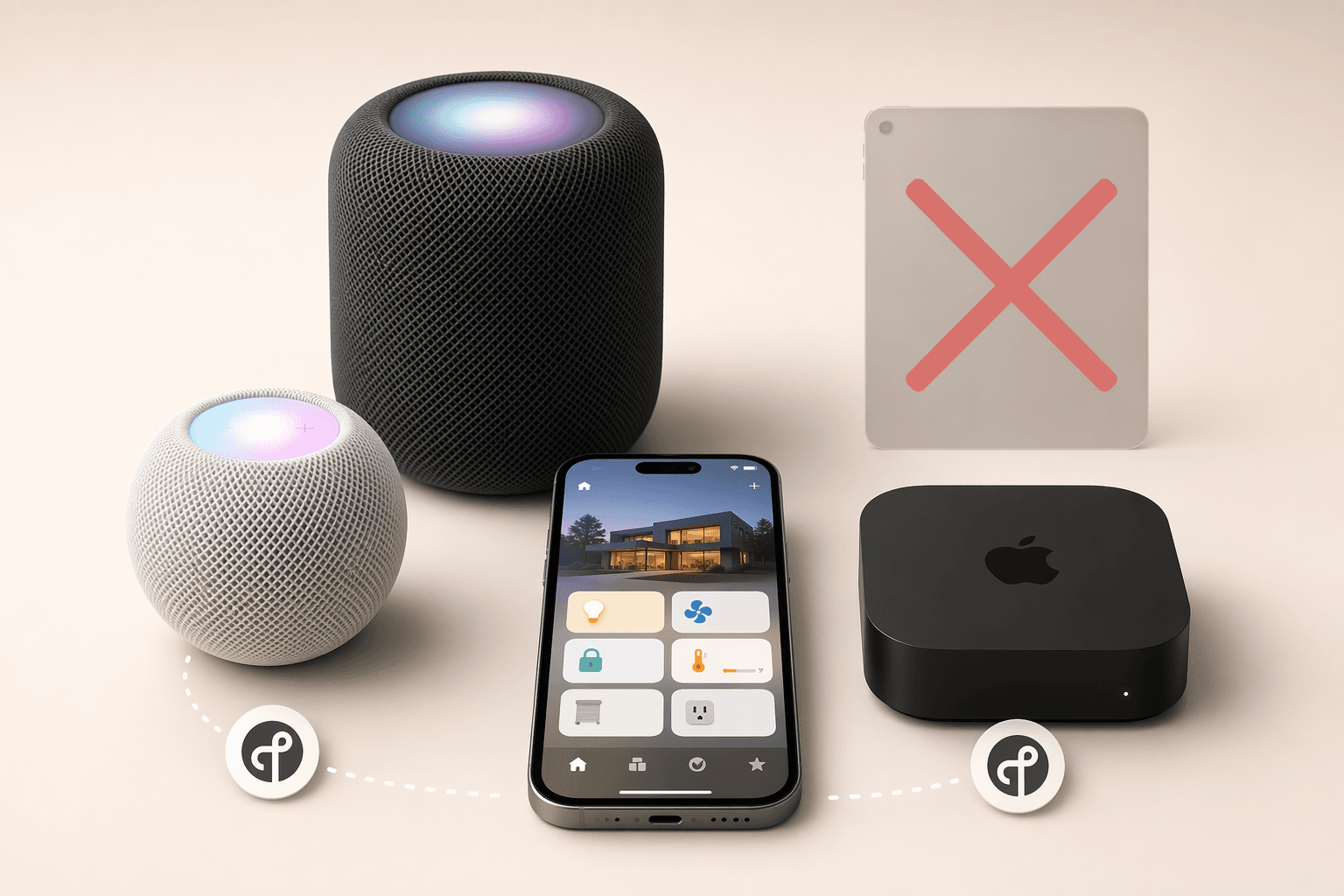
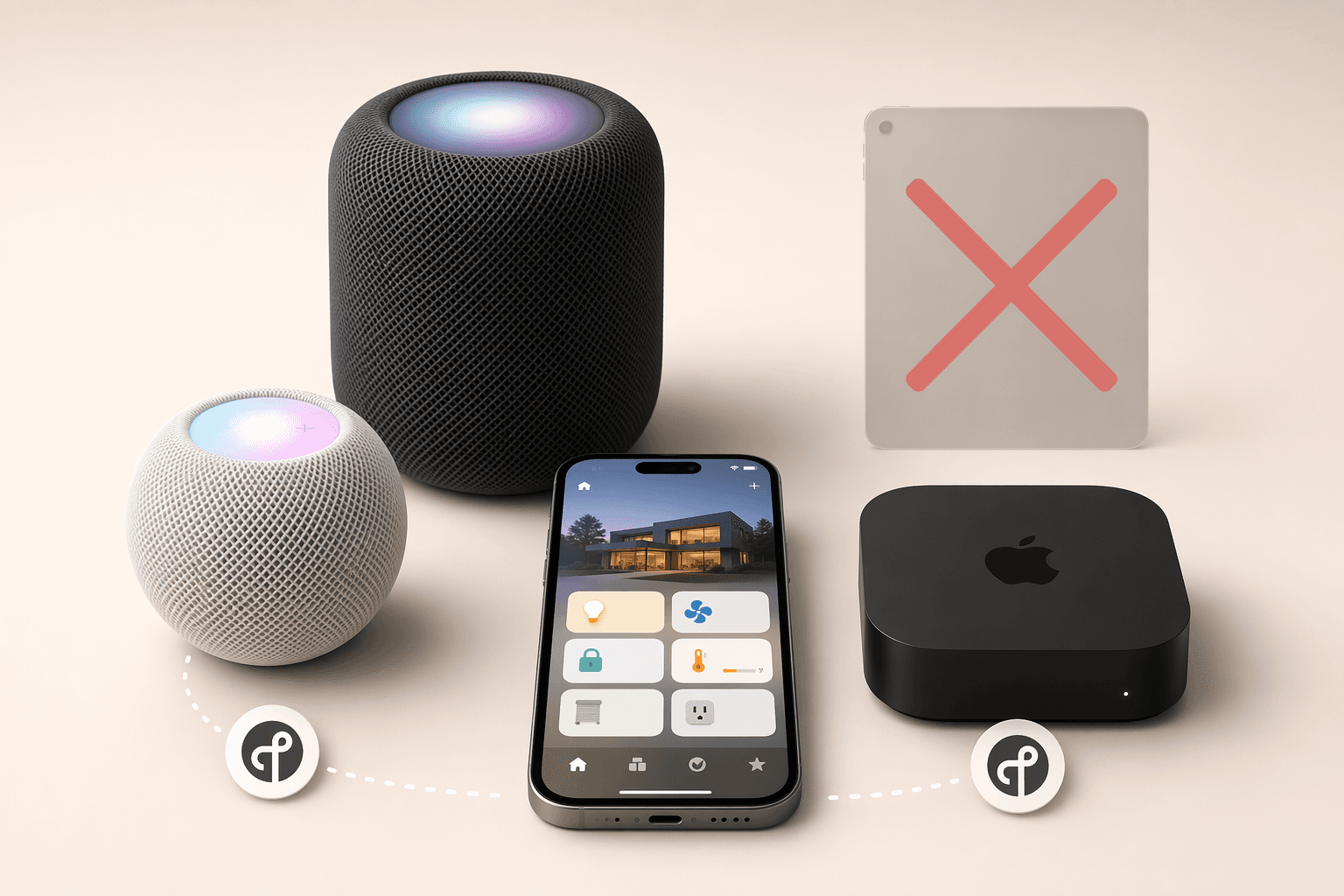
In the HomeKit world, the word "hub" has a narrow, strict definition. A HomeKit hub is an Apple device that stays on in your home and acts as the brain of your smart home network. As of June 2026, only three devices qualify:
- HomePod mini ($99) — the most affordable entry point and the cheapest Thread border router Apple sells
- HomePod (2nd generation) — the full-size smart speaker with room-filling audio
- Apple TV 4K ($129 Wi-Fi model, $149 Wi-Fi + Ethernet model) — the set-top box that doubles as a hub
The iPad was removed from this list on February 10, 2026, when Apple ended support for the old Home architecture. Apple's official support article confirms that "iPad is not supported as a home hub on the latest version of Apple Home." If you were relying on an iPad for remote access and automations, that setup stopped working on that date.
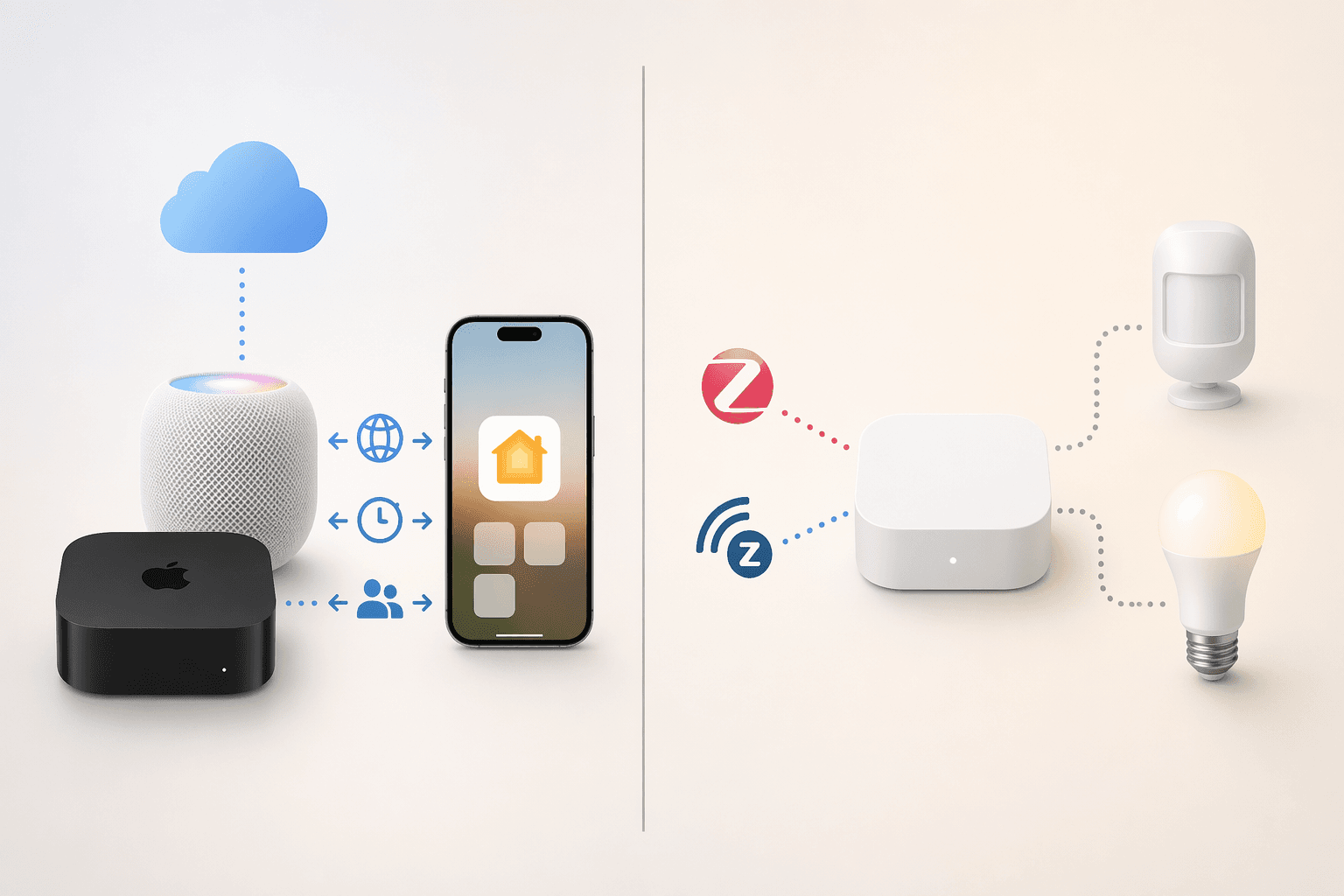
A HomeKit hub provides four core functions that a bridge cannot:
- Remote access: Control your HomeKit accessories from anywhere with an internet connection. Without a hub, the Home app only works when your iPhone is on the same local network as your devices.
- Automations: Time-based triggers, sensor-based rules, and geofencing scenes run on the hub, not on your phone. If you want lights to turn on at sunset or the thermostat to adjust when the last person leaves, you need a hub.
- Shared access: Grant family members or guests control of your home. The hub manages permissions and keeps everything synced.
- Bluetooth range extension: HomeKit devices that use Bluetooth (like some smart locks and sensors) can reach the hub from farther away than they can reach a single iPhone.
Apple's support documentation also notes that you "must set up a home hub to add Matter accessories to the Home app." If you plan to use Matter devices — and many new smart home products in 2026 are Matter-certified — a HomeKit hub is non-negotiable.
What Is a Bridge? (Translating Protocols for HomeKit)
A bridge (sometimes called a gateway or hub by manufacturers) is a device that translates non-HomeKit protocols into a language HomeKit understands. Most smart home devices do not speak HomeKit natively. They use Zigbee, Z-Wave, Bluetooth, or proprietary wireless protocols. A bridge sits between those devices and your network, converting their signals into HomeKit-compatible commands.
Two of the most common examples:
- Philips Hue Bridge: Philips Hue bulbs communicate over Zigbee. The Hue Bridge receives Zigbee signals from the bulbs and translates them into HomeKit commands so you can control them from the Home app. Without the bridge, Hue bulbs cannot connect to HomeKit at all.
- Aqara Hub M3: Aqara sensors, switches, and plugs also use Zigbee. The Hub M3 acts as the translator, making those devices visible in HomeKit. It also supports Thread and Matter, making it a more future-proof bridge than older models.
A bridge cannot provide remote access, automations, or shared access on its own. If you plug in a Hue Bridge without an Apple TV or HomePod in the house, you can control your Hue lights from the Hue app on the same Wi-Fi network, but you cannot control them from the Home app when you are away. The bridge translates protocols; it does not run the HomeKit brain.
For a deeper look at the underlying protocols these bridges use, see our explainers on Zigbee and Z-Wave, which explain how these protocols work and why they always require a bridge or hub to interface with HomeKit.
HomeKit Hub vs Bridge: Side-by-Side Comparison
| Feature | HomeKit Hub (Apple TV / HomePod) | Bridge (Hue Bridge / Aqara Hub M3) |
|---|---|---|
| Primary role | Runs the HomeKit brain — remote access, automations, sharing | Translates non-HomeKit protocols (Zigbee, Z-Wave) into HomeKit |
| Can it work alone? | Yes — controls native HomeKit and Matter devices directly | No — requires an Apple hub for remote access and automations |
| Enables remote control? | Yes — this is its main function | No — only provides local network control without an Apple hub |
| Enables automations? | Yes — all time, sensor, and geofencing automations run here | No — automations require an Apple hub to execute |
| Supports Matter? | Yes — required for adding Matter accessories to Home app | Some newer bridges support Matter (e.g., Aqara Hub M3) |
| Thread border router? | HomePod mini and Apple TV 4K Wi-Fi+Ethernet only | Some newer bridges include Thread radios |
| Examples | HomePod mini ($99), HomePod 2nd gen, Apple TV 4K ($129–$149) | Philips Hue Bridge, Aqara Hub M3, IKEA Dirigera, Lutron Caséta Smart Hub |
| Can it be replaced by the other? | No — a bridge cannot provide remote access or automations | No — an Apple hub cannot translate Zigbee or Z-Wave protocols |
Why Manufacturers Call Their Bridges 'Hubs' (And How to Tell the Difference)
Walk into any electronics retailer or browse Amazon for smart home gear, and you will find products labeled "Smart Hub" that are actually bridges. The Aqara Hub M3 is called a hub. The Samsung SmartThings Hub is called a hub. The Philips Hue Bridge is one of the few products that uses the accurate term.
This is not a conspiracy — it is a consequence of perspective. Outside of HomeKit, these devices genuinely function as hubs for their own ecosystems. The Aqara Hub M3 is the central controller for all Aqara Zigbee devices. The SmartThings Hub is the brain of the SmartThings platform. From the manufacturer's point of view, calling it a hub is accurate.
The problem arises when a new HomeKit user reads "Hub" on the box and assumes it will provide the same remote-access and automation functions as an Apple TV or HomePod. As HomeKit Helper puts it: "When talking about HomeKit, a 'hub' is a very specific thing: It can only be an Apple TV, a HomePod, or an iPad. It is NOT a device that connects your Aqara devices to HomeKit."
Do You Need a Hub, a Bridge, or Both? A Practical Guide
The answer depends entirely on which devices you own or plan to buy. Here is how to determine your requirements:
- You only have Wi-Fi or Matter devices: If every device in your home supports HomeKit natively over Wi-Fi or Matter over Thread, you only need an Apple hub. A HomePod mini at $99 is the cheapest way to get started. No bridge required.
- You have Zigbee or Z-Wave devices: If you own Philips Hue bulbs, Aqara sensors, or any other Zigbee or Z-Wave device, you need both a bridge (to translate the protocol) and an Apple hub (to enable remote access and automations). The bridge connects to your network; the Apple hub connects to the bridge through HomeKit.
- You are starting from scratch: Buy an Apple hub first. Then choose devices that either support HomeKit natively or come with a bridge that has good HomeKit integration. If you are also considering other ecosystems, our platform comparison guide can help you decide whether HomeKit, Alexa, or Google Home is the right fit for your household.
- You are a renter or live in a small apartment: A single HomePod mini covers most small spaces. You likely do not need a bridge unless you already own non-HomeKit devices. Start with the Apple hub and add bridges only as needed.
A common real-world scenario: a user buys an Aqara Hub M3 and three Aqara window sensors, expecting to get alerts on their phone when a window opens. They set everything up in the Aqara app, but the Home app never shows the sensors when they are away from home. The fix is not a new sensor — it is adding a HomePod mini or Apple TV to the network. Once the Apple hub is in place, the bridge's translated devices become fully functional in HomeKit, including remote notifications and automations.
2026 Considerations: Thread Border Routers, Matter, and the Rumored HomePad
The smart home landscape in 2026 is more complex — and more capable — than it was even two years ago. Three developments directly affect your hub and bridge decisions.
Thread Border Routers
Thread is a low-power, mesh-networking protocol designed for smart home devices. For Thread devices to communicate with your network, you need a Thread border router — a device that bridges the Thread mesh and your Wi-Fi network.
Not all Apple hubs include a Thread border router. The distinction is model-specific:
- HomePod mini ($99): Includes a Thread border router. This is the cheapest way to add Thread support to your home.
- Apple TV 4K Wi-Fi + Ethernet ($149): Includes a Thread border router. Also supports wired Ethernet for the most stable connection.
- Apple TV 4K Wi-Fi only ($129): Does NOT include a Thread border router. If you buy this model, you will need a separate Thread border router (like a HomePod mini) to use Thread-enabled Matter accessories.
Apple's developer documentation confirms that Thread border router support is model-specific, though Apple's consumer-facing product pages do not always make this distinction obvious. If you plan to buy Thread-enabled Matter devices — and many new products in 2026 are Thread-based — verify that your hub includes a Thread border router.
Matter's Impact on Hub and Bridge Choices
Matter is the cross-platform smart home standard designed to let devices from different ecosystems work together without proprietary bridges. In theory, a Matter-certified light bulb should work directly with any Matter-compatible hub, including HomeKit hubs, without needing a separate bridge.
In practice, Matter adoption in 2026 is still maturing. Some devices work flawlessly; others have inconsistent behavior or require firmware updates. Apple's support documentation confirms that a home hub is required to add Matter accessories to the Home app. For a detailed assessment of where Matter stands today, including which devices work reliably and which ecosystems have the best support, see our Matter in 2026 status review.
For now, the safest approach is to buy an Apple hub with a Thread border router (HomePod mini or Apple TV 4K Wi-Fi + Ethernet) and add bridges only for devices that do not support Matter. Over the next few years, as more devices ship with native Matter support, you may be able to retire some of those bridges.
The Rumored HomePad
Multiple sources, including MacRumors and Macworld, have reported that Apple is developing a dedicated home hub device, rumored to be called the "HomePad." Expected features include a 7-inch square touchscreen, an A18 processor, a TrueDepth camera for multiuser facial recognition, presence detection, and FaceTime support. Pricing is rumored around $350, with a launch target of March–April 2026.
Updated HomePod mini and Apple TV models with chip upgrades are also expected in 2026, according to the same reports. If you are not in a hurry, waiting for the next hardware revision may give you a longer support window. If you need remote access and automations today, the current hardware is fully capable and will continue to work with future software updates.
Quick-Reference Checklist: Choosing Your HomeKit Hub and Bridge
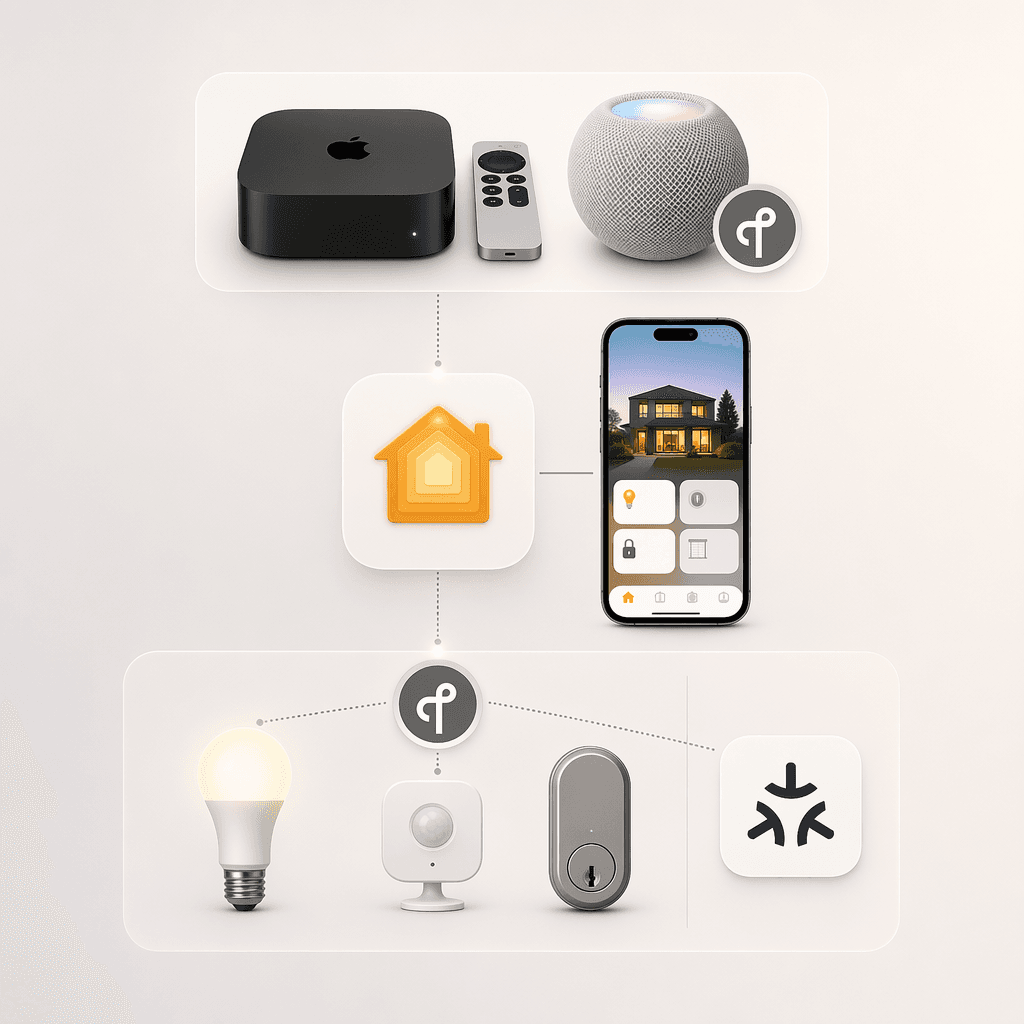
- Buy an Apple hub first. Without a HomePod or Apple TV, you cannot access your home remotely, run automations, or share access with family. This is the single most important purchase for any HomeKit setup.
- Choose a bridge only if you have non-HomeKit devices. If your devices support HomeKit natively or use Matter over Thread, you do not need a bridge. If they use Zigbee or Z-Wave, you need a bridge to translate.
- Verify Thread support if you plan to buy Matter accessories. The $129 Apple TV 4K Wi-Fi model lacks a Thread border router. The $149 Wi-Fi + Ethernet model and the $99 HomePod mini both include one. Check before you buy.
- Confirm the iPad is no longer an option. As of February 10, 2026, iPads cannot act as HomeKit hubs. If you were using an iPad, replace it with a HomePod mini or Apple TV.
- Set your preferred hub manually. Apple added a manual hub selector in September 2025. Go to Home Settings > Home Hubs & Bridges and disable Automatic Selection to choose which device acts as the primary hub. This is useful if you have multiple Apple hubs and want to prioritize a hardwired Apple TV over a wireless HomePod.
Updates & Corrections
Protocol specifications and platform features change rapidly — especially with Matter version evolution. Report version changes, certification count updates, or platform policy changes that have occurred since the last editorial review.
Comments
Join the discussion with an anonymous comment.