
Is the Samsung Galaxy F70 Pro 5G SmartThings-compatible?
Pre-purchase SmartThings compatibility check for the Galaxy F70 Pro 5G ahead of its India launch. Per official specs, the phone clears SmartThings' stated minimums and works out of the box as a controller and Matter commissioner; the Matter-hub role, Zigbee/Thread/Z-Wave control, and UWB-precision features still require separate hardware.
Last updated
Status as of July 31, 2026
Pre-purchase verdict: the Samsung Galaxy F70 Pro 5G is SmartThings-compatible for app control. Confirmed by official specs, it clears Samsung’s stated SmartThings app requirements by a wide margin and should work out of the box as a SmartThings controller and Matter commissioner. Investigating pending hands-on test: actual behavior on Indian retail firmware still needs to be checked after the Aug. 3, 2026 launch.
The important boundary is just as clear: the phone is not a SmartThings hub. It does not replace hub-class hardware for Zigbee, Thread, Z-Wave, or Matter hub duties, and buyers should not count on UWB precision features from the official materials available before launch.
For purchase context, the Galaxy F70 Pro 5G is scheduled to launch in India on Aug. 3, 2026, with listed launch prices of Rs. 25,999 for 6GB/128GB, Rs. 29,999 for 8GB/128GB, and Rs. 34,999 for 8GB/256GB through Flipkart and Samsung India’s online store.[1] Samsung’s official product page lists the phone with a 6.7-inch FHD+ Super AMOLED 120Hz display, Gorilla Glass Victus+, a Snapdragon chipset, LPDDR5X RAM, UFS 3.1 storage, a 50MP OIS triple camera, a 6,000mAh battery with 45W charging, One UI 8.5 on Android 16, and a promise of six OS upgrades plus six years of security updates.[2]
Those general phone specs matter here only where they touch SmartThings. The deciding lines are Android 16 and the 6GB/8GB RAM tiers. NFC, Bluetooth 5.3, IP64, and the 12MP front camera have been treated as leak-based details in the available material, so they are not part of this compatibility verdict.
The SmartThings compatibility check, role by role
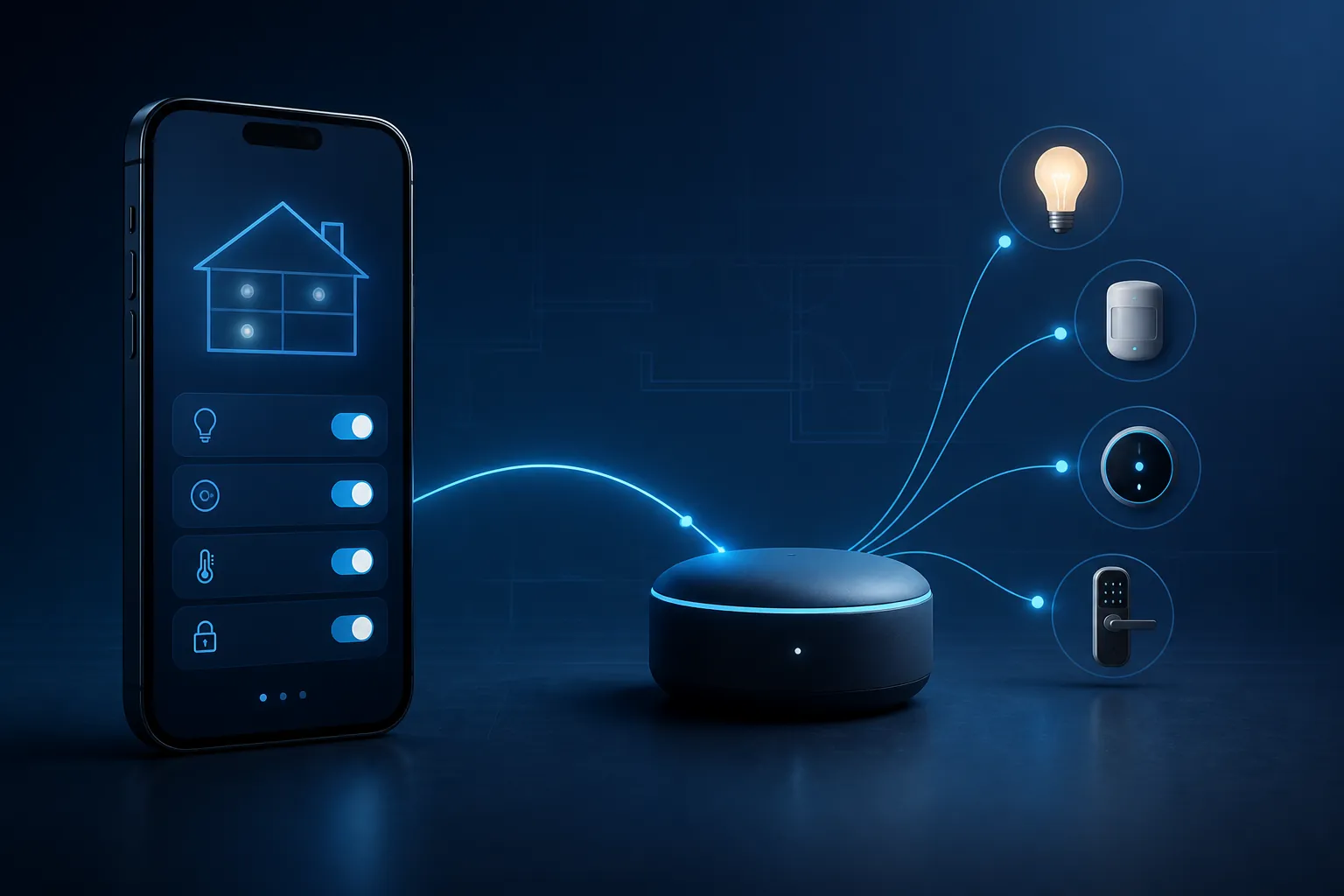
“Compatible” hides several different jobs. A phone can run the SmartThings app, control devices already attached to a home, help add a Matter device, and still be completely unable to serve as the radio hub for Zigbee or Thread. The F70 Pro 5G passes the app-control and commissioning jobs; it does not become the hub.
Samsung’s SmartThings requirement pages give a low bar compared with this phone: Samsung US lists Android 9 or later with 3GB RAM, Samsung Gulf lists Android 10 or later with 3GB RAM, and the Google Play listing says “Memory size: 3GB over.”[3][4][5] The F70 Pro 5G’s official Android 16 software and 6GB or 8GB RAM options sit comfortably above those stated app minimums.[2]
| SmartThings job | What it means in practice | Galaxy F70 Pro 5G status | What you still need |
|---|---|---|---|
| Run the SmartThings app | Open the app, sign in, see rooms, automations, devices, scenes, and SmartThings Find items supported by the account | Confirmed by official specs: Android 16 and 6GB/8GB RAM exceed Samsung’s app minimums | No extra phone hardware required |
| Act as a SmartThings controller | Send commands through the SmartThings app to devices, services, and hubs already connected to the SmartThings home | Confirmed by official specs; retail app behavior still pending hands-on verification after launch | A working SmartThings home, internet access, and any required hubs already paired to that home |
| Commission Matter devices | Use the app to start adding a Matter device to the home and hand it to the correct fabric or hub path | Confirmed by the SmartThings app role and official specs; not the same as being a Matter hub | A compatible Matter hub where the device type and radio path require one |
| Serve as the hub | Provide the always-on bridge and radio infrastructure for Zigbee, Thread, Z-Wave, or Matter hub functions | Not supported by the official hub lists reviewed here | SmartThings Hub, SmartThings Station, or another Samsung-listed hub-class device |
| Use UWB precision features | Precision finding, AR Search Nearby, UWB Digital Key, or future Aliro-style precision experiences | Do not count on it pre-purchase; UWB is not listed on the official F70 Pro page and the phone is absent from Samsung’s 2026 UWB matrix | A Galaxy phone that Samsung lists with UWB support |
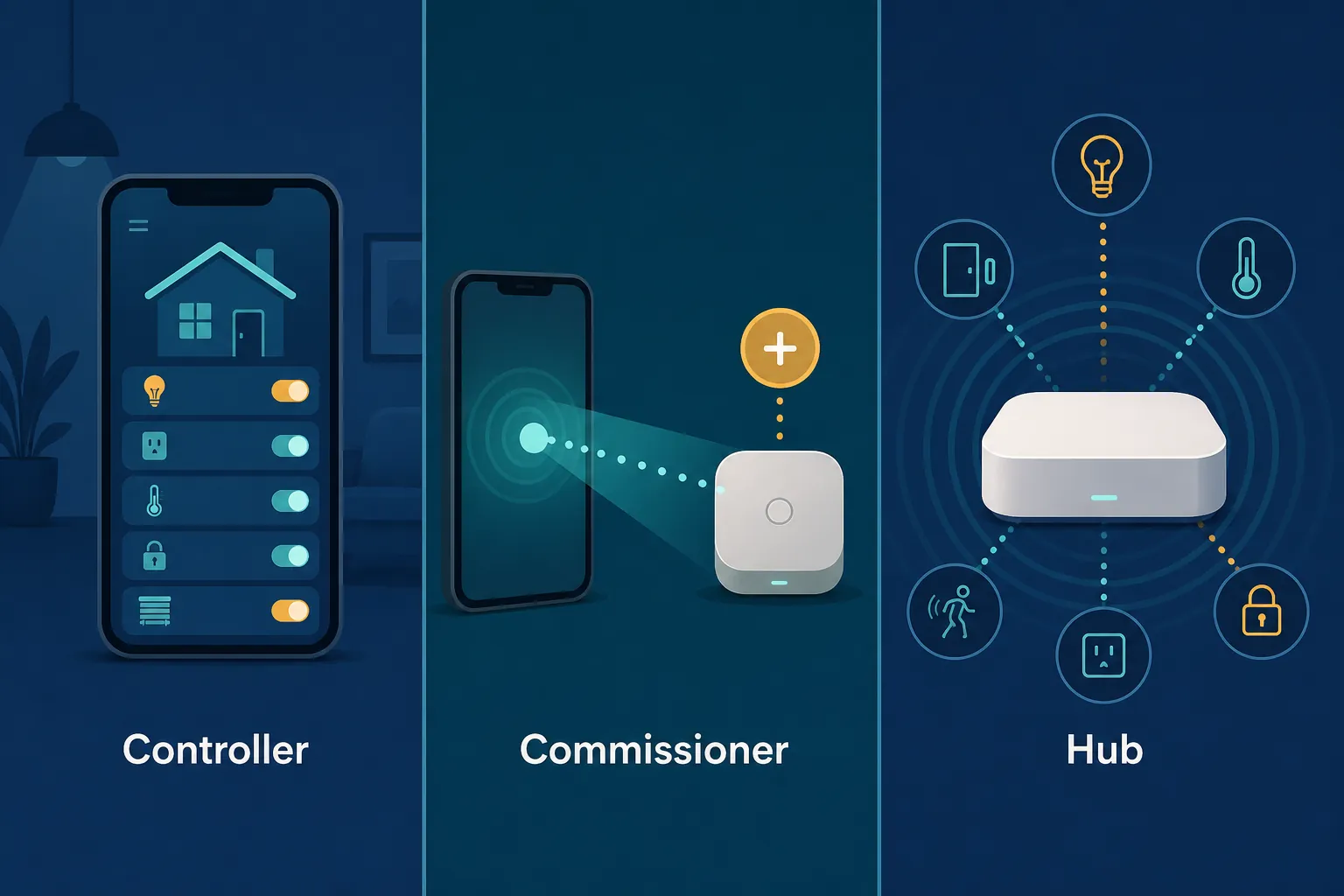
Controller: yes
As a controller, the F70 Pro 5G is the screen and command surface. You open SmartThings, tap a light, run a scene, check a sensor, or adjust a device that is already connected through Wi-Fi, cloud integration, a hub, or another supported path. This is the ordinary Galaxy-phone SmartThings experience, and the F70 Pro’s official software and memory specs are more than enough for Samsung’s stated app requirements.
Samsung’s own SmartThings materials also treat Galaxy phones as normal app hosts, with SmartThings available as part of the Galaxy ecosystem.[3] That is useful for buyers because it reduces setup friction: the likely first step is signing into Samsung account and SmartThings, not hunting for an obscure companion app.
The launch-day caveat is not about whether the phone is powerful enough. It is about retail verification. Until the Indian retail unit is tested after Aug. 3, NestGrid would still mark exact app build, preinstall state, permissions prompts, and onboarding behavior as investigating pending hands-on test.
Matter commissioner: yes, but that is not a hub
A Matter commissioner is the device and app path that helps add a Matter product to your smart home. In a typical setup, the phone scans the code, starts onboarding, and tells SmartThings which home or room should receive the device. That is a phone-and-app job.
A Matter hub is different. Samsung’s Matter partner documentation says Matter devices must connect to a compatible hub, and Samsung’s SmartThings app page lists hub-class products such as SmartThings Hub, SmartThings Station, supported Samsung TVs, smart monitors, Family Hub refrigerators, and soundbars.[6][4] Phones are not listed there as SmartThings hubs.
This distinction matters most with devices that are not plain Wi-Fi accessories. If you are adding a Matter-over-Thread lock or sensor, the phone can help start the setup, but the always-on Thread border router or Matter hub role still belongs to separate compatible hardware. For a broader protocol refresher, NestGrid’s Matter smart lock protocol explainer is the better place to compare what Matter standardizes and what the hub still has to provide.
Hub: no
The Galaxy F70 Pro 5G is not your Zigbee coordinator, Thread border router, Z-Wave controller, or SmartThings hub. It is the thing in your hand. The hub is the always-on device that keeps low-power smart-home radios available when your phone is locked, away from home, rebooting, or out of battery.
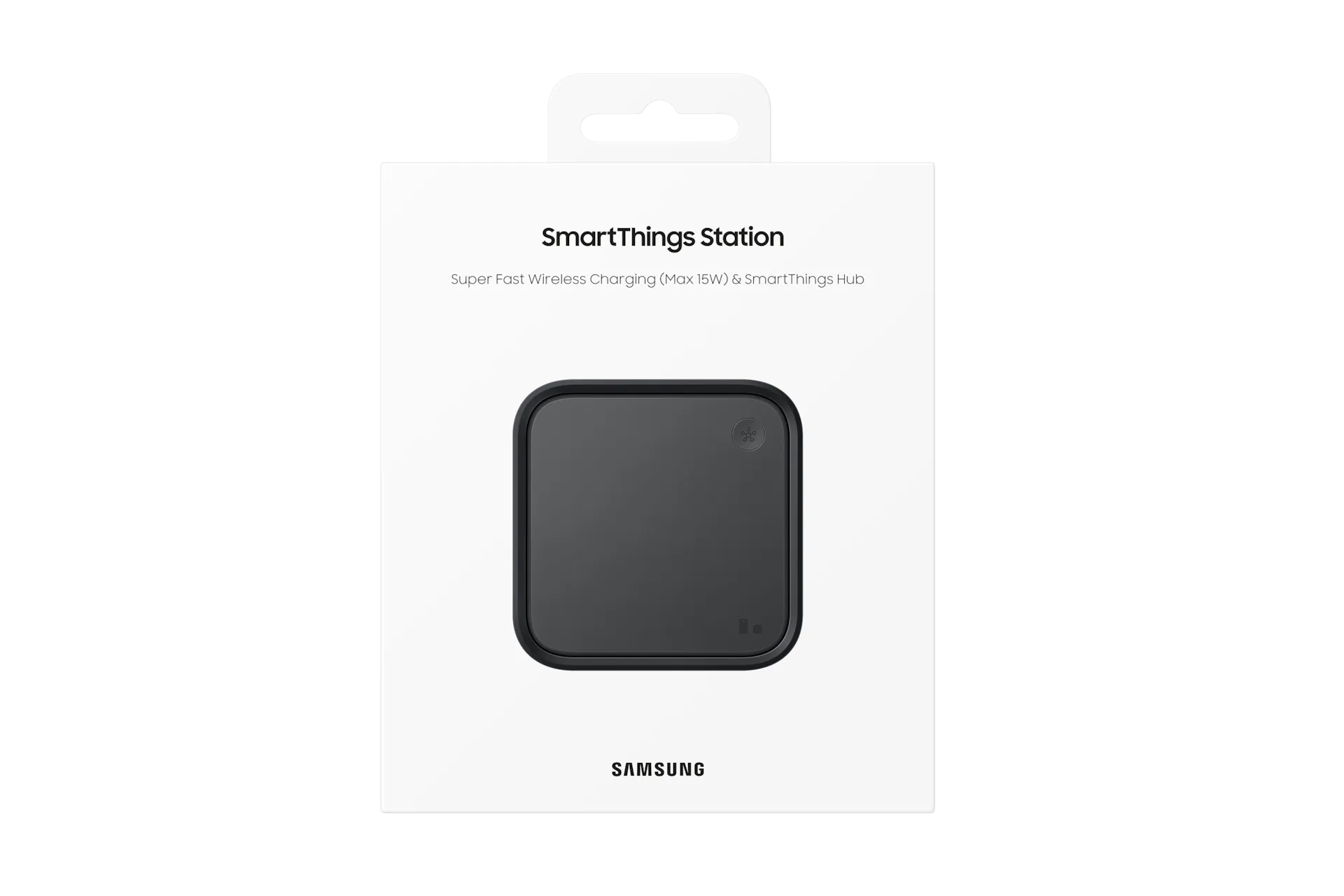
If your home already has a SmartThings Hub, SmartThings Station, or another Samsung-supported hub product, the F70 Pro 5G should be fine as the controller you use to manage that setup. If your old Zigbee contact sensors currently depend on a hub, buying this phone does not remove that dependency.
This is the same phone-versus-hub line NestGrid applies in hub-radio checks such as the Galaxy Z Fold 8 smart-home hub test and the broader Galaxy Z Fold 8 hub compatibility note. A powerful Galaxy phone can be an excellent control surface without becoming smart-home infrastructure.
What you may still need to buy
If you are replacing only your phone, not rebuilding the home, the shopping list is probably short. If you were hoping the F70 Pro 5G would eliminate a missing hub, the phone does not solve that problem.
- For existing Wi-Fi and cloud-connected SmartThings devices: you should not need a new hub just because you buy the F70 Pro 5G.
- For existing Zigbee devices: keep or buy a compatible SmartThings hub-class device. The phone does not provide the Zigbee radio role.
- For Thread-based Matter devices: plan for a compatible Matter hub or Thread border router path. The phone can participate in setup, but it is not the always-on Thread infrastructure.
- For Z-Wave devices: you still need compatible hub hardware that supports the Z-Wave side of the setup. The F70 Pro 5G does not add Z-Wave to SmartThings by itself.
- For a new SmartThings-centered Matter home: check Samsung’s current hub list before buying sensors, locks, or bridges, because “Matter-compatible” does not always mean “phone-only.”
The practical consequence is simple during checkout: buy the F70 Pro 5G as the phone you will use to manage SmartThings, not as the device that replaces the SmartThings Station, SmartThings Hub, supported TV, smart monitor, Family Hub refrigerator, or soundbar that Samsung lists for hub functions.[4][6]
Do not count on UWB-only SmartThings features
SmartThings Find is another place where “supported” can mean two different things. Samsung’s SmartThings Find launch materials described BLE-based finding for supported Galaxy devices, while precision finding and AR Search Nearby were tied to UWB-capable devices.[7] BLE support is not the same as UWB precision.
For the F70 Pro 5G, the safe pre-purchase position is cautious: Samsung’s official product page does not list UWB, and the phone does not appear in Samsung’s 2026 UWB device compatibility matrix.[2][8] That is enough to warn buyers away from assuming UWB behavior, but it is not the same as Samsung publishing a line that says “no UWB” on the F70 Pro page.
That means SmartTag+ precision finding, AR Search Nearby, UWB Digital Key, and Aliro-related precision scenarios should not be part of your reason to buy this phone. If those features matter, choose a Galaxy model Samsung explicitly lists with UWB support. NestGrid’s Matter vs. Aliro explainer is useful if you are separating smart-home device control from access credentials and proximity features.
Pre-purchase recommendation
The Galaxy F70 Pro 5G is safe to buy for SmartThings app control if your home already has the hub hardware it needs. The official specs put it well above Samsung’s SmartThings app requirements, and Galaxy integration should make it a straightforward controller once retail firmware is verified.
Do not buy it expecting the phone itself to become the hub for Zigbee, Thread, Z-Wave, or Matter hub duties. Do not buy it for UWB precision finding or UWB Digital Key unless Samsung later lists this model as UWB-capable. For SmartThings owners, the right budget is the phone plus whatever separate hub or UWB-capable Galaxy hardware your setup actually requires.
References
- Samsung Galaxy F70 Pro 5G Price in India, Launch Date Revealed; Specifications, Features — Gadgets360, Jul. 31, 2026, link
- Galaxy F70 Pro 5G — Samsung India, link
- SmartThings — Samsung US, link
- SmartThings App — Samsung Gulf, link
- SmartThings — Google Play, link
- Matter — SmartThings Partners, link
- Samsung Launches SmartThings Find, a New Way to Quickly and Easily Locate Your Galaxy Devices — Samsung Newsroom, link
- Device Compatibility — Samsung Developer, link
Known issues with this device / protocol
Spec-version history
For active regressions on this protocol, see Update Watch.
No linked Update Watch entries yet.