
Can the Galaxy Z Fold8 Replace Your Smart Home Hub?
The Galaxy Z Fold8 has UWB and NFC for smart lock keys, but it lacks Zigbee, Z-Wave, and Thread radios. This article clarifies what the phone can and cannot do as a smart home device, and why you still need a separate hub for protocol-native devices.
Last updated
If you are looking at the Galaxy Z Fold8 because you want to retire a SmartThings hub, SmartThings Station, Aeotec hub, TV hub, or appliance hub, the short answer is no: the Galaxy Z Fold8 is not a replacement smart home hub. It is a very capable smart-home controller and digital key carrier, but it does not provide the Zigbee, Z-Wave, or Thread radios that keep many smart-home networks alive.
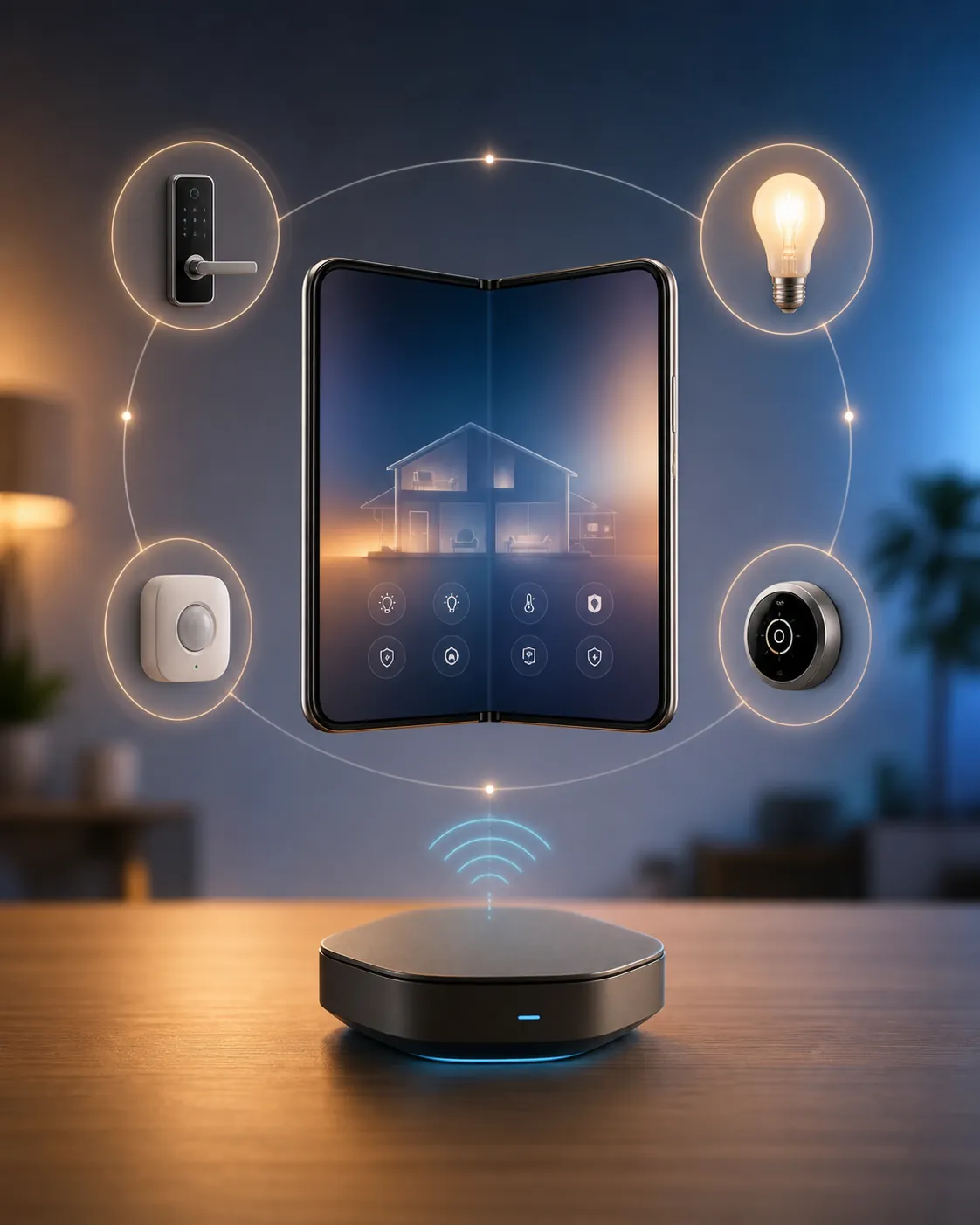
That distinction matters because Samsung phones can make a home feel hub-like from the screen. You can open SmartThings, run scenes, check cameras, unlock supported doors, and manage devices already attached to your account. What the phone does not do is become the always-on radio bridge that your bulbs, sensors, switches, and Matter-over-Thread devices use to talk to the rest of the home.
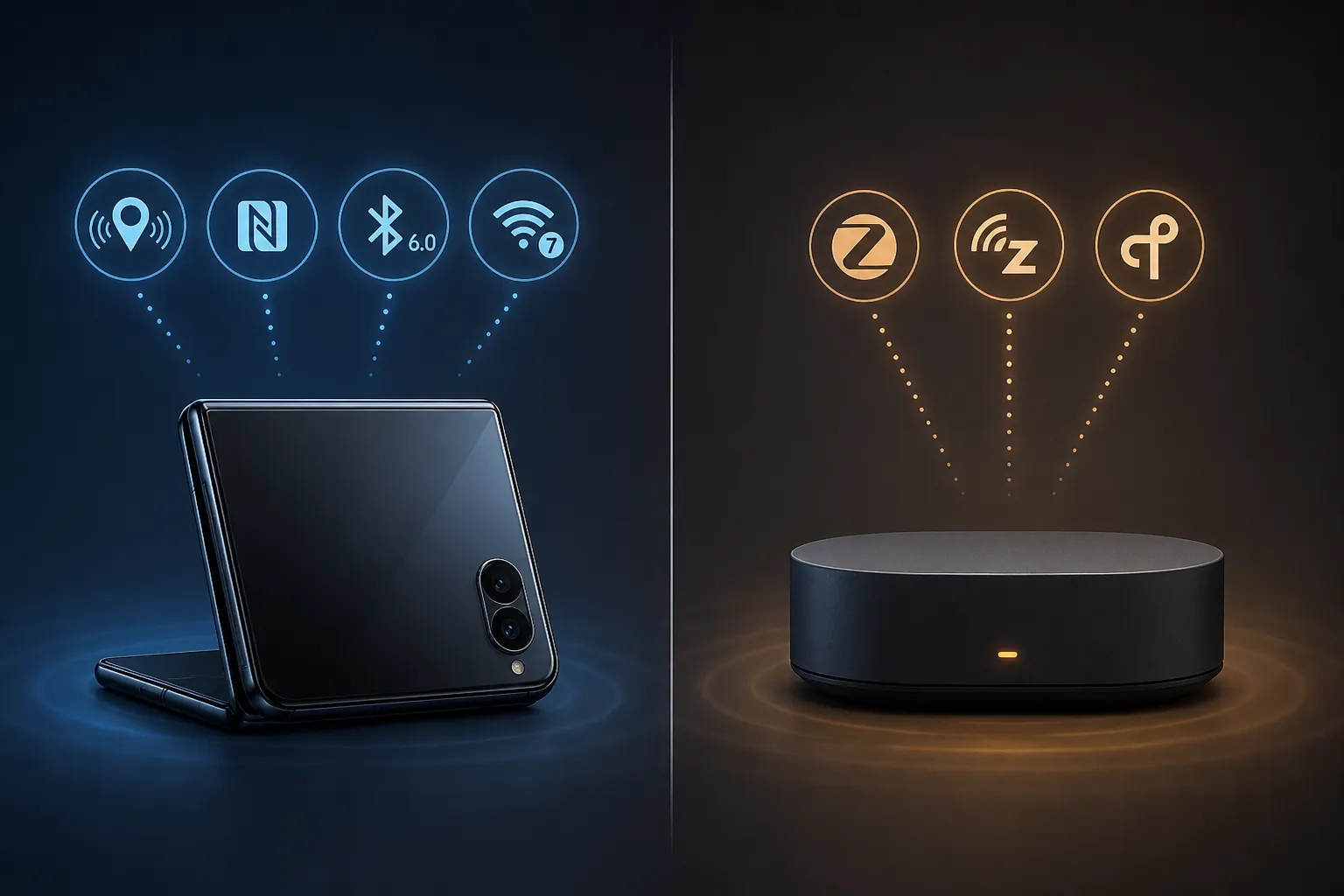
The Radio Line: Phone Features on One Side, Hub Radios on the Other
Samsung announced the Galaxy Z Fold8 on July 22, 2026, with general availability listed for August 7, 2026. Samsung’s own launch positioning centers the foldable around media, productivity, and premium mobile use; it does not describe the phone as a SmartThings hub or as hub hardware for Zigbee, Z-Wave, Thread, or Matter networks.[1]
The Z Fold8 does bring useful connection hardware. The Z Fold8 Ultra spec listing includes Wi-Fi 7, Bluetooth 6.0, NFC, and UWB.[2] A public UWB device list also claims UWB support across all Z Fold8 models, but Samsung’s official standard-model spec table does not clearly confirm it yet, so standard Z Fold8 buyers should treat UWB as a feature to verify after launch rather than assume from a third-party listing alone.[3]
| Capability | Galaxy Z Fold8 role | Real hub role |
|---|---|---|
| SmartThings app | Controls devices, scenes, automations, and account-linked homes | Provides the always-on controller behind many local devices |
| NFC | Tap-to-unlock for supported Digital Home Key locks | Not a Zigbee, Z-Wave, or Thread substitute |
| UWB | Proximity unlock and direction-aware access for supported locks, where enabled | Not a mesh-network radio for smart-home devices |
| Bluetooth 6.0 | Useful for accessories and some setup flows | Not the primary radio for Zigbee, Z-Wave, or Thread device networks |
| Wi-Fi 7 | Fast phone networking and control of cloud/Wi-Fi devices through apps | Does not make the phone a Matter controller hub by itself |
| Zigbee | Not built in | Pairs and communicates with Zigbee bulbs, plugs, buttons, and sensors |
| Z-Wave | Not built in | Pairs and communicates with Z-Wave switches, locks, sensors, and modules |
| Thread | Not built in as a Thread Border Router | Routes Matter-over-Thread devices onto the IP network |
The fastest way to read that table is this: the Fold8 has the radios a premium phone needs for access, setup, and app control. A hub has the radios and controller roles a smart-home network needs to keep device protocols running when the phone is closed, away from home, out of battery, or simply not the right tool for the job.
What the Z Fold8 Can Do Around the Smart Home
The Fold8 can be the screen you reach for most often. If your home is already connected through SmartThings, the phone can control devices exposed to that account. For Wi-Fi devices, cloud-connected devices, and devices already bridged through a compatible hub, that may be all you feel day to day: tap a scene, check status, open a lock tile, or run an automation.
Its more interesting smart-home hardware story is access. Samsung launched Digital Home Key in Samsung Wallet in March 2026, with keys secured by Knox EAL6+. The system supports three unlock behaviors: NFC tap, UWB proximity unlock, and in-app remote unlock. UWB proximity unlock was described as rolling out from April 2026 rather than universally available on day one for every lock and phone pairing.[4]
That is a real advantage over a phone that can only show a lock app. NFC tap means the phone can behave more like a credential. UWB proximity unlock, where supported, can let the lock respond as you approach instead of making you wake the phone, open an app, and press a button. For people who already use phones as wallets, transit cards, and car keys, moving the front door into Samsung Wallet is a practical kind of consolidation.
The caveat is compatibility. Samsung named Aqara, Nuki, Schlage, and Xthings as Digital Home Key partners, but the rollout is staged. Aqara’s U400 had a stated UWB target in Q2 2026, while Nuki support was tied to NFC keypad behavior in March 2026; other named partners did not all have firm consumer-availability dates in the material available here.[4] If a lock is the reason you are buying, check the exact lock model and unlock method, not just the words “Digital Home Key.” For broader lock shopping, our 2026 smart lock guide is the better place to compare Aliro, Matter-over-Thread, and subscription-free options.
What the Z Fold8 Cannot Do
The Fold8 cannot directly pair with a Zigbee bulb as a Zigbee coordinator. It cannot directly maintain a Z-Wave network. It cannot act as a Thread Border Router for Matter-over-Thread devices. Those are not app permissions waiting to be enabled; they are protocol and radio roles that require different hardware and an always-available controller.
This is where buyers get burned by loose wording. “Works with SmartThings” means a device can be managed through the SmartThings platform under the right conditions. It does not mean every Samsung device running the SmartThings app is itself a SmartThings hub. A phone can send commands through the platform. A hub gives local protocol devices somewhere to join.
Matter adds another trap. The SmartThings app on Android can serve as a Matter commissioner on supported versions, but the phone-alone path is not enough in the SmartThings setup described by SmartThings and Aeotec: a Matter controller hub must be present on the same SmartThings account.[5] In plain terms, the phone can help start the onboarding flow, but the controller role still has to live in hub-class hardware.
Thread is even less forgiving. A Matter-over-Thread sensor, switch, or lock needs a Thread Border Router to bridge the low-power Thread mesh to the home IP network. The Fold8 is not listed as that kind of device in the Samsung hub ecosystem material available here.[6] If you want the deeper mechanics, our Matter Border Router explainer walks through why this role is separate from ordinary app control.
So if your current setup includes Zigbee motion sensors, Z-Wave door contacts, Thread buttons, or Matter devices that need a controller, removing the hub because the Fold8 has SmartThings on it is not consolidation. It is taking away the device that those products were joined to.
Samsung’s Hub Strategy Explains the Missing Piece
Samsung has not been moving hub duty into phones. Its “Hub Everywhere” strategy puts SmartThings hub capability into other always-plugged-in products: 2022 and newer Q60-and-up TVs, Family Hub refrigerators, Smart Monitor M50-and-up models, and select soundbars.[7] Third-party tracking of Samsung’s Matter-capable hub devices points in the same direction, with hub roles living in TVs, monitors, appliances, soundbars, SmartThings Station, and Aeotec hardware rather than Galaxy phones.[8]
That choice is not arbitrary. A phone leaves the house. It sleeps aggressively to save battery. It gets traded in. A hub, TV, refrigerator, monitor, or soundbar is more likely to sit on power, stay on the home network, and remain available when an automation needs to run at 2 a.m.
For Fold8 buyers, that means the cleanest Samsung setup may already be in the living room or kitchen. A compatible Samsung TV can provide hub capability while the Fold8 remains the controller in your hand. If you are weighing that path, our piece on Samsung Frame TV smart-home integration is useful context because it treats the TV as part of the smart-home infrastructure, not just as a display.
Which Hub Should Stay Beside the Fold8?
The right companion depends on the devices already installed. If your home is mostly Wi-Fi plugs, cloud cameras, Samsung appliances, and app-linked services, the Fold8 may feel like enough because the missing local radios are not doing much work. You still are not turning the phone into a hub; you are simply living in a home that does not depend heavily on one.
If you own Zigbee or Thread devices, SmartThings Station or a compatible Samsung built-in hub may cover the role. If you need the newer standalone SmartThings hardware path, Aeotec Smart Home Hub 2 is described in the available material as supporting Matter, Thread, and Zigbee, but not Z-Wave.[6] That last omission matters for older SmartThings homes with Z-Wave switches, sensors, or locks.
If Matter is the confusing part, separate two jobs. Commissioning is the process of adding the device to your smart-home fabric. Controlling is what happens afterward. In the SmartThings path described here, the Fold8 can participate in commissioning through the app, but a Matter controller hub on the same account is still required.[5] Our Matter hub explainer covers what stops working when that controller is missing.
Anyone replacing hub hardware should inventory by protocol before unplugging anything. Wi-Fi and cloud devices are usually the least affected. Zigbee and Z-Wave devices are the most likely to need re-pairing if the original hub disappears. Thread and Matter devices need a controller and, for Thread devices, a Thread Border Router. If that list exposes a real hardware gap, use a dedicated hub guide rather than a phone spec sheet; our Best Home Automation Hub 2026 comparison is the more relevant buying decision.
The Practical Verdict
Buy the Galaxy Z Fold8 for a large SmartThings control screen, fast phone connectivity, Samsung Wallet keys, NFC tap unlock, and UWB proximity unlock where your exact model and lock support it. Do not buy it expecting it to replace the box, TV, refrigerator, monitor, soundbar, or station that supplies hub radios and controller roles.
If your devices are mostly Wi-Fi, cloud-connected, or already bridged through another Samsung hub device, the Fold8 can feel like the center of the home because it is the thing you touch. If your home includes Zigbee, Z-Wave, Thread, or Matter devices that require a controller, keep the hub. The phone is the remote and credential carrier; the hub is still the device network.
References
- Galaxy Z Fold8 launch press release, Samsung Global Newsroom, July 22, 2026
- Samsung Galaxy Z Fold8 Ultra specs, GSMArena
- List of UWB-enabled mobile devices, Wikipedia
- Samsung Wallet Digital Home Key launch announcement, Samsung Global Newsroom, March 2026
- SmartThings Matter FAQ, SmartThings Community
- SmartThings Innovation Report Q1 2026, SmartThings, Q1 2026
- Where Did Smart Home Hubs Go? Everywhere!, Samsung Newsroom
- Samsung Matter hub device list, matter-smarthome.de
Known issues with this device / protocol
Spec-version history
For active regressions on this protocol, see Update Watch.
No linked Update Watch entries yet.