
Will Apple Watch Ultra 4 Battery Life Handle Smart Home Use?
For buyers weighing the Apple Watch Ultra 3 now against the unannounced Ultra 4, every Ultra 4 battery claim is still rumor. The Ultra 3's verified 42-hour rating already covers smart home control, because the watch is a remote — automations run on your home hub, not the watch battery.
Last updated
As of August 25, 2026, there is no announced Apple Watch Ultra 4, so there is no official Ultra 4 battery-life number to apply to smart home automations. For the actual buying decision, the useful answer starts one step earlier: if your main use is Apple Home control from the wrist, the shipping Apple Watch Ultra 3 already clears that job on verified specs.
Apple’s current Ultra reference point is the $799 Apple Watch Ultra 3, rated for up to 42 hours of normal use, up to 72 hours in Low Power Mode, up to 20 hours of GPS and heart-rate workout use in Low Power Mode, 0–80% charging in about 45 minutes, and up to 12 hours of use from a 15-minute charge. [1][2]
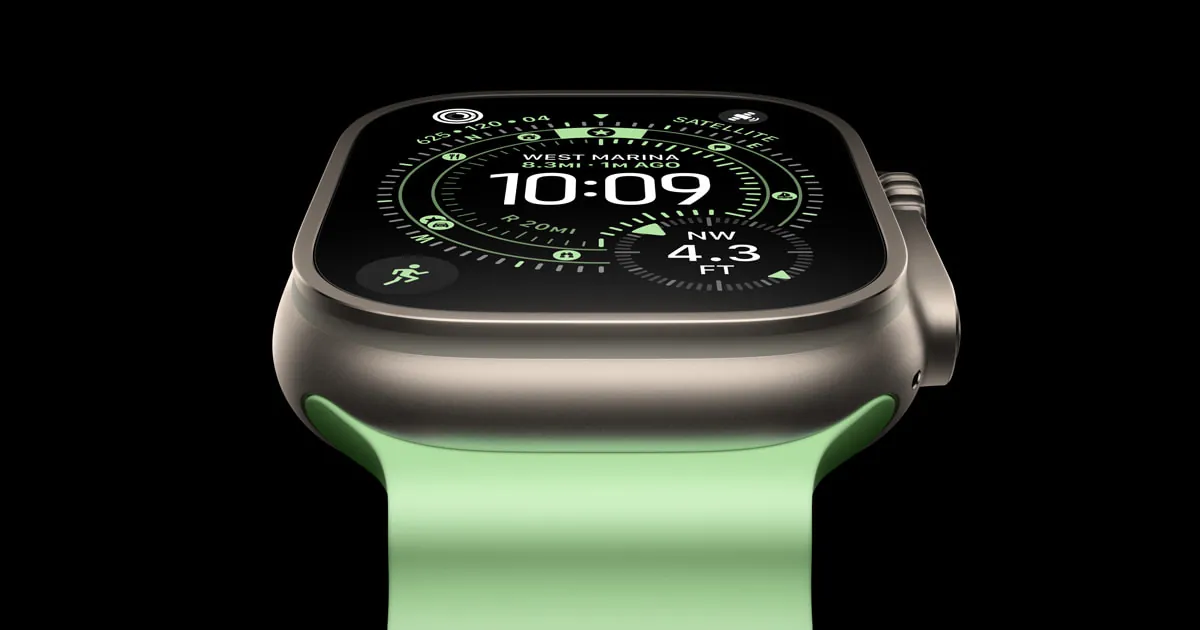
That number matters more than any pre-launch Ultra 4 rumor because Apple tells us what is inside the 42-hour rating. The stated test profile includes 180 notifications, 30 minutes of app use, a 60-minute workout, and 6 hours of sleep tracking over 42 hours; Apple also notes the tests were conducted in July and August 2025 with preproduction hardware and software, and that actual results vary. [2]
Smart home control fits inside the Ultra 3’s normal watch workload
Apple Home use on the watch is usually not a separate, heavy battery category. It is a mix of short interactions: glance at a complication, ask Siri to turn off lights, tap a lock, respond to a doorbell notification, check whether the garage door is closed, or use the watch as a Home Key at the door. Those actions look much more like notifications and brief app use than like continuous GPS tracking.
| Apple’s Ultra 3 test item | What it means for Apple Home use |
|---|---|
| 180 notifications over 42 hours [2] | Home alerts, lock notifications, sensor alerts, and doorbell prompts are part of the same kind of watch behavior. |
| 30 minutes of app use over 42 hours [2] | Opening Home, tapping scenes, checking cameras briefly, or adjusting accessories draws from a small app-use budget rather than a special automation budget. |
| 60-minute workout plus 6 hours of sleep tracking over 42 hours [2] | Apple’s rating already includes tasks that are typically heavier than occasional home-control taps. |
| 0–80% in about 45 minutes; 15 minutes for up to 12 hours [2] | Short charging windows matter if you wear the watch overnight for sleep tracking and still want it ready for home control the next day. |
This does not mean every real household gets exactly 42 hours. LTE use, long outdoor workouts, weak signal, screen brightness, audio, and notification volume still change the result. It does mean smart-home control is not the reason to wait for an Ultra 4 battery leap. The watch is waking, sending a command or displaying state, and going back to being a watch.
The watch is the controller, not the place your automations live
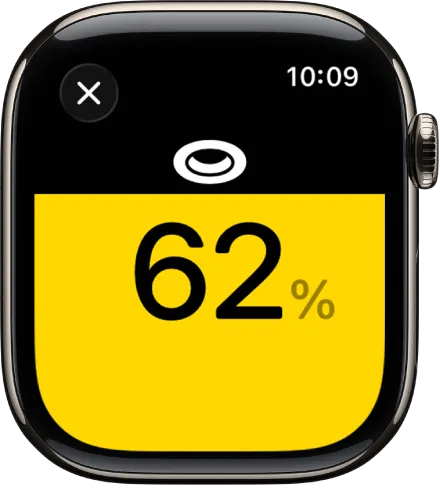
The battery question gets easier once the architecture is separated from the interface. Apple Watch can control HomeKit and Matter accessories through the Home app and Siri, receive home notifications, and reach the home over Wi-Fi or cellular when it is away from the iPhone. [3] But that does not make the watch the home hub.
When an automation says “turn on the hall light at sunset” or “lock the door when everyone leaves,” the valuable question is not whether the watch has spare battery at that moment. The practical question is which Home hub or phone path is available to evaluate and deliver the automation. The watch can trigger a scene, display accessory state, or relay a Siri request; it is not sitting there as the always-on automation engine.
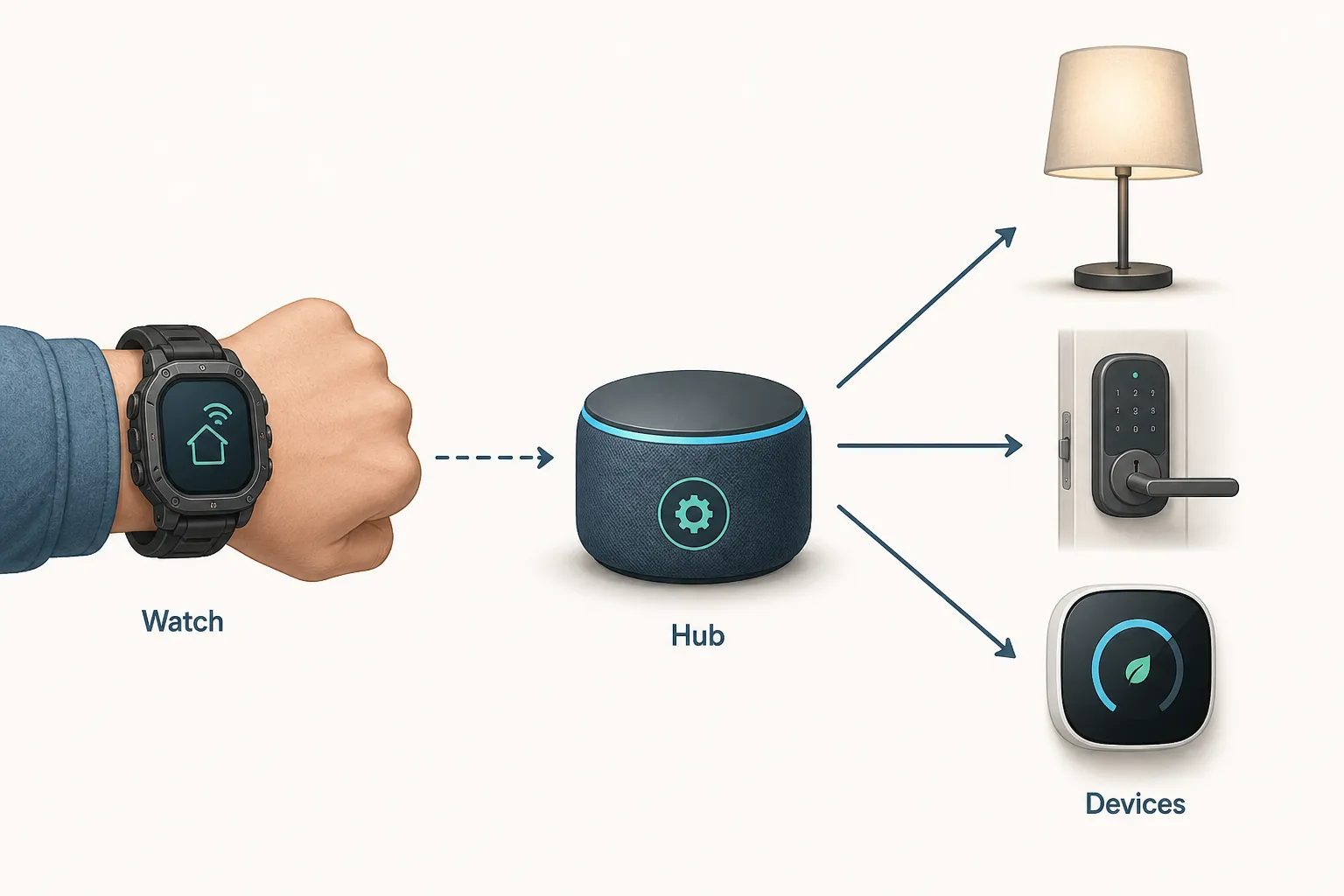
That distinction is the same reason a watch can be an excellent home remote and still be the wrong device to judge as infrastructure. If you are comparing ecosystems, the same controller-versus-hub split is the useful frame in Garmin Fenix 9 vs Apple Watch Ultra 3 for Smart Home Control.
It also changes how to read failures. If “No Response” appears on the watch while the iPhone still controls the same accessory, that is not proof that Apple Watch battery life is too weak for smart home automations. It points first to watch-side state, connectivity, Home sync, hub reachability, or accessory path. For that specific symptom, the practical next stop is troubleshooting, not a battery rumor; see fix HomeKit on Apple Watch or the narrower HomeKit No Response on Apple Watch path.
The real capability boundary is Thread
The Apple Watch Ultra 3 connectivity list includes Wi-Fi 4 on 2.4GHz and 5GHz, Bluetooth 5.3, dual-frequency GPS, second-generation Ultra Wideband, NFC, and cellular models with 5G/LTE support. It does not list Thread. [2]
Put that beside Apple’s own Thread and Matter support pages and the boundary is clear: Apple lists Thread-capable devices and home infrastructure such as Apple TV 4K 2nd and 3rd generation, HomePod 2nd generation, HomePod mini, and iPhone 15 Pro or iPhone 15 Pro Max and later on iOS 18, but the watch is not on that Thread-enabled device list. [4][5]
That matters more for smart-home planning than whether a rumored Ultra 4 gains a few hours. A Thread lock, sensor, bulb, or plug needs the right Thread border-router path. The watch can be the wrist interface you love using; it is not the Thread router that makes a sleepy battery sensor reachable across the mesh.
For Home Key, the watch’s NFC role is different and much more direct: it can be the thing you present at the lock. That is a strong reason to like the Ultra as a house device, but it is still not the same as running automations or bridging Thread accessories. If the door is your main use case, the setup details belong in a Home Key workflow such as set up Apple Home Key smart lock.
What the Ultra 4 rumors can and cannot decide
The Ultra 4 rumor file is worth watching, but it has to stay labeled. Tom’s Guide has described the Apple Watch Ultra 4 rumor set around design, health features, and battery life while also noting that little is known about the physical battery, and that the Ultra 2 to Ultra 3 gain was 36 hours to 42 hours. [6] 9to5Mac, writing on August 5, 2026, framed three expected features around a new chip, sensor expansion, and other upgrades, including Mark Gurman’s line about a “long-awaited bump in chips and speed.” [7] MacRumors has separately reported that upcoming Apple Watch models are expected to focus on battery life rather than Touch ID. [8]
The launch timing is not settled either. 9to5Mac’s August 2026 rumor treatment pointed to a launch “next month” alongside the iPhone 18 Pro, while Tom’s Guide has cautioned that a 2026 debut is far from certain and could slip to fall 2027. [6][7]
Battery rumors also have a real emotional pull because Apple’s Ultra line is still compared against watches that advertise longer endurance. Tom’s Guide has put the Ultra 3’s roughly 42-hour figure beside the Galaxy Watch Ultra at about 48 hours and the Pixel Watch 4 at about two days, which explains why people keep looking for an Ultra 4 battery jump. [9]
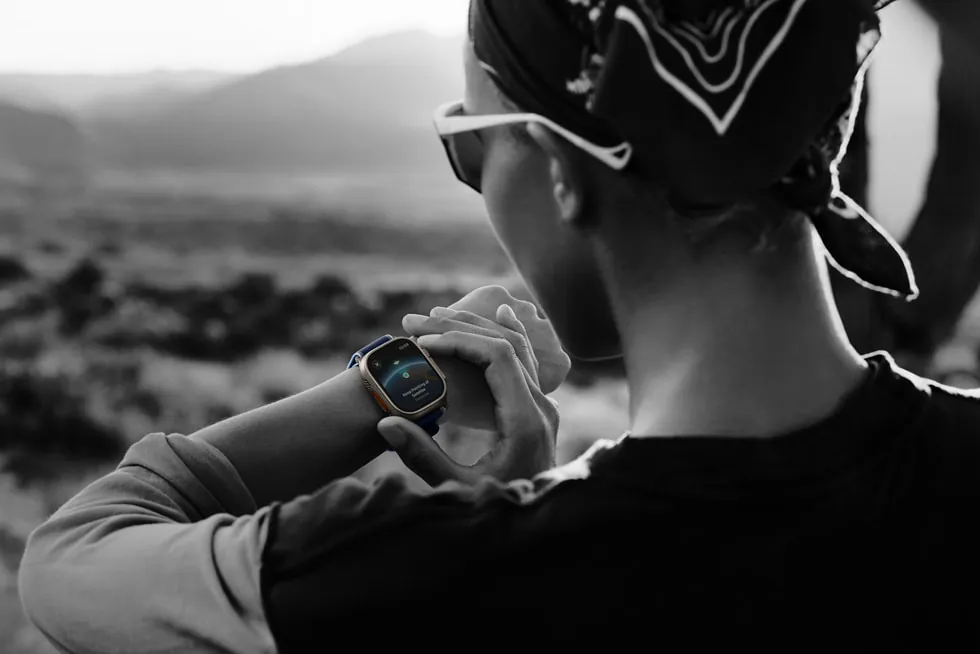
That is where an Ultra 4 efficiency gain would matter first: hiking weekends, sleep-plus-workout patterns, cellular-heavy days, navigation, training, and people who simply want the newest hardware. Those are legitimate reasons to wait. They are not the same reason as “my automations need more watch battery.”
Pre-purchase judgment
For Apple Home control, buy or evaluate the Apple Watch Ultra 3 on the verified facts: 42 hours of normal use, a 72-hour Low Power Mode ceiling, fast charging, Home app and Siri control, NFC for Home Key, and the known limitation that the watch is not a Thread border router.
- If your main goal is lights, locks, scenes, Siri commands, Home notifications, and quick status checks from the wrist, the Ultra 3 already has enough verified battery headroom.
- If your main concern is multi-day outdoor endurance, long workouts, heavy LTE, or owning the newest hardware, waiting for official Ultra 4 specs is reasonable.
- If your concern is automation reliability, check the home hub, Matter and Thread path, accessory health, and Home sync before treating watch battery life as the bottleneck.
Until Apple publishes the Ultra 4 spec sheet, no Ultra 4 battery claim should be used as compatibility evidence. Re-check the decision when Apple gives an official battery rating, the test envelope behind it, and the final connectivity list.
References
- Introducing Apple Watch Ultra 3, Apple Newsroom, 2025
- Apple Watch Ultra 3 - Tech Specs, Apple Support
- Control your home with Apple Watch, Apple Support
- If you see a Thread Border Router Required or Needs Thread Network alert, Apple Support
- Pair and manage your Matter accessories, Apple Support
- Apple Watch Ultra 4: All the design, health, and battery life rumors so far, Tom's Guide
- Apple Watch Ultra 4: Three new features that already have me excited, 9to5Mac, August 5, 2026
- Next Apple Watch Models Unlikely to Add Touch ID, Focus on Battery Life, MacRumors, May 11, 2026
- Apple Watch Ultra 4 — these are the upgrades Apple needs to make to remain the smartwatch king, Tom's Guide
Known issues with this device / protocol
Spec-version history
For active regressions on this protocol, see Update Watch.
No linked Update Watch entries yet.