
Garmin Fenix 9 vs Apple Watch Ultra 3 for Smart Home Control
Choosing between the Fenix 9 and Apple Watch Ultra 3 for smart-home duty comes down to your ecosystem: the Ultra 3 is a native Home/Matter controller for Apple households, while the Fenix 9 has no built-in smart-home stack and reaches Home Assistant, SmartThings, and Tuya only through third-party apps. This compatibility-first comparison maps every control path, including the phone, hub, and app each one requires, so you can pick the watch that actually fits your setup.
Last updated
For smart-home control, the Garmin Fenix 9 and Apple Watch Ultra 3 are not two versions of the same product. The Ultra 3 is an Apple Home control surface that can operate supported HomeKit and Matter accessories through Apple's infrastructure. The Fenix 9 has no built-in Matter, Thread, Zigbee, or Z-Wave stack; it reaches a home through third-party Connect IQ apps, a phone relay, a cloud service, or a community server.
| Path | Apple Watch Ultra 3 | Garmin Fenix 9 | What it requires | Status verified |
|---|---|---|---|---|
| Apple Home and Matter | Native Home app control, scenes, Siri, cameras, Intercom, and home key | No native Home or Matter control | iPhone, Apple Home configuration, and a compatible home hub where required | Ultra 3: Confirmed, Aug. 25, 2026; Fenix 9: Confirmed unavailable, Aug. 25, 2026 |
| Thread | Controls Thread accessories through Apple Home infrastructure | No Thread radio listed | A compatible Thread border router or home hub; the watch is not the border router | Ultra 3: Confirmed dependency, Aug. 25, 2026; Fenix 9: Confirmed unavailable, Aug. 25, 2026 |
| Home Assistant | Official Home Assistant Companion app with scripts, scenes, iOS Actions, folders, and complications | Community GarminHomeAssistant app and other third-party routes | Ultra 3: iPhone and Home Assistant Companion setup; Fenix 9: Connect IQ app, Home Assistant endpoint, and often phone or network access | Ultra 3: Confirmed, Aug. 25, 2026; Fenix 9: Workaround, Aug. 25, 2026 |
| SmartThings | No special advantage over the normal Apple-to-SmartThings options | Connect IQ app route focused on routines | Third-party app and SmartThings routines; current support for newer Fenix models needs checking | Ultra 3: Investigating, Aug. 25, 2026; Fenix 9: Workaround, Aug. 25, 2026 |
| Tuya and Smart Life | No native Tuya control surface in Apple Home unless devices are exposed through a supported bridge | Connect IQ apps can trigger scenes | Third-party Connect IQ app, configured scenes, and its phone or cloud path | Ultra 3: Workaround through bridge where supported, Aug. 25, 2026; Fenix 9: Workaround, Aug. 25, 2026 |
| eWeLink | No native Apple Watch eWeLink control path established here | A Connect IQ workaround exists | Third-party app and the eWeLink account or relay it uses | Ultra 3: Investigating, Aug. 25, 2026; Fenix 9: Workaround, Aug. 25, 2026 |
| openHAB REST | Not a native Apple Watch path | Direct REST control is limited by Connect IQ request formats | A compatible intermediary or a changed endpoint; application/json and application/x-www-form-urlencoded are the documented formats | Ultra 3: Investigating, Aug. 25, 2026; Fenix 9: Investigating, Aug. 25, 2026 |
That matrix is the useful comparison. The Ultra 3 is the better choice when the house already runs on Apple Home. The Fenix 9 is attractive only when its battery and Garmin hardware outweigh the extra software layer. In that case, the watch is a trigger for a home system, not a native controller for one.
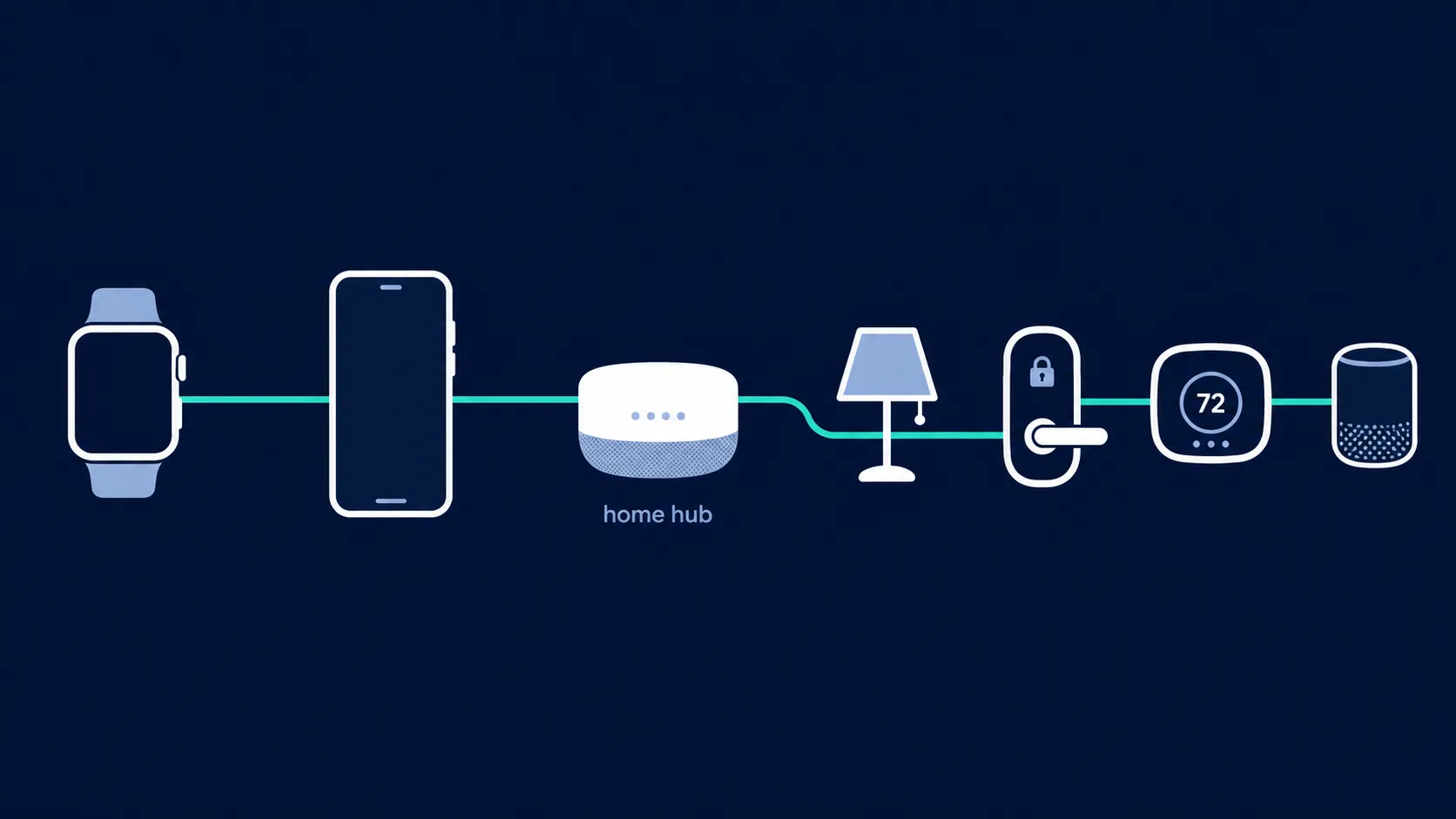
What native Apple Home control actually means
Apple's watchOS Home controls are a first-party wrist interface. From the Ultra 3, a user can operate compatible accessories and scenes, use Siri, view supported camera streams, use Intercom, and access a supported home key. Apple documents Home control on Apple Watch as part of the Apple Home system rather than as a generic remote-control protocol.[1]
The command path still has dependencies. The watch is associated with an iPhone, the accessories must be configured in Apple Home, and remote or more advanced household functions can depend on an Apple home hub. The Ultra 3 does not remove those requirements; it gives an Apple household a usable control surface at the wrist.
That distinction matters for Matter. Matter is the accessory standard; it is not a promise that every Apple device can communicate with every Matter radio directly. Apple Home can expose supported Matter accessories to the watch, but the home still needs the Apple infrastructure required by the accessory's transport and feature set.
The Thread reality check
Apple's current Thread guidance lists the Apple TV 4K second- and third-generation models, HomePod second generation, HomePod mini, and iPhone 15 Pro or later among Thread-enabled devices. Apple Watch is absent from that list. Apple also states that Matter-over-Thread accessories need the appropriate home hub or Thread border router.[3]
So the Ultra 3 can control a Thread-based Matter accessory through Apple Home, but it is not the Thread border router. A buyer who expects the watch to replace a HomePod mini or Apple TV 4K has misunderstood the control chain. Claims about unverified Thread-capable silicon inside the watch do not change the documented setup.
The Ultra 3 costs $799 and is rated for up to 42 hours of normal use or 72 hours in low-power mode.[2] Those figures make it a credible wrist remote, although it remains a device that needs regular charging and an iPhone-centered setup.
Why the Fenix 9 needs a workaround map
The Fenix 9's appeal is easy to understand: a long-lived watch is more useful at the front door or beside the bed than a remote that is charging in another room. Published Fenix 9 and Fenix 9 Pro information identifies Wi-Fi, Bluetooth LE, ANT/ANT+, NFC, and cellular or satellite-related connectivity, but does not identify Matter, Thread, Zigbee, or Z-Wave support.[4][5] There is also no native Garmin smart-home app comparable to Apple Home.
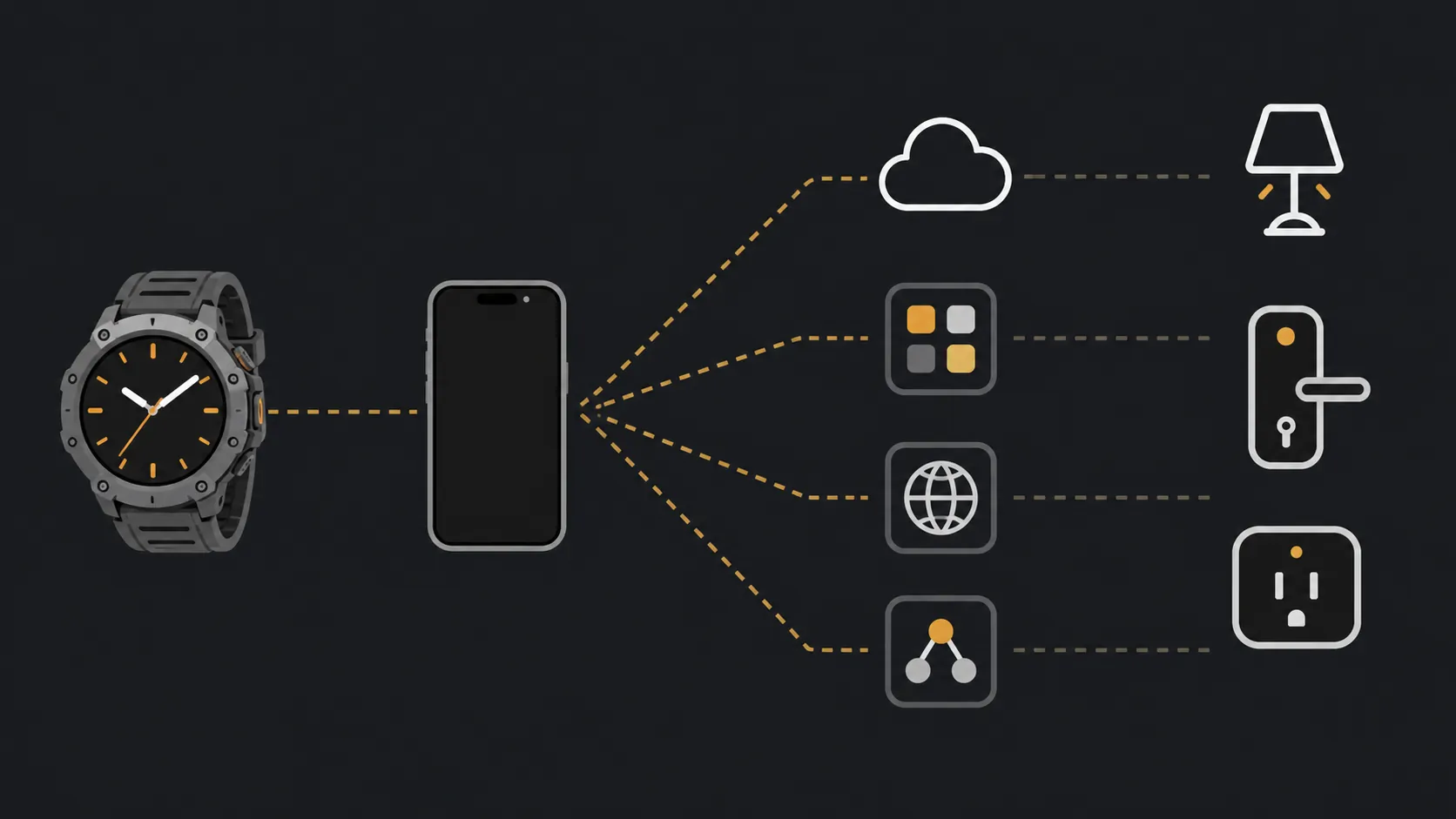
That leaves a collection of possible routes rather than one Fenix smart-home feature. A Connect IQ app may send a request over Wi-Fi, pass it to the phone, invoke a cloud service, trigger a preconfigured routine, or call a Home Assistant endpoint. Those paths can be useful, but each has a different failure point and none should be described as direct Matter control.
Home Assistant is the strongest Fenix case
GarminHomeAssistant is the most substantial community path in this comparison. Its Connect IQ listing and public repository describe a Garmin-to-Home-Assistant route, with the watch acting as the initiating interface and Home Assistant performing the actual service call.[6][7] This can turn a wrist button or app action into a light, lock, scene, or script trigger, depending on how the Home Assistant instance is configured.
The important limitation is ownership of the control logic. The Fenix does not become a Home Assistant controller in the same sense that an Apple Watch becomes an Apple Home client. It depends on a community app, an accessible Home Assistant installation, authentication or endpoint configuration, and whatever network route the app uses. The community project is therefore a workable power-user option, not a first-party guarantee.
Apple Watch has a cleaner Home Assistant alternative. The official Home Assistant Companion app supports scripts, scenes, and iOS Actions, with folder organization added in version 2026.3; it also supports watchOS complications on watchOS 8 and later.[8] The Apple path still runs through the iPhone and Home Assistant Companion, but the app and integration are maintained as an official part of that ecosystem.
SmartThings, Tuya, and cloud-triggered routes
The remaining Fenix options are best understood as scene launchers. A SmartThings Connect IQ route is associated with routines rather than a native SmartThings device browser, and its support for newer watches should be checked before purchase. Tuya and Smart Life apps can expose configured scenes, while eWeLink offers another third-party route. The practical action is usually “run this prepared automation,” not “discover and control any device in the house from the watch.”
APICall illustrates another tradeoff: it can work, but its documented behavior routes requests through the phone, and Garmin watch Wi-Fi is off by default in the relevant use case. WebRequest and IFTTT-style paths add further flexibility, but also add accounts, endpoints, cloud availability, and configuration to the command chain.[9]
openHAB is a particularly useful warning. A field test found that the Connect IQ SDK supports application/json and application/x-www-form-urlencoded request formats, which creates a limitation for an openHAB REST setup that expects another request pattern.[9] The issue is not whether the Fenix can make a network request in the abstract; it is whether the exact endpoint and authentication method fit the watch app's constraints.
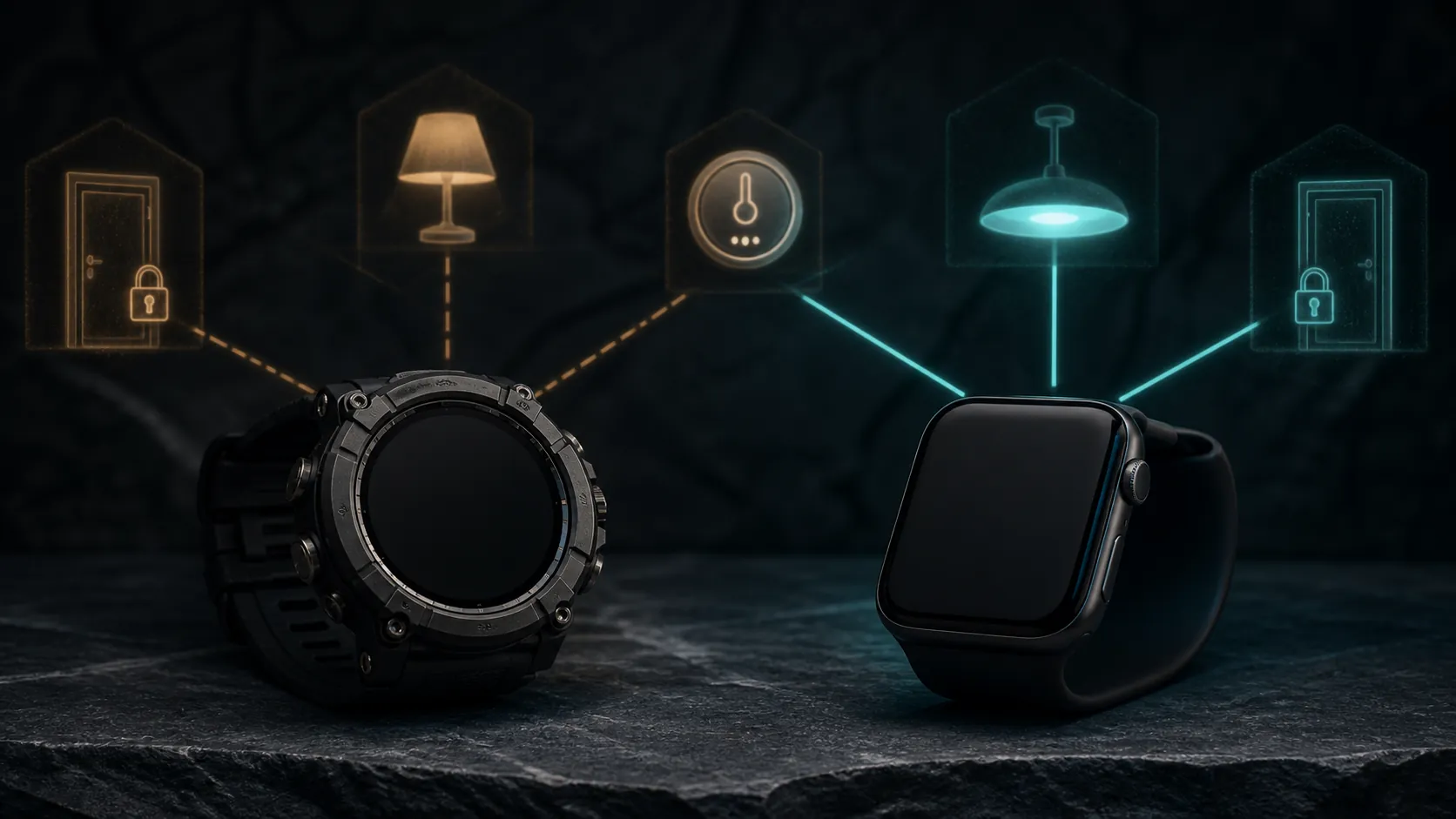
Battery changes the tradeoff, not the category
The Fenix 9 Pro AMOLED is listed with roughly 10 to 31 days of smartwatch-mode battery depending on the model and configuration, with Australian pricing listed around AUD $1,749 to $2,049.[4] Base Fenix 9 specifications and US pricing remain estimates rather than confirmed launch facts, so they should not be used as a precise value comparison.
That battery advantage is real in the role that matters here. A watch that stays on the wrist for days is more likely to be available for a quick scene trigger. It does not make a phone-routed SmartThings action native, and it does not give the watch a Thread radio. It simply makes the chosen workaround more convenient to invoke.
Garmin joining the Connectivity Standards Alliance is relevant industry context, but it is not evidence that the Fenix 9 supports Matter or that Matter support is imminent. Garmin has made no official commitment in the materials available here.[10][11]
Which watch fits your home
Choose the Apple Watch Ultra 3 when your devices already live in Apple Home and you want a first-party wrist action for scenes, accessories, cameras, Intercom, or a supported home key. Accept the iPhone and home-hub dependency as part of that system. The watch can operate Matter-over-Thread accessories through Apple Home, but it does not replace the Thread border router.
Choose the Fenix 9 when battery life and Garmin's hardware matter enough that you are willing to validate a Connect IQ route for your exact setup. Home Assistant users have the strongest case, particularly if they are comfortable maintaining a community integration. SmartThings, Tuya, Smart Life, and eWeLink users should treat the Fenix as a workaround device whose reliability depends on the app, phone, cloud, and configured scenes.
For someone new to Matter and Thread, neither watch removes the need to understand the home network. For an Apple household, the Ultra 3 gives the shorter and more predictable command path. For a mixed or self-hosted home, the Fenix can be useful, but only after the complete path has been tested. Buy the watch that matches the control path you already trust, rather than the one with the stronger general smartwatch identity.
References
- Control your home with Apple Watch — Apple Support
- Apple Watch Ultra 3 Technical Specifications — Apple
- If you see a Thread Border Router Required or Needs Thread Network alert — Apple Support, January 13, 2026
- Fenix 9 Pro specs — the5krunner
- Fenix 9 specs — the5krunner
- GarminHomeAssistant — Connect IQ Store
- GarminHomeAssistant — GitHub
- Apple Watch — Home Assistant Companion documentation
- Smart Home Control from Garmin Devices — The Ninth
- CSA has Garmin, Walmart, Reolink and Qingping onboard — Matter Alpha
- Will Garmin support Matter home automation? — Garmin Forums
Known issues with this device / protocol
Spec-version history
For active regressions on this protocol, see Update Watch.
No linked Update Watch entries yet.