
Why Your Ecosystem Should Drive Your Thermostat Choice
Most smart thermostat guides sort picks by price tier or sensor count. That approach works fine if you are starting from scratch — but if you already have an ecosystem running, it misses the more important question: how deeply does this thermostat actually integrate with what you already own?
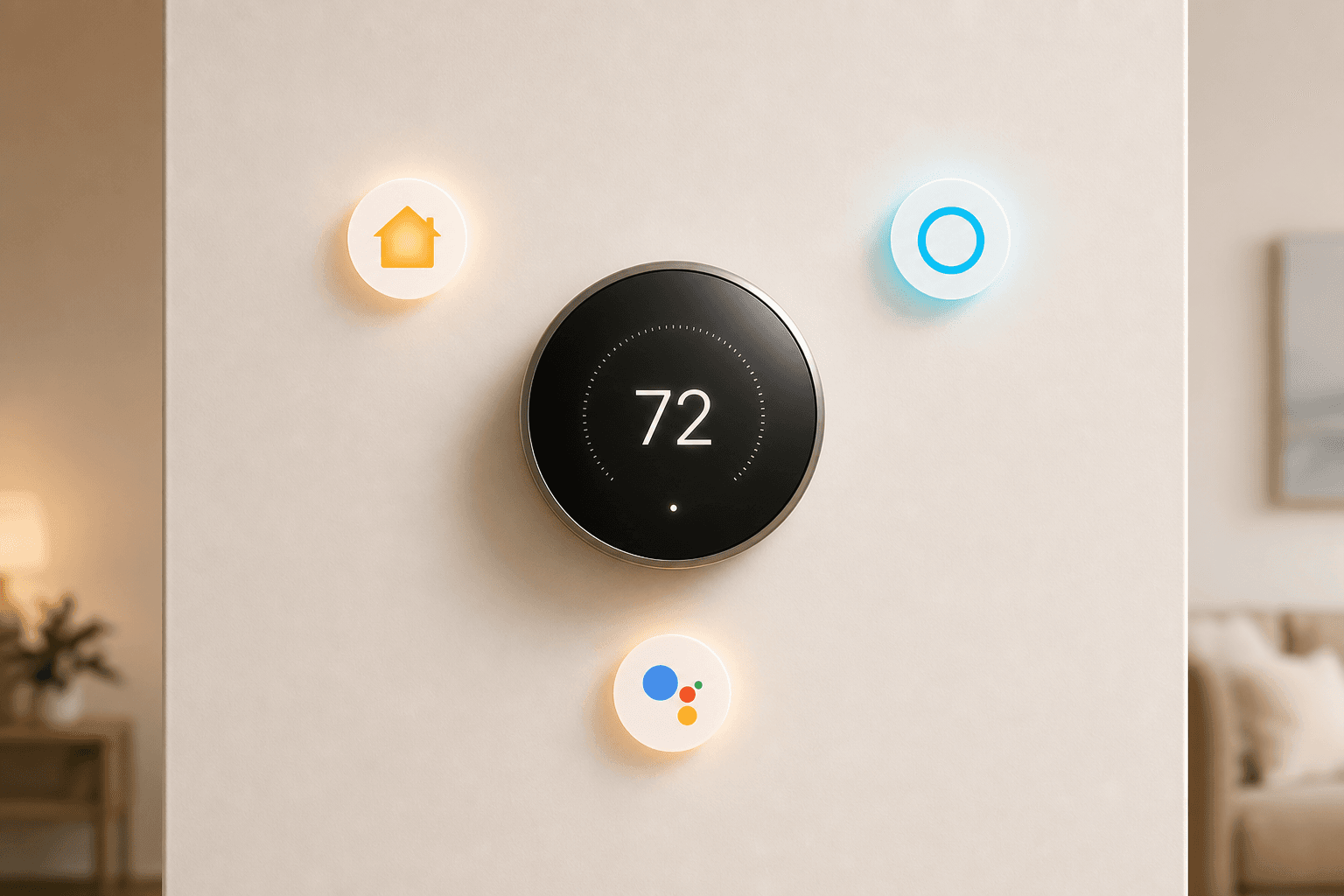
HomeKit, Alexa, and Google Home do not treat thermostats the same way. Each platform offers a different set of automation hooks, different voice control depth, and different trade-offs when a thermostat uses Matter bridging instead of native certification. A thermostat that is excellent in a Google Home household may offer a noticeably shallower experience in a HomeKit household — and vice versa.
This guide is organized by ecosystem, not by price or HVAC spec. Each platform section explains what you specifically gain from a well-matched thermostat, what you lose when relying on Matter bridging instead of native integration, and which models deliver the best experience on that platform in 2026.
Smart Thermostats for HomeKit Households
Apple HomeKit certification is not just a compatibility checkbox. A natively certified thermostat integrates with Siri, Apple Shortcuts, and the Home app's automation engine — meaning you can tie temperature changes to any other HomeKit device in a single Scene or Shortcut. Lock the front door, dim the lights, and set the thermostat to eco mode in one tap or one Siri command.
HomeKit's privacy posture is also distinct. Native HomeKit control routes commands locally whenever possible, without requiring a manufacturer cloud connection. For users who want thermostat control to stay on their home network rather than passing through a third-party server, native HomeKit certification is a meaningful advantage.
What does Matter-bridged access miss? When a thermostat appears in Apple Home through Matter rather than native certification, you get basic control — setting temperature, switching modes, reading the current reading. What you do not get is access to the full manufacturer app experience: AI scheduling history, detailed energy reports, and advanced display customization all live in the native app and are not exposed through the HomeKit or Matter interface. The practical experience in Apple Home is functional but shallower.
Top Picks for HomeKit Households
- Ecobee Premium — The broadest multi-platform thermostat available. It supports HomeKit natively while also working with Alexa, Google Home, and SmartThings simultaneously — no Matter bridging required for any of them. If you run a HomeKit home but occasionally use Alexa or have mixed-ecosystem devices, the Premium is the safest choice. It also includes a built-in Alexa speaker and microphone, which works alongside HomeKit integration without conflict. Wirecutter and PCMag both name it the top pick for platform-agnostic users who want no tradeoffs.
- Ecobee Essential — The step-down from the Premium, but it retains native HomeKit, Alexa, and Google Home support. CNET's HomeKit-focused guide picks the Essential as its top HomeKit thermostat, citing excellent platform integration and compatibility with Ecobee smart sensors. If you do not need the built-in speaker, the Essential delivers the same HomeKit experience at a lower price.
- Sensi ST55 — The most affordable HomeKit-native thermostat available, priced around $80. PCMag categorizes it as the best affordable thermostat for HomeKit, noting it is rare for a budget model to include genuine HomeKit certification. It also works with Alexa, Google Home, and SmartThings.
Smart Thermostats for Alexa Households
Alexa integration with a thermostat goes well beyond "Alexa, set the temperature to 72." The platform's Routines let you combine thermostat changes with lighting, locks, and alarms in a single trigger — set by time, Echo motion sensor, or voice command. Alexa Hunches take this further by inferring when you have likely left home based on patterns and proactively suggesting or automatically executing eco-mode adjustments.
Echo devices can also function as room-presence signals when paired with compatible thermostats. An Echo in the living room detecting no motion for an extended period can feed into a Routine that adjusts the thermostat schedule, without any additional sensor hardware.
The standout hardware advantage for Alexa households is the Ecobee Premium's built-in Alexa speaker and microphone. It is the only thermostat that responds to Alexa commands without a separate Echo device in the room. You can ask it for the weather, set timers, or control other Alexa-connected devices directly from the thermostat itself — a genuinely useful feature in a kitchen or hallway where you might not have an Echo placed.
Top Picks for Alexa Households
- Ecobee Premium — The built-in Alexa speaker and mic make this the strongest Alexa-native thermostat. It handles Alexa commands directly without a hub or Echo nearby, and it supports full Routine integration. The Premium also retains native HomeKit and Google Home support, so it works equally well in mixed-ecosystem homes.
- Amazon Smart Thermostat — The budget Alexa pick. It is inexpensive and deeply integrated with Alexa Routines and the Alexa app. However, its platform support is strictly limited: it works only with Amazon Alexa. There is no HomeKit support, no Google Home support, and no Matter compatibility.
Smart Thermostats for Google Home Households
Google Home households have a clear first-party option: the Nest Learning Thermostat. The 4th generation model integrates more deeply with Google's ecosystem than any third-party thermostat can. Gemini-powered AI scheduling learns your temperature preferences and routine over time, building a schedule automatically rather than requiring manual programming. The Google Home app provides a polished control experience, including direct thermostat management from Nest Hub displays.
One of the Nest's most practical ecosystem-specific features is smoke detector integration. When used alongside compatible Nest products, the thermostat can automatically shut off the HVAC system if a smoke or CO alarm triggers — a safety feature that requires the Nest ecosystem to function.
The 4th Gen Nest also supports satellite sensors for targeting heating and cooling to occupied rooms. One important nuance: Nest satellite sensors do not detect presence automatically the way Ecobee SmartSensors do. Nest sensors require you to manually schedule which rooms are prioritized at which times, rather than responding to real-time occupancy detection.
A practical installation note: the Nest Learning Thermostat 4th Gen does not require a C-wire, which makes it compatible with a broader range of older HVAC systems without additional wiring work.
Top Picks for Google Home Households
- Nest Learning Thermostat 4th Gen — The deepest Google Home integration available. Gemini AI scheduling, Nest Hub display control, smoke detector HVAC shutdown with compatible Nest devices, and no C-wire requirement. It also supports Matter, which enables basic control through Apple Home and Alexa — though with important limitations covered in the Matter section below. For a Google Home-primary household, this is the natural choice.
- Ecobee Premium — The cross-platform alternative. If your home runs Google Home but you also have HomeKit or Alexa devices, the Ecobee Premium supports all three natively without any bridging. It will not match the Nest's depth of Google-specific features, but it offers the most flexibility for mixed-ecosystem households.
Cross-Platform Comparison: Which Thermostat Works Where
| Thermostat | HomeKit | Alexa | Google Home | Matter | Sensor Type | C-Wire Required | Approx. Price |
|---|---|---|---|---|---|---|---|
| Ecobee Premium | Native | Native (built-in speaker) | Native | Yes | SmartSensor (presence detection) | Yes | ~$250 |
| Ecobee Essential | Native | Native | Native | Yes | SmartSensor compatible | Yes | ~$150 |
| Nest Learning Thermostat 4th Gen | Via Matter only | Via Matter | Native (deepest) | Yes | Satellite sensor (schedule-based) | No | ~$280 |
| Amazon Smart Thermostat | None | Native only | None | No | None | Yes | ~$60 |
| Sensi ST55 | Native | Native | Native | No | None | Yes | ~$80 |
| Honeywell Home X8S | Native | Native | Native | No | None | Yes | ~$200 |
What Matter Changes — and What Native Integration Still Does Better
Matter's biggest practical benefit for thermostat buyers is that it opens up devices that previously lived in a single ecosystem. The Nest Learning Thermostat 4th Gen is the clearest example: set it up through the Google Home or Nest app, and you can then add it to Apple Home as a Matter accessory. From that point, you can set the temperature from the Home app, use it in HomeKit Scenes, and control it with Siri.
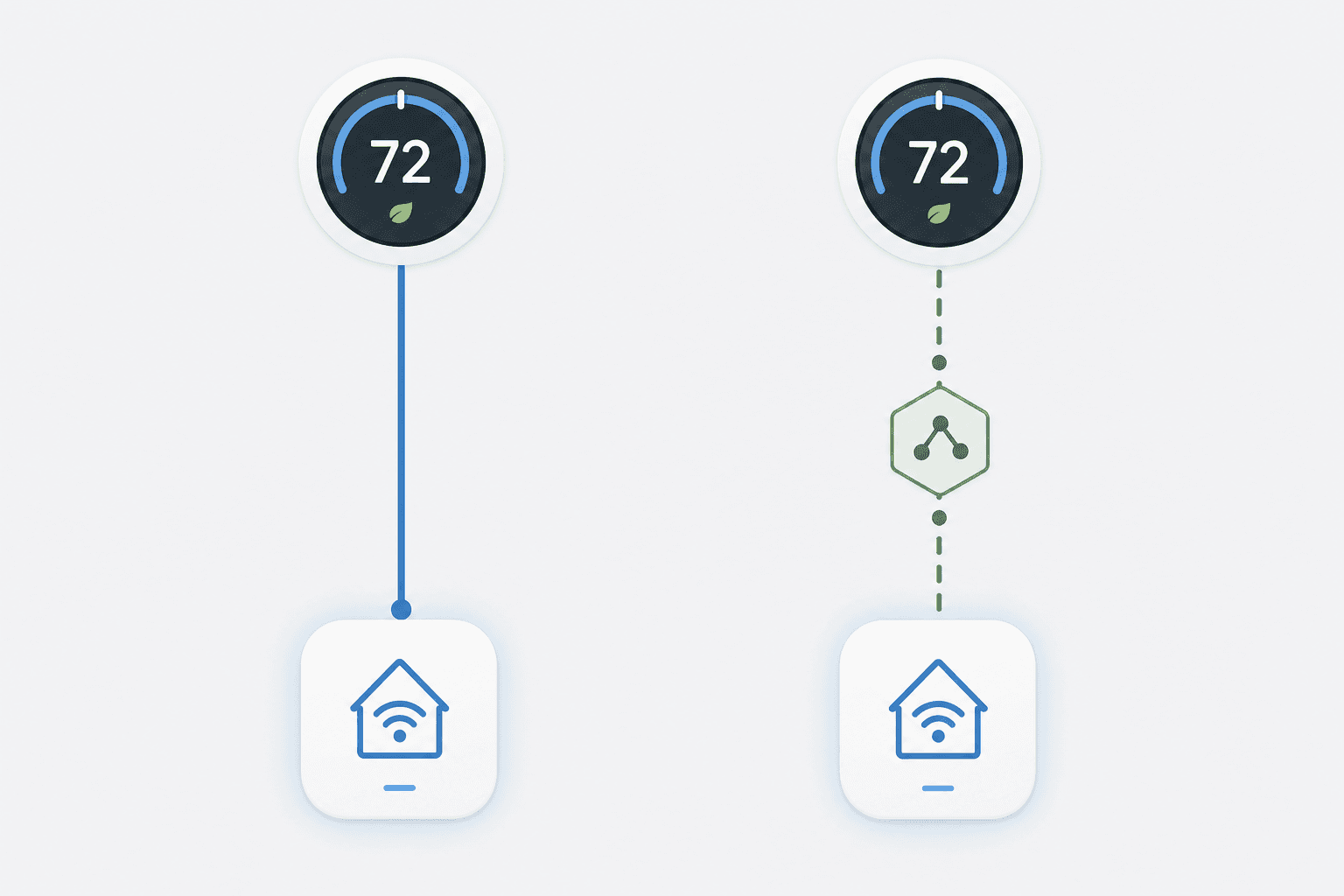
That said, Matter-bridged access is not the same as native certification. When you control a Nest thermostat through Apple Home via Matter, you are working with a subset of what the Nest app exposes. Features that live entirely inside the Nest platform — AI scheduling history, detailed energy usage reports, and Farsight display customization — are not accessible through the HomeKit or Matter interface. You set the temperature and switch modes; the deeper Google-native intelligence stays inside the Nest app.
This is not a reason to dismiss Matter. For Google Home households who occasionally want to trigger a Nest temperature change from a HomeKit Scene, it works well. The limitation matters most if you were hoping to fully switch away from the Nest app and manage everything from Apple Home — that experience is functional but not complete.
Automation Examples by Platform
The way thermostats participate in automations looks different on each platform. Here are concrete examples of what each model actually does — not just which platforms a thermostat supports, but how the automation logic works in practice.
HomeKit: Scenes and Shortcuts
- "Leaving Home" Scene: Set the thermostat to eco mode, lock the front door, and turn off all lights in a single Siri command or Home app tap. The thermostat responds as part of the Scene alongside all other HomeKit devices.
- Apple Shortcuts automation: Trigger a temperature change based on the time of day, your phone's location (geofence), or when a specific HomeKit sensor detects no motion for 30 minutes. HomeKit handles all of this locally without requiring a manufacturer cloud connection.
- Siri voice control: "Hey Siri, set the thermostat to 68" — works with any natively certified HomeKit thermostat without routing through the manufacturer's app.
Alexa: Routines and Hunches
- Routine triggered by Echo motion sensor: "When no motion is detected on the living room Echo for 45 minutes, set the thermostat to eco mode." No additional sensor hardware required if you already have Echos in your rooms.
- Alexa Hunch: Alexa infers from your daily patterns that the house is likely empty and automatically suggests — or executes — a temperature adjustment. This requires enabling Hunches in the Alexa app and connecting your thermostat.
- Ecobee Premium direct command: "Alexa, set the temperature to 70" — said directly to the thermostat's built-in mic, with no Echo device needed nearby.
Google Home: Automations and Gemini Triggers
- Geofence-based eco mode: Google Home Automation triggers when the last household member's phone leaves a defined radius, automatically switching the Nest thermostat to eco mode. No manual trigger needed.
- Nest Hub display control: From any Nest Hub, you can view and adjust the thermostat directly on the display without opening the Google Home app on a phone.
- Gemini AI scheduling: The Nest 4th Gen builds a temperature schedule over time by learning when you are home, when you are away, and what temperatures you prefer. Gemini-powered suggestions refine the schedule automatically — this runs within the Nest app and is not exposed through Matter or Alexa.
Frequently Asked Questions
Can I use a Nest thermostat with HomeKit?
Yes, but through Matter bridging rather than native HomeKit certification. The Nest Learning Thermostat 4th Gen supports Matter, which enables integration with Apple Home. You set it up in the Google Home or Nest app first, then add it to Apple Home as a Matter accessory. From Apple Home, you can control temperature, switch modes, and include it in Scenes. What you cannot do through Apple Home is access Nest-specific features like AI scheduling history, detailed energy reports, or Farsight display customization — those remain inside the Nest app.
Does Ecobee work natively with all three major ecosystems?
The Ecobee Premium and Ecobee Essential both support HomeKit, Alexa, and Google Home natively — no Matter bridging required for any of them. PCMag notes the Premium supports five platforms simultaneously including SmartThings and IFTTT in addition to the three major ecosystems. The Ecobee is currently the only widely available thermostat that delivers this level of simultaneous multi-platform support without relying on bridging protocols.
What specifically does Matter-only HomeKit access miss compared to native integration?
When the Nest thermostat is accessed through Apple Home via Matter, the features missing from that interface are those that live in the Nest platform's own cloud and app: AI-generated scheduling history (the accumulated learning about your temperature preferences), energy usage reports and efficiency breakdowns, and Farsight display customization (the way the thermostat face changes to show weather or time as you approach it). These features are built into the Nest app and are not part of what Matter exposes to third-party platforms. Day-to-day temperature control works fine through Apple Home — the gap shows up when you want the full Nest intelligence layer.
Reader Feedback
Share your purchase experience, flag outdated picks, or ask clarifying questions about the checklist items.
Comments
Join the discussion with an anonymous comment.