
How iOS 26.6 Impacts Your HomeKit Devices
Wondering if iOS 26.6 fixes your HomeKit 'No Response' or widget lag? We verified the release notes and found that the real fix lies in updating your Apple TV or HomePod, not your iPhone. Here's exactly which updates to install and which bugs remain unresolved.
If you installed iOS 26.6 for HomeKit, the answer is probably not on your iPhone.
The iOS 26.6 notes describe security patches, general bug fixes, and a Spotlight optimization tied to future Siri readiness. They do not name Home, HomeKit, Matter, accessories, hubs, automations, or connectivity. That matters because the devices most likely to affect a HomeKit home in this cycle are the Apple TV and HomePod units acting as home hubs, and those received their own 26.6 updates the same day.
| Update | What the notes support | HomeKit reading |
|---|---|---|
| iOS 26.6 | Security fixes, bug fixes, Spotlight optimization | No documented HomeKit-specific fix |
| tvOS 26.6 | Performance and stability improvements | Most relevant if an Apple TV is your Home hub |
| HomePod 26.6 | Performance and stability improvements | Most relevant if a HomePod or HomePod mini is your Home hub |
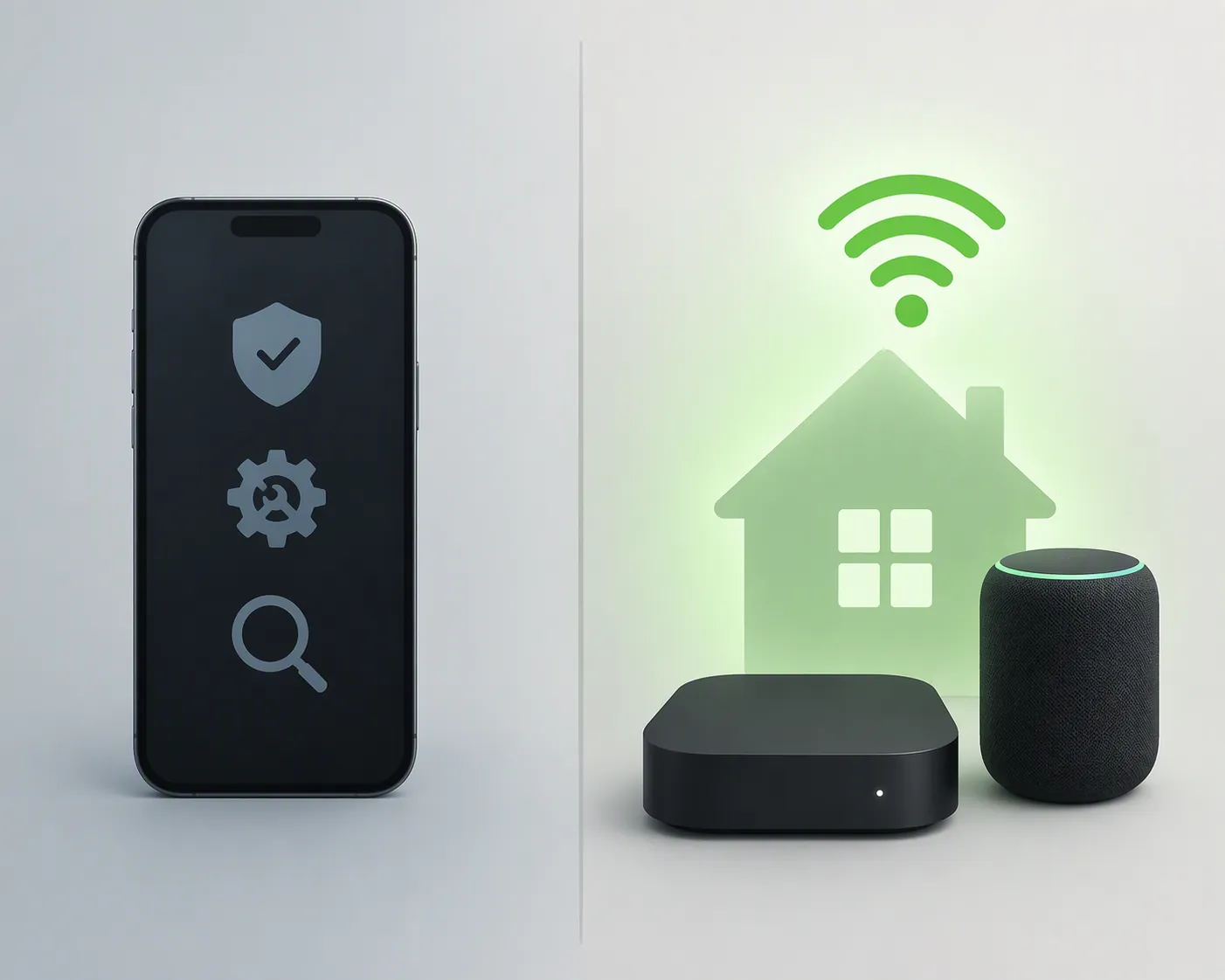
The iPhone Update Is Not the Whole HomeKit Update
The iOS 26.6 headline can easily sound broader than it is. 9to5Mac described iOS 26.6 as available with security fixes, bug fixes, and an optimization to Spotlight; Forbes framed the release around 78 fixes and future-proofing upgrades; Apple’s own security page is the place to verify the security contents rather than turning a fix count into a smart-home promise.[1][2][3]
None of that wording is a HomeKit changelog. A security-heavy iPhone release can be important without being the release that repairs a hallway motion sensor, restores a missing Matter accessory, or makes a morning automation fire on time. The useful split is simple: iOS 26.6 may change how the phone behaves, while tvOS 26.6 and HomePod 26.6 are the only 26.6 updates whose release-note language lands near the devices coordinating the home.
That still requires restraint. Apple’s wording for tvOS 26.6 and HomePod 26.6 is “performance and stability improvements,” not “fixed HomeKit No Response errors.” But because Apple TV and HomePod can operate as Home hubs, those updates are the more relevant maintenance path for HomeKit behavior than the iPhone update alone.[4]
This is the common failure mode after a release like this: the phone shows the newest version, the Home app still shows the same weak point, and the household assumes the update failed. Sometimes the missing step is less dramatic. The phone moved; the hub did not.
What iOS 26.6 Can Plausibly Change
The one iOS-side item worth watching is Spotlight. Macworld described iOS 26.6 as quietly preparing the iPhone for the future through Spotlight index optimization connected to iOS 27 Siri AI readiness.[5] That is not a HomeKit fix, but it is the part of the iPhone update that could be felt around Home surfaces.
A faster or cleaner local index could make some Home-related lookups feel less sticky: a Lock Screen Home widget refreshing accessory state, a Siri request finding the intended device name, or the Home app presenting recent state more promptly. Those are plausible spillovers, not documented outcomes. If widget lag improves after iOS 26.6, note it; do not file it as confirmed until it repeats across devices and hubs.
The timing also argues for caution. The update shipped July 27, 2026, one day before this assessment. Early anecdotes can point to where to test next, but they are not enough to turn generic release notes into a verified HomeKit fix.
Status of the Main iOS 26.x HomeKit Problems
For anyone checking HomeKit after iOS 26.6, the status map is uneven. Some symptoms belong closer to the hub and network path. Others live closer to the iPhone interface. The release notes do not support treating them as one repaired bundle.
No Response
There is no explicit iOS 26.6 fix for “No Response.” If the accessory is reachable only intermittently, if it returns after the hub changes, or if multiple accessories fail together, the more sensible 26.6 test is the hub update: tvOS 26.6 for Apple TV, HomePod 26.6 for HomePod.
This does not mean tvOS 26.6 or HomePod 26.6 is guaranteed to clear the symptom. Apple did not say that. It means the release cycle gives hub owners one relevant stability update and gives iPhone-only updaters no documented HomeKit repair to point at.
One old variable is now less useful as an explanation. Apple’s new Home architecture became required in February 2026, with reports noting that the old architecture path was being shut off for users who had not upgraded.[6][7] That does not make every home identical, but it does remove the earlier split where some “No Response” cases could be waved away as old-architecture households.
Home Hub Dropping or Switching
Hub instability is exactly where version naming matters. If the active hub is an Apple TV still sitting below tvOS 26.6, the iPhone’s iOS 26.6 version is not a clean test. The same applies to a HomePod that has not taken HomePod 26.6.
The 26.6 notes do not say Apple changed hub election, Thread border-router preference, Matter routing, or standby behavior. So the right label is not “fixed.” It is “worth retesting after hub update.” If the active hub keeps jumping between nodes after all hubs are on 26.6, this release has not given you a documented answer.
Automations Failing or Firing Late
Automation failures sit closer to the hub than to the Home app screen. A time-based scene that does not run at 7 a.m., a sensor-triggered light that works manually but not automatically, or a presence automation that behaves differently depending on which hub is active should be tested after the Apple TV and HomePod updates, not judged only by the phone.
Again, the notes do not identify an automation fix. The practical reason to update the hubs is that “performance and stability improvements” are the only release-note language in this cycle close enough to the component that executes or coordinates many automations.
Lock Screen Widget Lag
Widget lag is the one complaint where iOS 26.6 has a plausible path to improvement. If the Home widget depends on indexed device names, recent app data, or local lookup behavior, Spotlight optimization could reduce the delay before state appears. But no release note says “Home widgets refresh faster,” and no source here confirms that Apple tested HomeKit widget latency as part of iOS 26.6.
The clean test is boring but useful: update the iPhone, let indexing settle, avoid changing automations at the same time, and compare the same widget behavior against the same accessories. If the improvement appears only on the phone and the hub symptoms remain, keep those findings separate.
Siri Command Delays
Siri latency gets the same treatment as widgets. The Spotlight work in iOS 26.6 may help the phone resolve names or local state faster, especially for device-state lookups, but the HomeKit part remains an inference. If Siri hears the command quickly but the accessory waits several seconds before moving, the delay may still be past the phone.
Slow Updating Spinners
The slow “Updating…” spinner is not addressed by name in iOS 26.6, tvOS 26.6, or HomePod 26.6 notes. If it improves after hub updates, that is useful local evidence. It is not a documented 26.6 fix.
The New Issues Screen Helps You Measure, Not Repair
iOS 26 also changed the way Home surfaces accessory problems. Matter Alpha’s iOS 26 coverage described a redesigned “Issues” screen, replacing the older “No Response” status presentation and showing the exact time since disconnection.[8] That is a better troubleshooting instrument, not a fix by itself.
The useful part is timestamp discipline. If a contact sensor drops at 2:14 a.m. and the active hub changed at 2:13 a.m., you have something to investigate. If every failure clusters after a router reboot, the iPhone update is probably a distraction. The screen gives the household fewer vague complaints and more sequence to work with.
Update Order That Actually Matches the Problem
For this release cycle, update the home hubs first, or at least immediately after the iPhone. In a HomeKit home, a fully updated iPhone talking to an older Apple TV or HomePod is not a fully updated system.
- Update every Apple TV that can act as a Home hub to tvOS 26.6.
- Update every HomePod or HomePod mini to HomePod 26.6.
- Then update the iPhone to iOS 26.6 if it is not already updated.
- Open Home settings and verify which hub is Connected and which hubs are on Standby.
- Retest the exact failing accessory or automation before changing scenes, bridges, Wi-Fi settings, or rooms.
If the hub state is not obvious, use a systematic hub check rather than resetting the iPhone. The internal Apple HomeKit hub troubleshooting guide is the right follow-up when Home shows the wrong hub as active, a hub stays in Standby, or automations depend on a node that keeps disappearing.
If you are unsure whether your Apple TV is the model you think it is, check the Apple TV 4K smart-home features guide before treating it as the stable center of the house, especially if Thread support is part of your setup.
Current status: iOS 26.6 is not a HomeKit fix release. tvOS 26.6 and HomePod 26.6 are the meaningful HomeKit-adjacent updates in this cycle because they land on hub hardware. “No Response,” hub switching, automation failures, slow “Updating…” spinners, widget lag, and Siri delays should remain open unless your own post-update testing shows the hub stability work reduced them in practice.
References
- iOS 26.6 now available for iPhone with these changes, 9to5Mac, July 27, 2026.
- iOS 26.6 iPhone Release Has 78 Fixes And Future-Proofing Upgrades, Forbes, July 27, 2026.
- About the security content of iOS 26.6 and iPadOS 26.6, Apple Support.
- Apple releases tvOS 26.6 and HomePod 26.6, 9to5Mac, July 27, 2026.
- iOS 26.6 is out now, and it's quietly preparing your iPhone for the future, Macworld, July 27, 2026.
- Apple Home App Stops Working for Some Users as Update Now Required, MacRumors, Feb. 11, 2026.
- Upgrade your Apple Home architecture before the old one dies on Tuesday, AppleInsider, Feb. 9, 2026.
- iOS 26: What's new for the Apple Home app and Matter?, Matter Alpha.
Resolution
Investigating — no confirmed fix yet.
Protocol background
For general spec/firmware mechanics, see Compatibility & Protocols.
No linked protocol reference for this update yet.