
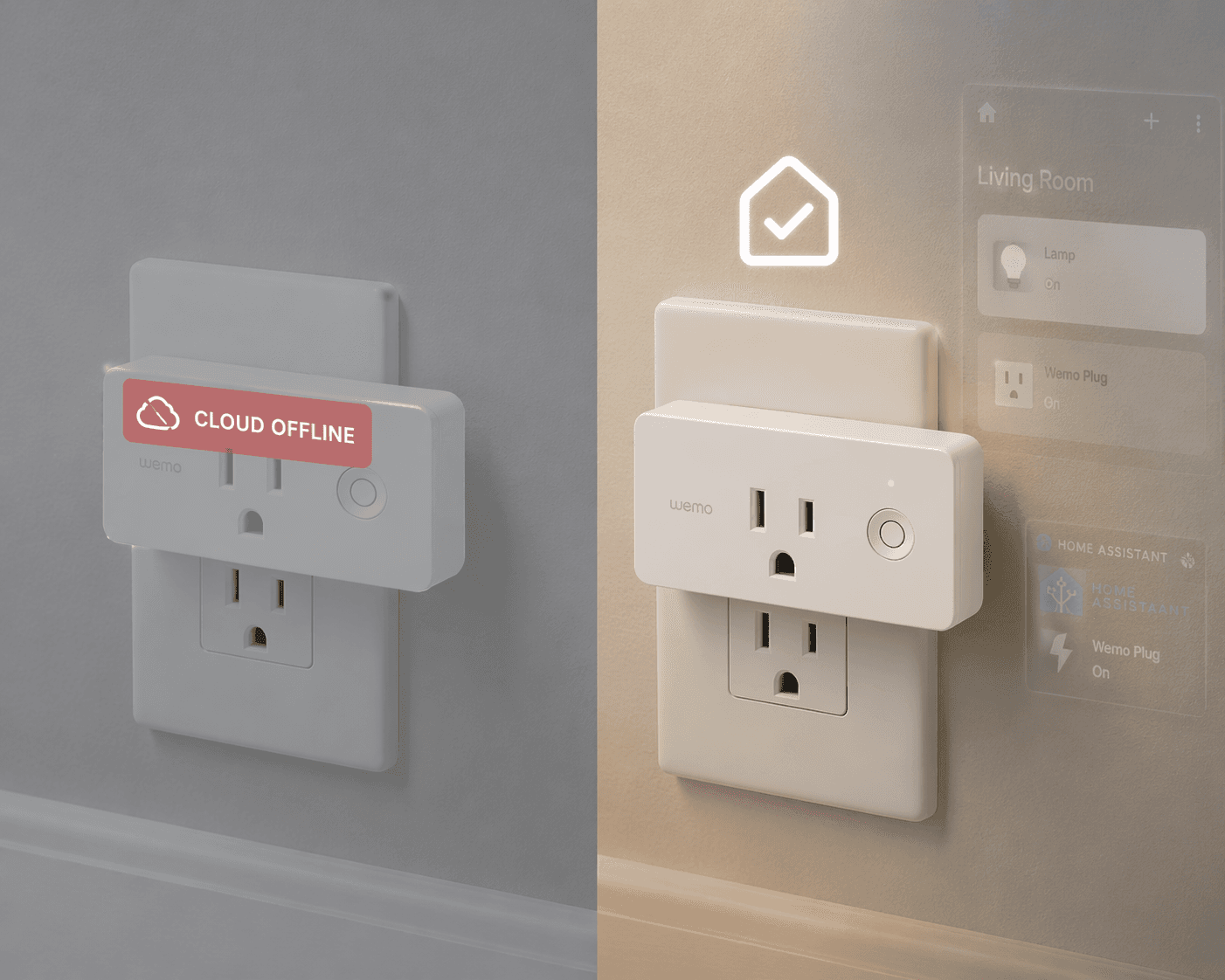
On January 31, 2026, Belkin shut down the Wemo cloud. Your smart plug stopped responding to Alexa, the app wouldn't log in, and remote control died. A lot of people assumed the hardware was bricked. It wasn't. But whether you can rescue it depends on exactly one thing: the model number printed on the side of the plug. That number decides everything — and if you don't have the right setup, the fix can be a deep rabbit hole. I've been through most of these routes myself, and I'll tell you straight which ones are viable and which ones are a headache.
Check Your Model Number First
| Model | Status | Best Path | Difficulty |
|---|---|---|---|
| WSP100 (Thread) | Unaffected | Keep using HomeKit (already works) | None |
| WSP080, F7C063, WSP090 | Salvageable (if HomeKit configured before Jan 31) | HomeKit local control | Easy |
| WSP080, F7C063, WSP090 (not in HomeKit) | Salvageable but harder | Home Assistant + pyWemo | Hard |
| WSP070, F7C027, F7C029 (Insight) | Bricked for cloud/voice | Home Assistant + pyWemo | Hard |
| Any model out of warranty | No refund | Replace | N/A |
| Any model under warranty (check date) | Refund possible | Contact Belkin with proof of purchase | Easy |
According to Belkin's official support page, refunds are available for devices under warranty — but most plugs sold before 2023 are out of warranty. If your model is WSP100, you're fine — it uses Thread and never needed the cloud. If you have a HomeKit-compatible model (WSP080, F7C063, WSP090) and you set it up in HomeKit before the deadline, you can still control it locally. If you missed that window, or if you have a non-HomeKit model like WSP070 or the Insight plug (F7C029), you're looking at Home Assistant with pyWemo. That means you'll need to be comfortable at the command line — the UPnP auto-discovery only works if the plug is already on your Wi-Fi. A factory-reset plug can't be reconnected without pyWemo's Wi-Fi provisioning, and that step trips up a lot of people. Matterbridge voice control is an option, but it requires a working Home Assistant instance first; it's not a standalone rescue. Be honest with yourself about your technical comfort before you decide to tinker or replace.
Community Tips
Share platform-specific variations, steps that have changed after app updates, or tips that helped your installation succeed.
Comments
Join the discussion with an anonymous comment.