
Your Hub Is a 3-Year Platform Commitment — Not a Gadget Purchase
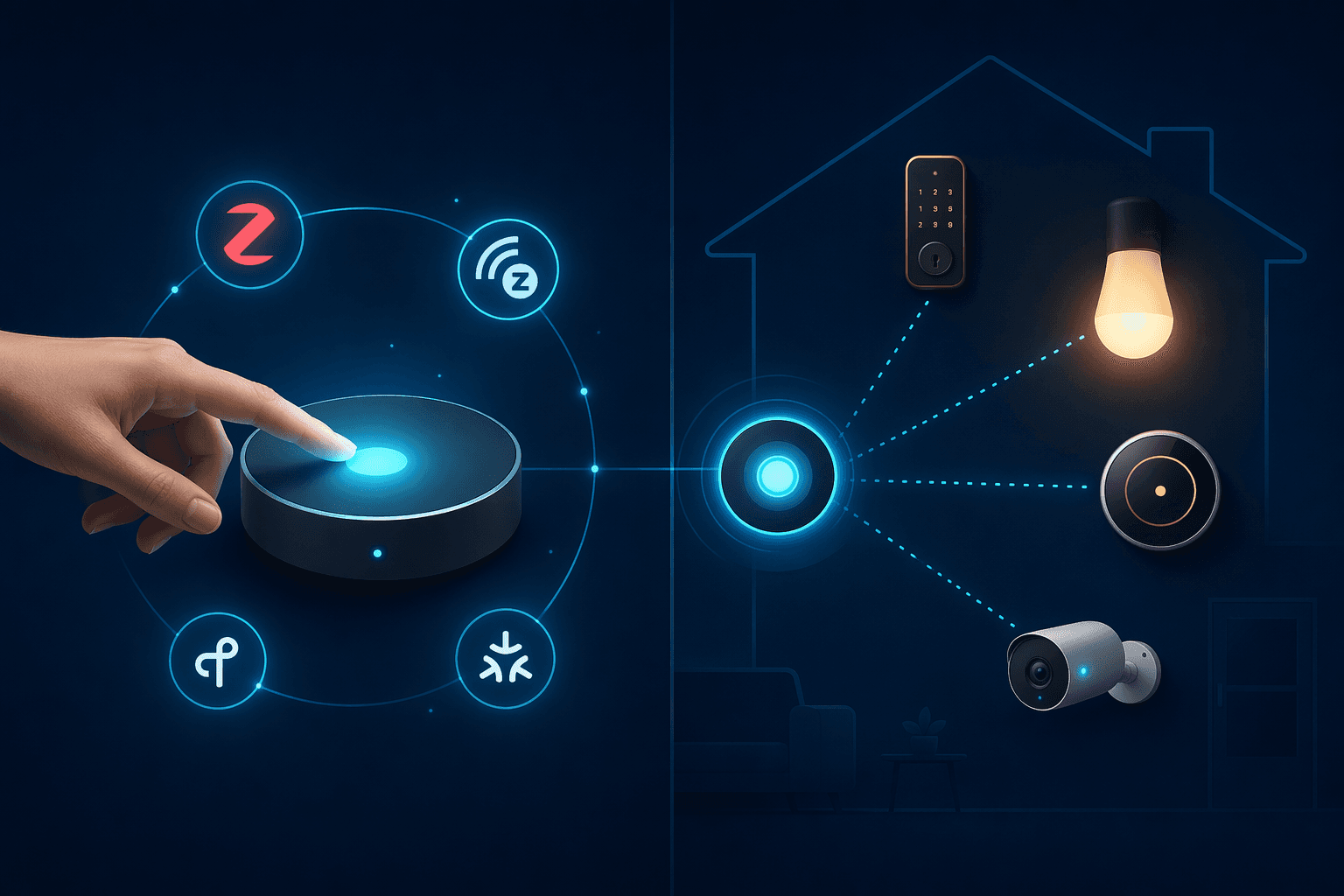
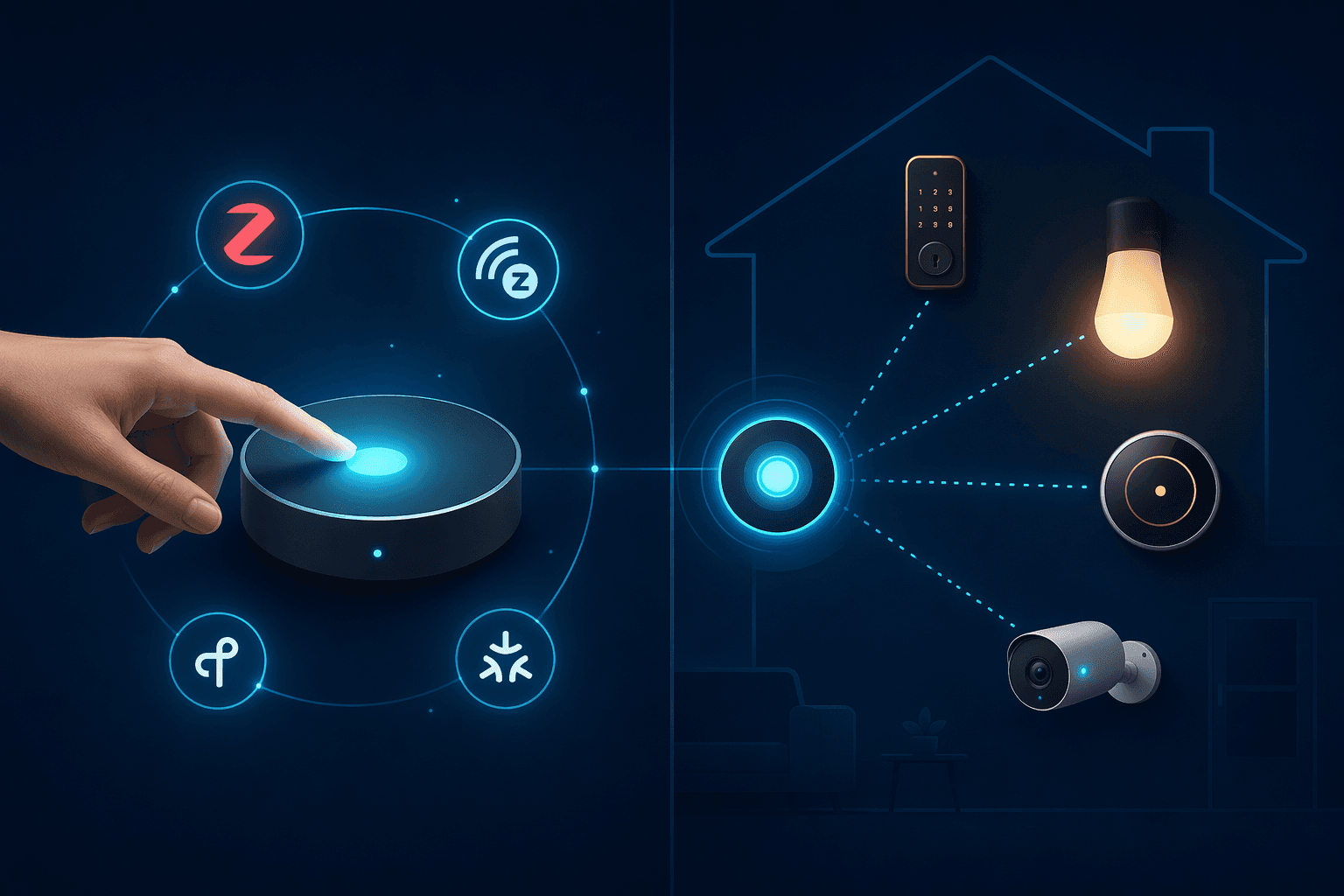
It is easy to treat a smart home hub like any other consumer electronics purchase: compare the processor speed, check the port selection, read a few reviews, and click "buy." That approach works for a Wi-Fi router or a streaming stick. It does not work for a hub, because a hub is not really a hardware purchase. It is a platform commitment that will determine which devices you can buy, which automations you can build, and how much control you have over your own home for the next three to five years.
The global smart home hub market is projected to reach $157.91 billion in 2026, growing at a 12.31% CAGR through 2031, according to Mordor Intelligence. Platform and ecosystem hubs alone account for 45.60% of market revenue. That dominance reflects a simple reality: once you pick a platform, you are incentivized to stay in it. The hardware is cheap; the switching cost is not.
The switching costs are concrete and often painful: replacing Z-Wave locks because your new hub dropped Z-Wave support, re-pairing 50 Zigbee bulbs one by one to a different hub, or rebuilding complex automations from scratch in a new app because the old platform does not export them. These are not hypothetical edge cases. They are the predictable consequences of choosing a hub by spec sheet instead of by ecosystem strategy.
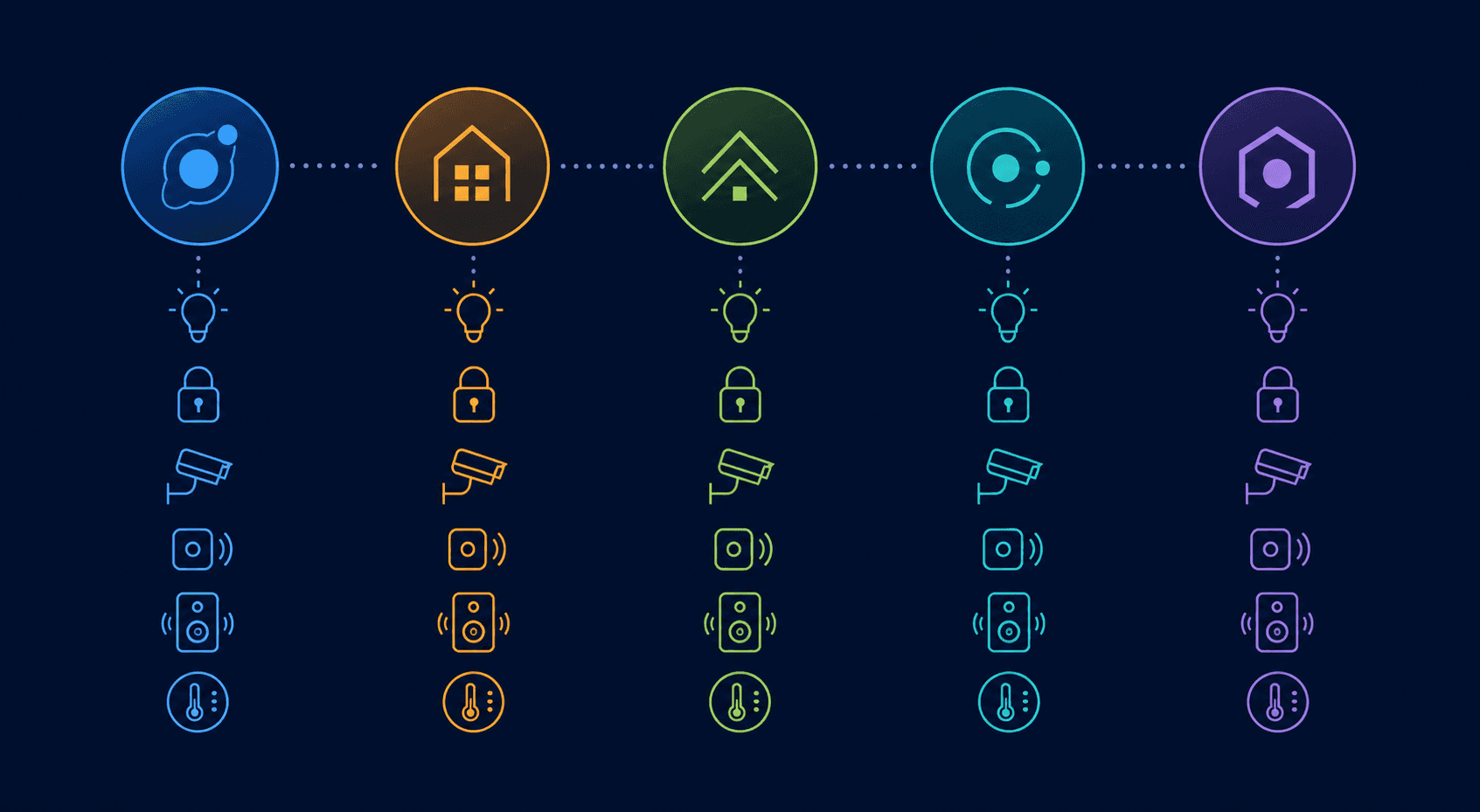
This article is not another "best hubs of 2026" roundup. It is a framework for evaluating which platform you can live with for the next three years, organized around the five major ecosystem paths available today: Apple HomeKit, Amazon Alexa, Google Home, Samsung SmartThings, and the open-source Home Assistant. Each path has a distinct trade-off profile — privacy versus device choice, local processing versus cloud dependency, ecosystem breadth versus lock-in risk. Understanding those trade-offs before you buy is the difference between a smart home you enjoy and one you eventually tear out.
The Five Platform Axes: What Each Ecosystem Demands From You
Every smart home platform asks you to trade something. The key is knowing what you are giving up before you commit. Below is a summary of the five major paths, framed around the commitment each requires rather than a feature list.
- Apple HomeKit (via HomePod mini, $99): You trade device choice for privacy and local control. HomeKit runs automations locally on the HomePod or Apple TV, and all communication is end-to-end encrypted. The trade-off is stark: no native Zigbee or Z-Wave support. Every non-HomeKit device must be bridged through Matter or a third-party hub. If you already own Z-Wave locks or sensors, HomeKit is not a plug-and-play option — it requires a bridge for every protocol it does not natively speak.
- Amazon Alexa (via Echo Hub, $179): You trade local processing for the largest device ecosystem on the market. With more than 600 million Alexa devices installed globally, Alexa has the widest third-party support of any platform. But Amazon removed local voice processing from all Echo devices in March 2025, meaning every voice command now routes through Amazon's cloud servers with no opt-out. The Echo Hub also has no Z-Wave radio and does not support Google Home or HomeKit natively. You are in the Alexa ecosystem, and leaving it means replacing every Alexa-tethered device.
- Google Home: You trade consistency for Google's AI and search integration. Google Home supports Matter and Thread, and its voice assistant is arguably the most capable for natural-language queries. But Google's smart home strategy has been inconsistent — the company has discontinued multiple hub products and changed platform direction several times. If you choose Google Home, you are betting on long-term platform stability that has not yet been proven.
- Samsung SmartThings (v3 hub, $170–$220): You trade simplicity for protocol breadth. SmartThings v3 is the only mainstream hub in 2026 that natively supports Z-Wave, Zigbee, Wi-Fi, and Matter in a single box. That makes it the best choice for users with legacy Z-Wave devices. However, the newer SmartThings Hub 2 (released late 2025) dropped Z-Wave entirely, so the v3 is the one to buy if Z-Wave matters to you. SmartThings also routes many automations through Samsung's cloud, which introduces latency and internet-dependency for routine tasks.
- Home Assistant (Green, $159): You trade out-of-box simplicity for total control. Home Assistant Green processes 100% of automations locally with no subscription required, and its integration library covers over 3,000 devices and services. It is the only platform that gives you genuine freedom to mix protocols and brands without lock-in. The cost is setup complexity: Home Assistant requires more technical comfort than any of the commercial alternatives.
The Real Cost of Switching Ecosystems Later
The most expensive hub is the one you replace after 18 months because you chose the wrong platform. Switching costs are not abstract — they break down into three categories that directly affect your wallet and your time.
Device Replacement
If your current hub supports Z-Wave and you switch to one that does not, every Z-Wave device you own becomes a paperweight unless you keep the old hub running in parallel. The SmartThings v3 supports Z-Wave alongside Zigbee and Matter, but the newer SmartThings Hub 2 dropped Z-Wave entirely. Anyone who bought a Hub 2 expecting to reuse their Z-Wave locks and sensors learned this the hard way. Similarly, the Aqara Hub M3's Zigbee radio only pairs with Aqara-brand devices — IKEA, Sonoff, and other third-party Zigbee devices are not supported natively. If you own a mix of Zigbee brands, the M3's Zigbee radio is effectively single-vendor.
Re-Pairing and Reconfiguration
Re-pairing 50 Zigbee bulbs to a new hub is not a 10-minute job. It is an evening of climbing ladders, flipping wall switches, and factory-resetting devices one at a time. The same applies to sensors, plugs, and locks. Each device must be removed from the old hub, reset to factory defaults, and re-paired to the new one. If you have automations tied to specific device states — like "turn off all lights when the front door locks" — those automations do not transfer. You rebuild them from scratch in the new platform's app.
Lost Automations and Logic
Complex automations are the hardest thing to migrate. A multi-condition routine that checks time of day, occupancy state, and sensor readings before triggering an action may take hours to rebuild in a new platform — and some platforms cannot express the same logic at all. Home Assistant users who migrate to a commercial platform often discover that their carefully crafted YAML automations have no equivalent in the new system. The automation loss is a real cost that does not show up on any spec sheet.
The Aqara Hub M3 ($159.99) is a notable exception to the lock-in rule. It is the only hub on the market that exposes its connected accessories to Apple Home, Google Home, Alexa, and SmartThings simultaneously over Matter. If you buy an Aqara temperature sensor and pair it to the M3, you can view its data in all four platform apps without re-pairing. That cross-platform bridging is unique in 2026, and it makes the M3 the safest bet for users who want to keep their options open.
Decision Framework: List Your Devices First, Check Protocol Support Second
Before you evaluate any hub, evaluate what you already own. The single most common mistake in smart home buying is choosing a platform first and then discovering that existing devices are incompatible. Use this four-step framework to avoid that outcome.
- Inventory every smart home device you own or plan to buy in the next 12 months. Write down the make, model, and connectivity protocol for each one: Zigbee, Z-Wave, Thread, Wi-Fi, Bluetooth, or Matter. Do not skip this step. A single Z-Wave lock will determine your entire hub choice.
- Identify which platforms each device already supports. A device that works with Alexa may not work with HomeKit. A device that works with SmartThings may not work with Google Home. Check the manufacturer's compatibility list — do not assume.
- Check whether your candidate hub supports those protocols natively or requires a bridge. Native support means the device pairs directly to the hub. Bridge support means you need an additional piece of hardware (like a Z-Wave USB dongle for Home Assistant, or a Hub M3 for Aqara devices in HomeKit). Every bridge adds cost, complexity, and another potential point of failure.
- Assess whether local processing or cloud dependency matters for your use cases. If you want your lights to turn on when you walk through the door — even if the internet is down — you need a hub that processes automations locally. The HomePod mini, Home Assistant Green, and Aqara Hub M3 all run automations locally. The Echo Hub and SmartThings v3 route some automations through the cloud.
For deeper dives into individual protocols, see our standalone articles on Zigbee, Z-Wave, Matter, and Thread. This article focuses on the ecosystem commitment decision, not the protocol details.
Recommended Hubs by Platform: What to Buy in 2026
The table below organizes the five most relevant hubs by the platform commitment they represent. Each entry includes the protocol support, local versus cloud processing status, and the specific lock-in risk you should know before buying.
| Hub | Price | Protocols Supported | Local Processing? | Lock-In Risk |
|---|---|---|---|---|
| Aqara Hub M3 | $159.99 | Zigbee (Aqara only), Thread, Wi-Fi, Matter | Yes — automations run on-device | Low — bridges all four major platforms over Matter; Zigbee radio is Aqara-only |
| Amazon Echo Hub | $179 | Zigbee, Wi-Fi, Amazon Sidewalk | No — cloud-dependent for voice and some automations | High — Alexa/Ring ecosystem only; no Z-Wave, no Google Home or HomeKit |
| SmartThings v3 | $170–$220 | Zigbee, Z-Wave, Wi-Fi, Matter 1.5 | Partial — some automations route through Samsung cloud | Medium — Z-Wave support is critical for legacy devices; Hub 2 dropped Z-Wave |
| Home Assistant Green | $159 | Add-on via USB: Z-Wave, Zigbee, Thread, Matter, Bluetooth | Yes — 100% local, no subscription | None — open platform, 3,000+ integrations, no vendor lock-in |
| Apple HomePod mini | $99 | Thread, Wi-Fi | Yes — HomeKit automations run locally | High — Apple ecosystem only; no Zigbee or Z-Wave; requires iCloud for remote access |
A few notes on the table. The Home Assistant Yellow was discontinued in October 2025, and remaining stock is limited. For new buyers, the Home Assistant Green ($159) is the current entry point. The SmartThings Station has no Z-Wave and routes most automations through Samsung's cloud — it is not a substitute for the v3 hub if you need local reliability or legacy protocol support. The Homey Pro ($349) supports 50,000+ devices via community apps and processes most automations locally with no mandatory subscription, but its higher price and smaller user community make it a niche choice for advanced users.
Which Platform Should You Choose? A Bottom-Line Recommendation per Reader Profile
There is no single best platform. The right choice depends on your existing devices, your tolerance for technical complexity, and your privacy requirements. Below are profile-based recommendations to help you decide.
- Privacy-focused users who want local control: Buy Home Assistant Green ($159). It processes 100% of automations locally, requires no subscription, and supports over 3,000 integrations. The setup is more involved than a commercial hub, but the payoff is total control and zero cloud dependency.
- Users with existing Z-Wave locks and sensors: Buy SmartThings v3 ($170–$220). It is the only mainstream hub that natively supports Z-Wave alongside Zigbee and Matter. Do not buy the SmartThings Hub 2 — it dropped Z-Wave support.
- Apple household with HomeKit: Buy HomePod mini ($99). It runs HomeKit automations locally, includes a Thread Border Router, and is the most affordable entry point into the Apple ecosystem. Be aware that you will need bridges for any non-HomeKit or non-Matter devices.
- Users who want maximum flexibility across all platforms: Buy Aqara Hub M3 ($159.99). It is the only hub that bridges Apple Home, Google Home, Alexa, and SmartThings natively over Matter. It runs automations locally and includes a Thread Border Router. The catch: its Zigbee radio only works with Aqara devices.
- Users already deep in the Alexa/Ring ecosystem: Buy Amazon Echo Hub ($179). If you already own Ring cameras, Echo speakers, and Alexa-compatible lights, the Echo Hub is the natural control panel. Just know that you are locked into the Alexa ecosystem — no Z-Wave, no Google Home, no HomeKit — and every voice command now routes through Amazon's cloud after the March 2025 local voice processing removal.
For a broader decision framework that covers protocol selection and local-versus-cloud trade-offs in more detail, see our How to Choose a Home Automation Controller in 2026 guide. This article complements that framework by adding the ecosystem lock-in and switching-cost perspective that spec sheets do not capture.
Updates & Corrections
Protocol specifications and platform features change rapidly — especially with Matter version evolution. Report version changes, certification count updates, or platform policy changes that have occurred since the last editorial review.
Comments
Join the discussion with an anonymous comment.