
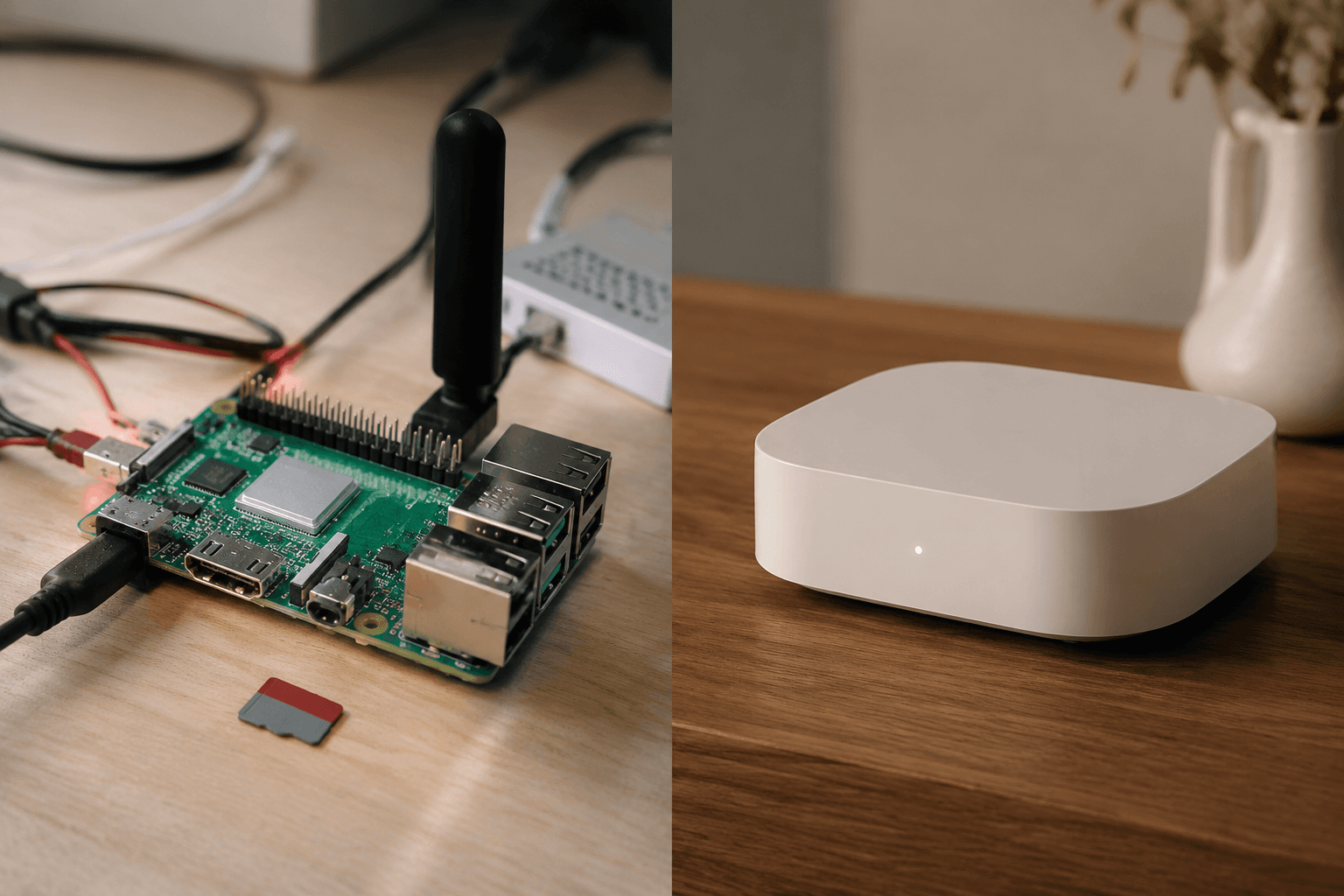
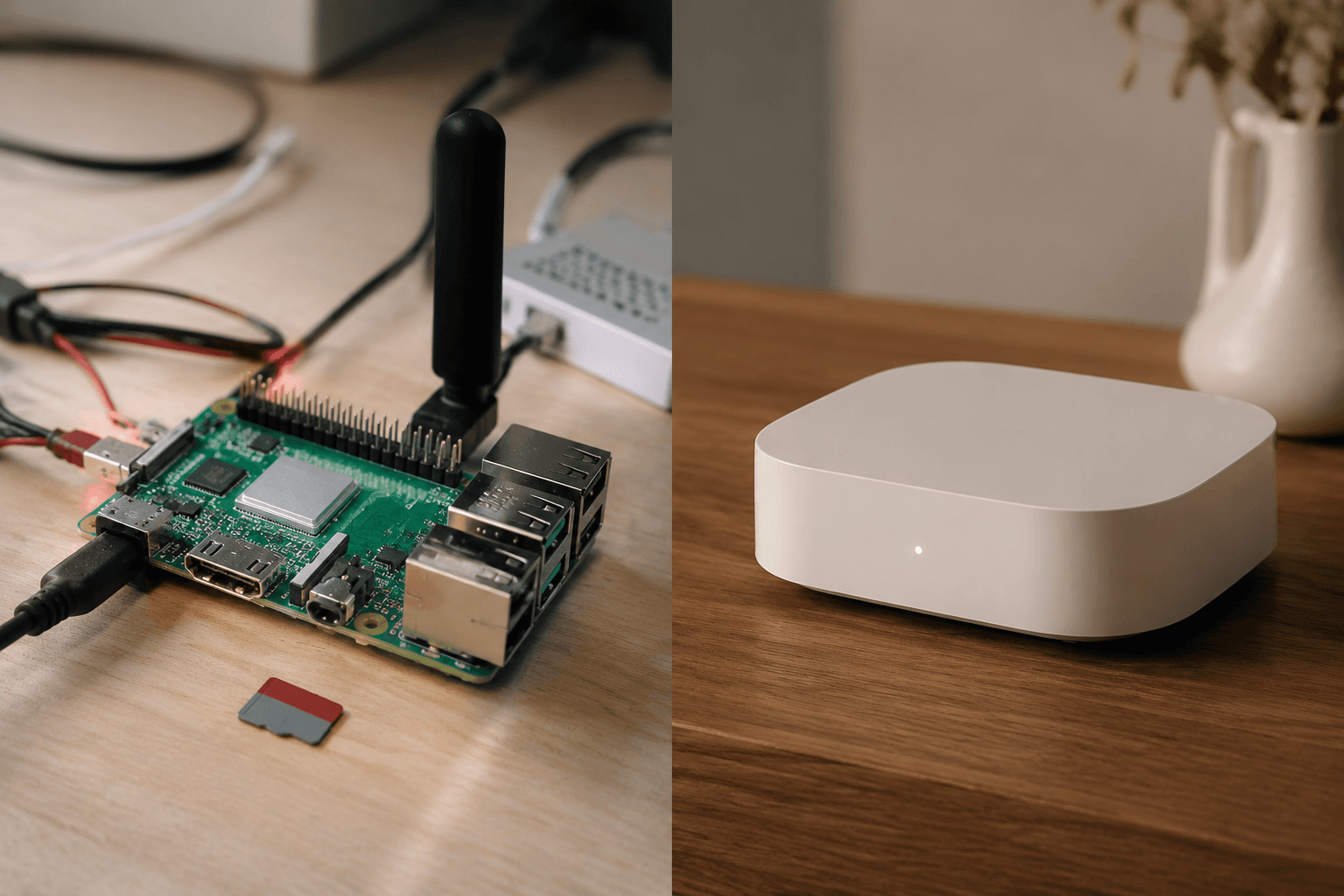
The honest price of a Raspberry Pi home automation hub is not the price of the Pi board. It is the board, the right power supply, a case, storage, and at least one radio coordinator if you want Zigbee or Z-Wave devices to behave like first-class citizens. In 2026, that puts a practical Raspberry Pi 5 + Home Assistant build around $120–155 before you add any sensors, bulbs, locks, or switches: $60–80 for the Pi 5 board, about $12 for power, $10 for a case, $12 for a 32 GB A2 SD card, and $25–40 for a quality USB Zigbee or Z-Wave dongle.[1]
That total is still less than many serious commercial hubs, but it is not a magic $35 project. A cheaper commercial option, SmartThings Station, can sit near $60 but is limited compared with a full local automation server; Hubitat Elevation is around $200; Homey Pro is around $400.[1] The buyer’s real choice is not “cheap DIY versus expensive appliance.” It is whether the money saved on hardware and subscriptions is worth becoming the person who owns the setup, the updates, and the odd Saturday morning troubleshooting session.
The Cost Stack Is Where the Decision Starts
A fair comparison has to include the radio. A Raspberry Pi 5 on its own is a small computer, not a Zigbee or Z-Wave hub. If your home has Aqara sensors, IKEA bulbs, Zooz switches, smart locks, or other non-Wi-Fi devices, the USB coordinator is not an accessory; it is the bridge that lets Home Assistant talk to those networks. Leaving it out makes the DIY route look cleaner than it is.
| Hub path | Realistic upfront cost | Subscription posture | Three-year cost estimate |
|---|---|---|---|
| Raspberry Pi 5 + Home Assistant | $120–155 with power, case, SD card, and USB Zigbee/Z-Wave dongle | $0 for local control; optional Nabu Casa remote access at $7.50/month | About $155 without optional remote access |
| SmartThings-style commercial path | Around $200 for a fuller hub setup in the comparison model | $0 basic use, or roughly $3–10/month for advanced cloud features in some commercial ecosystems | About $200–320 depending on subscription use |
| Hubitat Elevation | Around $200 | $0 in the cited three-year comparison | About $200 |
| Homey Pro | Around $400 | Varies by feature and region | Starts above the under-$200 comparison set |
The three-year math favors the Pi if you keep the system local. A compiled comparison puts the Pi path at about $155 over three years with no required subscription, SmartThings at roughly $200–320 depending on whether advanced subscription features are used, and Hubitat at about $200.[1][4] The subscription distinction matters: Home Assistant does not require a monthly payment for local automations, while Nabu Casa remote access is optional at $7.50/month.[2] That is not the same thing as a hub whose desirable features depend on cloud services.
There is also a small operating-cost edge. The Pi 5 is described as hovering in the single digits under load, which keeps it cheap to run compared with heavier mini-PC alternatives and many always-on devices.[1] That will not pay for the project by itself, but for a box expected to stay powered every hour of the year, low draw is part of the ownership cost.
Why the Pi 5 Performs Above Its Price Class
The Raspberry Pi 5 is not just “good enough” hardware for Home Assistant. Its 2.4 GHz quad-core Cortex-A76 processor, 4–8 GB RAM options, Wi-Fi 6, Bluetooth 5.0, and Gigabit Ethernet put it ahead of the CPU and memory profile of commercial hubs under $200 in the cited comparison.[1] That extra headroom matters once the hub is doing more than turning lights on and off.
A modest smart home can become a busy one quietly. Door sensors fire events. Motion sensors reset timers. A thermostat integration checks state. A camera or vacuum integration adds its own polling or local API quirks. Dashboards refresh. Automations evaluate conditions. None of this requires a gaming PC, but it does reward a hub with enough CPU, memory, and storage performance to avoid feeling fragile.
This is where Home Assistant changes the shape of the comparison. The cited ecosystem numbers put Home Assistant at more than 2,500 integrations, versus roughly 200–500 for most commercial hubs.[2][3] That figure should be read carefully. It includes official integrations, community add-ons, HACS paths, and custom REST-style routes; it is not the same as a retail box promising that every listed product will pair in two taps. Still, the breadth is real enough to change what kind of home you can build.
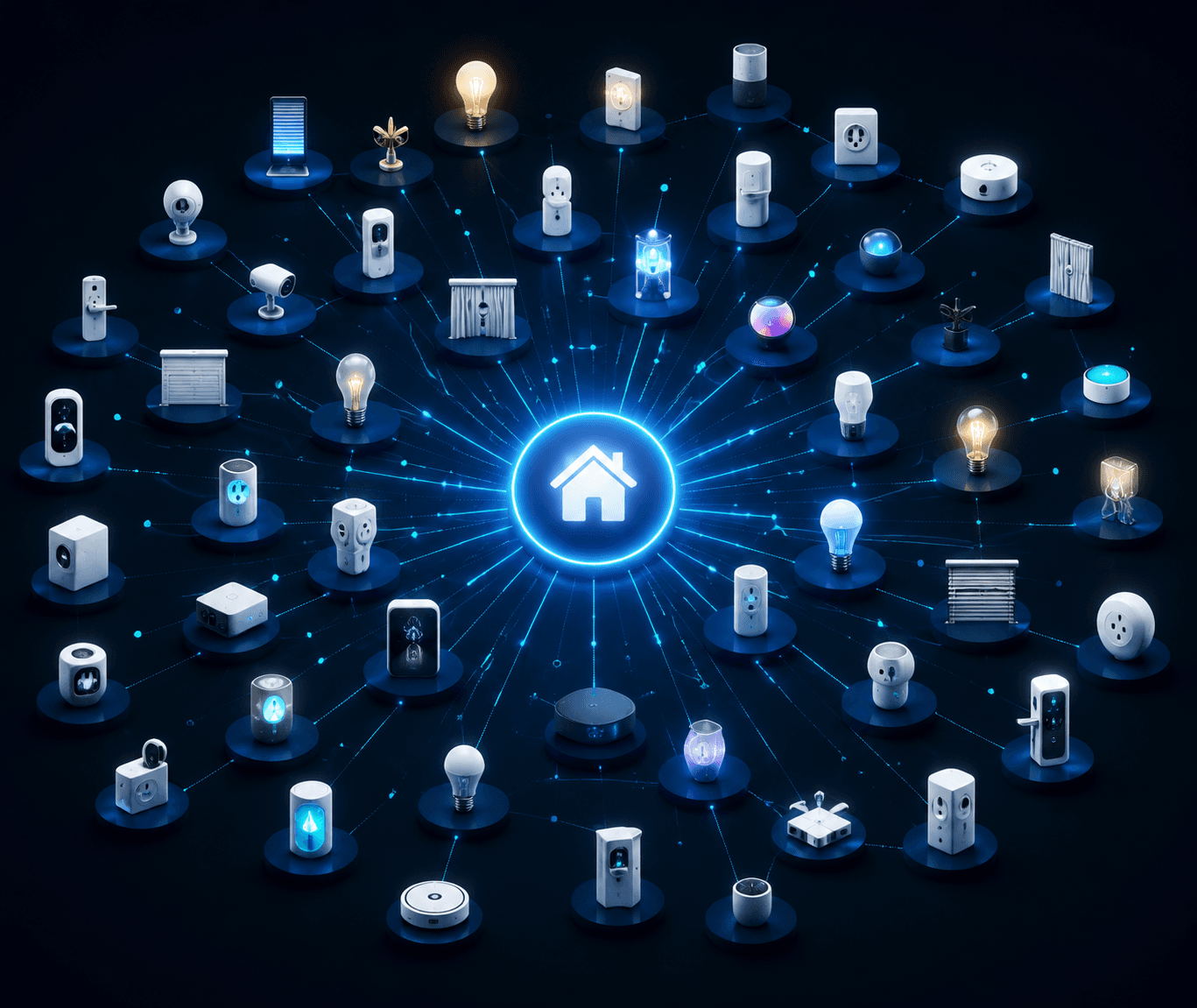
The practical advantage is mixed-protocol tolerance. A Pi running Home Assistant can bridge Zigbee, Z-Wave, Thread, Wi-Fi, Bluetooth, and 433 MHz devices when you add the right radios.[2][3] That does not mean every device is painless. It means the platform is less likely to force a single-brand purchasing strategy just because one hub vendor made a narrow compatibility bet.
Local Control Is Not an Abstract Privacy Feature
The best argument for a Pi hub is not that it feels nerdier or more virtuous. It is that Home Assistant can run automations locally, and those automations can continue when the internet connection drops.[1] A hallway motion sensor turning on a light, a leak sensor triggering a siren, or a bedtime routine shutting down local devices should not need a round trip through a vendor server if the devices and radios are already inside the house.
Commercial hubs vary here, and some are much better than others. Hubitat, for example, is often bought specifically by people who care about local automation. But the broader commercial hub category still includes cloud-dependent features, account requirements, and vendor-controlled service layers. If a server outage, policy change, discontinued product line, or login problem can break a routine, someone else is part of your home’s control plane.
Privacy follows from the same architecture. Keeping automations local reduces the amount of behavioral data that has to leave the house. It does not make every camera feed private, fix every vendor app, or turn Wi-Fi devices into saints. It simply gives the hub less reason to ask permission from the internet before doing a job that can be handled on the LAN.
The Part the DIY Pitch Often Rushes Past
A Raspberry Pi 5 Home Assistant build is approachable, but it is still a small server project. You buy the board. You match the power supply. You put it in a case. You flash Home Assistant OS to storage. You boot it, claim the instance, add integrations, plug in the Zigbee or Z-Wave coordinator, and start pairing devices. None of that is exotic if you have built Pi projects before. It is also not the same as opening a commercial hub box and following an app wizard.
The first weekend is only part of the labor. The more important question is who becomes the maintainer. Home Assistant updates arrive. Integrations change. A USB dongle may need to be passed through correctly. A device may pair badly and need to be reset. A custom integration may break before an official one does. Backups matter because the hub becomes infrastructure, not a toy sitting beside the router.
For a technically willing homeowner, that bargain can be satisfying. You get deeper automation, better visibility, and fewer vendor walls. For someone who just wants a few lights, a lock, and a sensor to work without becoming the household help desk, the same bargain can feel like a chore wearing a discount sticker.
A realistic DIY checklist
- Buy the Pi 5 board, official-quality power supply, case, and reliable A2-rated storage.
- Add a Zigbee or Z-Wave USB coordinator if your devices are not all Wi-Fi.
- Flash Home Assistant OS and keep a copy of your recovery process.
- Prefer Ethernet for the hub if the router location allows it.
- Set up backups before the automations become important enough to miss.
- Expect occasional troubleshooting after updates, device changes, or integration changes.
Commercial Hubs Still Have a Job
The commercial hub case is strongest when setup time and support expectations matter more than maximum control. A polished hub can be the better purchase for an apartment, a gift, a household with no technical maintainer, or a small installation where the owner wants the app to make most decisions. Paying more for less flexibility can be rational if it prevents the hub from becoming a recurring family obligation.
SmartThings Station belongs in that conversation at the low end, especially for simple Samsung-centered setups, but its limits show quickly if the goal is broad local automation. Hubitat is the more serious local-control appliance in this comparison, and its roughly $200 price is not outrageous if the buyer wants a purpose-built hub rather than a Pi project.[1] Homey Pro moves into a higher price class, where the justification depends less on beating a Pi build on cost and more on whether its interface and packaged experience are worth the premium.[1]
The cleanest commercial-hub argument is not that DIY cannot work. It is that the appliance model has value. You are buying fewer choices, fewer exposed parts, and usually a more guided path. The cost is lower ceiling, narrower integration depth, more dependence on vendor decisions, and sometimes paid cloud features.
So, Is DIY Worth It in 2026?
For a cost-conscious buyer who is comfortable with basic Linux-adjacent setup, the Raspberry Pi 5 + Home Assistant route is the better hub under $200. It delivers stronger hardware than the cited commercial hubs in that price band, a much wider integration universe, optional rather than required remote-access spending, and local automations that can keep working without the internet.[1][2][3]
That verdict gets weaker as the buyer’s tolerance for maintenance drops. If flashing an OS image, choosing a coordinator, reading integration notes, and restoring from a backup sound like normal ownership tasks, the Pi is not just cheaper; it is more capable. If those tasks sound like a support ticket waiting to happen, a commercial hub is not a failure of imagination. It is the correct product category.
The broader market is moving in a direction that makes the DIY option more normal, not more obscure. DIY smart home adoption is described as growing 15–20% annually, driven by cost savings, privacy concerns, and customization requirements, with Parks Associates cited for that trend.[4] That growth does not erase the learning curve. It simply means more homeowners are deciding that owning the complexity is preferable to renting simplicity from a platform they do not control.
Choose the Raspberry Pi 5 build if you want deeper automation, broader device support, stronger local control, and the lowest three-year cost among the options compared here. Choose a commercial hub if your priority is appliance-like setup and you would rather pay more, accept tighter boundaries, or depend on a vendor than maintain a small home automation server.
References
- The Raspberry Pi 5 is the best Home Assistant hub you can get for cheap, XDA Developers, 2025
- Domoticz vs Home Assistant, SmarthomeEntry, 2026
- Open Source Smart Home, eufy, 2026
- Raspberry Pi for Home Automation: Building Your Smart Home with Open Source Technology, ThinkRobotics, 2026
Updates & Corrections
Protocol specifications and platform features change rapidly — especially with Matter version evolution. Report version changes, certification count updates, or platform policy changes that have occurred since the last editorial review.
Comments
Join the discussion with an anonymous comment.