
Devices
How to Stop False Alarms on Smart Flood Sensors
Is your smart flood sensor sending alerts with no water in sight? This troubleshooting guide explains the most common causes — battery age, sensor placement, contact contamination, and condensation — with protocol-specific fixes to stop false alarms without replacing your sensor.
- Apple HomeNot stated
- Google HomeNot stated
- AlexaNot stated
- SmartThingsNot stated
- Home AssistantNot stated
A smart home flood sensor warning with no water in sight usually means the sensor noticed something real, just not a leak: a battery fading, the puck shifting, residue on the contacts, or condensation forming across the sensing pads. The fastest fix is to work backward from the last change instead of treating it like a random glitch.[1]
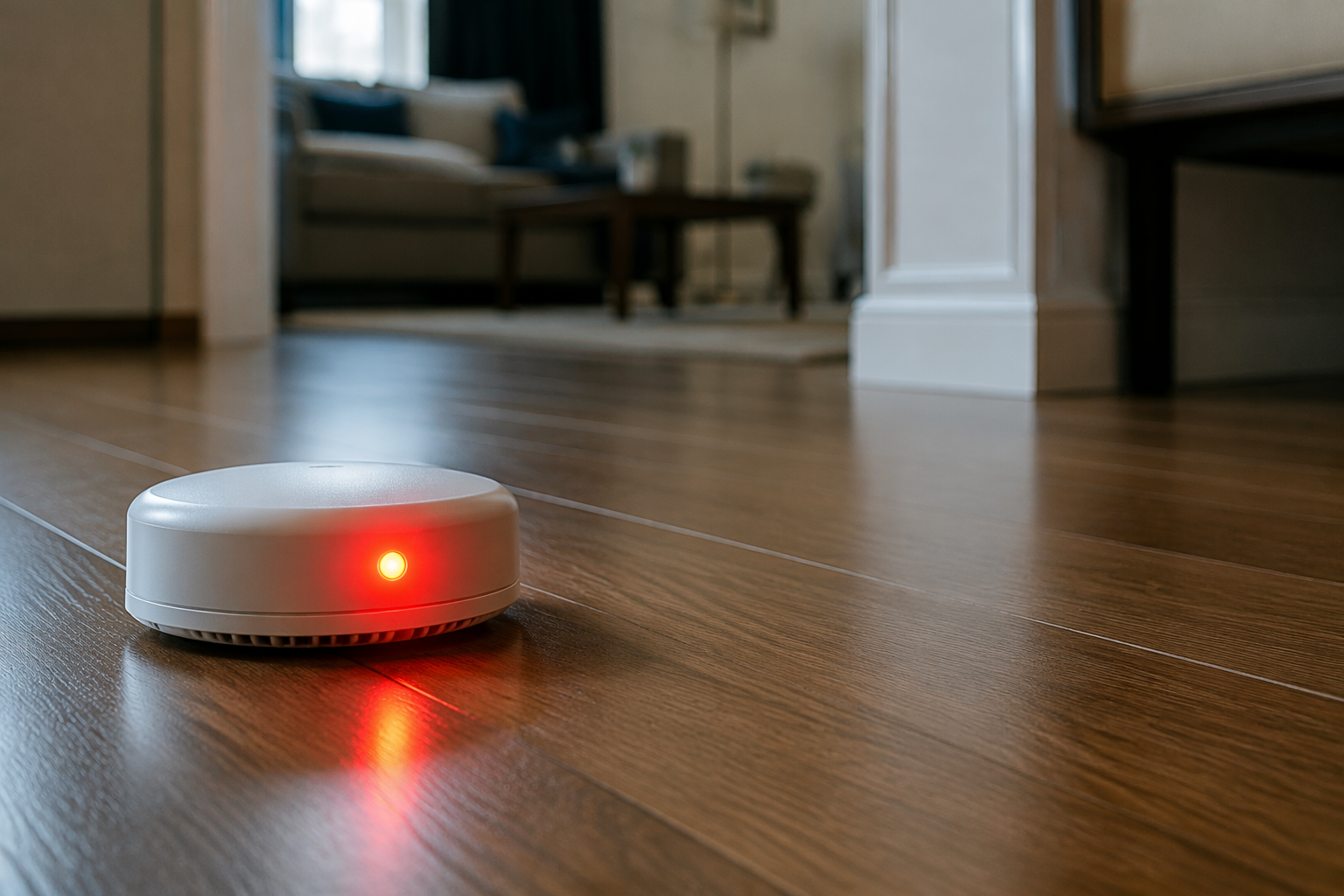
Start with the checks that usually pay off
Battery age comes first because a weak cell often misbehaves before it dies completely. If the sensor has been fine for months and then begins to chirp, warn, or report water without any visible spill, swap or reseat the battery before you do anything more dramatic.
| Check first | Why it matters | What to do |
|---|---|---|
| Battery age | Low batteries can trigger intermittent false alarms before they take the sensor fully offline. | Replace the battery or confirm it is seated correctly. |
| Recent move | A sensor that started warning after being moved has probably changed what it is touching or what it is exposed to. | Put it back where it was and test again. |
| Cleaner or residue | Sprays and wipe-downs can leave a film that bridges the contacts. | Clean the sensing area with a dry, non-residue method. |
| Condensation or humidity | A thin moisture film can trip the sensor even when the floor looks dry. | Dry the area, then retest after conditions stabilize. |
| Hub or protocol behavior | Some false alarms come from how the hub or device handler interprets the sensor. | Check reset, override, or re-pair steps for that protocol. |
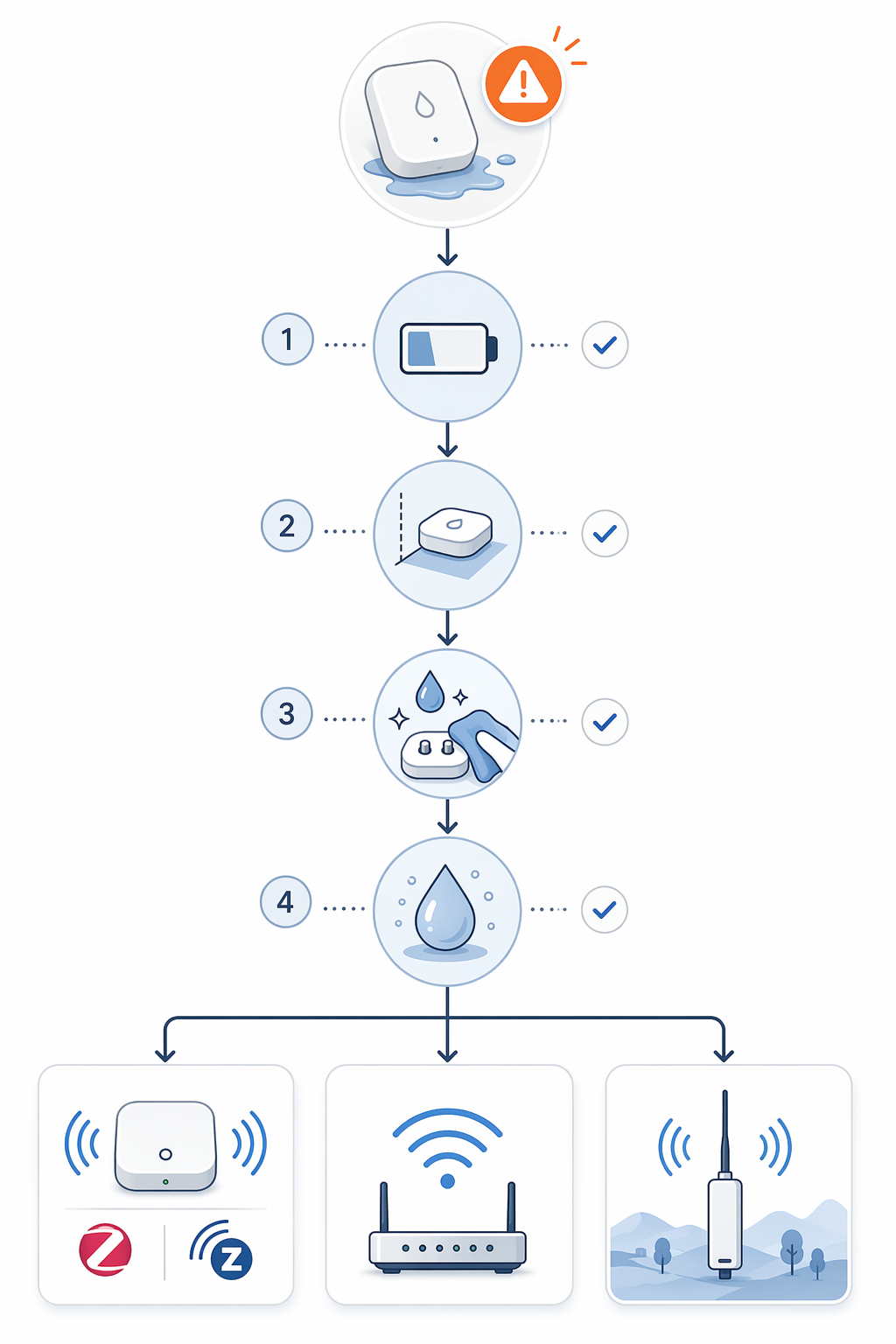
The timing of the first warning matters more than the alarm tone. If it began right after a move, a cleaning session, a humidity spike, or a hub update, that is the strongest clue you have. Commercial monitoring research points to condensation, low battery, and cleaner residue as the main non-leak triggers, and it reports false-alarm reductions of up to 85% when dynamic thresholds and placement changes are used, but that evidence comes from commercial and industrial systems rather than consumer sensors.[1] The useful takeaway is narrower: the trigger usually follows a change.
When the warning started after something changed
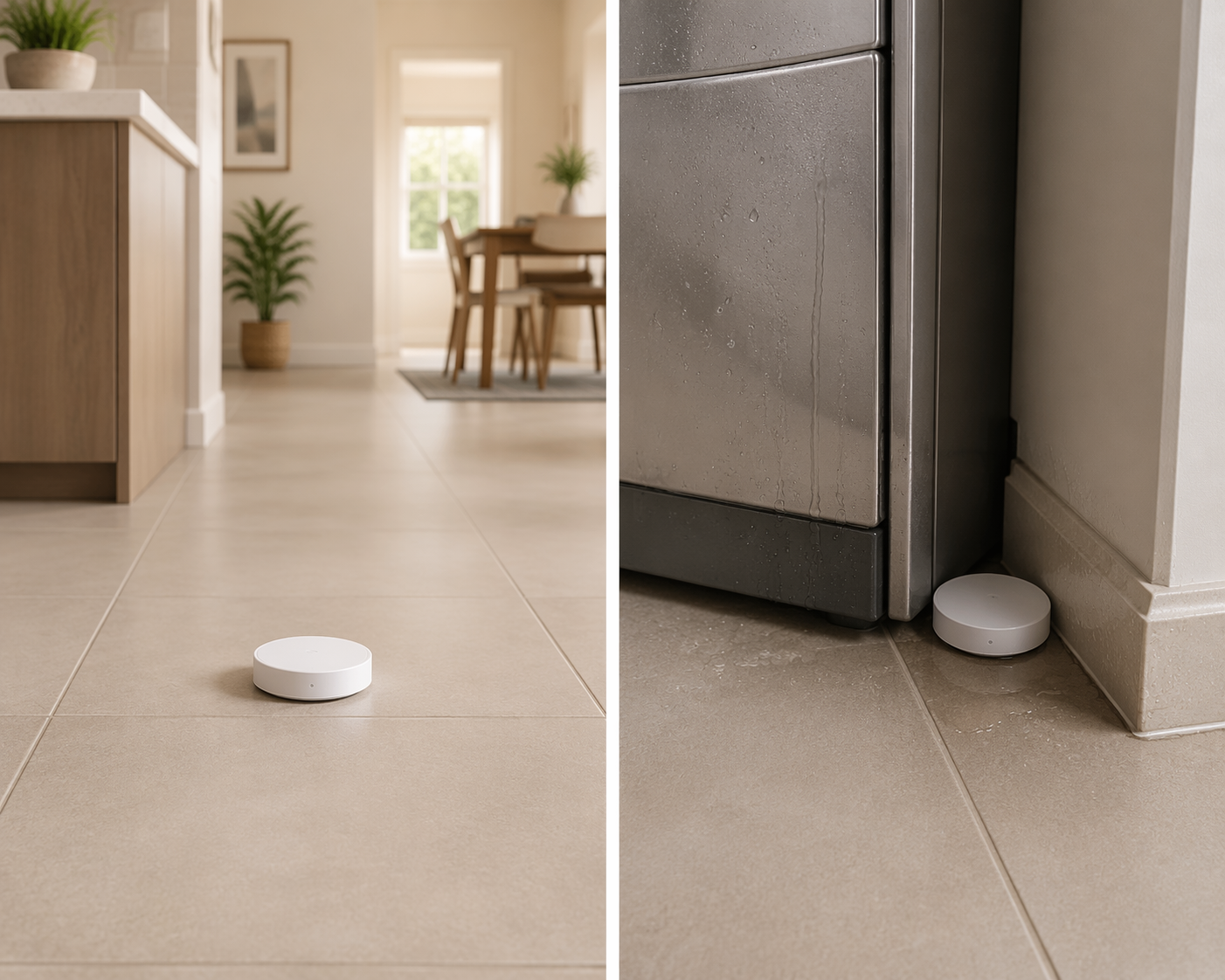
Placement is the easiest false alarm to miss because the sensor can still look perfectly installed. A puck pushed too close to a dishwasher, refrigerator line, sump edge, HVAC register, or freshly mopped path can see moisture or temperature swings that never turn into a visible puddle. If the warning began after a move, move it back before you replace anything.
Contamination is next. If the alarm started after a floor cleaning, countertop wipe-down, or maintenance spray, assume residue until you rule it out. Some cleaners leave a film that is enough to bridge the contacts long enough to trigger another warning later, even when the surface looks dry.
Condensation behaves like a leak only from the sensor's point of view. A cool floor, a warm room, or a quick humidity spike can create a thin moisture layer that the sensor reads as water. That is why the same device can seem fine for weeks and then start warning every morning or after the air conditioning cycles.
Fixes by protocol
If you are not sure which family you have, verify the device and hub setup first in Which Smart Flood Sensors Actually Work With Your Hub. That matters because the repair path changes once the sensor is talking through a hub instead of speaking directly to an app or gateway.
Zigbee and Z-Wave sensors on a hub
Hub-based Zigbee and Z-Wave sensors deserve the most attention because the hardware can be fine while the handler is not. An older SmartThings community thread described false flood alarms that appeared after a hub firmware update and cleared only after a device handler reset or override, which is a useful pattern even though it came from older Logitech and Everspring devices rather than current models.[2]
For this class of sensor, do not jump straight to replacement. Confirm battery age, check placement, then look for any custom handler, edge driver, or automation that might now be interpreting the device differently. If the warnings began right after a hub update, try the protocol-specific reset path before you remove the sensor from the wall or retire it.
Wi-Fi-direct sensors
Wi-Fi-direct sensors usually fail in a simpler way. If they are still alive enough to warn, the problem is more likely to be battery state, sensor contact contamination, network reconnect behavior, or an app-side state mismatch than a hidden hub rule. A clean power cycle, a fresh pairing, and a dry test location usually tell you more than a hard reset done before the battery and placement checks.
LoRa sensors
LoRa devices add one more checkpoint: the gateway path. If the sensor began misreporting after a gateway move, an antenna change, or a sitewide network tweak, verify the gateway and link path before you assume the sensor head is failing. The sensor may be reacting to the network path rather than to moisture.
Model behavior can inform the diagnosis, but it does not diagnose it
It is easy to confuse loudness, app speed, and false-alarm resistance. Wirecutter's controlled testing found, for example, a Kidde alarm measuring 94 dB from 10 feet and a D-Link SW-A11KT detecting water in under a second while the push alert followed 3 to 5 seconds later; those are useful comparisons, but they came from a single 700 sq ft controlled test environment and do not explain why your own sensor started warning today.[3] Model behavior is supporting evidence, not the answer.
That is also why replacement should stay last on the list. If the battery, placement, residue, and condensation checks all fail to reproduce the pattern, then the sensor may really be failing. But if one change makes the warnings stop, you have a cause, not a mystery.
References
- Commercial monitoring research on false-alarm reduction — LAIIER / Envigilance
- SmartThings Community thread on flood sensor false alarms after hub updates — SmartThings Community, 2018
- Controlled-test notes on smart water leak detectors — Wirecutter
Report an issue with this profile
If a compatibility claim looks stale or incorrect, tell us — we re-verify before changing what's published.