
Which Smart Home Devices Survive a Power Outage
An at-a-glance outage report card for smart home devices, separating grid-power loss from internet loss: which locks, thermostats, cameras, lights, sensors, and hubs keep working on battery and local control, which go dark, and the manual fallback for each. The per-category verdicts let you plan an outage response in advance or check a device type before you buy.
Last updated
Outage report card: what still works
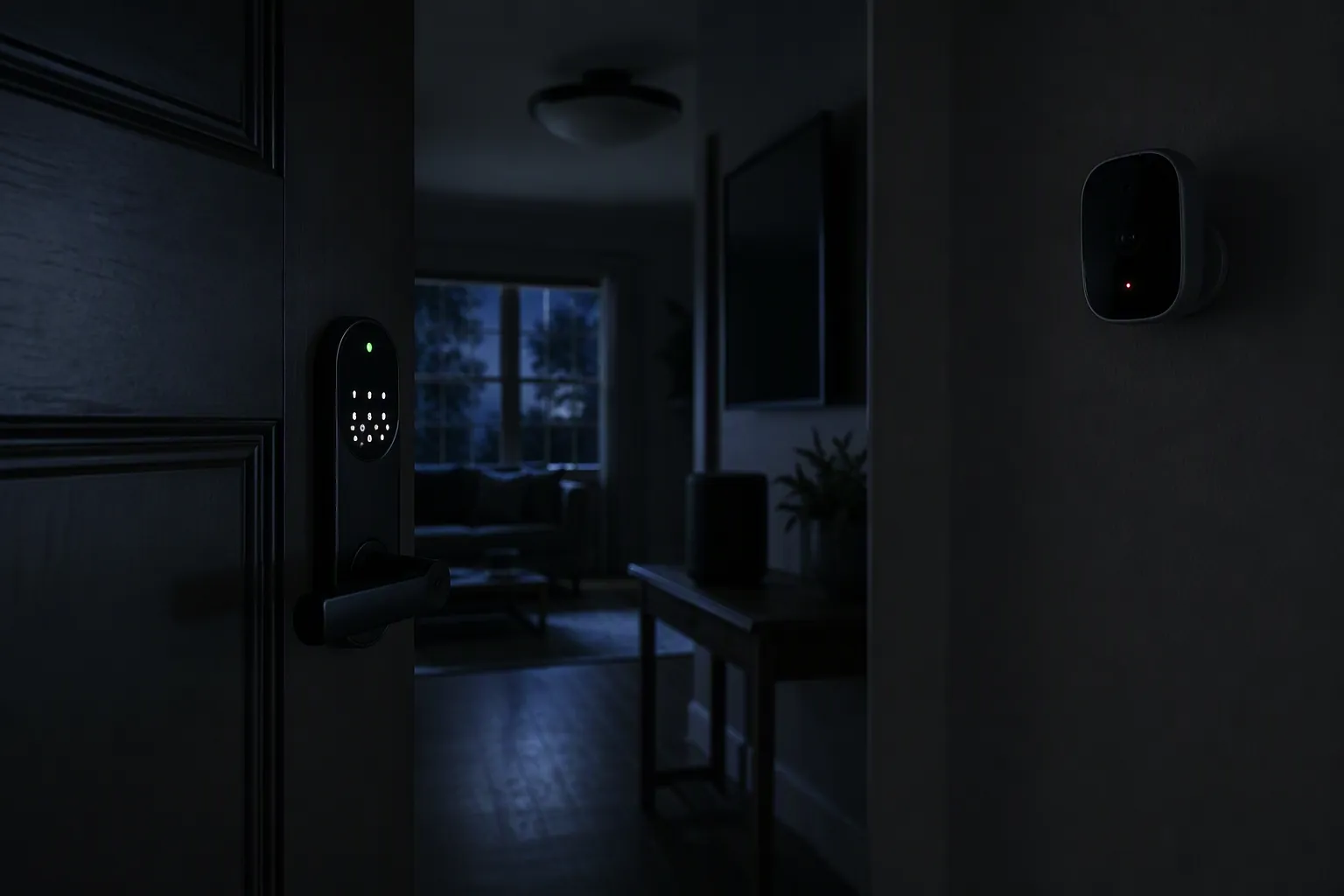
If you only check one thing before an outage, check whether the device has its own power and can make its basic decision locally. A battery lock that verifies a PIN at the door is in a different class from a smart bulb waiting for mains power. A camera with a battery and local storage is in a different class from a plug-in camera staring at a dead outlet.
| Device category | When grid power is out | When internet is out | Likely verdict | Manual or local fallback |
|---|---|---|---|---|
| Smart locks | Usually keep working on internal batteries; PIN, fingerprint, card, or keypad access may still verify locally, depending on model. | Usually keep locking and unlocking locally; remote unlock, app status, and notifications may fail. | Works for entry; partial for remote features. | Physical key, keypad credential, or external emergency power port if the lock battery is dead. |
| Smart thermostats | If the HVAC system and thermostat have power, the thermostat should retain setpoint and schedule; if the thermostat loses all power, it is off until power returns. | Local temperature control may continue; app control, weather, and cloud scheduling features may fail. | Partial; depends heavily on wiring and HVAC power. | Manual controls on the thermostat; verify C-wire or backup-power requirements before relying on it. |
| Battery or solar security cameras | Can keep recording if battery is charged and storage is local; solar only helps when conditions allow charging. | May keep recording locally, but live view, alerts, and cloud upload usually stop if the router or ISP path is down. | Partial. | Local microSD, base-station storage, or later review when network returns. |
| Plug-in or wired cameras | Stop if their outlet, PoE switch, or recorder loses power. | May keep recording locally if powered and configured for local storage; cloud viewing may fail. | Dead in a power outage unless backed up. | UPS for camera/network recorder, or a battery camera for critical spots. |
| Smoke, leak, and contact sensors | Battery sensors keep sensing; mains-only sensors depend on backup battery or circuit power. | Local alarms or direct device-to-device actions may still work on some systems; cloud alerts fail. | Works for local sensing; partial for notification. | Audible alarm, local siren, direct association, or physical inspection. |
| Smart hubs and bridges | Dead unless the hub, router, and required network gear are on backup power. | Cloud hubs lose cloud routines; locally processing hubs may keep limited automations running. | Partial only when local control and backup power are present. | Wall controls, app on local LAN where supported, or manual device control. |
| Smart bulbs, switches, and plugs | Mains-powered loads go dark when the circuit is dead. | If powered, some local switches or hub-controlled devices may still work; cloud-only control may fail. | Usually dead in grid outage; partial in internet outage. | Physical switches, lamps on backup power, or non-smart emergency lighting. |
| Smart blinds and shades | Battery shades may move if charged; wired shades stop without power. | Local remotes may still work; cloud schedules and voice commands may fail. | Partial. | Manual chain, wand, or local remote if the model provides one. |
| Voice assistants and smart speakers | Dead without outlet power. | Most voice control fails without internet, even if the device has power. | Dead or near-dead for outage planning. | Use app, wall controls, physical buttons, or local automations instead. |
That table is a baseline, not a warranty. Exact behavior still depends on model, firmware, hub, wiring, storage setting, battery condition, and whether your router, hub, PoE switch, or base station is on backup power. But the failure points are not mysterious. They are physical first: power, local decision-making, then fallback.
Separate the two outages before trusting any feature label
“Works during an outage” is too vague unless it says which outage. A grid-power outage means your house, circuit, outlet, or neighborhood has lost electricity. An internet outage means devices may still have power, but cannot reach the cloud or your phone from outside the home. The same device can pass one test and fail the other.
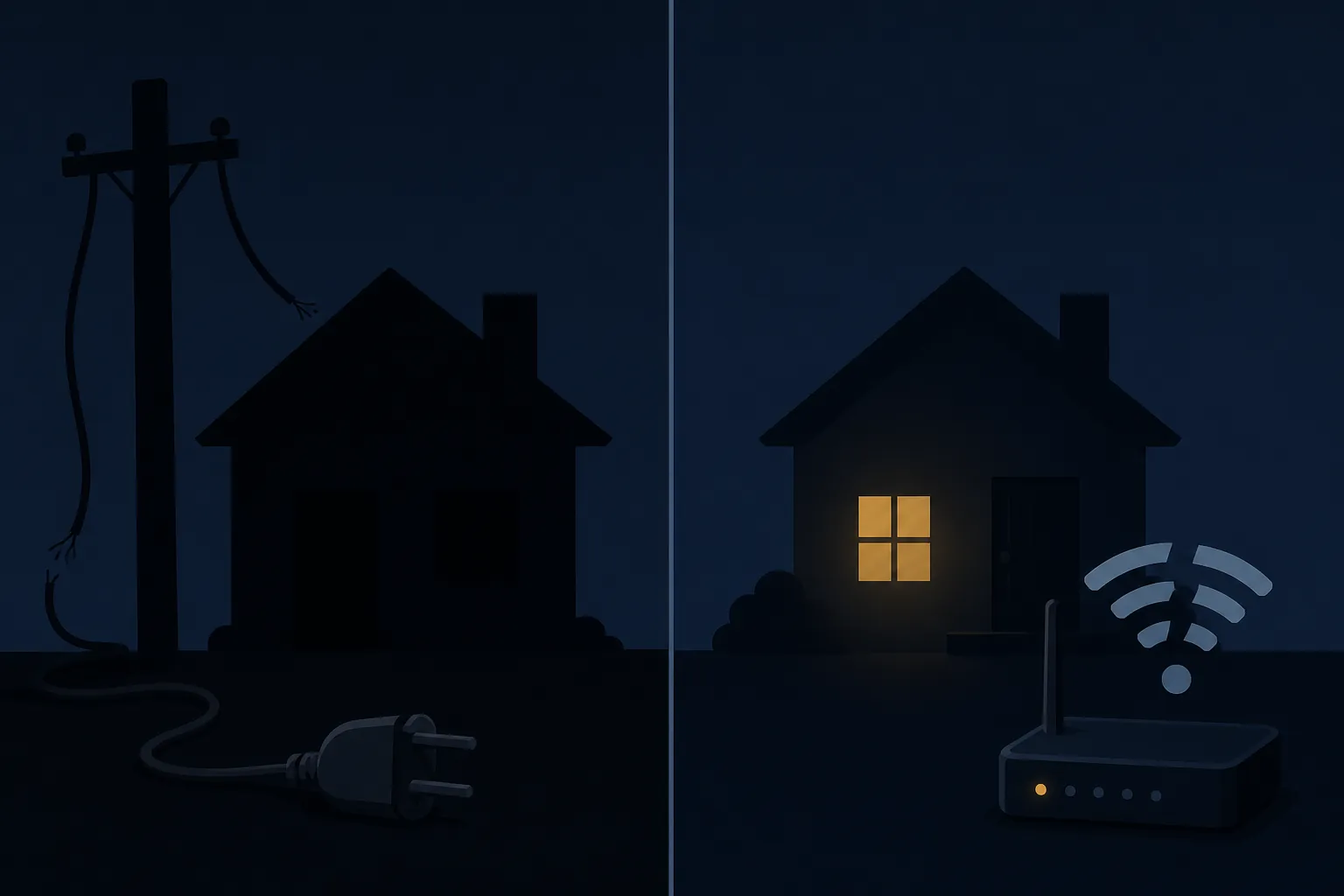
This is not a fringe edge case in the U.S. The Energy Information Administration reported that U.S. electricity customers averaged 11 hours without power in 2024, nearly double the prior decade’s average, with major events accounting for about 80% of those hours.[1] The Census Bureau’s American Housing Survey reporting found that about one in four households experienced a power outage in a year.[2]
Those numbers are a reason to plan, not a reason to panic-buy gear. The useful question is narrower: when the power or internet drops, which device still performs its safety or access job without a cloud round trip?
Entry: smart locks are one of the stronger outage categories
A good smart lock is usually not waiting for your Wi-Fi router to decide whether the correct person is standing at the door. Smart locks are typically battery-powered, and vendor guidance for battery smart locks says credentials such as PINs, fingerprints, cards, or local unlocking methods can continue to verify at the lock during a power outage.[3]
The part to distrust is the jump from “entry still works” to “all smart features still work.” If the internet is down, remote unlock, remote status, app alerts, and cloud integrations may be gone. If the lock battery is also dead, the lock’s outage behavior no longer matters. At that point the fallback is mechanical or emergency power: a physical key, a hidden key cylinder, or an external power contact or port if the model provides one.[3]
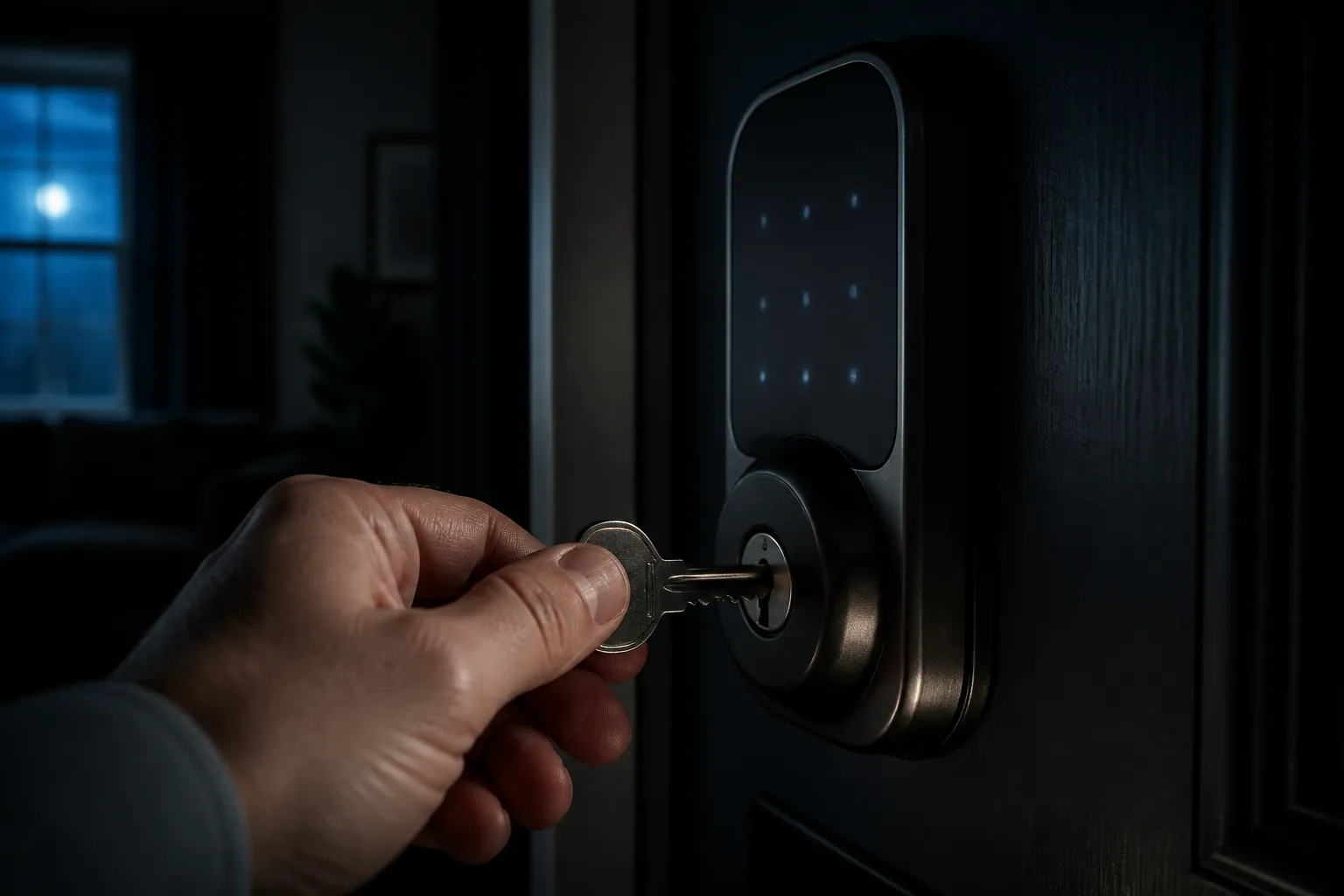
For buying or auditing a lock, the minimum outage check is simple: confirm the local unlock methods, confirm the physical key or emergency-power method, and replace the batteries before they become the outage.
Heat and comfort: thermostats depend on wiring, not just intelligence
Thermostats are easy to overrate in outage planning because the screen and app make them look like the control point. The real dependency is the HVAC system and the thermostat’s power path. Honeywell Home says its thermostats retain the setpoint and schedule after a power loss, with only the clock lost, and reconnect automatically to Wi-Fi when power returns.[4]
That is useful, but it is not the same as heat running through a whole-house outage. If the furnace, air handler, boiler controls, compressor, or thermostat power circuit is dead, the thermostat cannot command comfort into existence. A thermostat without the required power wiring or backup power is simply off until power returns.
Before treating a smart thermostat as part of an outage plan, verify its wiring and HVAC compatibility rather than only its app features. NestGrid’s smart thermostat HVAC compatibility guide is the right place to check C-wire and system-fit questions, while Best Thermostats for Home Assistant is more relevant if local control matters more than cloud polish.
The practical test is not whether the thermostat has a clever schedule. It is whether the thermostat remains powered, whether the HVAC equipment remains powered, and whether a person in the house can still change the setpoint at the wall.
Security cameras: recording and remote viewing are different promises
Camera marketing often blurs the two features people care about during an outage: did it record, and can I see it now? Those are not the same requirement.
Vendor guidance from eufy distinguishes plug-in or wired cameras, which stop recording when their power supply is cut, from battery- and solar-powered cameras, which can keep operating during a power outage if charged. The same guidance says local storage can preserve recordings, while remote viewing depends on the router and internet connection staying online.[5]
That makes battery cameras a good fit for doors, gates, and detached spots where the minimum job is to capture evidence. It does not make them magic. If the camera records only to the cloud and the router is down, the useful recording path may be broken. If the camera uses a base station, that base station may also need power. If the camera is wired to a dead outlet, the lens is just decoration.
For outage planning, inspect the storage setting, not just the power source. A battery camera with local storage can be useful even when nobody can open the app from across town. A camera that depends on live cloud upload needs the camera, router, modem or fiber terminal, and ISP path to survive the event.
Smoke, leak, and contact sensors: the quiet devices may be the most resilient
Battery sensors are easy to ignore until they are the only smart devices still doing their job. A smoke alarm, leak puck, or contact sensor does not need to light a room or stream video; it needs to detect a condition and, ideally, make noise or trigger a local response.
A first-hand blackout account from Creating Smart Home describes battery-backed Z-Wave smoke and leak sensors continuing to sense during a short power outage, with direct association able to sound a siren even while the coordinator was down. The same account also noted weaker points in the home, including mains bulbs returning in an unwanted state and blinds without manual control.[6]
That is a single home setup, not a category guarantee. Its value is operational: a sensor that can act locally, or at least alarm locally, is in a different class from a sensor that only tells a cloud service to notify your phone. For water and smoke, the local audible alert or device-to-device action matters more than a beautiful notification that cannot leave the house.
If your leak sensor’s only useful action is “send phone alert through the internet,” then it is an internet-dependent alerting device. If it can also trigger a local siren, shutoff valve, or hub routine that survives on backup power, it has an actual outage role.
Hubs and bridges: the control plane needs its own power
A hub is not a load like a lamp. It is the control plane. If it dies, devices may still have battery power and still sense conditions, but routines, dashboards, and cross-device actions can disappear.
Consumer-facing guidance from EVVR describes the common split: cloud-connected smart devices lose remote control and automations when internet access is unavailable, while power-dependent devices stop during a power outage unless backed up.[7] Hubitat makes the local-control case more specifically, saying a smart home can keep working without the internet when automations are processed locally, though internet-dependent integrations still fail.[8]
The missing piece is backup power. A locally processing hub that is plugged into a dead outlet is not meaningfully local during a grid outage. If local automations matter, the backup stack is usually hub plus router plus any required bridge, switch, or radio hardware. For Thread or HomeKit-style designs, the always-on hub requirement is also why phones and tablets are not interchangeable with a proper home hub; NestGrid covers that distinction in Why the iPhone 16e Can’t Be a HomeKit Home Hub.
CEDIA’s homeowner guidance and integrator commentary from Full Spectrum TG both point in the same practical direction: local-first design is the resilience lever when internet service fails, provided the local gear itself remains powered.[9][10] That is industry practice, not proof that every hub behaves the same. Some automations still call cloud services; some device integrations are local for basic control but cloud-dependent for advanced features.
For protocol-level differences among Matter, Zigbee, Z-Wave, Thread, and hub behavior, use the companion guide Which Smart Home Devices Keep Working During a Power Outage. Here, the category answer is enough: a hub only helps during an outage if it can process locally and has power.
Lights, plugs, blinds, and voice assistants fail in more obvious ways
Mains-powered smart bulbs and plugs are the simplest category to judge. If the circuit is dead, they are dead. A hub cannot command a bulb that has no power. A voice assistant cannot turn on a plug that is not energized.
Internet loss is less severe for some lighting setups. A powered smart switch or bulb may still respond to a wall control, local hub, or LAN command, depending on the system. Cloud-only app control and voice routines are much less reliable when the internet path is gone. The Creating Smart Home outage account is a useful reminder that restore behavior also matters: some mains bulbs may return in an unwanted state after power comes back, depending on configuration.[6]
Blinds and shades are split by power and manual control. Battery shades may still move if charged and paired with a local remote. Wired shades stop without power. Models with no chain, wand, or safe manual release can become a convenience problem during an outage, especially if they cover heat-gain windows or doors.
Voice assistants are poor outage anchors. They need outlet power, network access, and usually cloud speech processing. Keep them for convenience when conditions are normal; do not make them the only way to operate critical lighting, locks, shades, or HVAC.
The manual fallback is not optional
The least glamorous parts of a smart home are the parts you will look for first in a failure: the key, the wall switch, the garage release cord, the thermostat buttons, the local remote. WRAL’s consumer outage guidance emphasizes the same manual-override layer, including garage release cords, physical keys, and wall controls.[11]
A useful outage audit can be done room by room, without turning the house into a lab.
- Confirm every smart lock has a working physical key, known PIN, charged batteries, and a documented emergency-power method if the model supports one.
- Identify which cameras are battery-powered, which are plug-in or PoE, and where recordings are stored when the internet is down.
- Put the router, modem or fiber terminal, hub, bridge, and any required switch or base station on backup power if local control and local alerts matter.
- Verify thermostat wiring, HVAC power requirements, and whether the wall unit remains usable without the app.
- Test smoke, leak, and contact sensors for local audible alerts or local automations rather than assuming phone notifications will arrive.
- Check smart bulb and shade restore behavior after power returns, especially in bedrooms, nurseries, exterior entries, and south- or west-facing rooms.
- Make sure critical devices have a non-voice control path: wall control, physical button, local remote, keypad, or key.
A smart home does not fail randomly during an outage. It fails where power disappears, where a cloud decision is required, or where nobody bothered to keep a manual path. Check those points while the lights are still on.
References
- U.S. electricity customers averaged 11 hours of power interruptions in 2024, U.S. Energy Information Administration
- Power Outages, U.S. Census Bureau
- How Smart Locks Work During a Power Outage, EZVIZ
- When there is a loss of power, will the thermostat hold the set point temperature?, Honeywell Home
- Wireless Cameras Power Outage, eufy
- Smart Home Power Outage: What a 10-Minute Blackout Taught Me About My Smart Home’s Weak Points, Creating Smart Home, August 7, 2026
- What Happens to Your Smart Devices During a Power Outage, EVVR
- Does a Smart Home Work Without the Internet?, Hubitat
- Offline Smart Homes: Are They Possible? How?, CEDIA
- Smart Home Without Internet, Full Spectrum TG
- Prepare for outages: Essential tips for smart home power failures, WRAL, January 2026
Known issues with this device / protocol
Spec-version history
For active regressions on this protocol, see Update Watch.
No linked Update Watch entries yet.