
Is the Pixel 11 Pro Fold Compatible with Google Home App?
Five days after launch, the Pixel 11 Pro Fold clears every published Google Home app spec — but real-world behavior is still under verification. Use this dated check to see which compatibility claims are Confirmed and which remain Investigating before you buy.
Last updated
Status as of August 25, 2026: the Pixel 11 Pro Fold is compatible with the Google Home app by published specification, but NestGrid is still treating real-world launch-window behavior as under verification. That is the defensible answer five days after retail launch. The phone clears the documented app requirements; that does not yet prove that notifications, Home Panel controls, routines, Matter setup, Thread behavior, and daily Google Home operation are safe to rely on this weekend.
Google announced the Pixel 11 Pro Fold on August 12, 2026, with retail availability beginning August 20, 2026, so this is still a launch-window check, not a settled long-term compatibility record. The phone is interesting hardware, and it is exactly the kind of large-screen controller that could make Google Home feel less cramped. But a $1,899 smart-home controller has to do more than satisfy a spec sheet; it has to avoid making the buyer the first person in the house to discover which regression made it through launch week. [1]
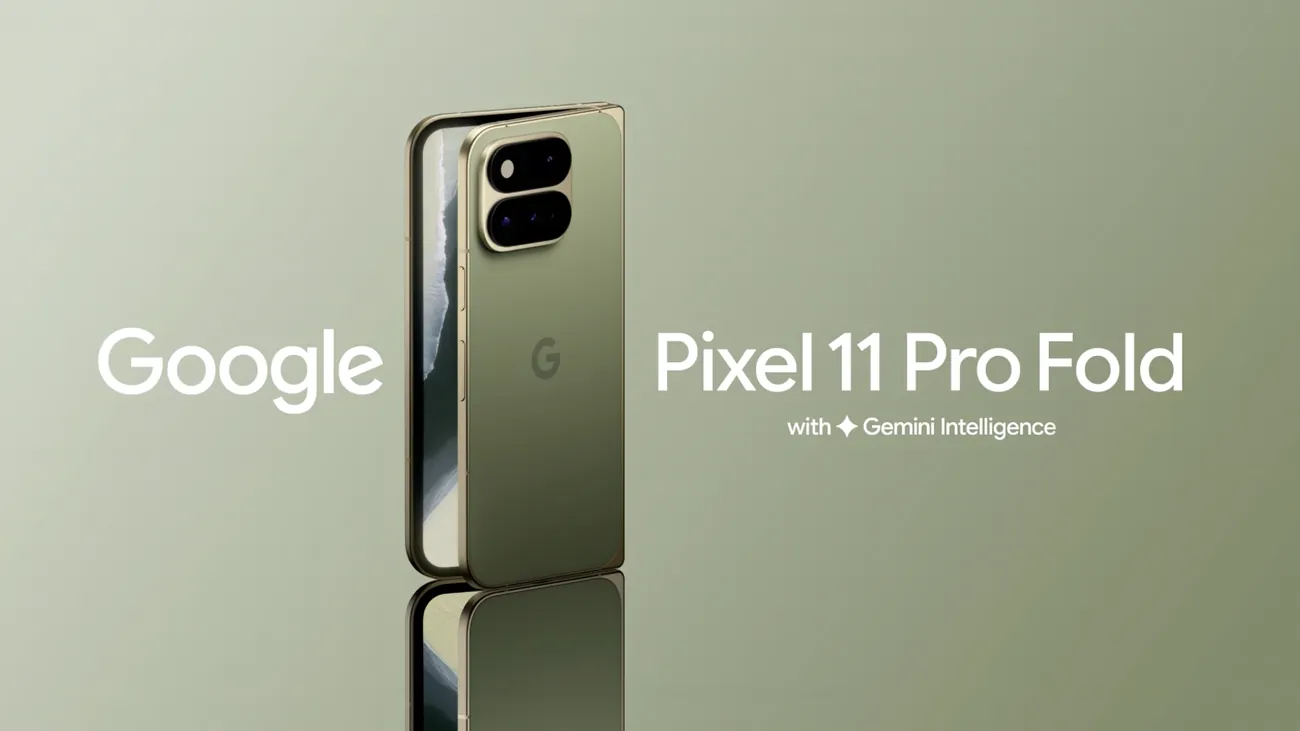
The short verdict
| Compatibility claim | Status on August 25, 2026 | What the evidence actually supports |
|---|---|---|
| Can install and run the Google Home app by published requirement | Confirmed by specification | Google Home requires Android 9.0 or later, and the Pixel 11 Pro Fold ships with Android 17. That clears the published OS requirement. |
| Google Cast support | Confirmed by official Pixel specs | Google’s Pixel hardware specs list Google Cast under the Pixel 11 Pro Fold connectivity features. |
| Thread radio / Thread networking technology | Confirmed by official Pixel specs | Google’s Pixel hardware specs list Thread networking technology for the Pixel 11 Pro Fold. |
| Matter + Google Home product positioning | Marketing-level support | The Google Store product page snippet pairs the phone with Matter and the Google Home app, but the accessible source is snippet-sourced and geo-redirected, so it should not be treated like a fully crawled support document. |
| Google Home app freshness at launch | Confirmed app listing date | The Play Store listing shows the Google Home app was updated on August 20, 2026. It does not justify asserting a current app version number. |
| Home Panel controls on the Fold | Investigating | Pixel Home Panel support exists as a Google Home / Pixel feature area, but NestGrid has not yet reproduced lock-screen or Quick Settings behavior on the Pixel 11 Pro Fold. |
| Notifications, routines, cameras, locks, and day-one household reliability | Investigating | Recent Pixel and Android launch windows produced Google Home regressions that were not predicted by base compatibility requirements. |
| Direct Matter-over-Thread commissioning without a separate border router | Investigating | Earlier Android documentation explains Thread device setup behavior and joining existing Thread networks, but applying that directly to this model requires hands-on reproduction. |
This updates our earlier pre-launch checkpoint, Will the Pixel 11 Pro Fold work with Google Home?. The important movement since then is that Thread is no longer merely expected from the product direction; Google’s official Pixel specifications now list Thread networking technology for the Pixel 11 Pro Fold.
Why the specification case is strong
Google’s own Home app requirements are not demanding here. The Android requirement is Android 9.0 or later, along with a Google Account and home Wi-Fi for typical Nest and Chromecast setup paths. The Pixel 11 Pro Fold ships with Android 17, so there is no OS-version mismatch to worry about at the published requirement level. [2][3]
The hardware spec sheet also gives this phone a better smart-home paper profile than a generic Android flagship. Google’s Pixel phone hardware specifications list both Thread networking technology and Google Cast under connectivity for the Pixel 11 Pro Fold. Those are not small details for a Google Home buyer. Cast matters for speaker, display, and media handoff scenarios; Thread matters because the smart-home stack is moving more low-power device traffic toward Matter-over-Thread. [3]
Google’s Pixel 11 Pro Fold launch post adds the broader product context: this is a premium foldable with Tensor G6, 16GB of RAM, and an IP68 rating. Those facts may make the phone more appealing, but they are not the compatibility proof. For Google Home, the load-bearing facts are Android 17, the official connectivity entries, and the app’s published Android requirement. [1][2][3]
The Google Store product page is useful, but it gets a lower evidentiary weight here. The available result pairs the Pixel 11 Pro Fold with “Compatibility,” “Matter,” and “Google Home App,” but the accessible page is snippet-sourced and geo-redirected rather than a clean crawled support page. That supports Google’s marketing-level positioning; it does not by itself prove that every Matter or Google Home behavior has been reproduced on retail hardware. [4]
The Google Home Play Store listing also helps, but only in a narrow way. It shows that the app was updated on August 20, 2026, the same date as the Pixel 11 Pro Fold’s retail launch. That is a freshness signal, not a permission slip to invent a current version number or assume every Pixel 11 Pro Fold path was regression-tested in public. [5]
Where compatibility stops being a spec-sheet question
Google Home compatibility has several layers. The app can meet its OS requirement and still have trouble in the places people actually touch all day: push notifications, Home Panel shortcuts, device tiles, routines, camera surfaces, lock controls, and setup flows. Those failures do not always look like “the app is incompatible.” They look like the doorbell alert never arrived, the Home controls opened to a blank screen, or the automation screen only worked when the phone was rotated.
That is why the Pixel 11 Pro Fold needs more than an install check. A launch-window verification pass should include at least these behaviors:
- Install, sign-in, and home selection in the Google Home app.
- Device control from the main Home app screen, including lights, cameras, locks, thermostats, and speakers where available.
- Google Home notifications, especially doorbell, camera, and security-related alerts.
- Home Panel controls from lock screen and Quick Settings surfaces.
- Routine creation, editing, and execution.
- Cast targets appearing normally and accepting playback handoff.
- Matter device setup and control.
- Thread-related behavior, with careful separation between joining an existing Thread network and commissioning a new Matter-over-Thread device without relying on a separate border router.
None of that is exotic. It is the normal work of being the phone that everyone assumes can turn the house back on.
The launch-window problem is not theoretical
The caution here is not anti-Pixel. It comes from the last round of Pixel and Android launch behavior, where Google Home regressions showed up around otherwise compatible devices and supported OS releases.
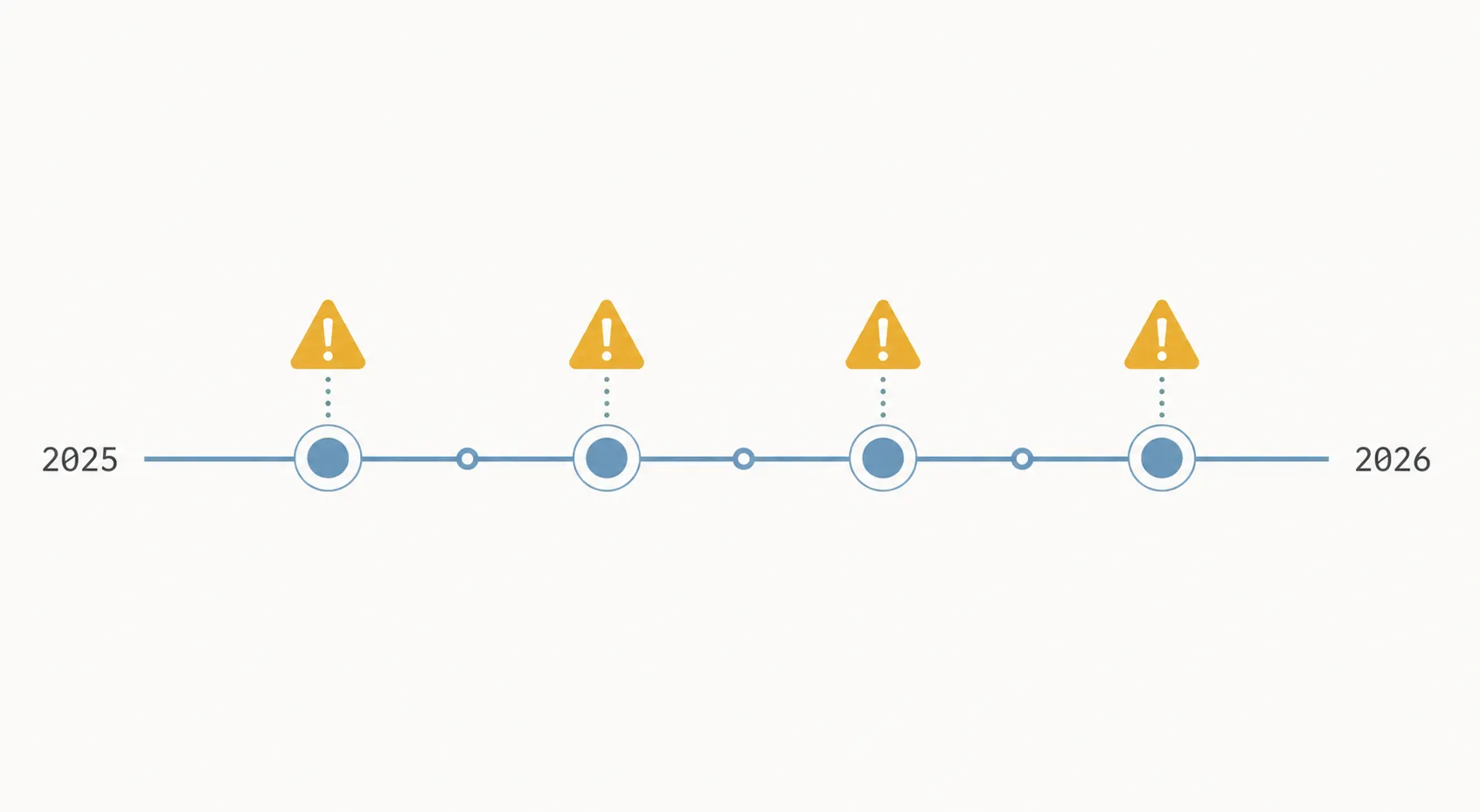
In September 2025, Pixel 10 owners reported missing Google Home notifications, and Google acknowledged the issue. The available workarounds were temporary rather than a clean user-side fix. That matters because notifications are a core controller function; a phone can open the Home app and still fail the household if doorbell or camera alerts do not behave normally. [6]
A different kind of failure appeared in January 2025, when the Google Home app was reported to crash-loop on Android 16 beta builds. Cache clearing or reinstalling could help only temporarily. This was not a hardware incompatibility story; it was an app and OS interaction problem surfacing during an Android update window. [7]
In June 2025, Google Home 3.34 had an Android 16 routines bug tied to edge-to-edge display behavior, with landscape orientation described as a workaround. That is the sort of defect a requirements table cannot predict, because the app may be installable and the account may sync, while one automation surface remains unpleasant or partly blocked. [8]
Then the December 2025 Pixel update included a fix for a bug where Google Home controls could launch as a blank screen. The useful lesson is not that every Pixel will have blank Home controls. The useful lesson is that Google Home control surfaces can break as tracked system bugs and require platform updates, even when the broader device family is obviously intended to support them. [9]
Those four examples do not prove that the Pixel 11 Pro Fold is broken. They prove something narrower and more useful for a buyer: published compatibility has repeatedly been necessary but insufficient around Pixel and Android launch windows.
Thread support: confirmed radio, unconfirmed edge behavior
The Pixel 11 Pro Fold’s official spec listing for Thread networking technology is a meaningful upgrade from pre-launch expectation. It means this model belongs in the small group of phones where Thread is not just a smart-home buzzword on the side of the box. [3]
It does not make the phone a Thread hub by default, and it should not be read as proof that every Matter-over-Thread setup path works without a border router. Google’s Android Help documentation explains a Thread setting path under Settings > Connected devices > Connection preferences > Thread, says Thread credentials are stored in the user’s Google Account, and describes joining an existing Thread network without a border router. That documentation is useful for understanding Google’s direction, but applying the strongest commissioning claims to the Pixel 11 Pro Fold still needs model-specific reproduction. [10]
If your buying decision turns on this point, separate the questions. “Does the phone list Thread networking technology?” is answered by the official Pixel specs. “Can this retail Pixel 11 Pro Fold commission my specific Matter-over-Thread device in my specific home topology without a separate border router?” remains an investigating item until tested. For the broader distinction, see why the Pixel 11 Thread radio does not make it a hub or border router and our Pixel 11 Matter and Thread controller verification.
Home Panel is a separate verification item
Home Panel deserves its own line because it is where “Google Home works” often becomes “the shortcut I actually use works.” Pixel Home controls have been tied into lock-screen and Quick Settings surfaces, and those surfaces are partly OS behavior rather than just the Home app behaving like any other app icon. [11]
On a foldable, that also means checking the states people will use: closed cover screen, open inner display, locked phone, unlocked phone, and quick access from the shade. The official app requirement does not answer those questions. The Pixel hardware spec does not answer them either. They have to be reproduced on the actual device.
What to do if you are buying this as the household controller
For a buyer who already planned to order the Pixel 11 Pro Fold for its foldable screen, camera system, or Pixel software, Google Home compatibility is not a reason to rule it out. The paper case is clean. The device is on Android 17, the Home app requirement starts at Android 9.0, Google Cast is listed, and Thread networking technology is listed. [2][3]
For a buyer whose main reason is “I need a reliable Google Home controller for the house,” do not treat the word compatible as the same thing as verified. Wait until the launch-window checks cover notifications, Home Panel controls, routines, Matter setup, Thread behavior, and normal daily control of your device categories. That is especially true if the phone would replace an existing controller that everyone in the home already trusts.
If you buy now, keep the old controller active for the first week. Do not factory-reset your prior phone, remove a working tablet from the kitchen, or rebuild your Matter fabric just because the new Fold installs Google Home successfully. If the Google Home app cannot find a speaker or display, Google’s own troubleshooting path escalates through network and app checks and can end at factory reset; that is not where anyone wants to begin a new-phone weekend. [12]
For readers comparing controller ecosystems rather than only checking this Pixel, the same caution applies across devices: test the surface you actually plan to use. A foldable phone, a watch, and a Samsung foldable with SmartThings pressure the smart home in different ways. The adjacent comparisons are covered in Z Fold 8 vs. Pixel 11 Pro for smart-home control and Pixel Watch 5 Google Home control.
Bottom line
It is not yet a NestGrid Confirmed day-one household controller. That label has to wait for hands-on reproduction of the boring things that matter: notifications arriving, Home Panel controls opening correctly, routines behaving, Matter and Thread setup paths making sense, and the normal Google Home app not turning the buyer into launch-week QA.
References
- Introducing Pixel 11 Pro Fold — Google Keyword blog — https://blog.google/products-and-platforms/devices/pixel/pixel-11-pro-fold/
- Requirements for Google Nest and Chromecast devices — Google Home and Nest Help — https://support.google.com/googlehome/answer/7035987?hl=en
- Pixel phone hardware tech specs — Pixel Phone Help — https://support.google.com/pixelphone/answer/7158570?hl=en
- Google Store product page — Google Store — https://store.google.com/product/pixel_11_pro_fold?hl=en-US
- Google Home Play Store listing — Google Play — https://play.google.com/store/apps/details?id=com.google.android.apps.chromecast.app&hl=en_US
- Pixel 10 missing notifications — Android Authority — September 2025 — https://www.androidauthority.com/pixel-10-google-home-missing-notifications-3597325/
- Android 16 crash loop — Android Police — January 2025 — https://www.androidpolice.com/google-home-app-doesnt-play-well-with-android-16/
- Android 16 Routines edge-to-edge bug — 9to5Google — June 22, 2025 — https://9to5google.com/2025/06/22/google-home-routines-android-16/
- December 2025 Pixel update — Android Authority — December 2025 — https://www.androidauthority.com/december-2025-pixel-update-3621533/
- Connect Thread smart home devices — Android Help — https://support.google.com/android/answer/16335330?hl=en
- Home Panel rollout — Android Central — https://www.androidcentral.com/apps-software/google-home-panel-pixel-rollout
- Can't find Google smart speaker or display — Google Home and Nest Help — https://support.google.com/googlehome/answer/7212008?hl=en&co=GENIE.Platform%3DAndroid
Known issues with this device / protocol
Spec-version history
For active regressions on this protocol, see Update Watch.
No linked Update Watch entries yet.