
Can the iPhone 17 Pro replace your smart home hub?
The iPhone 17 Pro is Thread-enabled, but Apple still defines home hubs as an Apple TV 4K, HomePod, or HomePod mini. This status-labeled audit separates what the phone can do on its own — including direct Thread control of locks when Wi-Fi is down — from the remote access, automation, and Matter pairing features that still require a dedicated hub.
Last updated
The iPhone 17 Pro has real smart-home muscle. Apple’s official tech specs list the N1 wireless chip with Thread networking, Wi‑Fi 7, Bluetooth 6, and second-generation Ultra Wideband, which makes this the most capable iPhone Apple has shipped for local Apple Home control so far.[1] But Apple’s own home-hub support language still names three hub devices: Apple TV 4K, HomePod, and HomePod mini.[2]
So the short answer is: the iPhone 17 Pro is a strong Apple Home controller with direct Thread value, not a listed Apple Home hub. That distinction matters when you are deciding whether to buy a HomePod mini or Apple TV 4K, and it matters even more when a lock, sensor, or Matter accessory refuses to pair.
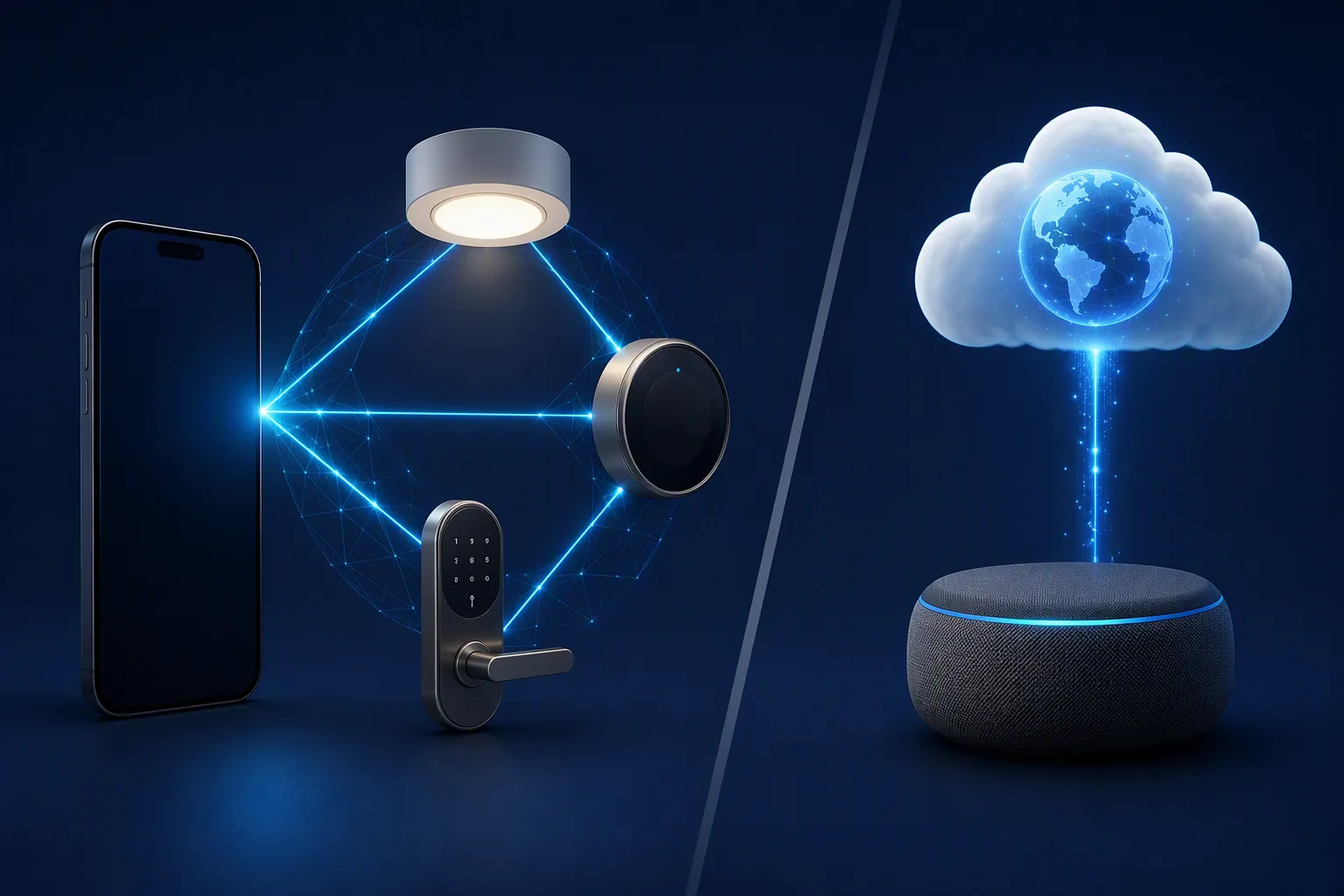
iPhone 17 Pro smart-home capability audit
Status verified: August 25, 2026. “Works phone-only” means the capability is supported by the iPhone itself under the sources cited here. “Hub-required” means Apple’s current support language ties the feature to a home hub. “Investigating” means the available sources conflict or the feature is reported but not yet cleanly verified in Apple’s own support wording.
| Capability | Status | What the iPhone 17 Pro can do | What still requires a hub or remains unclear | Verified |
|---|---|---|---|---|
| Direct Thread pairing/control for Thread accessories | Works phone-only | The iPhone 17 Pro has Thread networking in Apple’s official N1 radio stack.[1] | This does not make the phone a listed Apple Home hub. | Aug. 25, 2026 |
| Thread-enabled iPhone behavior in iOS 18 and later | Works phone-only | Apple lists iPhone 15 Pro and later as Thread-enabled iPhone models for compatible accessories.[3] | Thread-enabled is not the same label as home hub. | Aug. 25, 2026 |
| Offline Thread lock control when Wi‑Fi and border routers are down | Works phone-only | The practical value is local control: a Thread-enabled iPhone can still talk directly to a compatible Thread lock in an outage scenario described by TechRadar’s interview with Thread Group president Vividh Siddha.[4] | Remote access and automation logic still depend on hub/cloud architecture when you are away from home. | Aug. 25, 2026 |
| Remote access to accessories away from home | Hub-required | The phone can control accessories through the Home app when the home is reachable. | Apple says a home hub is required to control accessories while away from home.[2] | Aug. 25, 2026 |
| Sharing home control with other people | Hub-required | The iPhone can be used by invited users once the home is configured. | Apple’s home-hub support page places sharing control among the capabilities that require a home hub.[2] | Aug. 25, 2026 |
| Accessory notifications | Hub-required | The phone can receive Home notifications. | Apple lists notifications among the features that require a home hub.[2] | Aug. 25, 2026 |
| Automations | Hub-required | The iPhone can create and edit automations in the Home app. | Apple says automations require a home hub.[2] | Aug. 25, 2026 |
| HomeKit Secure Video | Hub-required | The iPhone can view camera feeds and recordings where the home is properly configured. | Apple ties HomeKit Secure Video to a home hub.[2] | Aug. 25, 2026 |
| Lighting features | Hub-required | The iPhone can control lights through the Home app. | Apple’s support page includes Lighting among the home-hub-required features.[2] | Aug. 25, 2026 |
| Adding Matter accessories to the Home app | Investigating | Apple’s current support wording says: “You must set up a home hub to add Matter accessories to the Home app.”[2] | The Ambient has reported a narrower iOS 18 exception for Matter-over-Wi‑Fi on iPhone 15 Pro or newer; that does not override Apple’s broader support-language requirement.[5] | Aug. 25, 2026 |
| Adaptive Temperature in iOS 26-era Home | Hub-required / verify OS details | Secondary reporting describes Adaptive Temperature as an Apple Home feature tied to iOS 26-era software.[6] | Reported requirements include Apple TV or HomePod plus a compatible Matter thermostat; treat the OS-version detail as secondary until Apple’s support language is checked for your setup.[6] | Aug. 25, 2026 |
| New Apple Home architecture with an iPad as the hub | Hub-required, but iPad no longer counts in the new architecture | The iPhone remains a controller in the new Apple Home architecture. | Apple says iPad is not supported as a home hub in the new Apple Home architecture, and legacy architecture support ended Feb. 10, 2026.[7][8] | Aug. 25, 2026 |
Controller is the right word
Apple’s definition is not vague here. To set up a home hub, Apple tells users to use an Apple TV 4K, HomePod, or HomePod mini.[2] The iPhone 17 Pro does not appear in that list. It appears elsewhere, in Apple’s hardware and Thread-enabled iPhone story.
That is not a small upgrade. The N1 chip puts Thread networking directly into the iPhone 17 Pro’s radio stack alongside Wi‑Fi 7, Bluetooth 6, and second-generation Ultra Wideband.[1] Apple also lists iPhone 15 Pro and later as Thread-enabled iPhone models for compatible accessories, which is the support-language bridge between the iOS 18-era behavior change and the iPhone 17 Pro’s newer hardware.[3]
The practical case is a front door. If your Wi‑Fi is down, the internet is down, and your Thread border router is unavailable, a Thread-enabled iPhone can still be useful because it can communicate directly with a compatible Thread lock nearby. TechRadar’s interview with Vividh Siddha used that kind of lock-control outage scenario to explain why direct Thread support on phones matters.[4]
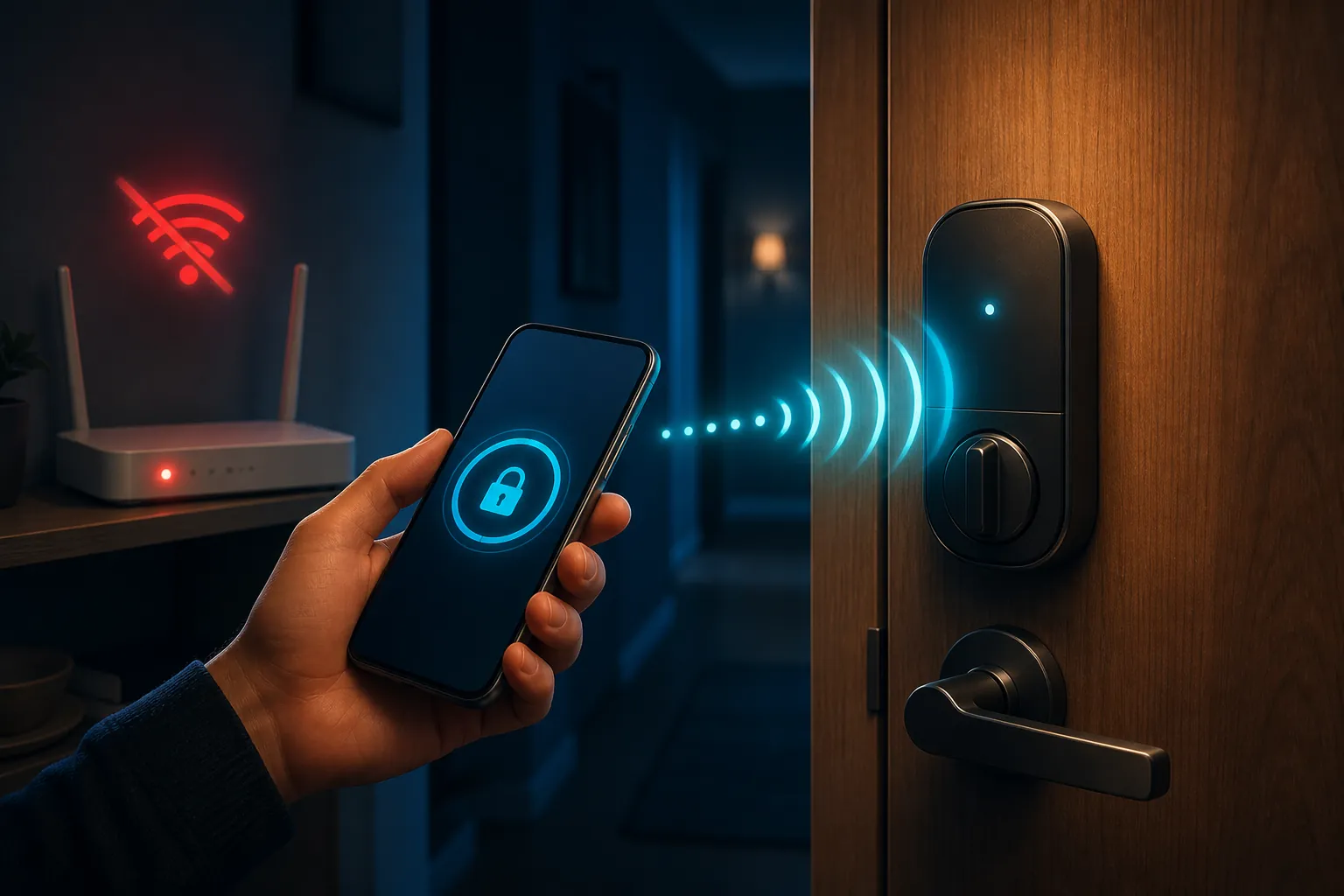
That is the part worth being generous about. Direct local control is not a gimmick when the device is a lock, the outage is real, and the person with the phone is standing at the door. For more outage context, NestGrid’s storm-survival guide separates devices that keep working locally from devices that collapse when the cloud path disappears.
But direct Thread control is still controller behavior. A controller sends commands. A home hub stays in the home, remains available when your phone leaves, runs hub-tied Home features, and bridges your remote Home app session back to the accessories. As of this audit, Apple has not renamed the iPhone 17 Pro as a home hub.
The hub-required list is where the buying decision lives
If all you need is near-field control of supported accessories while you are home, the iPhone 17 Pro is much more capable than older iPhones without Thread. If your household depends on Apple Home behaving while nobody is home, the hub list is still the list that matters.
Apple says a home hub is required for controlling accessories while away from home, sharing control with others, receiving Home notifications, creating automations, using HomeKit Secure Video, and Lighting.[2] Those are not fringe conveniences. They are the reasons many people bought into Apple Home in the first place: the porch light automation, the package camera, the water-leak alert, the guest access, the thermostat change from the airport.
This is also why the “I already bought the expensive phone, why do I need a separate box?” frustration is fair but does not change the compatibility answer. If your must-have list includes remote access, notifications, automations, or HomeKit Secure Video, Apple’s current answer still points to Apple TV 4K, HomePod, or HomePod mini.[2]
A dedicated hub also avoids an awkward design problem: the phone leaves. Even if the iPhone 17 Pro can directly control a Thread accessory while you are standing nearby, it is not a stationary household device. Home automations and remote access need something that stays on the local network when the primary user takes the phone to work.
If you are trying to decide whether a hub belongs in the same upgrade cycle as the phone, NestGrid’s Apple Upgrade Program and smart-home devices guide is the more practical companion piece. The important compatibility point here is simple: a better iPhone controller does not remove the hub requirement for hub-tied Apple Home features.
Matter pairing is the messy row
Matter accessory onboarding is the one row I would not flatten into a clean yes-or-no answer. Apple’s support page says plainly: “You must set up a home hub to add Matter accessories to the Home app.”[2] That sentence is the baseline for a compatibility audit because it is Apple’s own user-facing requirement.
The complication is secondary reporting. The Ambient reported that iOS 18 removed the hub requirement for Matter-over-Wi‑Fi on iPhone 15 Pro or newer.[5] That is narrower than Apple’s support statement, and it may describe a real path for a subset of Matter-over-Wi‑Fi devices. It still does not let us rewrite Apple’s general Matter onboarding rule as “the iPhone 17 Pro is a hub.”
For troubleshooting, the safer move is to treat Matter onboarding as Investigating if you are trying to pair without an Apple TV 4K, HomePod, or HomePod mini. If the accessory fails, do not assume the iPhone 17 Pro’s Thread radio is defective. You may simply be hitting Apple’s documented home-hub requirement, the accessory’s own Matter path, or the difference between Matter-over-Wi‑Fi and Thread-based Matter devices.
No, iOS 18.4 did not officially make the iPhone a home hub
The unsupported version of this story is the claim that iOS 18.4 made the iPhone a Home hub. That may be useful forum shorthand for “my iPhone can do more with Thread and Matter than it used to,” but it does not survive Apple’s own support-language test.
Apple lists Thread-enabled iPhone models separately from home hubs.[3][2] Apple’s home-hub setup page still points to Apple TV 4K, HomePod, and HomePod mini.[2] Until Apple changes that list, the cleaner reading is that iOS 18-era updates expanded iPhone controller behavior; they did not promote the iPhone into the home-hub category.
The iPad-home-hub cutoff raises the urgency
There is a separate Apple Home architecture issue that can make this feel newly urgent. In the new Apple Home architecture, iPad is no longer supported as a home hub, and Apple’s legacy Home architecture support ended on Feb. 10, 2026.[7][8]
That matters for older households that quietly used an iPad as the always-home device. Buying an iPhone 17 Pro does not replace that role under Apple’s current hub definition. If the old iPad was the thing keeping remote access, automations, notifications, and camera features alive, the replacement path is still a supported Apple TV 4K, HomePod, or HomePod mini—not the phone in your pocket.
This is also where iOS 26-era Home features need careful wording. BGR reported Adaptive Temperature as an iOS 26 Home feature requiring an Apple TV or HomePod plus a compatible Matter thermostat.[6] That is useful buying-context information, but because it is secondary reporting, verify the final OS and device requirements against Apple’s support language before treating it as a guaranteed feature in a specific home.
What about other iPhone 17 models and future Home hardware?
This audit is intentionally about the released iPhone 17 Pro hardware Apple lists with N1 and Thread networking. Claims that the base iPhone 17 or iPhone Air gained Thread support should be attributed to Matter Alpha unless Apple’s own specs page for that model confirms it.[9] That distinction is not pedantry when the whole question is compatibility.
Rumored standalone Apple home displays or “HomePad” devices also sit outside this audit. They may matter later, but they do not help someone standing in the Home app today with a lock that will not pair.
For the pre-announcement version of this same question, NestGrid’s iPhone 18 Pro Max home-hub check uses Expected statuses because that device is not the confirmed-spec case. The separate iPhone 18 Pro Max smart-home price piece is for upgrade economics, not for overriding Apple’s current hub list.
The controller-versus-hub line is not Apple-only, either. NestGrid’s Galaxy Z Fold 8 controller article uses the same framing for a different ecosystem: a great handheld controller can still fail the hub test if the platform requires a stationary device for always-on services.
The working answer
Treat the iPhone 17 Pro as a strong Apple Home controller with genuine Thread direct-control value. It can matter a lot for supported local accessories, especially a compatible Thread lock during an outage when the phone is nearby.
Do not treat it as a replacement for an Apple TV 4K, HomePod, or HomePod mini if your home depends on remote access, shared control, notifications, automations, HomeKit Secure Video, Lighting, Matter onboarding under Apple’s current documented requirement, or hub-tied iOS 26-era Home features. Apple’s hub list is still the line to buy against.
References
- iPhone 17 Pro Max - Technical Specifications — Apple Support.
- Set up your HomePod, HomePod mini, Apple TV, or iPad as a home hub — Apple Support, updated September 15, 2025.
- Use Thread-enabled accessories with Apple Home — Apple Support, updated January 13, 2026.
- Thread smart home interview with Vividh Siddha — TechRadar.
- iOS 18 removes the need for a home hub for some Matter accessories — The Ambient.
- iOS 26 Home app features Adaptive Temperature — BGR, May 2026.
- Upgrade to the new version of Apple Home — Apple iPhone User Guide.
- Apple Ending Support for Older HomeKit Architecture on February 10 — MacRumors, January 9, 2026.
- iPhone 17 and iPhone Air gain Thread support — Matter Alpha.
Known issues with this device / protocol
Spec-version history
For active regressions on this protocol, see Update Watch.
No linked Update Watch entries yet.