
Does the Apple Upgrade Program Cover Smart Home Devices?
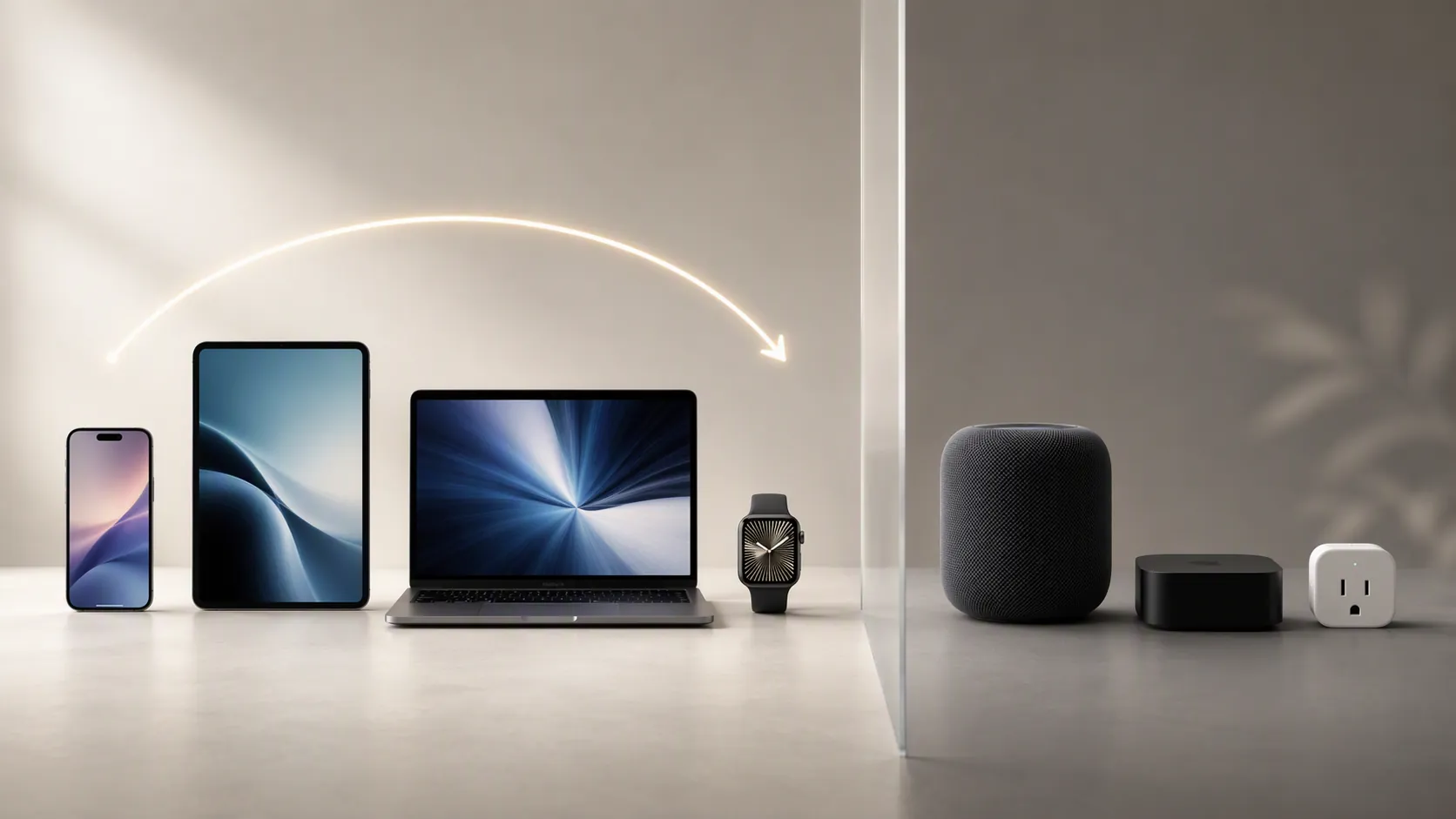
Apple's new leasing program (Apple Upgrade) covers iPhones, iPads, Macs, and Apple Watches, but not HomePods or Apple TVs. This article explains the exclusion and covers three real upgrade paths for Apple smart home gear, including the Home architecture upgrade and Matter firmware updates.
Last updated
As of July 28, 2026, the answer for an Apple Upgrade program for smart home devices is short: Apple Upgrade does not appear to cover smart home devices. Launch reporting says the new Klarna-backed leasing program covers iPhone, iPad, Mac, and Apple Watch. It does not list HomePod, Apple TV, or smart home accessories.[1]
That is not the same as saying an Apple smart home has no upgrade path. It means the retail leasing path and the home-compatibility path are separate. If the problem is an aging Home hub, a Home architecture warning, or a Matter firmware prompt from a device maker, Apple Upgrade is not the tool that resolves it.
Apple Upgrade Is A Device Lease, Not A Home Refresh
The launch-day confusion is understandable because “upgrade” means different things inside an Apple household. Replacing an iPhone through a leasing program is one kind of upgrade. Moving a Home setup to Apple’s newer architecture is another. Installing Matter firmware on a smart plug or switch is another again.
Only the first one looks like a normal purchase program. The other two change the compatibility contract of the home. They can affect who can open the Home app, which hub is allowed to run automations, and whether a device can go back to the setup it had before.
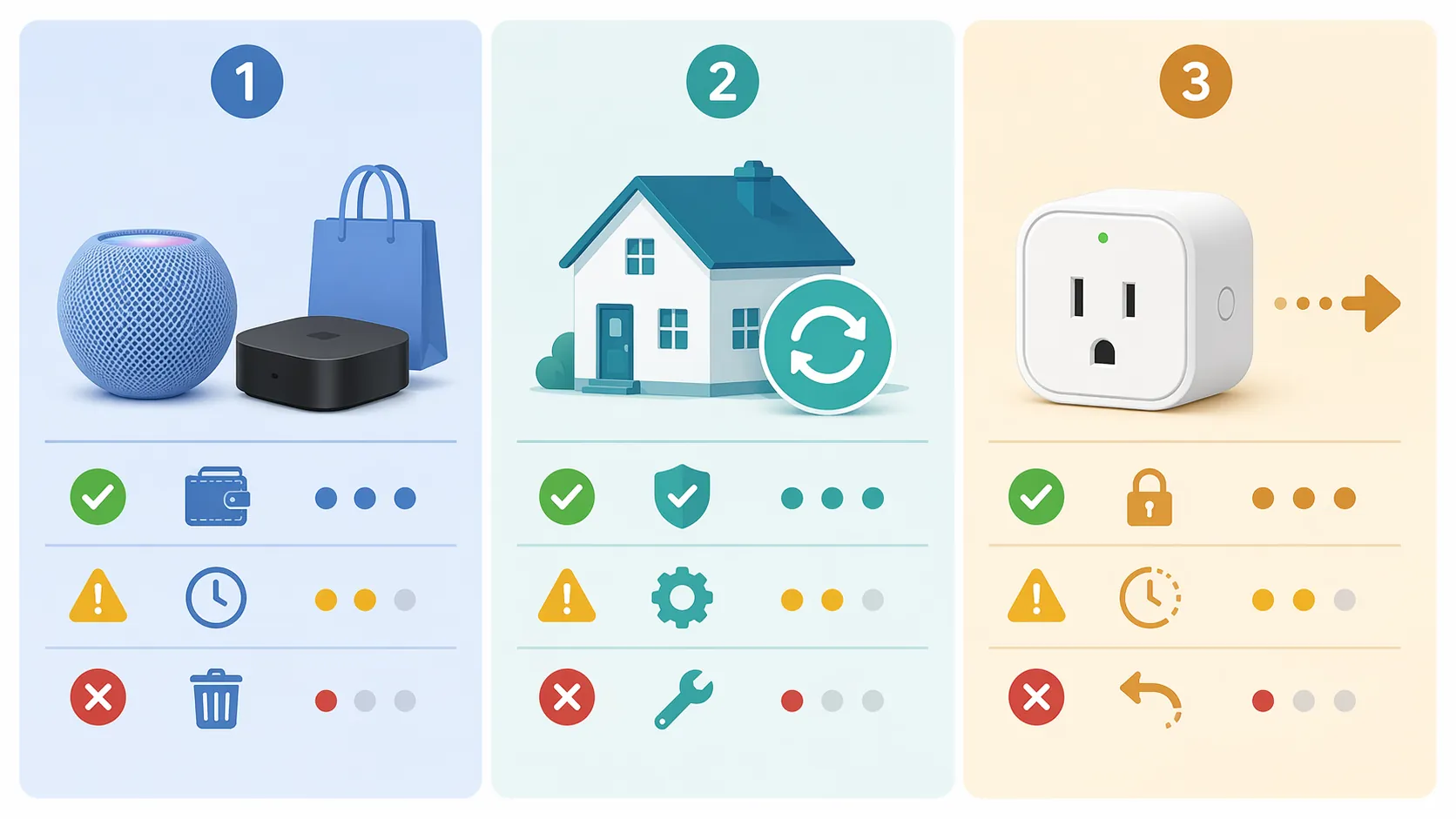
| Upgrade path | What changes | Main commitment |
|---|---|---|
| Buy replacement Apple home-hub hardware | The physical hub running the home changes | Money, setup time, and choosing a supported hub |
| Use Apple’s new Home architecture | The Home database and access requirements change | All participating Apple devices must meet Apple’s software requirements |
| Apply manufacturer Matter firmware | The accessory’s device identity and pairing path may change | The update may be irreversible or difficult to unwind |
Path One: Replace The Hub Hardware When An Old Hub No Longer Qualifies
The cleanest Apple smart home upgrade is still the ordinary one: buy a supported Home hub. That usually means a HomePod mini, HomePod, or Apple TV rather than trying to keep an old iPad in service as the center of the home.
Apple’s support page for the new Home architecture says a home hub such as HomePod or Apple TV is required, and it explicitly notes that iPad is not supported as a home hub on the new architecture.[2] For a household that had an iPad sitting on a counter quietly running automations, that is not a cosmetic change. It moves the home from “this still works because nobody touched it” to “this needs replacement hardware.”
The practical trigger is simple: if the home depends on an iPad as its hub, the replacement decision comes before any talk about Matter or leasing. Apple Upgrade does not appear to subsidize the HomePod or Apple TV hardware that would replace it.[1]
This path is the least mysterious because the failure mode is visible. You buy a supported hub, add it to the home, and let it take over. The catch is that the cost sits outside Apple’s new leasing program, even though the purchase may be necessary to keep the household’s existing automations and remote access dependable.
Path Two: Know Whether The Home Architecture Upgrade Already Happened
Apple’s Home architecture upgrade is not a product upgrade. It is a compatibility boundary. Apple says the upgraded architecture requires every device used to access the home to be running current-enough software, including iOS 16.2, iPadOS 16.2, macOS Ventura 13.1, tvOS 16.2, and watchOS 9.2 or later.[2]
That boundary became harder in 2026. AppleInsider reported Apple’s confirmation that support for the previous Home architecture would end on February 10, 2026, and that devices below iOS 16.2, iPadOS 16.2, macOS 13.1, tvOS 16.2, or watchOS 9.2 would lose access to the Home app after the deadline.[3]
The hardware impact depends on the device. iDrop News mapped the minimum operating-system requirements to older qualifying models such as iPhone 8, iPhone X, the 5th-generation iPad, and Apple TV HD, while also noting that iPad no longer works as a Home hub under the newer setup.[4]
For most homes in Q3 2026, the useful question is no longer “Should I press the upgrade button today?” It is “Has this home already crossed the line, and which family devices were left behind?” Apple’s enforcement details have not been described publicly in one neat household-by-household map, so a cautious owner should check the Home app status and the software level of every person’s device rather than assume the transition was harmless.
What To Check Before Blaming The Accessory
- Confirm the home has a supported Home hub: HomePod or Apple TV, not an iPad.
- Check whether every household member’s iPhone, iPad, Mac, Apple TV, and Apple Watch meets Apple’s minimum software requirements.
- Look for people who can still see an accessory notification but can no longer control the home.
- Treat missing access after the architecture deadline as a device-software or account-access problem before replacing working lights, plugs, or switches.
This is where a smart home starts to behave less like a box of gadgets and more like shared infrastructure. A hub upgrade may be a one-time purchase. A Home architecture change can turn one person’s old phone or Mac into the weak link for everyone’s confidence in the system.
Path Three: Treat Matter Firmware As A One-Way Door Unless The Manufacturer Says Otherwise
Matter is a real upgrade path for some accessories, but it is not the same kind of upgrade as buying a newer Apple TV. It can change how the accessory identifies itself, which setup code matters, which hub is required, and whether the device can return to its previous HomeKit firmware.
Leviton’s warning is unusually clear. For Decora Smart Wi-Fi 2nd Gen devices, the company says upgrading to Matter firmware is irreversible and that the existing HomeKit QR code that came with the original product cannot be used after the upgrade. Leviton also warns users not to upgrade if they do not have an Apple Home Hub.[5]
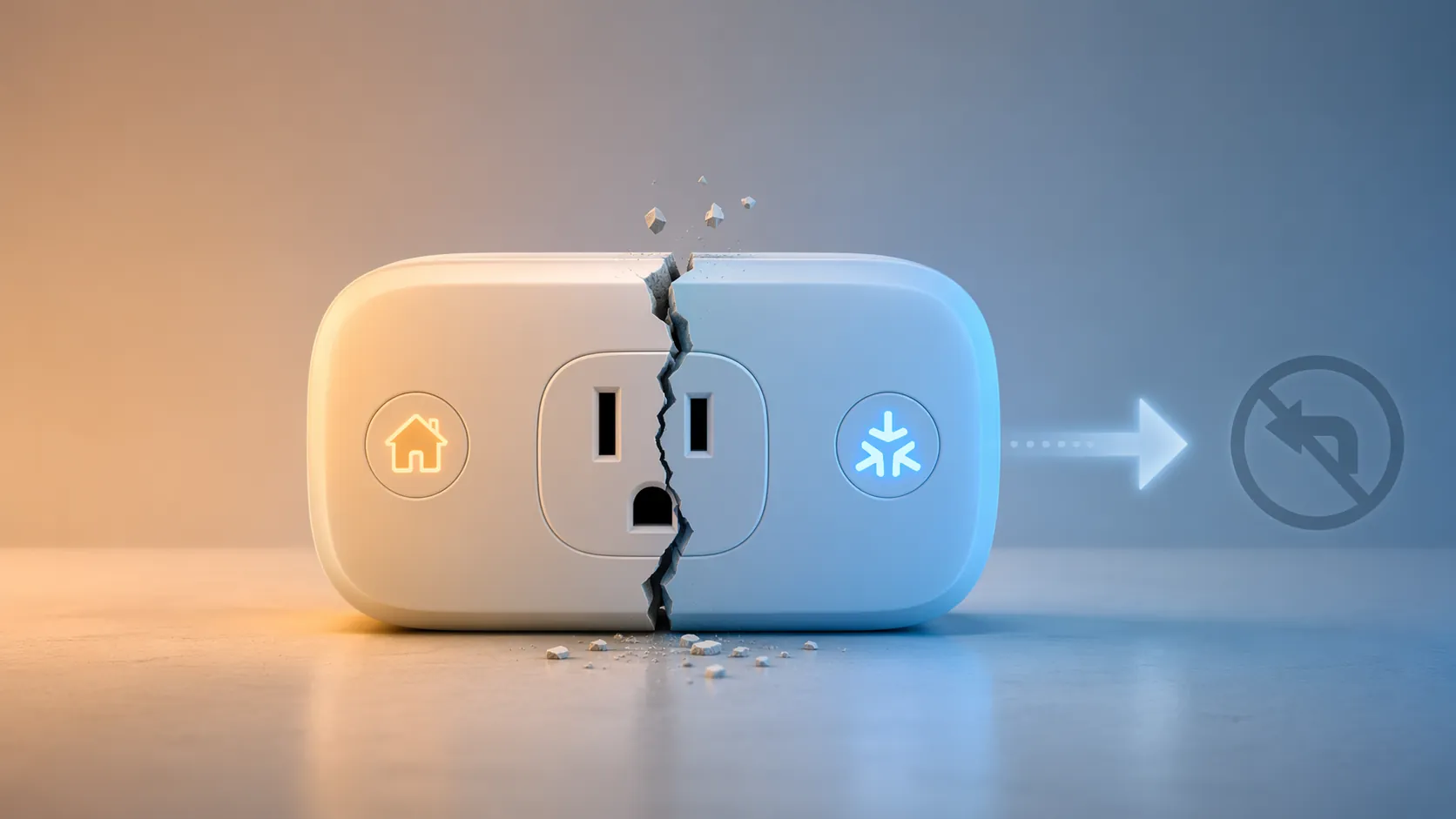
That is the sort of sentence that should slow a household upgrade down. Losing the old HomeKit QR code is not a branding issue. It affects the recovery path when someone resets the device later, when the home is rebuilt, or when the person who performed the upgrade is not the person troubleshooting it.
The breakage can also be subtler than “the device disappeared.” In a firsthand Matter upgrade report, Stacey Higginbotham described upgrading an Eve Energy plug and finding that an existing sunset-triggered automation remained visible but was no longer attached to a device, requiring manual recreation.[6]
That case should not be stretched into a claim that all Matter upgrades break automations. It is useful because it shows a failure mode a compatibility chart will not always prepare you for: the scene looks familiar, the automation name survives, but the device relationship underneath it has changed.
There has also been reporting that Apple Home app Matter onboarding was unreliable in earlier Matter rollouts, with Stacey on IoT documenting cases where Google Home on Android served as a workaround for adding Matter devices.[7] That reporting is from 2023 and may not describe every current iOS and tvOS build in 2026, so it is best treated as a warning about recovery planning rather than proof that every Apple Home Matter setup will fail today.
A Safer Order For Matter Updates
- Read the manufacturer’s firmware page before opening the update flow in the app.
- Look specifically for the words “irreversible,” “rollback,” “HomeKit code,” “Matter code,” and “hub required.”
- Confirm the home has a supported Apple Home hub online before updating.
- Screenshot or write down existing automations tied to that accessory.
- Update one non-critical device first, not every switch or plug in the same room.
A simple example makes the risk plain: if a lamp plug controls a hallway light that people use every night, it is a poor first Matter test device. A spare plug on a desk lamp is a better candidate because the consequence of re-pairing or rebuilding an automation is small.
Where Apple’s Own Home Upgrade Instructions Fit
If a home is still being prompted about Apple’s Home architecture, the official path starts in the Home app rather than in the Apple Store. Apple’s support document is the authority on requirements, while step-by-step guides such as The Verge’s walkthrough can help locate the upgrade prompt and understand the sequence inside the Home app.[2][8]
The important part is not the number of taps. It is the order of operations. A home with old family devices, an iPad hub, and pending accessory firmware updates should not treat every available upgrade as a single maintenance window. Replace the unsupported hub first, confirm people can still access the home, then consider accessory firmware.
TidBITS also reported that support for the old Apple Home architecture ended on February 10, 2026, reinforcing that the architecture issue is no longer an abstract future migration for homes that postponed it.[9]
The Decision Point
Apple Upgrade is not a smart home refresh program. Based on available launch reporting, it covers iPhone, iPad, Mac, and Apple Watch, not HomePod, Apple TV, or accessories.[1] If the household problem is a Home hub, Home architecture status, or Matter firmware, the answer sits outside the leasing program.
Start with the part that can break the most people at once: the hub and the Home architecture. Check whether the home still depends on an iPad, confirm whether the Home architecture transition already happened after the February 10, 2026 deadline, and make sure every person’s Apple devices meet the required software level.[2][3]
Only then move to Matter firmware. If the manufacturer says the update is irreversible, changes the setup code, or requires a hub, treat that as a household maintenance decision, not a routine app update.[5]
References
- Apple Upgrade Program Launching Tuesday, MacRumors, July 26, 2026.
- Upgrade to the new Home architecture, Apple Support.
- Apple confirms February 10 deadline for Home architecture upgrade, AppleInsider, January 9, 2026.
- Apple Home Architecture Upgrade Deadline: February 10, 2026, iDrop News.
- Will updating Decora Smart Wi-Fi 2nd Gen devices with Matter firmware, Leviton.
- How my first Matter upgrade experience went, Stacey on IoT.
- When is Apple HomeKit going to fix its broken Matter experience?, Stacey on IoT, 2023.
- How to upgrade to Apple’s new Home architecture, The Verge.
- Support for Old Apple Home Architecture Ends, TidBITS, February 10, 2026.
Known issues with this device / protocol
Spec-version history
For active regressions on this protocol, see Update Watch.
No linked Update Watch entries yet.