
Best Used Large-Screen Tablets for Video and Smart Home
A price-anchored buyer's guide to used large-screen tablets that can stream video and run a smart-home dashboard. Names the 2020–2022 models worth buying on a $100–450 budget, the used prices to expect as of August 2026, and the OS-update and dashboard-compatibility checks to verify before you spend.
Last updated
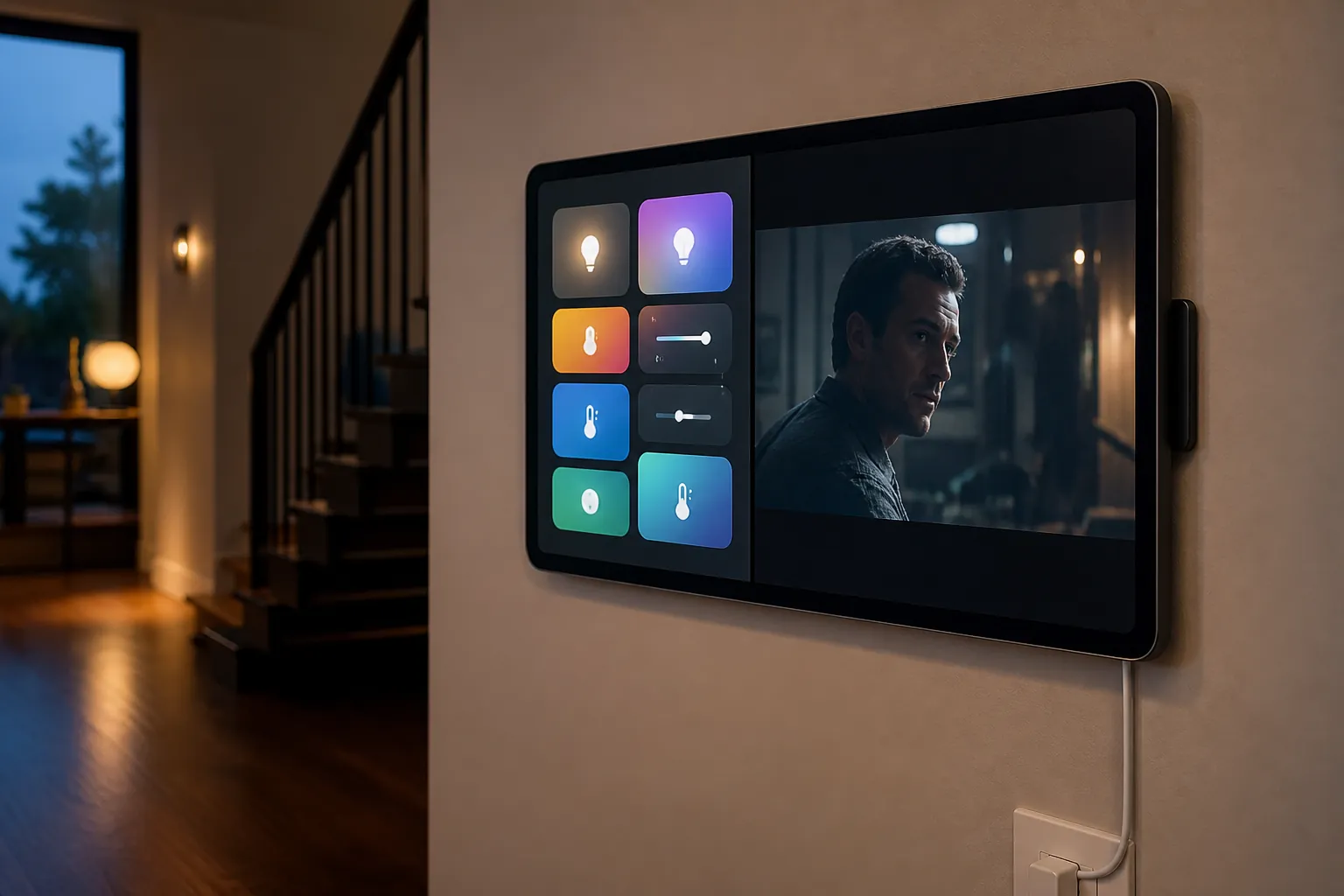
As of August 2026, the best used large-screen tablet for video and smart-home display duty is usually a 2020–2022 model, not a new flagship. The short list starts with the Samsung Galaxy Tab S7 FE if you want the most wall-dashboard screen for the money, the iPad 9th generation if you want the safest modest iPad buy, the Fire HD 10 if the budget is tight and Alexa matters, the Galaxy Tab S7+ if streaming quality is the indulgence, and a refurbished 12.9-inch iPad Pro only if the price falls far enough to make sense.
This is a dated used-market answer. In August 2026, Galaxy Tab S7 FE listings clustered around roughly $170–225 used or renewed on marketplaces such as Swappa and Back Market, while used-iPad buying guidance placed the iPad 9th gen in the practical pre-owned lane and advised caution with older base iPads unless the price is very low.[1][2][3] Fire HD 10 remains the cheapest credible dual-use option, with new pricing around $99 in cheap-tablet roundups, while Apple-refurbished large iPad Pro pricing can easily jump past this article’s $100–450 practical range.[4][5]
If you are still deciding between a repurposed tablet and a purpose-built smart display, that comparison belongs in Smart Display vs. Old Tablet: Which Makes the Better Smart Home Dashboard?. Here, the assumption is simpler: you already want a used tablet. The remaining job is to avoid buying one that looks cheap and then fails at the dashboard, streaming, mounting, or update part.
August 2026 used-tablet shortlist
| Used tablet | Screen | August 2026 price anchor | Best reason to buy | Main thing to verify |
|---|---|---|---|---|
| Samsung Galaxy Tab S7 FE | 12.4-inch | About $170–225 used/renewed on Swappa and Back Market [1][2] | Largest practical dashboard screen per dollar | Android version, screen/digitizer condition, kiosk app behavior |
| iPad 9th generation | 10.2-inch | Pre-owned/refurbished examples around the mid-$100s to under $200 in used-iPad guidance [3] | Safe modest iPad choice if update status checks out | Current iPadOS support, storage, Guided Access fit |
| Amazon Fire HD 10 | 10.1-inch, 1920 × 1200 | About $99 new in cheap-tablet coverage, often less used [4] | Cheapest tablet that can stream and sit in Alexa/Echo Show-style duty | Amazon Appstore limits and whether your dashboard app is actually available |
| Samsung Galaxy Tab S7+ | 12.4-inch AMOLED-class high-refresh display | Used/renewed pricing varies; buy only if it stays comfortably under the premium iPad options | Best Android video-quality pick among this group | Panel burn-in, touch layer, and whether the price is too close to newer tablets |
| Refurbished 12.9-inch iPad Pro | 12.9-inch | Apple-refurbished iPad Pro pricing can run near current premium-tablet territory; Apple cites up to 15% savings vs. new and a 1-year warranty [5] | Premium large iPad experience for Apple Home or polished media use | Whether the exact refurb price still fits a $100–450 practical budget |
A wall-powered dashboard changes the usual tablet ranking. Battery health still matters enough to avoid swollen or unsafe units, but it is not the feature that should decide the purchase. Screen quality, touch reliability, update runway, app compatibility, and the ability to lock the tablet into a dashboard matter more. Home-dashboard buying guidance also treats Android 8+ as a practical floor for dashboard-app compatibility and warns against cracked digitizers because wall tablets get tapped constantly.[6]
Best overall used pick: Galaxy Tab S7 FE
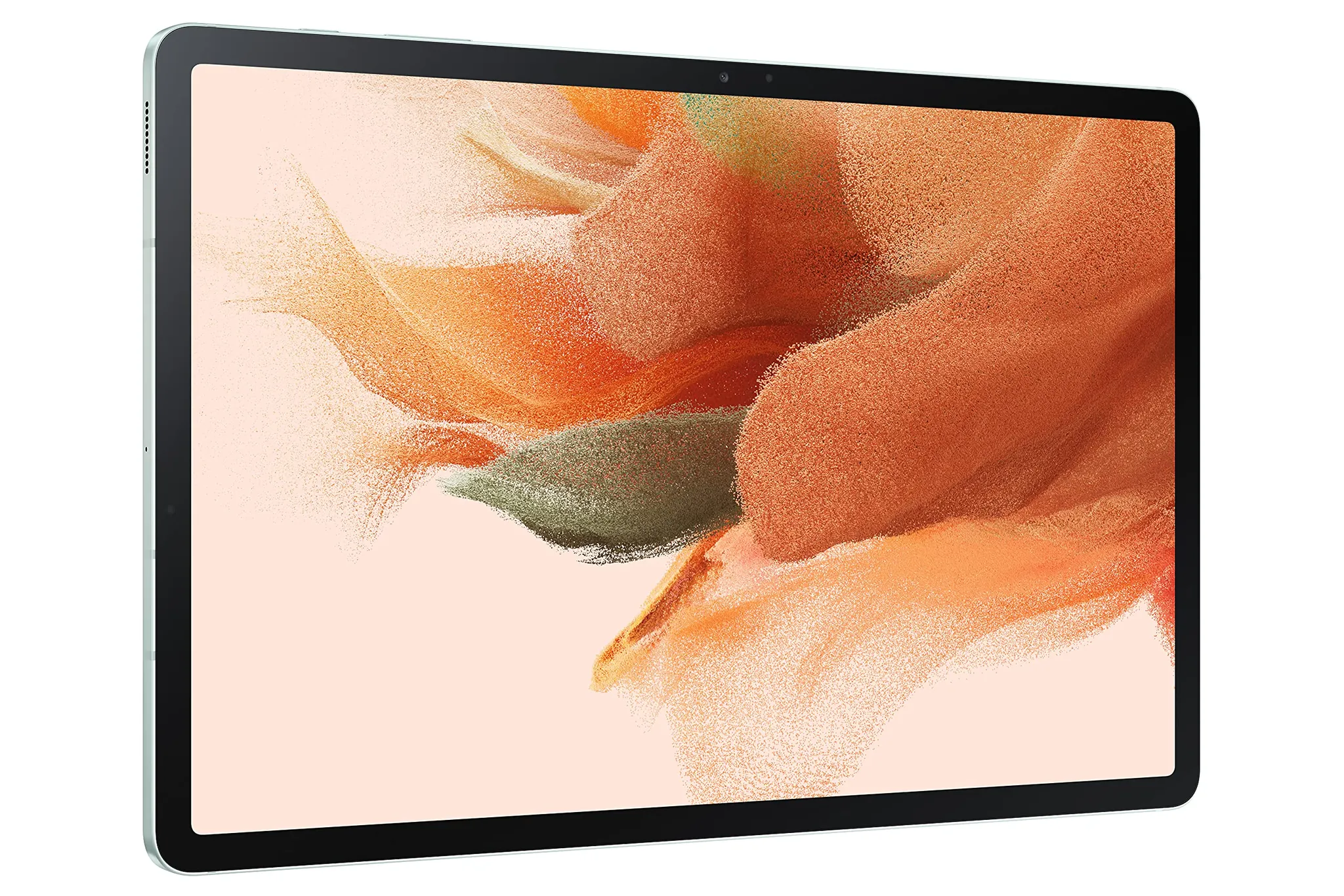
The Galaxy Tab S7 FE is the first model to check because it lands in the awkwardly perfect zone for this job: large enough to feel like a real household dashboard, old enough to be inexpensive, and still modern enough that the usual Android kiosk workflows make sense. Its 12.4-inch size is the whole point. A 10-inch tablet can work, but once a tablet is mounted in a hallway, kitchen, or office, the extra canvas stops feeling luxurious and starts feeling practical.
The August 2026 used-price anchor is what makes it more interesting than a generic “large Android tablet” recommendation. Swappa and Back Market price/listing pages put the Galaxy Tab S7 FE around roughly $170–225 used or renewed, depending on condition and configuration.[1][2] At that price, it can be cheaper than many current midrange tablets while giving you a bigger screen than most entry-level options.
It also lines up well with Home Assistant wall-panel habits. Community discussion around Home Assistant wall tablets has repeatedly surfaced the Tab S7 FE as an appealing large-screen choice, but that should be treated as useful buyer context rather than a confirmed compatibility guarantee for every dashboard, Android build, charger, mount, or household setup.[7]
The price to like is simple: under about $225 in clean condition, it is compelling; closer to $170, it becomes the obvious first search. Walk away from units with screen cracks, dead touch zones, obvious pressure marks, charging-port trouble, or vague “as-is” language. A wall tablet does not need a perfect battery, but it does need a clean panel and a digitizer that can survive being jabbed for lights, locks, music, cameras, and thermostats.
What to verify on the S7 FE before paying
- Confirm the exact Android version on the unit, not just the model name.
- Open your actual dashboard path before committing if possible: Home Assistant in a browser, Fully Kiosk Browser, WallPanel, Google Home, Alexa, or whatever the household will use.
- Check the charging port with the cable orientation you expect to use in the mount.
- Inspect the screen on a white background and a dark background. Dashboard burn-in, pressure spots, and touch misses are more annoying on a wall than in a drawer.
- Make sure the mount you want fits the tablet’s dimensions and does not block speakers, microphones, or the power connector.
Best modest iPad buy: iPad 9th generation
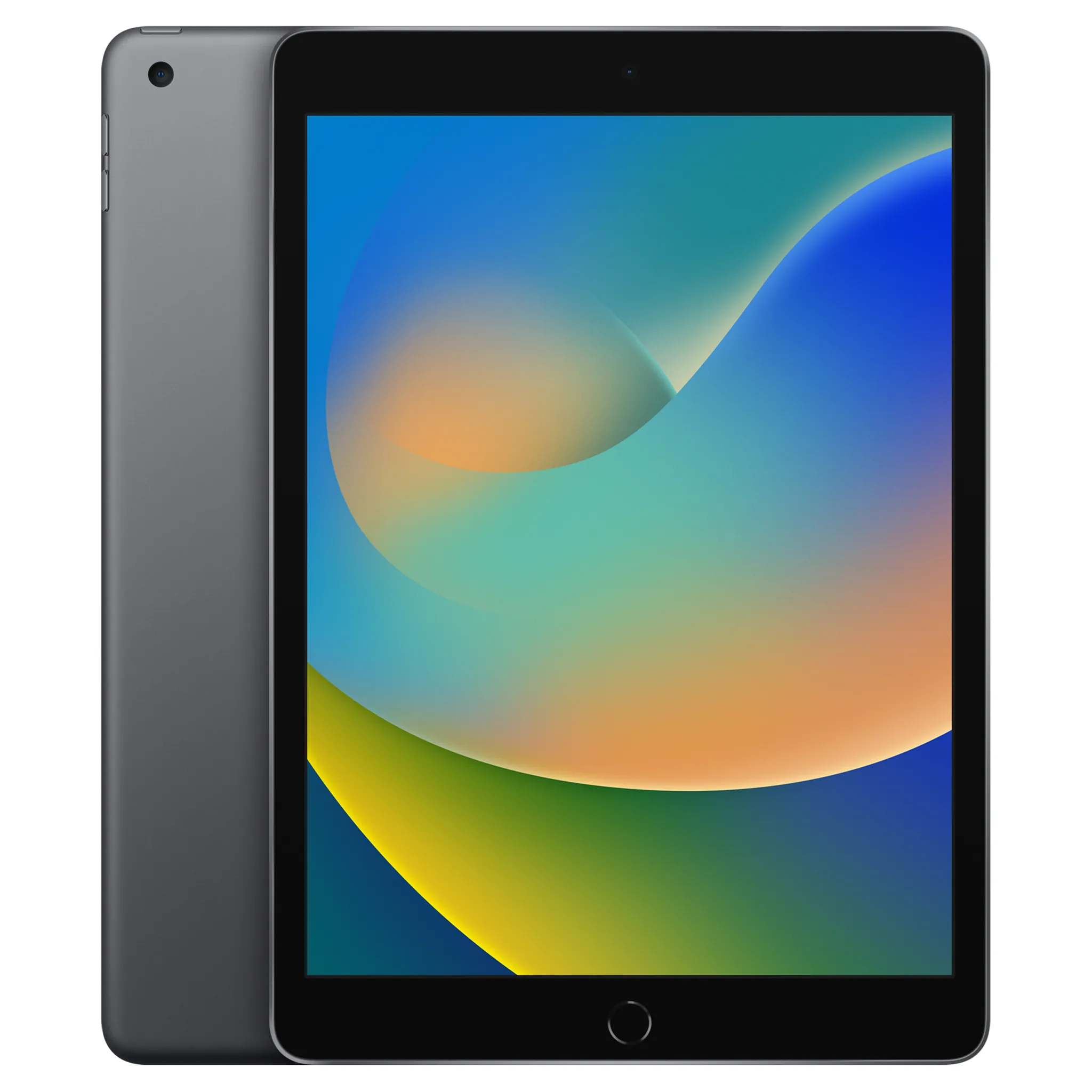
The iPad 9th generation is not the biggest-screen winner here. It is the conservative iPad pick: familiar, polished, good for streaming apps, and reasonable for Apple Home households that want an iPad-style control surface rather than an Android kiosk project.
Used-iPad buying guidance places the 9th-gen base iPad in the sensible pre-owned range and cautions against going older unless the price is very low; the same guide frames used-iPad savings as commonly 30–60% versus new, depending on model and condition.[3] For this job, that caution matters. An old iPad that cannot keep current apps happy is not a bargain just because it still lights up.
The 9th gen is most worth buying when it lands roughly in the $150–200 zone and the seller can show its current software status. Before purchase, check the exact iPadOS version, whether the apps you care about still install, and whether the storage configuration leaves enough room for streaming apps, smart-home apps, and routine updates. Do not assume “iPad” means “long runway” without checking the generation.
For dashboard use, the iPad path is usually Guided Access rather than the Android kiosk-app route. ZDNET’s old-tablet control-panel guide points to Guided Access on iPad and Fully Kiosk Browser or similar tools on Android as practical ways to keep a repurposed tablet focused on the control panel.[8]
Cheapest acceptable choice: Fire HD 10
The Fire HD 10 is the budget answer, not the cleanest compatibility answer. PCMag’s cheap-tablet coverage lists the Fire HD 10 with a 10.1-inch, 1920 × 1200 display and new pricing around $99, which means used units can be tempting when the target is a kitchen video tablet that also does some Alexa-facing smart-display work.[4]
Its advantage is obvious: low cost, a usable screen size, streaming support for common entertainment use, and Echo Show Mode for smart-display-style duty. The catch is just as obvious if you have ever tried to make a Fire tablet behave like a normal Android tablet: Amazon Appstore limits. If your dashboard workflow depends on a specific Home Assistant companion app, Google app, browser behavior, or kiosk tool, verify it on Fire OS before buying. Do not buy it on the assumption that every Android dashboard recipe applies cleanly.
Buy it when price is the main constraint and Alexa is already central in the home. Walk away if the listing is only slightly cheaper than a cleaner used Android tablet, or if your household needs Google Home, Home Assistant kiosk behavior, or Apple Home alignment more than it needs a cheap Echo-adjacent screen.
Best Android screen for video: Galaxy Tab S7+
The Galaxy Tab S7+ belongs in the shortlist for a different reason than the S7 FE. It is the Android pick when video quality matters enough that you care about the panel, not just the diagonal. Its 12.4-inch AMOLED-class, high-refresh display makes Netflix, YouTube, and HDR-style viewing the better part of the bargain, while still leaving enough screen for a serious dashboard.
That better panel also changes the used inspection. Look for burn-in, uneven brightness, tinting, and touch inconsistency. A used AMOLED tablet that spent years showing static content can look fine in a dim listing photo and then reveal a ghosted navigation bar or keyboard when you load a flat color. For a wall dashboard, that is not cosmetic trivia; the tablet may sit on the same dashboard for hours.
The S7+ is worth stretching for only when its used price stays clearly below premium iPad territory and close enough to the S7 FE that the display upgrade feels justified. If the seller wants near-new-midrange money, the S7 FE becomes the more rational wall-panel buy again.
Premium outlier: refurbished 12.9-inch iPad Pro
A 12.9-inch iPad Pro is easy to admire and hard to recommend inside a $100–450 practical used-tablet budget. It gives you the large, polished iPad experience: excellent media support, a huge dashboard canvas, strong accessory ecosystem, and the kind of smoothness that makes cheap tablets feel cheap. But the refurb price has to cooperate.
Apple’s refurbished iPad store advertises savings of up to 15% compared with new and includes a 1-year warranty, but Apple-refurbished iPad Pro pricing can still sit far above the budget range for this guide.[5] That makes it a premium exception rather than the normal answer. If you find a genuinely good third-party refurbished or used deal, verify the generation, display condition, warranty terms, and current iPadOS support before letting the big screen talk you into it.
Match the tablet to the dashboard ecosystem before you shop
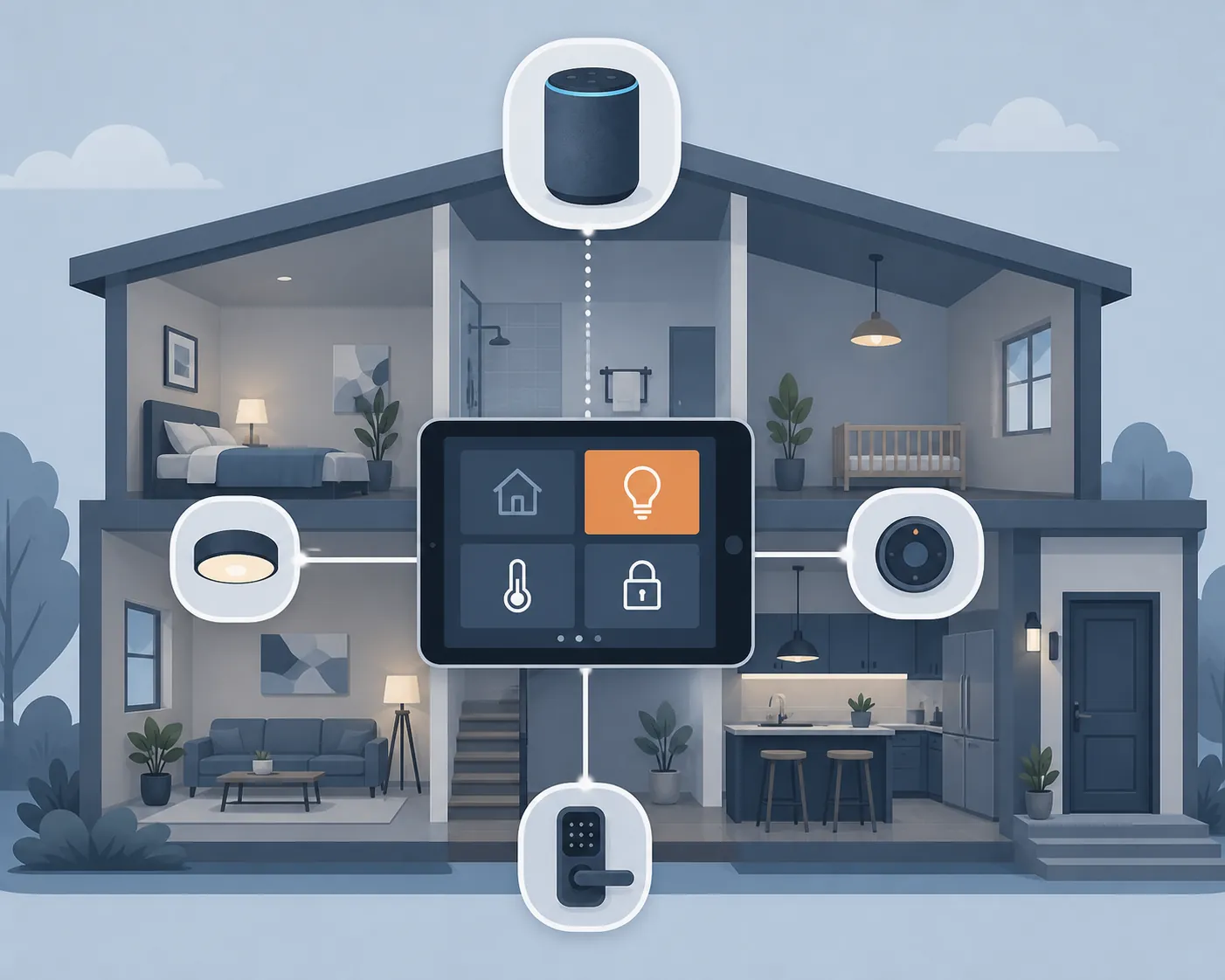
“Smart-home display” is not one universal function. A tablet that is perfect for a Home Assistant dashboard may be the wrong device for an Apple Home household. A Fire tablet that makes sense beside Alexa speakers may be irritating if the household is built around Google Home. The tablet is only the glass and software surface; the actual home still depends on hubs, speakers, bridges, automations, and local controls.
| Your smart-home setup | Used-tablet path that usually makes sense | Pre-purchase compatibility check |
|---|---|---|
| Home Assistant | Android tablet with Fully Kiosk Browser or WallPanel; iPad can work through browser/app workflows but is less kiosk-native | Open your actual dashboard and confirm login persistence, wake behavior, scaling, camera tiles, and recovery after Wi-Fi loss |
| Alexa-heavy home | Fire HD 10 if cheap, or Android/iPad if you want broader app freedom | Confirm Echo Show Mode expectations, Alexa app behavior, and whether non-Amazon dashboard apps are available |
| Google Home-heavy home | Android tablet first, iPad second if you prefer iOS apps | Verify Google Home controls, account switching, casting/streaming behavior, and kiosk/lockdown limits |
| Apple Home-heavy home | iPad 9th gen or larger iPad if update status checks out | Confirm iPadOS support, Home app behavior, Guided Access, and whether the tablet will be a dashboard rather than a required hub |
Android has the practical edge for kiosk-style wall panels because the tooling is mature. Fully Kiosk’s own site describes features such as motion-based screen control, auto-reload and recovery, MQTT/REST support, and a one-time Fully PLUS license price of $10.99 per device; it also reports more than 670,000 licensed installs.[9] Those are vendor disclosures, not independent effectiveness measurements, but they explain why Android tablets keep showing up in wall-dashboard builds.
The iPad route is cleaner for households that want Apple polish and fewer Android-maintenance rituals. Guided Access can keep the display pinned to an app or dashboard, and iPads tend to be pleasant video tablets. The trade-off is less flexibility if your dream setup depends on Android kiosk controls, motion wake tricks, or browser recovery behavior that an iPad does not expose in the same way.
The used-buy inspection matters more than the processor
Processor comparisons can waste time in this category. A wall dashboard is not editing 4K video. It is waking, loading a dashboard, registering taps, staying connected, and recovering gracefully when a browser tab, app, router, or cloud service misbehaves. For streaming, the screen, speakers, app support, and Wi-Fi reliability matter more than benchmark bragging rights.
Inspect the exact unit as if the digitizer is the product. Tap all four corners. Drag an icon across the whole screen. Load a white page, then a black page. Rotate the tablet. Plug it in and wiggle the connector gently. Check whether the seller has removed accounts and device locks. If it is a cellular model, make sure the carrier lock or account status cannot surprise you later, even if you plan to use Wi-Fi only.
Mounting is also part of compatibility. A tablet can be technically perfect and still be a nuisance if the charging port points the wrong way for your mount, the bezel leaves no room for a magnetic plate, the speakers are blocked, or the screen wakes only after an awkward button press. If you are planning a smaller phone-based panel instead, the setup trade-offs are closer to the approach in this old-phone Home Assistant panel guide; for a large tablet, power and mounting should be settled before the return window closes.
Pre-purchase checklist
- Re-check the exact live used price. The August 2026 ranges above are market anchors, not promises.
- Inspect the screen and digitizer before caring about cosmetic back-panel scratches.
- Confirm the OS version on the exact unit. For Android dashboard work, treat Android 8+ as a practical floor; for iPad, verify current update status by generation before buying.
- Install or test the actual apps you need: streaming apps, Home Assistant, Alexa, Google Home, Apple Home, browser dashboards, camera feeds, and any kiosk tool.
- Choose the lockdown path before mounting: Fully Kiosk Browser or WallPanel on Android, Guided Access on iPad, Echo Show Mode on Fire tablets where appropriate.
- Confirm charging, cable routing, mount fit, screen wake behavior, and whether the tablet overheats when left powered.
- Keep smart speakers, hubs, physical switches, manufacturer apps, and phone controls available. The wall tablet should be a control panel, not the only way to turn on lights, unlock doors, or adjust the thermostat.
For most buyers in August 2026, the Galaxy Tab S7 FE is the first used large-screen tablet to price-check for video plus smart-home dashboard duty. The iPad 9th gen is the safer modest iPad if software support checks out, the Fire HD 10 is the cheap Alexa-leaning compromise, the Galaxy Tab S7+ is the video-screen upgrade, and the 12.9-inch iPad Pro is a premium outlier. The right buy is the one whose display, software floor, dashboard app, ecosystem fit, and live used price all line up before money changes hands.
References
- Samsung Galaxy Tab S7 FE Prices — Swappa
- Galaxy Tab S7 FE 2021 12.4 — Back Market
- Used iPad Buyer’s Guide — Swappa Blog
- The Best Cheap Tablets — PCMag
- Certified Refurbished iPad — Apple
- Smart Home Tablet Wall Mount — HomeAutoCentral
- What device is the ultimate wall tablet? — Reddit r/homeassistant
- How to use an old tablet as a smart home control panel — ZDNET
- Fully Kiosk Browser & App Lockdown — Fully Kiosk
Known issues with this device / protocol
Spec-version history
For active regressions on this protocol, see Update Watch.
No linked Update Watch entries yet.