
A smart home does not fail in a speed-test app. It fails when the doorbell takes too long to load, the camera timeline shows a blank spinner, the smart lock hangs while someone is waiting outside, or the thermostat app says it cannot reach the device even though the TV is streaming fine. That is why the best 5G carrier for smart home internet in 2026 is not simply the one with the highest advertised download number.
For most smart homes, T-Mobile is the safest default: broad availability, a lower entry price, a trial window, a long price guarantee, and latency that is usually good enough for normal automations and cloud-connected devices. Verizon is the better bet when the hard part of the home is video — multiple security cameras, doorbells, and upload-heavy monitoring — provided your address qualifies and the install works. AT&T Internet Air is more of a light-use option for homes with fewer connected devices and simpler expectations.
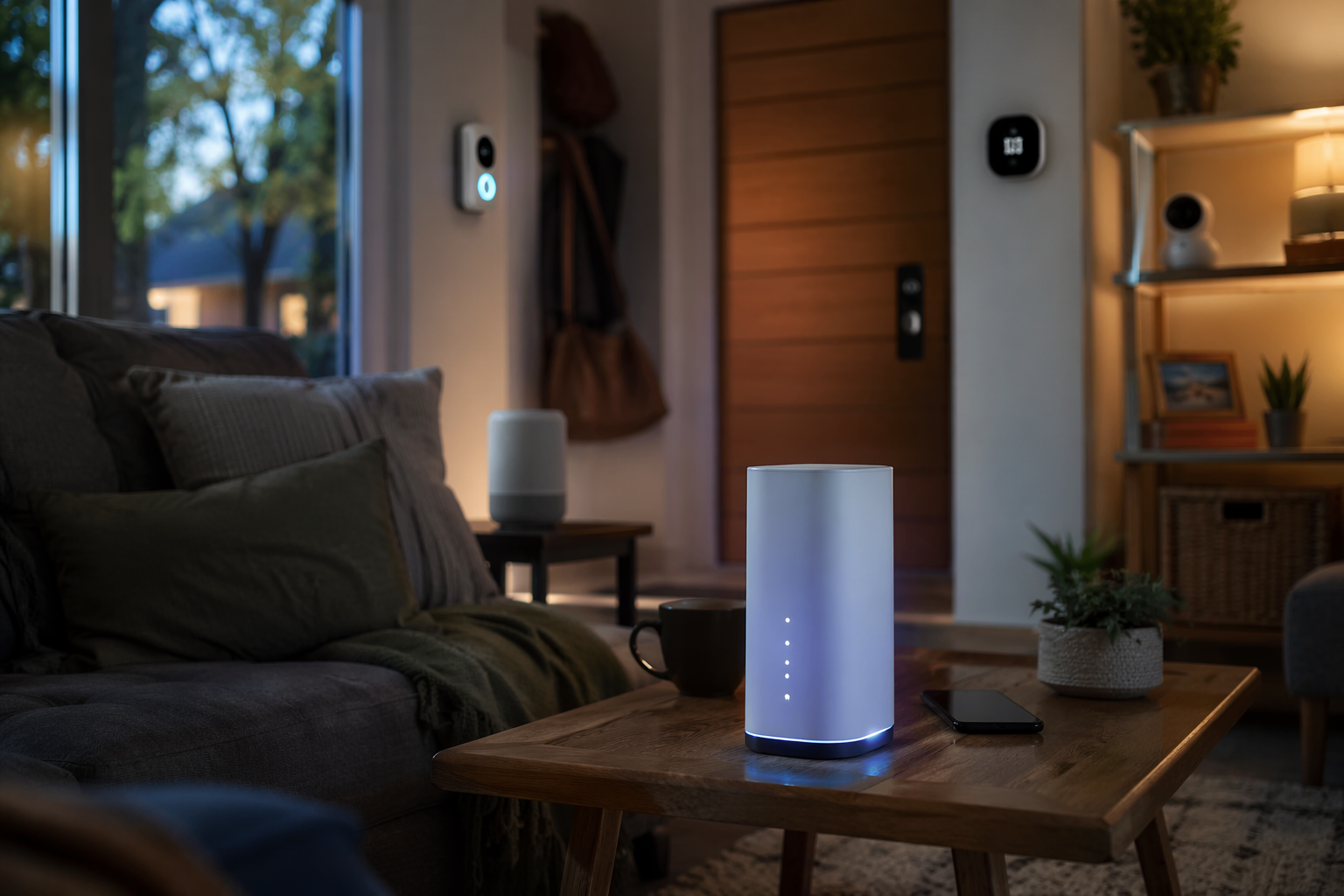
What A Smart Home Actually Asks From 5G Internet
Most smart home devices are not bandwidth hogs. A thermostat, lock, switch, motion sensor, or smart plug usually sends small status updates and commands. The bigger strain comes from devices that move video: doorbells, indoor cameras, outdoor cameras, baby monitors, and streaming TVs. General bandwidth guidance puts a thermostat below 1 Mbps, a video doorbell around 2–4 Mbps, a 4K security camera around 15–25 Mbps, and a streaming TV around 25 Mbps per stream, with actual use depending on resolution, recording mode, compression, and whether video is continuous or motion-triggered.[1][2]
That split matters. A home with 30 switches, a thermostat, a few voice assistants, and one doorbell may feel lighter on the network than a home with six always-on cameras and two TVs streaming at night. The device count is a clue, not the answer. The real question is how many devices wake up, upload, and request cloud services at the same time.

The Smart Home Connectivity Scorecard
The useful comparison is not just “who is fastest?” It is whether the carrier is available at your address, whether latency stays reasonable, whether video uploads have enough headroom, whether congestion rules can change the experience, and whether remote-access workflows break because the connection uses CGNAT.
| Carrier | Best smart-home fit | Coverage | Speed and latency | Price and trial | Smart-home friction |
|---|---|---|---|---|---|
| T-Mobile 5G Home Internet | Best fit for most mixed smart homes | About 55–70% of U.S. households, depending on comparison methodology.[3] | Up to 498 Mbps, with reported latency around 19–37 ms.[4] | $50/mo entry point, 15-day trial, and a 5-year price guarantee on new plans.[4] | Deprioritization during congestion after 1.2 TB monthly usage; CGNAT limits traditional port forwarding.[5] |
| Verizon 5G Home Internet | Best fit for camera-heavy homes where available | About 17–35% of households, depending on source and address qualification.[3] | Up to 1 Gbps, with latency often described as under 30 ms.[6] | 2–5 year price locks depending on plan tier.[7] | Availability is narrower; some installs require a window-mounted receiver that can limit window use.[6] |
| AT&T Internet Air | Light smart homes with simpler needs | About 9–15% of households in available comparisons.[8] | 75–300 Mbps, with latency commonly described around 30–60 ms.[8] | $55–60/mo simplified pricing and a 1-year price guarantee.[8] | Less headroom for camera-heavy homes; CGNAT still matters for remote access.[5] |
Those numbers are useful filters, not promises. 5G home internet is local in a way cable and fiber customers sometimes underestimate. The tower, the band, the gateway location, neighborhood congestion, building materials, and even a window coating can change the result.
Why T-Mobile Is The Default Pick For Most Smart Homes
T-Mobile’s biggest advantage is boring in the right way: more households can actually try it. Availability estimates vary by methodology, but the range is much broader than Verizon’s and AT&T Internet Air’s, and that matters because the best theoretical 5G service is useless if your address does not qualify.[3]
Its speed ceiling is not the flashiest in the category. Up to 498 Mbps is below Verizon’s top advertised 5G Home figure, but it is still far above what most non-video smart home devices need. The more important line for day-to-day use is latency: reported T-Mobile figures around 19–37 ms are in the zone where voice assistants, app controls, cloud calls, and casual streaming can feel normal when the local signal is healthy.[4]
The 15-day trial is not a throwaway perk. For a smart home, it is the difference between guessing and watching what happens when the house is active. Put the gateway where it has the best signal, then test the doorbell at dinner time, the outdoor camera after dark, the lock from outside the house, and the TV while clips are uploading. A good trial should include the annoying moments, not just a quiet weekday afternoon.
T-Mobile also has a practical equipment story. BroadbandNow notes that T-Mobile offers a Wi-Fi 7 gateway on premium plans, which can help newer in-home Wi-Fi devices when the bottleneck is inside the house rather than between the gateway and the tower.[3] That distinction is easy to miss: Wi-Fi 7 does not make the cellular link immune to congestion, but it can reduce local wireless friction for homes with many newer clients.
The catch is deprioritization. T-Mobile home internet can be placed behind mobile traffic after 1.2 TB of monthly use during congestion, according to BroadbandSearch’s summary of 5G home internet policies.[5] A light smart home may never notice. A home with several cameras, streaming TVs, game downloads, and cloud backups might. The irritating part is not only slower speed; it is unpredictability. A setup that feels fine for weeks can feel worse when the tower gets busy.
Where Verizon Pulls Ahead: Cameras And Upload-Heavy Security
Verizon is the carrier to look at first if the smart home is really a camera system with a house attached. Its top 5G Home speed reaches up to 1 Gbps, and comparison data often describes latency as under 30 ms.[6] That does not guarantee a flawless camera wall, but it gives more headroom for households where multiple video streams are the hard load.
This is where the bandwidth cheat sheet becomes useful. One 4K camera at 15–25 Mbps is manageable. Four cameras, a video doorbell, and a streaming TV can start to make the connection feel less roomy, especially if clips are uploading while someone is trying to view a live feed remotely.[1][2] Verizon’s higher ceiling can matter in that kind of home, assuming the local 5G signal supports it.
The availability problem is real. Verizon’s 5G home service covers a much smaller share of households than T-Mobile in published comparisons, and qualification can be address-specific.[3] It may also involve more installation friction. HighSpeedInternet.com and BroadbandNow note that Verizon 5G Home sometimes uses a window-mounted receiver, and that can be a poor fit if the best signal is at a window the household actually needs to open.[6][3]
So Verizon is not the universal “better” answer. It is the stronger answer for a narrower type of house: the address qualifies, the receiver or gateway can sit where signal is strong, the family relies heavily on security video, and upload behavior matters more than squeezing the monthly bill as low as possible.
AT&T Internet Air Is A Light-Smart-Home Option
AT&T Internet Air is easiest to understand as the simple plan for the lighter house. Published comparisons put it around 75–300 Mbps, with latency around 30–60 ms, and availability around 9–15% of households depending on the source.[8] That can be enough for a home with a thermostat, several switches, a couple of speakers, a doorbell, and normal streaming.
It is less convincing for a camera-heavy smart home. The lower top-speed range leaves less room for simultaneous video, and the latency range is less attractive for devices that already depend on cloud round trips. For a household under roughly 10 smart devices with modest video use, AT&T may be serviceable if the signal is good. For the owner trying to replace wired internet under a dense security setup, it is worth testing only after ruling out better-fitting options.
The Device Math: Switches Are Tiny, Cameras Are Not
A lot of smart home buying advice treats “number of devices” as if every device weighs the same. They do not. Ten smart switches are mostly background chatter. Ten cameras are a network plan.
| Device type | Typical bandwidth meaning | What it changes in a 5G decision |
|---|---|---|
| Thermostat, switch, lock, sensor | Usually below 1 Mbps per low-bandwidth device category.[1] | Rarely drives the carrier choice by itself. |
| Video doorbell | Often around 2–4 Mbps, depending on resolution and recording behavior.[2] | Can expose latency problems because the user is usually waiting live. |
| 4K security camera | Often around 15–25 Mbps.[1] | Several cameras can make upload and congestion behavior central. |
| Streaming TV | Around 25 Mbps per 4K stream in general guidance.[1] | Competes with cameras and downloads during evening use. |
A hypothetical light smart home might have one thermostat, eight switches, two smart speakers, one lock, and one doorbell. That house is mostly asking for stable latency and basic reliability. A hypothetical heavier setup might add several outdoor cameras, a self-hosted recorder, two streaming TVs, and frequent cloud clip uploads. That second home cares much more about sustained throughput, upload behavior, congestion, and remote access.
This is also why local smart home protocols do not become faster just because the home internet connection is 5G. Zigbee, Z-Wave, Thread, Matter, and local Wi-Fi devices still communicate over their own local paths for many actions. CNET’s smart home coverage made the basic point years ago: cellular 5G is not automatically a magic upgrade for every smart device inside the house.[9] The WAN matters when devices phone home, upload video, pull cloud automations, send notifications, or require remote access.
CGNAT Is Not A Footnote If You Run Your Own Smart Home Services
All three major 5G home internet options commonly use CGNAT, which means traditional inbound port forwarding is blocked or unavailable in the normal way.[5] For many households, that is invisible. The thermostat app still works. The doorbell still sends notifications. The speaker still answers. The trouble starts when someone expects to reach Home Assistant, Plex, a self-hosted NVR, or another home server from outside the house.
The usual workaround conversation includes tools such as Tailscale or Cloudflare Tunnel, both of which avoid the old “open a port on the router” model.[5] Those can work well, but they are still workarounds. If your current wired connection has a simple port-forwarded setup and you depend on it, test that workflow before canceling the old service.
Gateway Placement Can Beat The Carrier Comparison
5G home internet turns the gateway into part modem, part antenna, part household compromise. A gateway that looks tidy in the office may perform worse than one awkwardly placed near a different window. BroadbandSearch notes that Low-E window glass can reduce 5G signal by 30–50%, which helps explain why two homes on the same street can report different results.[5]
That does not mean the service is fragile by default. It means the installation test is part of the purchase. Move the gateway. Run the same camera and app tests in each location. Check the porch camera when people are home and the tower is more likely to be busy. If the best location is a window, decide whether the household can live with equipment there before the old wired line is gone.
Which Carrier Should A Smart Home Choose?
Choose T-Mobile if the home is a typical mixed smart home: locks, switches, a thermostat, smart speakers, a doorbell, a few cameras, and normal streaming. Its combination of broad availability, $50/mo entry pricing, 15-day trial, 5-year price guarantee, and reported 19–37 ms latency makes it the best first test for most households.[3][4]
Choose Verizon if your address qualifies and the security system is the hardest part of the network. Its higher top speed and sub-30 ms latency profile are better matched to homes where multiple cameras and video uploads matter more than the widest availability or easiest installation.[6]
Consider AT&T Internet Air if the smart home is light, the plan is available, and the household is not relying on several cameras or self-hosted remote-access tools. Its simpler pricing can be attractive, but its lower availability and 75–300 Mbps speed range make it a narrower recommendation.[8]
Before canceling a wired connection, test gateway placement, watch camera behavior during busy evening hours, and confirm whether CGNAT breaks anything you access from outside the house. The right 5G carrier is the one that survives those household tests, not the one that wins a quiet speed test once.
References
- Smart Homes & Internet Speeds: A Complete 2026 Guide, Flume Internet.
- How Much Internet Do You Need for a Modern Smart Home?, SmartMove.
- Best 5G Home Internet Providers in 2026, BroadbandNow.
- Best 5G Home Internet of 2026, Reviews.org.
- 5G Home Internet Statistics, BroadbandSearch.
- Who Has the Best 5G Home Internet?, HighSpeedInternet.com.
- Best 5G Home Internet Providers, Forbes Home.
- Who Has the Best 5G Home Internet in 2026?, CompareInternet.com.
- 5G is here. Does it matter for your smart home?, CNET.
Reader Feedback
Share your purchase experience, flag outdated picks, or ask clarifying questions about the checklist items.
Comments
Join the discussion with an anonymous comment.