
Why Data Retention Is the Overlooked Smart Camera Privacy Risk in 2026
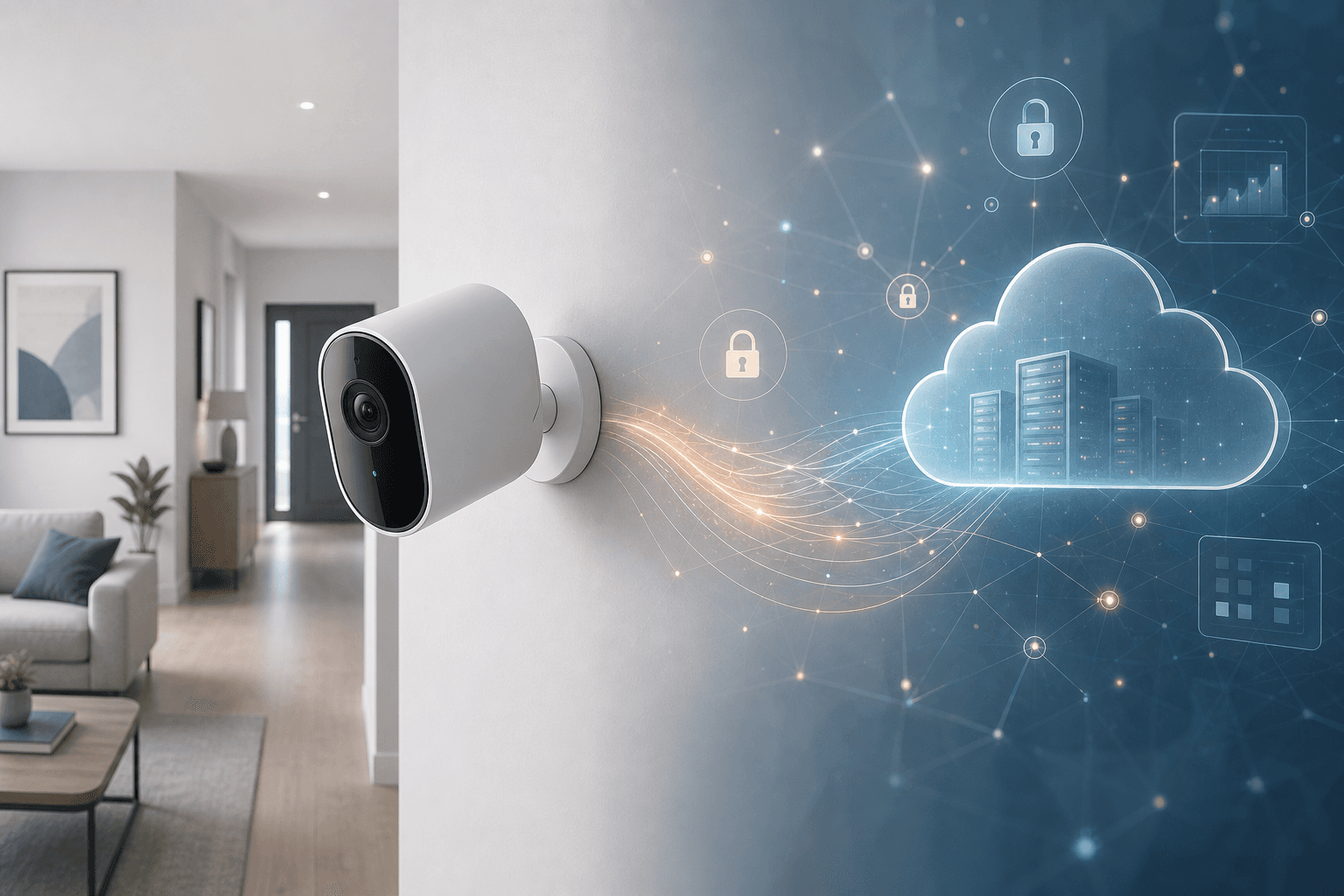
Most smart camera owners spend a lot of time thinking about what their cameras capture. Very few think about what happens to that footage after the motion alert clears — how long it sits on a server, who can request it, and how dramatically those answers differ depending on which camera they bought.
That gap is significant. According to Prosper Insights & Analytics data cited in a 2026 Forbes analysis of smart home privacy, 55% of smart home device owners report they don't understand how their device collects data at all. A separate Copeland survey found that 70% of respondents would consider switching to a different brand if it offered meaningfully better privacy or security. These aren't niche concerns — they reflect a mainstream awareness that the category has a transparency problem.
The privacy exposure from a smart camera is not primarily about hackers breaking in. It is about the ordinary, legal flow of data: footage recorded and stored on vendor servers for weeks or months, accessible to company employees, requestable by law enforcement, and governed by policies that most owners have never read.
The 2026 regulatory landscape adds urgency. Twenty US states now have comprehensive privacy laws in effect, with several new provisions taking effect this year. These laws give consumers new tools — but they do not directly cap how long camera vendors can hold your footage. The practical controls still sit with you, in your settings and your storage choices.
This guide covers the full picture: how retention actually works, what each major brand stores and for how long, who can access that footage beyond you, what 2026 laws mean in practice, and a concrete checklist for reducing your data footprint without giving up home security.
How Camera Data Retention Actually Works
Before comparing brands, it helps to understand the three fundamental storage models and what each one means for how much data you are generating — and where it ends up.
Cloud Event Clips
Most consumer cameras default to this model. The camera records continuously but only uploads a clip to the vendor's cloud servers when it detects motion or another trigger. Between events, no footage leaves your home network.
The practical implication: your data footprint on the vendor's servers is proportional to how much activity your camera detects. A camera pointed at a quiet backyard creates far less cloud data than one covering a busy front door. The clips that do upload persist for however long the vendor's retention policy allows — and that window varies dramatically by brand.
24/7 Continuous Cloud Recording
Some plans and cameras support continuous recording directly to cloud storage. This creates a much larger persistent data set — every minute of every day is uploaded and stored, not just triggered events.
From a privacy standpoint, continuous recording multiplies both the volume of footage on vendor servers and the scope of what a third party could access if they obtained it. It also means the retention clock is running on a much larger amount of data.
Local Storage
Footage stored locally — on a microSD card inside the camera, a hub device, or a network-attached storage system — never leaves your home network under normal conditions. The vendor cannot access it. Law enforcement cannot request it from the vendor because the vendor does not have it. This is the core privacy advantage of local storage.
The tradeoff is physical risk: if the camera or storage device is stolen or damaged, the footage is gone. Local storage also requires more active management — you are responsible for capacity, backup, and retention length.
Brand-by-Brand Retention Comparison: How Long Your Footage Is Stored
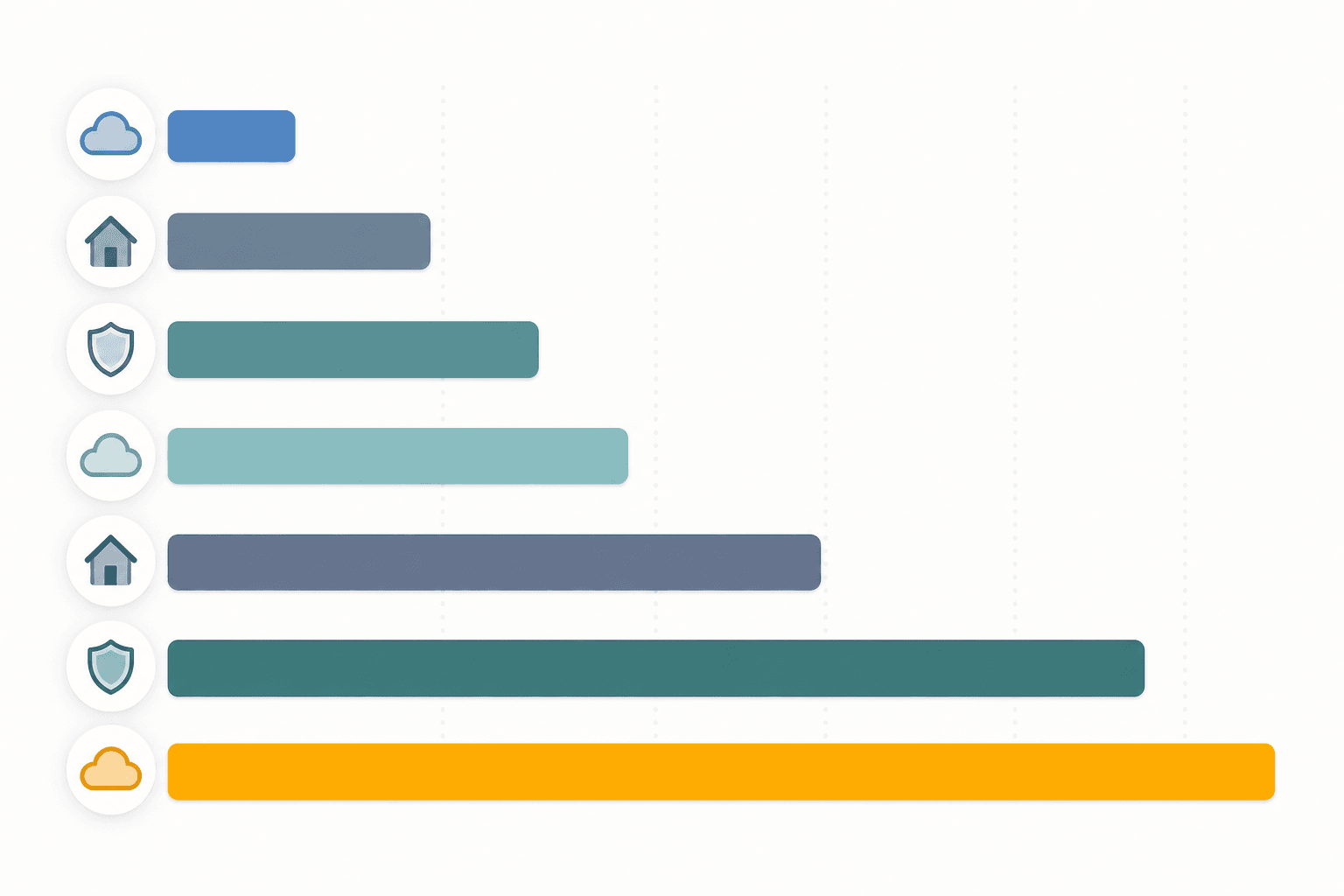
Retention periods vary more than most owners realize — from 10 days to 180 days across major brands. The table below summarizes verified retention windows, subscription context, and local storage availability for the seven platforms most commonly found in US homes.
| Brand | Retention Period | Plan Context | Local Storage Available | End-to-End Encrypted |
|---|---|---|---|---|
| Ring | 180 days | All plans (Basic $4.99/mo, Standard $9.99/mo, Premium $19.99/mo) | No | Optional (off by default) |
| Arlo | 60 days | Plus and Premium plans | Yes (microSD on select models) | No |
| Nest (Google) | 30 days (base) / 60 days (Plus) | Nest Aware base ~$10/mo; Plus ~$20/mo (verify current pricing) | No — cloud-only architecture | No |
| Blink | 60 days | Basic $3/mo and Plus $10/mo plans | Yes — Sync Module 2 with USB flash drive only (not Sync Module Core) | No |
| Wyze | 14 days (base) / 60 days (Unlimited Pro) | Cam Plus $2.99/mo; Cam Unlimited $9.99/mo; Cam Unlimited Pro $19.99/mo | Yes — microSD on most models (subscription-free) | No |
| Apple HKSV | 10 days | All iCloud+ tiers (50GB $0.99/mo, 200GB $2.99/mo, 2TB $9.99/mo) | No — iCloud only | Yes — automatic, on all footage |
| Eufy | Local only (default) / 30 days optional cloud | No mandatory subscription; optional cloud $4/mo (1 cam) or $14/mo (unlimited) | Yes — microSD or HomeBase S380 (up to 16 TB) | No (cloud option); yes (local) |
A few details worth unpacking from this table:
- Ring's 180-day retention is the longest of any major consumer brand — more than six months of footage sitting on Amazon's servers. That is far longer than most owners realize when they set up the camera. It is not an advantage unless you regularly review footage that old.
- Nest has no local storage option at all. Every second of footage from a Nest camera is processed on Google's cloud infrastructure. There is no way to keep Nest footage off vendor servers.
- Blink's local storage option has a catch. The older Sync Module 2 supports a USB flash drive for local clips. The newer Sync Module Core does not. If local storage is a priority, verify which module you have before assuming it applies.
- Apple HKSV's 10-day limit is the shortest cloud retention of any major platform, but the footage is end-to-end encrypted — meaning Apple cannot access it even if served a legal request. This is architecturally different from every other cloud option in this table.
- Eufy's default is local-only, which is a meaningful privacy differentiator — with an important caveat covered in the local storage section below.
Context on data collection beyond retention: a 2024 Surfshark analysis of security camera apps found that outdoor camera apps collect an average of 12 data points per user — 50% more than other smart home app categories. Seven of those 12 points are typically linked to identity, including email, phone number, payment information, and precise location. Retention period is one dimension of your data footprint; the data collected at account setup and during app use is another.
Who Can Access Your Footage Beyond You
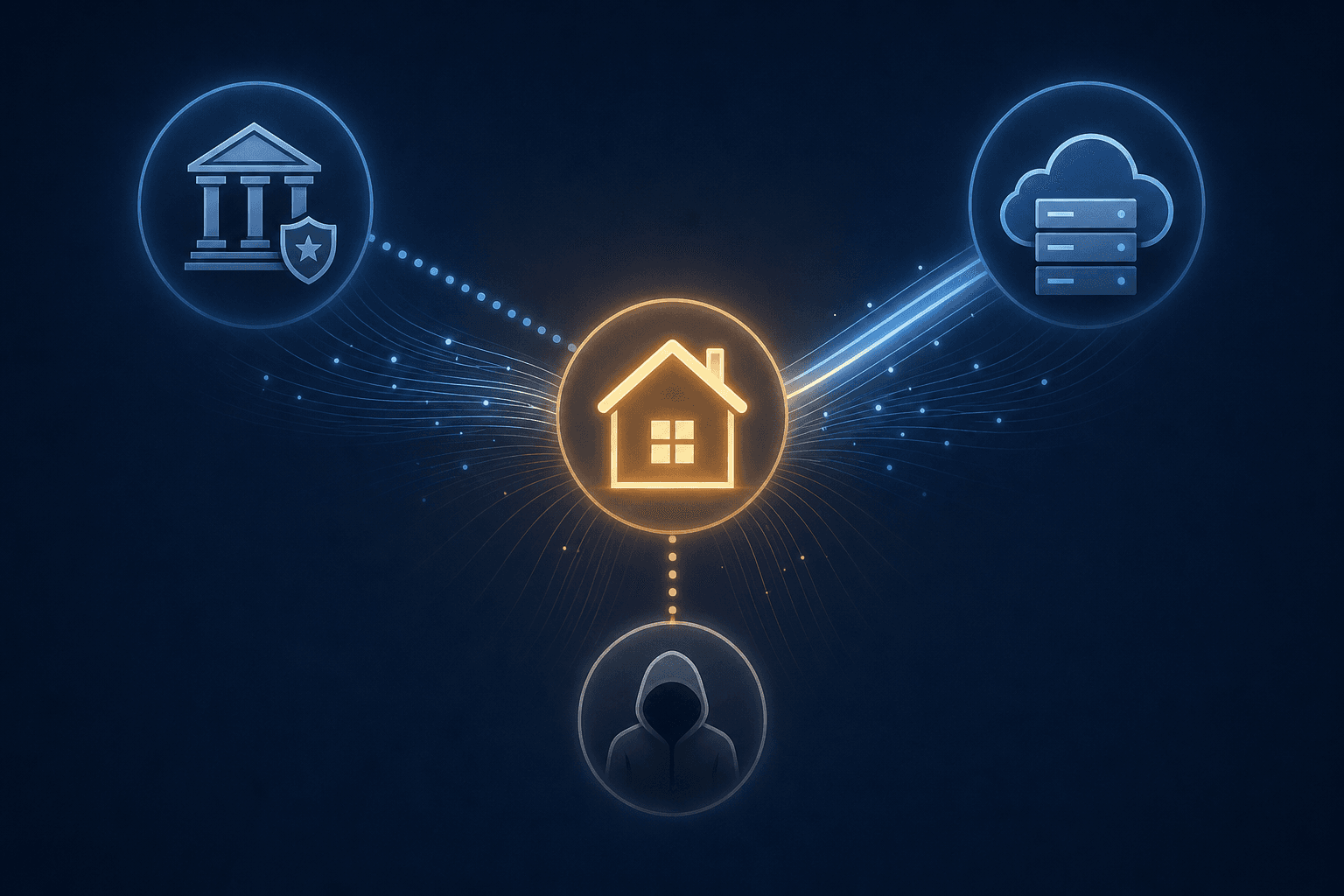
Cloud-stored footage is accessible to more parties than most owners assume. There are three main vectors — vendor employees, law enforcement, and unauthorized access — and they operate very differently.
Vendor Employee Access
When footage is stored on a vendor's cloud servers without end-to-end encryption, the vendor's employees have technical access to it. This is standard for cloud services. The practical risk depends on the vendor's internal access controls and the scope of their data handling practices — information that is not always disclosed publicly.
Apple HomeKit Secure Video is the exception: footage is encrypted before it leaves the device, and only the owner's Apple ID credentials can decrypt it. Apple cannot access HKSV footage even with physical access to its servers.
Law Enforcement Access
Law enforcement can obtain cloud-stored footage through two routes: compelled disclosure (a warrant or subpoena requiring the company to produce records) and voluntary disclosure (the company choosing to share footage without a legal order).
The voluntary disclosure route is broader than most people expect. Under the federal Electronic Communications Privacy Act (ECPA), companies can share data with law enforcement in emergency situations without a warrant. A Consumer Reports investigation found that Google (Nest), Eufy, D-Link, SimpliSafe, and TP-Link all have explicit policies permitting them to share footage with law enforcement without a warrant or user consent in emergencies.
Other companies take a stricter stated position: Arlo and ADT state they require user consent or a legally binding order; Wyze states it only shares footage with a valid subpoena or warrant. However, as the Consumer Reports analysis notes, even companies without explicit emergency-disclosure policies can share footage under the same ECPA exception — the policy statement is not a legal prohibition.
Ring's history is worth noting directly. Before changing its policy in 2023, Ring shared footage from more than 2,000 user accounts with law enforcement without warrants. The policy has since changed, but the episode illustrates how vendor practices can shift independently of what users expect.
| Brand | Stated Warrant Requirement | Emergency Disclosure Policy | Transparency Report Published |
|---|---|---|---|
| Ring (Amazon) | Yes (post-2023 policy) | Not explicitly stated in current policy | Amazon publishes aggregate report; not broken down by product |
| Nest (Google) | Yes | Explicit emergency-disclosure policy | Google publishes aggregate report; not broken down by product |
| Arlo | Yes — requires warrant or user consent | Not explicitly stated; ECPA exception still applies | No transparency report |
| Wyze | Yes — requires valid subpoena or warrant | Not explicitly stated; ECPA exception still applies | No transparency report |
| Eufy | N/A (most footage is local) | Explicit emergency-disclosure policy (applies to cloud-stored data only) | No transparency report |
| SimpliSafe | Not specified | Explicit emergency-disclosure policy | No transparency report |
| Apple HKSV | Cannot comply — footage is E2EE; Apple cannot access it | Cannot comply by architecture | Apple publishes transparency report |
Unauthorized Access
Credential stuffing — where attackers use username and password combinations leaked from other breaches to gain access to camera accounts — is a real but distinct risk. It is not the primary focus of this guide, but it is the reason enabling two-factor authentication on your camera account is a non-negotiable baseline step, regardless of which brand you use.
What 2026 US State Privacy Laws Mean for Smart Camera Owners
The US privacy law landscape has expanded significantly. As of 2026, twenty states have comprehensive privacy laws in effect. Indiana, Kentucky, and Rhode Island joined the group on January 1, 2026. Connecticut, Arkansas, and Utah have additional provisions taking effect July 1, 2026. California has enacted both expanded data broker registration requirements (CA SB 361, effective August 1, 2026) and a consumer health data privacy law (CA AB 45, effective January 1, 2026).
For smart camera owners, here is what these laws practically deliver — and where their limits are:
- Data deletion rights: Residents of covered states can request that companies delete personal data the company holds about them. This includes account data and, depending on the company's interpretation, stored footage. You can submit a deletion request to your camera vendor.
- Opt-out rights: Most comprehensive state privacy laws give consumers the right to opt out of the sale of their personal data to third parties. This affects how camera vendors can monetize the data they collect about you.
- Data broker registration (California): CA SB 361 requires data brokers to disclose more about what personal data they sell and to process opt-out requests within 45 days. This affects how your data may be used beyond the camera vendor itself.
- What these laws do not do: None of the current state comprehensive privacy laws directly regulate how long camera vendors can retain your footage. There is no state law that caps Ring at 30 days or requires Nest to offer a shorter retention option. Retention length remains a vendor decision, not a legal requirement.
The practical takeaway from the 2026 regulatory landscape: consumers in covered states have new tools to exercise rights against vendors, but the most reliable controls on your data footprint remain proactive settings choices — not legal remedies after the fact.
Privacy Settings Checklist: Reduce Your Data Footprint on Any Platform
The most effective privacy controls happen upstream of storage — they reduce the amount of footage created in the first place. The following checklist applies across all major platforms, with platform-specific notes where relevant.
- Set motion zones and privacy zones. Configure your camera to monitor only the areas that matter — your driveway, front door, or entry points — and exclude public sidewalks, neighboring yards, or windows into your own home. Fewer triggers mean fewer clips uploaded. This is the single highest-leverage privacy action available on any platform.
- Switch to event-only recording if you are on continuous mode. Continuous recording creates a far larger cloud data set. Unless you have a specific reason to need 24/7 footage, event-only recording substantially reduces your data footprint.
- Adjust your retention length where the platform allows it. Some platforms let you set a shorter retention window than the plan maximum. If your plan offers 60 days but you realistically only review footage within the past two weeks, setting a shorter retention window reduces how much data persists on vendor servers.
- Audit and revoke shared access. Check who has been granted access to your camera account or individual cameras. Remove access for anyone who no longer needs it — former roommates, contractors, family members who have moved. Shared access is a persistent exposure point that accumulates silently.
- Enable two-factor authentication. This is the baseline defense against credential stuffing. Use an authenticator app rather than SMS where the option is available.
- Isolate your cameras on a separate network segment. Place smart cameras on a dedicated guest network or VLAN, separate from your computers, phones, and other devices. A compromised camera on a shared network can become an entry point into the rest of your home network. Most consumer routers support a guest network that provides this separation without requiring advanced configuration.
- Enable end-to-end encryption where available — and verify it is actually on. Ring offers an end-to-end encryption option, but it is turned off by default. You must enable it manually in the Ring app under Account > Privacy Settings > Video Encryption. Apple HomeKit Secure Video enables E2EE automatically with no user action required.
Local Storage Alternatives: Privacy Tradeoffs and Practical Options
Local storage is the most direct way to keep footage out of vendor hands. But it is not a simple upgrade — it comes with a distinct risk profile that owners should understand before treating it as a default recommendation.
| Storage Option | Supported Cameras | Capacity | Vendor Access | Law Enforcement Access | Key Risk |
|---|---|---|---|---|---|
| microSD card (in-camera) | Wyze (most models), Eufy (most models), Arlo (select models), Reolink, TP-Link | Typically 32 GB–256 GB | None | Requires physical access to device | Footage lost if camera is stolen or damaged |
| Eufy HomeBase S380 | Eufy cameras | Up to 16 TB | None (local) | Requires physical access to HomeBase | Single point of failure; no off-site backup |
| Blink Sync Module 2 with USB drive | Blink cameras (Sync Module 2 only — not Sync Module Core) | Depends on USB drive used | None | Requires physical access to module | Sync Module Core does not support this option |
| NAS / NVR system | RTSP-compatible cameras (varies by brand) | Scalable — multiple drives | None | Requires physical access to NAS/NVR | Higher setup complexity; requires network configuration |
| iCloud (HKSV) | Apple HomeKit Secure Video cameras | 10 days (all iCloud+ tiers) | None — E2EE; Apple cannot access | Cannot comply — architecture prevents it | Requires Apple Home hub (HomePod or Apple TV); iOS ecosystem dependency |
The core privacy advantage of every option in this table is the same: footage that never reaches vendor servers cannot be accessed by vendor employees, cannot be requested from vendors by law enforcement, and is not subject to vendor data retention policies.
One important caveat on Eufy specifically: in 2022, Eufy was found to be uploading thumbnail images to cloud servers despite marketing its cameras as strictly local-storage devices. Eufy has since addressed the issue, but the episode is a reminder that architecture claims require verification. If local-only storage is a firm requirement, verify the current behavior against independent testing rather than relying solely on vendor marketing.
How to Match Retention Length to Your Actual Review Needs
The most common mistake smart camera owners make is defaulting to the longest available retention option without asking whether they actually use it. Longer retention is not more secure — it is more data sitting on a server you do not control.
Think through your actual review behavior with these questions:
- When you last reviewed camera footage, how old was it? Most homeowners who review footage do so within hours or days of an incident.
- Have you ever reviewed footage older than 30 days? If not, a 60-day or 180-day window is pure data exposure with no practical benefit to you.
- What types of events would prompt you to review old footage? Package theft, a break-in, a dispute with a neighbor — most of these are discovered and acted on within a week.
- Do you have a reason to need footage from several months ago? If yes, that is a legitimate use case for longer retention. If you cannot name a specific scenario, the default answer should be shorter.
The principle here is matched retention: the retention window that serves your actual review behavior is the right window. A 14-day retention period is not less secure than 180 days if you have never reviewed footage older than two weeks. It simply means 14 days of data on a vendor server instead of 180 — a meaningful reduction in exposure with no loss of practical security effectiveness.
If your platform allows you to set a shorter retention window than the plan maximum, use it. If it does not — as is the case with Ring, which retains everything for the full plan period — that is a factor worth weighing when you evaluate your camera choice or plan tier.
FAQ: Your Smart Camera Privacy Questions Answered
Can police access my footage without telling me?
Yes, in certain circumstances. Law enforcement can obtain cloud-stored footage through a warrant or subpoena, and under the ECPA emergency exception, vendors with explicit emergency-disclosure policies can share footage without a legal order and without notifying you. The Brennan Center for Justice's analysis of law enforcement access to smart devices confirms that transparency reports from major vendors typically cover all products in aggregate and do not break down how many requests relate specifically to camera footage. If you are on a platform with no transparency report — Arlo, Eufy, and SimpliSafe currently publish none — you have no public basis for evaluating how often requests occur.
The only architecture that prevents law enforcement from obtaining footage from a vendor is end-to-end encryption where the vendor genuinely cannot access the data — currently, only Apple HomeKit Secure Video meets this standard among mainstream consumer options.
Does shorter retention mean my home is less protected?
No — if your retention window is matched to your actual review behavior. Home security cameras deter incidents and provide evidence when incidents occur. Both functions are served by having footage available for the window in which you would realistically use it. A 14-day retention window protects your home just as effectively as a 180-day window for the vast majority of incidents, because those incidents are discovered and acted on within days, not months.
Is Eufy truly local — and what happened in 2022?
Eufy's default architecture is local storage, which is a genuine privacy differentiator: most Eufy footage is stored on the camera or the HomeBase hub and never sent to Eufy's servers. The Consumer Reports investigation confirmed that Eufy received only two law enforcement requests in the prior year and could not comply with either because it did not have the footage.
The 2022 controversy involved Eufy uploading thumbnail images — small preview stills from motion events — to cloud servers, despite marketing the cameras as strictly local-storage devices. Eufy addressed the issue after it was publicly disclosed. The episode does not invalidate Eufy's local-first architecture, but it is a factual record that architecture claims should be verified against independent testing rather than accepted on vendor assurance alone. If you are choosing Eufy specifically for its local-storage privacy posture, check current independent reviews to confirm the behavior before purchasing.
What makes Apple HomeKit Secure Video different from other options?
Three things distinguish HKSV architecturally from every other mainstream cloud camera option:
- End-to-end encryption by default. Footage is encrypted on the Apple Home hub (HomePod or Apple TV) before it is uploaded to iCloud. Apple cannot access it. No one can access it without your Apple ID credentials.
- On-device AI processing. Motion analysis and person/animal/vehicle detection happen on the Home hub locally, not on Apple's servers. The footage itself is never analyzed in the cloud.
- Law enforcement compliance is architecturally impossible. Apple cannot produce footage in response to a legal request because Apple cannot decrypt it. This is not a policy position — it is a technical constraint built into the architecture.
The tradeoffs: HKSV requires an Apple Home hub, limits you to a 10-day retention window, and ties you to the Apple ecosystem. It is not a universal recommendation — it is a meaningful option for privacy-conscious users who are already in the Apple ecosystem and for whom vendor access is a primary concern.
Policy Updates & Reader Notes
Privacy policies, monitoring plan prices, and security disclosures change frequently. Report new data retention terms, updated plan pricing, or new vulnerability disclosures below. For formal editorial corrections, use the contact page.
Comments
Join the discussion with an anonymous comment.