
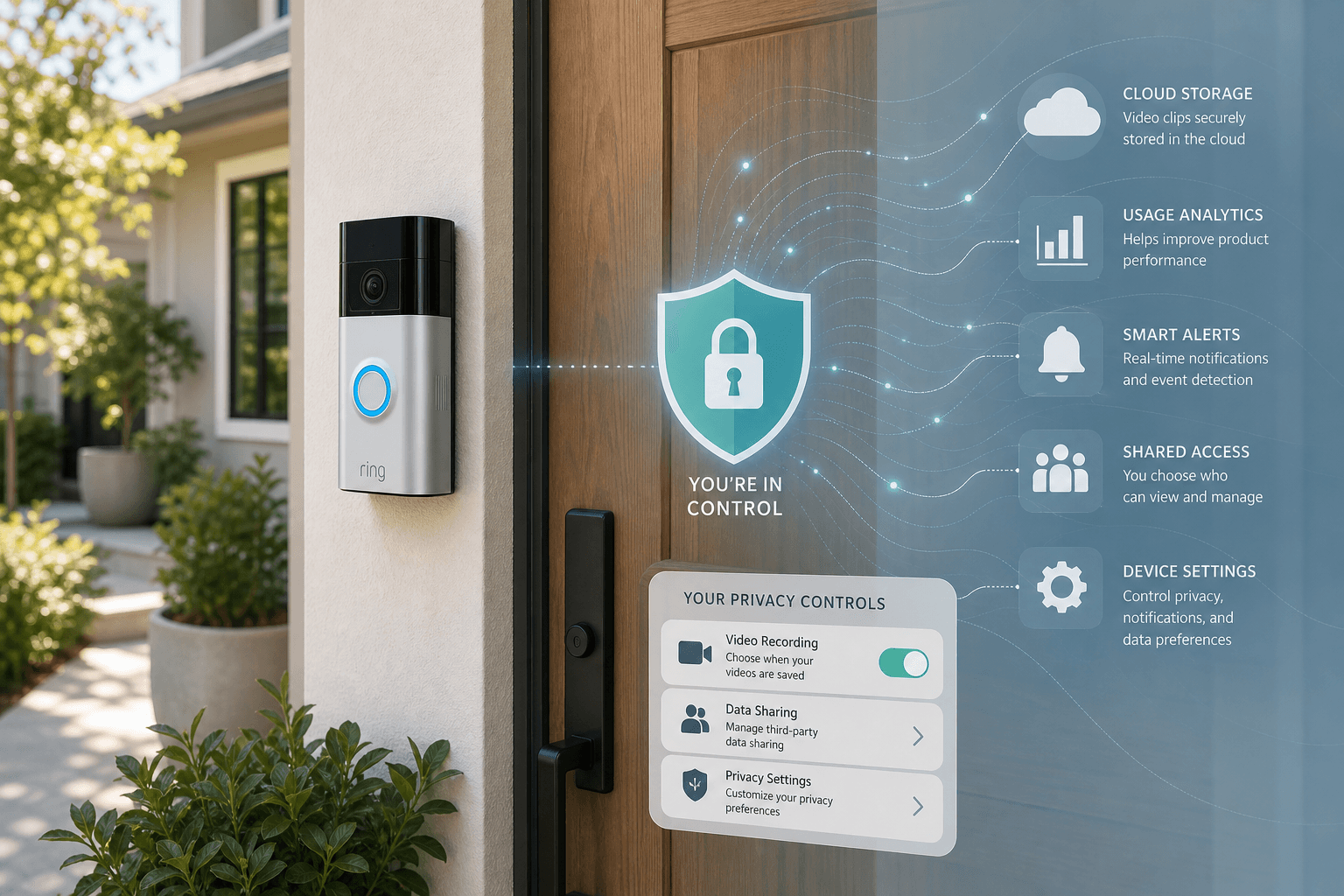
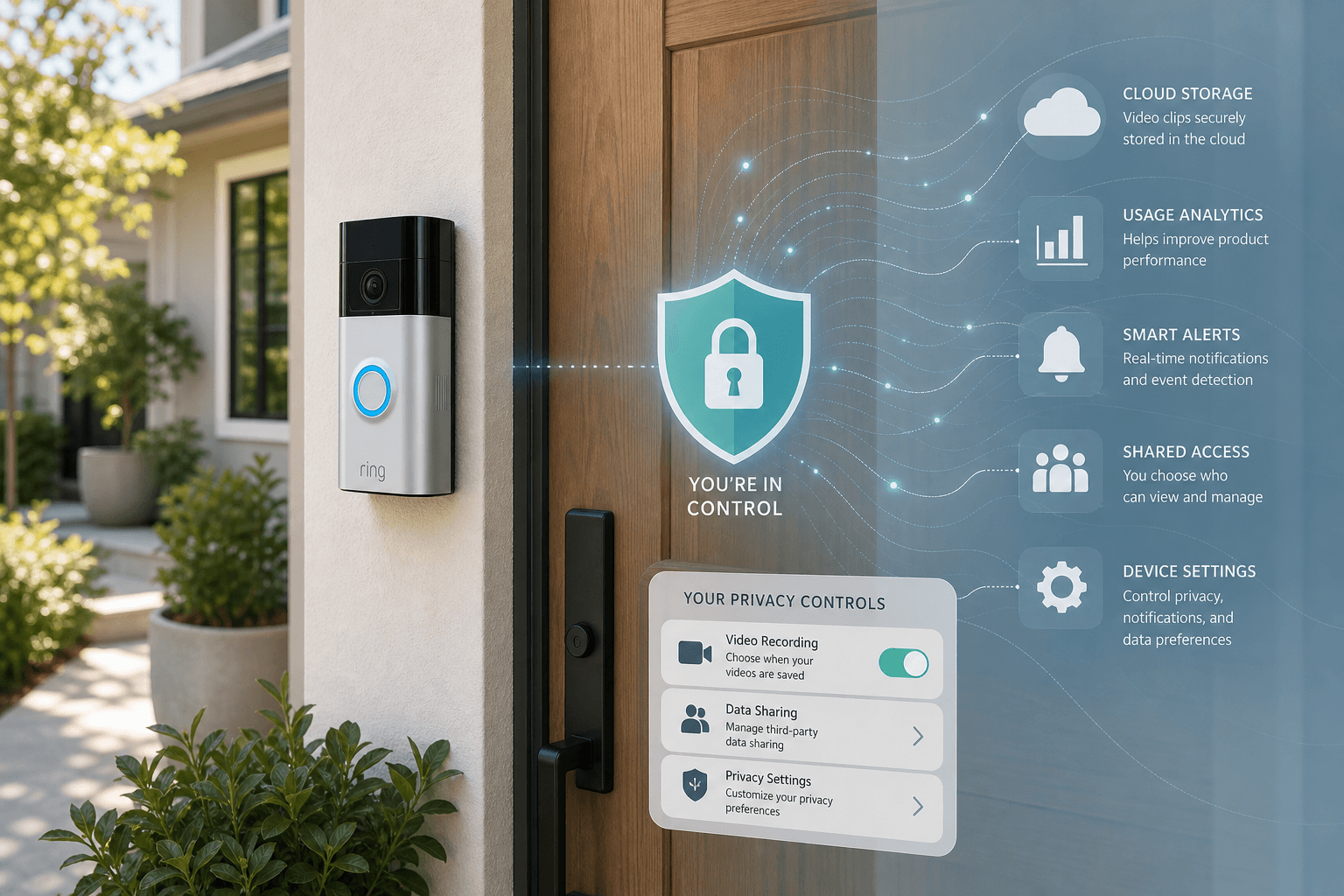
Why Ring Privacy Matters More Than Ever in 2026
Ring cameras have become one of the most widely deployed home security devices in the United States. That reach makes the company's data practices consequential — not just for individual owners, but for everyone who walks past a Ring-equipped front door.
In early 2026, Ring introduced Search Party, a feature that automatically scans footage from enrolled neighborhood cameras to help locate missing pets and detect wildfires. The feature was promoted during the Super Bowl. It also arrived enabled by default, without requiring per-use permission from camera owners. Privacy advocates pushed back sharply, and Ring subsequently canceled a planned integration with Flock Safety — a license-plate-reading network — following public criticism of that expansion.
The 2026 controversy arrived on top of a significant regulatory record. In 2023, the Federal Trade Commission charged Ring with allowing employees and contractors to access customer video recordings without restriction, using those recordings to train algorithms without user consent, and failing to implement basic security safeguards against credential-stuffing attacks. The FTC documented that one employee viewed thousands of recordings of female customers in private spaces over several months. Hackers exploited account vulnerabilities to access live streams and harass consumers, including children, through cameras' two-way audio.
Ring settled with the FTC for $5.8 million in consumer refunds and was required to delete customer videos and face embeddings collected before 2018, along with derived algorithm products. The FTC's 2023 order also mandated a formal privacy and security program going forward.
Separately, Ring has reserved the right to share footage with law enforcement in emergency situations without a warrant or user consent — a right the company has exercised. These are not hypothetical risks. They are documented behaviors that Ring owners should understand before deciding how to configure their devices.
How Ring's Storage Model Works: Cloud-Only, Subscription-Gated
Ring cameras have no local storage and no offline recording mode. If you do not have an active Ring Protect subscription, your camera can show you a live view and send motion alerts — but it will not save any footage. There is no free cloud storage tier.
This architecture has a direct privacy implication: every recorded video clip lives on Ring's servers, not on hardware you control. The subscription tier you choose determines how long that footage is retained, which AI features process it, and whether biometric data is collected from it.
The following table reflects the current Ring Protect plan structure as confirmed by SafeWise in May 2026. Plan names and pricing have changed multiple times in Ring's history — verify current details at ring.com/plans before making a subscription decision.
| Plan | Monthly Price | Cameras Covered | Default Storage | Max Storage | Key Privacy-Relevant Features |
|---|---|---|---|---|---|
| Free | $0 | All (no recording) | None | None | Live view, motion alerts, two-way audio only — no footage saved |
| Ring Solo | $4.99 | 1 camera | 60 days | 60 days | Event recording; person, package, vehicle detection; 7-day snapshots |
| Ring Multi | $9.99 | Unlimited | 60 days (adjustable) | 180 days | Extended live view; daily event summaries; extended warranty |
| Ring Pro | $19.99 | Unlimited | Up to 14 days (24/7) | 14 days continuous + event clips | 24/7 continuous recording; AI Smart Video Search; Familiar Faces biometrics; SOS response |
| Ring Virtual Security Guard | $99.99 | Unlimited | Same as Pro | Same as Pro | All Pro features plus live human monitoring and proactive dispatch |
The US default retention for event recordings is 60 days. Users can shorten this to as little as 1 day or extend it up to 180 days on Multi and above. UK users have a 30-day default. From a privacy standpoint, shorter retention means fewer recordings stored on Ring's servers at any given time — which reduces exposure if Ring's systems were ever accessed without authorization.
What Ring Collects Beyond Your Video Footage
Video recordings are the most visible data Ring holds, but they are not the only data. Ring's collection scope extends across several categories that many owners are unaware of.
- Account registration data: name, home address, phone number, and email address provided at signup.
- Geolocation data: optional location sharing used to enable features like geofenced automations and neighborhood mapping.
- App interaction logs: behavioral data about how you use the Ring app, including session activity and feature engagement. BBC journalists who submitted Data Subject Access Requests to Ring confirmed that this interaction data is collected and retained.
- Familiar Faces biometric data: on Ring Pro tier, the Familiar Faces feature captures and stores facial recognition embeddings in the cloud. This is biometric data subject to specific legal protections in some US states.
- Snapshot data: Ring cameras can capture still images at regular intervals, stored separately from event-triggered video clips. Default snapshot retention is 7 days on Solo and 14 days on higher tiers.
- Neighbors app activity: if you use Ring's Neighbors social feed, your interactions — posts, reactions, responses to Community Requests — are associated with your account.
One detail worth highlighting: Ring automatically enrolls new devices in a 30-day AI Pro trial. During this trial, footage is sent to Ring's cloud for AI processing — including features that would otherwise require a paid Pro subscription. This means new Ring owners are opted into expanded data processing before they have reviewed their subscription options.
The 72-Hour Deletion Buffer: What Happens When You Delete Footage
When you delete a video from the Ring app, the footage is not removed from Ring's servers immediately. According to Ring's own privacy policy, deleted recordings may remain on Ring's systems for up to 72 hours after a deletion request is submitted.
This creates a meaningful gap between what users experience in the app — a clip that appears deleted — and what is actually happening on Ring's infrastructure. During that 72-hour window, the footage may still be accessible internally, and potentially subject to a law enforcement request.
The Mozilla Foundation's privacy review flagged a credibility discrepancy here: Ring's CEO has publicly stated that deletion is real-time, while the company's own written privacy policy describes the 72-hour buffer. The policy language is what governs Ring's actual obligations. Users should not assume that deleting footage in the app results in immediate server-side removal.
Privacy Settings Checklist: Step-by-Step App Configuration
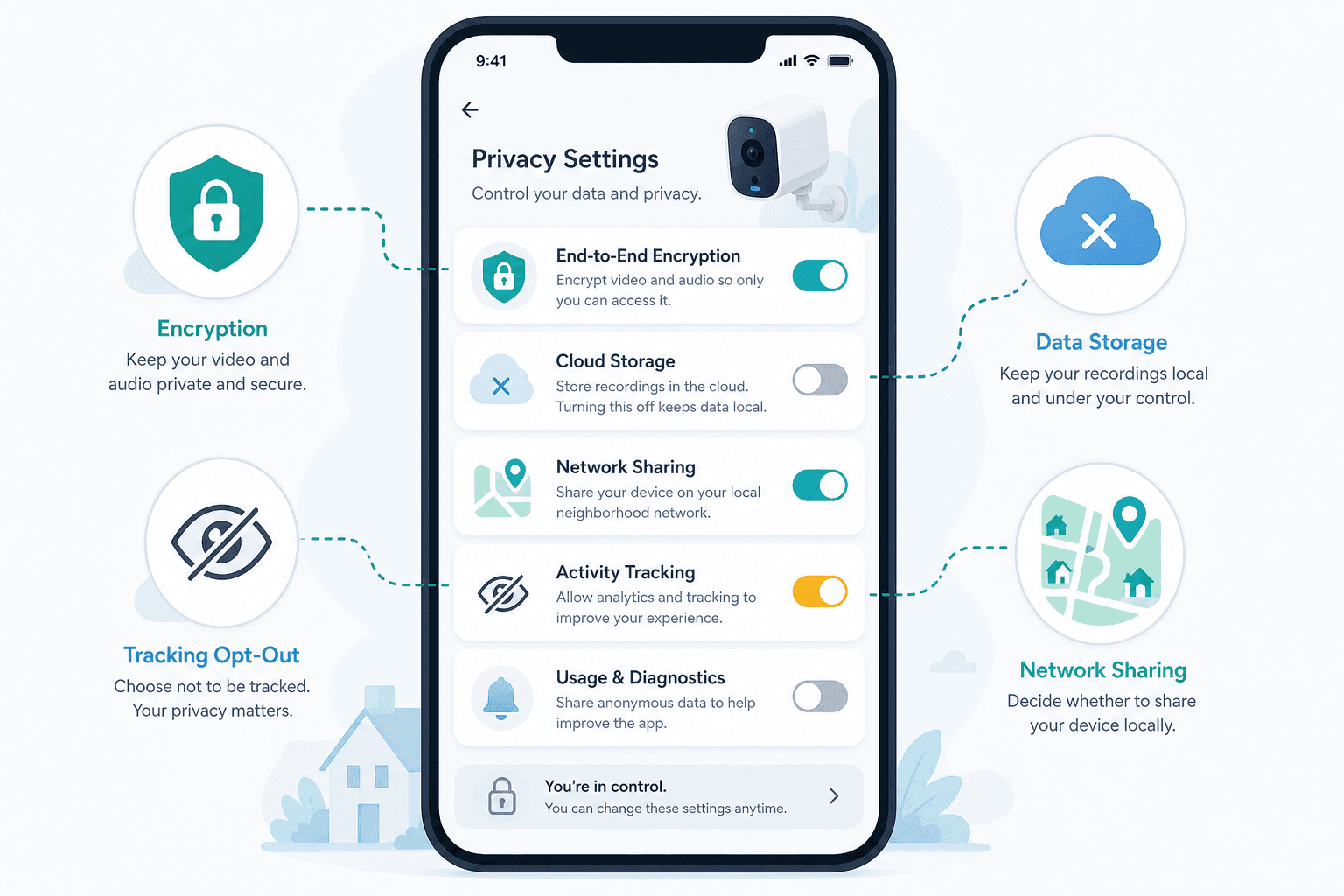
Most of Ring's privacy-significant features are enabled by default. Reducing your data exposure requires actively working through the settings below. Navigation paths are drawn from Consumer Reports (February 2026) and CNET (April 2026) and reflect the Ring app as of those publication dates — verify paths against your current app version.
1. Enable End-to-End Encryption
Path: Menu > Control Center > Video Encryption > Enable End-to-End Encryption
E2EE is the strongest privacy protection available in Ring's app. When enabled, only your enrolled mobile device can decrypt footage — Ring cannot access the video content, and neither can law enforcement without physical access to your device.
2. Disable Search Party (Lost Pets and Fire Watch)
Path: Menu > Control Center > Search Party > toggle off 'Search for Lost Pets Enabled' and 'Natural Hazards (Fire Watch)' separately, per camera
Search Party is enabled by default and allows Ring to scan footage from your cameras automatically when a neighborhood search is triggered — without asking your permission each time. Fire Watch uses AI to analyze your recorded video for smoke and fire detection, even if you never manually share footage. Both features must be disabled separately.
3. Opt Out of Community Requests
Path: Menu > Neighbors > Settings gear > Neighborhood Settings > Feed Settings > uncheck Community Requests
Community Requests allows law enforcement agencies to post solicitations in the Neighbors app asking users to share footage from their cameras. Opting out removes these requests from your feed and prevents your account from being prompted to share footage in response to law enforcement posts.
4. Disable Ring Neighbors Entirely
Path: Menu > Control Center > Neighbors toggle > Disable
If you do not use the Neighbors social feed, disabling it entirely removes the feature from your account and eliminates the Community Requests channel. Note that footage you have already shared via Neighbors cannot be retracted — once distributed externally, you lose control over where it goes.
5. Disable Amazon Sidewalk
Path: Menu > Control Center > Amazon Sidewalk toggle > Disable
Amazon Sidewalk is enabled by default on Ring devices. It shares a small portion of your home internet bandwidth to create a low-bandwidth mesh network used by Ring, Amazon Echo, and other Sidewalk-compatible devices in your neighborhood. Disabling it prevents your connection from being used for this purpose.
6. Turn Off All AI Features
Path: Menu > AI Features > Turn Off All
AI features include person detection, package detection, vehicle detection, Smart Video Search, and Familiar Faces. These features require Ring to process footage in the cloud using machine learning. Turning them off reduces the scope of cloud-side processing applied to your recordings.
7. Opt Out of Third-Party Tracking
Path: Menu > Control Center > Cookies and Third Party Service Providers > toggle off analytics and advertising trackers
The Ring app includes third-party analytics and advertising SDKs. Opting out here limits the behavioral data shared with external advertising and analytics platforms.
8. Shorten Your Video Storage Duration
Path: Device Settings > Video Settings > Video Storage Time
Available options: 1, 3, 7, 14, 21, 30, 60, 90, or 120 days (180 days on Multi and above). The US default is 60 days. Reducing this to the shortest duration that meets your practical needs — for example, 7 or 14 days if you review footage regularly — limits how much video Ring holds on your behalf at any given time.
9. Review Authorized Client Devices
Path: Account Settings > Authorized Client Devices
This list shows every device that has logged into your Ring account. Review it periodically and revoke access for any device you do not recognize or no longer use.
10. Review Shared Users
Path: Settings > User Permissions
Shared users have access to your live view, recorded footage, and some device settings. Remove any shared access that is no longer needed or that you did not intentionally grant.
Law Enforcement Access: What Ring Can Share and When
Ring can share footage with law enforcement in two ways: through a formal legal process (a warrant, court order, or subpoena), or without any legal process in situations Ring characterizes as involving imminent danger.
The emergency exception is significant. Ring's policy allows the company to disclose footage to law enforcement without a warrant and without notifying the user, based on Ring's own good-faith determination that an emergency exists. According to reporting by Mozilla and CNN, Ring made 11 such disclosures in a single year under this provision.
In early 2024, Ring discontinued its in-app Request for Assistance tool, which had allowed law enforcement agencies to directly request footage from Ring users through the app interface. That specific mechanism is no longer active. However, the underlying right to share footage in emergencies without a warrant or user consent remains in Ring's policy and has not been removed.
Community Requests in the Neighbors app provide a separate channel: law enforcement can post public requests asking users to voluntarily share footage. Disabling Community Requests (Step 3 in the checklist above) removes these solicitations from your feed. It does not affect Ring's ability to respond to formal legal process.
Ring Edge: The Only Local Storage Alternative
If keeping footage off Ring's servers entirely is a priority, Ring Edge is the only supported pathway to do that while retaining recording functionality.
Ring Edge requires a Ring Alarm Pro Base Station (approximately $250) and a compatible microSD card. When configured, footage is recorded and stored locally on the Base Station rather than uploaded to Ring's cloud. You still need an active Ring Protect subscription to use Ring Edge, but the footage itself stays on your hardware.
This setup has practical trade-offs: the Base Station must remain powered and connected, local storage capacity is limited by the microSD card size, and some cloud-dependent features (AI processing, remote access to historical footage from outside your network) may be affected.
For users whose primary concern is cloud storage and law enforcement access rather than Ring's AI features, Ring Edge combined with E2EE represents the most privacy-protective configuration within the Ring ecosystem. Competing cameras from manufacturers like Eufy offer local storage as a baseline feature without requiring a separate hub purchase — worth considering if you have not yet committed to Ring hardware.
Your Data Rights: How to Access, Correct, or Delete Your Ring Data
Ring provides mechanisms for users to exercise data rights under applicable privacy laws. The following options are available through Ring's standard account and privacy processes.
- Data access request: You can request a copy of the personal data Ring holds about your account. Submit the request through Ring's account portal or by emailing [email protected].
- Data correction: If Ring holds inaccurate information about you, you can request a correction through the same privacy contact channels.
- Data deletion: You can request deletion of your personal data. This is separate from deleting individual video clips — a deletion request covers the broader account data Ring holds. Remember that deleted footage may remain on Ring's servers for up to 72 hours after the deletion request is submitted.
- Account deletion: Closing your Ring account triggers deletion of your stored videos and account data. This is the most complete data removal option if you are discontinuing Ring use.
For privacy-specific requests, the direct contact is [email protected]. Ring's account portal also provides self-service options for downloading your data. Residents of states with specific data privacy laws (California, Virginia, Colorado, and others) may have additional rights under state legislation.
Privacy Risk by Subscription Tier: Quick-Reference Summary
The table below maps each Ring Protect tier to its privacy-relevant data exposure profile. Use it to assess which tier aligns with your privacy tolerance, not just your feature requirements.
| Tier | Storage Duration | AI Features Active | Biometric Data (Familiar Faces) | E2EE Eligible | Minimum Recommended Privacy Actions |
|---|---|---|---|---|---|
| Free | None | None | No | Yes (if camera model supports it) | Disable Sidewalk, disable Neighbors, disable Search Party |
| Ring Solo ($4.99/mo) | Up to 60 days (default); adjustable 1–60 days | Person, package, vehicle detection | No | Yes (if camera model supports it) | Shorten storage to 7–14 days; disable AI features; disable Sidewalk; disable Search Party; opt out of third-party tracking |
| Ring Multi ($9.99/mo) | Up to 180 days (default 60 days); adjustable 1–180 days | Person, package, vehicle detection; event summaries | No | Yes (if camera model supports it) | Shorten storage to minimum needed; disable AI features; disable Sidewalk; disable Search Party; disable Community Requests |
| Ring Pro ($19.99/mo) | Up to 14 days continuous (24/7); event clips | Full AI suite including Smart Video Search | Yes — stored in cloud | Yes (disables AI features if enabled) | Disable Familiar Faces; disable AI features unless needed; enable E2EE if shared access not required; shorten storage; disable Sidewalk; disable Search Party |
| Virtual Security Guard ($99.99/mo) | Same as Pro | Full AI suite | Yes — stored in cloud | Yes (disables AI features if enabled) | Same as Pro tier; additionally review what data is accessible to live monitoring agents |
Policy Updates & Reader Notes
Privacy policies, monitoring plan prices, and security disclosures change frequently. Report new data retention terms, updated plan pricing, or new vulnerability disclosures below. For formal editorial corrections, use the contact page.
Comments
Join the discussion with an anonymous comment.