
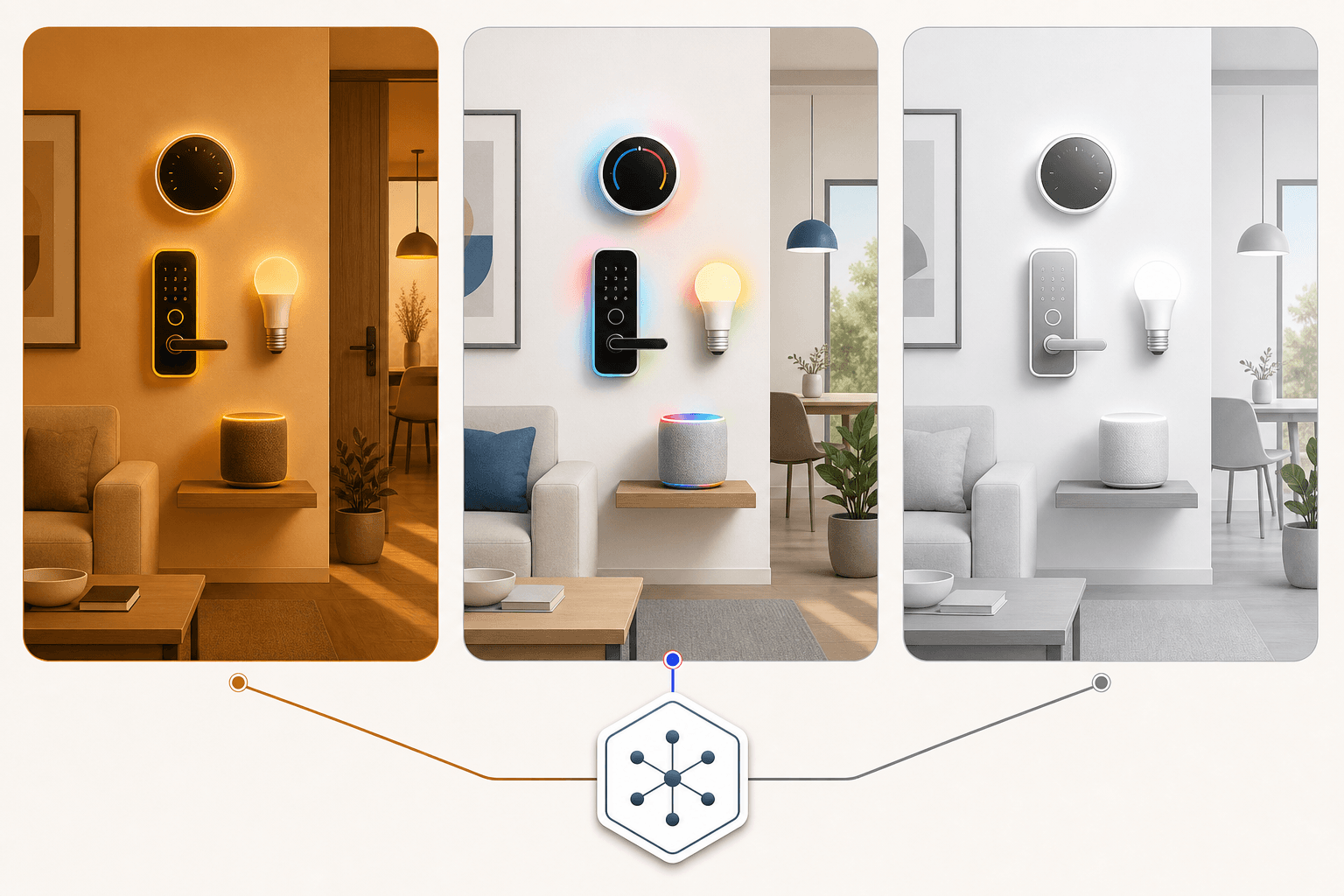
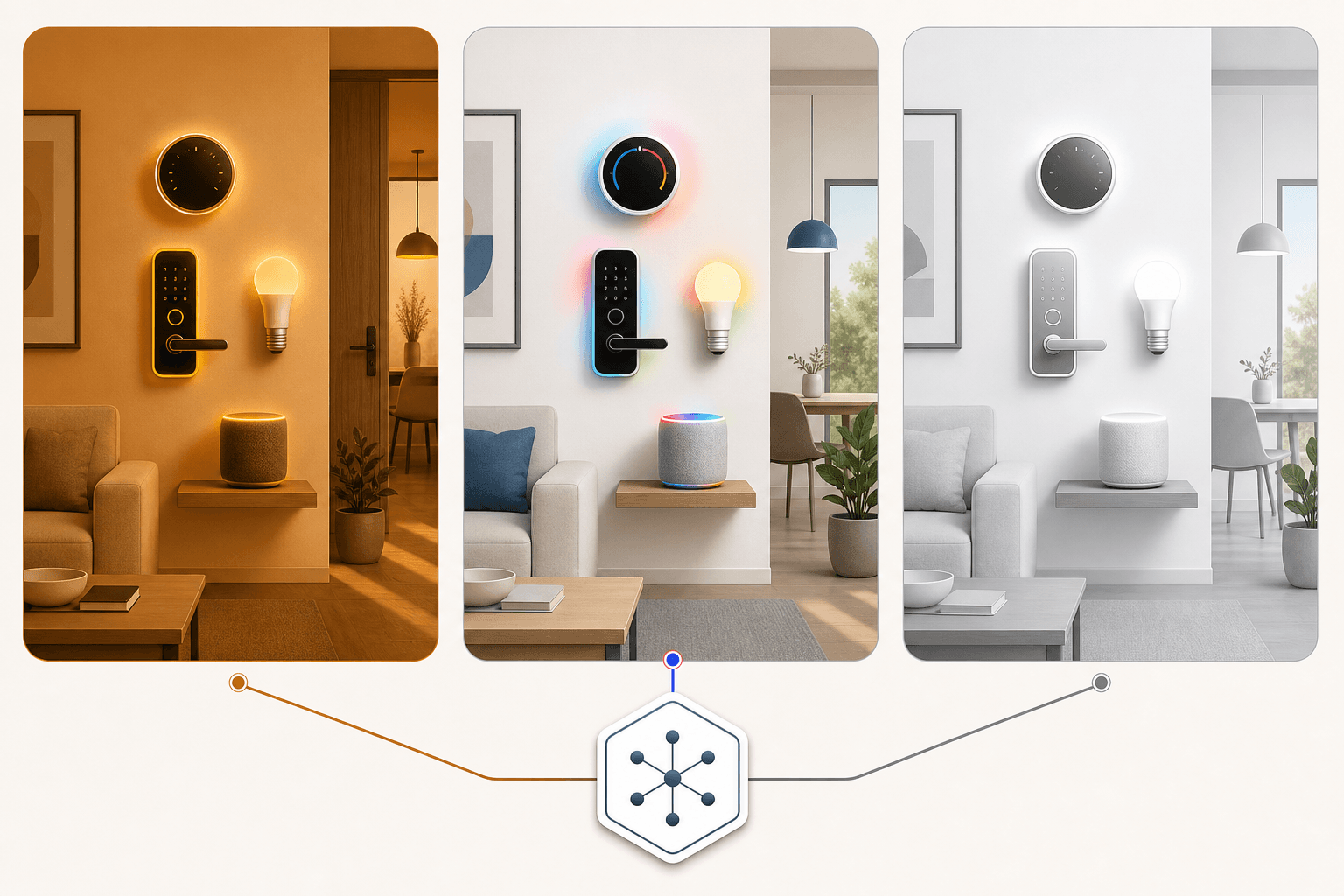
Why Platform Choice Is an Infrastructure Decision, Not a Gadget Purchase
Most buyers approach smart home platforms the way they'd approach buying a Bluetooth speaker — pick one, try it, swap it out if it doesn't work. That framing is wrong, and it gets expensive fast.
The voice hardware you buy first — an Echo, a Nest Hub, a HomePod — is ecosystem-terminal. It doesn't bridge to the other platforms. It doesn't become neutral after a firmware update. When you buy an Echo, you're committing to Alexa as your voice layer. When you buy a HomePod Mini, you're committing to HomeKit. These devices don't interoperate at the assistant level, and no standard currently changes that.
The switching cost compounds quickly. A home with ten smart devices averaging $50 each, plus roughly 20 hours of automation configuration time, represents an investment that can exceed $1,000 to rebuild from scratch on a different platform — and that estimate doesn't account for devices that lack cross-platform support at all.
Matter, the newer interoperability standard, does reduce device-level lock-in for new purchases. A Matter-certified lock or light can be added to any of the three platforms. But Matter does not make Echo, Nest Hub, or HomePod interoperable. The assistant layer — the part that responds to your voice, runs your automations, and connects your devices into a coherent system — remains platform-specific.
This article doesn't pick a winner. Instead, it maps each platform's genuine strengths against five buyer-specific criteria: existing device ecosystem, mobile OS, privacy tolerance, automation complexity needs, and total cost of ownership. Those five criteria determine the right answer for your situation — not a generic ranking.
What Changed in 2026: Alexa Plus, Gemini AI, and Matter Maturation
Three developments in 2026 make this comparison meaningfully different from prior years. Understanding them is necessary context before evaluating the platforms themselves.
- Alexa Plus launched on February 4, 2026. Per Amazon's official announcement, Alexa Plus is included at no additional cost for Prime members and available standalone for $19.99 per month. It adds agentic AI capabilities — multi-step reasoning, complex task execution, and the ability to chain commands across devices and services. For Prime households, this changes the cost calculus significantly: the most capable version of Alexa comes at no extra charge.
- Google Home now runs on Gemini AI. Google's integration of Gemini gives Google Assistant the strongest contextual language understanding of the three platforms. It handles follow-up questions, multi-step natural language requests, and complex queries more reliably than prior versions. In head-to-head testing conducted by Security.org, Google Assistant answered 93% of voice queries correctly — the highest accuracy of any platform evaluated.
- Matter has matured as a standard. By 2026, most new smart home devices ship with Matter certification. This means a single device can technically be added to any of the three ecosystems. The practical implication: device-level lock-in has decreased for new purchases. The caveat: ecosystem choice still matters for the assistant layer, automation logic, and existing device compatibility.
Amazon Alexa: Broadest Compatibility, Agentic AI, and the Zigbee Advantage
Alexa's defining strength is breadth. No other mainstream platform comes close to its device compatibility range, and its automation trigger system is the most flexible of the three.
On compatible device count, the figures vary by source and methodology. Security.org cites 400,000+ compatible devices; Smart Home Explorer puts the figure at 140,000+; Revimote cites 100,000+. The variation reflects different definitions — 'works with Alexa Skills' captures a much wider net than 'certified integrations' or 'official partner directory.' Regardless of which methodology you use, Alexa's compatibility lead over Google Home and HomeKit is substantial and consistent across sources.
The Echo (4th Gen and later) includes a built-in Zigbee hub. That matters in practice: Zigbee-based devices — including many Philips Hue bulbs and Yale smart locks — can connect directly to an Echo without requiring a separate bridge. For buyers building a Zigbee-heavy setup, this eliminates a $30–$70 hub purchase and reduces network complexity.
Alexa's routine trigger system is the deepest of the three platforms. Triggers include time of day, voice commands, device state changes, location (geofencing), temperature sensor readings, and motion detection. This flexibility enables automations that the other platforms cannot replicate natively — for example, triggering a thermostat adjustment when a specific door sensor opens, or dimming lights when a motion sensor detects no movement for 10 minutes.
Ring and Blink cameras integrate exclusively within Alexa's ecosystem. If you already own Ring cameras or are planning to buy them, Alexa is effectively the only platform that provides full native integration — including live view in the Alexa app, doorbell alerts through Echo devices, and automation triggers from Ring motion events.
Google Home: Gemini-Powered Voice Intelligence and Android-First Integration
Google Home's primary advantage is voice intelligence. Gemini AI gives Google Assistant a level of contextual understanding that neither Alexa nor Siri consistently matches. It handles follow-up questions without repeating context, interprets multi-step natural language requests accurately, and draws on Google's search infrastructure for queries that go beyond device control.
In head-to-head testing by Security.org (updated May 2026), Google Assistant answered 93% of voice queries correctly — the highest accuracy of any platform evaluated in their methodology. This is one organization's testing framework, not an independent third-party benchmark, but the contextual AI advantage is consistent across multiple sources and reflects the practical experience of Android-first households.
For Android users and Google services households, Google Home is the natural fit. Calendar integration, Google Maps geofencing, YouTube on Nest Hub displays, and tight Android notification integration all work more fluidly within Google Home than through the other platforms. If your household runs on Android phones and Google Workspace, the assistant layer already understands your context.
Nest cameras and thermostats are Google Home exclusives in the same way Ring is an Alexa exclusive. If you own Nest cameras, a Nest Learning Thermostat, or Nest Protect smoke detectors, Google Home is the platform that provides full native integration. Using these devices on Alexa or HomeKit involves workarounds or limited functionality.
The routine engine is Google Home's clearest limitation relative to Alexa. Google Home routines are primarily time-based and voice-triggered. Device-state triggers — automations that fire when a sensor detects something, when a lock changes state, or when a temperature threshold is crossed — are limited compared to Alexa's trigger depth. For buyers who want complex, multi-condition automations, this gap is meaningful.
- Strongest voice AI accuracy of the three platforms (Gemini-powered, 93% query accuracy per Security.org testing)
- Best fit for Android-first households and Google services users
- Nest cameras and thermostats integrate exclusively within Google Home
- Routine trigger depth is shallower than Alexa — primarily time and voice triggers, limited device-state triggers
- Voice processing happens on Google's cloud servers — not local by default
Apple HomeKit: Local Processing, End-to-End Encryption, and the Apple Hardware Requirement
HomeKit's defining characteristic is privacy by architecture, not by policy. Most commands are processed locally on your HomePod or Apple TV hub — not on Apple's servers. Home data is end-to-end encrypted. HomeKit Secure Video processes camera footage on-device before optionally uploading an encrypted version to iCloud. These are structural privacy properties, not settings you configure.
The Apple TV 4K serves as HomeKit hub, Thread Border Router, and Matter controller in a single device. At $129, it's the most capable single hub in this comparison. The HomePod Mini at $99 covers hub and Thread Border Router functions without the streaming device component. Both provide the remote access and automation capabilities that HomeKit requires.
The hardware dependency is real and worth stating plainly: HomeKit requires an iPhone to set up any device. For remote access and automations to work when you're away from home, you also need a HomePod Mini ($99), full-size HomePod, or Apple TV 4K ($129) as a home hub. This is an entry cost that HomeKit comparisons often omit.
HomeKit's certified device catalog is significantly smaller than the other platforms — approximately 1,000+ certified devices versus Alexa's and Google Home's much larger ecosystems. This matters most in niche categories: specialized sensors, older devices, and non-mainstream brands are far more likely to support Alexa or Google Home than HomeKit. For buyers who want to integrate a wide variety of devices, this gap requires attention.
- Local command processing by default — most automations run on-device without cloud dependency
- End-to-end encryption for all home data
- HomeKit Secure Video processes camera footage locally before optional encrypted iCloud upload
- Apple TV 4K ($129) functions as hub, Thread Border Router, and Matter controller
- Requires iPhone for device setup; requires HomePod Mini ($99) or Apple TV 4K ($129) for remote access and automations
- Approximately 1,000+ certified devices — significantly fewer than Alexa or Google Home
Side-by-Side Comparison: Eight Criteria That Actually Drive the Decision
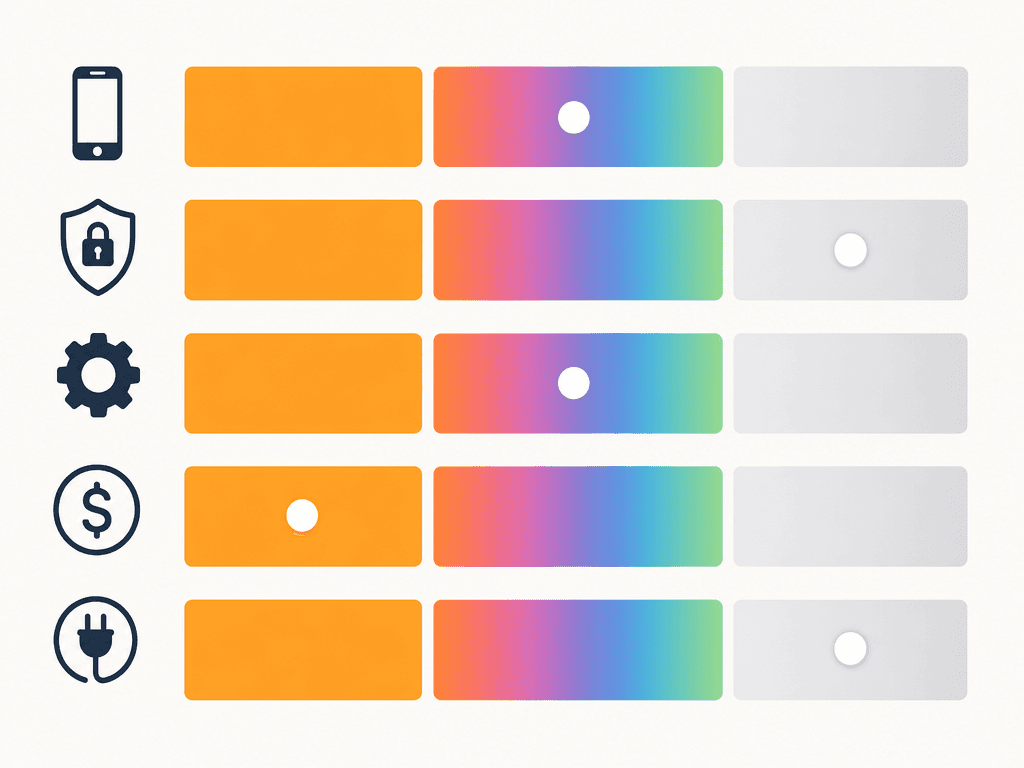
| Criterion | Amazon Alexa | Google Home | Apple HomeKit |
|---|---|---|---|
| Compatible device count | 100,000–400,000+ (varies by methodology; Security.org: 400,000+, Smart Home Explorer: 140,000+, Revimote: 100,000+) | 50,000+ (Security.org) | ~1,000+ certified devices |
| Supported protocols | Wi-Fi, Bluetooth, Zigbee (built-in Echo 4th Gen+), Matter, Z-Wave (with hub) | Wi-Fi, Bluetooth, Matter, Thread (select Nest devices) | Wi-Fi, Bluetooth, Thread, Matter, HomeKit-certified devices only |
| Voice AI accuracy | Capable; Alexa Plus adds agentic multi-step reasoning | 93% query accuracy in Security.org testing (Gemini-powered); strongest contextual AI | Siri; improving but trails Gemini for complex queries |
| Privacy model | Cloud processing; no local-first option | Cloud processing; no local-first option | Local processing by default; end-to-end encrypted; HomeKit Secure Video |
| Automation trigger depth | Deepest: time, voice, device state, motion, temperature, location, geofencing | Moderate: primarily time-based and voice-triggered; limited device-state triggers | Good geofencing; time and sensor triggers; no device-state triggers as deep as Alexa |
| Hub hardware cost | $0 (Echo 4th Gen includes Zigbee hub; no separate hub required for most setups) | $0 for basic setup; Nest Hub display optional ($99–$229) | HomePod Mini $99 or Apple TV 4K $129 required for remote access and automations |
| Monthly subscription cost | Free (basic Alexa); Alexa Plus: free with Prime, $19.99/month standalone | Free (basic); Google Home Premium: verify current pricing before purchase | Free (no subscription required for HomeKit itself; iCloud+ optional for Secure Video) |
| Built-in Zigbee hub | Yes — Echo (4th Gen and later) | No | No |
Buyer Decision Framework: Which Platform Fits Your Situation
The comparison table above shows what each platform does. This section maps those capabilities to specific buyer situations — the actual decision logic most buyers need.
| Your situation | Best platform | Primary reason | Key caveat |
|---|---|---|---|
| iPhone-first household, primarily Apple devices | HomeKit | Native iOS integration, local processing, end-to-end encryption — the ecosystem is built around Apple hardware you already own | Budget for a HomePod Mini ($99) or Apple TV 4K ($129) as your hub; device catalog is smaller |
| Android-first household, Google services user | Google Home | Gemini AI gives the best voice experience for Android users; Google Calendar, Maps, and Workspace integration works natively | Automation trigger depth is shallower than Alexa; complex device-state automations are limited |
| Own or planning to buy Ring or Blink cameras | Alexa | Ring is an Amazon brand — full native integration including live view, doorbell alerts, and motion-triggered automations only works on Alexa | Ring cameras do not offer full functionality on Google Home or HomeKit |
| Privacy is a primary concern | HomeKit | Local command processing by default, end-to-end encryption, HomeKit Secure Video — structural privacy, not a policy setting | Smaller device catalog; Apple hardware required for setup and remote access |
| Want maximum device flexibility and mixed-brand setup | Alexa | Widest device compatibility across all sources; built-in Zigbee hub in Echo 4th Gen eliminates a separate bridge for Zigbee devices | Non-Prime households pay $19.99/month for Alexa Plus; basic Alexa remains free but lacks agentic AI |
| Power automation user — want complex, multi-condition routines | Alexa | Deepest trigger system: device state changes, motion, temperature, location, time, and voice can all trigger routines independently or in combination | Alexa Plus ($19.99/month standalone) is required for the most advanced agentic automation capabilities |
| Own Nest cameras or Nest thermostat | Google Home | Nest devices are Google Home exclusives — full integration, including camera live view and thermostat scheduling, requires Google Home | Nest devices have limited or no native functionality on Alexa or HomeKit |
Matter in 2026: What It Solves and What It Doesn't
Matter is a connectivity standard, not a platform. Understanding that distinction prevents a common and costly misconception.
What Matter actually solves: device-level lock-in for new purchases. A Matter-certified smart lock, light, or sensor can be added to Alexa, Google Home, or HomeKit without a platform-specific bridge or adapter. By 2026, most new smart home devices ship with Matter certification. This means the device you buy today is less likely to strand you if you switch platforms later.
What Matter does not solve: voice hardware lock-in. An Echo, a Nest Hub, and a HomePod are still ecosystem-terminal devices. They do not share a voice layer, do not share automation logic, and do not interoperate at the assistant level. If you have six Echo devices throughout your home and decide to switch to HomeKit, you're replacing all six speakers — Matter doesn't change that.
The practical implication for buyers making a platform decision today: choose your platform based on the voice hardware, assistant, and automation criteria that matter to your household. Buy Matter-certified devices wherever possible. That combination gives you the best of both worlds — a committed, capable ecosystem with a hedge against device-level regret.
FAQ: Running Multiple Platforms, Renters, and What About SmartThings or Home Assistant
- Can I run multiple platforms simultaneously? Yes, with caveats. Many Matter-certified devices can be added to multiple ecosystems at once. The practical problem is automation fragmentation: if you build routines in Alexa and also in Google Home, they don't share state or logic. A routine in one platform doesn't know what the other platform is doing. For simple setups — a few lights and a plug — multi-platform is manageable. For complex automations, pick one platform as your primary and use the others only for voice queries.
- Which platform is best for renters? Alexa is the most renter-friendly option. The Echo 4th Gen costs as little as $50 and includes a built-in Zigbee hub, so you can control a range of devices without drilling, hardwiring, or leaving behind a hub. Matter-certified devices are also renter-friendly because they're portable across platforms if you move. HomeKit requires a HomePod Mini or Apple TV as a permanent hub, which adds cost and a device you may not want to leave behind.
- What about Samsung SmartThings or Home Assistant? Both are legitimate platforms outside the scope of this comparison. SmartThings is a strong option for buyers with Samsung appliances or who want a hub-centric approach with broad Z-Wave and Zigbee support. Home Assistant is the most powerful and flexible option for technical users who want full local control, open-source customization, and no cloud dependency — but it requires meaningful technical setup and maintenance. If either of those profiles fits you, they're worth evaluating on their own terms.
Discussion
Share your experience with the compared products, flag outdated pricing or specs, or ask clarifying questions about the comparison verdict.
Comments
Join the discussion with an anonymous comment.