
How much DeepSeek V4 Flash really costs for Home Assistant
Wondering what DeepSeek V4 Flash actually costs to run as a Home Assistant Assist brain before wiring in an API key? This dated cost check works a realistic monthly bill from official rates and pinpoints the three factors — cache-hit share, the announced peak-hour surcharge, and agentic turn counts — that decide whether it stays near zero or balloons.
As of Jul 31, 2026, the cost decision is straightforward enough to test, but not simple enough to trust a one-line token calculator. For ordinary Home Assistant Assist voice and chat use, DeepSeek V4 Flash API pricing looks financially safe: the official Flash rates are tiny, and cache hits are priced almost to nothing. The catch is that Home Assistant can resend the same system prompt and exposed-entity context on every call, peak-hour pricing has been announced but not yet activated, and agentic tool loops can turn one household request into many model turns.
Here is the official first-party price table that matters before you paste an API key into Home Assistant. DeepSeek lists separate prices for cache-miss input, cache-hit input, and output; treating “input” as one number already loses the main cost lever for a smart-home assistant. The English pricing page lists DeepSeek-V4-Flash at $0.14 per 1M cache-miss input tokens, $0.0028 per 1M cache-hit input tokens, and $0.28 per 1M output tokens; DeepSeek-V4-Pro is listed at $0.435, $0.003625, and $0.87 respectively.[1]
| Model | Input, cache miss | Input, cache hit | Output |
|---|---|---|---|
| DeepSeek V4 Flash | $0.14 / 1M tokens | $0.0028 / 1M tokens | $0.28 / 1M tokens |
| DeepSeek V4 Pro | $0.435 / 1M tokens | $0.003625 / 1M tokens | $0.87 / 1M tokens |
That cache-hit row is the odd-looking one, and it is the row that makes Flash interesting for Home Assistant. A Flash cache-hit input token is priced at one-fiftieth of a Flash cache-miss input token. If most of the repeated Home Assistant context is eligible for cache hits, the monthly bill can stay below the price of a vending-machine coffee. If that context misses cache, or if calls multiply inside a troubleshooting agent, the same assistant brain has a different cost shape.
Version note: DeepSeek’s English pricing page names the model as “DeepSeek-V4-Flash,” while the Chinese pricing page uses “DeepSeek-V4-Flash-0731.” The changelog is the safer version authority for live tracking, so this article treats the 0731 naming difference as a dated checkpoint issue, not as proof that every integration route is pinned to the same deployed build.[1][2][3]
A realistic Assist bill from the official Flash rates
The following is a cost model, not a claim about your house. It uses official Flash list prices, then changes only the variables that matter in Home Assistant: number of model calls, prompt size, cache reuse, output size, and whether the announced peak multiplier is applied. The point is to make the arithmetic reproducible instead of pretending there is one universal “smart home assistant” token count.
| Scenario | Assumptions | Monthly cost at current official Flash rates | If all calls were billed at announced 2x peak rate |
|---|---|---|---|
| Ordinary voice/chat, high context reuse | 1,500 calls/month; 4,000 input tokens per call; 3,600 cached + 400 cache-miss input; 80 output tokens | About $0.13/month | About $0.27/month |
| Same use, cache misses on all input | 1,500 calls/month; 4,000 cache-miss input tokens per call; 80 output tokens | About $0.87/month | About $1.75/month |
| Larger exposed entity context, high reuse | 1,500 calls/month; 20,000 input tokens per call; 18,000 cached + 2,000 cache-miss input; 100 output tokens | About $0.54/month | About $1.08/month |
| Larger exposed entity context, no cache benefit | 1,500 calls/month; 20,000 cache-miss input tokens per call; 100 output tokens | About $4.24/month | About $8.48/month |
| Agentic-heavy month, high reuse | 200 tasks/month; 20 model turns per task; 8,000 input tokens per turn; 7,000 cached + 1,000 cache-miss input; 150 output tokens | About $0.81/month | About $1.61/month |
| Agentic-heavy month, no cache benefit | 200 tasks/month; 20 model turns per task; 8,000 cache-miss input tokens per turn; 150 output tokens | About $4.65/month | About $9.30/month |
The ordinary voice scenario is intentionally not heroic: 50 model calls a day is enough for a household that uses Assist for lights, climate, media, status checks, and the occasional follow-up. Under high context reuse, the model cost is about thirteen cents for the month. Even the no-cache version is still under a dollar before any peak multiplier.
The larger-context rows are the ones I would watch on a real Home Assistant install. Exposing more entities can be convenient, especially when you want natural commands like “turn off the downstairs accent lights” without memorizing entity names. But that context has to be sent to the model somehow. Flash’s official cache-hit discount makes repeated context cheap only when it actually hits cache.
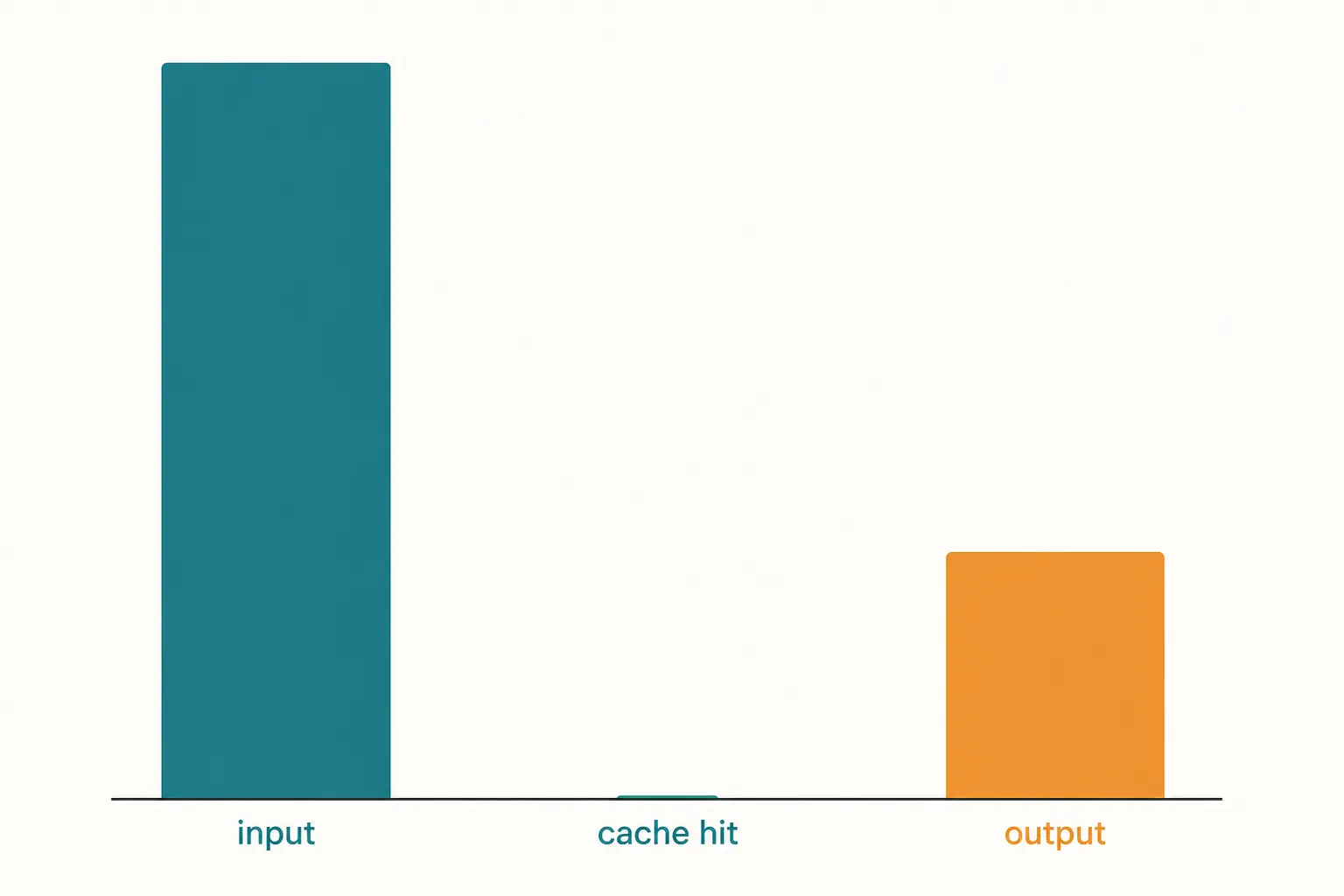
A quick formula is enough to check your own numbers:
monthly_cost = calls_per_month × (
  cache_hit_input_tokens_per_call × 0.0028 / 1,000,000 +
  cache_miss_input_tokens_per_call × 0.14 / 1,000,000 +
  output_tokens_per_call × 0.28 / 1,000,000
)
If the announced peak-hour multiplier becomes live and applies to your calls, multiply the affected portion by 2. Do not multiply the entire month unless your household actually uses Assist only in the peak windows.
Why Home Assistant cache behavior matters more than the headline input price
Home Assistant’s LLM integrations are not just sending “turn on the kitchen light.” A conversation agent needs instructions, conversation state, and enough exposed Home Assistant context for the model to map natural language onto actual entities and services. Home Assistant has documented OpenAI-compatible conversation-agent work and an OpenRouter integration path for using cloud LLMs inside Assist-style workflows.[4]
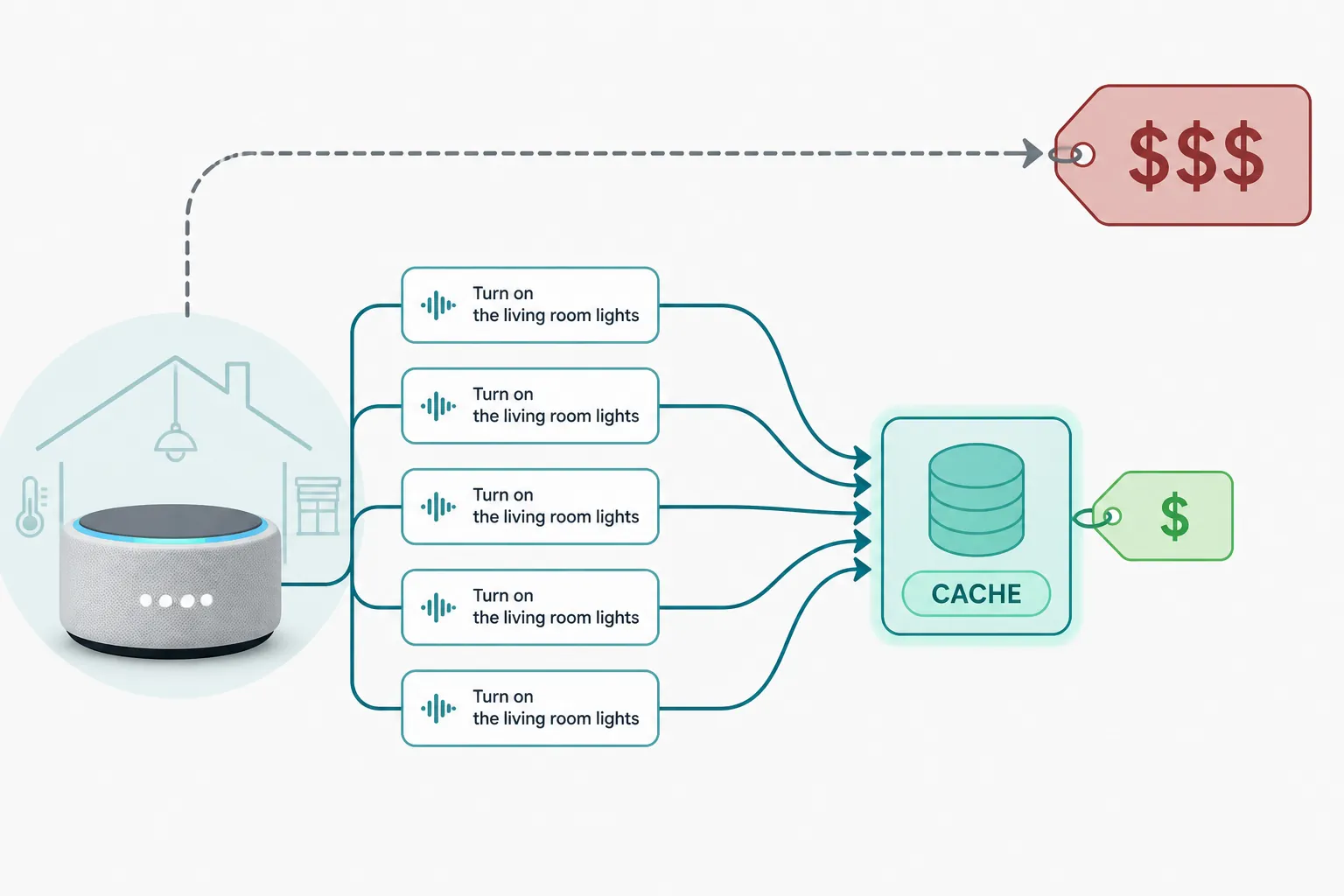
That repeated context is exactly where Flash’s cache-hit pricing can help. If every call includes the same assistant instructions and a mostly stable entity list, the expensive part of the prompt can become the cheap part of the prompt. In the 4,000-token example above, 3,600 cached tokens cost roughly one cent per thousand calls; the 400 uncached tokens cost several times more despite being a much smaller part of the prompt.
The practical mistake is to estimate cost from the full prompt size as if every input token is a cache miss, then panic. The opposite mistake is worse: assuming a 90% or 95% cache-hit rate because someone reported it in a forum, then never measuring your own setup. Community anecdotes about “$1–10/month,” “90–95% cache hits,” or ultra-low blended token prices may be directionally encouraging, but they are unverified user reports, not a billing model.
This is where the community HACS deepseek_conversation component is useful even if you do not want another custom integration permanently installed. Its repository describes token sensors, which gives a Home Assistant user a way to watch input and output usage instead of guessing from a model-card price line.[5]
- Keep exposed Home Assistant entities limited to what voice control actually needs.
- Watch token sensors during normal household use, not just during a five-command setup test.
- Separate simple Assist commands from experiments that let the model plan, call tools, inspect results, and try again.
- Recheck after changing entity exposure, prompts, integration routes, or model names.
The peak-hour surcharge is announced, not yet a live-billing fact
DeepSeek’s Chinese pricing page documents a 2x peak-hour price arrangement for DeepSeek-V4-Flash-0731 and defines the peak Beijing windows as daily 9:00–12:00 and 14:00–18:00, while also saying the effective start is pending official notice. That last clause matters: as of Jul 31, 2026, I would model the surcharge as a pending announced risk, not assert it is already appearing on bills.[2]
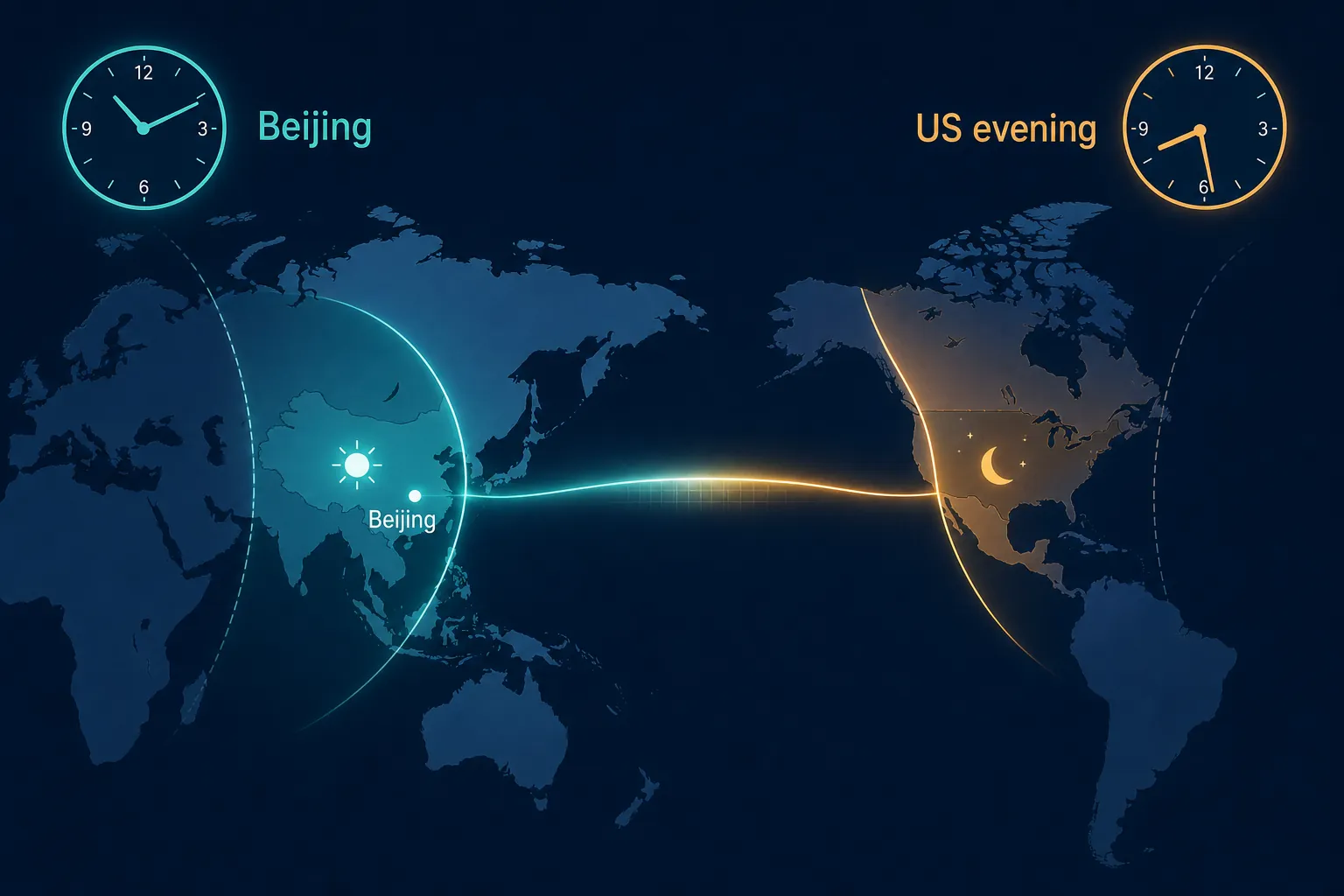
For a US Home Assistant household, the first Beijing peak window is the one to notice. Converting from Beijing time in late July: 9:00–12:00 in Beijing is 6:00–9:00 p.m. Pacific Time on the previous calendar day, and 9:00 p.m.–midnight Eastern Time on the previous calendar day. The second Beijing window, 14:00–18:00, maps to 11:00 p.m.–3:00 a.m. Pacific and 2:00–6:00 a.m. Eastern. That timezone mapping is my calculation from the official Beijing windows, not a DeepSeek statement about US usage.
| Official Beijing peak window | US Pacific overlap in late July | US Eastern overlap in late July | Smart-home relevance |
|---|---|---|---|
| 9:00–12:00 | 6:00–9:00 p.m. previous day | 9:00 p.m.–midnight previous day | Can overlap evening voice use |
| 14:00–18:00 | 11:00 p.m.–3:00 a.m. | 2:00–6:00 a.m. | Mostly late-night or early-morning use |
This does not make Flash expensive by itself. Doubling thirteen cents is still twenty-seven cents. It does mean that a household using Assist heavily during US evening hours should avoid treating off-peak math as a guaranteed bill. If you are comparing local Ollama against a remote API, dependency timing is part of the cost model: local fallback is not only about dollars, it is also about what happens when remote price rules or availability change.
Agentic turns are where the bill can stop looking like voice control
A light command such as “turn on the kitchen lights” is usually one model call plus whatever service call Home Assistant executes. A troubleshooting agent is different. It may inspect device state, call a tool, read the result, revise the plan, call another tool, and keep going. Token pricing guides often hide this by pricing one prompt and one answer.
Tessl’s June 2026 evaluation is useful here because it reports task-level cost, not just raw model rates. In that evaluation, DeepSeek Flash cost $0.0236 per task versus $0.183 for DeepSeek Pro on Fireworks pricing; Tessl also notes a mean of about 20 turns per task and worst-case costs around 10x the mean.[6]
That does not prove your Home Assistant install will average 20 turns. Most voice commands should not. It does prove that “one user request” and “one model call” are not the same unit once you let an assistant reason with tools. If you keep Flash as a conversational brain for ordinary Assist commands, the official rates look almost comically cheap. If you point it at broad diagnostic workflows and let it loop, the number of turns becomes the real bill driver.
Third-party routes: useful, but not the baseline
After the official-rate calculation, third-party routes are worth checking for integration convenience, availability, and observability. They should not replace the first-party table as the baseline, because each route can have its own pricing, caching behavior, and model-version mapping.
| Route or source | Listed or reported price signal | How to use it |
|---|---|---|
| Artificial Analysis | Blended $0.06 per 1M tokens at a 7:2:1 cache-hit/input/output ratio for the 0731 checkpoint | Good sanity check for blended-cost math, not a Home Assistant bill by itself |
| OpenRouter | $0.09 per 1M input tokens and $0.18 per 1M output tokens; claims effective pricing after prompt caching runs 60–80% below provider list | Useful route if you already use OpenRouter; verify caching and model mapping |
| Requesty / DeepInfra | $0.10 per 1M input tokens and $0.20 per 1M output tokens | Another route comparison point; still separate from official DeepSeek billing |
| Tessl evaluation | $0.0236 per task for Flash versus $0.183 for Pro on Fireworks pricing | Useful reminder that task turn count can dominate per-token list prices |
Artificial Analysis reports a blended $0.06 per 1M tokens for DeepSeek V4 Flash using a 7:2:1 cache-hit/input/output ratio for the 0731 checkpoint.[7] OpenRouter lists DeepSeek V4 Flash at $0.09 per 1M input tokens and $0.18 per 1M output tokens, and says effective pricing after prompt caching is 60–80% below provider list.[8] Requesty’s DeepInfra route lists $0.10 per 1M input tokens and $0.20 per 1M output tokens.[9]
Those numbers are all close enough to support the same practical conclusion: the model is cheap to try for text Assist workloads. They are not interchangeable invoices. If you use OpenRouter because the Home Assistant integration path is cleaner, price the OpenRouter route. If you use a DeepSeek key directly, price the official route. If a custom component exposes token sensors you trust, measure the actual calls your house creates.
Setup paths and what to measure
There are three practical paths worth distinguishing. Home Assistant’s OpenAI-compatible conversation-agent work gives you the general pattern for cloud LLM control; OpenRouter can sit in the middle if you prefer that integration route; and the HACS deepseek_conversation component is relevant because it exposes token sensors rather than leaving you to estimate from logs.[4][5][8]
If you need the mechanics of wiring an OpenAI-style conversation agent into Home Assistant, use NestGrid’s ChatGPT smart-home setup recipe as the baseline pattern. For voice and media-control context, the streaming-app voice-control guide is a better companion than a generic API-pricing calculator.
- Measure calls per day and separate human-visible commands from hidden model turns.
- Measure cache-hit input, cache-miss input, and output separately if your route exposes them.
- Run the test during the hours your household actually uses voice control.
- Keep a local fallback if losing the remote API would break important automations.
- Recalculate after adding large areas, aliases, scripts, media players, or diagnostic tools to the exposed context.
Go/no-go cost judgment for Home Assistant
For ordinary text-based Home Assistant Assist voice and chat use, DeepSeek V4 Flash is financially safe to test at the official rates checked Jul 31, 2026. A normal household command pattern can plausibly land in the cents-per-month range when repeated context hits cache, and it still does not become scary in the simple no-cache examples above. The cases that need attention are large exposed contexts, evening usage if the announced peak surcharge goes live, and agentic workflows that multiply one request into many tool turns.
The hard boundary: this 0731 checkpoint is text-only for this cost check. Camera analysis, vision-based AI Tasks, and multimodal automations need a separate model and a separate bill estimate. For the live integration and benchmark caveats around the same checkpoint, keep the companion NestGrid status post, Should you wire DeepSeek V4 Flash into Home Assistant?, next to this cost sheet.
References
- Pricing, DeepSeek API Docs
- 价格说明, DeepSeek API Docs
- Updates, DeepSeek API Docs
- AI in Home Assistant, Home Assistant, September 11, 2025
- Homeassistant-Deepseek-Integration, GitHub
- Same quality, a quarter of the cost: Should DeepSeek Flash be your model of choice?, Tessl, June 2026
- DeepSeek V4 Flash, Artificial Analysis
- DeepSeek: DeepSeek V4 Flash, OpenRouter
- deepinfra/deepseek-ai/DeepSeek-V4-Flash, Requesty
Resolution
Investigating — no confirmed fix yet.
Protocol background
For general spec/firmware mechanics, see Compatibility & Protocols.
No linked protocol reference for this update yet.