
Troubleshooting
No power outage notification
Learn how to configure your smart home hub to detect and notify you when mains power drops, comparing methods across Home Assistant, SmartThings, Hubitat, and HomeKit with detection latency, cost, and internet dependency.
Putting a smart home hub on a UPS solves only half of the outage problem. The hub may stay awake, but it still needs something to detect that mains power disappeared, and it needs a route out of the house long enough to send the notification. If the router, modem, ISP equipment, or cellular path is gone, the cleanest automation in the world becomes a private diary entry.
So the useful question is narrower than “how do I make my smart home report a power outage?” It is: which signal can your hub actually see, how quickly will that signal arrive, and what still has to be powered for the alert to reach you?
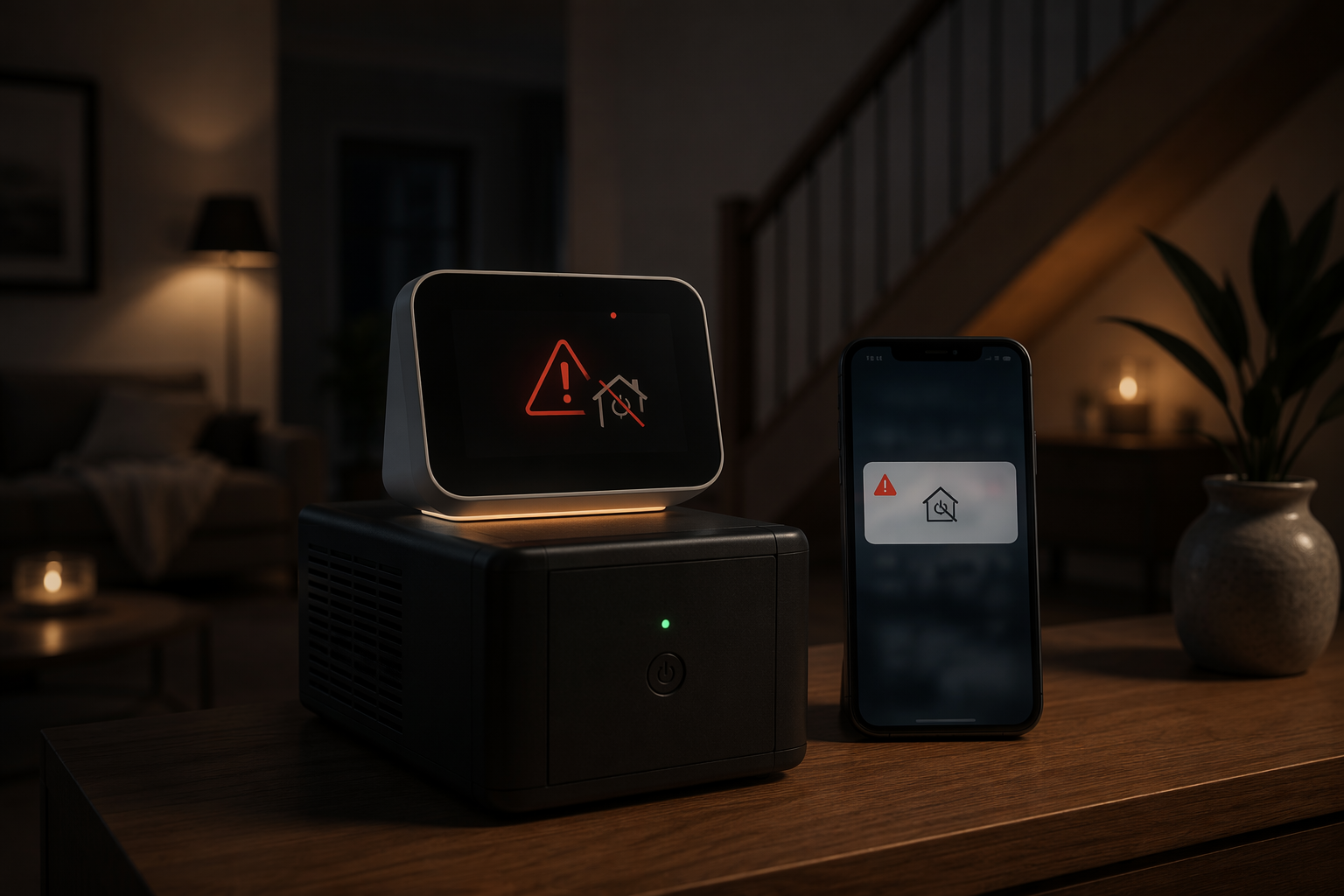
Start With The Signal, Not The Alert
A power outage can show up inside a smart home as several different events. Some are direct: a device reports “mains disconnected.” Some are local but indirect: a UPS reports “on battery.” Others are guesses: a smart plug stopped reporting, the hub vanished from the cloud, or the router rebooted close to the same time as Home Assistant.
Those differences matter. A freezer alert, sump pump alert, or remote cabin alert should not depend on a vague device-offline state if a cleaner signal is available. Offline is a symptom. It is not a diagnosis.
| Detection method | What it really detects | Typical latency | Hub/platform fit | Internet dependency | Status |
|---|---|---|---|---|---|
| Battery-backed Z-Wave range extender, such as Zooz ZAC38 | Mains power disconnected/restored at the outlet | Near-instant to hub-dependent | Best fit for compatible Z-Wave hubs, especially Hubitat and Home Assistant with Z-Wave | Hub and outbound network still need power, unless notification is local-only | Confirmed manufacturer behavior for ZAC38; battery and cycle-life figures are manufacturer claims [1] |
| UPS with NUT in Home Assistant | UPS changes from line power to battery | Near-instant when connected locally | Home Assistant with supported UPS/NUT setup | Local detection does not require internet; remote notification still does | Documented Home Assistant community pattern [2] |
| Smart plug or energy-monitoring plug offline/low-power rule | A mains-powered device stopped reporting, or load dropped below a threshold | Polling-dependent; community examples include roughly 10-minute threshold-style alerts | Home Assistant, Hubitat, SmartThings depending on device support | Usually needs hub and network path alive | Workaround, not proof of outage [2][3] |
| SmartThings hub-offline cloud notification | The SmartThings cloud can no longer reach the hub | Indeterminate; depends on cloud heartbeat behavior | SmartThings, especially when the hub is not running on backup batteries | Depends on SmartThings cloud and phone notification path | Zero-cost inference; cannot distinguish power loss from internet loss [4][5] |
| Standalone cellular outage alarm such as iSocket | Mains power loss at the device | Device/service dependent | Independent of smart home hub | Does not need Wi-Fi or hub; depends on cellular service | Commercial standalone option; listed at $189 plus about $4 per month for cellular service [6] |
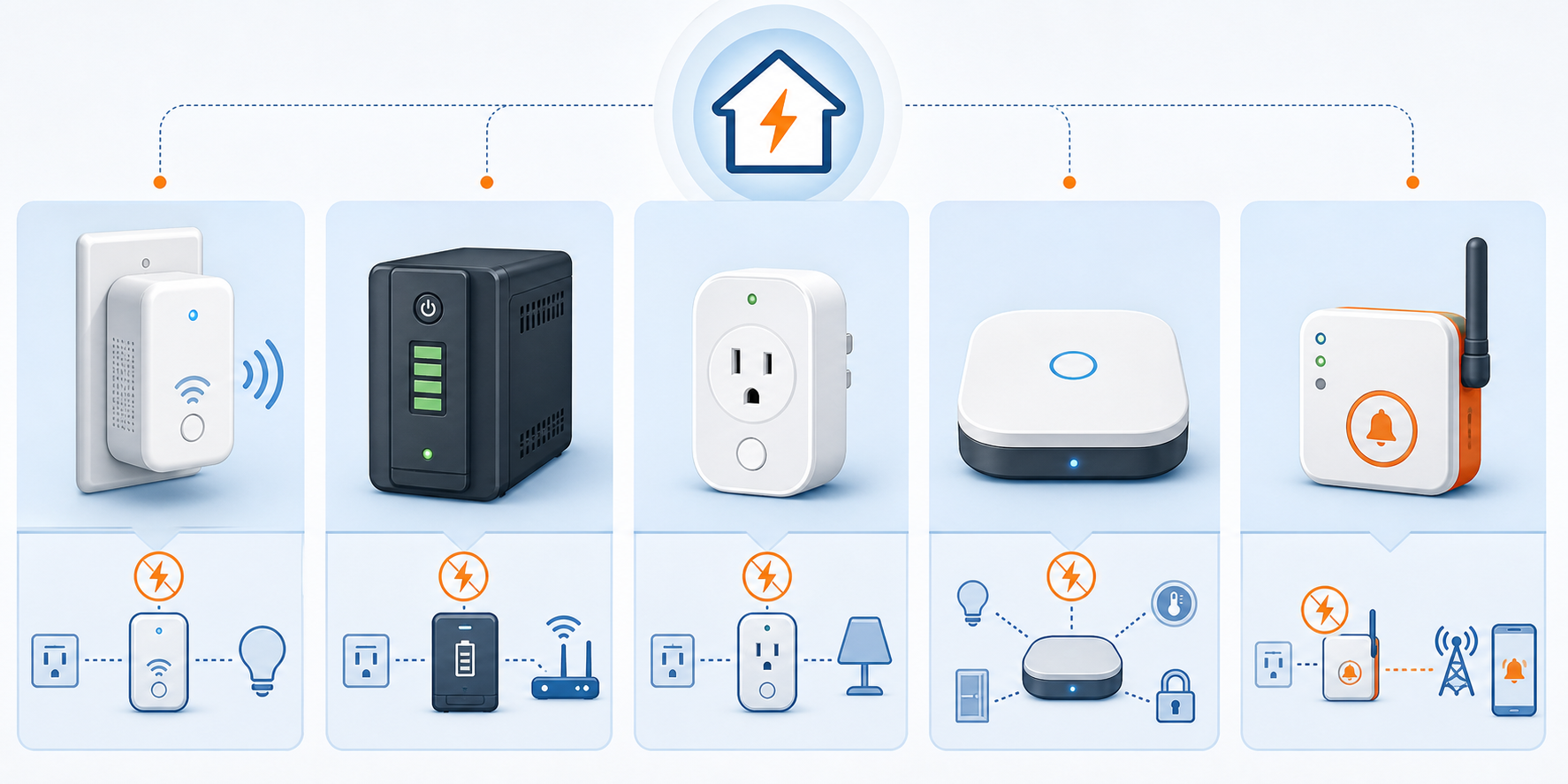
The Cleanest Smart-Home Signal: A Device That Reports Mains Loss
The Zooz ZAC38 is the most straightforward smart-home-native option in the documentation here because it is designed to report explicit mains power disconnected and mains power restored events, rather than making the hub infer outage from a missing device heartbeat. Zooz describes the ZAC38 as an 800 Series Z-Wave range extender with power outage alert reporting; its support material lists 24–96 hours of battery life, 500 full charges, and more than 10 years of expected cycle life [1].
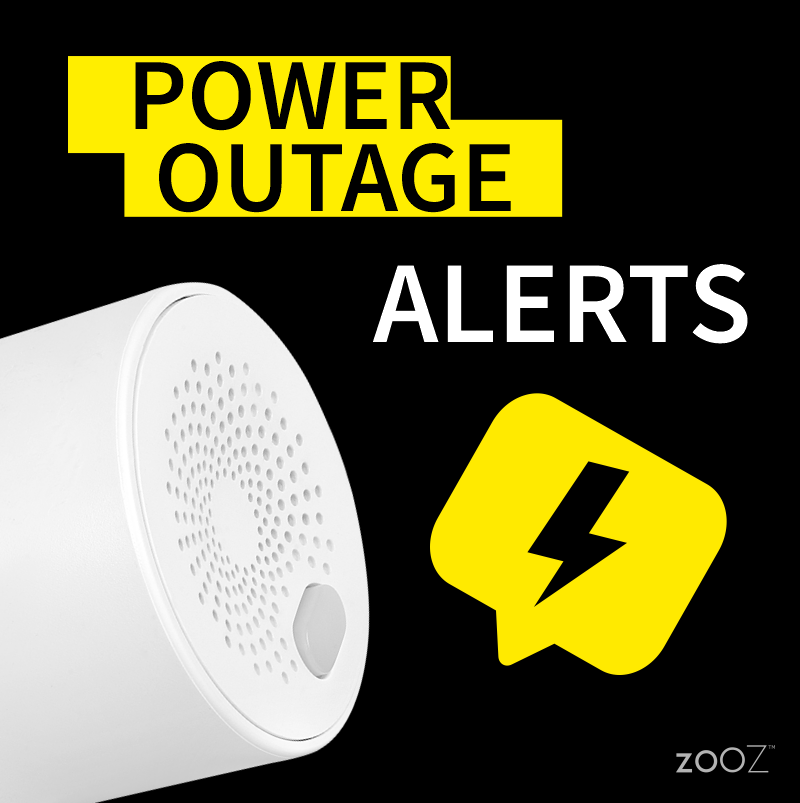
Treat those battery and cycle-life figures as manufacturer specifications, not independent endurance test results. They are still useful planning numbers, but they should not be read as a promise that every outlet location, mesh condition, and battery age will behave the same way.
Configuration is usually simple in concept: include the device to the Z-Wave hub, find the event or attribute that changes when mains is disconnected, and build a notification rule on that event. The rule should send one alert on power loss and a separate alert on restoration. Do not use only “device offline” if the hub exposes a specific mains event; that throws away the one thing this method does better than the cheaper workarounds.
- Use this method when you have Z-Wave, a hub that exposes the ZAC38’s power events, and a router/modem path that stays up long enough to notify you.
- Avoid relying on it alone when the hub, Z-Wave radio, or outbound internet connection dies at the same time as mains power.
- Place the device on an outlet that represents the circuit you care about. An extender on a live UPS-backed outlet will not tell you that a separate freezer circuit failed.
Home Assistant: Use Local Evidence When You Can
Home Assistant has the richest set of practical outage-detection patterns in the available documentation. The best one depends on what Home Assistant can see locally. If the server is on a UPS and the UPS can report status over USB, serial, or a NUT-connected path, that should usually be your first stop. The community pattern is direct: when the UPS switches to battery, Home Assistant can see the state change locally, without waiting for a cloud service or a powered-down plug to time out [2].
UPS With NUT
With NUT, the detected event is not “the whole house is out.” It is “this UPS is now on battery.” In many homes that is exactly what you need, because the UPS is plugged into mains and supports the Home Assistant box, router, and modem. In a more complicated electrical layout, it only proves that the outlet feeding that UPS lost line power.
- Connect the UPS to the Home Assistant host or to a NUT server that Home Assistant can reach locally.
- Add the NUT integration and identify the entity that reports line power, battery state, or UPS status.
- Create an automation that fires when the UPS changes to battery.
- Create a second automation for return to line power so you know whether the outage is still active.
- Test with a controlled unplug of the UPS from the wall, not by cutting power to the whole network.
alias: Notify when UPS switches to battery
trigger:
  - platform: state
    entity_id: sensor.ups_status
    to: "On Battery"
action:
  - service: notify.mobile_app_your_phone
    data:
      title: "Power outage detected"
      message: "The UPS is running on battery. Check mains power and network status."
That example is intentionally generic. Your UPS entity may use a different state name, and some integrations expose multiple sensors rather than one friendly status field. The important part is the trigger source: a local UPS state change beats a cloud timeout.
Smart Plug Offline State
A mains-powered smart plug can be useful when you have no UPS telemetry and no Z-Wave power-loss device. Put the plug on a non-UPS outlet, keep Home Assistant and the network on backup, and alert when the plug becomes unavailable. The problem is latency and ambiguity. The plug may be offline because the circuit is dead, because the mesh is unhealthy, because Wi-Fi is unstable, or because the integration is slow to declare it gone.
Use this as an inference, not as a primary truth source. If the alert says “power may be out” rather than “power is out,” it is less likely to mislead someone who is making a real decision from a distance.
Relay Sensor And Uptime Heuristics
The Home Assistant community also documents two more technical patterns: wiring a Z-Wave or Zigbee contact sensor to a relay on the mains line, and comparing Home Assistant and router restart timestamps within a five-minute window to infer a brief outage [2]. The relay approach can produce a strong local signal, but it crosses into electrical work and should not be treated as a casual smart-home tweak. If you are not qualified to work around mains voltage, skip it or hire someone who is.
The uptime heuristic is clever and cheap. It is also narrow. It can help explain that a short outage probably happened after everything comes back, but it is not a dependable live alert for a sump pump or freezer while the outage is still unfolding.
Hubitat: Rule-Based Alerts Work Well If The Signal Is Good
Hubitat is a natural fit for rule-based power alerts because it can act locally when the hub, radio, and notification path are still alive. Community examples include using the Zooz ZAC38 and energy-monitoring smart plugs to trigger Hubitat notifications on power-loss conditions [3].
The same ranking applies here: prefer a device that reports mains loss directly; use energy or availability rules when that is all the hardware can expose. A ZAC38-style event can support a rule that says “mains power disconnected.” An energy-monitoring plug usually supports a softer conclusion, such as “this outlet load dropped” or “this device is no longer reporting.”
- Pair the Z-Wave power-loss device or smart plug to Hubitat.
- Confirm which attribute changes during a controlled wall-power interruption.
- Create one rule for power loss and one rule for power restoration.
- Send the alert through a path that still works during an outage, such as a backed-up network connection or a notification service reachable through cellular on your phone.
The practical test is not whether the rule saves correctly. It is whether the rule fires when the device is unplugged from mains while the hub remains powered, and whether your phone receives the message before the UPS network stack goes dark.
SmartThings: Hub-Offline Alerts Are Easy, But Blunt
SmartThings users have a simple zero-cost pattern: let the hub go unreachable and rely on the SmartThings cloud to notify you. Community discussions describe using hub-offline notifications when the hub is not kept alive by backup batteries [4][5].
That can be enough if your only goal is to know that the site went dark in some meaningful way. It is not enough if you need to distinguish a utility outage from a cable modem failure, router crash, ISP outage, or someone unplugging the hub. The cloud sees absence. It does not inspect your breaker panel.
If you keep a SmartThings hub and router on UPS, the hub-offline trick may stop being useful for mains detection because the hub no longer disappears when power fails. In that setup, you need a device-level signal: a supported smart plug that drops offline, an energy-monitoring rule, or a compatible device that reports power loss. Treat latency as variable unless you have tested the exact device and automation path.
HomeKit: Limited Data, So Verify Before Depending On It
The available HomeKit-specific documentation is thin, so this is not the place to pretend parity with Home Assistant or Hubitat. The safe guidance is bounded: HomeKit can notify from accessory states and automations that its ecosystem exposes, but the sources here do not establish a HomeKit-native equivalent to a documented ZAC38 mains-loss event or a NUT-style UPS integration.
If HomeKit is your main interface, verify three things before trusting an outage alert: whether the accessory reports a distinct power-loss state rather than merely going offline, whether your Apple home hub and network remain powered, and whether the notification still leaves the home when the circuit you care about is dead. A smart plug that disappears from HomeKit may be a useful clue, but it carries the same false-positive problem as every other offline-state method.
When The Internet Dies Too
A local hub can detect an outage perfectly and still fail to notify you if the broadband path collapses with the neighborhood. This is common enough that it should be designed around, not discovered during the first storm.
For remote cabins, freezers, pump rooms, and sites where the ISP equipment is not likely to survive a power failure, a standalone cellular alarm belongs in the comparison. iSocket sells a cellular power outage alarm that texts or calls on power loss without Wi-Fi or a smart home hub; its current U.S. page lists the device at $189 and cellular service at about $4 per month [6].
That is not as elegant as folding everything into one hub dashboard. It is often more honest. If the thing you need most is an outbound alert from a place where the router may be dead, a separate cellular path can be the difference between an alert and a silent log entry.
Choose By Constraint
Pick the method by the weakest link in your setup, not by the cleverest automation you can write.
| Your setup | Best first choice | Why |
|---|---|---|
| You have Z-Wave and a compatible hub | Battery-backed Z-Wave extender with explicit mains-loss events | It reports the event you actually care about instead of making the hub infer from silence. |
| You run Home Assistant on a UPS | UPS status through NUT | The detection is local and fast, and it does not depend on a cloud heartbeat. |
| You have only smart plugs available | Offline or energy-threshold alert, labeled as “possible outage” | It is workable, but latency and false positives are part of the method. |
| You use SmartThings and want a free basic warning | Hub-offline cloud notification | It is simple, but it cannot tell power failure from internet failure. |
| The site often loses broadband during outages | Standalone cellular outage alarm | It avoids depending on the same internet path that may fail with mains power. |
| You use HomeKit only | Verified accessory-state automation, with caution | The current documentation does not support a broad HomeKit-specific claim. |
After choosing the method, run one controlled test: keep the hub and notification path alive, remove mains from the monitored device or UPS input, and time how long it takes for the phone to receive the alert. Then restore power and confirm that a separate recovery notification arrives. That one test will expose most bad assumptions: the wrong outlet, a plug that takes too long to go unavailable, a router that is not actually on the UPS, or a notification service that cannot leave the house.
Recovery behavior, device reconnect order, and keeping automations useful during a long outage are separate continuity problems. For the notification itself, the decision is tighter: detect a real mains-loss signal when possible, preserve a communication path long enough to send it, and label inferred alerts honestly when that is all your hub can see.
References
- How Can I Monitor for Power Outages Using My ZEN15 Power Switch? — Zooz Support Center
- Simple way to recognize a power outage — Home Assistant Community
- Hub Power Loss Notification — Hubitat Community
- How to get an alert in case of power outage/failure — SmartThings Community
- Cheap and Easy Power Outage Notifications — SmartThings Community
- Power Outage Alarm — iSocket
Report an issue with this fix
If this fix didn't work, is out of date, or the status label looks wrong, tell us — we re-verify before changing a Confirmed label.