
Setup
Smart home thunderstorm alert setup across all platforms
A consolidated reference for thunderstorm alert setup on Home Assistant, Alexa, SmartThings, Hubitat, and IFTTT. Find the exact integration name, trigger configuration, and automation actions each platform supports, so you don't have to search through separate forum threads.
A supported smart-home platform (Alexa, Home Assistant, SmartThings, Hubitat, or IFTTT) and associated hardware (Echo, Home Assistant server, SmartThings hub, Hubitat hub, etc.)
A smart home thunderstorm alert setup sounds simple until the platform tabs start multiplying. Alexa has a voice command. Home Assistant has at least three credible routes. SmartThings has a useful SmartApp with a legacy dependency. Hubitat has the kind of filtering that keeps an alert from becoming household noise. IFTTT can still bridge an alert feed to lights, but that does not make it the same kind of setup as a hub-native automation.
Start with the platform you already run, then decide whether you need a basic weather-service alert, configurable automation logic, or a local lightning trigger. The table is the shortcut.
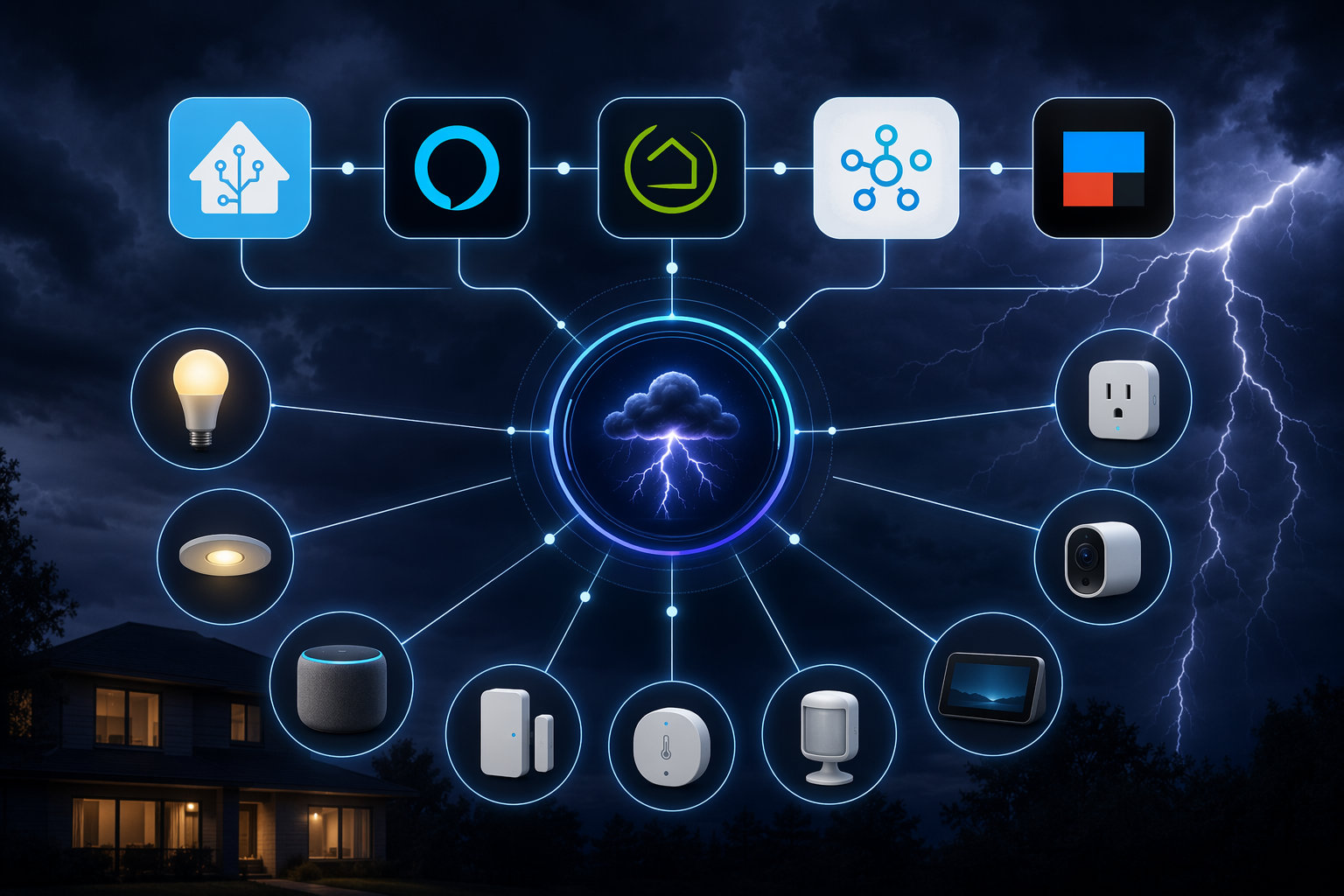
| Platform | Integration or app | Trigger source | Timing or polling behavior | Supported alert actions | Maintenance caveat |
|---|---|---|---|---|---|
| Alexa | Built-in proactive severe weather alerts | Alexa severe weather alerts for the device location | Enabled by saying: “Alexa, tell me about severe weather alerts” | Echo announcements and Alexa notifications | Fastest setup; narrowest automation scope |
| Home Assistant | Built-in NWS integration | National Weather Service alerts and weather data | Cloud polling; available in Home Assistant 0.99+ | Notifications, automations, scripts, lights, speakers, device actions through Home Assistant | Good basic path, but not the most configurable NWS alert option |
| Home Assistant | HACS NWS Alerts integration | NWS alerts by GPS, zone, or county | Polls every 60 seconds by default | Notifications, automations, scripts, lights, speakers, device actions through Home Assistant | Community integration; better controls, but more to maintain |
| Home Assistant | WeatherFlow local integration | WeatherFlow Tempest local UDP data, including lightning event entity | Local UDP traffic on port 50222 | Local lightning and precipitation-triggered automations | Requires WeatherFlow/Tempest hardware |
| SmartThings | Severe Weather Alert SmartApp | NWS county-level alerts | Legacy SmartApp behavior; timing depends on the SmartApp and source | Push notifications; device actions possible through IFTTT + Weather Underground extension pattern | Depends on the legacy IDE, so availability beyond 2026 is uncertain |
| Hubitat | NOAA Weather Alerts community app | NOAA/NWS weather alerts using coordinates | App-managed alert checks | Notifications, TTS, speaker alerts, filtering by severity and urgency, device logic through Hubitat | Community app, but strong local-hub style control |
| IFTTT | NWS RSS feed to Hue applet pattern | NWS RSS feed item | IFTTT cloud trigger timing | Hue light changes and other IFTTT-supported actions | Useful bridge, not a full modern hub-native weather system |
The shortest working setup is Alexa
If the job is simply “make the house tell us about severe weather,” Alexa is the least fussy answer. Say, “Alexa, tell me about severe weather alerts,” and Alexa enables proactive severe weather alerts on Echo devices without requiring an extra skill or additional hardware. GearBrain reports that the feature works on all Echo models.[1]
That simplicity is also the boundary. Alexa is not where you go first if you want to filter by alert severity, turn specific lights red only after sunset, pause a robot mower, or treat lightning within a local distance differently from a countywide warning. It is the right first setup for a household that owns Echo speakers and wants a low-maintenance alert before the next storm.
Home Assistant: choose the alert source before building the automation
Home Assistant is where the setup choice matters most, because “weather alert” can mean three different things: a built-in National Weather Service integration, a more configurable HACS NWS Alerts integration, or local WeatherFlow Tempest events. Those are not interchangeable.
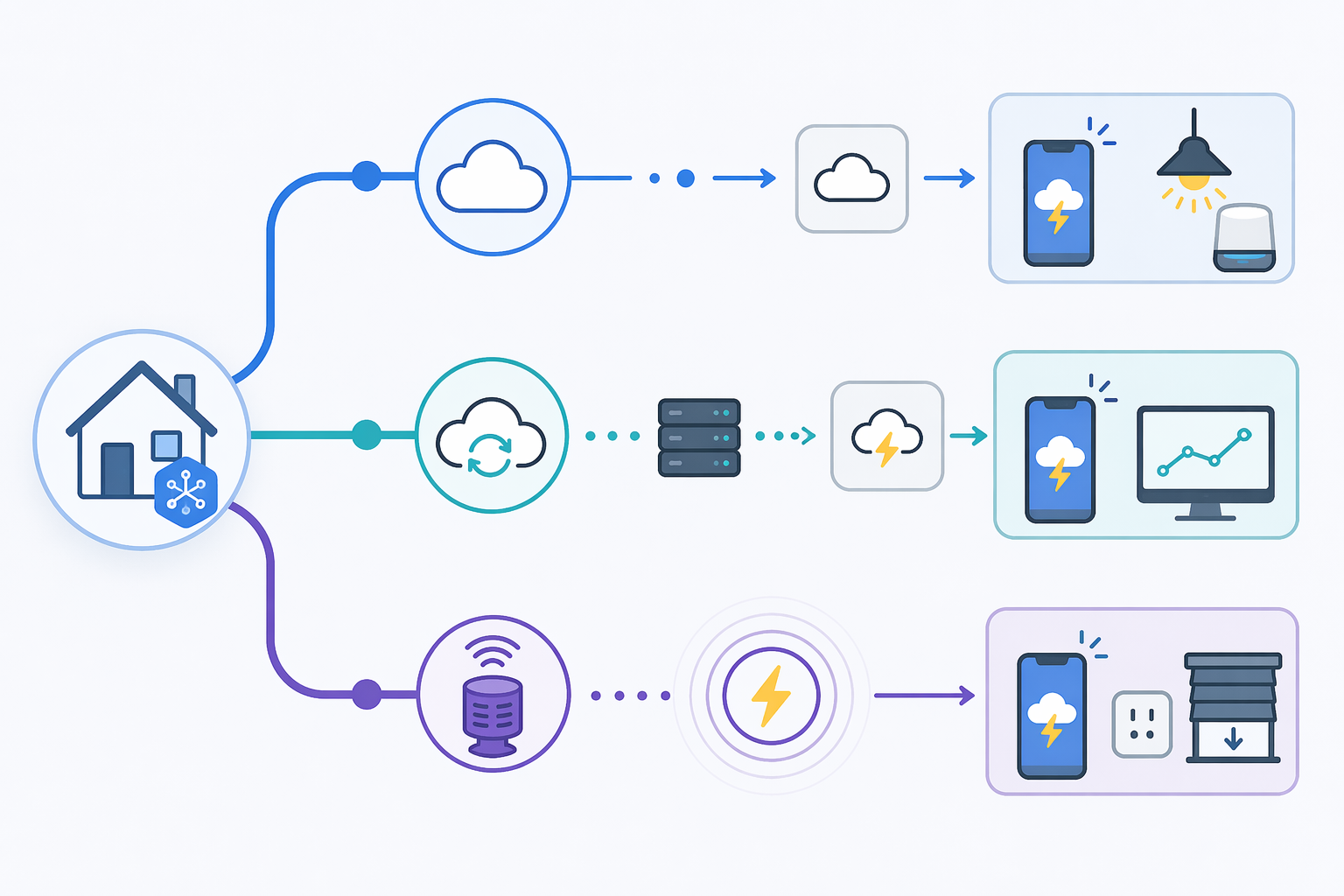
Built-in NWS integration: the lowest-friction Home Assistant path
The built-in NWS integration is the cleanest Home Assistant starting point if you want official National Weather Service data without adding a community component. It is a cloud-polling integration and has been available since Home Assistant 0.99.[2]
Use this path when the automation is basic: send a mobile notification, announce on a speaker through an existing script, or change a light when an alert entity indicates relevant weather. The setup stays inside Home Assistant’s supported integration catalog, which matters if someone else may have to maintain it later.
HACS NWS Alerts: better controls for NWS-driven automations
The HACS NWS Alerts integration is the better fit when the alert itself needs more shape. It supports GPS, zone, and county configuration, and its default polling interval is one minute. The project shows roughly 172 GitHub stars in the Q3 2026 source check.[3]
That one-minute polling behavior is a practical middle ground: fast enough for many alert automations, while staying within reasonable use of the NWS API. The NWS API rate limit is not publicly documented in these sources, though it typically resets within about five seconds; multiple Home Assistant instances polling the same source are where a tidy setup can become less tidy.
A sensible Home Assistant automation from this source usually starts with a narrow trigger, not with every possible weather headline. For example, trigger only on severe thunderstorm warnings for the configured zone, then route the action through one script that handles notifications, lights, and speaker volume. That keeps the alert behavior editable in one place when the household inevitably asks for “less dramatic lights” or “no bedroom announcement after midnight.”
WeatherFlow Tempest: local lightning is a different kind of trigger
WeatherFlow is not just another cloud weather feed in Home Assistant. The Home Assistant WeatherFlow integration listens to local UDP data on port 50222 and exposes a lightning event entity; the integration page lists roughly 2,196 active installations in the Q3 2026 source check.[4]
The Tempest station itself detects lightning up to 40 km and exposes local event triggers for lightning and precipitation.[5] That changes the setup question. NWS alerts are about official alert areas; Tempest events are about what the station detects near the home. For outdoor lighting, pool equipment routines, patio announcements, or “bring people inside” automations, that local event can be more useful than waiting for a broader alert category.
Do not treat every lightning event as equally actionable. The source notes warn that Tempest lightning detection can occasionally report false positives from environmental interference, and Home Assistant community guidance commonly mitigates this with a distance filter around 10 km and a cooldown period. That is the difference between a useful local warning and a jumpy light show.
| Home Assistant path | Best use | Avoid when |
|---|---|---|
| Built-in NWS | Basic official NWS alert awareness with minimal maintenance | You need faster, more configurable NWS alert filtering |
| HACS NWS Alerts | NWS alert automations by GPS, zone, or county with one-minute polling | You do not want to maintain HACS or community integrations |
| WeatherFlow | Local lightning and precipitation-triggered automations | You do not own Tempest hardware or only need countywide official alerts |
Hubitat is the strongest fit when alert noise is the real enemy
Hubitat’s NOAA Weather Alerts community app is the setup to look at when a thunderstorm alert should do more than simply exist. The app supports severity filtering across moderate, severe, and extreme alerts; urgency levels; TTS across multiple speaker types; and custom coordinates.[6]
Those controls matter because weather automations fail socially before they fail technically. If every advisory turns on every bulb and speaks through every speaker, people start muting the system. Severity and urgency filters let the hub reserve the loud behavior for alerts that deserve it.
A practical Hubitat setup can be split into two layers. The NOAA Weather Alerts app handles the weather source, coordinates, filtering, and speech. Hubitat rules then decide what the home should do: flash selected lights, speak only on downstairs speakers, send a push notification, or run a device-control routine. That division keeps the weather logic from being tangled into every light rule.
- Use severity filtering to keep moderate alerts from triggering the same response as severe or extreme alerts.
- Set coordinates deliberately instead of relying on a broad default location if the property sits near county or forecast boundaries.
- Route TTS to speakers people can actually hear during a storm, not every speaker the hub can address.
- Keep one test notification path that does not require waiting for real weather.
The app is still a community app, so it carries the usual maintenance reality: watch the release thread, keep a copy of your configuration decisions, and avoid building a life-safety promise around a hobbyist integration. As a configurable smart-home alert, though, it is one of the more satisfying paths because the alert can be precise without becoming quiet.
SmartThings works, but the legacy dependency is the catch
The SmartThings Severe Weather Alert SmartApp sends NWS county-level push notifications. In the community thread used for this guide, the setup is tied to the legacy IDE at developer.smartthings.com, and users discuss extending it through IFTTT plus Weather Underground for device actions.[7]
That is enough to say it can work. It is not enough to call it future-proof. Samsung has been migrating away from the legacy SmartThings IDE, and the continued availability of that SmartApp path beyond 2026 is uncertain based on the available sources. If you already have it installed and working, document it. If you are starting fresh in Q3 2026, treat the legacy dependency as a real setup risk, not a footnote.
| SmartThings route | What it gives you | What to watch |
|---|---|---|
| Severe Weather Alert SmartApp | NWS county-level push notifications | Legacy IDE dependency |
| SmartApp plus IFTTT extension | Possible device actions through a bridge pattern | More moving parts and cloud dependencies |
| Tempest Edge driver or Tempest-linked approach | A potentially more current path for local weather-station events | Hardware requirement and driver-specific maintenance |
For SmartThings households, the cleanest decision is whether push notification is enough. If it is, the SmartApp may still satisfy the job where available. If the home needs lights, switches, or sirens to react, a bridge or newer device-driven route deserves more attention than trying to stretch a legacy SmartApp into a long-term automation backbone.
IFTTT is still useful as a bridge, especially for lights
IFTTT’s best role here is narrow and honest: connect an alert source to a visible action when the main platform does not do that cleanly. CNET documented a pattern using NWS RSS feeds to trigger Philips Hue lights, and described it as a weather-change notification approach that has been active for over a decade.[8]
That RSS-to-Hue pattern is easy to understand. A feed item appears, IFTTT sees it, Hue changes state. For a hallway bulb, porch lamp, or office light that should shift color when an alert appears, this can be good enough. It is less appealing when you need careful filtering, local reliability, or a coordinated whole-home announcement.
Use IFTTT when the desired action already lives in IFTTT’s connector world and the consequence of delay or missed nuance is low. Do not use it to pretend a cloud bridge is the same thing as a local Hubitat rule or a Home Assistant automation built around a known entity.
Pick the action after you pick the source
The alert source decides what the home can know. The action decides whether anyone will keep the setup enabled.
| Action | Best platform fit | Good trigger source | Setup note |
|---|---|---|---|
| Push notification | Alexa, Home Assistant, SmartThings, Hubitat | NWS or NOAA alert | Best first action because it is visible and easy to test |
| TTS announcement | Hubitat, Home Assistant, Alexa | Filtered severe alert | Use fewer speakers than you think; noisy systems get muted |
| Light color or flashing | Home Assistant, Hubitat, IFTTT with Hue | Severe alert or RSS feed item | Keep the pattern distinct from normal accent lighting |
| Outdoor or device control | Home Assistant, Hubitat | Tempest lightning event or filtered alert | Add cooldowns and conditions so one storm does not thrash devices |
| Local lightning response | Home Assistant with WeatherFlow | Tempest lightning event | Use distance filtering and a cooldown to reduce false-positive annoyance |
A good first version is boring: one notification, one audible announcement if the household wants it, and one visible signal in a common area. Add device control only when the trigger is specific enough to justify it. A countywide alert can tell people to pay attention; a local lightning event can justify changing outdoor behavior.
The Q3 2026 decision rule
Use Alexa when you want the fastest no-hardware severe weather alert and already have Echo devices. Use Home Assistant when you want to choose between official NWS polling, configurable NWS alerts, and local WeatherFlow events. Use Hubitat when filtering, urgency, TTS, and coordinate control are the difference between a useful alert and household noise. Use WeatherFlow Tempest when nearby lightning or precipitation should drive the automation. Use SmartThings only with clear awareness that the Severe Weather Alert SmartApp depends on the legacy IDE. Use IFTTT when bridging an alert source to lights is good enough.
References
- Alexa can now notify you of severe weather alerts, Gearbrain
- National Weather Service (NWS), Home Assistant
- nws_alerts, GitHub
- WeatherFlow, Home Assistant
- Tempest Integrations, WeatherFlow
- [RELEASE] NOAA Weather Alerts, Hubitat Community
- SmartApp: Severe Weather Notifications Help Needed, SmartThings Community
- Use smart lights to notify you of changes in weather, CNET
Report a step that didn't work
Tell us which step failed and on what firmware or app version — we re-verify before changing the recipe.