
Setup
Hurricane-Ready Smart Home: What Actually Survives a 7-Day Outage
A device-by-device setup recipe for the 4–7 day outage window proven by Hurricanes Helene and Milton — covering cellular cameras, battery-backed hubs, portable power stations, and the single connectivity fallback that keeps your home off-grid and operational.
Cellular cameras, battery-backed Z-Wave/Zigbee hub, LiFePO4 power station, smart lock with key override, smoke/CO alarm, water shutoff with cellular, Starlink Mini or Xfinity Storm-Ready WiFi
Hurricanes Helene and Milton left some homes in the dark for 4 to 7 days, while Direct Relief's survey of 80 healthcare organizations found a median outage of 47 hours and a maximum of 19 days.[1][2] That spread is the whole problem: a smart home that needs clean Wi-Fi and 120V power is not hurricane gear, it is a guess with a glossy app.
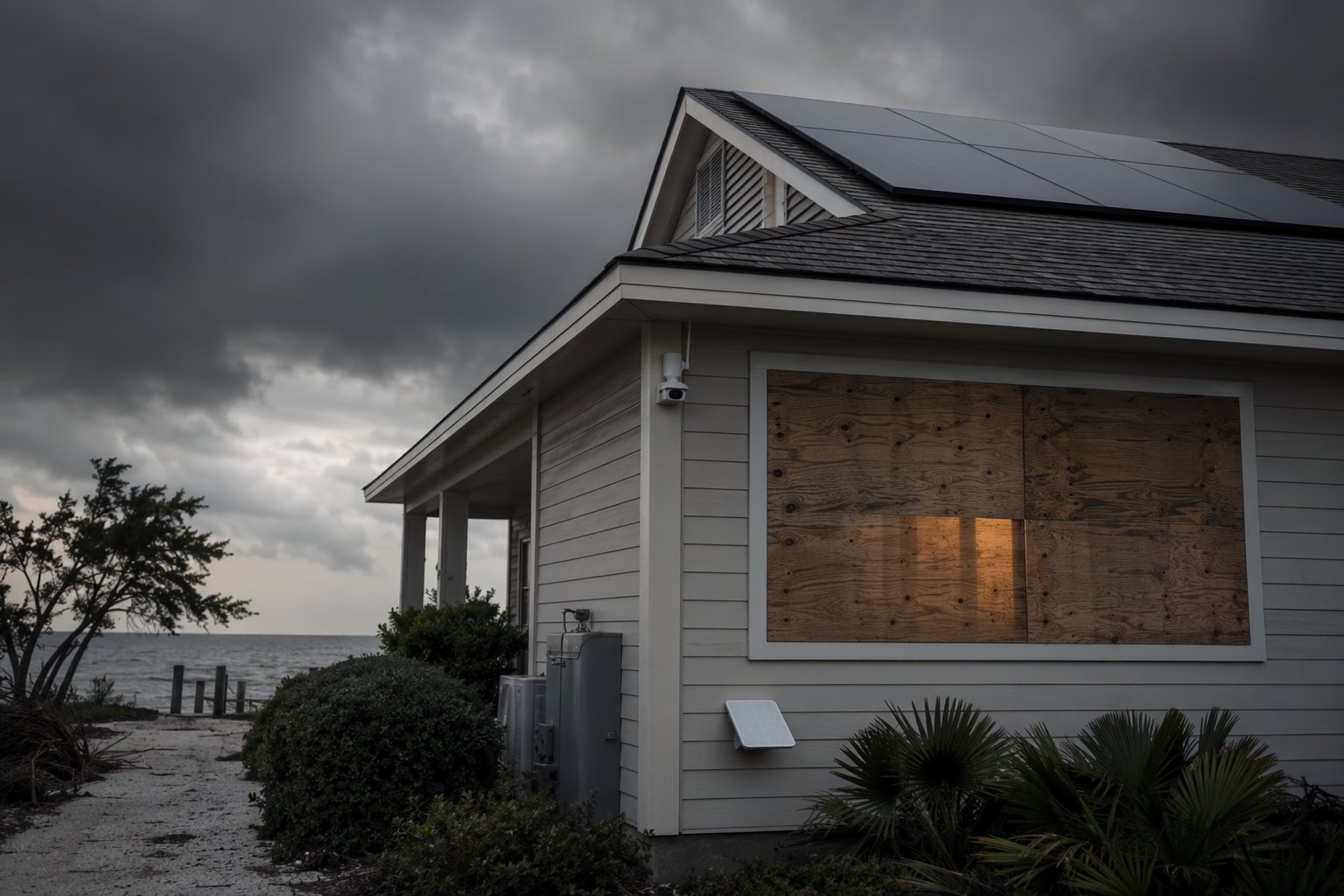
What Actually Qualifies
SmartHomeExplorer's proprietary SHE resilience score puts fallback connectivity at 25% of the total, which is the right instinct even though the score itself is editorial, not an industry standard.[1] The filter is simple: if a device does not publish a real off-grid runtime, a battery-backed path, or a physical override, it stays out. That is why Wi-Fi cameras that can go dark within 30 minutes of a grid drop do not belong in a hurricane setup.[1]
| Role | What earns a place | Dependency / fallback | What to verify before landfall |
|---|---|---|---|
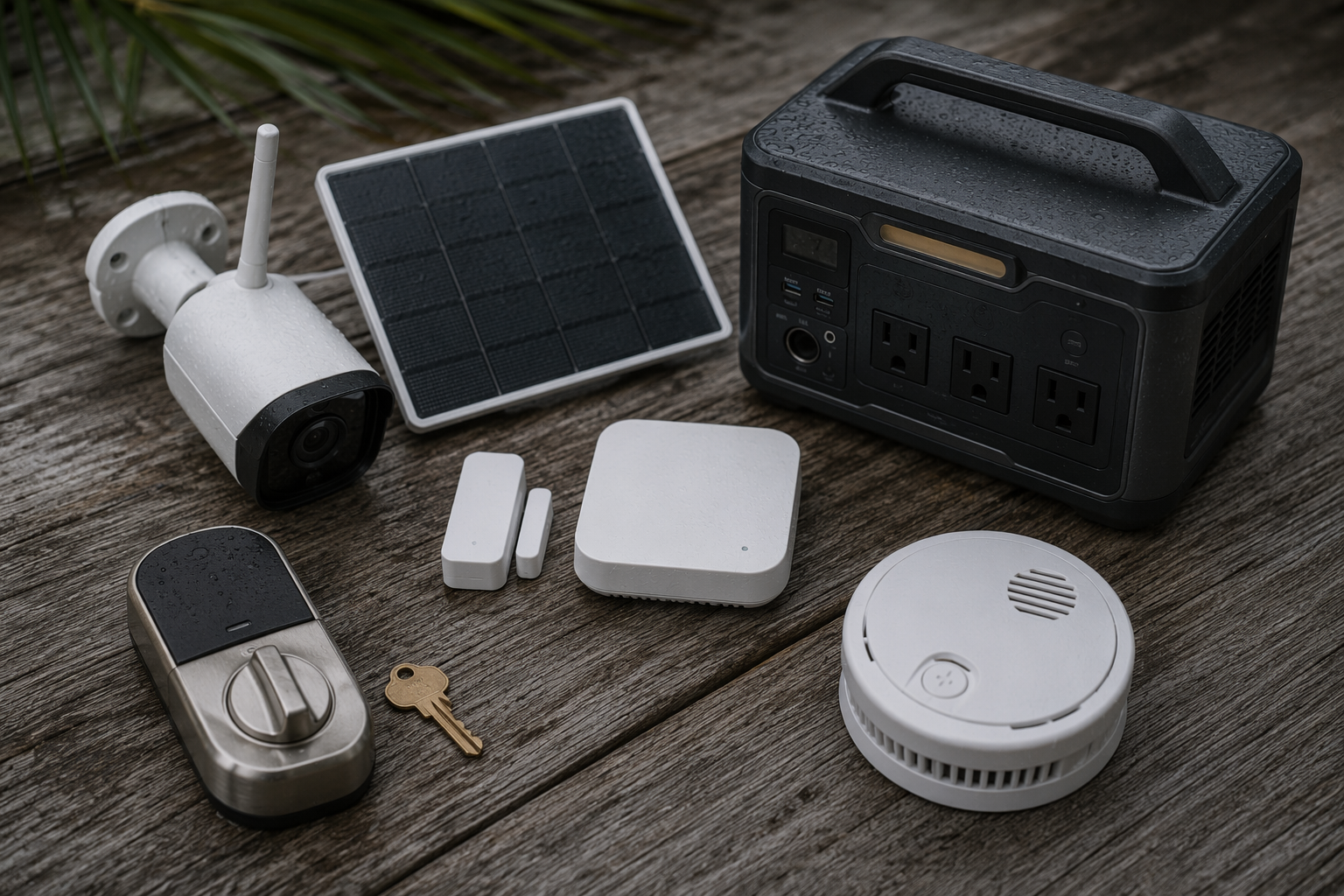
| Exterior cameras | Reolink Go PT Ultra; Eufy 4G LTE S330 | 4G LTE plus solar, so they do not depend on home Wi-Fi or grid power [1] | Confirm cellular signal at the mounting spot and keep the solar panel clear |
| Entry and motion sensors | Z-Wave/Zigbee sensors on a hub with battery backup | Local mesh recovery within minutes after power returns [1] | Back up the hub itself, not just the sensor batteries |
| Portable power | LiFePO4 power stations such as EcoFlow DELTA Pro 3 and Anker SOLIX C800 | Standalone AC output for the loads that matter; DELTA Pro 3 is published to run a fridge and lights for 5 to 7 days at a 150 to 250W average load [7] | Test your actual fridge-and-lights draw, not the marketing demo |
| Locks | Battery-backed smart locks with physical key fallback, including Lockly Vision Elite and Level Bolt | A lock that still opens by hand if the battery path fails [1][3] | Make sure everyone knows where the physical key lives |
| Smoke and CO | First Alert SC5 SMCO600NV | Sealed 10-year lithium battery and 85dB local alarm [1] | Do not trade an audible alarm for an app notification |
| Water shutoff | Phyn Plus 2nd Gen with cellular add-on | Ultrasonic sensing, no moving parts, and an optional $79 cellular module for off-grid remote shutoff [1] | Set it up before evacuation, not after the wind starts |
| Connectivity fallback | Starlink Mini Standby or Xfinity Storm-Ready WiFi | Starlink Mini was listed at $5/month Standby and $199 hardware as of May 2026; Xfinity Storm-Ready WiFi advertises 4 hours of battery backup and LTE failover at 30/7 Mbps [1][4] | Choose one live path and test it on a calm day |
This is also where Matter gets overread. Matter-over-Thread can keep local control without internet, but that only holds if the specific border router and device implementation actually behave that way in your house.[5] Useful for lights and scenes, yes. A replacement for the comms layer, no.
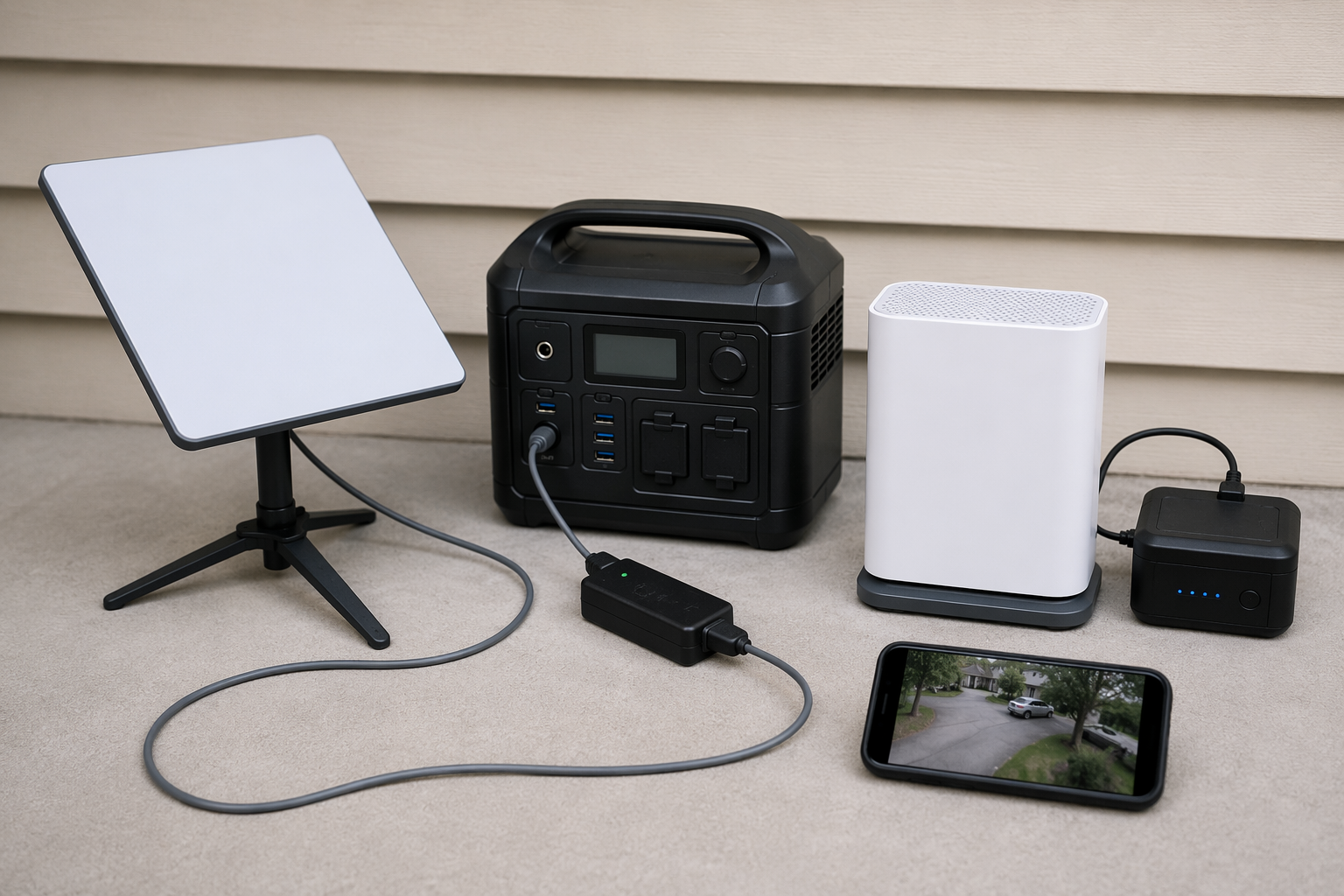
The Connectivity Layer Is the Hinge
The house can lose the internet and still stay useful if the hub stays alive and one upstream path still exists. That is the part most people skip while they spend time on app demos. If you already run Somfy, Lutron, or Control4 shutters, tie them to one Storm Mode scene so the pre-landfall closeout is a single action, not a memory test.[6]
Pre-Season Checklist
- Pick one connectivity survival layer and test it on a calm day: Starlink Mini Standby if you want a storm-only path, or Xfinity Storm-Ready WiFi if your cable service and LTE backup both work where you live.[1][4]
- Put the hub on battery backup and pair only the sensors you will actually want when the power is out; the mesh returning within minutes is useful only if the hub never fully dies.[1][5]
- Install cellular cameras where they can see the approach, feed them from their solar panel if they have one, and ignore any model that still needs home Wi-Fi to be reachable.[1]
- Set the smart lock to its physical fallback, store the key where the family can reach it, and enable Rain Mode if the model offers one.[3]
- Charge the LiFePO4 station, then run the fridge-and-lights load you actually plan to support; published runtime only matters at the draw you will use.[7]
- If your shutters already tie into Somfy, Lutron, or Control4, build one Storm Mode scene now so the pre-landfall closeout is a single tap.[6]
Pre-Landfall Checklist
- Switch alerts to the devices that still have a path out: cellular cameras, local alarms, and the battery-backed hub.
- Trigger remote water shutoff before evacuation if the house uses it; that is the point of the cellular add-on.[1]
- Leave cloud-only dashboards alone. If they stop answering after the router dies, they were never part of the hurricane plan.
If a device does not show verified runtime, a backup path, or a physical override, it is not hurricane gear. The workflow is boring on purpose: set it up before the season, arm it when the cone tightens, and expect only the battery-backed and cellular pieces to keep working when the outage starts.
References
- SmartHomeExplorer hurricane guide, SmartHomeExplorer
- Direct Relief outage study, Direct Relief, 2025-08
- EcoFlow hurricane kit, EcoFlow
- Lockly hurricane door guide, Lockly
- Comcast Storm-Ready WiFi press release, Comcast, 2023-08
- Matter Alpha, Matter Alpha
- Lafferty motorized shutters, Lafferty Hurricane Protection
Report a step that didn't work
Tell us which step failed and on what firmware or app version — we re-verify before changing the recipe.