
The easiest cooling mistake happens before lunch. The blinds stay half open because nobody is home to move them. The fan waits until someone feels sweaty. The window stays shut through the cool part of the morning, then opens after the outdoor air has turned into soup. By the time a room feels hot, the walls, floor, furniture, and air have already absorbed hours of heat.
That is where smart home tips to stay cool without AC become more than gadget advice. The useful devices are not the ones with the prettiest app screens. They are the ones that act at the boring times: before direct sun hits the glass, before plug loads add warmth all afternoon, before the upstairs bedroom traps heat for the night, and before a person has to choose between bad sleep and running a compressor.
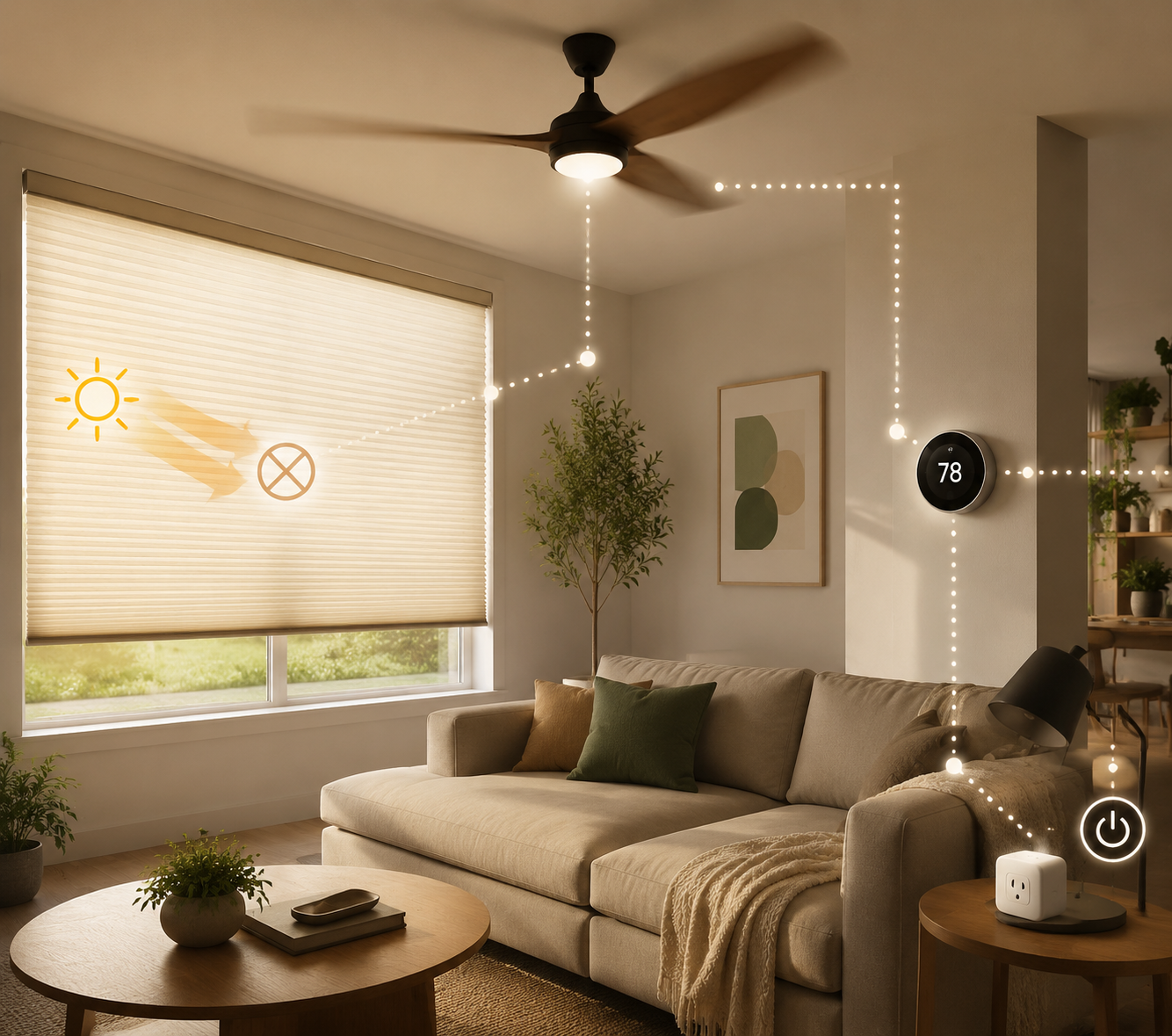
A well-timed no-AC routine can make a home meaningfully cooler, and in the right building and climate, layered measures can produce indoor temperature improvements in the 10–30°F range. That upper end is not a promise for every apartment in a humid heat wave. It is what becomes plausible when solar heat is blocked early, indoor heat sources are cut, air is kept moving around people, and cooler outdoor air is used aggressively when it is actually cooler.
Start With the Heat That Has Not Entered Yet
Windows deserve more attention than they usually get in smart cooling advice because they are often where the fight is lost. The Department of Energy data cited by Consumer Reports and CNET says smart window coverings can cut solar heat gain by up to 77%. The same sources note that 76% of sunlight on standard double-pane windows becomes heat, while 75% of blinds never move from their daily position.[1]
That last number is the practical problem. Manual shade advice assumes someone is home, paying attention, and willing to interrupt whatever they are doing when the sun angle changes. In real houses, the east window cooks the kitchen during breakfast, the west window bakes the bedroom at 4 p.m., and the blinds are still where they were yesterday.
Automated shades, smart blinds, curtain bots, and even reminder-based routines all solve the same failure: timing. The goal is not to make the room dark all summer. It is to close the right covering before direct sun hits the glass, then reopen it when the sun has moved or the outdoor temperature drops.
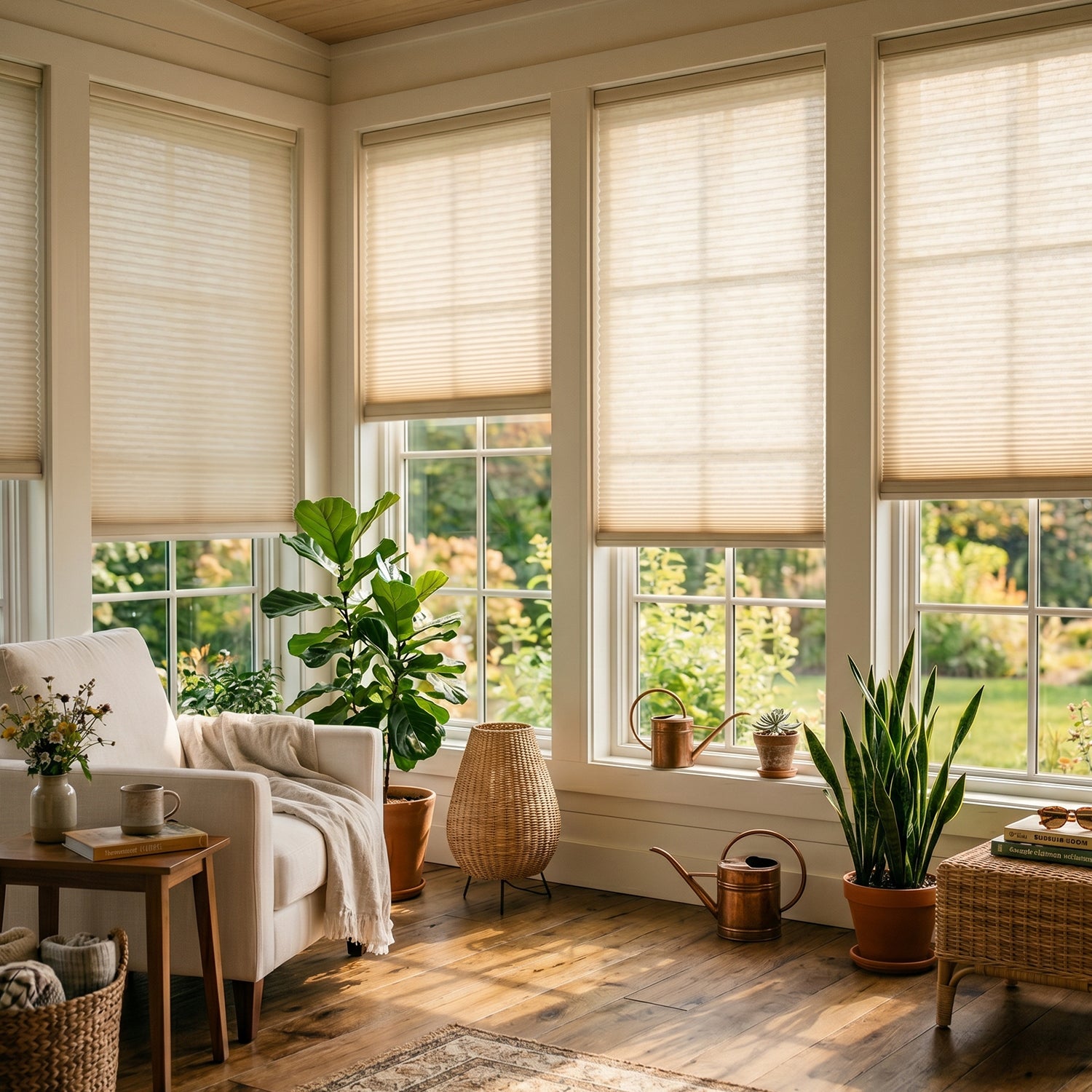
Cellular shades are especially useful because they add a layer of insulation at the window. Products such as Lutron Serena Architectural Honeycomb shades and SmartWings cellular shades are examples of the kind of motorized covering that can be scheduled by time, sun exposure, or smart home scene. They are not the only way to do it; they are simply proof that the routine can be built without inventing anything exotic.
For renters or anyone who cannot justify motorized shades, the modest version still works: use a smart speaker reminder, a phone automation, or a cheap contact sensor as a prompt. If the west-facing bedroom is the problem, the automation can be as plain as a 1:30 p.m. reminder that says, “Close west blinds now.” A dumb shade moved at the right time beats a smart shade left open.
| Window situation | Best timing | Smart-home version | Budget version |
|---|---|---|---|
| East-facing glass | Close before morning sun reaches the room | Automated shade schedule tied to sunrise or time | Morning reminder before work or school |
| South-facing windows | Keep covered through the strongest midday sun | Scene that lowers shades during peak daylight | Light-filtering shades or curtains closed before noon |
| West-facing windows | Close early afternoon before late-day heat builds | Temperature or sun-angle routine | Phone alarm for early afternoon |
| Windows that cannot be shaded inside | Block heat before it reaches the glass | Motorized exterior shade where allowed | Awnings, film, or removable exterior shading if permitted |
Exterior shading can be even more effective because it stops solar heat before it crosses the glass. DOE figures cited by Consumer Reports say window awnings can reduce solar heat gain by up to 65% on south-facing windows and 77% on west-facing windows. Reflective window film can block up to 78% of solar heat, though appearance, lease rules, and window warranties matter before applying it.[1]
Build the Day Around Heat Prevention, Not Rescue
A no-AC smart home routine works best as a schedule, not a panic button. The exact times change by climate, window direction, work schedule, and building age, but the pattern is simple: cool and open when outdoor air helps, seal and shade when the sun is doing damage, move air around occupied bodies, and dump stored heat when the outside finally becomes useful again.
| Time of day | What the home should do | Devices that can help |
|---|---|---|
| Early morning | Bring in cooler air if outdoor temperature is lower than indoor temperature | Window fans, smart plugs, temperature sensors |
| Before direct sun | Close the coverings on exposed windows | Smart blinds, automated shades, reminders |
| Midday and afternoon | Reduce internal heat and keep air moving only where people are | Smart plugs, ceiling fans, smart bulbs, occupancy sensors |
| Evening | Check whether outdoor air is cool enough to flush the home | Window fans, whole house fan, thermostat or room sensors |
| Overnight | Ventilate if safe, dry, and cooler outside; shut down when outdoor air warms | Window sensors, smart plugs, fan timers |
If the home has a smart thermostat but the air conditioner is off or absent, the thermostat still has a job. It can act as the temperature brain for routines: when the upstairs passes a chosen threshold, turn on a fan; when the room drops overnight, turn the fan off; when no one is home, stop powering comfort devices in empty rooms. For homes that do run AC sometimes, ENERGY STAR and Honeywell Home cite DOE guidance that a 7–10°F setback for 8 hours can save up to 10% on cooling costs.[2]
Without AC, a setback does not create cold air. What it creates is discipline. It prevents the smart home from spending electricity on the wrong room at the wrong time, and it gives fans and shades a shared reference point instead of a collection of separate app schedules.
Cut the Small Heat Sources Nobody Notices
Plug loads will not heat a home like west-facing glass, but they are still worth controlling because every unnecessary watt used indoors becomes heat indoors. The Alliance to Save Energy and ENERGY STAR materials describe standby draw in the range of 5–15 watts per device, depending on the equipment.[3]
A smart plug is useful here when it shuts off things people forget: a game console, a printer, a desk setup, a decorative lamp, a basement dehumidifier that should not run during the hottest afternoon unless humidity requires it, or chargers grouped on a power strip. The comfort gain from one plug is small. The routine matters because it removes a background heat drip that otherwise runs all day.
- Put entertainment centers, office gear, and rarely used appliances on smart plugs or switched power strips.
- Turn off nonessential plug loads during the hottest afternoon hours.
- Avoid scheduling heat-producing appliances such as ovens, dryers, or dishwashers during peak indoor heat.
- Use smart bulbs or LEDs in rooms where lights stay on; LED smart bulbs use up to 90% less energy and produce far less heat than incandescent bulbs.[3]
This is supporting work, not the main cooling engine. Cutting standby power will not save a sun-baked bedroom by itself. It does make the rest of the plan less wasteful, and it is one of the cheapest parts to automate.
Use Fans for Bodies, Windows for Heat, and Night Air When It Helps
Fans do not lower the temperature of a closed room the way AC does. A ceiling fan cools people by moving air across skin. That distinction matters because it changes the automation: run fans in occupied rooms, not as decoration in empty ones.
The best evidence for smart fan coordination comes from the Center for the Built Environment at UC Berkeley. In a California affordable-housing field study using Big Ass Fans Haiku smart ceiling fans integrated with communicating thermostats, researchers reported 39% aggregate compressor energy savings.[4] That does not mean every ceiling fan saves 39%, and it does not prove the same outcome in every climate or building. It does show why fan timing and thermostat coordination are more valuable than simply telling people to “use a fan.”
For no-AC homes, the same logic applies to comfort rather than compressor savings. A room sensor or thermostat can turn on the ceiling fan when a bedroom is occupied and warm, then shut it off after the room empties. If the home sometimes uses AC, the fan can let occupants tolerate a higher thermostat setting because moving air makes the same temperature feel more comfortable.
Window fans do a different job. They are for moving heat out of the building or pulling cooler air through it. A simple smart plug plus window fan pairing can cost under $50, and reporting from CNET and EcoFlow has highlighted this kind of low-cost setup for automated cross-ventilation.[5]

The useful version needs at least one rule: only ventilate when outdoor air is cooler than indoor air. Better routines also consider smoke, humidity, pollen, rain, noise, and security. If those conditions are not acceptable, the automation should not open the house just because the clock says evening.
- Place one fan exhausting hot indoor air from the warm side of the home.
- Open an intake window on the cooler, shaded side if it is safe to do so.
- Use a smart plug or timer so the fan starts when outdoor air drops below indoor temperature.
- Shut windows and stop fans before outdoor air warms in the morning.
Whole house fans are the larger version of the same idea. Vendor data from wholehousefan.com says these fans use about 200–700 watts compared with more than 3,500 watts for central AC, can drop indoor temperatures 10–30°F in minutes under favorable conditions, and can save about 1,200 kWh per summer in a 2,000-square-foot home, or roughly $180–$300.[6] Because that data is vendor-sourced, it should be treated more carefully than an independent field study, but the mechanism is sound: a whole house fan can exchange a large volume of hot indoor air for cooler outdoor air much faster than a small window fan.
The catch is climate. Night flushing works beautifully when evenings cool down. It works poorly when the outdoor temperature stays high, humidity remains heavy, or wildfire smoke makes open windows unsafe. A smart routine should be allowed to skip the flush on bad nights.
A Practical Cooling Routine You Can Actually Automate
The exact devices do not matter as much as the order of operations. A renter with two smart plugs, one window fan, and phone reminders can use the same cooling logic as a homeowner with motorized shades, room sensors, and a whole house fan. The expensive version is smoother. The cheap version still works if the timing is right.
Morning: Capture Cool Air, Then Seal Up
If the morning outdoor temperature is lower than the indoor temperature, run window fans before the sun strengthens. Once the outdoor air approaches the indoor temperature, shut the windows and stop the fans. This is the step people miss because it feels strange to close up a house before it feels hot. Waiting until the room is uncomfortable gives up the advantage.
Late Morning: Block the Sun by Window Direction
Close east-facing coverings early, south-facing coverings before midday, and west-facing coverings before afternoon sun reaches the glass. If smart blinds are available, schedule them. If not, use reminders. The point is to move the covering before heat enters, not after the room is already warm.
Afternoon: Reduce Indoor Heat and Cool People Directly
During the hottest part of the day, the home should behave like it is protecting a cooler interior. Smart plugs shut off nonessential loads. Smart bulbs stay dim or off where possible. Ceiling fans run in occupied rooms, preferably with occupancy sensing or a simple timer. Window fans stay off unless the outdoor air is actually cooler than indoor air, which it often is not in midafternoon.
Evening and Night: Flush Heat Only When Conditions Are Right
When outdoor temperature finally falls below indoor temperature, switch from defense to exhaust. Open safe windows, run a window fan or whole house fan, and create a path for air to move through the home. If the building has an attic fan or whole house fan, this is when it earns its keep. Stop the routine if humidity, smoke, rain, or security concerns make open-window ventilation a bad trade.
Where Evaporative Cooling Fits
Evaporative cooling is useful in the right climate and disappointing in the wrong one. Energy Trust of Oregon and Martha Stewart materials describe evaporative cooling as most effective when humidity is below 40%, with possible air-temperature drops of 5–15°F.[7] In dry regions, a portable evaporative cooler on a smart plug or smart outlet can be scheduled for occupied hours. In humid regions, it can make a room feel clammy without delivering much relief.
This is one place where automation should be conservative. A humidity sensor is more useful than a clock. If indoor humidity climbs, the routine should stop adding moisture even if the temperature number looks tempting.
What a Smart Home Cannot Fix
Smart routines can improve comfort, but they do not erase physics. Poor insulation, unshaded west glass, top-floor apartments, sealed windows, high humidity, and dangerous heat waves can overwhelm no-AC strategies. If indoor temperatures remain unsafe, cooling centers, temporary AC, medical guidance, or relocation during the worst hours may be necessary. Automation should never turn heat risk into a hidden problem just because the devices are following the schedule.
The practical answer is conditional but useful: a smart home can help you stay cool without AC when it coordinates shade, airflow, ventilation, thermostat logic, lighting, and plug loads around the daily heat cycle. It works best when it acts early, skips bad ventilation conditions, and treats comfort as the first goal. The savings follow because the same routines that keep heat out also reduce the need to spend electricity fighting it later.
References
- Energy Efficient Window Coverings, U.S. Department of Energy.
- Programmable Thermostats, ENERGY STAR.
- Standby Power, U.S. Department of Energy.
- Integrating Smart Ceiling Fans and Communicating Thermostats, Center for the Built Environment, UC Berkeley.
- Smart Plug and Window Fan Cooling Setup, CNET.
- Whole House Fan Energy Savings, wholehousefan.com.
- Evaporative Cooling, Energy Trust of Oregon.