
Devices
Which smart home displays support Disney+ streaming?
If you own a Nest Hub or Echo Show and want to stream Disney+, the answer depends on your device. Google's smart displays offer native voice casting, while Amazon's Echo Show lineup requires Fire TV integration—either built-in or via a separate device.
- Apple HomeNot stated
- Google HomeNot stated
- AlexaNot stated
- SmartThingsNot stated
- Home AssistantNot stated
If your goal is to stream Disney+ on a smart home device, the answer splits fast: Google Nest Hub models can do it natively by voice, while Echo Show devices only get there through Fire TV integration [1][2][3]. That is the real compatibility divide, and it matters more than the product pages usually admit.
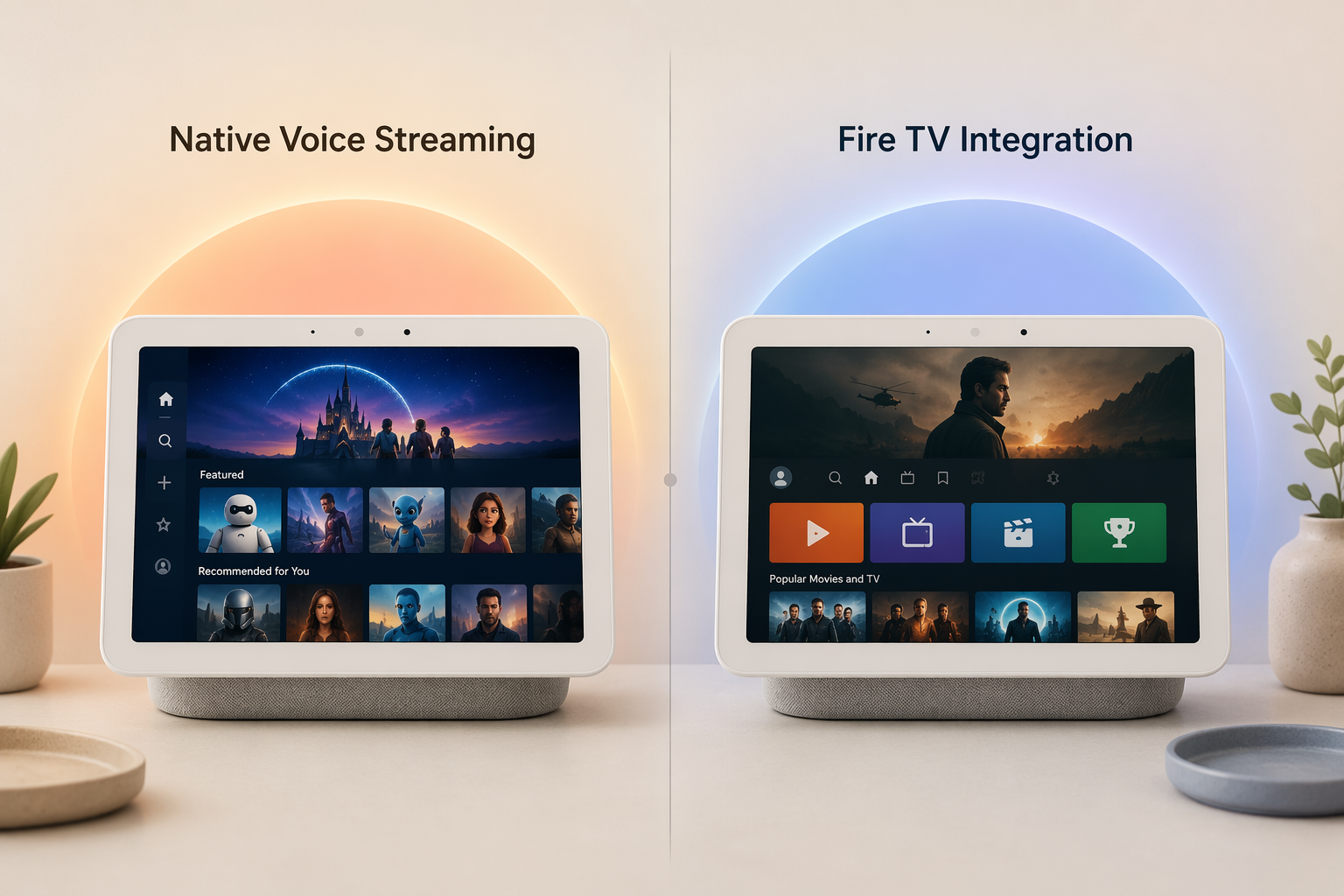
Google Nest Hub: native, but voice-only
Google announced Disney+ support for Nest Hub and Nest Hub Max on September 22, 2020, and the setup guides that followed still describe the same flow: link Disney+ to Google Home, then ask the display to play a title [1][4]. The catch is the one most buyers care about after the fact: this is a voice-controlled path, not a full on-screen Disney+ app, so the display is good at starting playback but not at letting you browse the catalog like a TV.
Echo Show: only through Fire TV
Amazon's side is less direct. The relevant path is Fire TV integration, not a native Disney+ app on the Echo Show itself [2][3]. On newer Echo Show models with built-in Fire TV support, such as Echo Show 15, Echo Show 8 (2025), and Echo Show 21, Disney+ runs through that interface. On earlier Echo Show 5/8/10 models, you need a separate Fire TV device before Disney+ is available on the screen [2][3].
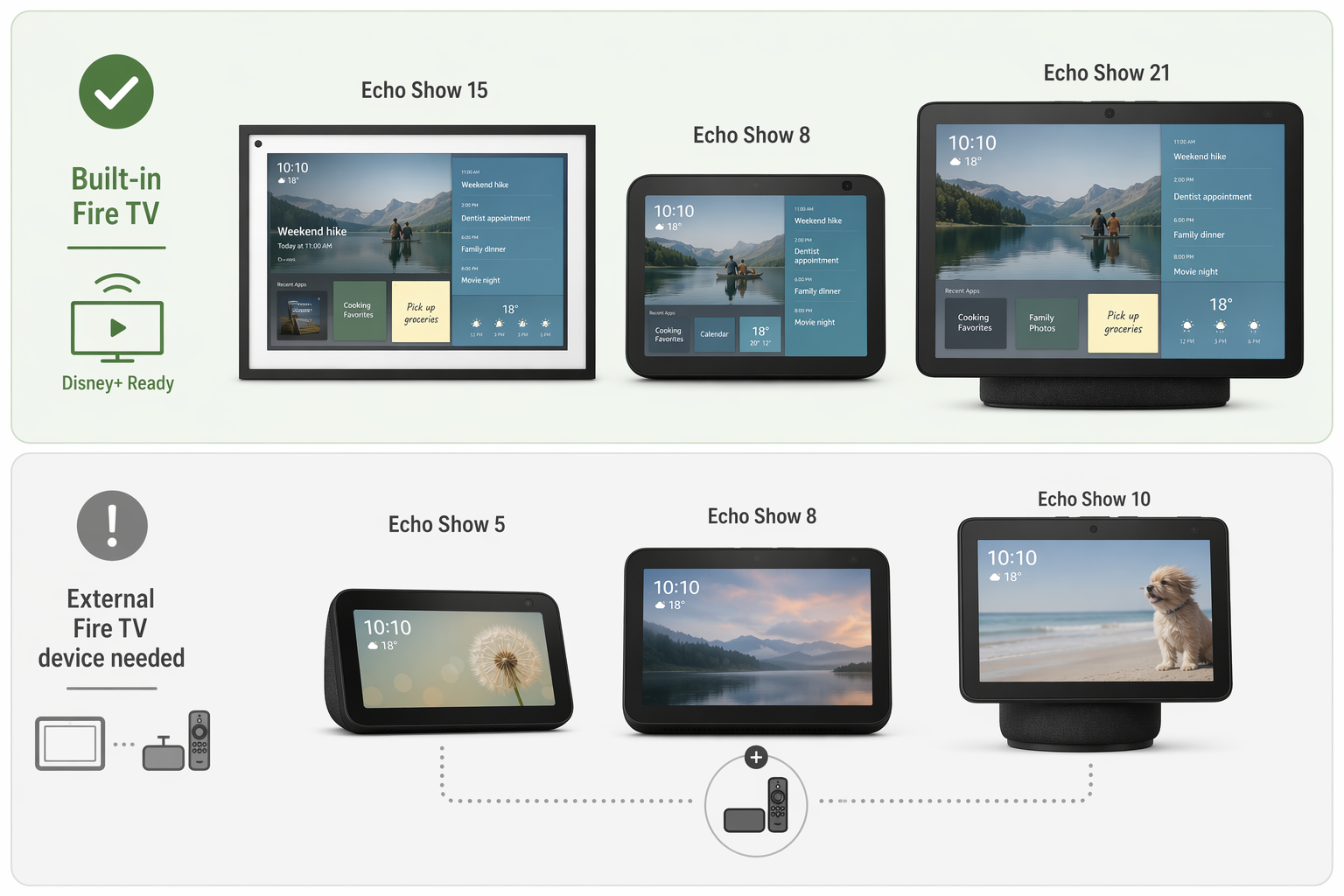
What to confirm before buying
If you already own a Nest Hub, the setup question is simple: link the account and use voice. If you already own an Echo Show, the model number is the whole story; check whether Fire TV is built in or whether you need to add a separate Fire TV device. If you are buying for Disney+ first and smart-display features second, the Nest Hub path is the cleaner one because it avoids extra hardware and avoids pretending a workaround is the same thing as native support [1][2][3].
References
- Need a dose of Disney+? Just ask! - Google Blog, September 22, 2020
- Set Up Fire TV on Your Compatible Echo Devices with a Screen - Amazon Help
- Supported Amazon Fire TV models - Disney+ Help
- How to get Disney+ on Google smart displays - Tech Advisor
Report an issue with this profile
If a compatibility claim looks stale or incorrect, tell us — we re-verify before changing what's published.