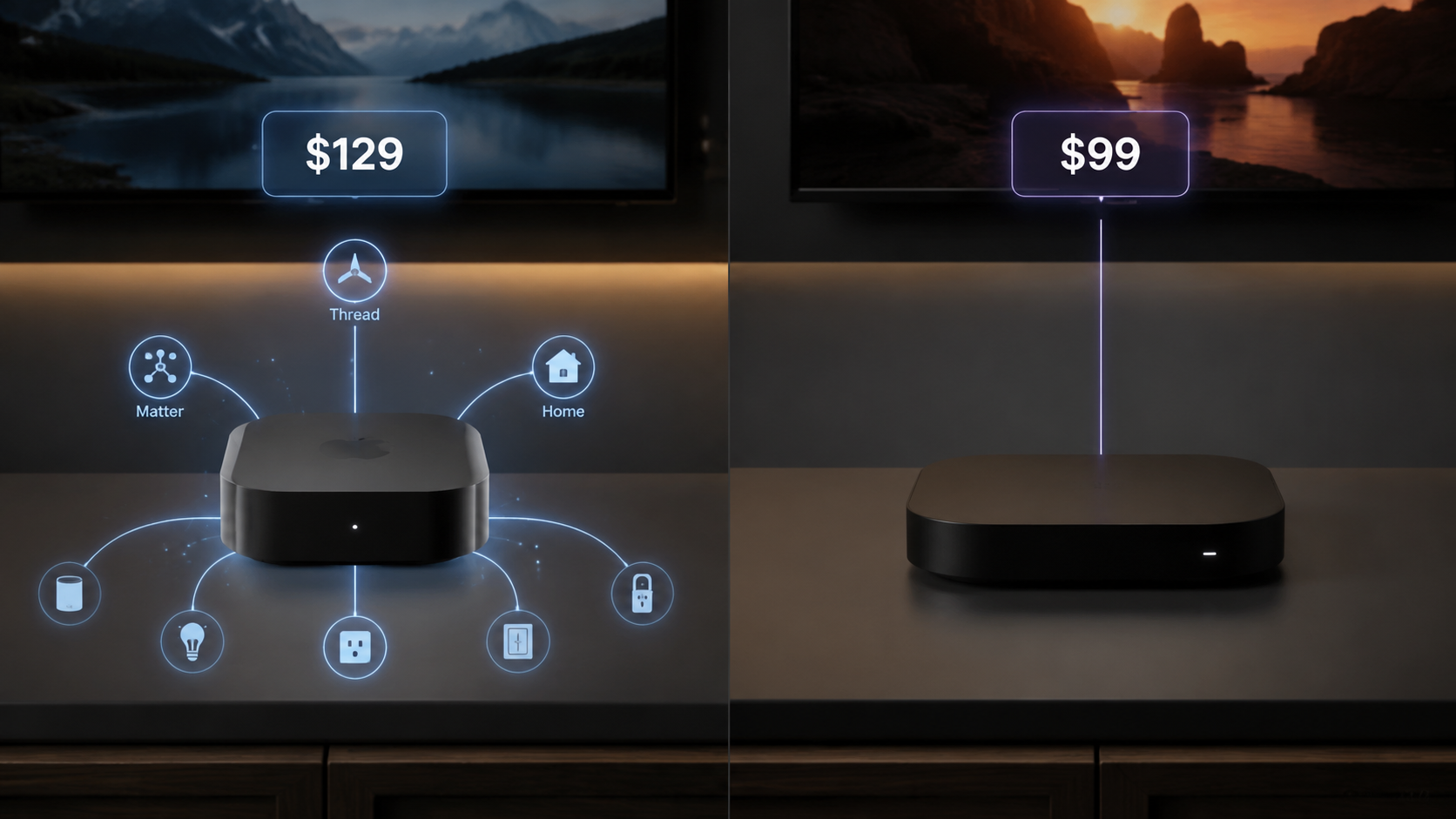
The Apple TV 4K used to be an expensive but easy-to-defend streamer. In 2026, that defense got harder. Apple’s third-generation Apple TV 4K now sits at $199 for the 64GB model and $249 for the 128GB model after a June 2026 price increase from $129 and $149, respectively.[1] The Roku Ultra, meanwhile, remains a $99 flagship streamer and is often found closer to $80 on sale.[2]
That changes the question in any serious Apple TV 4K vs. Roku comparison. This is no longer a soft “which premium streamer feels nicer?” decision. At current pricing, Apple has to justify a $100 to $150 gap. It can—but only if the Apple TV 4K is doing more than streaming.
The short version: buy the 128GB Apple TV 4K if it will serve as part of an Apple Home setup, because that model can act as a Thread border router, Matter controller, and Apple Home hub.[3][4] Buy the Roku Ultra if the job is simply fast, high-quality streaming with Dolby Vision, Dolby Atmos, and a better price.
The Verdict Depends On The Job, Not The Logo
| If this is the job | Better choice | Why |
|---|---|---|
| Apple Home hub, Thread border router, Matter controller, streaming box | Apple TV 4K 128GB | It can replace a separate Apple Home hub device for some households. |
| Premium streaming only | Roku Ultra | It delivers the core video and audio features at a much lower price. |
| Gaming, Apple Arcade, local storage headroom | Apple TV 4K | It has larger storage options and broader controller-supported gaming. |
| Simple remote, broad app access, strong sale pricing | Roku Ultra | It is the more practical buy when smart home control is not part of the purchase. |
Both boxes clear the premium-streaming bar. Both support the major services. Both can sit under a good TV without feeling underpowered. The meaningful split is whether the device also needs to be household infrastructure.
Why The 128GB Apple TV 4K Is A Different Category Of Device
The strongest argument for Apple is not the A15 chip, the cleaner interface, or the aluminum remote. It is the 128GB Apple TV 4K’s role inside Apple Home. Apple’s technical specifications identify the 128GB Wi-Fi + Ethernet model as the Apple TV 4K version with Thread networking support, and Apple lists Apple TV as a home hub for HomeKit and Matter accessories.[3][4]
That matters because a smart home hub is not just a screen accessory. In an Apple Home setup, a home hub lets automations run when your phone is not present, enables remote access to supported accessories, and gives the home a resident device that can coordinate compatible equipment. If the Apple TV 4K is already going into the living room, that can remove the need to buy a separate HomePod or another Apple home hub just to make the home behave reliably.
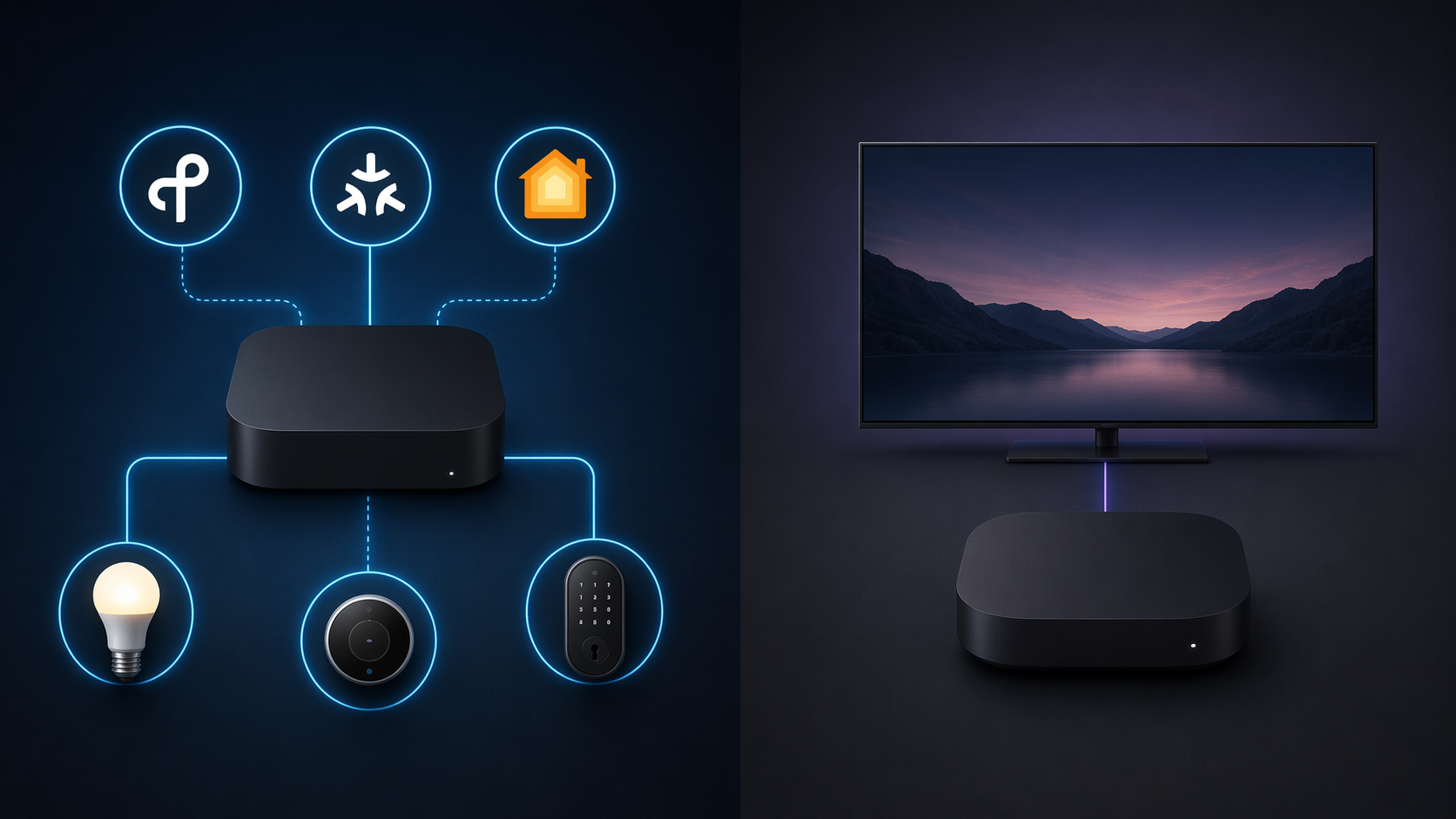
Thread is the hardware detail that should stop a buyer from grabbing the wrong Apple model. The cheaper 64GB Apple TV 4K does not carry the same Thread border router role as the 128GB model in Apple’s current specifications.[3] If the reason for paying Apple’s premium is smart home infrastructure, the 128GB version is the one that belongs in the comparison.
A Thread border router connects Thread devices to the rest of the home network. A Matter controller helps add and manage Matter-compatible accessories. An Apple Home hub gives Apple’s Home app a resident control point. Those are related jobs, but they are not interchangeable marketing labels. The value appears when a household has, or plans to buy, devices that actually use those roles.
This is where Apple’s price stops looking like a streamer price and starts looking like a bundled infrastructure price. At $249, the 128GB Apple TV 4K is expensive next to a Roku Ultra. It is less strange if it prevents buying a separate Apple home hub while also serving as the main living-room streaming device.
Roku Smart Home Is Not The Same Thing As A Roku Ultra Hub
Roku does sell smart home products. Its Smart Home lineup includes Roku-branded cameras, doorbells, lights, plugs, and related accessories.[5] That is useful if you want those specific products inside Roku’s own app experience.
It does not make the Roku Ultra a general smart home hub. The Roku Ultra is not a Matter controller. It is not a Thread border router. It does not take over the Apple Home hub role. Buying a Roku Ultra because Roku sells smart home accessories is a category mistake unless your smart home plan is limited to Roku’s own branded devices.
That boundary is the heart of the buying decision. Roku’s smart home ecosystem and Apple Home hub support are not equivalent offers. One is a branded accessory ecosystem. The other can be a control point in a broader Apple Home installation using HomeKit and Matter-compatible accessories.
For Streaming Alone, Roku Makes Apple Work For The Money
If smart home support is removed from the table, the Roku Ultra becomes very hard to dismiss. It supports the important premium viewing formats, including Dolby Vision and Dolby Atmos, and it costs far less than either current Apple TV 4K configuration.[2][6]
Apple still feels faster. CNET’s comparison found a 2021 Apple TV 4K loading Disney+ in about 8 seconds, compared with about 14 seconds on the 2024 Roku Ultra.[6] That test used an older Apple TV 4K, not the current A15 Bionic model, so it should not be read as a perfect measurement of the 2026 buying choice. It does, however, support what many users notice in daily use: Apple’s box is quick, fluid, and rarely feels like it is catching up to the remote.
The question is what that speed is worth. For a household that opens Netflix, Max, Disney+, YouTube, and live TV apps, the Roku Ultra is already fast enough for most people. Apple’s advantage is real, but it does not automatically justify paying two to three times as much if the device is not also anchoring Apple Home.
Video And Audio Are Closer Than The Prices Suggest
This is not a comparison where one box gets the modern formats and the other limps along. Both Apple TV 4K and Roku Ultra support Dolby Vision, HDR10+, and Dolby Atmos.[6] For most streaming services and most home theater setups, that means either device can send a high-end picture and immersive audio to compatible equipment.
There is a hardware distinction behind the scenes: Apple lists HDMI 2.1 with eARC support on the Apple TV 4K, while Roku Ultra uses HDMI 2.0b.[3][6] That may matter in specific audio-routing setups, especially if the Apple TV is being used as part of a broader Apple-centered living room. It is not a reason by itself for most pure-streaming buyers to spend the extra money.
The Interface Difference Is Real, But It Is Not The Whole Decision
tvOS is cleaner. Roku OS is more promotional. Reviews and platform comparisons consistently describe Apple’s interface as more premium and less cluttered, while Roku’s home screen includes ads and promoted content.[7][8] If home-screen advertising drives you up the wall, that can become a purchase reason on its own.
For a lot of buyers, though, Roku’s trade-off is acceptable because the navigation is simple, the app catalog is broad, and the price is low. The ads are annoying. They do not turn the Roku Ultra into a bad streaming box.
Remote Controls: Apple Feels Premium, Roku Solves Practical Problems
Apple’s Siri Remote is compact, rechargeable by USB-C, and built around Siri plus a touch-enabled clickpad.[3] It matches the Apple TV 4K’s general personality: tidy, responsive, and controlled.
Roku’s Voice Remote Pro, especially the second-generation version bundled with the Roku Ultra, leans more practical: backlit buttons, hands-free voice support, and a remote finder.[2] That last feature sounds minor until the remote has disappeared into a couch for the third time in a week.
Neither remote should decide the whole comparison, but the split is consistent. Apple’s remote feels like part of a tightly designed system. Roku’s remote is built for the ordinary mess of a living room.
Gaming And Storage Push Apple Further Ahead—If You Use Them
Apple TV 4K comes in 64GB and 128GB versions and supports Apple Arcade with compatible game controllers.[3] Roku Ultra has far less storage, around 4GB, and is better understood as a streaming device with casual gaming rather than a living-room game platform.[2]
This is another conditional Apple win. If someone in the home actually plays Apple Arcade games, uses fitness apps, or keeps a heavier app library, Apple’s storage and chip advantage have practical value. If the device will launch the same handful of streaming apps every night, Roku’s smaller storage is not much of a limitation.
Which One Should You Buy?
Buy the 128GB Apple TV 4K if the streaming box is also supposed to be an Apple Home hub. That is the cleanest case for paying Apple’s current price: one device handles premium streaming, Apple Home hub duties, Matter control, and Thread border routing in compatible setups.[3][4]
Buy the Roku Ultra if the job is streaming. It gives you the major video and audio formats, a fast enough interface, a useful remote, and a far lower price.[2][6] For buyers who do not use Apple Home and do not plan to build around it, the Apple TV 4K’s best argument becomes much less relevant.
The price gap is not something to wave away with vague ecosystem language. Apple earns it when the box replaces another piece of smart home infrastructure. Roku wins when the living room only needs a very good streamer.
For broader context on how streaming devices are becoming part of smart home planning, the related article “How Cord Cutting Statistics Shape Smart Home Streaming Choices” covers the same buying tension from a wider angle: streaming hardware is increasingly judged not only by what it plays, but by what else in the home depends on it.
References
- Apple TV roundup — MacRumors.
- Roku Ultra (2024) Review — PCMag.
- Apple TV 4K Technical Specifications — Apple.
- Pair and manage your Matter accessories — Apple Support.
- Smart Home Devices & Systems — Roku.
- Apple TV 4K vs. Roku Ultra: Which High-End Streaming Device Is Worth the Price? — CNET.
- Apple TV vs. Roku: Which streaming device should you buy? — ZDNET.
- I switched from Apple TV 4K to the Roku Ultra for 1 month — Tom's Guide.