
Which Google Gemini for Home subscription do you need?
Compare Google Gemini for Home features across Free, Standard ($10/mo), and Advanced ($20/mo) tiers. Learn which subscription fits your household based on voice needs, camera usage, and device compatibility.
Last updated
If you are comparing Google Gemini smart home assistant features across Free, Standard, and Advanced, the short answer is this: voice-only homes can usually stay on Free; Standard is for Gemini Live and basic camera history; Advanced is for homes with compatible newer Nest cameras that will actually use AI descriptions, summaries, search, and longer video history.
That last condition matters. A $20 plan does not upgrade an older camera into a newer one, and it does not make a household safer if nobody reviews the footage. The buying decision lives less in the word “Gemini” and more in the device list sitting around your home.
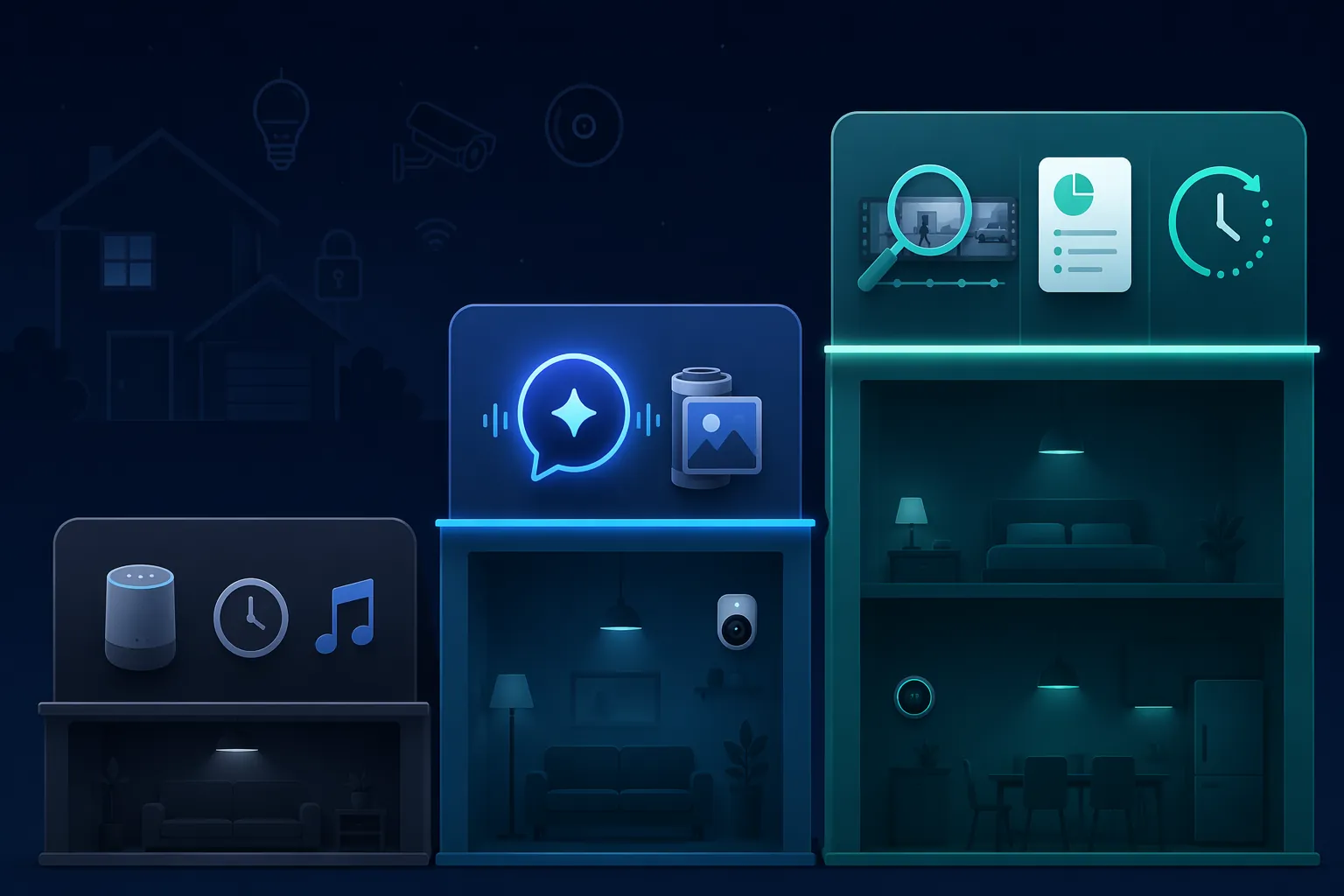
Google Gemini for Home tiers compared
As of July 26, 2026, Google’s own Google Home Premium feature table separates the plans this way: Free covers the upgraded Gemini for Home assistant basics, Standard costs $10 per month, and Advanced costs $20 per month.[1]
| Feature area | Free | Standard ($10/mo) | Advanced ($20/mo) |
|---|---|---|---|
| Gemini for Home voice assistant | Included for supported devices | Included | Included |
| Context-aware voice help inside a session | Included | Included | Included |
| Gemini Live | Not included | Included | Included |
| Hotword-free follow-up conversation | Not included through Gemini Live | Included through Gemini Live | Included through Gemini Live |
| Ask Home automation creation | Not included | Included | Included |
| Event video history | No paid cloud event history | 30 days | 60 days |
| AI event descriptions | Not included | Not included | Included for compatible cameras |
| Home Brief daily summaries | Not included | Not included | Included for compatible cameras |
| Natural-language camera history search | Not included | Not included | Included for compatible cameras |
| 24/7 video history | Not included | Not included | 10 days |
The table is useful, but it hides two household-level traps. First, Gemini Live is not available on every Nest speaker and display; Android Authority’s compatibility list identifies Gemini Live support for devices including Nest Mini 2019 or newer, Nest Audio 2020 or newer, Nest Hub Max 2019 or newer, and the second-generation Nest Hub 2021 or newer.[2] Second, the Advanced tier’s AI camera features require third-generation Nest cameras or newer, so older Nest Cam owners should not assume that paying for Advanced unlocks the whole camera-AI package.[1]
If you are sorting out a mixed Google Home setup, keep the subscription decision separate from the hardware decision. Our broader Google Home and Nest device ecosystem guide is the better place to check platform, Matter, Thread, and device-role questions.
The voice upgrade is real, but Free is still enough for most speaker-only homes
Gemini for Home does improve the everyday assistant experience. Google’s launch materials describe more flexible commands, including a multi-command example where a user can turn off the lights everywhere except the office, plus media discovery by description rather than exact title.[3] Those are the kinds of upgrades that matter when someone is cooking, carrying laundry, or trying to remember the name of a song from a vague description.
The part to slow down on is conversation memory. The free tier can still handle context within a single interaction. That is not the same as Continued Conversation, where you ask a follow-up without saying the wake phrase again. Google ties that more natural back-and-forth behavior to Gemini Live, and Gemini Live sits in the paid Standard and Advanced tiers.[1][3]
That distinction sounds small until it lands in a kitchen. Ask for a timer, then ask a follow-up, and the old habit of just speaking again may no longer work on the free tier. PCWorld’s hands-on reporting described this as a real regression for users accustomed to Continued Conversation, while user reports have echoed the same annoyance; Google has not, in the cited materials, formally framed this as an intentional removal from Free.[4]
For a speaker-only home, that annoyance is usually not worth a monthly subscription by itself. If your household uses Google Home for timers, weather, music, shopping-list reminders, lights, thermostats, and basic routines, Free keeps the core assistant function. Paying only because one follow-up command now needs the wake phrase again is hard to justify unless that hands-free conversational flow is genuinely central to how someone in the home uses the system.
The 10 newer plant-named voices belong in the same bucket: pleasant, noticeable, and not a subscription driver. Google’s support page lists voices including Pothos and other plant names, and they are available across tiers.[5]
Standard is the first paid tier, and it is really two products
Standard at $10 per month buys two very different things: Gemini Live for voice and 30 days of event video history for cameras.[1] One may matter a lot in your home while the other does nothing.
For voice, Standard is the plan for people who want the assistant to behave more like an open conversation: hotword-free follow-ups, interruption, and more hands-free help through Gemini Live.[1][3] That can be useful on a Nest Hub in a kitchen or on a speaker used by someone who asks several related questions in a row. It is less compelling on a hallway speaker used mostly for “turn on the lights.”
For cameras, Standard is more straightforward. Thirty days of event history gives a doorbell or camera owner a wider window to check what happened after the fact.[1] If a package goes missing, a contractor comes by, or a motion alert gets ignored during a workday, the value is not artificial intelligence; it is simply having the clip long enough to find it.
Standard also includes Ask Home automation creation.[1] That is useful if you want to describe an automation instead of building it manually, especially for conditions, presence, and media triggers. If automation is the reason you are considering the plan, use it alongside a more complete automation setup guide such as Google Home automations with conditions, presence, and media triggers; the subscription alone will not decide whether a routine is well designed.
Advanced is where the camera money goes
Advanced at $20 per month is not just “Standard with more Gemini.” Its value is concentrated in camera review: AI event descriptions, Home Brief daily summaries, natural-language camera search, 60 days of event history, and 10 days of 24/7 history.[1]
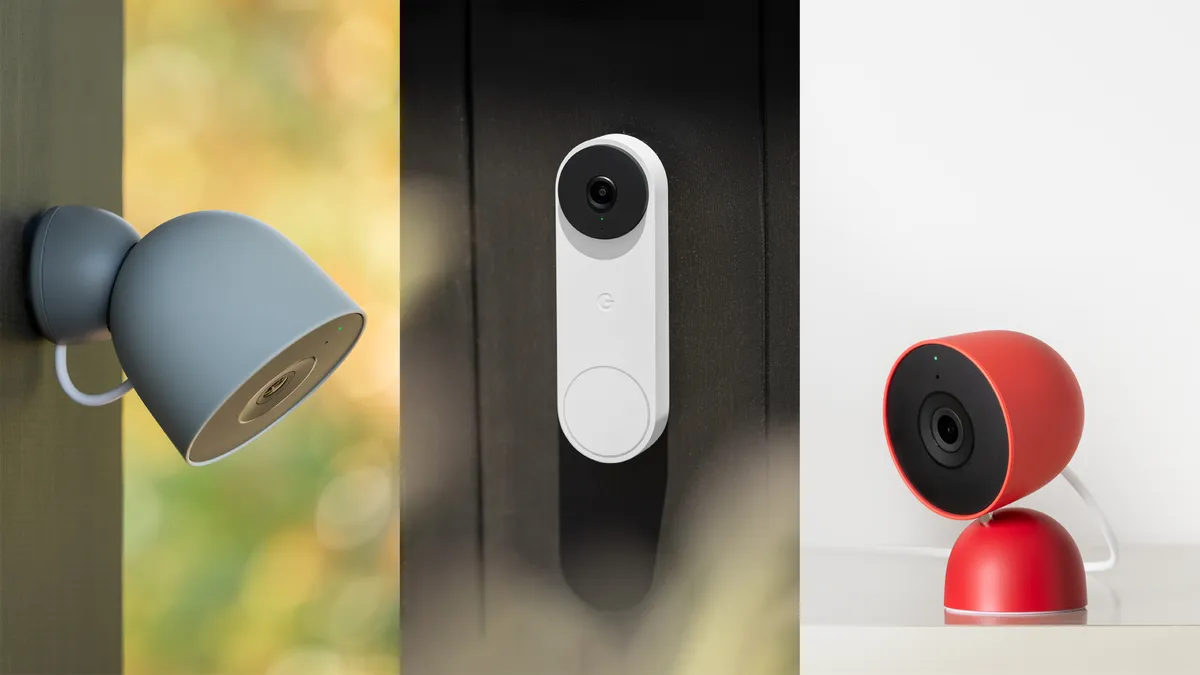
This is the tier that can save time in a multi-camera home. A person with a doorbell, driveway camera, backyard camera, and indoor camera does not want to scrub every timeline after a busy day. AI descriptions can make events easier to recognize. Home Brief can condense what happened. Natural-language search can turn “when did the dog get out?” or “show me the delivery truck” into a faster review path, assuming the camera and account support the feature.[1]
That “assuming” is not fine print. The Advanced AI camera functions require third-generation Nest cameras or newer.[1] If your main cameras are older Nest models, Advanced may still extend storage, but the most distinctive AI features are not guaranteed for that hardware. Before paying, identify the exact camera generation, not just the Nest brand name. If you are replacing or adding cameras, our 2026 Nest camera lineup guide is the more useful next stop.
The 10 days of 24/7 history are the other serious differentiator.[1] Event clips are enough for many homes because the camera records around detected activity. Continuous history is different: it helps when the event detection missed something, started late, or did not classify the moment in a way that matched the later question. That is most valuable around entrances, driveways, shared spaces, and any area where the absence of an event can matter as much as the event itself.
Advanced makes the least sense when there is only one lightly used camera. A single Nest Doorbell at the front door may benefit from 30-day event history, but AI summaries and natural-language search are easier to waste if the household only checks clips after an obvious alert. If you are comparing Google’s cloud plan against systems with local storage, the broader tradeoff belongs in a security subscription comparison such as local storage versus cloud camera plans.
Which tier fits your household?
Mostly speakers, displays, lights, thermostats, timers, and music
Stay on Free. You get the core Gemini for Home assistant upgrade for supported devices, including more flexible command handling and contextual help within a session.[1][3] The missing piece is Gemini Live, including the more natural hotword-free follow-up experience.[1] That is annoying if your household used Continued Conversation every day, but it is not enough by itself for most voice-only setups.
One doorbell or one lightly used camera
Start with Standard if you need paid storage. The practical upgrade is 30 days of event history, plus Gemini Live if your supported speaker or display can use it.[1][2] Advanced is probably too much unless that one camera is compatible with the AI features and you regularly search or review old footage.
Several compatible Nest cameras
Advanced is the tier to consider. The jump from 30 to 60 days of event history, plus AI event descriptions, Home Brief, natural-language camera search, and 10 days of 24/7 history, can change the amount of time someone spends reviewing footage.[1] The more cameras you have, the more the search and summary tools matter.
Older Nest hardware
Check compatibility before choosing a paid tier. Gemini Live support is not universal across all Nest speakers and displays, and Advanced camera AI functions require third-generation Nest cameras or newer.[1][2] If your hardware cannot use the feature you are paying for, the subscription has failed the household test. For replacement decisions, use a device-focused guide such as Google Home and Nest device lineup for 2026 rather than letting the subscription page push the decision.
Check bundles before paying twice
As of mid-2026, Google Home Premium Standard is included with Google One AI Pro at $20 per month, while Advanced is included with AI Ultra.[1] Treat this as a pricing checkpoint, not a permanent rule. If someone in the household already pays for one of those AI plans, check the account benefits before starting a separate smart-home subscription.
The clean decision is compatibility first, then behavior. Stay Free if your Google Home setup is mostly speakers, lights, thermostats, timers, music, and basic commands. Consider Standard if Gemini Live or 30-day event history solves a real daily problem. Do not pay for Advanced unless your cameras can use its AI functions and someone in the home will actually review, summarize, or search camera history.
References
- Learn what you get with a Google Home Premium subscription, Google Home Help.
- Gemini for Home compatibility list, Android Authority.
- Gemini for Home: A more helpful home assistant, Google, October 2025.
- Google’s Gemini for Home made my smart speaker dumber, PCWorld, December 2025.
- Get started with Gemini for Home features, Google Home Help.
Known issues with this device / protocol
Spec-version history
For active regressions on this protocol, see Update Watch.
No linked Update Watch entries yet.