
Buy a leak detector your California insurer and hub accept
California insurers Mercury and State Farm now require leak-detection hardware, and a strong El Niño winter is coming. See which device classes qualify, which models pair with the hub you already own, and how to stack premium discounts with water-district rebates.
Last updated
The annoying part of buying smart leak detectors for El Niño flood risk in California is that the most important question may not be “Which one is best?” It may be “Will my insurer accept this, and will it still work with the hub I already own?”
That distinction matters in 2026. Mercury’s new standard HO-3 policies effective May 29, 2026 and later may require water-leak detection hardware when certain age, territory, or Coverage A thresholds apply; one qualifying path even specifies that point-of-leak sensors must total at least two more than the number of bathrooms in the home.[1] State Farm requirements in California are described as zip-code dependent, with non-compliance potentially affecting renewal, so the only safe reading is the one your agent confirms for your policy.[2]
The good news is that insurers usually care about the device class: automatic shutoff, whole-home flow monitoring, or point-of-leak detection. Your smart home cares about the radio and ecosystem: Zigbee, Z-Wave, Matter, Wi-Fi, HomeKit, SmartThings, Home Assistant, Google Home, Alexa, or a vendor-only app. The purchase works when those two lists overlap.
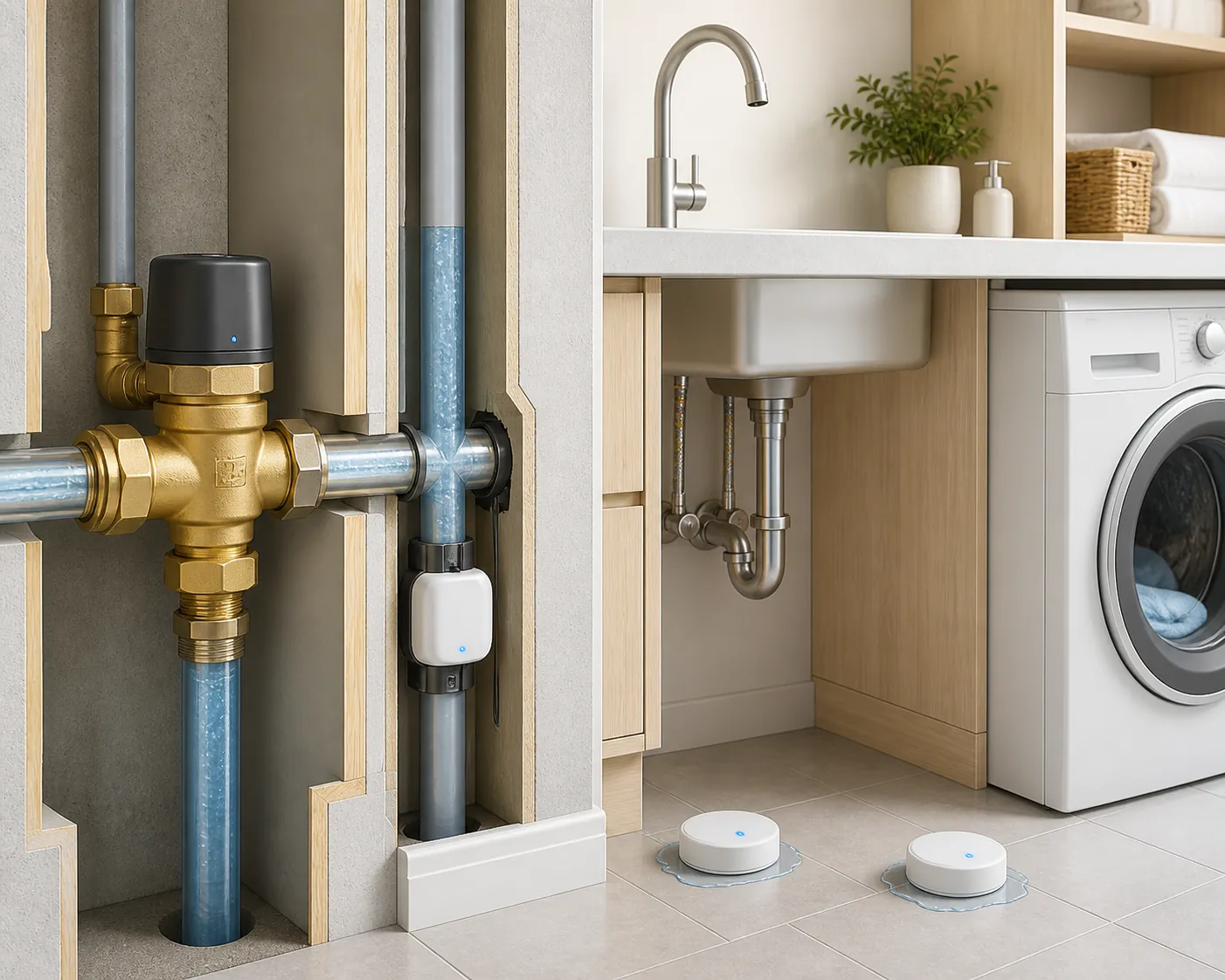
Start with the insurer’s device class, not the product page
Read the policy notice before you compare app screenshots. A leak detector that pairs beautifully with Home Assistant is still the wrong buy if your insurer asked for a whole-home shutoff. A rebated flow monitor is still an awkward buy if your household needs local hub automations during a Wi-Fi outage. The table below is the part to print, mark up, or send to your agent before ordering hardware.
| Insurer or program | Who it may apply to | Qualifying device class | Reported discount, subsidy, or rebate | Proof or installation issue | Protocol or hub caveat to check |
|---|---|---|---|---|---|
| Mercury standard HO-3 water-leak detection requirement | New standard HO-3 policies effective May 29, 2026 and later that meet listed criteria, such as certain older homes in high non-weather-water-risk territories or high Coverage A thresholds.[1] | Whole-home automatic shutoff, whole-home flow monitoring, or point-of-leak sensors, depending on the policy path. For point-of-leak sensors, Mercury’s described rule requires at least two more sensors than the number of bathrooms.[1] | Mercury reports a 10% policy discount and subsidies for Flo by Moen Smart Water Shutoff and Flume 2.[3] | Confirm the exact condition with the agent and keep proof of installation, model, and sensor count. If using point-of-leak sensors, count bathrooms before buying. | Flo by Moen and Flume 2 are mainly app/cloud-oriented paths in the cited program context. If your home runs Apple Home, SmartThings, or Home Assistant, verify integration before assuming the insurer-rebated device also joins your hub. |
| Mercury water-leak detection program economics | California Mercury homeowners considering the water-leak program or discount, subject to policy eligibility.[3] | Mercury’s newsroom names Flo by Moen Smart Water Shutoff and Flume 2 in the program.[3] | Mercury says it subsidizes $400 toward the Flo by Moen device plus installation, offers Flume 2 for $75 after rebate, and provides a 10% policy discount.[3] | Treat program pages and agent confirmation as the source of truth because subsidy terms can change. | A subsidized device may be the cheapest compliant path, but cheap is not the same as hub-native. Check whether you need local automation, voice assistant alerts, or only insurer compliance. |
| State Farm California leak-detection mandates | Reported as applying in many California zip codes; must be verified by policy and agent.[2] | Hydroflow describes mandates for leak-detection devices but does not make one statewide device list in the cited material.[2] | Hydroflow describes a broader insurance-discount landscape where whole-home shutoff discounts commonly fall around 8–12%.[2] | Do not buy from a generic list until the agent confirms the acceptable class, proof format, deadline, and renewal consequence. | Once the acceptable class is known, choose the model by protocol. For a hub-first buyer, that usually means checking Zigbee, Z-Wave, Matter, or supported Wi-Fi integrations before purchase. |
| USAA Connected Home Program | USAA members eligible for the Connected Home Program, subject to program terms.[4] | At least two connected First Alert or Honeywell Home water leak detectors, with data sharing.[4] | USAA says members can save up to 8%, with an average annual savings of about $133.[4] | The discount depends on connecting qualifying devices and sharing data, not merely owning leak sensors.[4] | First Alert and Honeywell branding appears across multiple product generations and ecosystems. Match the exact model to your hub before buying. |
| Water-district rebates that may stack with insurance savings | Homeowners served by participating districts, depending on current district rules and funding. | Usually flow-monitoring or leak-detection devices specified by the district. | Hydroflow’s 2026 roundup lists examples including Vista and Santa Margarita at $100 and Fern Valley at $150, along with other California district programs.[2] | District rebates often require pre-approval, proof of purchase, installation evidence, or a qualifying device list. | A water-district-approved device is not automatically insurer-approved or hub-compatible. Check all three lists before treating the rebate as savings. |
Mercury’s rationale is not vague: the company says more than 40% of a California home’s premium is attributable to the non-weather water peril, and it describes non-weather water claims as five times as likely as theft claims and ten times as likely as fire claims.[3] Those are insurer-published figures, so they should be read as Mercury’s program case, not as a neutral lab test proving every device prevents every loss.
Also keep the word “flood” in its lane. These devices detect internal plumbing leaks, water under appliances, water near a sump area, or unusual household flow. They do not stop exterior floodwater from an atmospheric river, and they do not replace flood insurance. For a winter storm household, their value is in catching the water problems that start inside the building or at the service line before nobody is home to notice.
Why El Niño changes the timing, not the device physics
The winter timing is real enough. NOAA’s Climate Prediction Center advisory dated August 13, 2026 put the odds of a very strong El Niño above 90% for fall and winter 2026–27.[5] The International Research Institute for Climate and Society’s August 19, 2026 forecast placed El Niño probability at 100% through FMA 2027.[6] Daniel Swain has also framed very strong El Niño events as a major individual-year flood-risk factor for California.[7]
That forecast does not turn a leak puck into a levee. It does make deferred plumbing maintenance, aging shutoff valves, sump areas, washing-machine hoses, water heaters, crawlspaces, and vacant-home periods more expensive to ignore. If an insurer has already added a compliance deadline, the seasonal argument is simply this: do the verification and install before the first overloaded week of calls to agents, plumbers, and customer support.
Translate the qualifying class into a hub-compatible purchase
Once the insurer or rebate program names the acceptable class, the smart-home decision becomes manageable. Do not start with “best overall.” Start with the class the policy accepts, then remove models that will not talk to the system you already use. If you need model-by-model pairing notes, use NestGrid’s hub-by-hub water leak sensor compatibility guide or the broader smart leak sensor protocol map before checkout.
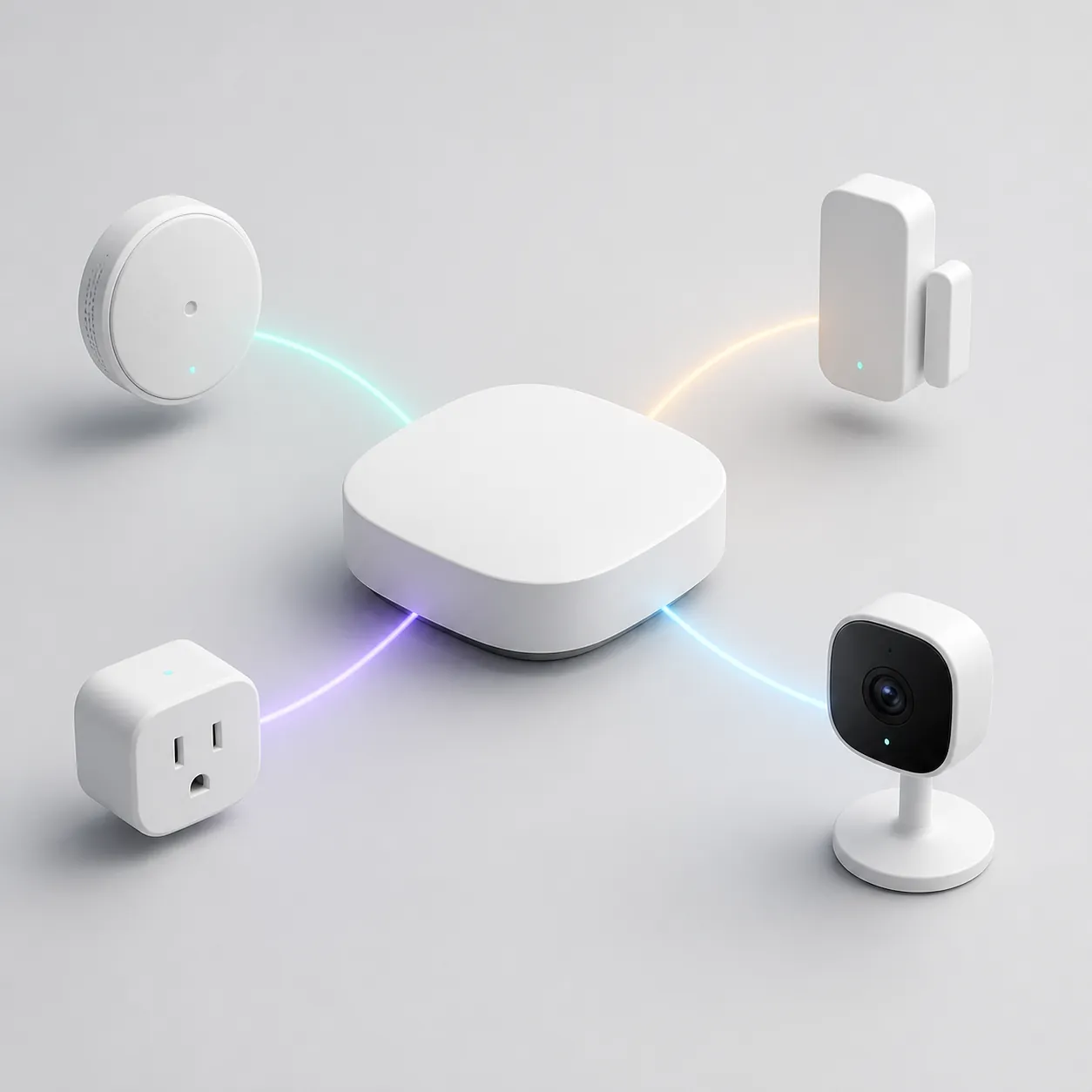
Whole-home automatic shutoff
This is the most interventionist class: a valve can close the water supply when the system decides a leak is likely. That can be the cleanest fit for an insurer requirement or discount because it does more than notify you. It also brings the most installation friction. Hydroflow’s 2026 insurance-discount roundup puts professional installation for these systems around $1,500–$2,000, while also describing burst-pipe losses while away as potentially reaching $20,000–$50,000.[2]
Flo by Moen is the obvious Mercury-program example because Mercury names a subsidy for it.[3] From a compatibility standpoint, treat it as a compliance-first and app-first candidate unless your exact hub path is confirmed. If you run Apple Home or Home Assistant and expect local automations, do not assume the insurer-rebated path gives you the integration behavior you want. If your requirement is “acceptable shutoff device, installed with proof,” the agent’s answer matters more than a smart-home forum thread.
Phyn Plus belongs in the same cautious bucket. It may appear in whole-home shutoff comparisons, and HomeKit claims around it have been inconsistent enough that I would not buy it for Apple Home without checking the current manufacturer documentation, app listing, and a recent owner report for the exact generation being sold.
Whole-home flow monitor
A flow monitor watches water use and flags suspicious patterns. It may not shut off the supply by itself, but it can satisfy some program paths when the policy or rebate accepts monitoring rather than automatic shutoff. Flume 2 is the named Mercury-rebated example; Mercury says Flume users find leaks at notable rates and reduce water use, but those are program and manufacturer-reported data points rather than independent effectiveness measurements.[3]
This is where rebate stacking can get interesting. If the insurer accepts the class and the water district also rebates the device, the net cost may change enough to beat a more hub-native but non-rebated option. Just do not skip the boring sequence: insurer qualification first, district qualification second, hub behavior third, checkout last.
Point-of-leak sensors
Point-of-leak sensors are the small pucks, probes, or cable sensors placed where water should not be: under sinks, behind toilets, near the water heater, at the washing machine, beside a dishwasher, in a crawlspace, or near a sump. They are usually the easiest to pair with a smart-home hub, but they only detect water where you put them.
Mercury’s described point-of-leak path is unusually specific: at least two more sensors than the number of bathrooms.[1] A three-bathroom house therefore should not casually buy a four-pack and assume compliance. Count the bathrooms, add two, then decide whether you need more for appliances and mechanical spaces.
- If your insurer or program names First Alert or Honeywell Home, as USAA does for its Connected Home Program, match the exact model to the program terms and the hub before buying.[4]
- If you want Zigbee flexibility, Aqara-style sensors can be attractive for Home Assistant households, especially where Zigbee2MQTT support avoids locking every sensor behind one vendor’s hub. Confirm the exact sensor generation and pairing path.
- If you are considering D-Link’s SW-A11KT kit, verify the current Google Home, IFTTT, and app behavior rather than assuming Apple Home or Matter support.
- If a Matter-branded leak sensor appears on your shortlist, remember that Matter still needs a controller and, depending on the device, a suitable radio path. The logo alone does not prove it will satisfy your insurer’s proof requirement.
- If a device is Wi-Fi-only, check whether it can alert every adult in the house, whether it works without a subscription, and whether your router coverage reaches the placement area.
For placement and testing, the purchase is only half the job. Use a wet-test routine after pairing, label the sensors in the app with insurer-readable locations, and save screenshots or installation records. NestGrid’s smart-home flood sensor setup guide is the better place for the drill; the priority here is making sure the device you test is the device your policy accepts.
A hub-first filter for a compliance purchase
After the insurer class is known, the protocol filter is straightforward:
| If your home runs… | Prefer checking first | Be careful with |
|---|---|---|
| Home Assistant | Zigbee, Z-Wave, MQTT-friendly bridges, and documented local integrations | Cloud-only Wi-Fi devices that alert in their own app but do not expose clean states to Home Assistant |
| SmartThings | Zigbee, Z-Wave, Matter where supported, and devices with current SmartThings integration | Older Wi-Fi sensors whose integrations were built around discontinued cloud paths |
| Apple Home | Native HomeKit or Matter devices that your Apple home hub can actually control | Devices marketed with voice-assistant support but no current Apple Home path |
| Google Home or Alexa | Wi-Fi devices with current Google/Alexa support, plus Matter where supported | Assuming voice alerts equal insurer-grade monitoring or automatic shutoff |
| No hub | A program-approved device with reliable app alerts, multi-user notifications, and documented proof | Buying a sensor pack that only chirps locally when nobody is home |
Protocol-aware buying is not a luxury detail here. It decides who gets the alert, whether the hub can turn off a smart valve or plug, whether automations still run when one cloud service is down, and whether you can produce a clean installation record instead of a drawer full of mismatched sensors.
What to do before you buy
- Send the policy notice to your agent and ask which device class satisfies the requirement: automatic shutoff, flow monitor, point-of-leak sensors, or a named program device.
- Ask what proof is required: invoice, plumber receipt, app screenshot, serial number, connected-device enrollment, sensor count, or photos.
- If Mercury point-of-leak sensors are allowed, count bathrooms and apply the “bathrooms plus two” rule described in the requirement summary.[1]
- Check the device against your hub before buying. Use NestGrid’s best flood sensors and leak detectors by hub if you need a protocol-first comparison.
- Look for water-district rebates before checkout, especially if the district requires pre-approval.
- Install, pair, name, and wet-test every sensor. For storm-season alert routing, also check your hub’s notification path with more than one phone.
- Save the proof in a boring place: policy folder, cloud drive, and email thread with the agent. The best alert is still not useful if the renewal department cannot see compliance.
The defensible purchase is the one that survives all three checks: your insurer accepts the class, your hub can use the device the way you expect, and you can prove the installation after the first wet test.
References
- Mercury Water Leak Detection Requirement – What to Know — Falcon West
- Which Insurers Give Discounts for Leak Detection? — Hydroflow, June 10, 2026
- Mercury Insurance Water Leak Detection Program Aims to Save Water and Money for California Homeowners — Mercury Insurance Newsroom
- Connected Home Program: Smart Home Discounts — USAA
- ENSO: Recent Evolution, Current Status and Predictions — NOAA Climate Prediction Center, August 13, 2026
- IRI ENSO Forecast — International Research Institute for Climate and Society, August 19, 2026
- California Could Collide With a Very Significant El Niño Event — River Partners
Known issues with this device / protocol
Spec-version history
For active regressions on this protocol, see Update Watch.
No linked Update Watch entries yet.