
Which Smart Home Deals Under $20 Work With Your Hub
Not every smart home deal under $20 will pair with the hub you already own. Picks carry price, protocol, hub-requirement, and dated verification labels — so a cheap 'deal' doesn't turn into a paperweight at checkout.
Last updated
The dangerous moment with smart home deals under $20 is not when the price drops. It is the last minute before checkout, when a listing says “works with Alexa,” “Matter,” or “Zigbee hub required,” and the cart quietly assumes those phrases mean the hardware in your house can use it.
For this August 5, 2026 compatibility snapshot, the rule is simple: the device has to match your protocol, hub or border-router hardware, and ecosystem before the price matters. A $12 sensor that needs a hub you do not own is not a $12 sensor. It is the start of another cart.
The August 2026 compatibility-first matrix
Prices in this band move fast, so treat the dollar amounts below as observed or listed reference points, not permanent guarantees. The useful part is the routing: what the device talks, what extra hardware it expects, and whether the compatibility claim is based on vendor listing, outside hands-on reporting, or source-verified compatibility notes.
| Device or deal class | Observed/listed price | Protocol | Hub, coordinator, or border router needed? | Best ecosystem path | Status label | Checkout verdict |
|---|---|---|---|---|---|---|
| TP-Link Tapo P125M Matter smart plug | $19.99 list; $11.99 shown on the Tapo US store for this snapshot [1] | Matter over Wi-Fi | No separate hub or Thread border router for the Wi-Fi path | Good broad starter path for Apple Home, Google Home, Alexa, and other Matter ecosystems; outside reporting tested HomeKit and Google Home behavior [2] | Vendor-listed price; outside hands-on source-verified | Cleanest strict under-$20 pick if you want the fewest compatibility surprises |
| Sonoff SNZB-04P, SNZB-03P, SNZB-02P, SNZB-05P sensor group | About $10–$16 in the cited sub-$20 sensor roundup [3] | Zigbee | Yes: a Zigbee coordinator or compatible Zigbee hub | Best for Home Assistant, Zigbee2MQTT-style setups, or supported Zigbee hubs you already own | Source-verified; not firsthand confirmed here | Good deals only after the Zigbee coordinator check passes |
| Third Reality Zigbee sensors | About $15–$20 in the cited sub-$20 sensor roundup [3] | Zigbee | Yes: a Zigbee coordinator or compatible Zigbee hub | Best for buyers who already run a Zigbee network and want low-cost sensors | Source-verified; not firsthand confirmed here | Worth considering if your coordinator is already in place |
| Low-cost Matter bulbs listed in cheap-device roundups | MatterCatalog lists Matter-certified bulbs from $5.97 and a 4-pack at $16.99, or about $4.25 per bulb [4] | Matter listed; confirm whether each specific bulb is Wi-Fi or Thread before buying | Depends on transport and ecosystem controller path | Candidate category for Matter homes, not a blanket compatibility promise | Aggregator-listed; certification claims not independently rechecked here against CSA-IOT pages | Real sub-$20 category, but verify the exact model before treating it as a pick |
| IKEA Grillplats plug | About $8 in cited cheap Matter coverage [4][5] | Matter | Yes: cited coverage flags a Matter hub requirement [4][5] | Only sensible if you already own the required Matter hub/controller path | Source-verified; not firsthand confirmed here | Cheap on the shelf, not necessarily cheap for a no-hub buyer |
| Near-boundary devices: Aqara P2, myQ G0401, Sonoff SNZB-06P | Aqara P2 about $27–$30; myQ G0401 about $30; Sonoff SNZB-06P about $25 in the research set | Varies by device | Varies by device | Depends on the exact hub and ecosystem | Boundary note | Not strict under-$20 picks, so they should not muddy this list |
The Tapo P125M gets top billing because it avoids the most common bargain-device trap: it is cheap without asking you to own a special radio hub first. The Zigbee sensors can be just as satisfying, but only for a different buyer — the one who already has the coordinator ready.
Start with the hub inventory, not the product page
A Zigbee sensor does not join your home because Alexa can eventually announce it. It joins because there is a Zigbee coordinator available to pair it. Amazon’s official developer documentation, updated in May 2026, lists these Echo and eero devices as having a built-in Zigbee smart home hub: Echo 4th Gen, Echo Hub, Echo Plus 2nd Gen, Echo Show 15 2nd Gen, Echo Show 21, Echo Studio, Echo Dot Max 2025, and eero 6 and eero 7 routers [6].
Notice the missing device many buyers assume is covered: Echo Dot 4th Gen is not on that official built-in Zigbee hub list [6]. That is the careful version of the claim. This snapshot is not saying every Echo Dot 4th Gen has been bench-tested and failed; it is saying you should not buy a Zigbee sensor on the assumption that a Dot 4th Gen is an official Zigbee coordinator.
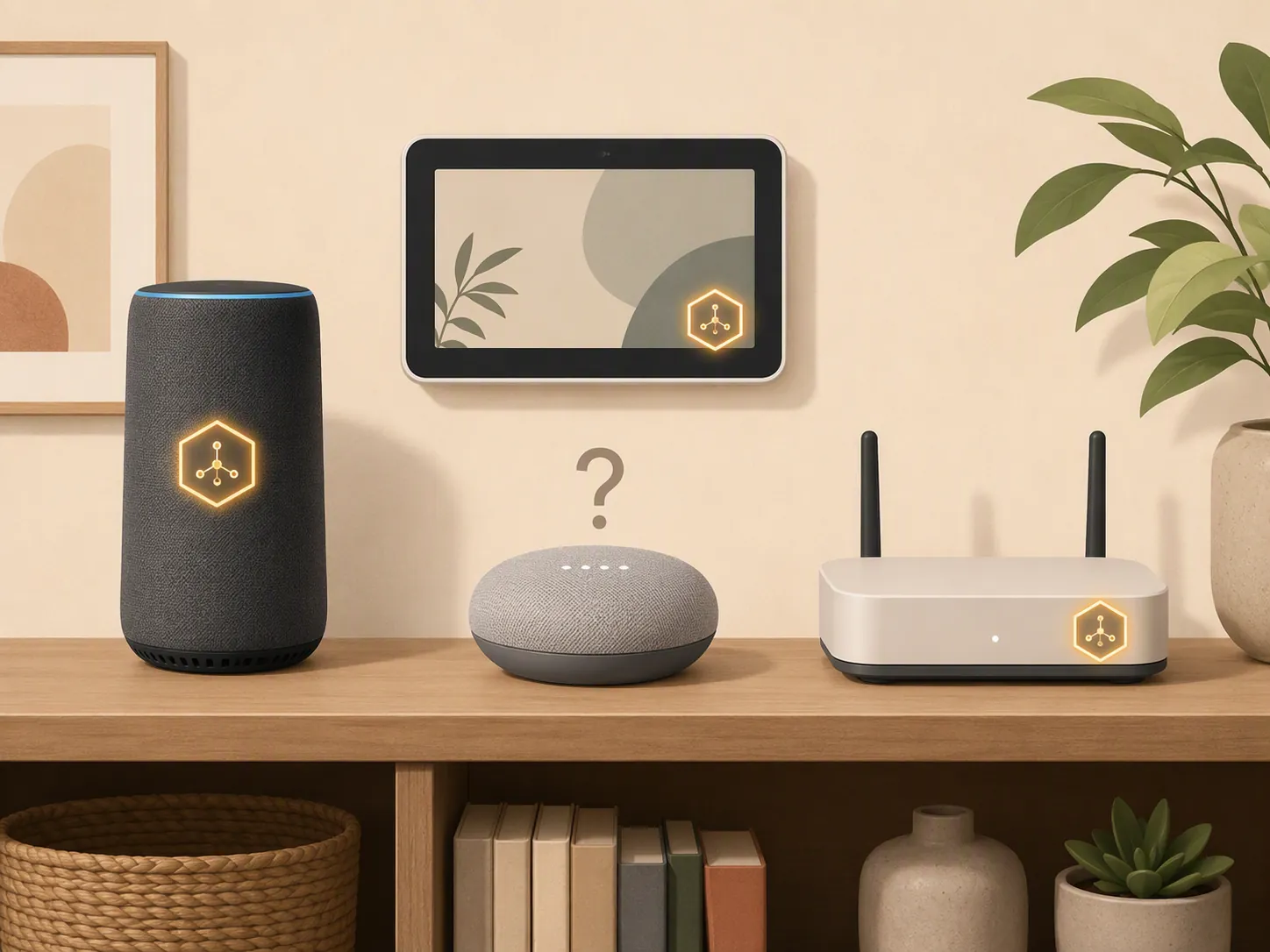
This is where “works with Alexa” causes returns. A Wi-Fi plug can work with Alexa through its cloud integration or through Matter. A Zigbee contact sensor needs a Zigbee coordinator first, and Alexa compatibility later does not magically add that radio to a speaker that lacks it.
| What you already own | What it proves | What it does not prove |
|---|---|---|
| An Echo or eero model on Amazon’s official built-in Zigbee hub list | You likely have the Zigbee coordinator hardware needed to start evaluating Zigbee sensors [6] | It does not prove every feature of every third-party Zigbee sensor will expose perfectly in your chosen app |
| An Echo Dot 4th Gen | It may still be useful as an Alexa speaker | It is not on Amazon’s official built-in Zigbee hub list [6] |
| A Wi-Fi router and a phone only | You can use many Wi-Fi smart plugs and bulbs, including Matter-over-Wi-Fi devices with the right app path | You cannot pair Zigbee or Thread radios just because the device is inexpensive |
| Apple TV 4K, HomePod mini, or newer Echo hardware with Thread border-router capability | You may have the missing piece for Matter-over-Thread devices | It does not mean every Matter device is no-hub or no-router |
Matter over Wi-Fi is the easy lane; Matter over Thread is not the same lane
Matter is a compatibility layer, not a promise that the device can talk directly to your phone with no supporting hardware. The important split at this price is transport. Matter-over-Wi-Fi devices, such as the Tapo P125M plug, can ride the Wi-Fi network you already have. Matter-over-Thread devices require a Thread border router; examples in the research set include Apple TV 4K, HomePod mini, and Echo 4th Gen or newer paths.
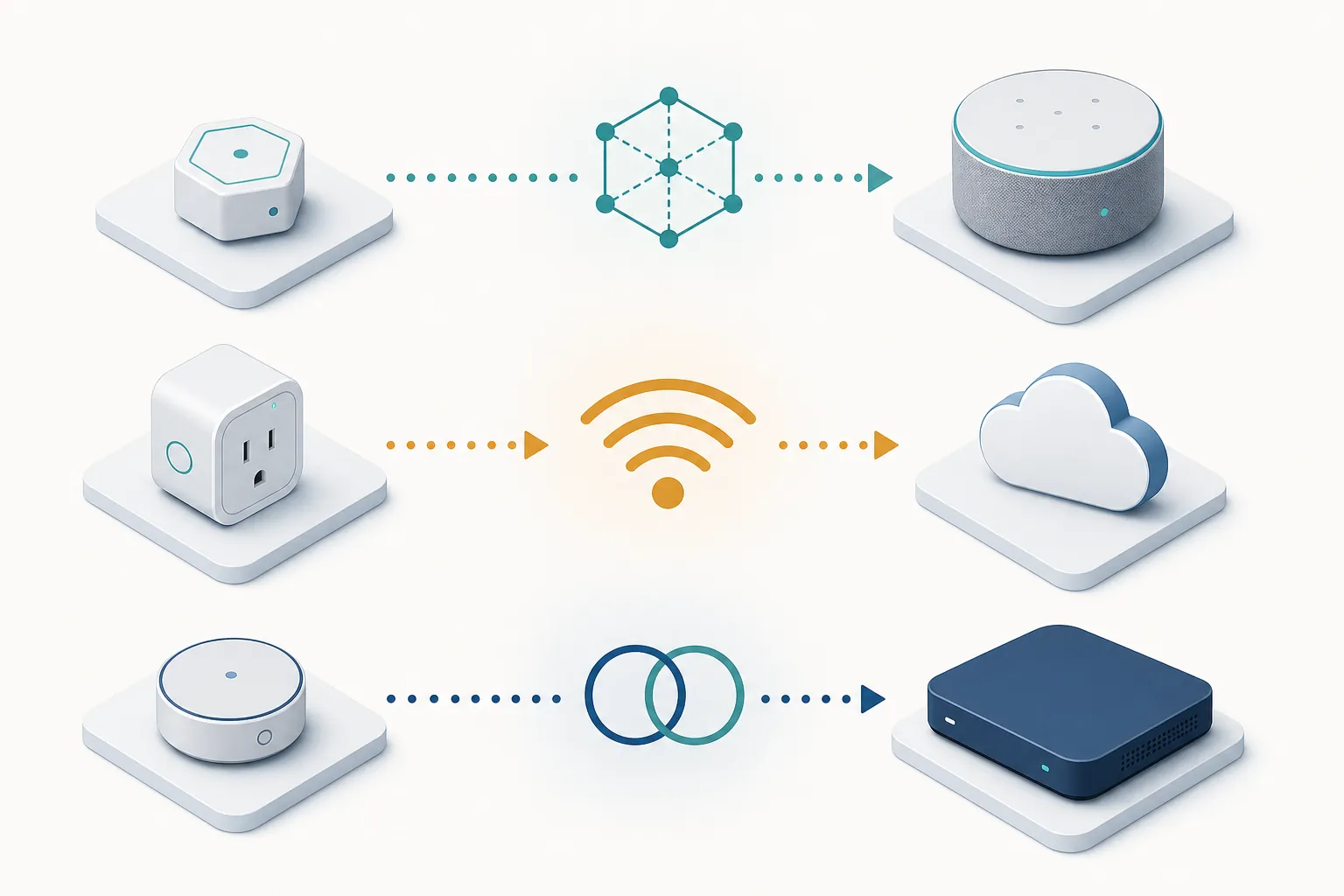
That is why two cheap Matter devices can have very different checkout consequences. MatterCatalog’s 2026 cheap-device coverage shows the under-$20 Matter category is genuinely populated, including bulbs from $5.97 and a 4-pack listed at $16.99 [4]. CNET’s smart-plug coverage also shows the low-cost plug market is not imaginary, with several plugs in roughly the $10–$15 range and cheaper multi-ecosystem options displacing the older habit of defaulting to Amazon’s own plug [5].
Useful, yes. Final proof, no. Aggregator listings and deal roundups are good for discovering candidates, but they are not the same as checking the exact model’s protocol, transport, certification record, and hub path. At this price, one unchecked word can be the difference between “set up in five minutes” and “why am I buying another box?”
The Tapo P125M is the clean sub-$20 baseline
The TP-Link Tapo P125M is the easiest device in this snapshot to recommend as a first stop because the compatibility math is unusually tidy for a bargain plug. The Tapo US store lists it as a Matter-certified smart plug mini with a $19.99 list price and showed an $11.99 store price for this check [1]. Stacey on IoT’s hands-on review reported using the plug with Apple HomeKit and Google Home, which matters more than a product-page badge by itself [2].
The reason it works as a baseline is not that smart plugs are exciting. They are not. They turn things on and off, and sometimes that is exactly the job. The reason this one earns space is that Matter over Wi-Fi avoids the extra Zigbee coordinator and Thread border-router questions that sink a lot of impulse buys.
There are still normal setup chores: you need the Tapo app or your chosen Matter ecosystem path, your Wi-Fi needs to behave, and any platform-specific quirks still belong to that platform. But for someone trying to keep a starter purchase under $20, this is the kind of cheap device that does not immediately smuggle in a hub requirement.
Zigbee sensors are bargains after the coordinator question is settled
The Sonoff and Third Reality sensor group is where under-$20 smart home shopping gets genuinely useful for DIY-leaning homes. Contact, motion, temperature, humidity, and leak sensors are the pieces that make automations feel less like remote-control tricks and more like a house responding to context. Botmonster’s 2026 sub-$20 Zigbee sensor coverage places Sonoff SNZB-04P, SNZB-03P, SNZB-02P, and SNZB-05P models around $10–$16, with Third Reality sensors around $15–$20 [3].
Those prices are attractive only if the buyer already owns the Zigbee side of the system. In a Home Assistant home with a known-good Zigbee coordinator, a $12 contact sensor can be a small win. In a home with only a Wi-Fi router and an Echo Dot that is not on Amazon’s Zigbee hub list, the same sensor is a dead end until more hardware arrives.
- If the listing says Zigbee, identify your coordinator before buying.
- If your coordinator is an Echo or eero, check that the exact model appears on Amazon’s official built-in Zigbee hub list.
- If your setup is Home Assistant, confirm that your coordinator and integration path support the exact device model.
- If you do not already understand where the sensor will pair, do not let the price convince you to learn that after delivery.
The listing-language trap: Aqara is not the same kind of “hub required”
This is the phrasing that deserves more attention than most sale badges: “Requires Aqara Hub (not 3rd-Party).” Botmonster’s sensor roundup calls out the difference between Aqara’s hub-specific requirement and the broader “Zigbee hub required” wording used around Sonoff and Third Reality devices [3]. They look like siblings on a marketplace page. They are not.
A general “Zigbee hub required” claim usually means the device needs a Zigbee coordinator path. That could be a Home Assistant coordinator, a compatible hub, or an Echo/eero device with the right built-in radio, subject to device support. “Requires Aqara Hub (not 3rd-Party)” means the bargain depends on buying into Aqara’s hub path. If you already own that path, fine. If you do not, the listed sensor price is not the real system price.
This is also why near-boundary devices stay out of the strict picks. The Aqara P2 at about $27–$30, myQ G0401 at about $30, and Sonoff SNZB-06P at about $25 may be reasonable products in the right setup, but they are not smart home deals under $20. Once a $20 list lets a $30 device into the promise, the compatibility discipline usually slips right after it.
Why sale roundups help, but do not verify your setup
Prime Day and under-$20 gadget lists explain why these devices are in front of buyers right now. ZDNET’s 2026 Prime Day cheap-gadget coverage and MakeUseOf’s under-$20 smart-device recommendations are useful discovery material, not final compatibility proof [7][8]. A roundup can tell you a device is worth a look. It cannot know whether your living room has a Thread border router, a Zigbee coordinator, or only a Wi-Fi router and optimism.
That is the difference between this sub-$20 page and a broader budget list like Best Smart Home Devices Under $50. At $50, there is more room for category picks and nicer hardware. At $20, a missing hub can double or triple the actual cost. If you want no-hub starter projects instead of device-by-device compatibility sorting, use 7 Budget Home Automation Ideas Under $100 as the more practical next stop.
For the same reason, cost-of-ownership matters more here than product glamour. A cheap device that needs a separate hub belongs in the same mental bucket as any other deal that hides its real cost after the headline price. The same dated-price discipline used in NestGrid’s Roborock S8 Pro Ultra sale-price check applies here, just at a smaller dollar amount. If the hub requirement is unclear, the bargain is unclear.
The checkout rule
If you want the lowest-friction sub-$20 buy, start with Matter-over-Wi-Fi plugs like the Tapo P125M. If you already own a working Zigbee coordinator, the Sonoff and Third Reality sensor group can be excellent cheap expansion pieces. If the device needs a proprietary hub, an Echo model that is not on the official Zigbee list, or a Thread border router you do not own, the deal is no longer priced under $20 in any useful sense.
Before checkout, verify four things in this order: hub or border-router requirement, protocol, ecosystem path, and status label. Then compare price.
References
- Matter-Certified Smart Plug Mini 15A Tapo P125M, Tapo US Store, https://us.store.tapo.com/products/matter-certified-smart-plug-mini-15a-tapo-p125m
- TP-Link Tapo Smart Plug With Matter: Simple And Mostly Smart, Stacey on IoT, https://staceyoniot.com/tp-link-tapo-smart-plug-with-matter-simple-and-mostly-smart/
- Best Zigbee Sensors Under $20 for Home Assistant, botmonster, 2026, https://botmonster.com/smart-home/best-zigbee-sensors-under-20-home-assistant/
- Best Cheap Matter Devices 2026, MatterCatalog, 2026, https://mattercatalog.com/guides/best-cheap-matter-devices-2026
- Best Smart Plugs, CNET, 2026, https://www.cnet.com/home/smart-home/best-smart-plugs/
- Zigbee Support, Amazon Developer, May 2026, https://developer.amazon.com/docs/alexaplus/smarthome/zigbee-support.html
- Cheap gadgets deals Amazon Prime Day 2026, ZDNET, 2026, https://www.zdnet.com/home-and-office/cheap-gadgets-deals-amazon-prime-day-2026/
- Best Smart Devices Under 20 Dollars, MakeUseOf, https://www.makeuseof.com/best-smart-devices-under-20-dollars/
Known issues with this device / protocol
Spec-version history
For active regressions on this protocol, see Update Watch.
No linked Update Watch entries yet.