
Where the smarts live in your Rivian R2 smart home charger
Most of what makes an R2 home charger 'smart' lives in the vehicle, the app, or the EVSE's firmware — not in the wall box. This guide maps the R2's hard Level 2 limits, shows where each smart feature actually runs, and lists the circuit, connector, and Wi-Fi/OCPP/Matter details to verify before you buy.
Last updated
A smart home charger for a Rivian R2 is not made smart by the NACS plug, the wall box, or the fact that another app wants your Wi-Fi password. For the R2, the physical pipe is already fairly well defined: the vehicle has a native NACS charging port, can use J1772 Level 2 charging with an adapter, and tops out at 48 A / 11.5 kW on AC home charging.[1][2] The real setup question is where the decisions happen after the electrons start moving.
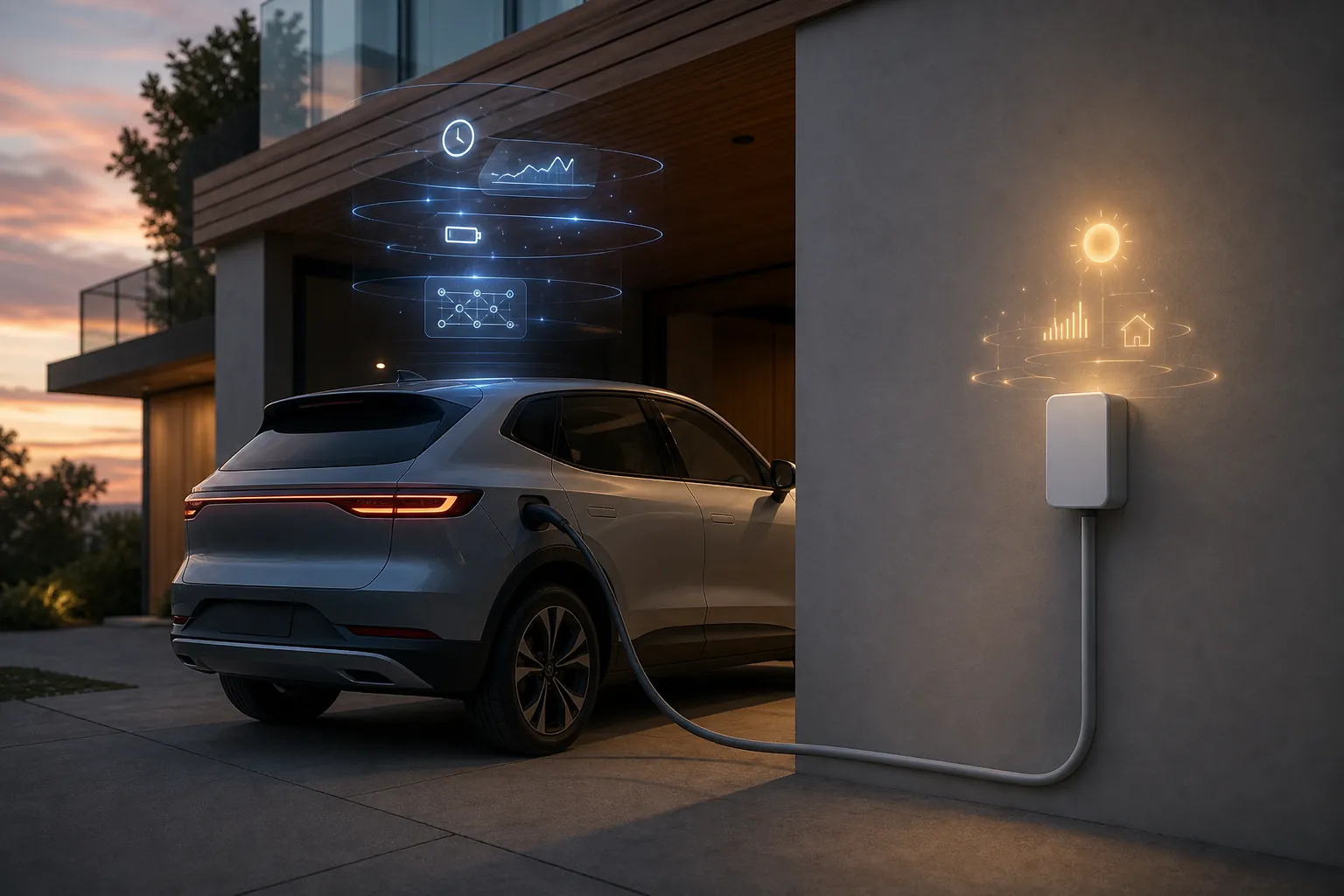
That distinction matters before you spend installation money. Schedules, charge limits, utility-rate decisions, load management, solar behavior, and smart-home integration do not all live in the same place. Some belong in Rivian’s vehicle and app stack. Some belong in the EVSE firmware. Some require a separate energy monitor or panel-level control. Some are still mostly standards-roadmap material in Q3 2026, no matter how confidently a product page says “smart.”
Start with the R2’s hard charging limits
The R2’s home-charging setup starts with the vehicle, not the charger brand. Rivian says the R2 uses a native NACS port, while J1772 charging requires an adapter.[1] On Level 2 AC, Rivian lists the R2 at up to 48 A and 11.5 kW, which is also the ceiling you should use when deciding whether a bigger wall box is actually useful.[2]
Rivian’s own home-charging guide puts the practical charging-rate tiers in plain numbers: roughly 38 miles of range per hour on the Rivian Wall Charger, roughly 25 miles per hour on a NEMA 14-50 setup, and roughly 3 miles per hour from a 120 V outlet.[2] Those are the numbers that matter in a garage. A charger that can advertise more than 48 A does not make the R2 accept more than the R2 accepts.
The wiring implication is the part charger roundups like to glide past. EV charging is a continuous load, so the usable charging current is typically limited to 80% of the circuit rating: a 60 A circuit supports 48 A charging, while a 50 A circuit supports 40 A charging. That is the practical split between a hardwired full-speed Level 2 setup and a common plug-in NEMA 14-50 tier.
| Home setup | Usable charging current | What it means for an R2 |
|---|---|---|
| 60 A hardwired circuit | 48 A | Matches the R2’s stated Level 2 AC ceiling. |
| 50 A receptacle / NEMA 14-50-style setup | 40 A | Usually slower than the R2’s maximum, but still a strong overnight setup for many households. |
| 120 V outlet | Low current Level 1 | Rivian lists about 3 miles of range per hour, which is emergency or very-light-use territory rather than a normal R2 home plan.[2] |
DC fast charging is a different conversation. Rivian lists the R2 at about 27 minutes from 10% to 80% on DC fast charging, but that road-trip number should not drive your garage wiring decision.[2] At home, the R2 is an 11.5 kW AC load at most. Treat it that way and the rest of the setup gets calmer.
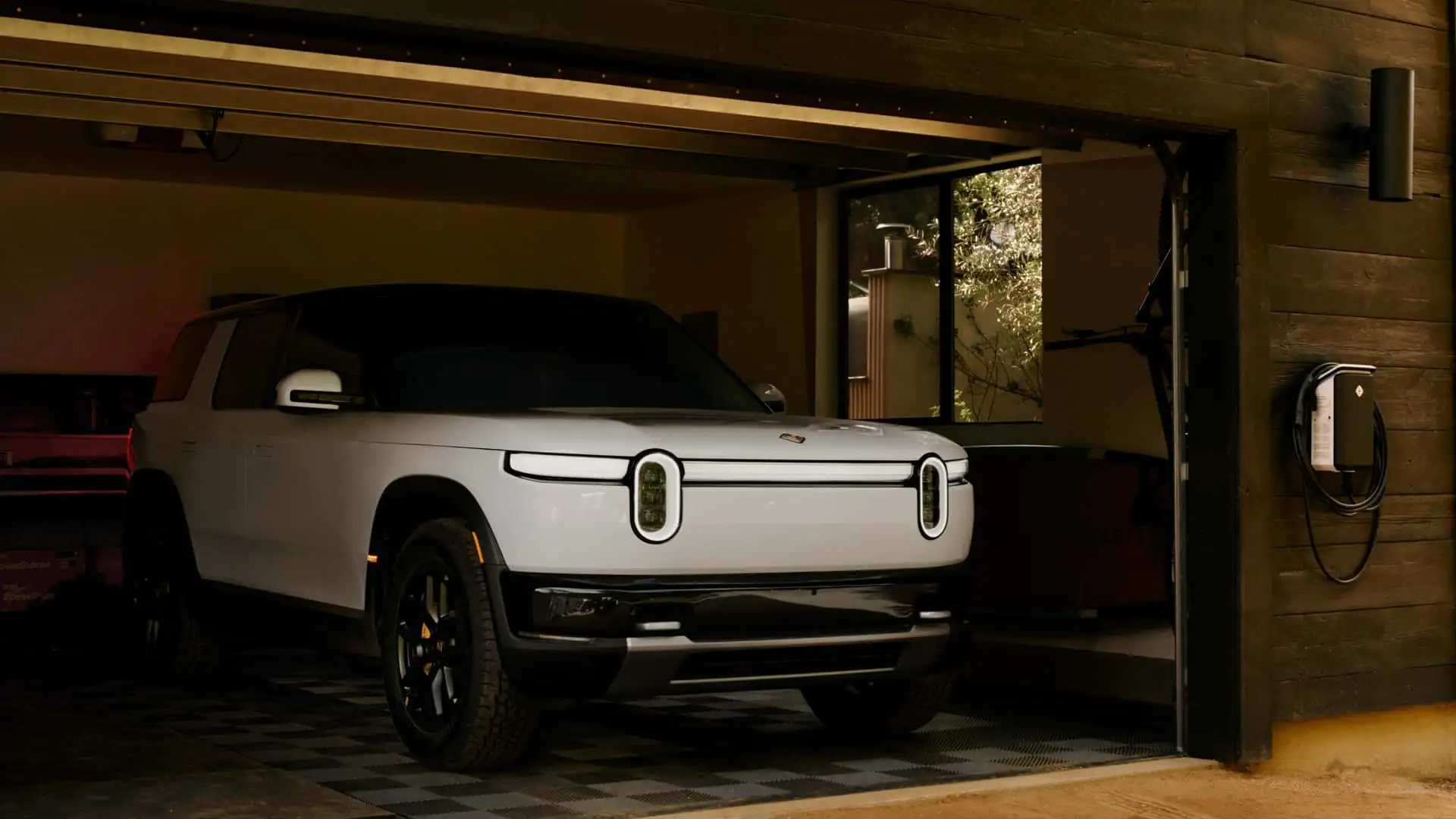
Where the smarts actually live
A useful Rivian R2 smart-home charger setup map separates the physical connection from the control layer. The cable supplies power. The vehicle decides how much AC it can accept. The app may decide when charging should happen. The charger may enforce a current limit, respond to a utility or solar signal, or expose an automation interface. If you do not know which layer owns which job, you can easily buy the same feature twice — or, worse, buy it nowhere.
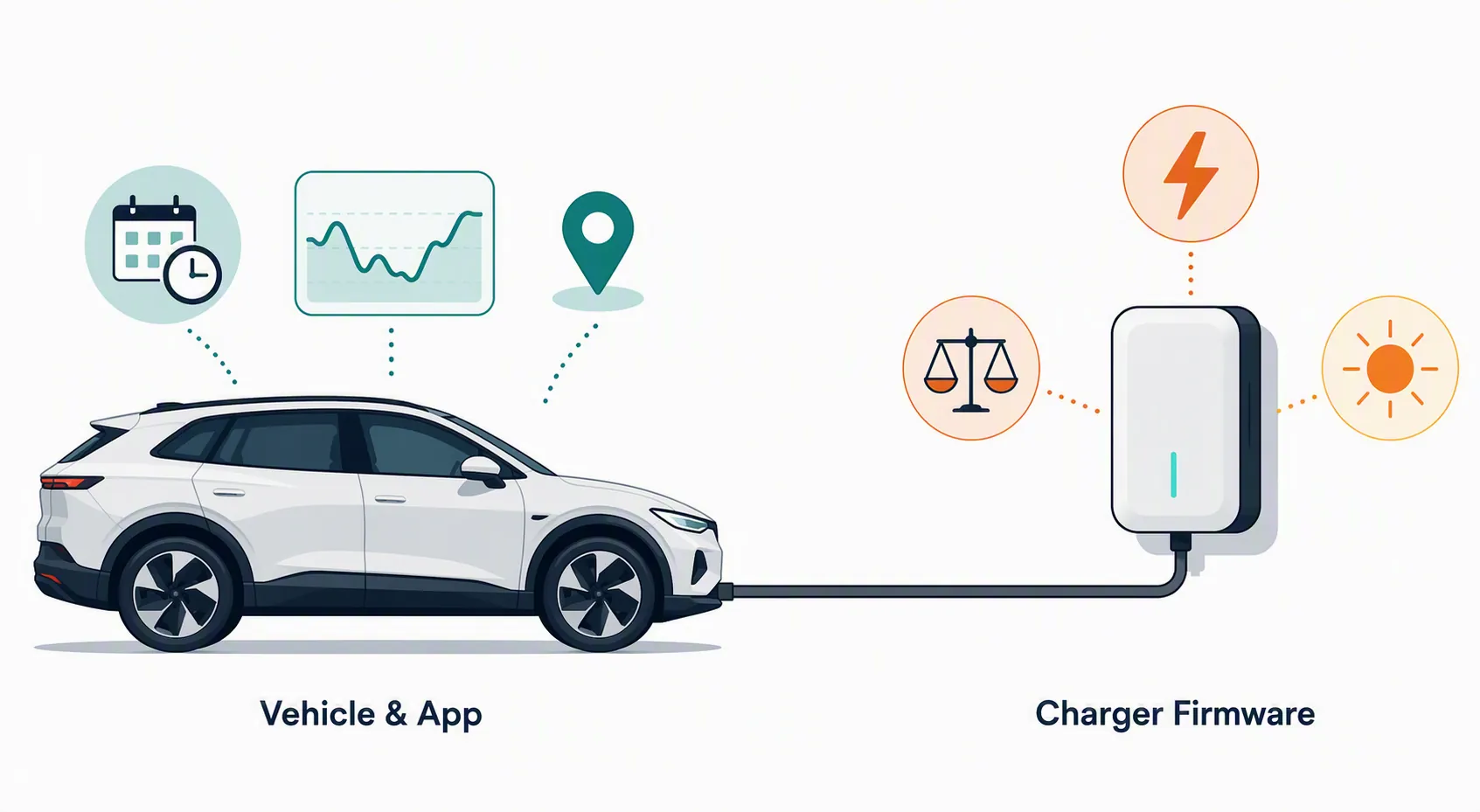
| Decision or feature | Where it usually lives | R2 setup consequence |
|---|---|---|
| Connector fit | Vehicle port, EVSE cable, or adapter | R2 is native NACS; J1772 needs an adapter.[1] |
| Maximum Level 2 charging rate | Vehicle onboard AC charger plus circuit limit | Do not pay for extra home amperage expecting the R2 to exceed 48 A / 11.5 kW.[2] |
| Daily charge limit | Vehicle/app | Rivian’s software direction favors vehicle-side charge management; exact R2 availability must be checked at delivery. |
| Off-peak charging | Vehicle/app or EVSE scheduling | Pick one primary scheduler so the vehicle and charger do not fight each other. |
| Load management | EVSE, current sensors, energy monitor, or panel system | This is a real reason to buy a smarter charger if your service capacity is tight. |
| Solar-aware charging | EVSE firmware, inverter ecosystem, or home energy monitor | Only count it if the product can see actual solar/export data, not just a clock. |
| Home Assistant control | OCPP-capable EVSE, vendor cloud integration, or custom path | The charger has to expose something usable; Wi-Fi alone is not an integration. |
| Matter EVSE behavior | Matter-capable EVSE and controller support | Promising, but still verify as a product-level feature rather than assuming it exists. |
Vehicle and app: routine cost control can live with Rivian
Rivian’s own software is the first place to look for ordinary charging behavior. In its 2025.34 software update for Gen 1 and Gen 2 R1 vehicles, Rivian described an Energy App with daily charging guidance, including a 70–80% daily charge target, and a Smart Charging Schedule Recommendation that uses home location and utility data to shift charging toward off-peak periods.[3] Rivian also said the recommendation could save up to 20% in annual charging costs, with some owners saving up to $900 per year.[3]
That source is about R1 software, not a direct R2 feature confirmation. The sensible read is that Rivian’s shared software direction points toward vehicle/app-side cost scheduling for the R2, but a reservation holder should still verify the exact R2 software behavior at delivery or in current Rivian documentation. I would not buy a more complicated charger solely to replace a routine off-peak schedule the vehicle may already handle cleanly.
This is where being “smart home” literate can become a nuisance if you let it. If the R2 knows it is at home, knows the utility schedule, and can delay charging to cheaper hours, Home Assistant does not automatically need to supervise the same decision. Automation is useful when it removes a missing step. It is not useful when it creates two schedulers, two apps, and one confused owner checking why the car did not charge.
EVSE firmware: smart only counts when it adds a job
The charger earns its keep when it does something the vehicle/app layer cannot or should not do. Load management is the obvious example: if the house cannot support a fixed 48 A EV load on top of HVAC, cooking, and other large loads, the wall box or a paired energy system may need to reduce current dynamically. Solar-aware charging is another legitimate reason, especially if the charger can respond to real production or export data instead of merely guessing from time of day.
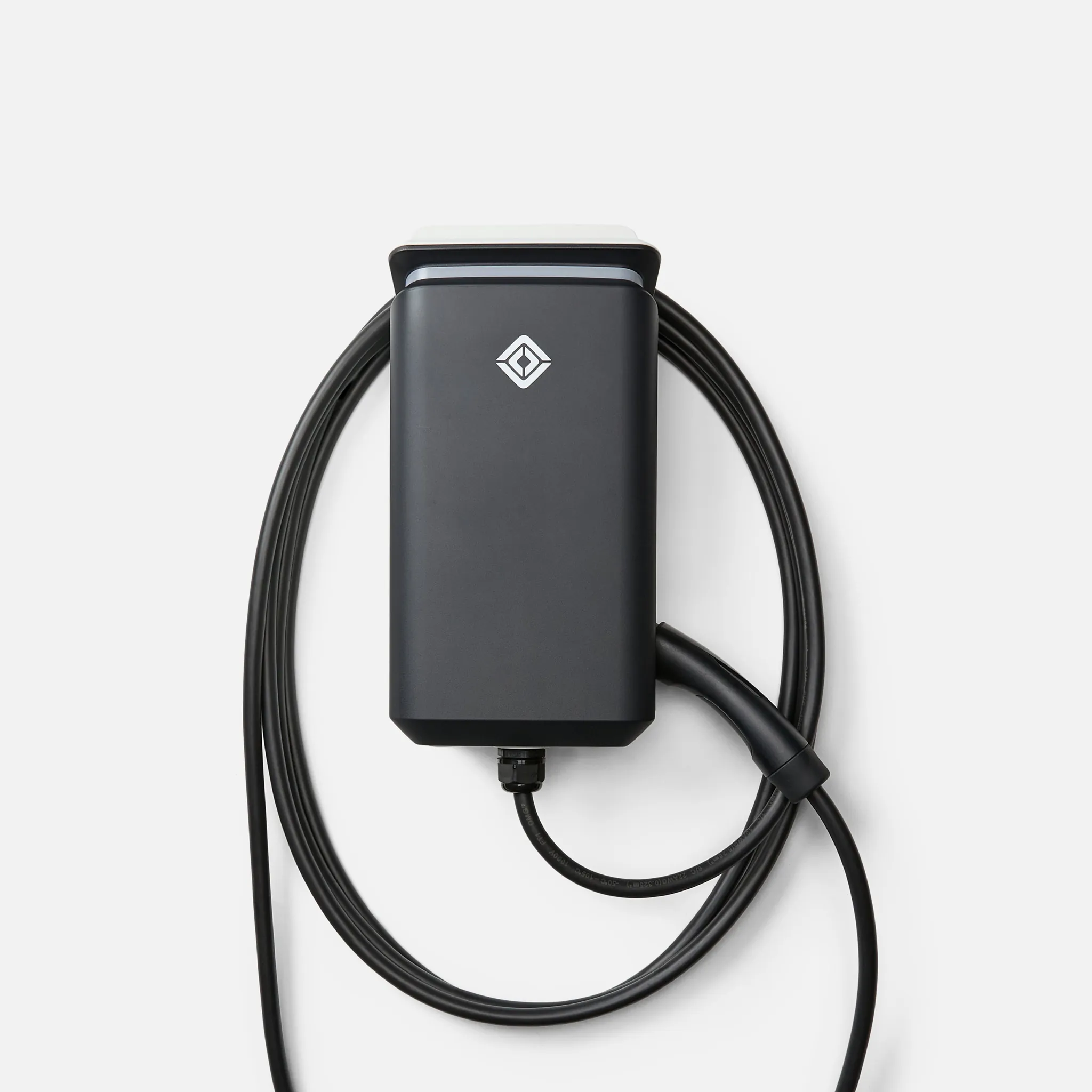
The Rivian Wall Charger is the clean physical match, not a magic smart-home hub. Rivian lists the NACS Wall Charger at $800, up to 48 A, and with a 24 ft cable.[4] That lines up neatly with the R2’s AC ceiling. On public product information, though, I would treat it primarily as a Rivian-native EVSE rather than as a broad local-control or load-management platform. If load management is your actual requirement, verify that feature in current Rivian documentation before you book the install.
The setup trap is not theoretical. In Car and Driver testing, the ChargePoint Home Flex could default to 16 A until app setup, even though the unit is capable of higher current when configured correctly.[5] That is the kind of “smart” behavior that matters on installation day: the electrician may have done the circuit correctly, the car may be ready to accept more current, and the charger may still be sitting at a conservative software limit until someone completes the vendor setup.
Emporia is a different proof point. Wirecutter’s testing describes the Emporia Classic NACS charger as using 2.4 GHz Wi-Fi and notes Emporia’s PowerSmart load-management path through the Vue energy monitor.[6] That does not make it the universal answer for an R2. It does show the right shape of a real smart charger feature: a charger paired to measurement hardware that can adjust behavior based on household electrical conditions. It also shows why garage Wi-Fi is not a checkbox. If the charger depends on 2.4 GHz and your garage barely hears the router, the smart feature is already in trouble.
OCPP is the Home Assistant route worth checking, not assuming
For a Home Assistant household, OCPP is the most plausible open-control path in today’s EVSE market. The lbbrhzn/ocpp integration available through HACS describes support for OCPP 1.6j and 2.0.1 chargers, which is exactly the kind of protocol boundary a smart-home buyer should look for before trusting a wall box to be automatable.[7]
That sentence has two sharp edges. First, the charger must actually expose OCPP in a usable way. A Wi-Fi logo does not mean OCPP. A vendor app does not mean local control. Second, OCPP support is not the same as a polished consumer experience. It can be the right choice for someone already comfortable running Home Assistant integrations, monitoring logs, and accepting that firmware changes may alter behavior. It is not a moral upgrade every R2 owner needs.
If the goal is simply “charge after midnight and stop at my daily limit,” Rivian’s app-side logic may be the cleaner owner experience. If the goal is “throttle the EV when the heat pump and induction range are both active,” or “only charge from surplus solar unless I override it,” then the EVSE or a paired energy-management layer needs to participate. Those are different jobs, and they should not be hidden under the same “smart charger” label.
Matter EVSE support is promising, but do not buy as if it is settled
Matter is the part I want to win, and also the part I would not let carry an R2 purchase decision in Q3 2026. Matter 1.3 introduced EVSE energy reporting, and the Connectivity Standards Alliance says Matter 1.4 adds more capable energy-management behavior, including user-defined charging preferences.[8] That is important because it points toward EV chargers behaving more like first-class smart-home energy devices rather than isolated vendor boxes.
But standards support and shelf reality are not the same thing. For an R2 owner buying hardware now, Matter should be treated as a feature to verify on the exact EVSE model, firmware, and controller you intend to use. “Matter is adding EVSE features” is not the same as “this NACS wall charger in my cart will expose useful local charging controls to my smart home.”
| Claim | Status for an R2 buyer in Q3 2026 | How to treat it |
|---|---|---|
| R2 can plug directly into a NACS home charger | Confirmed | Use NACS as the default connector assumption.[1] |
| R2 can use J1772 Level 2 charging | Confirmed with adapter | Fine as a workaround, but plan where the adapter lives.[1] |
| R2 benefits from more than 48 A AC charging at home | Not supported by Rivian’s stated ceiling | Do not upsize the charger expecting the R2 to exceed 48 A / 11.5 kW.[2] |
| Rivian Smart Charging Schedule Recommendation is confirmed on R2 | Investigating / inferred | R1 support is documented; check R2 delivery software and Rivian release notes before relying on identical behavior.[3] |
| A Wi-Fi charger is automatically Home Assistant-friendly | Not confirmed | Look for OCPP, a documented integration, or a local API rather than Wi-Fi alone. |
| Matter EVSE support makes current charger shopping simple | Too early to assume | Verify exact product certification and exposed functions, not just Matter roadmap language.[8] |
The pre-buy verification path
Do this before ordering the charger, not after the electrician is standing in the garage. The expensive mistakes are usually made upstream: the wrong circuit expectation, the wrong connector assumption, weak Wi-Fi, or a smart-home feature that only exists inside a vendor cloud you do not want to depend on.
- Decide whether you actually need full 48 A charging. If yes, ask about a hardwired 60 A circuit. If a 50 A receptacle is the better fit, plan around 40 A charging instead of pretending it is the same tier.
- Choose the connector plan. For the R2, NACS is the clean default. A J1772 charger can work with an adapter, but that makes adapter management part of the setup.
- Walk the garage Wi-Fi before buying a Wi-Fi-dependent EVSE. Check the actual 2.4 GHz signal where the charger will mount, with the garage door open and closed.
- Pick one primary scheduler. If Rivian handles off-peak charging well for your utility plan, do not duplicate the same schedule in the EVSE unless you have a specific reason.
- If load management is required, buy for that first. Look for documented current sensing, panel integration, utility program support, or paired energy-monitor behavior.
- If solar-aware charging matters, verify the data path. The charger or energy system needs to know production, consumption, or export conditions; a simple timer is not solar logic.
- If Home Assistant control matters, ask for the protocol. OCPP 1.6j or 2.0.1 is a useful clue; a vendor app and Wi-Fi radio are not enough.
- Treat Matter as a future-facing bonus unless the exact charger, firmware, and controller support the EVSE functions you need today.
Installation cost belongs in the compatibility decision
Circuit choice is not just a charging-speed preference; it is an installation-cost decision. EnergySage and Qmerit put Level 2 home charger installation commonly in the $800–$3,000 range, with a reported U.S. average around $2,442 and permits around $297, while also noting substantial state-level variation.[9] Those figures are context, not a quote for your house. Panel capacity, trenching, garage distance, local labor, permitting, and whether you need service work can move the number hard.
There is also a timing caveat. EnergySage’s Qmerit-backed guide noted the federal 30C credit expiration as June 30, 2026.[9] Since this is now Q3 2026, do not build your charger budget around that credit unless a tax professional or current IRS guidance says your specific project still qualifies under an updated rule.
Adapters are planning equipment, not a home strategy
Because the R2 is native NACS, the neatest home installation is usually a NACS EVSE.[1] Adapter planning still matters, especially if you expect to encounter J1772 destination chargers or mixed public infrastructure; RivianTrackr has specifically warned R2 buyers to plan on carrying charging adapters.[10] That is useful travel context. It should not distract from the home decision: every adapter you add to the daily garage routine is another object to misplace, leave in the vehicle, or explain to someone else in the household.
A cleaner way to choose the charger
Start by naming the one job the wall box must do beyond safely delivering power. If the answer is “nothing; I just want NACS, 48 A capability, and Rivian-native simplicity,” then a straightforward NACS wall charger may be enough. If the answer is “protect my panel from overload,” then load management is the buying criterion. If the answer is “follow solar surplus,” then energy-data integration matters more than brand polish. If the answer is “let Home Assistant supervise charging,” then documented OCPP or another usable integration is the line to hold.
The least useful charger is the one that is smart only while its app, cloud, Wi-Fi signal, and account permissions all cooperate, yet adds no function the R2 itself was not already prepared to handle. For routine charging-cost optimization, an R2 owner may not need a deeply smart wall box at all. The charger earns that label when it adds a specific control layer the vehicle/app stack does not cover: load management, solar logic, or an integration you can actually verify before the wall is opened.
References
- What charging networks are Rivian vehicles compatible with?, Rivian Support
- Our EV Home Charging Guide, Rivian
- New Software: Charging and Autonomy Updates, Rivian
- Rivian Wall Charger (NACS), Rivian Gear Shop
- Best Home EV Chargers Tested, Car and Driver
- The Best Electric Vehicle Chargers for Home, Wirecutter
- lbbrhzn/ocpp, GitHub
- Matter 1.4 Enables More Capable Smart Homes, Connectivity Standards Alliance
- How Much Does EV Charger Installation Cost?, EnergySage
- If you are getting a Rivian R2, plan on carrying charging adapters, RivianTrackr
Known issues with this device / protocol
Spec-version history
For active regressions on this protocol, see Update Watch.
No linked Update Watch entries yet.