
Can the iQOO Z11 Control Your Smart Home in India?
The iQOO Z11 gives you two layers of smart home control — an IR blaster for TVs and ACs plus the Google Home app for Matter and Works-with-Google-Home devices — but it is not a Matter hub or Thread border router. This compatibility check covers what the India model can and can't control, what still needs separate hardware, and what each setup path requires before you buy.
Last updated
If you are looking at the iQOO Z11 on launch week and hoping it can run your smart home, the useful answer is narrow: yes, it can control some things very well, but it is not the box that makes a smart home run in the background.
For the India model, the Z11 gives you two practical control layers. The first is old-school infrared control through the phone’s IR port and iQOO Smart Remote app, useful for TVs, air conditioners, and similar appliances that normally need a line-of-sight remote. The second is app-based smart-home control through Google Home, for devices that already work with Google Home or Matter devices that meet Google’s setup requirements. What it does not give you is the missing middle layer: a Matter hub, a Thread border router, or an always-on home controller that keeps automations and remote access alive when the phone is away.
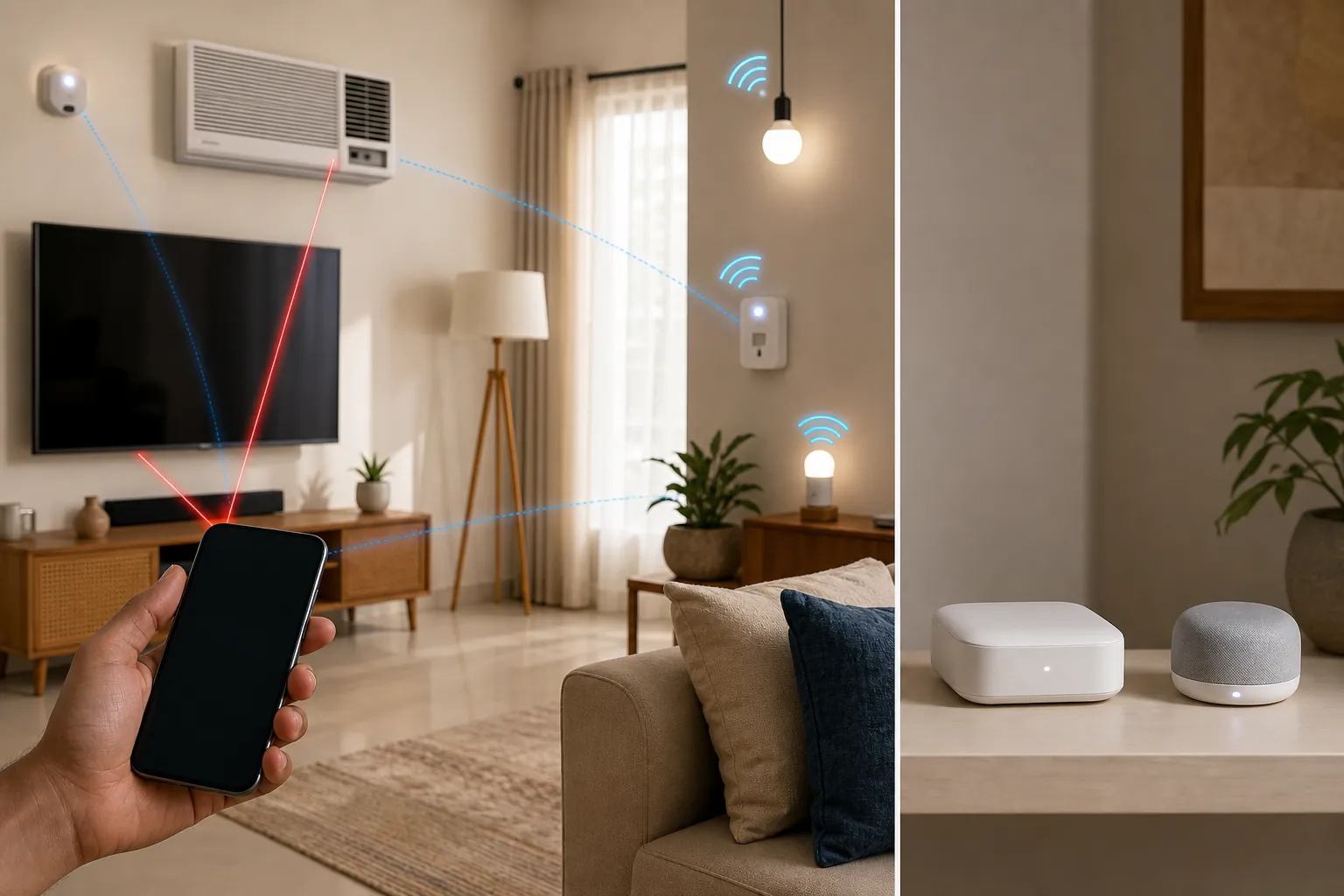
That distinction matters because the Z11 is not a small accessory purchase. It launched in India on August 20, 2026, with prices listed from ₹34,999 for the 6GB/128GB variant to ₹49,999 for the 12GB/256GB variant, and sales opening August 25 at 12pm IST through Amazon.in, the iQOO e-store, vivo stores, and Reliance Digital. [1]
There are launch-offer numbers floating around too; Times of India reported a possible net-effective starting price of about ₹31,499 after offers, but sale-day bank and exchange offers can change, so treat that as a price check item rather than a compatibility fact. [2]
Start by separating controller from hub
The word “controller” does too much work in phone coverage. A phone can be a remote control. It can be a setup screen. It can show Google Home tiles. It can send commands to devices when the right home infrastructure already exists. None of that automatically makes it a hub.
| Layer | What the iQOO Z11 can do | What still needs separate hardware |
|---|---|---|
| Infrared remote | Use the IR port and iQOO Smart Remote app to control supported legacy appliances such as TVs and ACs | Nothing for basic line-of-sight IR use, though range and appliance-code matching still matter |
| Google Home app control | Control supported Works-with-Google-Home devices and help commission compatible Matter devices through the Google Home app | A Matter-enabled Google Home hub on the same network for Google Home Matter setup, plus router requirements such as IPv6 |
| Hub / border-router layer | The phone can participate in setup and control screens | Matter hub duties, Thread border-router duties, away-from-home access, and always-on automations |
So the buying question is not “Does the iQOO Z11 support smart home?” It is: which of your devices fall into the first two layers, and which ones secretly depend on the third?
Use the Z11 as an IR remote for TVs and ACs
The strongest smart-home reason to care about this phone is also the least glamorous one: the India model has an IR port. 91mobiles lists the iQOO Z11 among phones with an IR blaster, and GSMArena’s India-model specification page also lists infrared support for the vivo iQOO Z11 5G India variant. [3][4]
That makes the Z11 useful in the very normal Indian-home mess where the AC remote has weak buttons, the TV predates app control, or a set-top box remote has disappeared into a sofa. IR does not make the appliance smart. It makes the phone imitate the remote.
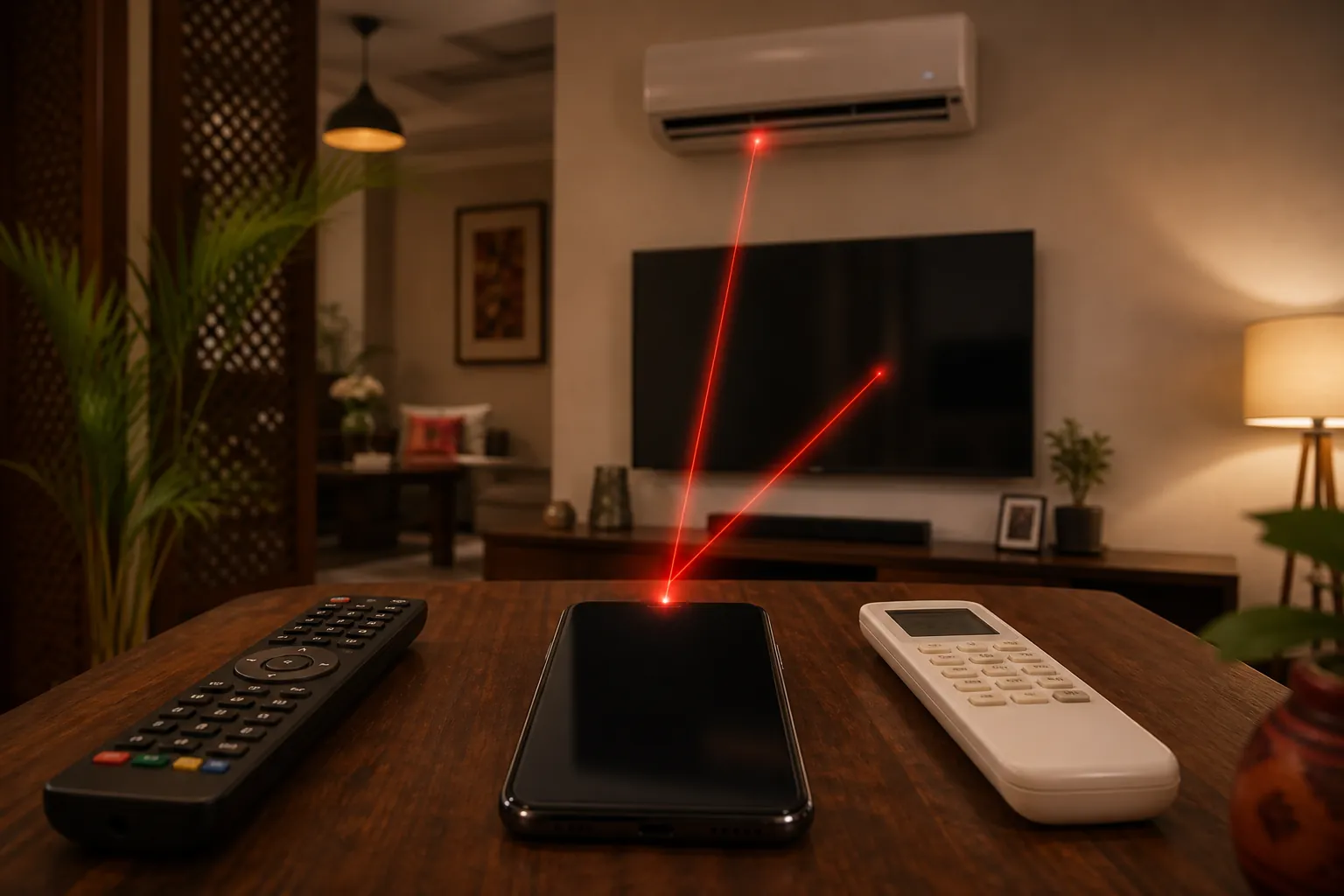
iQOO’s own Smart Remote help page describes the setup in simple terms: open Smart Remote, tap the plus button, and select the appliance type you want to add. The same support page also gives the caveat that matters in daily use: the IR range is shorter than a physical remote. [5]
For IR, the practical setup path is:
- Open the iQOO Smart Remote app.
- Tap the plus button to add a device.
- Choose the appliance type, such as TV or air conditioner.
- Follow the matching prompts until the appliance responds.
- Use it like a remote: point the top of the phone toward the appliance and expect line-of-sight behavior.
This is where the Z11 can genuinely clean up daily friction. A phone with an IR blaster is often more useful for an older split AC than a voice assistant is, because there is no cloud account, bridge, pairing mode, or vendor app involved. The limit is just as plain: if the appliance is hidden, too far away, or not in the IR code database, the phone will not behave like magic.
Use Google Home for supported smart devices, but read the requirements literally
The second control layer is the Google Home app. On an Android phone, that can mean normal app control for lights, plugs, cameras, switches, speakers, and other devices that already work with Google Home. It can also mean Matter setup and control, but only when Google’s requirements are actually met.
Google documents several requirements for setting up Matter devices with Google Home: an Android phone or tablet running Android 8.1 or later, Google Play services version 22.48.14 or later, Bluetooth Low Energy 4.2 or later, a Matter-enabled hub for Google Home on the same network, and an IPv6-enabled router; Google also warns that setup can appear to complete and then fail later if IPv6 is not enabled. [6][7]
That list is the part to slow down over. The phone is one requirement, not the whole requirement. If you buy a Matter light and expect the Z11 alone to become the home’s Matter brain, Google’s own setup model does not support that reading.
Once devices are in Google Home, Android can make day-to-day access faster. Google’s Android help explains that home controls can be reached from places such as the lock screen or Quick Settings on Android 11 and later, depending on device and settings. [8]
So a realistic Z11 setup might look like this: the phone opens Google Home, shows your living-room plug and bulb, lets you tap them from Android controls, and helps you add a compatible Matter device if the network already has the required Matter-enabled hub. That is useful. It is just not the same as replacing the hub.
The phone is not the Matter hub
Google’s Matter hub list is made up of home devices such as speakers, displays, routers, streamers, and TVs. Phones are not listed as Matter hubs. [7]
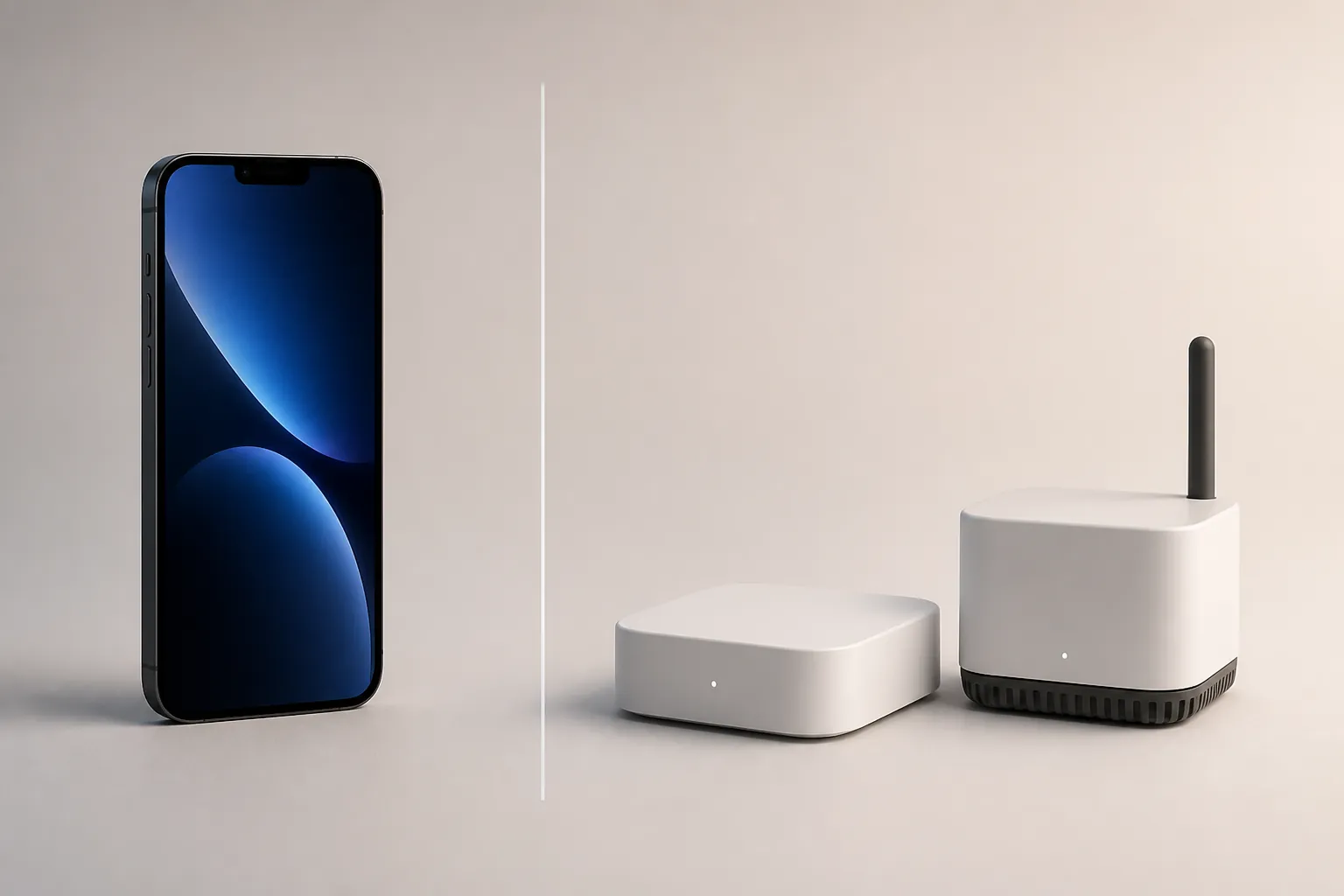
That exclusion is the boundary buyers often miss. A phone can scan a QR code, run the Google Home app, and send commands through an account. A hub is the always-available device sitting in the home network, keeping supported devices reachable for automations and remote control. If the home depends on a hub, buying a better phone does not remove that dependency.
This is especially important for Thread devices. The Z11 should not be treated as a Thread border router. If you are buying Thread-based sensors, buttons, locks, or bulbs, plan for compatible border-router hardware in the home. Without that layer, the phone can be present during setup but cannot provide the Thread network role by itself.
The same caution applies to away-from-home control and automations. If your expectation is “I leave Bengaluru for the weekend and the home still runs schedules, scenes, and remote commands reliably,” that expectation belongs to the hub and platform layer, not to a handset that moves with you.
Check the India model, not a China or global spec sheet
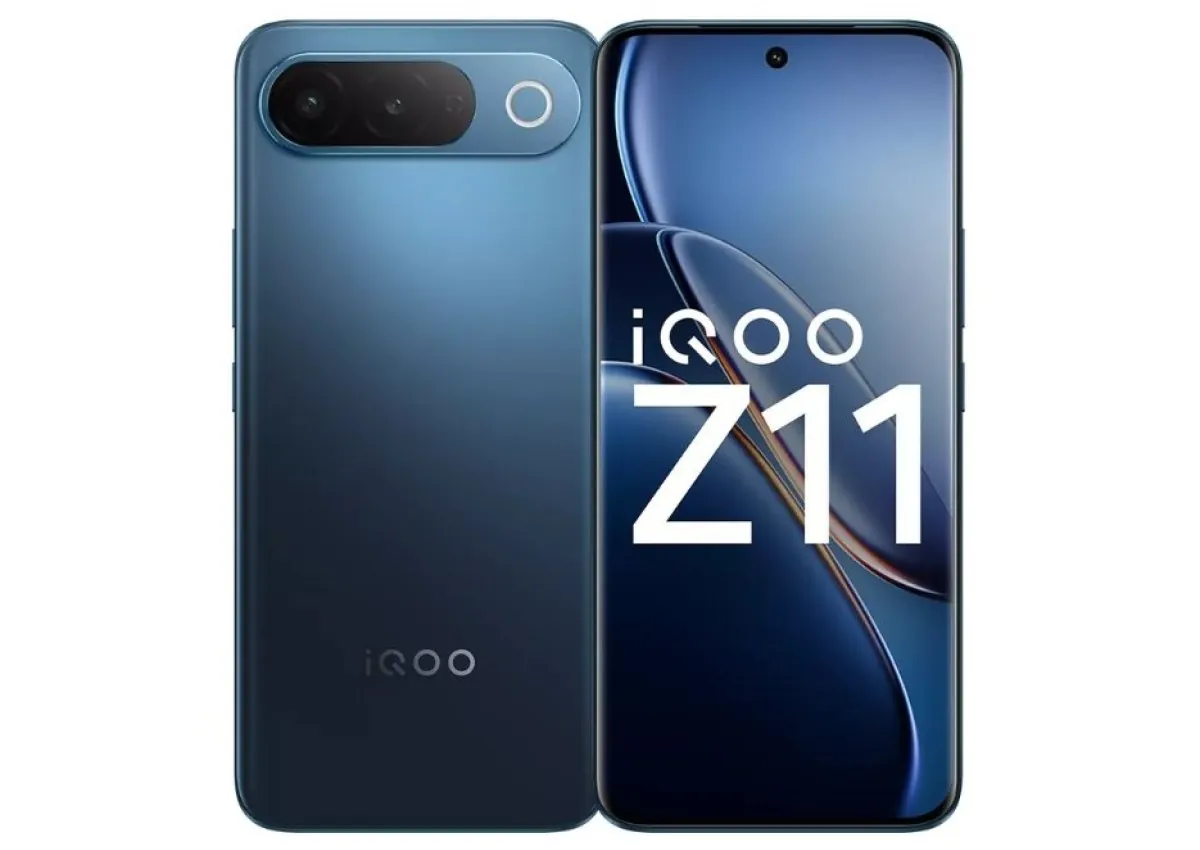
For this compatibility check, the relevant phone is the India model, I2514, identified in launch coverage as the iQOO Z11 sold in India from August 2026. Do not mix it with China or global Z11 references when making a purchase decision, because those variants differ materially in headline hardware such as chipset, battery capacity, and display refresh rate.
The smart-home point is simple: confirm the India retail listing you are buying, then confirm the features that matter to your setup. The compatibility-critical India facts are the IR port and normal Android/Google Home app path, not the larger phone-review items that will dominate launch ads.
Who should buy it for smart-home control
The iQOO Z11 makes sense if your home is a mix of older IR appliances and app-controlled Google Home devices. In that setup, the phone can reduce clutter: one app for the AC and TV remote layer, another for bulbs, plugs, and supported Google Home devices. If you already have the required Google Home hub hardware for Matter, the Z11 can be a convenient phone-side controller and setup device.
It is the wrong purchase if the real goal is to avoid buying a hub. Matter over Google Home still requires a Matter-enabled hub on the network, and Thread devices still need suitable border-router hardware. The Z11 can sit nicely in a smart-home setup; it should not be budgeted as the device that replaces the always-on infrastructure.
Before paying ₹34,999–₹49,999, sort your devices into three piles: IR appliances, Google Home or Matter devices that already have the required home hardware, and devices that need a hub or Thread border router you do not yet own. The Z11 is a good fit for the first two piles. The third pile still needs separate hardware.
References
- iQOO Z11 Price in India, Launch, Sale Date, Features, Specifications - Gadgets360 - https://www.gadgets360.com/mobiles/news/iqoo-z11-price-in-india-launch-sale-date-features-specifications-11934594
- iQOO Z11 5G launched in India with 7050mAh battery, 144Hz AMOLED display and AI features - Times of India - https://timesofindia.indiatimes.com/technology/tech-news/iqoo-z11-5g-launched-in-india-with-7050mah-battery-144hz-amoled-display-and-ai-features/articleshow/133371557.cms
- Phones with IR Blaster - 91mobiles - https://www.91mobiles.com/list-of-phones/phones-with-ir-blaster
- vivo iQOO Z11 5G (India) - GSMArena - https://www.gsmarena.com/vivo_iqoo_z11_5g_(india)-14886.php
- Smart Remote - iQOO India Support - https://www.iqoo.com/in/support/questionList?categoryId=50760
- Set up and manage Matter-enabled devices - Google Home Help - https://support.google.com/googlehome/answer/13127223
- Matter-enabled devices and Google Home - Google Home Help - https://support.google.com/googlehome/answer/12391458
- Control smart home devices on your Android device - Android Help - https://support.google.com/android/answer/10035441
Known issues with this device / protocol
Spec-version history
For active regressions on this protocol, see Update Watch.
No linked Update Watch entries yet.