
Does the iPhone 18 Pro beat the 17 Pro for Apple Home?
A status-labeled iPhone 18 Pro vs iPhone 17 Pro comparison for Apple Home buyers: which smart-home claims are confirmed, which are still rumored, and what either phone can and can't do without a home hub. Neither is a hub — the 18 Pro's practical upgrades are iOS 27 access and battery life, not new Thread or Wi-Fi radios.
Last updated
Start with the part that phone rumor coverage keeps making fuzzy: neither the iPhone 18 Pro nor the iPhone 17 Pro is an Apple Home hub. The confirmed iPhone 17 Pro can act as a modern Apple Home controller, and Apple lists Wi-Fi 7, Bluetooth 6, Thread networking, and the second-generation Ultra Wideband chip in its technical specifications.[1] Apple also says iOS 18 or later can add and control Matter accessories without a home hub, with Thread accessory control available on iPhone 15 Pro or later.[2] That is useful. It is not the same as turning the phone into the piece of home infrastructure that runs automations, remote access, HomeKit Secure Video, or Thread border-router duty.
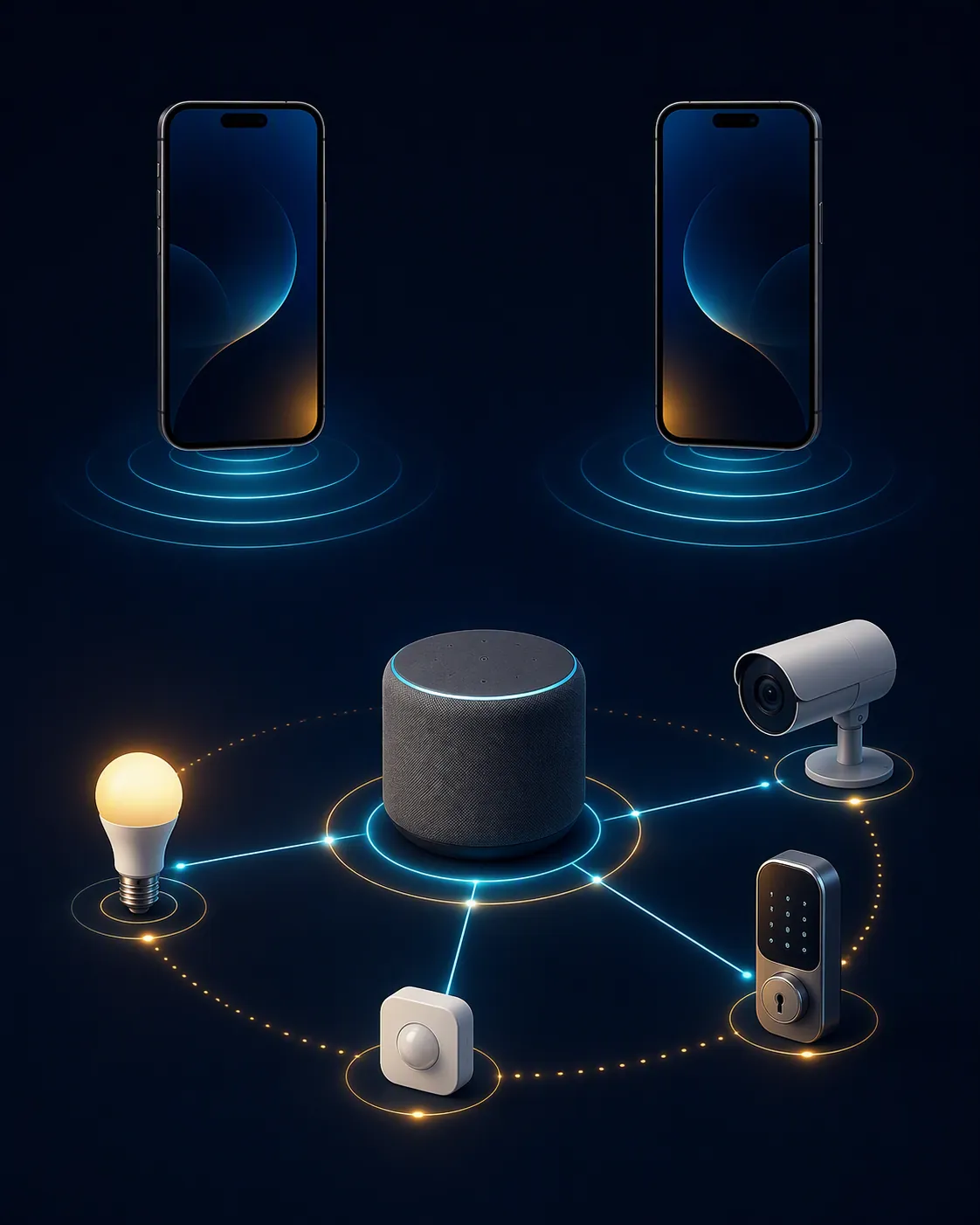
As of 2026-08-04, the iPhone 18 Pro is still unannounced. The useful comparison, then, is not “which flagship sounds newer?” It is this: does the rumored iPhone 18 Pro add any Apple Home hub feature over the confirmed iPhone 17 Pro? On the smart-home evidence available now, no. The rumored N2 wireless chip repeats the same Apple Home-relevant set — Wi-Fi 7, Bluetooth 6, Thread, and Ultra Wideband — already confirmed on the iPhone 17 Pro’s N1 chip.[1][3]
Quick verdict: controller, yes; hub, no
| Apple Home question | iPhone 17 Pro status | iPhone 18 Pro status | What it means |
|---|---|---|---|
| Can it control Apple Home accessories from the Home app? | Confirmed | Rumored / expected | Yes for ordinary controller use, assuming the device is signed into the Home. |
| Can it add Matter accessories without a home hub? | Confirmed on iOS 18 or later | Rumored / expected because it should ship with iOS 27 | Yes, but this is hub-free pairing/control, not full hub replacement. |
| Can it directly help with compatible Thread accessory setup/control? | Confirmed for iPhone 15 Pro or later with caveats | Rumored / expected | Useful for commissioning and some direct control, but not the same as being a Thread border router. |
| Can it act as the Apple Home hub? | No, per Apple’s current Home architecture behavior | No evidence / unconfirmed | You still need a HomePod, HomePod mini, or Apple TV for hub-dependent Apple Home features. |
| Can it act as a Thread border router? | No evidence in Apple Support docs | No evidence / unconfirmed | A phone with Thread is not automatically the router that keeps a Thread mesh bridged into the home network. |
| Does it add a new smart-home radio class over the other phone? | Confirmed N1: Wi-Fi 7, Bluetooth 6, Thread, second-generation UWB | Rumored N2: same smart-home-relevant feature set | No sourced Thread, UWB, Wi-Fi, or Bluetooth advantage for the 18 Pro yet. |
| Does it improve battery life for heavy Home app, camera, and setup use? | Confirmed product; comparison figures are rumor-context battery capacities | Rumored larger battery in some configurations | Possibly a practical convenience, not a compatibility upgrade. |
That table is the purchase answer in miniature. If the problem is “my phone feels old when I open the Home app,” both phones are plausible modern controllers. If the problem is “my automations fail when I leave,” “my Thread lock is unreliable,” or “I want HomeKit Secure Video to behave like a security system,” the phone generation is probably not the missing part.
The radio stack is not where the iPhone 18 Pro pulls ahead
Apple’s confirmed iPhone 17 Pro spec sheet is already unusually strong for smart-home setup work: the N1 wireless chip includes Wi-Fi 7 with 2x2 MIMO, Bluetooth 6, and Thread networking, and the phone also has Apple’s second-generation Ultra Wideband chip.[1] That is the baseline the iPhone 18 Pro has to beat for Apple Home purposes.
The current iPhone 18 Pro rumor set does not beat it on those terms. MacRumors’ August 2026 feature roundup describes an N2 wireless chip with Wi-Fi 7, Bluetooth 6, and Thread, alongside broader flagship changes such as A20 Pro, C2 modem, iOS 27, 12GB of RAM, and market-dependent battery-capacity claims.[3] A related MacRumors preview similarly frames the expected changes as a flagship generation update, not as a new Thread or UWB class for Apple Home.[4]
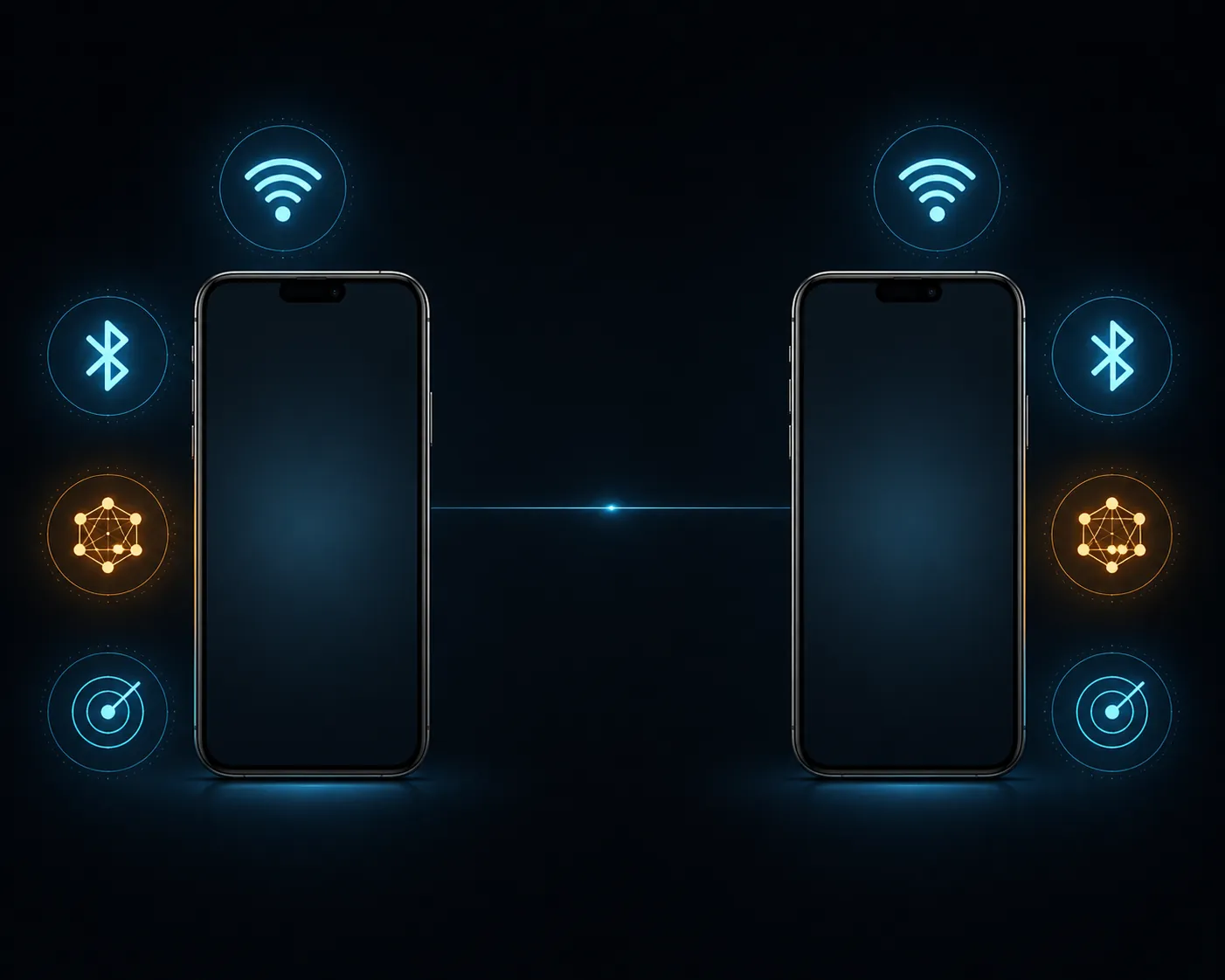
That distinction matters because Wi-Fi 7, Bluetooth 6, Thread, and UWB are easy to list as if each new phone refresh resets the smart-home hierarchy. Here, the sourced feature set is effectively a repeat. There may be implementation improvements Apple has not announced, and the 18 Pro hardware is still rumor-level. But there is no sourced basis, as of 2026-08-04, to say the iPhone 18 Pro will pair Thread devices better, locate UWB devices differently, or raise Matter compatibility above what the iPhone 17 Pro already exposes.
The terms that decide the whole comparison
A phone can be powerful, current, and Thread-capable without being the home’s hub. The confusion usually comes from using five different smart-home roles as if they are interchangeable.
| Term | Plain-English role | Where the iPhone fits |
|---|---|---|
| Apple Home controller | A device you use to view, control, and manage the home through the Home app. | Yes. The iPhone 17 Pro does this, and the iPhone 18 Pro is expected to. |
| Matter controller | A platform device/app that can add and control Matter accessories in an ecosystem. | Yes, with iOS 18 or later for hub-free Matter pairing and control. |
| Thread commissioner | A device that helps put a Thread accessory onto the right network during setup. | Yes for supported iPhones and supported accessories; Apple documents Thread accessory control for iPhone 15 Pro or later. |
| Thread-enabled device | A device with a Thread radio that can participate in certain Thread interactions. | Yes on the iPhone 17 Pro; rumored for the iPhone 18 Pro. |
| Thread border router | Infrastructure that bridges a Thread mesh to the broader IP network. | No sourced Apple claim that iPhone 17 Pro or 18 Pro serves this role. |
| Apple Home hub | A HomePod or Apple TV-class device that keeps Home features running when phones are away or asleep. | No. The iPhone is not the Home hub. |
Apple’s own support language is careful here. Its Matter support page says that with iOS 18 or later, users can add and control Matter accessories without a home hub, and that Thread accessory control without a hub is available on iPhone 15 Pro or later.[2] A separate Apple Support page about “Thread Border Router Required” and “Needs Thread Network” alerts points users toward a Thread border router or Thread network condition rather than saying the iPhone itself becomes the border router.[5]
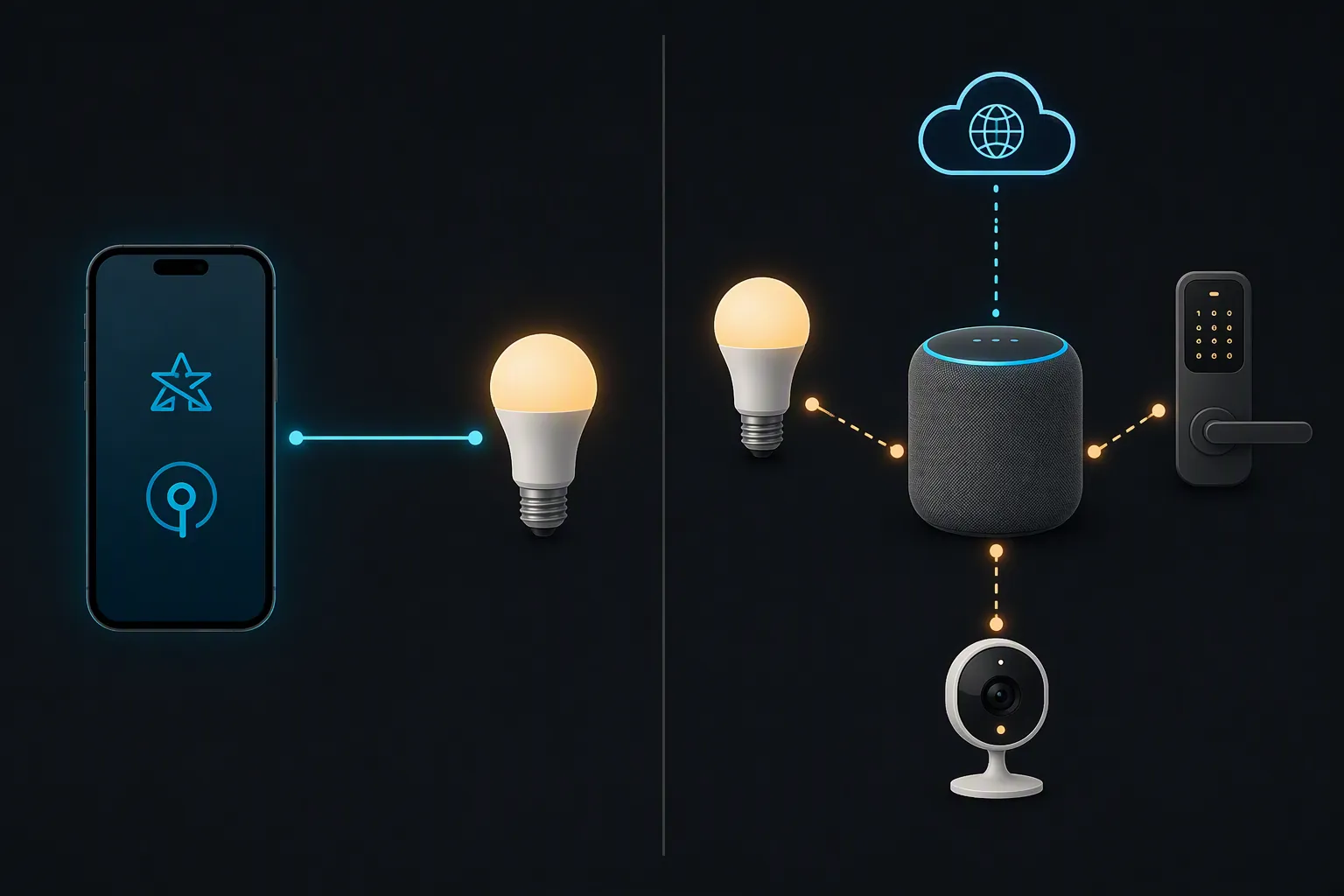
That is the line to keep intact: hub-free pairing is real; hub replacement is not. The Verge’s reporting on iOS 18 captured the same practical shift — Apple made it possible to add Matter devices to Apple Home without a hub — while still noting Apple’s recommendation of a home hub for the best experience.[6] HomeKit News also treated the iOS 18 change as a limited hub-free option, not a full removal of hub value.[7]
What hub-free Matter pairing actually buys you
For a buyer comparing iPhone 18 Pro smart-home hub features with iPhone 17 Pro capabilities, the most useful confirmed feature is not on the unreleased phone at all. It is Apple’s current iOS behavior: with iOS 18 or later, a compatible iPhone can add and control Matter accessories without a home hub.[2]
In practice, that means a buyer can set up certain Matter accessories from the phone and control them locally without first buying a HomePod mini or Apple TV 4K. For a small apartment with a few lights and plugs, that may be enough for a while. It reduces the “I bought one bulb and now need a second Apple device” problem that made early Matter adoption feel heavier than it needed to be.
Thread is more qualified. Apple says controlling Thread accessories without a home hub is available on iPhone 15 Pro or later, but its support notes preserve caveats around Thread network availability and border-router requirements.[2][5] The research record around iOS 18 also treated battery-powered Thread accessories as more dependent on manufacturer firmware updates than mains-powered accessories.[7] So the safe version is narrow: supported Pro iPhones can help with supported Thread accessory setup and control. They do not guarantee that every Thread sensor, lock, or button behaves as if a permanent Thread border router is present.
What still needs a HomePod or Apple TV
The features people usually mean by “smart home hub” are the ones that keep working when the phone is not the active participant. A phone leaves the house, runs out of battery, changes networks, goes into low-power behavior, and belongs to one person. Home infrastructure is supposed to stay there.
- Remote access when you are away from home.
- Automations that need to run reliably without your phone being present.
- HomeKit Secure Video features tied to Apple Home hub infrastructure.
- Home notifications that depend on the home staying connected and aware.
- Home Key sharing and other resident-level Apple Home behaviors that assume a stable home hub.
- Thread border-router duty for a mesh of Thread accessories.
For those jobs, the smart-home comparison should not be iPhone 18 Pro versus iPhone 17 Pro. It should be whether the home has an appropriate HomePod, HomePod mini, Apple TV 4K, or compatible Thread border-router infrastructure. Apple’s own Thread alert documentation separates the need for a Thread border router from the iPhone’s ability to manage accessories.[5]
iOS 26 vs iOS 27 matters, but not as a hub substitute
Software is the more plausible iPhone 18 Pro advantage, mostly because the 18 Pro is expected to arrive with iOS 27 while the iPhone 17 Pro is already anchored in the iOS 26 generation. Matter Alpha’s iOS 26 Home coverage describes Home app and Matter changes for the current software cycle, while 9to5Mac’s iOS 27 Home report says Apple is adding HomeKit Secure Video 4K, AI-generated video descriptions, natural-language clip search, and real-time notification grouping.[8][9]
Those reported iOS 27 features could be meaningful if cameras are a major part of the home. Better video descriptions and natural-language search change how quickly someone can find the clip they need. Notification grouping can also matter in a busy home where cameras, doorbells, locks, and sensors generate too much noise.
But none of those reported iOS 27 features turn an iPhone into an Apple Home hub. HomeKit Secure Video, in particular, is exactly the kind of feature category where buyers should check the required hub and iCloud conditions instead of assuming a new phone covers the infrastructure side. Also, iOS 27 availability on the iPhone 17 Pro is a high-confidence inference based on Apple’s usual support pattern, not a sourced Apple statement in the material here. Until Apple publishes the final compatibility list, that should stay labeled as an inference.
Battery is a real convenience, not a new compatibility tier
Battery deserves more attention than the processor in this particular comparison. A phone used as the household setup tool gets pulled into QR-code scanning, Home app troubleshooting, camera checks, doorbell previews, firmware prompts, and repeated accessory resets. More endurance can make that less annoying.
The rumored iPhone 18 Pro battery numbers are modestly higher in some versions: MacRumors cites about 4,056 mAh for the China model and 4,288 mAh for the U.S. model, compared with 3,988 mAh and 4,252 mAh figures given for the iPhone 17 Pro variants in the same rumor context.[3] Those are unconfirmed pre-launch figures, and battery capacity alone does not tell the full endurance story. Still, if the buyer is already waiting for the 18 Pro for general phone reasons, battery is one of the few rumored changes that could be felt during smart-home use.
The A20 Pro, C2 modem, and 12GB RAM rumors belong mostly outside this compatibility decision.[3][4] They may make the iPhone 18 Pro the better flagship overall. They do not, from the available smart-home evidence, add a new Apple Home role that the iPhone 17 Pro lacks.
Buy, wait, or spend the money on a hub?
If the purchase is specifically about Apple Home, the decision breaks cleanly.
| Buyer situation | Better move | Reason |
|---|---|---|
| You need a new phone now and want strong Apple Home controller support | Buy iPhone 17 Pro | Its Thread, UWB, Wi-Fi 7, and Bluetooth 6 stack is confirmed, and Apple’s hub-free Matter behavior already applies on current iOS. |
| You can wait and also care about the broader 2026 flagship package | Wait for iPhone 18 Pro | The rumored battery, A20 Pro, C2 modem, RAM, and iOS 27 launch timing may matter as phone upgrades, even if they do not create a new Apple Home hub role. |
| Your automations, remote access, HomeKit Secure Video, or Thread mesh are the pain point | Buy or keep the right HomePod or Apple TV infrastructure | Those are hub and border-router problems, not iPhone generation problems. |
| You already have an iPhone 15 Pro, 16 Pro, or 17 Pro and only want better Thread/Matter setup | Do not upgrade for that alone | The available evidence does not show an iPhone 18 Pro Thread or UWB capability jump over the 17 Pro, and Apple already supports hub-free Matter control on recent iOS. |
There is room for the iPhone 18 Pro to be the better phone. Launch timing, longer battery life, a new processor, a new modem, and day-one iOS 27 support are all legitimate reasons to wait if the whole device matters. But in the narrow Apple Home comparison, the 18 Pro does not currently show a higher ceiling than the 17 Pro. The confirmed 17 Pro already has the modern controller radios. The rumored 18 Pro appears to carry the same smart-home-relevant radio set. Neither is the hub.
So the clean compatibility verdict is this: choose between iPhone 17 Pro and iPhone 18 Pro for phone reasons, software timing, and battery. Choose a HomePod, HomePod mini, Apple TV 4K, or compatible Thread border router for the infrastructure jobs Apple Home still assigns to a hub.
References
- iPhone 17 Pro and 17 Pro Max - Technical Specifications, Apple.
- Pair and manage your Matter accessories, Apple Support.
- iPhone 18 Pro Launching Next Month With These 12 New Features, MacRumors, 2026-08-02.
- iPhone 18 Pro: Twelve Changes Coming to Apple's Next Flagship, MacRumors, 2026-07-30.
- If you see a Thread Border Router Required or Needs Thread Network alert, Apple Support.
- Apple now lets you add Matter devices to Apple Home without a hub, The Verge, 2024-09-18.
- Does iOS18 Offer a Hub-Free Option to Apple Home Users?, Homekit News and Reviews, 2024-09-13.
- iOS 26: What's new for the Apple Home app and Matter?, Matter Alpha.
- Here's everything new for Apple's Home app in iOS 27, 9to5Mac, 2026-06-11.
Known issues with this device / protocol
Spec-version history
For active regressions on this protocol, see Update Watch.
No linked Update Watch entries yet.