
What Leak and Humidity Sensors Survive Houston Storm Season?
Most Harris County flood risk is rainfall-driven and largely unmapped, so the right leak and humidity sensors come down to your hub and its alert path. This guide maps storm-season picks to Apple Home, Alexa, Google Home, SmartThings, and Home Assistant, with dated compatibility caveats and a decision matrix instead of a single winner.
Last updated
Houston storm-season shopping starts with water, not gadgets. Hurricane season runs June 1 through November 30, and the local urgency tightens from mid-August into early October, with September historically the roughest month for Texas tropical trouble.[1] A leak sensor that only behaves while the router, cloud service, hub, phone, and battery are all cheerful is not the sensor I want under a water heater when the power has already blinked twice.
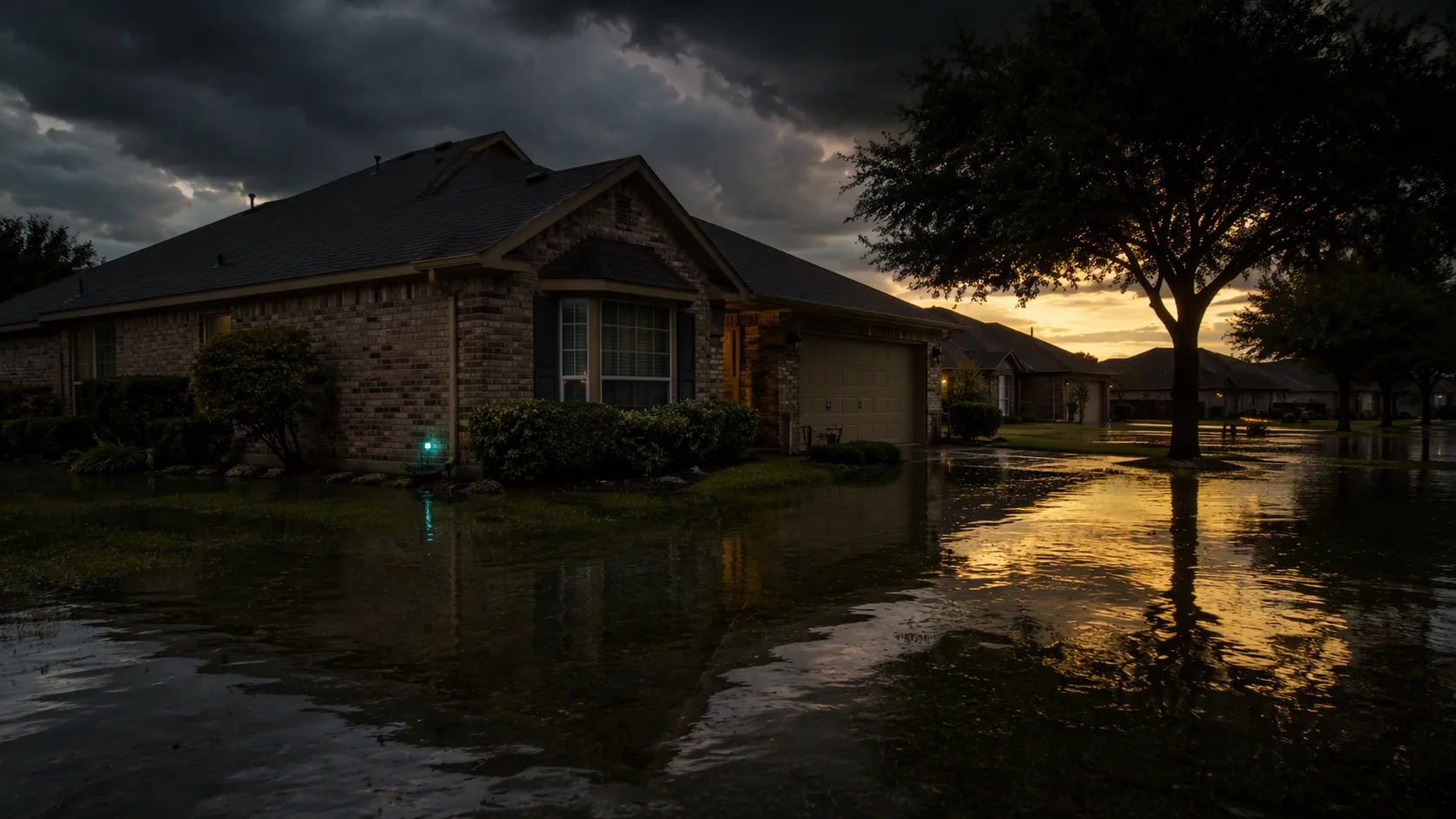
The local flood map is not enough comfort, either. Rice researchers reported that 56% of flood-prone Harris County homes sit outside FEMA flood zones, with about 603,000 residents, or roughly 12% of the county population, living in overlooked buildings; the same work found average pluvial flood depth of 15 cm compared with 7 cm in the mapped comparison, which is exactly the kind of rainfall-driven, building-level risk that hides from a tidy zone boundary.[2] ClimateCheck’s Houston profile also puts the average 30-year chance of a roughly 1-foot flood at about 32%, and projects the downpour share of precipitation rising from 44% to 48% by 2050.[3]
That does not mean every house needs the same sensor. A pier-and-beam bungalow in the Heights, a slab home in Katy, a townhouse near a bayou, and a new build with a crowded mechanical closet have different weak spots. But the purchase question is the same: when the probe touches water or the closet humidity climbs, which path actually gets an alert to a human?
Start with the hub you already own
Nationally, about 1 in 60 insured homes has a water-damage or freezing property-damage claim in a year, but that number is too blunt to choose hardware for a Houston storm week.[4] For this job, compatibility is the first cut. If a sensor cannot pair cleanly with your hub, or if its most important alert lives in a separate app you never allowed to bypass Do Not Disturb, the brand name on the puck stops mattering.
Use this matrix as the short version. For deeper per-ecosystem model lists, keep the separate water-leak sensors by hub guide open; for storm-specific alert-chain rankings, use the hurricane flooding compatibility guide.
| Your current hub | Leak-sensor path that makes sense for storm season | Humidity-monitor path | Q3 2026 caveat to check before buying |
|---|---|---|---|
| Apple Home | Aqara Water Leak Sensor through an Aqara hub is the familiar Zigbee-to-Apple Home route; 2026 coverage notes the hub requirement, roughly $30 hub cost, and about 40 ft range.[5] IKEA Klippbok is the cheap Matter-over-Thread entry, but its low probe clearance can miss shallow water unless placed carefully.[6] | Use a Home-exposed humidity sensor where dampness can linger: closets, AC-adjacent rooms, laundry areas, and under-sink cabinets with poor airflow. Confirm the Home app sees humidity, not just temperature. | Matter support is improving, but do not assume every Matter sensor exposes every useful measurement or automation trigger in Apple Home. Pair one unit and test alerts before buying ten. |
| Amazon Alexa | Treat D-Link or YoLink as app-first leak alerts, with Alexa as a convenience layer. Do not buy a Matter leak sensor expecting native Alexa leak-sensor support; 2026 platform reviews still list Alexa as not supporting Matter leak sensors.[7] | Choose a humidity monitor whose own app can alert, or one Alexa already exposes in the way you need. Voice visibility is not the same as a reliable storm alert. | Alexa compatibility badges can mean voice status, routines, or account linking. Verify the exact alert path: sensor app, hub app, Alexa notification, local siren, or all of the above. |
| Google Home | Use Google Home as a dashboard only after confirming the sensor’s own app or hub sends water alerts. D-Link and YoLink-style app paths matter more here than Google Home polish. | Google Home’s 2026 limitation is important for humidity work: platform status reviews note that Google Home cannot use temperature from temp/humidity sensors as an automation trigger.[7] Verify humidity behavior separately in the Google Home app. | If your mold-prevention plan depends on a Google automation firing from a humidity or temperature reading, test the automation before storm season rather than assuming the device card is enough. |
| SmartThings | Use SmartThings-compatible Zigbee or Z-Wave leak sensors when you want one hub to handle leak alerts and automations. If the sensor location is a detached garage, far end of a large house, or metal-heavy utility space, consider whether a separate long-range YoLink path is more reliable than forcing everything through one mesh. | Use SmartThings-exposed humidity sensors for rooms where damp air can sit after rain or AC cycling. Put phone notification priority ahead of dashboard neatness. | SmartThings device handlers, Edge drivers, and third-party integrations change. Confirm the exact model reports wet/dry state and battery state in your installed environment. |
| Home Assistant | Aqara SJCGQ11LM can be used through Zigbee2MQTT, but Home Assistant users should read the device notes and test pairing on their own coordinator before filling a house with them.[8] YoLink can be attractive when range matters, but it brings its own hub and integration assumptions.[9] | Use local or locally integrated humidity sensors where possible, especially if you want alerts to survive an internet outage on the LAN. For dashboards, separate comfort humidity from mold-risk humidity. | Home Assistant is the easiest place to build the exact alert chain you want, and also the easiest place to fool yourself. Pull batteries, power-cycle hubs, and confirm mobile alerts before calling the setup finished. |
The table is organized around alert path instead of brand because storm season punishes the weak link after detection. The probe touching water is only the first event. After that, the sensor has to wake, transmit, reach a hub or bridge, get interpreted by a platform, trigger a local sound or phone alert, and keep enough battery state visible that you are not relying on a dead puck in August.
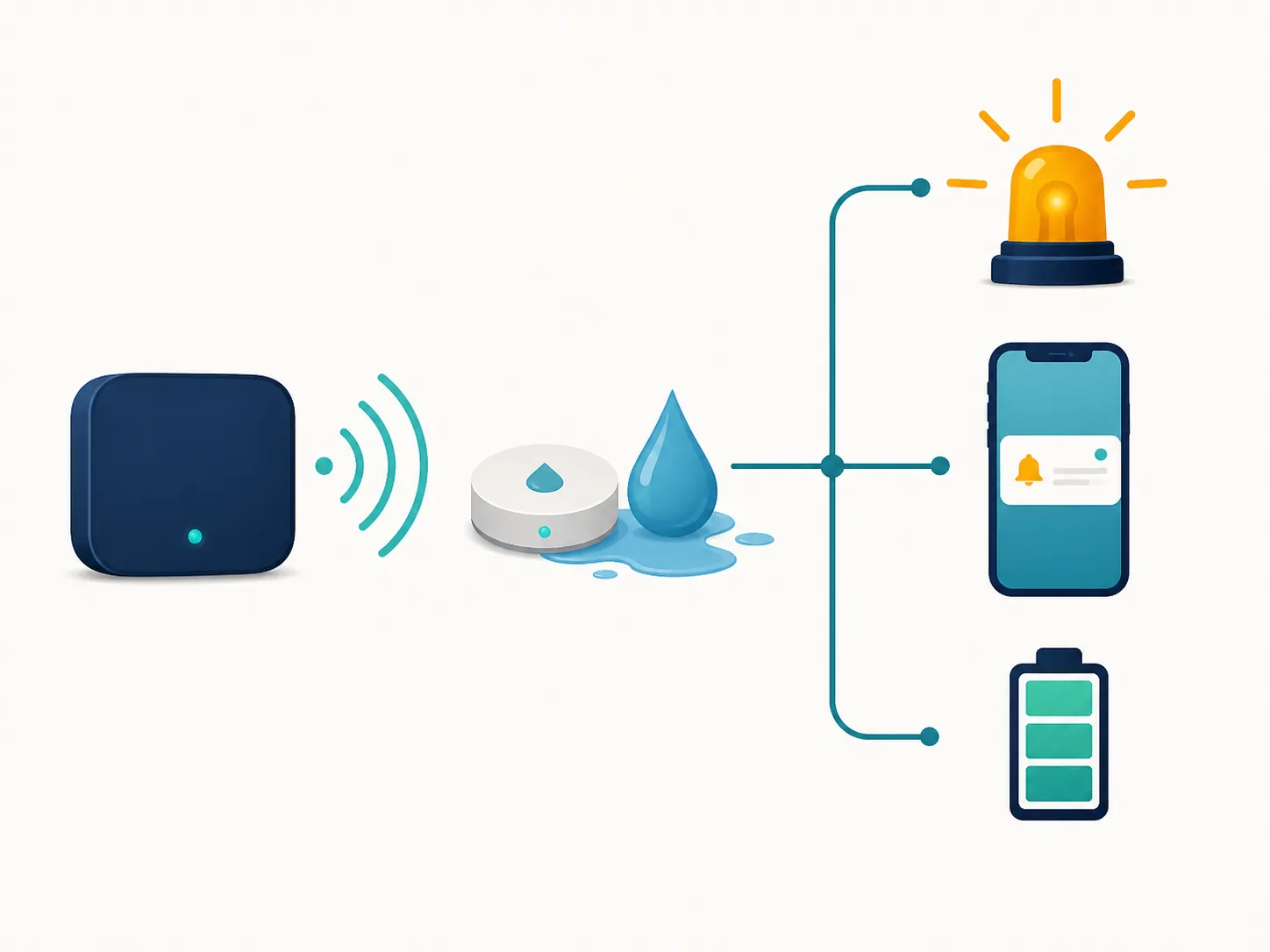
What the alert chain has to survive
Measured tests are more useful here than pretty app screenshots. Wirecutter’s April 2026 update measured the D-Link SW-A11KT triggering in under 1 second, with a roughly 73 dB siren at 10 feet and an offline notice after about 3 minutes. In the same guide, the YoLink Water Leak Sensor 4 triggered in about 2 seconds and had a 105 dB alarm, but took roughly 12 hours to flag a removed battery.[10]
Those numbers describe different kinds of usefulness. The D-Link result is the fast, compact, app-centered path: quick water detection and a relatively prompt offline warning. A 73 dB siren at 10 feet may be enough in a nearby room; it is not the same thing as a piercing whole-house alarm when rain is hammering a roof, fans are running, and someone is asleep upstairs.
The YoLink result is the range-and-volume path. YoLink’s own specifications claim up to 1/4-mile open-air LoRa range, 5-plus-year battery life, and Control-D2D operation without internet or the app.[9] That is interesting for detached garages, long ranch-style layouts, metal utility rooms, and sensors placed near exterior doors where a normal 2.4 GHz Wi-Fi or Zigbee connection gets ugly. The tradeoff in the measured data is battery-status confidence: a sensor that screams loudly when wet but is slow to report a removed battery needs scheduled battery checks, not blind trust.
For Houston storm season, I would rather have one loud local alarm plus one phone alert that has been tested than six sensors that look tidy in a dashboard and depend on a cloud integration nobody has opened since installation. If your hub has cellular backup or local automations, good. If it does not, the local siren and the vendor app’s offline behavior become more important, not less.
The quick storm test before you trust a sensor
- Wet the probe with a damp paper towel and time the local siren and phone notification.
- Unplug the bridge or hub for a few minutes and check whether the app reports the device or hub offline.
- Put the sensor in its real location, close the cabinet or mechanical-room door, and repeat the wet test.
- Pull the battery, if the design allows it safely, and see how long the system takes to complain.
- Confirm the alert appears on the phone of the person who will actually be home, not just on the phone used for setup.
If you want the expanded version of this failure testing, the flood-warning alert setup walks through phone alerts, sirens, and household notification paths without pretending that one app toggle covers every family.
Placement matters more when the flood risk is rainfall-driven
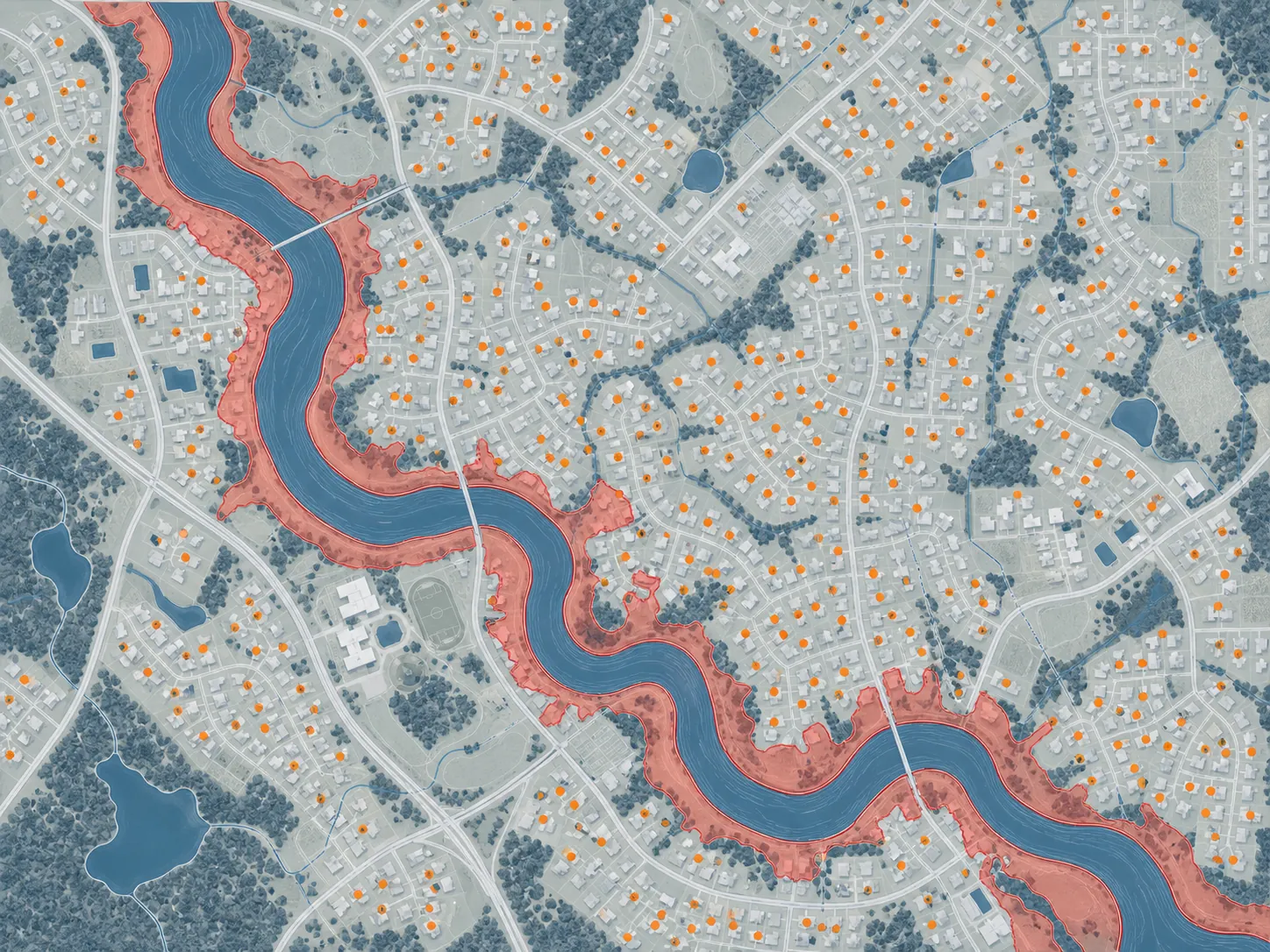
A mapped bayou flood and a rain-driven house leak do not announce themselves in the same place. The Rice/Harris County work is useful because it points attention back to buildings outside familiar flood boundaries, where the first indoor clue may be a door threshold, HVAC closet, garage wall, laundry pan, or low cabinet instead of a dramatic street scene.[2]
That is also where sensor design details show up. A puck with bottom contacts may be perfect under a water heater pan. A sensor with a remote probe may be better behind a washing machine or at the edge of a door where shallow water creeps in. A cheap Thread sensor with only a tiny clearance under its contacts can be fine if water pools under it, and disappointing if water sheets past the wrong side of a threshold. The IKEA Klippbok’s reported low probe-clearance issue is not a reason to dismiss it; it is a reason to place it where shallow water will actually reach the contacts.[6]
Do not bury the sensor where you cannot hear it, cannot replace the battery, and cannot verify it after a summer outage. For room-by-room placement, use the separate heavy-rain flood-sensor placement guide; the buying decision here is simpler: choose a form factor that matches the water path, not the product photo.
Humidity is the second sensor track, not an accessory
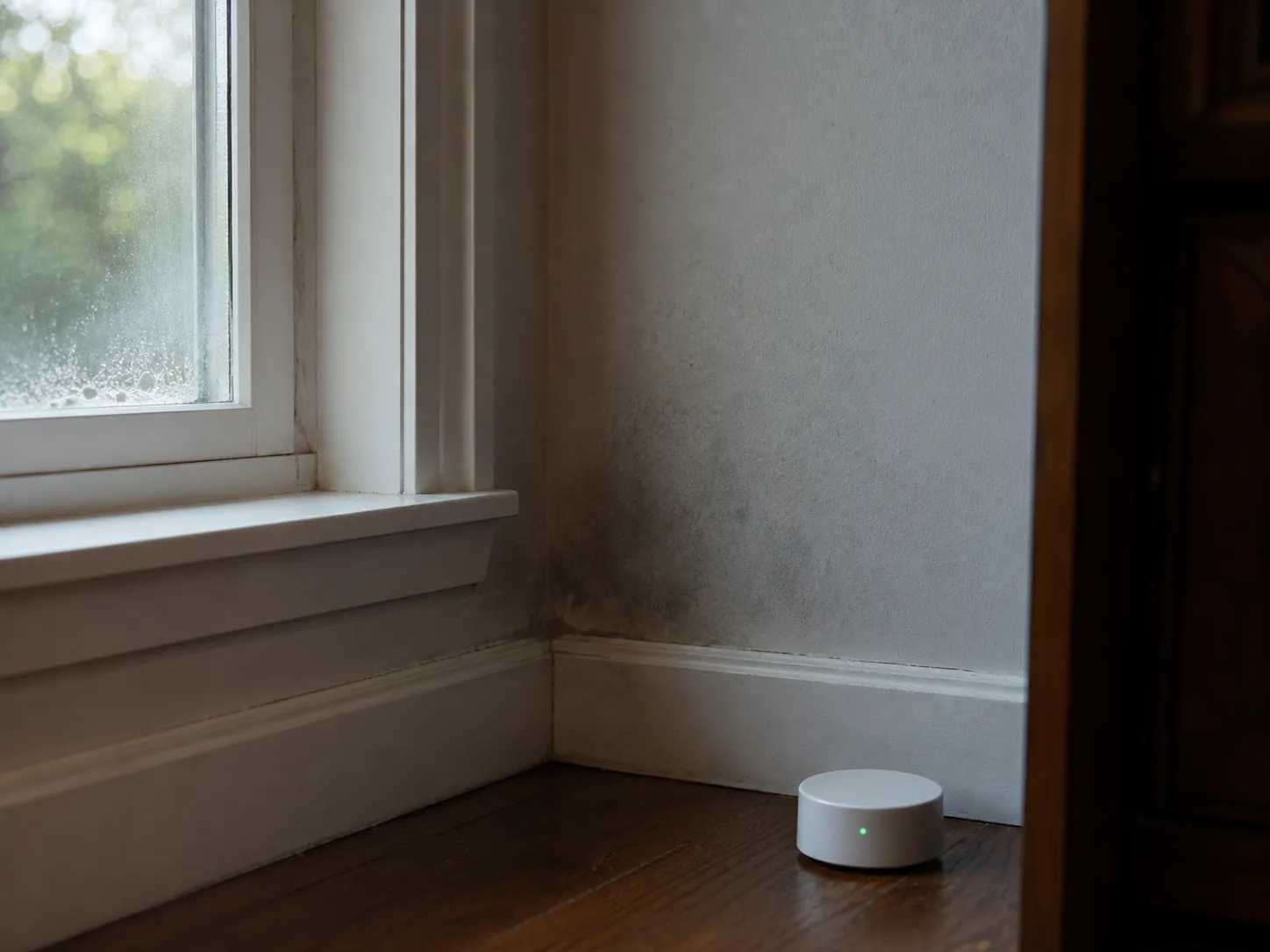
Leak sensors catch liquid water at a point. Houston humidity creates a different problem: dampness can linger after wind-driven rain, AC short-cycling, a blocked drain line, or a closet that stayed closed for days. EPA mold guidance says to keep indoor relative humidity below 60%, ideally between 30% and 50%.[11] That turns a humidity monitor from a comfort gadget into a storm-season risk-control tool.
The best humidity locations are not always the same as leak-sensor locations. A leak sensor belongs where water first touches a surface. A humidity monitor belongs where air stagnates and materials absorb moisture: walk-in closets on exterior walls, under-stair storage, rooms with supply-register problems, laundry rooms, bathrooms with weak exhaust, and mechanical closets near condensate lines.
The platform caveat matters here, too. If you use Apple Home or SmartThings, verify that humidity is exposed as a usable measurement and that your automation threshold actually fires. If you use Alexa, check whether the humidity alert comes from Alexa or from the sensor maker’s own app. If you use Google Home, do not build a storm plan around temperature-triggered routines from temp/humidity sensors unless you have tested the exact device and automation path, because 2026 platform status reviews still call out Google Home’s trigger limitation for temperature from these sensors.[7]
A practical humidity alert does not need to be fancy. A notification when a closet or room spends too long above your chosen threshold is more useful than a beautiful chart you only see after smelling mildew. If a storm knocks out power and the AC stays off, the humidity monitor may not prevent the problem, but it can tell you which room needs doors opened, fans moved, or materials checked first once power returns.
Where each ecosystem tends to break
Apple Home
Apple Home is pleasant when the device is truly exposed to HomeKit or Matter in the way you expect. Aqara remains a reasonable route for many Apple households because the water sensor can ride through an Aqara hub into Apple Home, but the hub requirement and range limit should be treated as real design constraints, not fine print.[5] In a larger Houston home, one hub in the kitchen may not be enough for a far utility closet or detached garage.
Matter-over-Thread entries such as IKEA Klippbok are encouraging because the price lowers the cost of covering more weak points. The catch is that cheap sensors still have physical geometry. If the contacts sit too high for the water path, no protocol can fix that.[6]
Alexa
Alexa households need the clearest warning label in Q3 2026: do not equate “Matter” with “Alexa can use this leak sensor.” Platform status reporting still says Alexa does not support Matter leak sensors.[7] That may change, but a storm-season purchase should be made on the platform behavior available today.
For Alexa homes, the safer path is often to let the sensor maker’s app carry the critical water alert, then use Alexa for secondary routines or announcements if they work reliably. That is less elegant than one perfect dashboard. It is also less likely to fail because a badge meant something narrower than the buyer assumed.
Google Home
Google Home is similar: it can be useful as a visible home layer, but the alert path must be tested outside the product page. The humidity side deserves extra caution because of the temperature-trigger limitation noted in 2026 platform coverage.[7] If a device card shows a reading, that still does not prove your storm automation will run.
SmartThings
SmartThings is still attractive for people who want water sensors, plugs, sirens, and notifications in one automation environment. The caution is driver and device specificity. A leak sensor that worked under one integration path may expose different battery, wet/dry, or temperature fields after a platform migration. Before buying in bulk, pair one exact model, test the wet alert, check battery reporting, and confirm the automation survives a hub reboot.
Home Assistant
Home Assistant users get the most control and the most responsibility. Aqara’s SJCGQ11LM appears in Zigbee2MQTT’s supported-device documentation, but that does not make every third-party coordinator, router mix, and firmware state equally painless.[8] Pair one sensor near the coordinator, move it to the final location, test wet/dry state changes, and watch whether it checks in consistently before relying on it behind drywall or under a cabinet.
For long range, YoLink’s LoRa approach is tempting, especially where Zigbee mesh coverage is weak. Its own published specs emphasize long open-air range, long battery life, and device-to-device operation without internet or the app.[9] The Home Assistant question is not whether those specs are interesting; they are. The question is whether your chosen integration path gives you the alert, battery, and offline behavior you are willing to maintain during storm season.
What detection can do after the alert
Leak detection is not floodproofing. It cannot stop a bayou, raise outlets, dry insulation, or argue with an adjuster. It can shorten the time between first water and first action. That action might be walking to the mechanical closet, shutting off a supply valve, cutting power to a smart plug, moving boxes, opening cabinet doors, or calling a neighbor because you are out of town.
Automatic shutoff is worth mentioning, but not as a magic ending. The Aqara Valve Controller T1 is one example of a device that can move from detection toward water-control automation in a compatible setup.[12] That kind of automation raises the stakes for compatibility testing: a missed alert is bad; a valve or plug automation that you never tested under real hub conditions is worse.
If you do build response automations, start small. A leak sensor turning off a dehumidifier or a nonessential appliance through a smart plug is a lower-consequence test than a whole-house water shutoff. The leak-sensor smart-plug flood-response recipe is the right place to go deeper on that without turning a buying guide into an automation manual.
The practical Q3 2026 buying judgment
For Houston storm season, do not shop for a universal winner. Shop for the sensor path your hub can actually alert through. Apple Home buyers can lean toward Home-exposed Aqara or carefully placed Matter-over-Thread options after testing. Alexa and Google Home buyers should be especially wary of platform badges and may need the sensor maker’s own app to carry the critical alert. SmartThings buyers should verify the exact driver and exposed fields. Home Assistant buyers should test the real coordinator, integration, and mobile-notification path instead of trusting a compatibility line.
Then add humidity monitoring anywhere dampness can linger after rain or AC trouble. In Harris County, the overlooked risk is often building-level and rainfall-driven, so the weakest link is not always the sensor touching water. It is often the notification chain after it does, or the damp closet nobody checks until the smell arrives.
References
- Hurricanes & Tropical Storms — Harris County Department of Education
- New study identifies overlooked flood risk in Harris County — Rice News — August 26, 2025
- Houston, Texas Climate Change Risks and Hazards: Flood, Heat, Fire — ClimateCheck
- Facts + Statistics: Homeowners and renters insurance — Insurance Information Institute
- Aqara Water Leak Sensor review — CNET — 2026
- IKEA Klippbok Water Leakage Sensor Now Available in U.S. — HomeKit News — January 2026
- Matter: These devices and platforms are supported — matter-smarthome.de — 2026
- Aqara SJCGQ11LM control via MQTT — Zigbee2MQTT
- Water Leak Sensor 4 — YoLink
- The Best Smart Water-Leak Detector — Wirecutter — April 2026
- A Brief Guide to Mold, Moisture and Your Home — U.S. Environmental Protection Agency
- Aqara adds Valve Controller T1 to its smart home line-up — The Ambient — August 2026
Known issues with this device / protocol
Spec-version history
For active regressions on this protocol, see Update Watch.
No linked Update Watch entries yet.