
How to control smart home devices with GPT-5.5
GPT-5.5 has no native smart-home layer, so it can only control devices through a hub that exposes them to the OpenAI API. Get the dated, status-labeled breakdown of the two verified paths — Home Assistant's openai_conversation integration and Homey's ChatGPT app — including exact model IDs, exposed entities, and cost.
Last updated
As of August 25, 2026, GPT-5.5 does not natively control Matter, Thread, Zigbee, Z-Wave, or Wi-Fi smart-home devices. It is not a Matter controller, not a Thread border router, and not a smart-home hub. For anyone asking whether GPT-5.5 can control smart-home devices, the working answer is narrower: GPT-5.5 can control devices only when a hub exposes those devices, scenes, scripts, or automation actions to the OpenAI API.
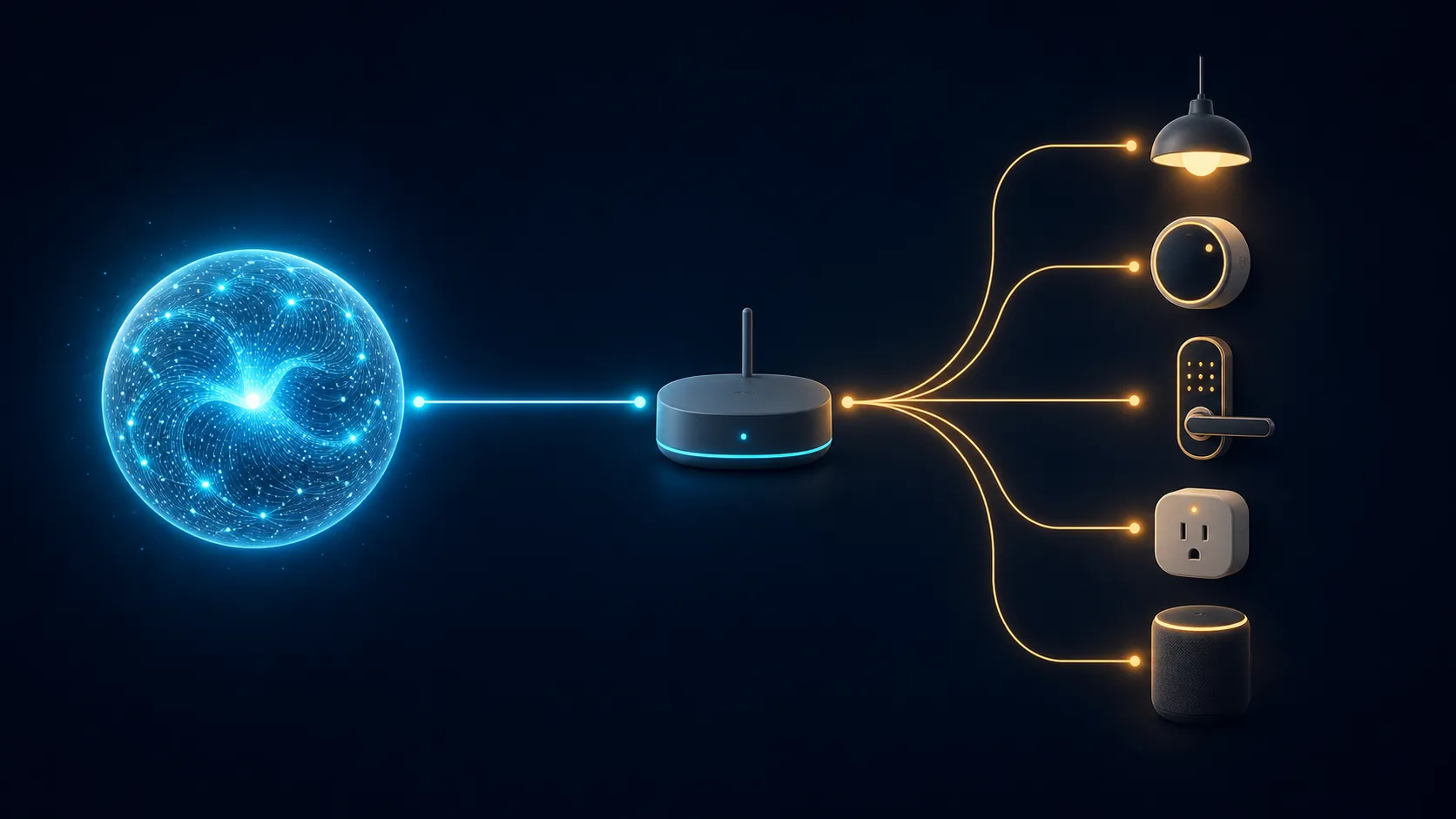
The two verified hub paths are Home Assistant’s official openai_conversation integration and Homey’s ChatGPT app. The difference is not cosmetic. Home Assistant gives you tighter control over which entities the model can see through the Assist API. Homey gives you the cleaner app route, backed by Homey’s MCP server, with broader convenience actions exposed from the start.
| Path | Status on Aug. 25, 2026 | Model configuration | What GPT-5.5 can reach | Cost point | Verification note |
|---|---|---|---|---|---|
| Home Assistant openai_conversation | Confirmed hub-mediated path | Can use GPT-5.5, but the integration still defaults to gpt-4o-mini until the user manually selects a GPT-5.5 model ID | Only entities exposed through the Home Assistant Assist API | OpenAI API usage applies: GPT-5.5 is priced at $5 per 1M input tokens and $30 per 1M output tokens; gpt-5.5-pro is $30/$180 | Dated status: Aug. 25, 2026; re-check after Home Assistant, integration, or OpenAI API changes |
| Homey ChatGPT app | Confirmed hub-mediated path | App route built on Homey’s MCP server; GPT-5.5 use depends on the OpenAI-side model selected for the app/session | Device control plus Homey actions such as creating Flow and Advanced Flow, renaming devices, and moving devices between zones | OpenAI API usage applies if the route uses the API-priced GPT-5.5 model | Dated status: Aug. 25, 2026; app was released in June 2026 and should be re-verified after Homey app or MCP server changes |
| Direct GPT-5.5 to Matter, Thread, Zigbee, Z-Wave, or Wi-Fi devices | Not confirmed / no native layer | No model ID makes GPT-5.5 a smart-home radio, Matter controller, or Thread border router | Nothing unless a separate hub, bridge, cloud API, or integration exposes a controllable surface | No separate GPT-5.5 smart-home-device-control price exists in the supplied material | Do not treat GPT-5.5 model availability as smart-home certification |
The model matters, but the hub decides what is controllable
GPT-5.5 entered the OpenAI API on April 24, 2026 with a 1M-token context window. The API price is $5 per 1M input tokens and $30 per 1M output tokens; gpt-5.5-pro is priced at $30 per 1M input tokens and $180 per 1M output tokens. Those are real configuration and cost facts, not evidence of a built-in home-control layer. [1]
In a smart home, the model is only one part of the control path. A hub receives the natural-language request, maps it to exposed tools or entities, sends a tool call through the API path, and then the hub or integration performs the actual device action. If the wrong lamp turns on, the failure may be in naming, area assignment, entity exposure, tool selection, permissions, or the model ID—not simply in “AI.”
That is why the first useful question is not whether GPT-5.5 is generally capable. It is whether your hub exposes the right things, hides the wrong things, and is actually using the model you think it is using.
Path 1: Home Assistant openai_conversation
Home Assistant is the more inspectable route. Its official openai_conversation integration connects OpenAI conversation handling to Home Assistant Assist, and device control depends on entities exposed through the Assist API. The integration is used by about 4.5% of active Home Assistant installs in the supplied material, which says more about adoption than reliability or correctness. [2]
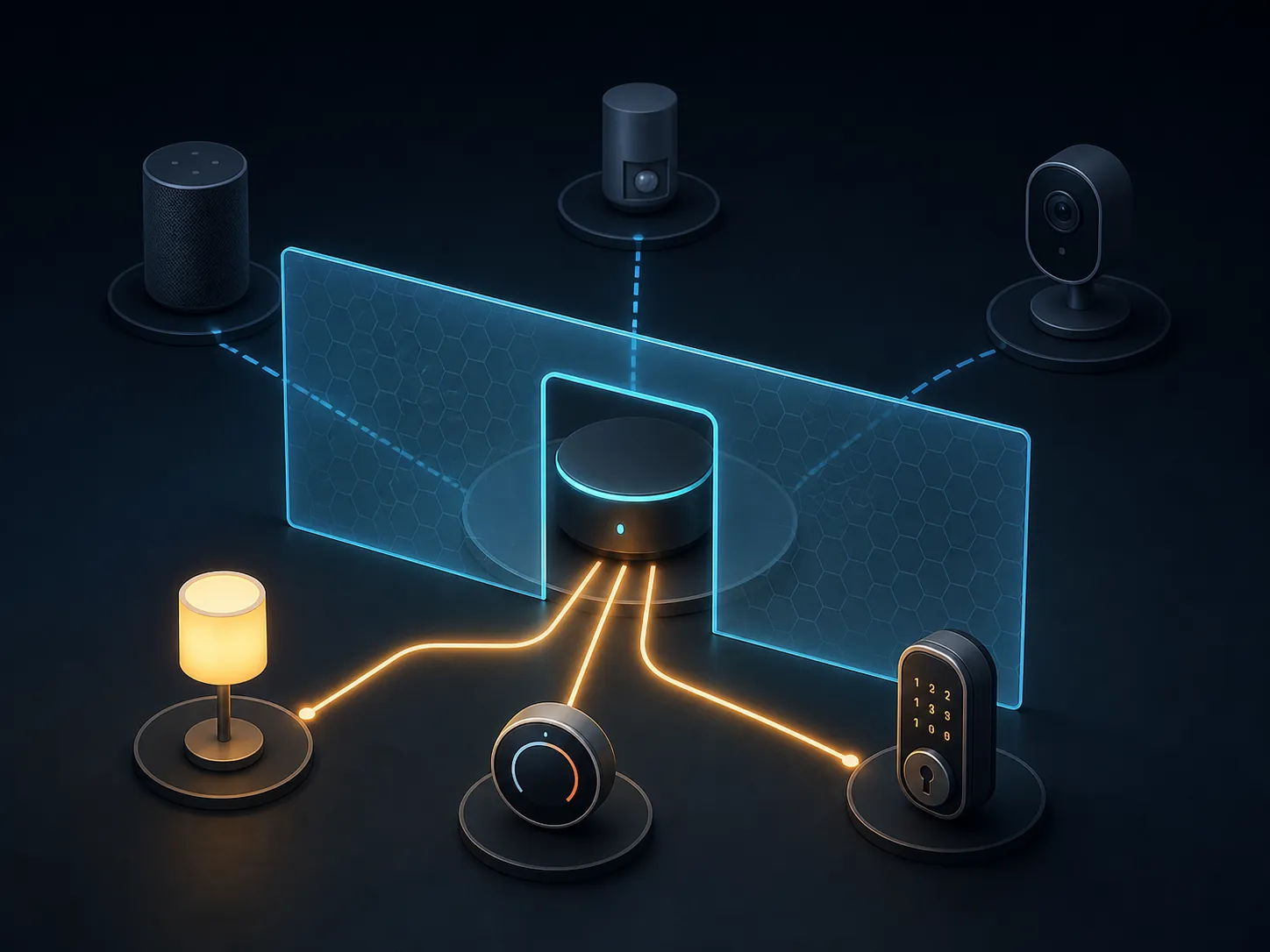
The important operational detail is the default model. The Home Assistant openai_conversation path can use GPT-5.5, but the supplied material says it still defaults to gpt-4o-mini until the user manually selects the GPT-5.5 model ID. If you install the integration, ask it to control a light, and then assume GPT-5.5 was involved because the account has GPT-5.5 access, you may be debugging the wrong system. [2]
For this path, the minimum setup check is simple:
- Confirm the hub: Home Assistant, not a direct GPT-5.5-to-device path.
- Confirm the integration: openai_conversation.
- Confirm the model ID: manually select the GPT-5.5 model ID instead of leaving the default gpt-4o-mini.
- Confirm exposure: check which entities are exposed through the Assist API.
- Confirm the date: treat the setup as verified on the day you checked it, not indefinitely.
The exposed-entity step is where Home Assistant earns its keep. A language model does not need every entity in the house to turn on a reading lamp. It does not need every diagnostic sensor, every helper, every test switch, and every half-retired Zigbee device with a confusing name. If the model can see too much, a fluent answer can still produce a bad action because the available control surface is messy.
A practical Home Assistant configuration should start from rooms and actions that are safe to expose. Lights, scenes, media volume, climate setpoint adjustments, and low-risk scripts are easier to justify than locks, garage doors, alarms, water valves, or automations that chain into security-sensitive actions. The supplied material does not provide a Home Assistant safety benchmark, so the safer claim is architectural: narrower exposure gives the model fewer wrong tools to choose from.
Where the Home Assistant path fails in practice
The common failure is not dramatic. It is ordinary configuration drift. A room gets renamed, a light keeps an old entity ID, a test helper remains exposed, or the integration quietly uses the default model while the user thinks GPT-5.5 is handling requests. The result is the familiar debugging loop: the voice or chat request looks reasonable, the model response sounds confident, but the hub executed against a control surface the user did not mean to present.
For anyone already comfortable maintaining Home Assistant, this is still the better path when exposure boundaries matter more than convenience. It is also the path I would prefer for testing GPT-5.5 against a small, named set of entities before letting it near the rest of the house.
Path 2: Homey’s ChatGPT app
Homey’s route is less fussy at the front door. The June 2026 ChatGPT app is built on Homey’s MCP server and is described in the supplied material as supporting Homey Cloud, Homey Pro, Homey Pro mini, and Homey Self-Hosted. Through that app route, ChatGPT can control devices, create Flow and Advanced Flow, rename devices, and move devices between zones. [3]
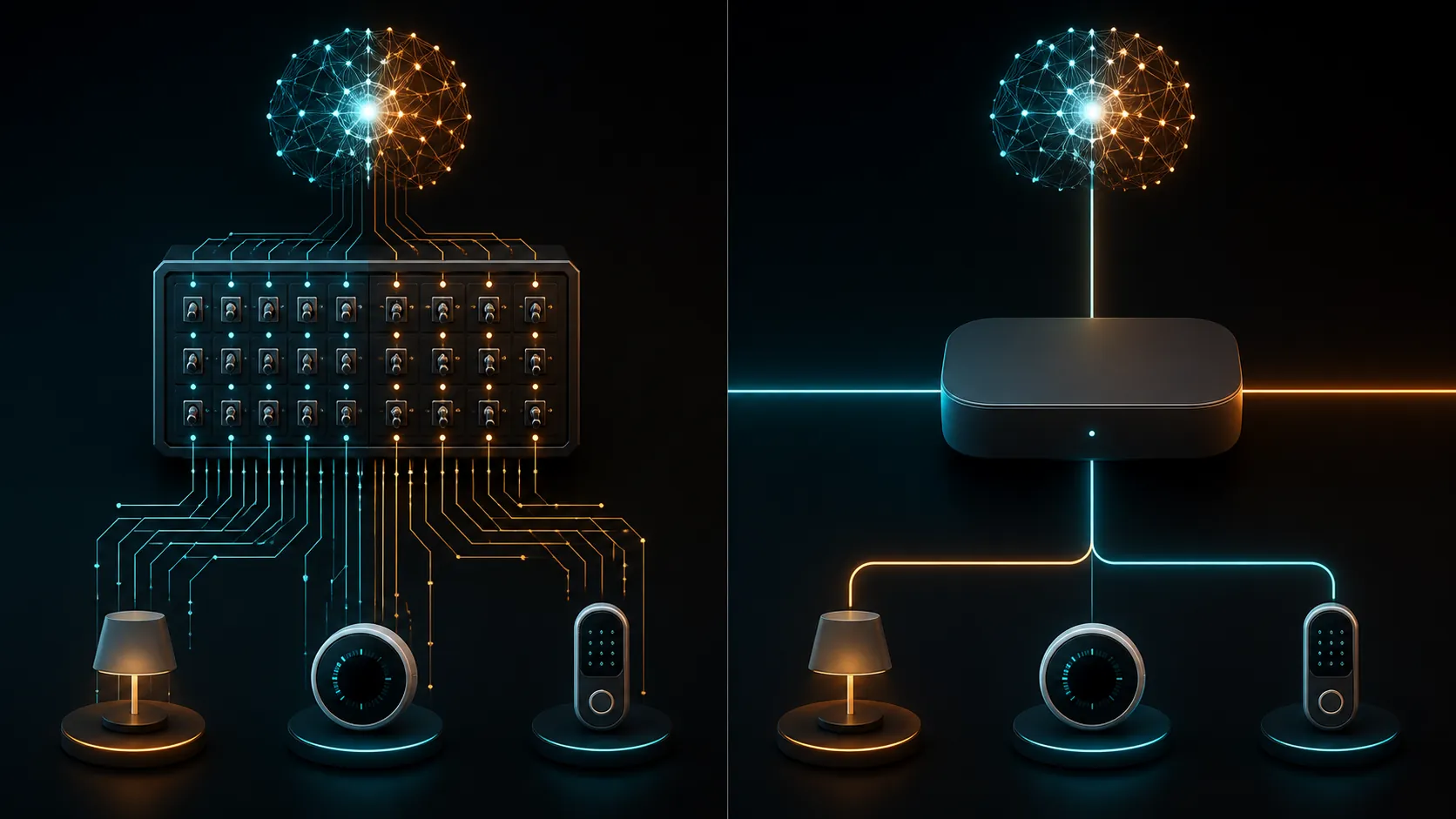
That scope is broader than simple “turn this light on” control. Flow and Advanced Flow creation means the app is reaching into automation-building territory. Renaming devices and moving them between zones are housekeeping actions, but they also change the semantic map the assistant will depend on later. A wrong zone assignment is not just a cosmetic error if future requests use zones as the main context.
The appeal is practical: less plumbing, fewer custom decisions before the first useful command, and a path that fits Homey’s app-centered model. For a Homey owner who wants GPT-style control without maintaining Home Assistant’s entity exposure and Assist configuration, this is the cleaner route.
The tradeoff follows from that convenience. More of the trust boundary moves into the app and MCP-backed capability surface. Before treating it as a household control layer, check which Homey edition you are using, which Homey app version is installed, what account or model route is active, and whether the app is allowed to perform administrative actions such as renaming or moving devices. The supplied material confirms the route and its exposed action categories; it does not establish a universal safety result across homes.
Where the Homey path fails in practice
Homey can fail in the places a polished app tends to hide: broad permissions, ambiguous device names, stale zones, and user assumptions about what the app can modify. If the app can create a Flow, then a bad interpretation may not stop at toggling one device. If it can rename a device, then today’s mistaken cleanup can become tomorrow’s mistaken control target.
That does not make the Homey path reckless. It makes it a different bargain. Homey is the better fit when the household already runs on Homey and the goal is low-friction ChatGPT access to the devices and automations Homey manages. Home Assistant is the better fit when you want to expose a deliberately small control surface and inspect the path when something misfires.
Model ID and cost are part of compatibility
For GPT-5.5 smart-home control, “compatible” should include the model ID and the billing path. GPT-5.5 and gpt-5.5-pro are not priced the same, and Home Assistant’s default model behavior means the configured model can differ from the model a user thinks is active. [1][2]
| Item to verify | Why it matters |
|---|---|
| Exact model ID | Prevents assuming GPT-5.5 is active when the hub or integration is still using another model such as gpt-4o-mini. |
| Hub and app version | Smart-home control is mediated by Home Assistant or Homey, so hub-side changes can alter behavior without the model changing. |
| Entity or capability exposure | Determines what the model can actually request through the hub. |
| Administrative actions | Especially relevant for Homey, where the supplied material includes Flow/Advanced Flow creation, renaming devices, and moving devices between zones. |
| API pricing tier | GPT-5.5 and gpt-5.5-pro have different token prices, and home-control conversations can include tool schemas, entity names, and context. |
The 1M context window is useful for large tool and entity descriptions, but it should not be mistaken for permission discipline. A model that can read a long list of devices still needs the hub to present the right list. Bigger context can carry more clutter as easily as more useful context.
Do not borrow reliability from general tool benchmarks
GPT-5.5’s tool-use results are relevant, but only up to a point. In the supplied material, GPT-5.5 reaches 55.6% on Toolathlon, and MCP Atlas reports 75.3% for GPT-5.5 versus 70.6% for GPT-5.4. Those numbers make API-driven control more plausible in principle, especially for structured tool calls, but they are not smart-home-control accuracy numbers. [4][5]
No large-sample published benchmark in the supplied material measures whether GPT-5.5 turns on the correct Home Assistant entity, avoids a dangerous Homey Flow edit, handles duplicate room names, or refuses a command when a lock-like device is exposed. That gap matters more than a broad model leaderboard when the consequence is a real device changing state.
The honest reliability label is therefore per path. “Confirmed” can mean Home Assistant exposes entities through Assist and can be configured to use GPT-5.5. “Confirmed” can mean Homey’s ChatGPT app exists, is MCP-backed, and exposes the action categories listed above. It should not silently expand into “certified safe smart-home controller.”
Which path should you use?
Choose Home Assistant if you care most about granular exposure control, already maintain Home Assistant, and are willing to verify the model ID and exposed Assist entities yourself. This is the path for a smaller, stricter GPT-5.5 control surface: a set of named devices, scenes, and scripts that you intentionally let the model see.
Choose Homey if your home already runs on Homey and the priority is lower-friction access through an app route. The June 2026 ChatGPT app’s MCP-backed design gives it a broader convenience surface, including device control and automation-management actions, across the supported Homey editions listed in the supplied material. [3]
Do not choose either path because GPT-5.5 is presumed to have native smart-home powers. It does not. The hub is the controller. GPT-5.5 is the model making requests through the API surface the hub presents.
The practical answer, dated to Q3 2026, is this: GPT-5.5 can control smart-home devices today only through a configured hub path. Home Assistant offers the more granular exposed-entity route through openai_conversation and Assist. Homey offers the cleaner one-click MCP-backed route through its ChatGPT app. In both cases, the claim remains hub-specific, model-specific, cost-specific, and worth re-verifying after hub, app, or OpenAI API changes.
References
- Introducing GPT-5.5 — OpenAI, April 24, 2026.
- Home Assistant openai_conversation integration — Home Assistant.
- Homey ChatGPT app — Homey, June 2026.
- Toolathlon.
- MCP Atlas.
Known issues with this device / protocol
Spec-version history
For active regressions on this protocol, see Update Watch.
No linked Update Watch entries yet.