
Galaxy Watch Ultra 2 battery life under smart-home use
Battery-life claims for the Galaxy Watch Ultra 2 span roughly two to four days; this dated, methodology-labeled assessment shows what that range means when the watch is driving your smart home, not just tracking a workout. It maps the three Wear OS control surfaces — SmartThings, Google Home, and the Home Assistant companion — by capability and battery cost, with a status-labeled bottom line per ecosystem.
Last updated
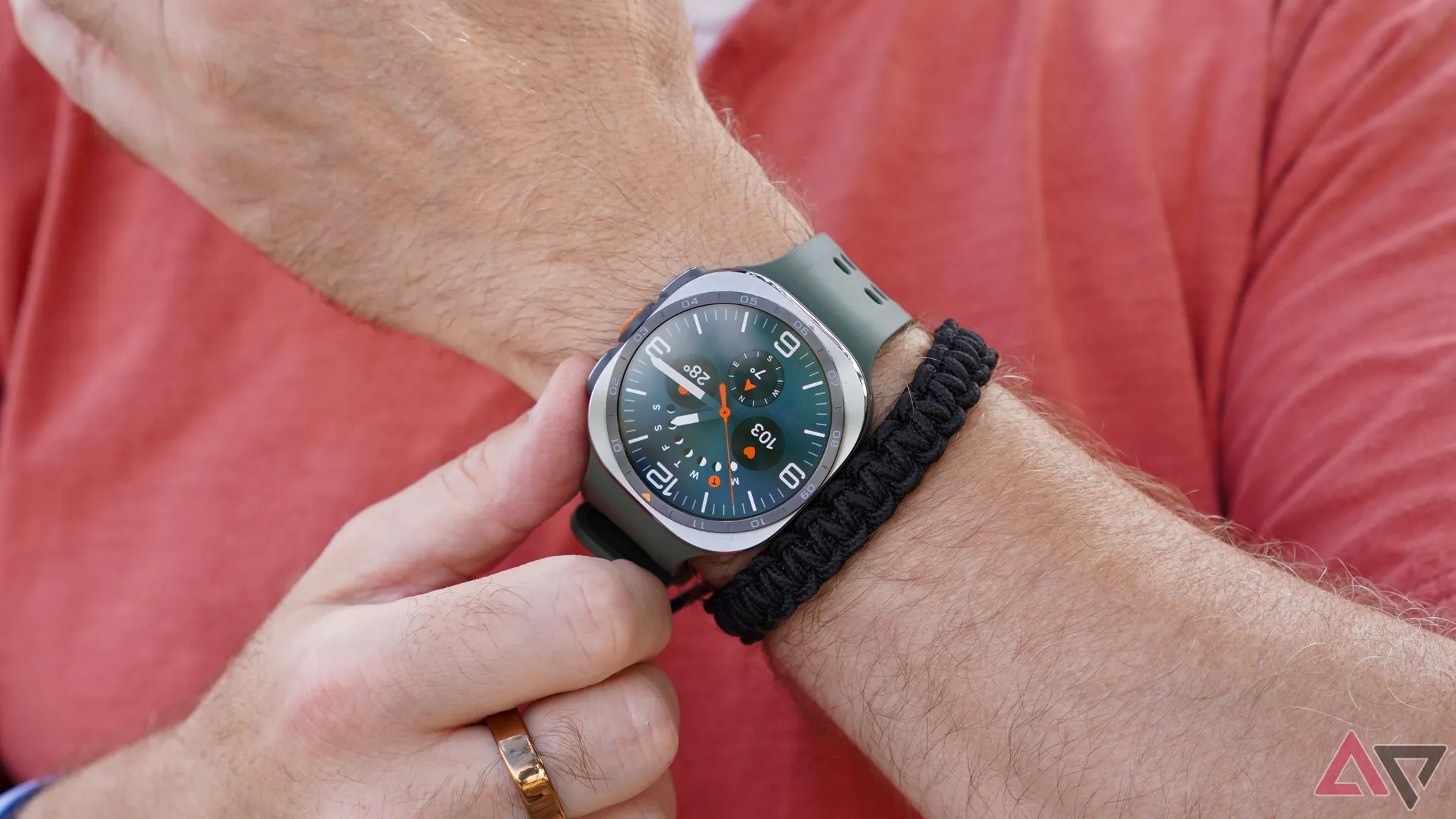
Published Aug. 25, 2026. Method: compatibility assessment for smart-home-controller use, not a scored fitness review. Source scope: Samsung’s official battery and charging claims, early reviewer runtime measurements, and documented Wear OS control surfaces for SmartThings, Google Home, and Home Assistant.
The Galaxy Watch Ultra2 starts at $699.99 and carries an 800 mAh battery, up from 590 mAh on the original Galaxy Watch Ultra. Samsung rates it for up to 60 hours with always-on display enabled and says it can reach about 40% charge in roughly 30 minutes.[1] That is enough to change the old Wear OS smart-home problem: the watch is no longer automatically dead by evening if you use it as a wrist remote.
It does not make battery life a single clean number. For smart-home use, the meaningful question is whether the watch survives the app you actually keep ready: SmartThings for quick Samsung-household toggles, Google Home for a mixed Android home, or Home Assistant for a much busier local-control dashboard.
Claimed and measured battery life, separated by method
The spread below matters more than any one headline figure. None of these mainstream reviews measured a dedicated smart-home-controller workload: repeated camera checks, lock commands, thermostat changes, light dimming, scene triggers, and companion-app refresh behavior. The table is therefore a boundary, not a promise.
| Source / status as of Aug. 25, 2026 | Battery result or claim | Method notes that matter for smart-home use |
|---|---|---|
| Samsung official specification | Up to 60 hours with AOD on; 800 mAh battery versus 590 mAh on original Ultra; about 40% charge in about 30 minutes.[1] | Manufacturer claim. Useful as the ceiling Samsung is willing to advertise, but it does not isolate smart-home app load. |
| CNET review | About 50 hours with AOD on.[2] | Reviewer measurement. Closer to a two-day cadence than a long-weekend cadence if smart-home use adds frequent screen wakes. |
| Trusted Reviews review | About two days with all features on; about three to four days with battery-hungry features off.[3] | Reviewer measurement. Also notes that the 35% larger battery is partly offset by the 5,000-nit display, which is the right caution for anyone expecting the 800 mAh cell to behave like a miracle upgrade.[3] |
| Wareable review / reporting | About four days of heavy use, roughly double the original Ultra.[4] | Reviewer result. Strong upper-end result, but still not a smart-home-controller test with background companion behavior isolated. |
| PhoneArena review — original-source re-verification needed | About 72 hours.[5] | Partially sourced from snippets / secondary visibility in the available material. Treat as provisional until checked against the original article. |
| GSMArena review — original-source re-verification needed | About 96 hours.[6] | Partially sourced from snippets / secondary visibility in the available material. Treat as provisional until checked against the original article. |
| SammyGuru charging measurement | Full charge in 1 hour 34 minutes using a 45 W charger.[7] | Charging cadence matters if the watch becomes a daily control device. A short top-up can cover missed charging, but a full reset is still closer to a desk break than a quick shower. |
For a smart-home buyer, this table says the honest operating band is roughly two to four days before adding a heavy wrist-remote workload. The larger cell gives the Ultra2 room that older Wear OS watches often lacked; the 5,000-nit display, frequent app wakes, camera feeds, and background refresh can spend that room quickly.
If you want the broader endurance methodology without the smart-home layer, the sibling Galaxy Watch Ultra 2 battery life assessment is the better place to start. Here, the watch is being judged as a control surface.
The watch is a remote, not the Matter hub
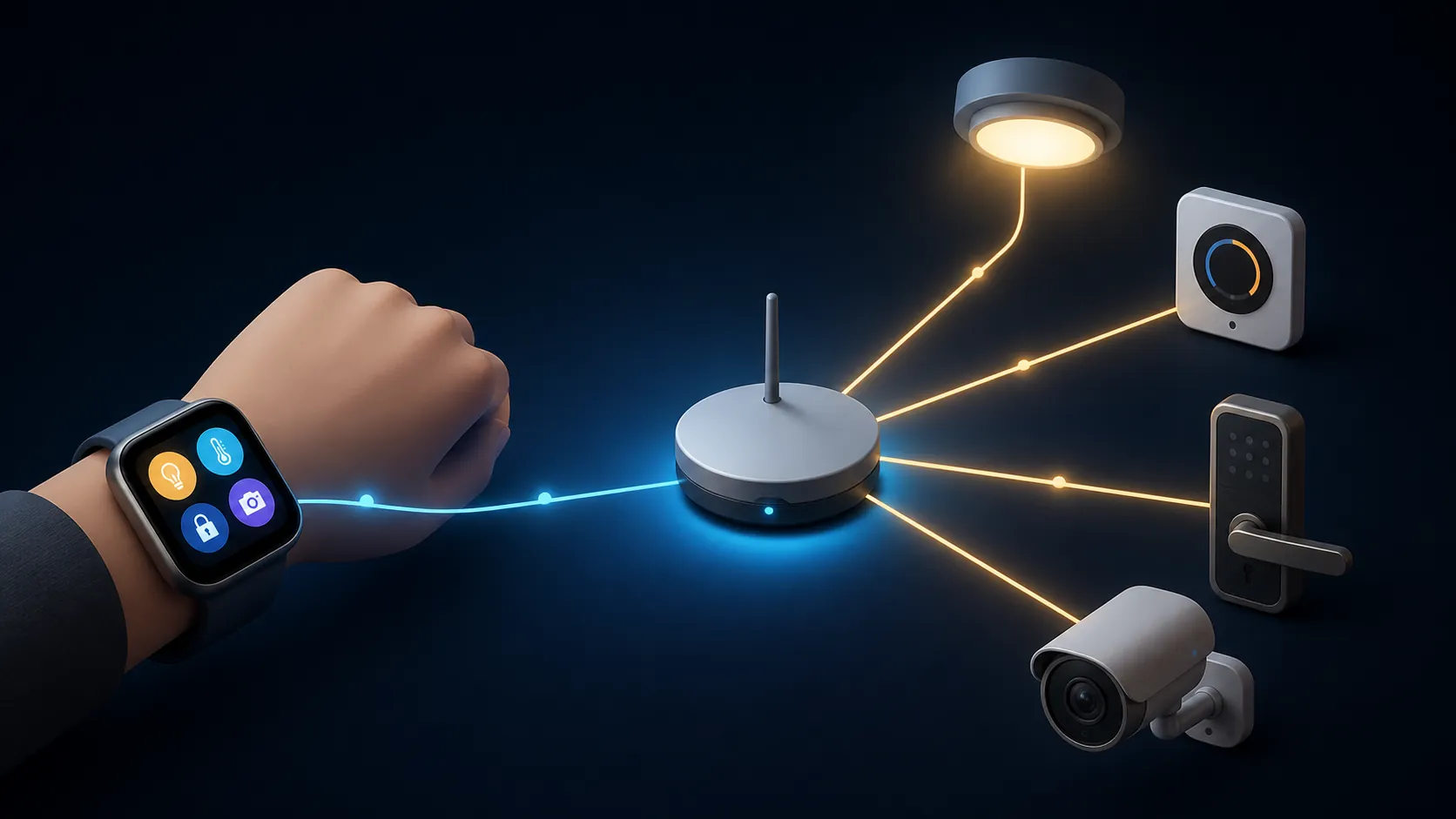
The Ultra2 does not become the Matter brain of the house just because it has a modern Wear OS smart-home app on it. It is a wrist remote. The actual Matter controller or bridge path still lives underneath: SmartThings hub or station, Google Home / Nest infrastructure, Home Assistant’s Matter setup, or another supported controller path. Matter Alpha’s smartwatch control testing is useful here because it frames the watch as a control endpoint, not the place where the Matter network is created or maintained.[8]
That distinction keeps the buying decision grounded. The Ultra2 can make a good system faster to operate. It cannot fix a bad device graph, missing Matter bridge, flaky Thread border router, or automation stack that already fails from the phone.
SmartThings: the lightest Samsung-default path
SmartThings is the obvious first stop on a Samsung watch, and it is also the easiest path on the battery. On the Galaxy Watch app, Samsung documents the basics that matter at the wrist: viewing devices by location, turning devices on and off, adjusting light brightness from 0% to 100%, and running scenes or automations.[9]
That is a good shape for grocery-bag control. A light toggle, a scene, or a quick brightness adjustment is a short interaction: raise wrist, tap tile or app, confirm state, leave. It does not need a live camera stream or a rich thermostat screen to justify itself.
The limit is depth. Samsung’s watch support page frames the watch app around operating existing devices and scenes, not adding or editing devices from the watch.[9] That is fine for a remote. It is not a miniature SmartThings console.
A Matter Alpha test of SmartThings on a Galaxy Watch 6 also found a relatively basic control surface: device controls and on/off behavior were available, while setup and deeper configuration remained elsewhere.[8] That evidence should not be treated as an Ultra2-specific battery test. It is platform-level Wear OS SmartThings behavior, useful for understanding the app’s role but not proof of Ultra2 runtime.
Google Home: the broader control surface for mixed Android homes
Google Home on Wear OS earns more battery attention because it gives the watch more meaningful work. Google documents controls for thermostats, fans, lights, locks, automations, and cameras from the Wear OS app. For thermostats, that includes temperature and mode control. For fans, speed control. For lights, brightness, color, and color temperature where supported. For cameras, live feed and two-way talk are part of the supported surface.[10]
This is the first path where the Ultra2 starts to feel less like a shortcut launcher and more like a small emergency panel. A lock command is useful only if it is quick enough that you will use it while walking away from the door. A thermostat tile is useful only if mode and temperature are available, not just a decorative current-state readout. A camera feed is useful because it answers the person-at-the-door question without forcing the phone out of a pocket.
Those richer controls spend battery in two ways. First, they invite longer screen-on sessions. Second, camera previews and two-way talk change the watch from a command surface into a media endpoint. The Ultra2’s 800 mAh battery gives that behavior more margin than smaller Wear OS watches, but camera checking is not the same workload as tapping a scene.
For a mixed Android household, this is probably the most balanced control surface: deeper than SmartThings, less custom and less background-sensitive than Home Assistant. It also fits the hub-decides-app framework covered in our Galaxy Watch 8 smart-home control guide, where the best watch app depends less on the watch brand than on which home graph already owns the devices.
Home Assistant: most capable, easiest to blame for drain
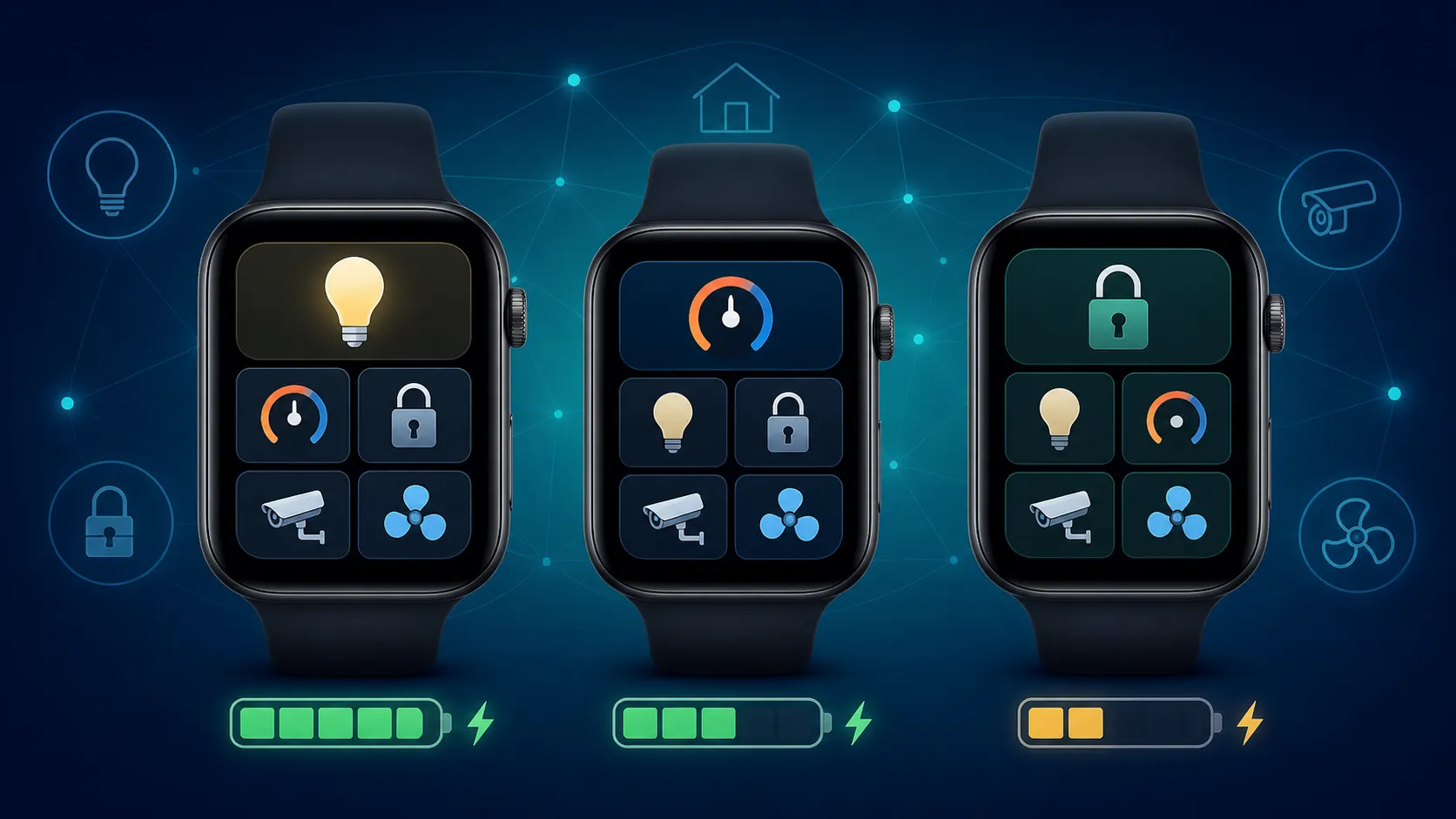
Home Assistant is the path that can make the Ultra2 feel genuinely personal. The Wear OS companion app supports favorites, tiles, and shortcuts, including up to seven shortcuts per tile. It also supports tile types such as thermostat and template tiles, which can turn the watch into a focused dashboard instead of a generic list of devices.[11]
That power is exactly why its battery cost needs a different warning label. A SmartThings scene is usually a quick command. A Home Assistant tile can become a live operational surface: garage status, alarm mode, climate target, helper toggles, room scenes, scripts, and sensor-derived templates. The watch becomes useful more often, wakes more often, and may ask the companion stack to keep more context available.
The Home Assistant companion documentation also makes clear that Wear OS behavior has refresh and background constraints rather than unlimited always-fresh state. Tiles can update in the background under platform limits, and users have to understand how the phone app, watch app, network reachability, and Wear OS background behavior interact.[11] When a power user says “Home Assistant drains my watch,” the app may be involved, but the real cause can be update cadence, tile design, sensor use, phone companion state, or a Wear OS service issue.
That distinction matters because 2026 Wear OS battery-drain waves have already shown how quickly smart-home and companion apps get blamed when the underlying platform or Google Play services behavior is the moving part. Reports covered by Android Authority, 9to5Google, and Gadget Hacks primarily concerned Galaxy Watch 6, Watch 7, Watch 8, and original Ultra-era devices in the available reports, with no crawled Ultra2-specific failure pattern. The safe conclusion is inherited platform risk, not an Ultra2 defect claim.[12][13][14]
For Home Assistant users, the Ultra2’s larger cell is still valuable. It gives more room for tiles, shortcuts, and frequent checks before the watch falls into charging anxiety. But this is the ecosystem most likely to pull real-world runtime toward the lower side of the two-to-four-day band if the watch is treated as an always-ready dashboard.
Capability map: what the battery is paying for
| Control path | Best wrist use | Documented controls | Battery-cost expectation |
|---|---|---|---|
| SmartThings | Samsung-default quick remote for existing devices, scenes, and automations | Device on/off, location-based device view, light brightness 0–100%, scenes / automations; no watch-side device add or edit in Samsung’s support framing.[9] | Lightest of the three. Mostly short interactions unless the household leans heavily on repeated checks. |
| Google Home | Mixed Android home control where thermostats, locks, cameras, and lights all need to be reachable | Thermostat temperature and mode, fan speed, light brightness / color / color temperature, locks, automations, camera live feed, two-way talk where supported.[10] | Moderate. Still reasonable for the Ultra2, but camera and talk sessions spend more screen and radio time. |
| Home Assistant companion | Power-user wrist dashboard for tailored entities, helpers, scripts, and local-control routines | Favorites, tiles, up to seven shortcuts per tile, thermostat tiles, template tiles, and background refresh behavior under Wear OS constraints.[11] | Highest. Most capable surface, most likely to compress runtime toward the lower end if used heavily. |
The map also shows why importing a fitness-review battery number can mislead. A reviewer can wear the Ultra2 through workouts, notifications, sleep tracking, and outdoor use and still not stress the same parts of the system as a person who checks a doorbell camera, adjusts climate, triggers scripts, and keeps a Home Assistant tile set visible all day.
Charging cadence matters more than the biggest runtime number
Samsung’s own charging claim — about 40% in about 30 minutes — is the more useful daily-life figure than the longest possible runtime claim.[1] SammyGuru’s measured full-charge result of 1 hour 34 minutes adds the other side of the routine: if the watch is nearly empty, it still wants a real charging window.[7]
For smart-home use, that means the Ultra2 is forgiving if you build a top-up habit: a morning desk session, a shower-and-coffee window, or a short charge before sleep tracking. It is less forgiving if the expectation is “four days, no thought,” while Home Assistant tiles, camera previews, AOD, and bright outdoor display use are all part of the same week.
Ecosystem verdicts
Status: safest default — SmartThings. If your home is already organized around Samsung and SmartThings, the Ultra2 makes sense as a low-friction wrist remote for basic device control, scenes, automations, and light brightness. It is the shallowest of the three paths, but also the least likely to turn the watch into another device you manage all day.
Status: best balanced — Google Home. For a mixed Android home, Google Home is the most convincing everyday Wear OS control surface. Thermostats, lights, locks, automations, cameras, and two-way talk give the Ultra2 jobs that justify its size and price, while the battery cost remains easier to understand than a heavily customized Home Assistant setup.
Status: most powerful, highest drain — Home Assistant. The Ultra2 is a strong Home Assistant wrist device if you actually want favorites, tiles, shortcuts, thermostat views, and templates on your arm. It is also the path where battery expectations should be set most conservatively. Buy the extra battery margin for capability, not for a guaranteed four-day runtime.
So the answer to a Samsung Galaxy Watch Ultra2 battery life review for smart-home use is conditional in the only way that matters: the 800 mAh battery fixes the evening-death problem, but the value of that battery depends on the control app driving it. SmartThings spends the least to do the least. Google Home spends more and earns it for mixed homes. Home Assistant can earn the most, as long as you accept that it will also spend the most.
References
- Discover the Galaxy Watch Ultra2 Features — Samsung US
- Samsung Galaxy Watch Ultra 2 Review — CNET
- Samsung Galaxy Watch Ultra 2 Review — Trusted Reviews
- How Samsung slimmed the Galaxy Watch Ultra 2 while boosting battery — Wareable
- I spent 72 hours with the Galaxy Watch Ultra 2 — PhoneArena
- Samsung Galaxy Watch Ultra 2 review — GSMArena
- Galaxy Watch Ultra 2 battery and charging test — SammyGuru
- A look at controlling Matter with a smartwatch — Matter Alpha
- How to install SmartThings for the Galaxy Watch — Samsung CA Support
- Google Home on Wear OS — Google Home and Nest Help
- Overview — Home Assistant Companion Docs
- Galaxy Watch battery drain reports — Android Authority
- Wear OS battery drain coverage — 9to5Google
- Galaxy Watch battery drain coverage — Gadget Hacks
Known issues with this device / protocol
Spec-version history
For active regressions on this protocol, see Update Watch.
No linked Update Watch entries yet.