
Galaxy Watch 9 India price and smart home control limits
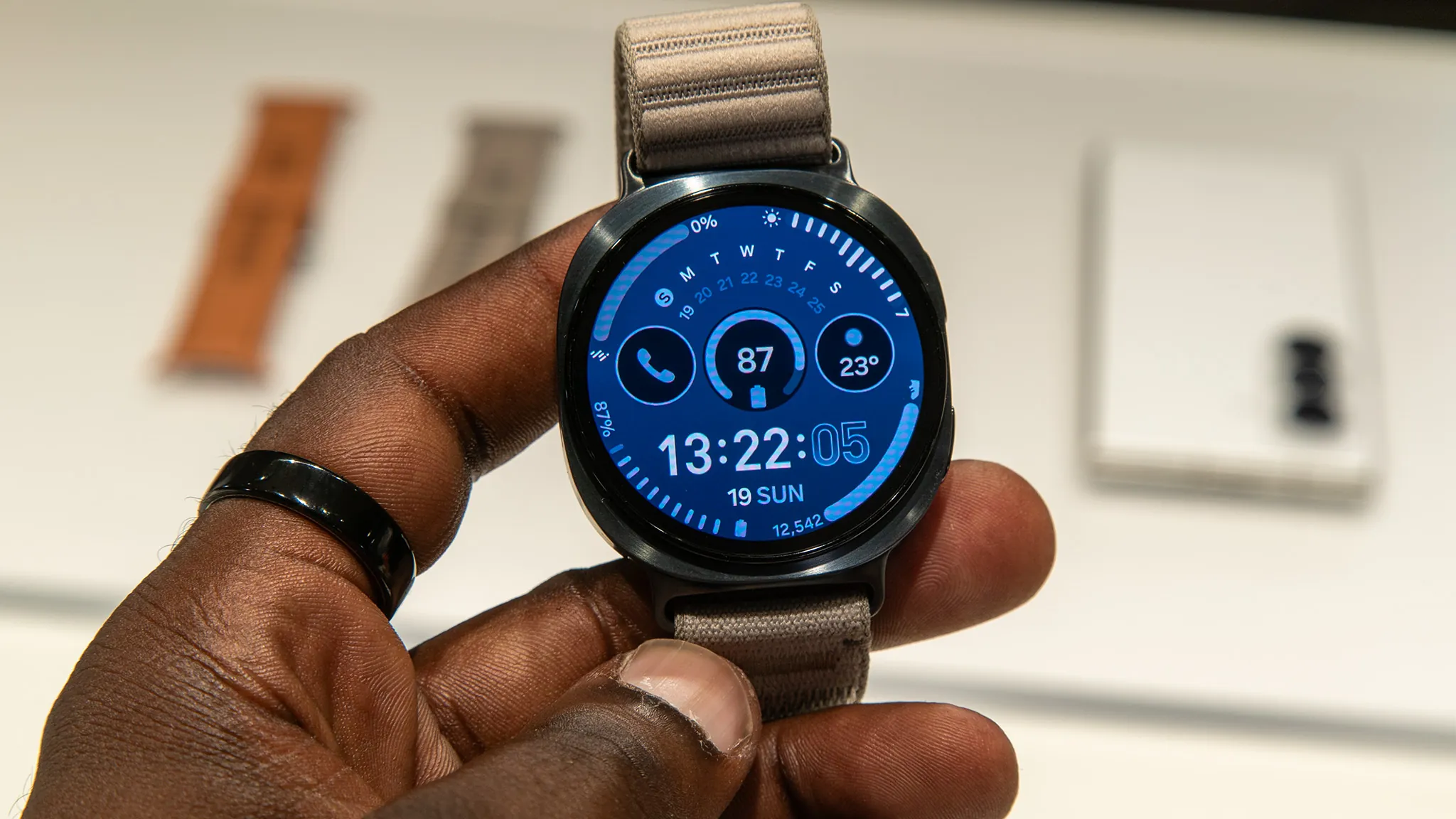
The Galaxy Watch 9 costs ₹37,999–₹44,999 in India across its four variants (prices verified August 2026) — and that money buys a wrist remote for a smart home that already works, not a hub and not a Matter controller. The dated verdict covers the smart home actions the watch can perform, the ecosystems that support them, and the limits that keep it from being more than a remote.
Last updated
India price first: what ₹37,999–₹44,999 buys
As of August 25, 2026, the Samsung Galaxy Watch 9 price in India sits at ₹37,999 to ₹44,999 across the four launch variants most consistently reported by Indian retail and launch sources. That money buys a Wear OS smartwatch with smart-home app surfaces on the wrist. It does not buy a smart-home hub, a Matter controller, or a replacement for the phone and ecosystem you already use.
| Galaxy Watch 9 variant | India price to verify at purchase | What changes for smart-home use |
|---|---|---|
| 40mm Bluetooth | ₹37,999 | Lowest entry price; needs the paired Android phone and network path for most connected-home use |
| 44mm Bluetooth | ₹40,999 | Larger case and screen; no extra smart-home controller capability |
| 40mm LTE | ₹41,999 | Can help with some watch functions away from the phone, but smart-home apps and accounts still matter |
| 44mm LTE | ₹44,999 | Highest Watch 9 price here; still not a hub or Matter controller |
Gadgets360 reported pre-orders from July 22, 2026 and general availability from August 7, 2026; SamMobile reported the same four Watch 9 prices, with pre-order shipments from August 4.[1][2] Smartprix also tracked the 40mm Bluetooth model at ₹37,999 on August 23, 2026, after a small month-on-month rise of about 1 percent, or ₹257.[3] That last detail is the useful warning: this is a date-sensitive buying number, not a permanent truth.
There is also a price conflict to keep in view before paying. A Times of India launch report listed the 40mm Bluetooth and 40mm LTE prices higher than the majority-sourced ₹37,999 and ₹41,999 figures, and it also differed on Watch Ultra 2 pricing. For a buyer, the practical answer is not to average the reports. Treat ₹37,999–₹44,999 as the currently better-supported Watch 9 range, then verify the exact retailer cart price on the day you buy.
The short verdict: useful wrist remote, not a new control brain
If your lights, plugs, air conditioner, speakers, and scenes already behave properly from SmartThings, Google Home, or Alexa on an Android phone, the Watch 9 can be convenient. The best use case is ordinary and valuable: walking into a room, glancing at the wrist, turning a device on or off, dimming a light, or manually starting an automation that has already been built elsewhere.
The limit is just as important. The Watch 9 is not the device you use to add a new bulb to your home, pair a Matter accessory, restructure rooms, or rewrite an automation. For the shared control layer across Samsung’s 2026 watches, see the more detailed companion piece on what Galaxy Watch 9 and Ultra 2 can control in a smart home. The purchase decision here is narrower: whether that control surface is worth adding to an Indian setup at ₹37,999 or more.
What SmartThings control looks like from the wrist
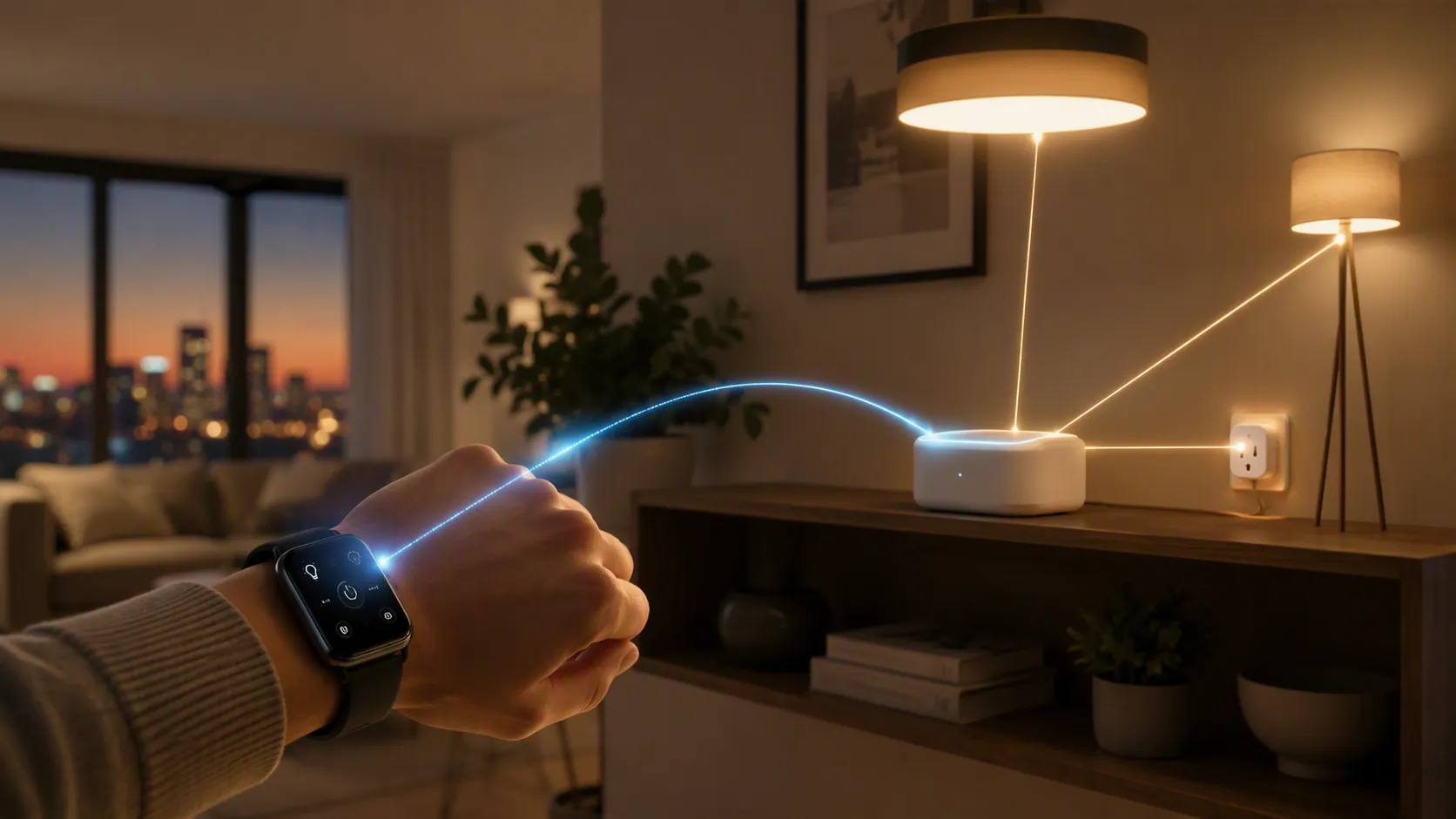
The most concrete watch-control evidence comes from a Matter Alpha hands-on test of SmartThings on a Galaxy Watch 6-era device. It showed a watch app organized by rooms, with online and offline device counts, device power toggles, light brightness adjustment from 0 to 100 percent, and the ability to manually enable existing automations.[4] That is useful evidence for the carried-over behavior buyers should expect, but it is not yet the same thing as a dated Watch 9 re-test on One UI 9 Watch.
Those supported actions define the pleasant ceiling of the product. A brightness slider on the wrist is genuinely better than fishing for a phone when the room is too harsh. A manual automation trigger is also a good watch job: “Movie,” “Good night,” or “Work mode” can be started without reopening the main app, provided those routines already exist.
The same test found important absences: no automation editing from the watch and no light-color change from the watch surface.[4] That second limit matters if you use color bulbs as more than dimmable white lights. The watch may settle brightness quickly, but the phone app remains the place to do richer device adjustments.
| Task | Watch 9 expectation | Evidence status |
|---|---|---|
| Turn a supported device on or off | Yes, through the watch app surface | Supported by older SmartThings watch hands-on evidence |
| Check whether devices are online or offline | Yes, at room/device level | Supported by older SmartThings watch hands-on evidence |
| Adjust light brightness | Yes, shown as 0–100% brightness control | Supported by older SmartThings watch hands-on evidence |
| Manually run an existing automation | Yes, if the automation already exists | Supported by older SmartThings watch hands-on evidence |
| Create or edit an automation | No evidence of support from the watch | Older hands-on test found this unavailable |
| Change light color | No evidence of support from the watch | Older hands-on test found this unavailable |
| Onboard new smart-home hardware | No | Requires phone app/controller flow, not the watch surface |
That is why “SmartThings on the watch” and “the watch is a SmartThings controller” should not be treated as the same claim. The first is a control surface. The second suggests responsibility for adding, commissioning, and coordinating devices. The Watch 9 evidence supports the first claim, not the second.
Google Home and Alexa depend on the phone, account, and app listing
Google Home on Wear OS is not a universal promise that every device in your Google Home account becomes fully controllable from the Watch 9. Google’s current support requirements call for Wear OS 3 or later, an Android 9.0 or later phone connected over Wi-Fi or LTE, and the latest Google Home app on both the watch and phone. Google also notes that some devices may appear as status-only on the watch.[5]
The Watch 9 runs Wear OS 7 with Samsung’s One UI 9 Watch layer, so it clears the operating-system generation requirement reported in launch coverage.[1][2] The part to check at publication is more practical: whether the Google Home Wear OS listing is available and compatible for the Watch 9 in your Play Store account, in India, on the phone you actually use.
Alexa is a similar ecosystem condition, not a built-in hub feature. Samsung’s support page for “Amazon Alexa for Smart Watches” describes activation-code sign-in and notes that some Alexa features require an LTE connection.[8] For the Watch 9 buyer, that makes the Bluetooth-versus-LTE decision relevant only at the edge: LTE may help with supported assistant actions away from the phone, but it does not make the watch a smart-home controller in the hub sense.
Samsung also promotes Gemini access and preinstalled Bixby on the Watch 9 product material, including Raise to Talk for Gemini.[9] Voice control can be convenient when the watch app surface is too small, but it still routes through accounts, supported services, and already configured devices. If your main question is voice behavior rather than watch buttons, the better next read is how to use voice assistants to control your smart home.
Matter control is where the boundary becomes expensive
Matter is the place where a buyer can most easily over-read the spec sheet. A Galaxy Watch 9 can expose controls for devices that are already part of your smart-home platform. That is not the same as being the Matter controller that commissions those devices or maintains the fabric relationship behind them.
SmartThings’ own Matter support material identifies Matter controllers as hubs, including the 2018 SmartThings Hub and Aeotec Smart Home Hub; it does not list a smartwatch as a Matter controller.[6] The same support material says Matter multi-admin can connect a Matter device to up to five services, which is useful if you share a device across SmartThings, Google Home, and other platforms, but that sharing is still managed through controller-capable ecosystems rather than directly by the watch.[6]
Thread needs the same careful wording. Current Watch 9 spec coverage lists Bluetooth 6.0, Wi-Fi, NFC, and GPS, but not Thread.[1][2] Matter Alpha’s current Thread border router list also does not include a Samsung smartwatch.[7] That supports the practical conclusion that the Watch 9 should not be bought as a Thread border router. It is a spec-sheet synthesis, not an explicit Samsung denial.
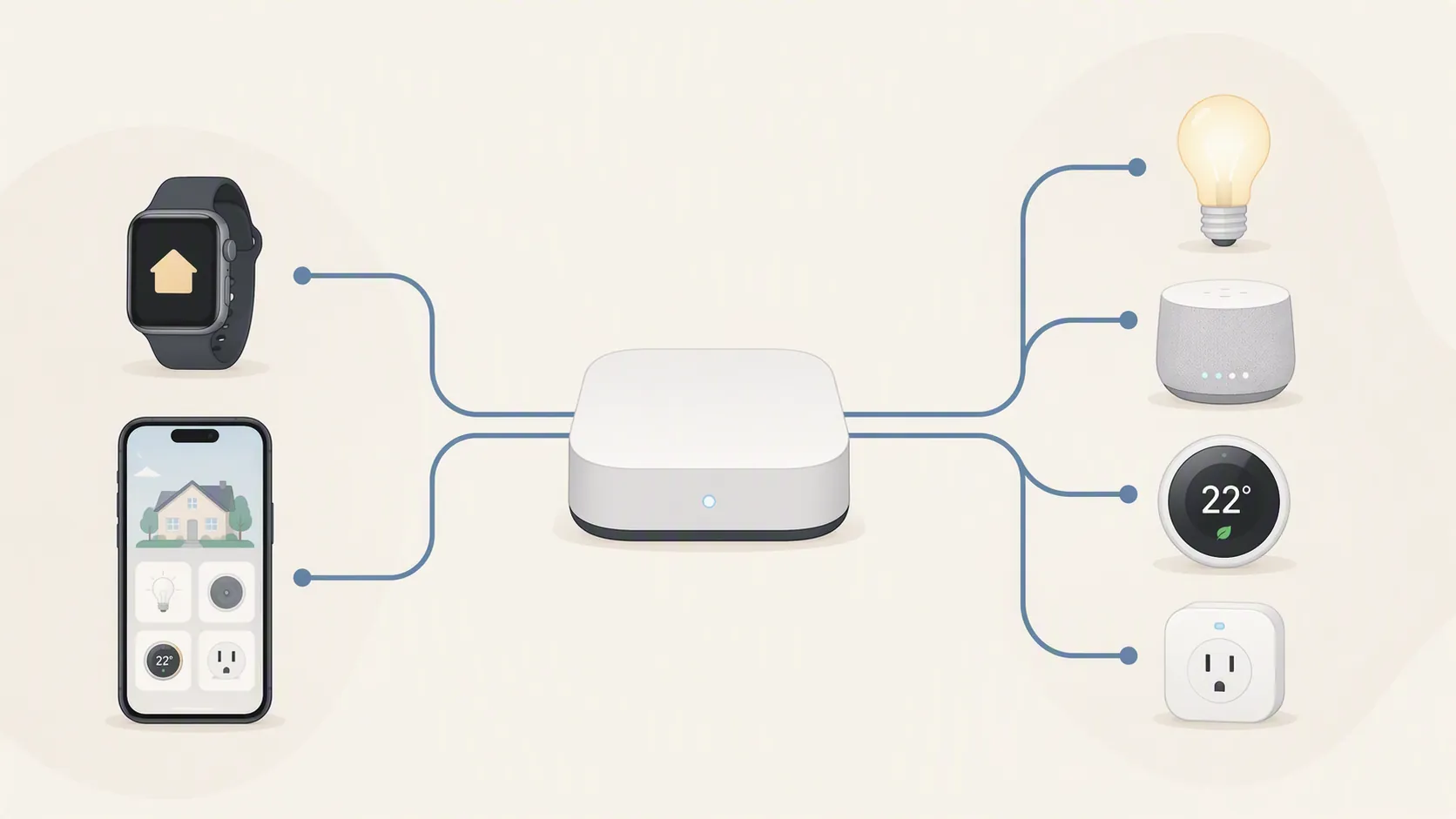
This is the difference that changes the purchase. A Matter-capable hub can be part of the home’s control infrastructure. The Watch 9 is better understood as a display and input surface sitting above that infrastructure. If the hub goes missing, if the device was never onboarded, or if the automation was never created, the watch does not fill that gap.
What you must already own
The Watch 9 makes the most sense when the smart home is already boringly functional. You should already have the devices added to SmartThings, Google Home, or Alexa; the rooms and names cleaned up; the automations created; and any Matter or Thread hardware handled by a proper controller or border router where required.
- A compatible Android phone, because the Wear OS smart-home apps and accounts are still tied to the phone ecosystem.
- A configured smart-home platform, such as SmartThings, Google Home, or Alexa, with devices already assigned and named.
- A real hub or Matter controller where your devices require one, rather than expecting the watch to perform that role.
- A quick Play Store check on the Watch 9 itself for Google Home, Alexa, and any other watch app you expect to use.
If you are still building the Samsung side of the home, use a phone-first setup path such as setting up smart-home control on the Galaxy M56 5G before treating the watch as the next layer. The same controller-not-hub distinction also applies to other Galaxy devices; the checks in Galaxy F70 Pro 5G is a smart-home controller, not a hub and Galaxy Z Fold 8 is a smart-home controller — but not a hub are the right mental model here.
Bluetooth or LTE: do not pay for the wrong smart-home upgrade
The Bluetooth models start at ₹37,999 and ₹40,999; the LTE models move to ₹41,999 and ₹44,999.[1][2] For smart-home control, LTE should not be treated as a magic unlock. It may matter if you expect assistant or watch functions to work when the phone is not nearby, and Samsung’s Alexa support notes that some features need LTE.[8] But LTE does not add Thread, does not make the watch a Matter controller, and does not let the watch onboard devices.
For a home owner who usually controls devices while inside the home, the lower Bluetooth price may be the more rational place to start. The smart-home ceiling is set by the watch apps and your existing hub path, not by the modem line in the price table.
Watch 9 vs Watch Ultra 2: the premium model does not buy more home control
The Watch Ultra 2 comparison is useful because it removes one tempting assumption. SamMobile reported the Galaxy Watch Ultra 2 at ₹64,999 in India, above every Watch 9 variant.[2] Both sit on Samsung’s 2026 watch software generation, so the smart-home control layer should be treated as shared: the same basic app surfaces, the same reliance on Android and ecosystem accounts, and the same absence of hub behavior.
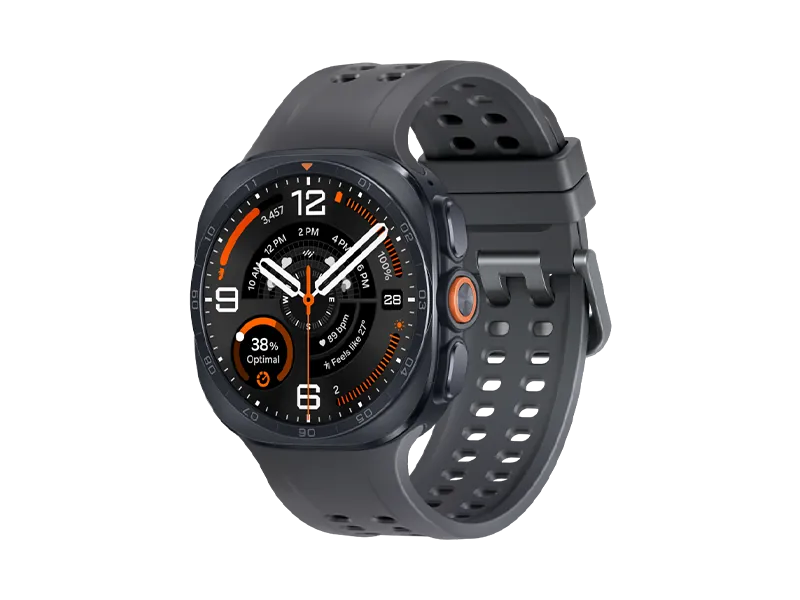
That does not prove every underlying app behavior is identical in every account, region, or Play Store listing. It does mean the premium-versus-mainstream question should not be framed as “which one is the better smart-home controller?” On the evidence available now, neither watch becomes a hub, Matter controller, or Thread border router. The Ultra 2 may be bought for case design, durability, battery, or fitness reasons, but not for extra smart-home capability. For the broader comparison, see Samsung Galaxy Watch 9 vs Watch Ultra 2, tested head-to-head.
Buy it for wrist access only if the home already works
At ₹37,999–₹44,999 in India, the Galaxy Watch 9 is easiest to justify when you already own the hard parts: an Android phone you plan to keep using, a stable smart-home platform, and any required hub or Matter infrastructure. In that setup, the watch can be a neat convenience layer for power, brightness, status checks, and manually enabled automations.
It is a poor first smart-home purchase. It is also the wrong purchase if the missing piece in your home is Matter onboarding, Thread routing, automation editing, or deeper device configuration. Before paying, verify the retailer price on the purchase date, check whether Google Home or Alexa is available for the Watch 9 in your Play Store account, and look for a dated Watch 9 SmartThings re-test rather than relying only on Galaxy Watch 6-era hands-on behavior.
References
- Samsung Galaxy Watch 9 Launched in India: Price, Specifications — Gadgets360
- Galaxy Watch Ultra 2 and Watch 9 prices and availability in India — SamMobile
- Samsung Galaxy Watch 9 — Smartprix
- Controlling Matter with a Smartwatch — Matter Alpha
- Control your smart home devices from your watch — Google Home Help
- SmartThings x Matter Integration — SmartThings Support
- Complete list Thread border routers — Matter Alpha
- Use Amazon Alexa on your Galaxy Watch — Samsung Support
- Galaxy Watch9 44mm Graphite Bluetooth — Samsung India
Known issues with this device / protocol
Spec-version history
For active regressions on this protocol, see Update Watch.
No linked Update Watch entries yet.