
The Galaxy S27 Ultra Can't Be Your Smart Home Hub
Will the Galaxy S27 Ultra replace your SmartThings hub? It won't — the phone is limited to a Matter commissioner role, Zigbee and Thread devices still need a dedicated controller, and this dated check separates what SmartThings documentation has already settled from what stays unverifiable until the phone launches.
Last updated
As of Aug. 4, 2026, a literal hands-on test of the Samsung Galaxy S27 Ultra as a smart home hub cannot be verified. The Galaxy S27 Ultra is still unreleased, so nobody can responsibly claim to have tested its final smart-home radio stack in a shipping phone.
What can be checked today is the part that matters before money changes hands: SmartThings’ published architecture. On that evidence, the pre-purchase verdict is straightforward: do not buy or preorder the Galaxy S27 Ultra expecting it to replace a SmartThings hub. A Galaxy phone can be a very good SmartThings control surface. It can help add devices. It can run the SmartThings app. That is not the same thing as being the hardware that hosts Zigbee, Z-Wave, or Thread networks.
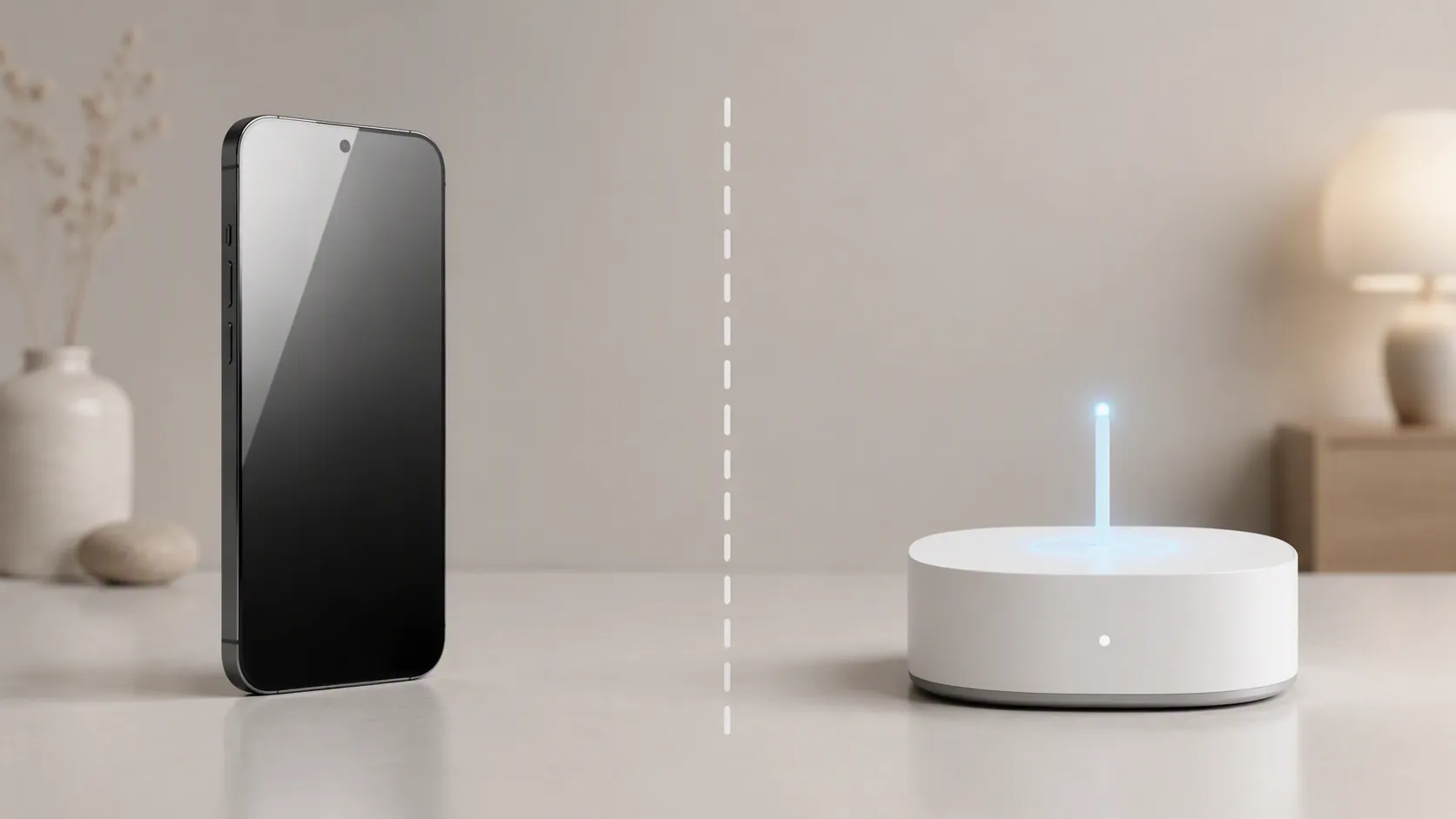
The failure point is commissioner versus controller
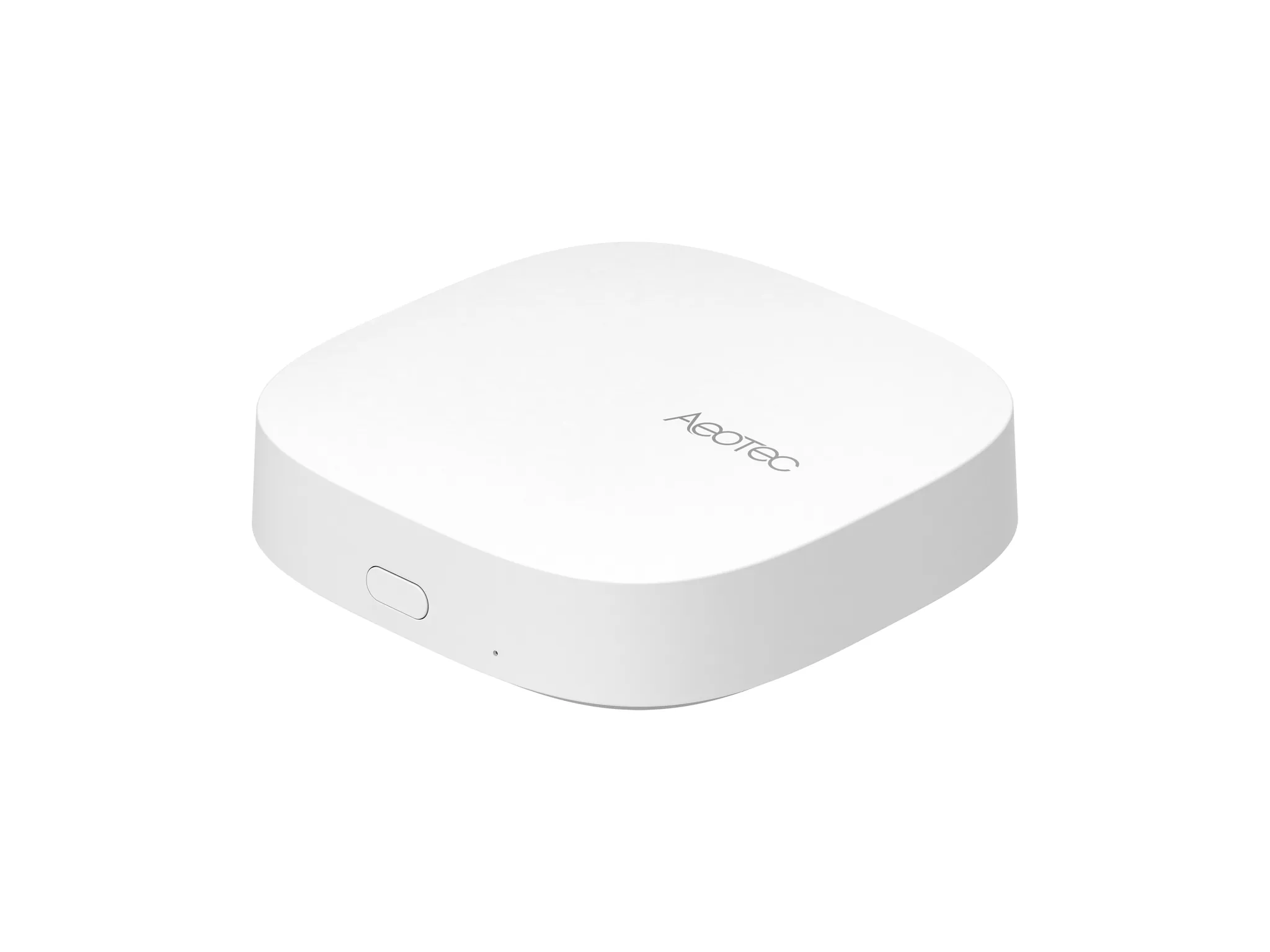
SmartThings’ Matter documentation gives the phone a specific job: it can act as a Matter commissioner. In plain use, that means the phone helps with onboarding. It scans the Matter QR code, passes credentials, and gets the device into the SmartThings setup flow. SmartThings identifies Matter controllers separately, including dedicated hub hardware such as the SmartThings 2018 V3 Hub and the Aeotec Smart Home Hub; its documentation also states that a phone alone cannot act as the Matter controller for the home. [1]
That distinction is not academic. It is exactly where a phone-only setup starts to feel broken. The phone can see the device during setup, so the buyer assumes the phone is doing the hub’s job. Then a Thread accessory needs a Thread border router, a Zigbee sensor needs a Zigbee radio, or an automation depends on a controller that stays present when the phone leaves the house, runs out of battery, changes networks, or is replaced.
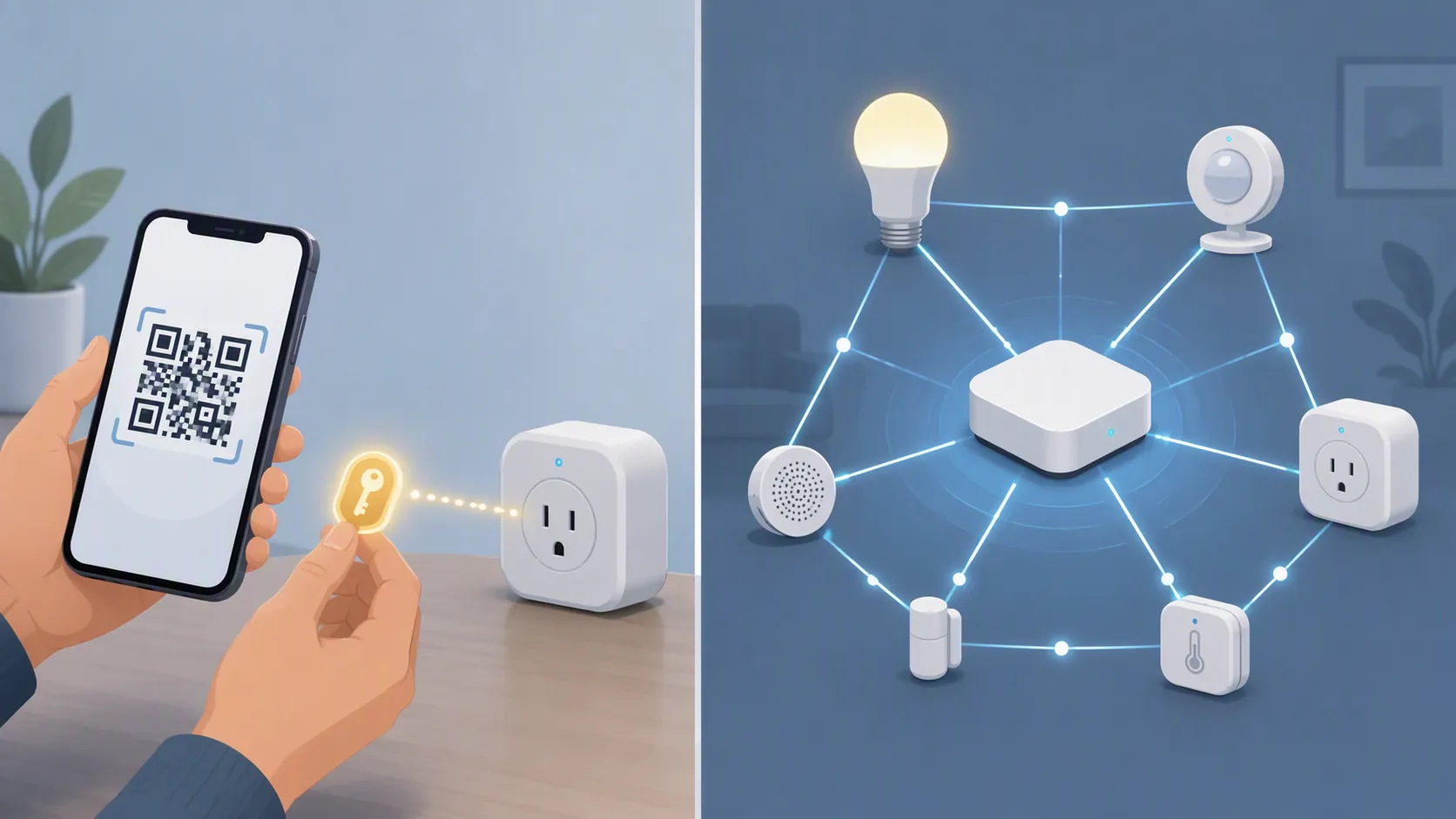
The phone’s role is temporary during commissioning and convenient during daily control. The hub’s role is persistent. It is the network anchor, the radio host, and the device that keeps low-power smart-home protocols available to the home rather than to one handset.
| Smart-home job | What a Galaxy phone can reasonably do | What still needs hub-class hardware |
|---|---|---|
| Add a Matter device | Scan the Matter QR code and pass setup credentials through the SmartThings app | A Matter controller must host and manage the device after onboarding |
| Control devices in SmartThings | Use the app as an interface for lights, plugs, sensors, routines, scenes, and remote access | The underlying hub, cloud path, or compatible controller still performs the network role |
| Use Zigbee or Z-Wave devices | Display and control them in the app after the proper hardware is already present | A hub with the required Zigbee or Z-Wave radio |
| Use Thread devices | Help commission compatible Matter devices through the app | A Thread border router in the home |
This is why “my phone controls my home” is safe language and “my phone is my hub” is not. Those sentences describe different pieces of the system. The first one can be true. The second one is the expensive assumption.
Samsung’s own hub list does not include Galaxy phones
Samsung’s Hub Everywhere idea is useful precisely because it does not pretend every screen in your life is automatically a hub. Samsung and SmartThings publish the categories of devices that include built-in SmartThings hub capability and Thread border-router support, and those categories include certain TVs, projectors, monitors, soundbars, Family Hub refrigerators, 9-inch-LCD refrigerators, washer/dryer combos, and dedicated hub products. Galaxy phones are not on that published hardware list. [2][3]
That absence should not be inflated into a leaked S27 Ultra teardown. It is not that. Samsung has not published a final S27 Ultra radio block diagram, and the phone has not launched. But for a buyer deciding today whether to skip a hub, the published platform boundary is already clear enough: Samsung has a named universe of hub-capable SmartThings devices, and Galaxy handsets are outside it.
This is also where the broader Hub Everywhere strategy helps rather than hurts the answer. If you own a compatible Samsung TV, monitor, refrigerator, soundbar, or other listed hub-capable device, that product may be the SmartThings hub in the room. The point is not that a separate plastic puck is always the only answer. The point is that the network role has to live in hardware Samsung actually identifies as hub-capable.
What the S27 Ultra rumors do and do not change
The late-July 2026 Galaxy S27 Ultra rumor stream is not a smart-home hardware story. The concrete reports available as of this dated check concern a possible silicon-carbon battery, with a 5,534 mAh rated capacity and marketed capacity in the roughly 5,700–5,800 mAh range; camera direction has also been discussed in the same pre-launch rumor cycle. Those reports do not claim Zigbee, Z-Wave, Thread border-router, or dedicated Matter-controller hardware in the phone. [4][5]
That matters because a bigger battery, a different camera module, or a faster chip would not automatically make the phone a smart-home hub. A hub replacement claim would need the boring evidence: supported radio hardware, SmartThings controller behavior, Thread border-router status, and Samsung listing the phone among hub-capable devices. The current rumor record does not provide that.
What you can still use the S27 Ultra for
If the S27 Ultra follows the normal Galaxy-and-SmartThings pattern, it should still be useful in a smart home. The practical list is familiar: open the SmartThings app, add supported devices, scan Matter setup codes, control rooms and scenes, view device status, trigger routines, and manage the home through the app interface. None of that requires the phone to be the radio hub.
The cleaner way to think about it is this: the S27 Ultra can be the thing in your hand. It should not be planned as the thing your Zigbee sensors, Thread bulbs, or Matter-over-Thread accessories depend on when your hand is somewhere else.
The buying decision
If your home is only Wi-Fi devices and app-based control, the Galaxy S27 Ultra may fit neatly into the setup as the phone you use to manage everything. If you are buying Zigbee sensors, Z-Wave devices, Thread accessories, or Matter devices that depend on a real controller and border router, keep the hub in the plan.
That hub may be a dedicated SmartThings-compatible hub, or it may be a Samsung appliance, display, or audio product that Samsung actually lists as having built-in SmartThings hub and Thread border-router capability. What it should not be, based on SmartThings documentation and Samsung’s published Hub Everywhere materials available on Aug. 4, 2026, is a Galaxy S27 Ultra preorder treated as a hub replacement.
The phone may become an excellent SmartThings controller interface. It is not, on the evidence available today, the smart-home hub.
References
- SmartThings x Matter Integration, SmartThings Support
- Where Did Smart Home Hubs Go? Everywhere!, SmartThings Blog
- Hub Everywhere, SmartThings Partners
- Samsung Galaxy S27 Ultra battery upgrade rumor, 9to5Google, July 27, 2026
- Galaxy S27 Pro, Ultra battery specs leaked — don't freak out, but we've wanted this forever, Android Central, July 27, 2026
Known issues with this device / protocol
Spec-version history
For active regressions on this protocol, see Update Watch.
No linked Update Watch entries yet.